Buildin vs. Craft: Which All-in-One Workspace Elevates Your Productivity & Growth?
Which All-in-One Workspace Elevates Your Productivity & Growth?
If you’re on the hunt for a Notion alternative that does more than just organize notes—whether you’re a creator, team leader, or enterprise user—you’ve likely narrowed it down to two standout options: Buildin and Craft. Both tools promise to streamline workflows, centralize information, and boost collaboration, but they’re built for very different goals.
Let’s cut to the chase: If you want to monetize your content, scale team collaboration, or secure enterprise-grade data control, Buildin is the clear choice. If you’re a user who needs Windows desktop support but only uses Apple mobile devices for personal note-taking, Craft might fit the bill. But as with any tool that shapes your work, the devil is in the details. Let’s dive deep into their core differences, use cases, and which one deserves a spot in your tech stack.
First, Let’s Talk About Their DNA
To understand which tool is right for you, we need to start with their foundational purpose—their “why.” These core identities shape every feature, design choice, and use case.
What is Buildin?
Think of Buildin as “Notion + Gumroad + Enterprise Security” rolled into one. It’s not just a workspace for notes and projects; it’s a **unified platform that closes the loop from creation to monetization to team alignment**. Buildin’s DNA is rooted in versatility—designed to serve solopreneurs, small teams, and large enterprises equally well.
At its core, Buildin solves three critical pain points:
- Tool fragmentation: It replaces Notion, Google Docs, Gumroad, and Confluence with a single platform.
- Unrealized revenue: Creators can turn notes, templates, and tutorials into paid subscriptions or one-time purchases—no third-party tools required.
- Data insecurity: Enterprises get private on-premise deployment to keep sensitive information under their control.
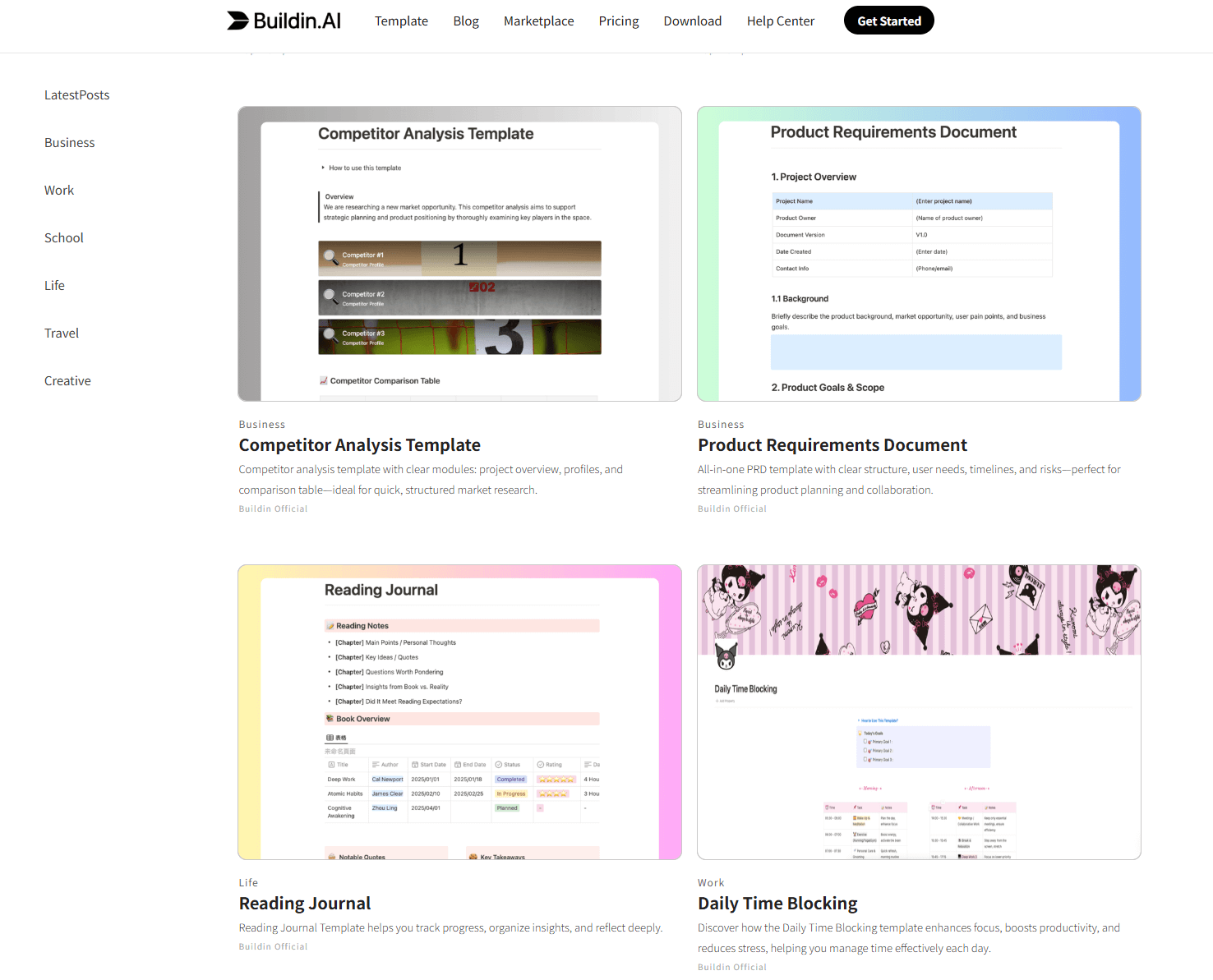
Buildin’s marketplace says it all: You’ll find paid templates for Company OS, Second Brain, AI tools, and educational content—all created and sold directly on the platform by creators. It’s a workspace that works for you, not just with you.
What About Craft?
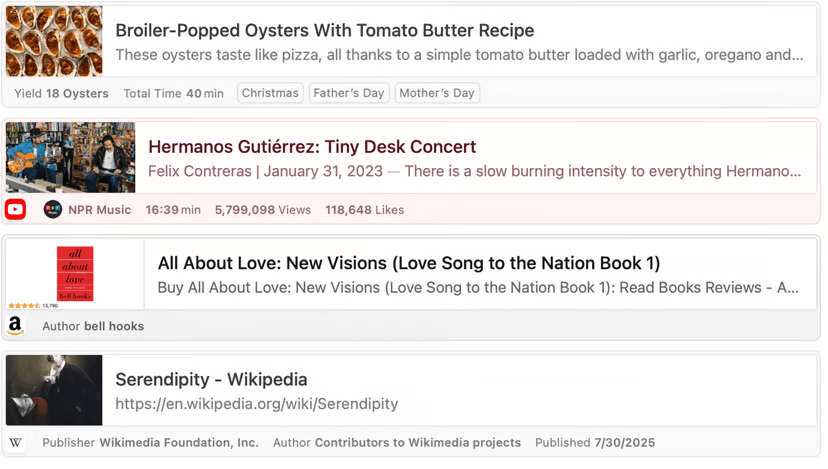
Craft is more like “Enhanced Note-Taking + Light Collaboration” with cross-desktop support. Its DNA is centered on simplicity, aesthetic design, and Apple mobile ecosystem integration, while now extending to Windows desktop for broader accessibility. Craft excels at being a clean, intuitive space for personal note-taking, casual task management, and sharing ideas with small groups.
Craft’s core value lies in:
- Aesthetic minimalism: A clutter-free interface that feels polished across Windows desktop and Apple mobile devices.
- Cross-device sync (partial): Seamless integration between Windows desktop, Mac, iOS, and iPadOS—with Apple Pencil support for handwritten notes on iPad.
- Basic organization: Collections, tags, and simple tables to keep personal notes and light team projects tidy.
In short, Craft prioritizes “easy to use” over “does it all.” It’s built for users who want a beautiful tool to capture ideas—not a platform to build a business or manage complex enterprise workflows.
Key Feature Comparison
To make the choice concrete, let’s break down their features side by side. This table highlights the dimensions that matter most for productivity, growth, and scalability:
| Dimension | Buildin | Craft |
|---|---|---|
| Core Advantage | Native content monetization + enterprise deployment + AI-powered productivity + full cross-platform support | Aesthetic note-taking + light collaboration |
| Interface Design | Clear, Notion-like navigation + customizable workspaces + quick learning curve | Minimalist, polished design + Has won multiple design awards |
| Content Types | Docs, databases, mind maps, rich media embeds (Figma, Canva, CodeSandbox) | Docs, basic tables, collections + Apple Pencil handwritten notes (Apple mobile only) |
| Collaboration | Real-time editing + task assignment + granular permissions + shared workspaces | Note sharing via links + comments + basic team pinned docs |
| AI Capabilities | Writing assistance (articles, outlines, action items) + smart search + content repurposing + summarization | AI for note summarization (You can choose between cloud-based AI or local private models) + basic editing + keyword generation |
| Monetization Tools | Built-in paid subscriptions + one-time purchases + custom pricing + subscriber access control | None (requires external tools like Gumroad/Patreon) |
| Deployment | SaaS + enterprise private on-premise deployment | Support full offline mode |
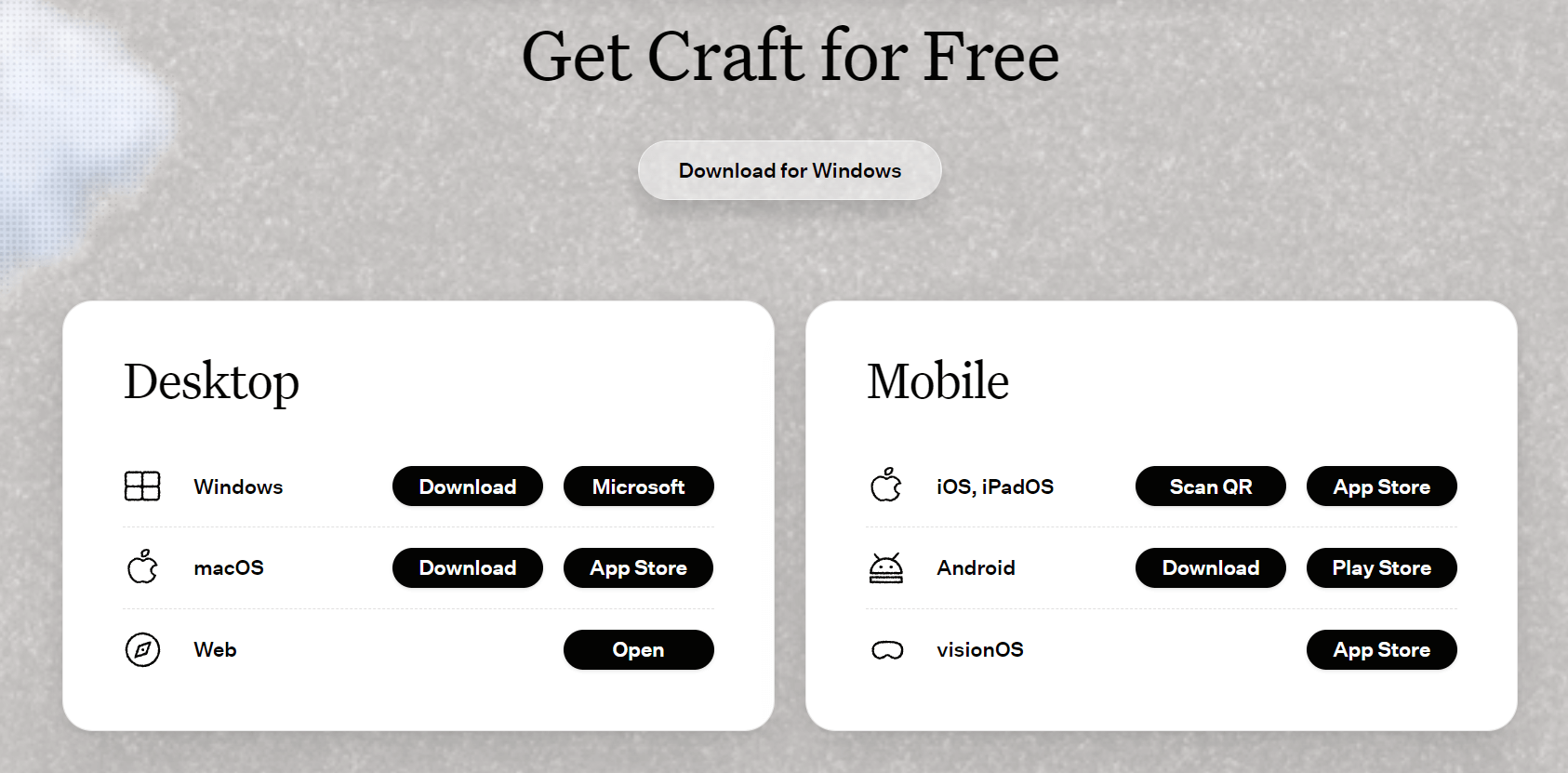
| Device Support | Full cross-platform: Desktop (Mac, Windows), Mobile (Android, iOS) + Web app | Partial cross-platform: Desktop (Windows, Mac), Mobile (iOS, iPadOS, Android support) |
| Pricing | Free (basic features) / Plus (creator-focused, $10/month) / Business ($15/person/month) / Enterprise (custom) | Free (100 blocks limit) / Plus (4.8/person/month) |
| Migration | One-click Notion API import (preserves structure/formatting) + Support importing formats such as markdown, Word, CSV, HTML, etc. | Markdown/CSV import (manual adjustments needed) + limited third-party tool support |
When to Choose Buildin: Use Cases Where It Shines
Buildin isn’t just a “better” tool—it’s a more ambitious tool. It’s the right choice if your work involves growth, collaboration, or monetization beyond basic note-taking. Here are the scenarios where Buildin outperforms Craft by leaps and bounds:
1. Content Creators & Knowledge Entrepreneurs
If you create templates, courses, tutorials, or premium content, Buildin is a game-changer. Its built-in monetization features let you:
- Sell subscriptions (monthly/annual) or one-time purchases directly on the platform.
- Skip third-party tools like Gumroad (which charges 5% + $0.30 per transaction) or Patreon (8-12% fees).
- Control access to paid content with subscriber-only permissions.
For example, a digital marketer can create a “Social Media Strategy Template Pack” and sell it for $49 on Buildin, keeping 95% of the revenue. An educator can offer a $. 19/month subscription to a library of lesson plans and worksheets—subscribers access the content directly in their Buildin workspace, no downloads or external links required.
Craft, by contrast, offers zero monetization tools. To sell your content, you’d have to export it from Craft, upload it to a third-party platform, manage payments separately, and update content across two systems—creating unnecessary friction for you and your audience.
2. Teams (Small to Enterprise)
Teams need more than just shared notes—they need structure, accountability, and alignment. Buildin delivers this with:
- Seamless Notion migration: One-click import via the Notion API preserves databases, page hierarchies, and formatting—no manual reconstruction needed.
- Task management & tracking: Assign tasks, set deadlines, and track progress in kanban, list, or calendar views—all within your workspace.
- Granular permissions: Control who can view, edit, comment, or share content—critical for teams handling sensitive data.
- Real-time collaboration: Edit documents together, tag teammates with @mentions, and resolve comments without switching to Slack or email.
- Enterprise security: Private on-premise deployment ensures data stays on your servers, complying with GDPR, HIPAA, and SOC 2 regulations.
- Full cross-platform access: Team members can collaborate on any device (Windows, Mac, Android, iOS)—no one is locked out due to device preferences.
A marketing team, for example, can use Buildin to plan a product launch: draft content with AI assistance, assign tasks to designers and copywriters (who may use Windows or Mac), store assets in embedded Figma files, and track progress in a shared database—with mobile team members contributing via Android or iOS. An enterprise sales team can build a private knowledge base with client information, sales scripts, and meeting notes—all secured via on-premise deployment.
Craft’s team features are limited to note sharing and basic comments. There’s no task assignment, no kanban/calendar views for tracking progress, and no granular permissions. Additionally, its lack of Android mobile support means team members using Android devices can’t contribute on the go—creating collaboration gaps. For teams larger than 2-3 people, or those managing complex projects, Craft quickly becomes a bottleneck.
3. Users Needing Full Cross-Platform Access & Scalability
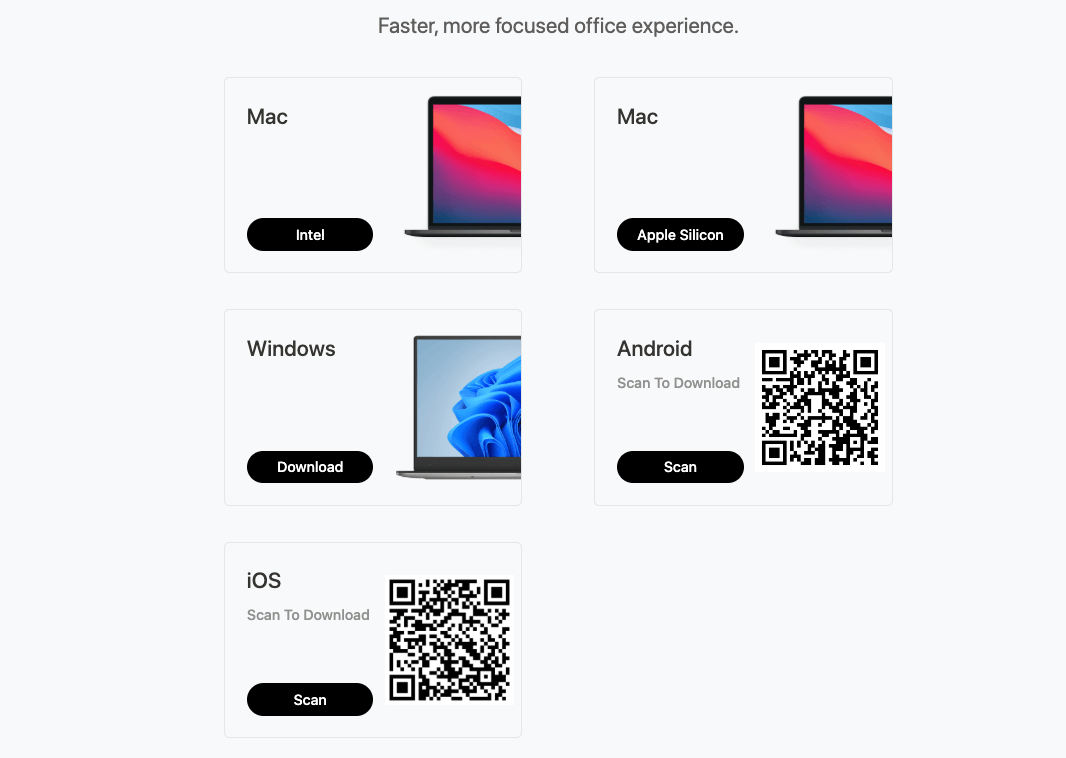
If you or your team use a mix of devices (Android, Windows, Mac, iPhone), Buildin’s full cross-platform support is non-negotiable. It works seamlessly across desktop (Mac, Windows) and mobile (Android, iOS, iPhone) plus web app—ensuring everyone can collaborate regardless of their tech stack. This is a critical advantage over Craft, which excludes Android mobile users entirely.
Buildin also scales with your needs. You can start as a solo creator using the free plan, upgrade to Plus for monetization, and then move to Business or Enterprise as your team grows. Craft’s paid plans (LITE/Plus) offer unlimited docs but no advanced features—so you’ll hit a ceiling quickly if you need more than basic note-taking.
When to Choose Craft: Use Cases Where It Fits
Craft isn’t a bad tool—it’s a niche tool. It works well if your needs are narrow and aligned with its core strengths:
1. Users Who Need Windows Desktop + Apple Mobile (Personal Use)
If you’re a student, freelancer, or professional who uses Windows desktop for work and Apple mobile devices (iOS/iPadOS) for on-the-go note-taking, and needs a tool for:
- Taking class notes or meeting minutes (with Apple Pencil support on mobile).
- Organizing personal tasks (e.g., travel plans, grocery lists) across Windows desktop and Apple mobile.
- Drafting blog posts or creative writing (with basic AI editing).
- Syncing handwritten notes via Apple Pencil (iOS/iPadOS only).
Craft’s minimalist design, seamless sync between Windows desktop and Apple mobile, and offline access make it a solid choice for personal use. It’s intuitive—you can start using it within minutes without reading a tutorial.
2. Small Teams with Windows Desktop + Apple Mobile (Casual Collaboration)
If you’re working with 1-2 colleagues who use a mix of Windows desktop and Apple mobile devices, Craft’s basic collaboration features work fine. You can share notes via links, add comments, and pin important docs to a shared space. It’s great for:
- Planning a group trip.
- Sharing meeting notes with a small team.
- Collaborating on a simple project (e.g., a birthday party plan).
But once the group grows, the project becomes complex (e.g., multiple tasks, deadlines, or sensitive data), or team members use Android devices, Craft’s limitations become insurmountable.
Practical Usage Tips: Making the Most of Your Choice
Migrating from Notion
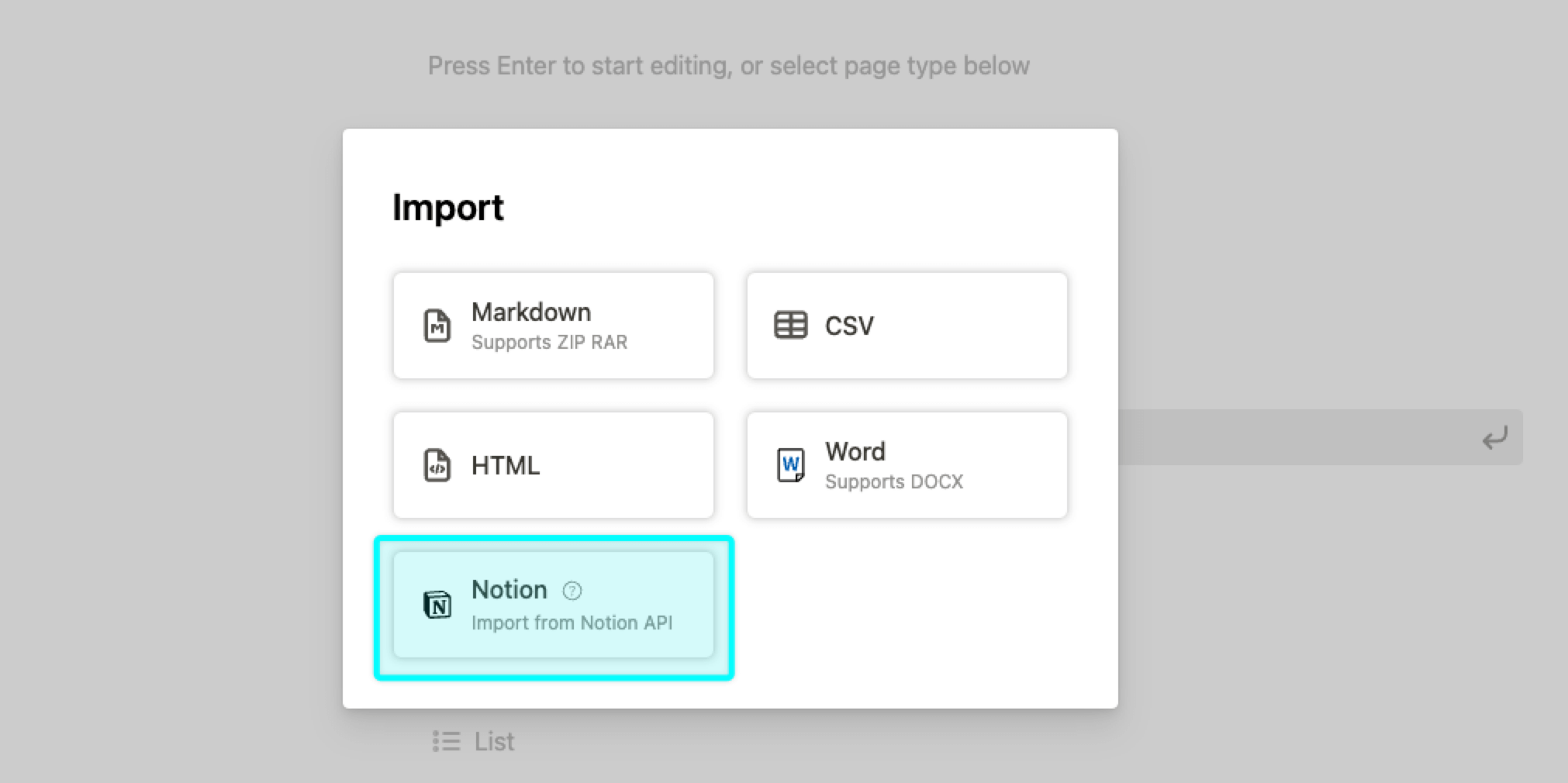
- Buildin: One-click import via the Notion API preserves your entire workspace—databases, page hierarchies, comments, and formatting. No manual work required.
- Craft: You’ll need to export Notion content as Markdown/CSV files and import them manually. Expect to spend time reformatting tables, fixing links, and rebuilding structure.
Collaborating with Teammates
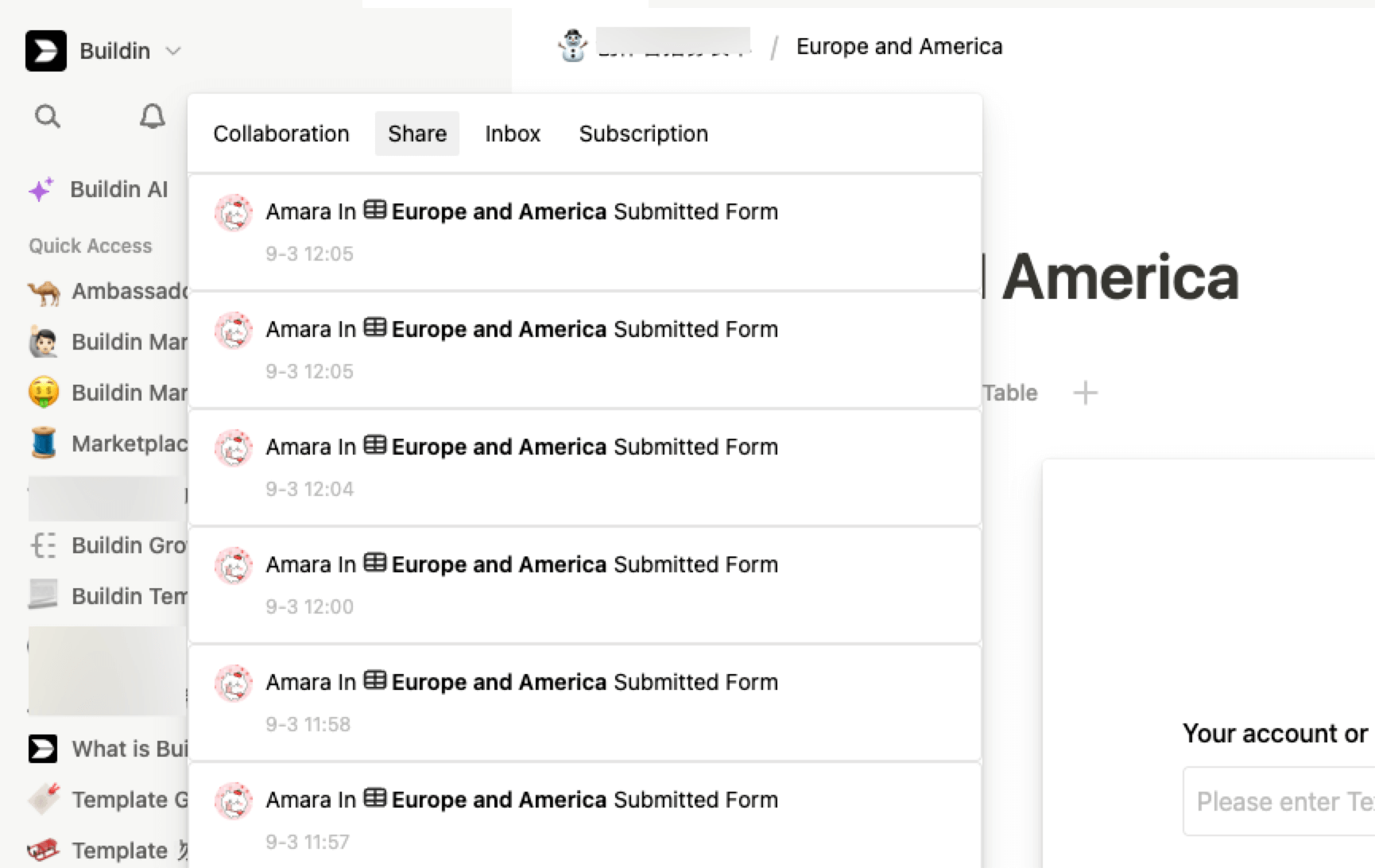
- Buildin: Use task assignments and @mentions to keep everyone accountable. Set up shared workspaces for different projects, with permissions tailored to each team member (e.g., “view-only” for stakeholders, “edit” for contributors). All team members can join via Windows, Mac, Android, or iOS.
- Craft: Stick to comment threads for feedback. Use pinned docs to keep important information accessible, but don’t expect to track tasks or deadlines natively. Note that Android users will be unable to participate in mobile collaboration.
Mobile Usage
- **Buildin**: Full mobile support across Android and iOS means you can create, edit, and collaborate on the go—regardless of your mobile OS. The mobile app mirrors the web experience, so you won’t lose functionality.
- **Craft**: Mobile support now includes Android alongside its native Apple ecosystem coverage (iOS/iPadOS), and desktop access spans Windows and Mac. This expansion significantly boosts Craft’s device compatibility. For mixed-device teams, it removes previous access barriers. On mobile (iOS/Android), it’s reliable for note-taking and basic editing, though advanced features remain less accessible than on desktop.
AI Integration
- **Buildin**: Use AI to save hours of work—generate article outlines, draft meeting minutes, summarize long documents, or repurpose content (e.g., turn a blog post into a social media calendar), Generate a mind map.
- **Craft**: Local AI is good for privacy-focused users, but it’s limited to summarization, basic editing, and keyword generation. It won’t help you create new content or automate tasks.
Let’s Talk About Pricing: Value Beyond the Monthly Fee
Pricing isn’t just about the number on the screen—it’s about what you get in return. Let’s break down the true value of each tool:
Buildin Pricing
- Free: Basic note-taking, databases, mind maps, and limited collaboration (perfect for testing the platform).
- Plus ($10/month, annual billing): Monetization tools, unlimited databases, premium AI features, 30-day history, and more storage.
- Business ($15/person/month): Advanced team collaboration, 180-day history, enterprise support, and enhanced security.
- Enterprise: Private on-premise deployment, custom integrations, and dedicated account management (contact sales for pricing).
The real value of Buildin’s Plus plan becomes clear when you factor in third-party tool savings. If you’re a creator using Gumroad ($5/month + transaction fees) and Notion ($8/month), you’re already spending $13+/month—plus fees that eat into your revenue. Buildin’s $10/month plan replaces both tools and lets you monetize directly, saving you money and streamlining your workflow. For teams, the full cross-platform support eliminates the need for separate tools for Android users.
Craft Pricing
- Free: 1500 blocks, basic note-taking, and limited collaboration (sufficient for personal use).
- Plus ($4.8/month): One account with full features, no content limits (marketed as “ideal for individual creators”).
Craft’s paid plans are affordable for individuals, but they offer little value for teams or creators. For $4.8/month (Plus plan), you get unlimited docs—but no monetization, no Android mobile support, and no enterprise security. It’s a good deal only if you’re using it for simple personal note-taking across Windows desktop and Apple mobile.
Common Questions (Answered Honestly)
Q: Which tool has an easier learning curve?
A: Both are intuitive, but Buildin is closer to Notion—so if you’re coming from Notion, you’ll feel right at home. Craft’s minimalist design is easy for new users, but its limited features mean there’s less to learn.
Q: Can I use both tools at the same time?
A: Yes! Many users use Craft for personal note-taking (thanks to Windows desktop + Apple mobile sync) and Buildin for team projects and monetization. You can export notes from Craft as Markdown and import them into Buildin if needed.
Q: Is data security a concern with either tool?
A: For most users, no—but for enterprises or teams handling sensitive data, Buildin is safer. It offers private on-premise deployment, while Craft is cloud-only with no self-hosting options. Craft does offer end-to-end encryption and 2FA, which is sufficient for personal use.
Q: Which tool is better for Content creator monetizer?
A: Buildin, by far. Its AI writing assistance, content repurposing, and monetization tools make it a creator’s dream. Craft is good for drafting, but it won’t help you turn drafts into published or paid content.
Q: When should I upgrade to a paid plan?
A: For Buildin: Upgrade to Plus when you’re ready to monetize content or need team features. For Craft: Upgrade to LITE/Plus only if you need more than 1500 blocks or basic functionality across Windows desktop and Apple mobile.
Final Recommendation: Test, Then Commit
Both Buildin and Craft offer free plans—so the best way to decide is to test them with real work. Spend 1-2 weeks using each tool for your daily tasks:
- If you’re a creator, try building a sample template and exploring monetization options in Buildin.
- If you’re a team member, test collaboration features (task assignment, shared workspaces) in Buildin vs. Craft—especially if you have Android users on your team.
- If you use Windows desktop and Apple mobile, see how Craft’s sync fits your personal workflow.
Here’s our bottom line:
- Choose Buildin if: You want to monetize content, scale team collaboration, need full cross-platform support (including Android), or require enterprise security. It’s a tool that grows with you—from solopreneur to enterprise.
- Choose **Craft** if: You’re an individual user who needs Windows desktop + Apple mobile sync for simple personal note-taking and casual sharing. It’s great for basic use cases but lacks ambition for growth-focused users.
At the end of the day, tools should empower your goals—not limit them. If your goal is to create, collaborate, and grow, Buildin is the workspace that works as hard as you do.
Start your free trial of Buildin today.

Buildin Team
Shares the latest Buildin updates, product releases, and usage guides, along with practical insights into knowledge management, content creation, team collaboration, and the evolution of AI. Content is based on real product development and user feedback, helping teams work more efficiently with Buildin.