Top 10 OneNote Alternatives in 2026
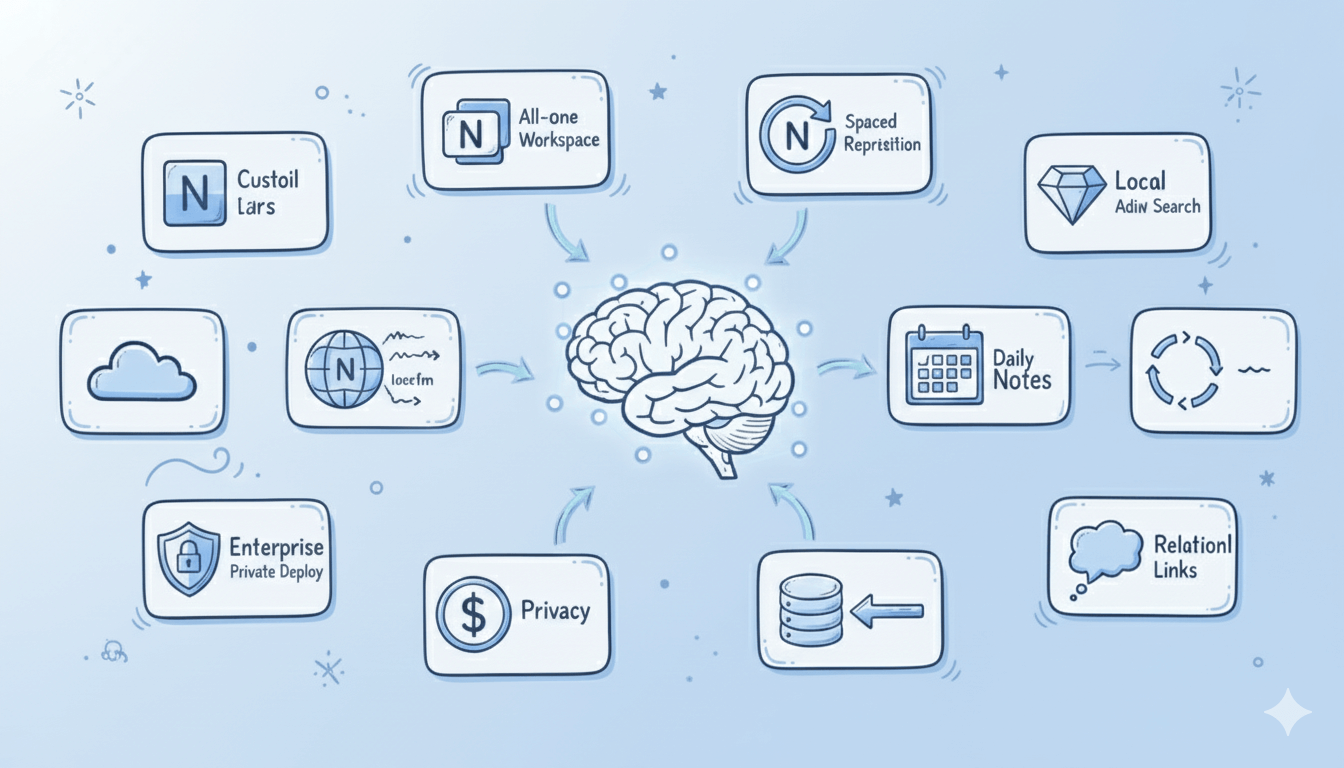
Top 10 OneNote alternatives for 2026—compare tools like Notion, Obsidian, and Buildin to find flexible and privacy-focused note apps.
Microsoft OneNote has long held a prominent position in the digital note-taking world, thanks to its infinite canvas and powerful integration with the Office suite. However, with the rising demands for personal knowledge management (PKM) and workflow efficiency, we find that OneNote is increasingly unable to meet the expectations for greater flexibility, speed, or data privacy.
Why Look for a OneNote Alternative?
Honestly, OneNote's free-form canvas offers immense convenience, but when I try to build a rigorous structured knowledge base or manage complex projects, its capabilities fall short. Due to the lack of native database features, organizing and linking vast amounts of information can quickly become chaotic. Furthermore, OneNote's sync experience can sometimes be unreliable, especially when using it across multiple devices or when the volume of notes rapidly increases, which definitely impacts workflow fluidity. Crucially, OneNote's use of a proprietary data format makes me highly concerned about the risk of "data lock-in." Safely migrating years of accumulated data to other platforms can be a time-consuming and challenging endeavor with high hidden costs. For users seeking a modern "block" editing experience, bidirectional linking, multi-dimensional data structures, and pursuing content monetization, deep collaboration, or ultimate data privacy, OneNote simply can't fulfill these more specialized and advanced use cases.
In this article, I have curated 10 top-tier alternatives to OneNote, ranging from all-in-one workspaces to PKM tools focused on local privacy, hoping to help you find the note-taking tool that best matches your needs.
Buildin
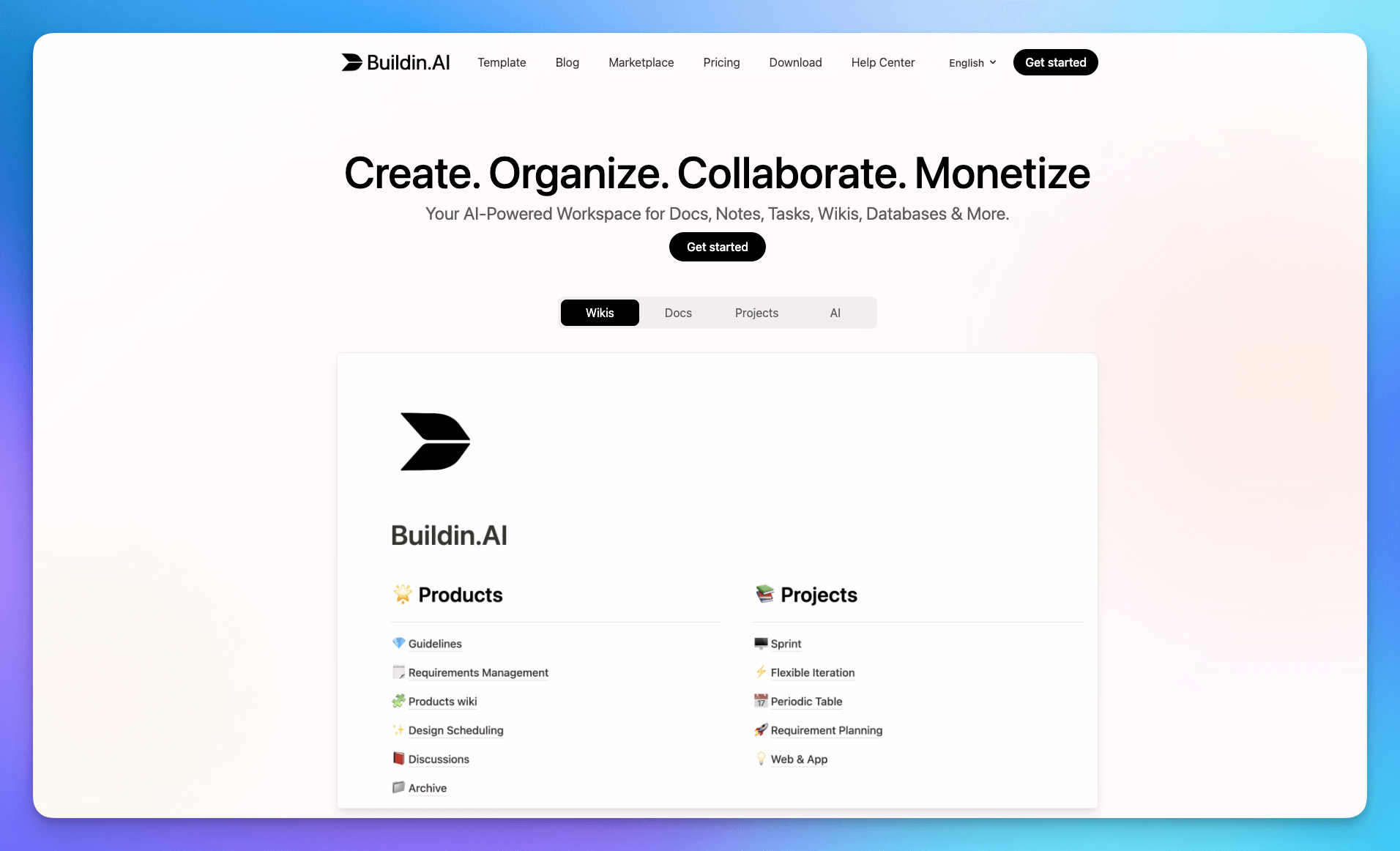
Buildin is an all-in-one knowledge management tool designed for individuals, teams, and digital creators. It combines traditional note-taking, project management, and a unique content monetization feature, making it an ideal choice for users seeking a one-stop solution.
Key Features:
- Efficient Notes and Collaboration: Flexible pages, databases, and nested structures suitable for both personal notes and team knowledge bases.
- Content Monetization and Subscriptions: A unique feature that allows notes, templates, or tutorials to be converted into paid content, supporting one-time purchase or recurring subscriptions without third-party platforms.
- AI**Knowledge Base**: All content supports AI search, summarization, and generation to quickly connect insights.
- Mind Map Support: Supports the creation of mind maps to organize ideas, projects, and knowledge systems structurally.
- Folder Management: Unlike pure tag or graph systems, it supports traditional folder structures for managing documents and files.
- Open API & Automation: An open API allows for easy integration with external services and automation tools.
- Private Deployment: Offers self-hosted or dedicated cloud options for enterprises, ensuring full data sovereignty, branding customization, and internal AI integration.
Pros:
- Comprehensive Functionality: Integrates note-taking, team collaboration, and content monetization, reducing tool switching.
- Creator-Friendly: Built-in content payment system simplifies the digital product sales process.
- Migration Friendly: Unique API import support for Notion users.
- Powerful Collaboration: Robust built-in team collaboration features, suitable for businesses and teams.
Cons:
- Official template library lacks in design aesthetic; users may need to invest time in personalization.
- As a newer platform, its community and third-party integration ecosystem may still be under development.
Pricing: Basic plan is free; Plus $10/month (billed annually); Business $15/member/month (billed annually).
Anytype
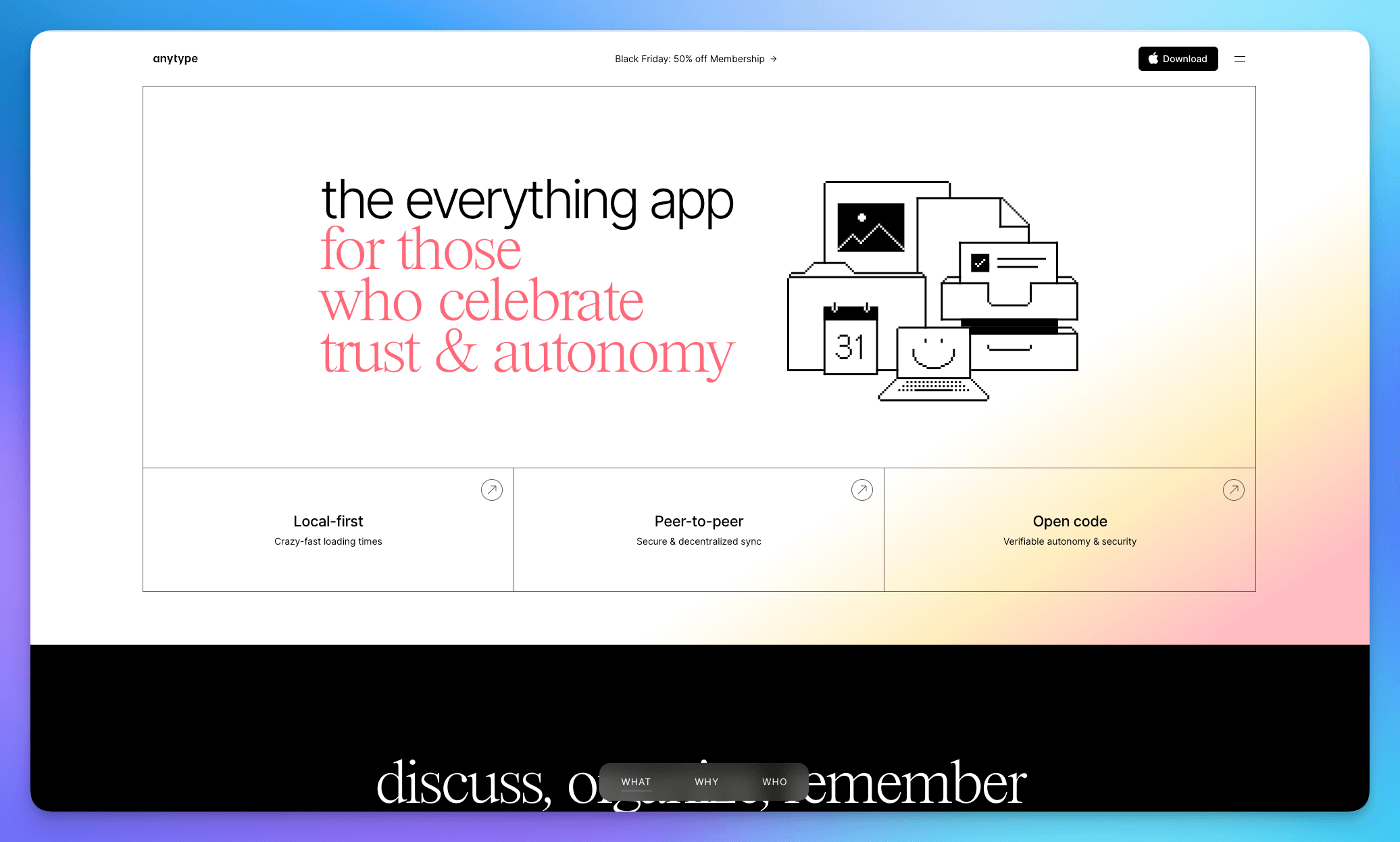
If privacy is your top priority, Anytype is definitely worth checking out. It is a local-first, open-source, and end-to-end encrypted note-taking app that promises to return data sovereignty to the user.
Key Features:
- Local-First Encryption: All data is locally stored and encrypted by default, syncing via a P2P network, giving me great peace of mind.
- Flexible Content Types: Similar to Notion's databases and views, but based on "Types" and "Sets."
- Decentralized Network: Syncing does not rely on a centralized server, truly prioritizing data sovereignty.
- Sets and Relations: Powerful structured data management tools for organizing and filtering content types.
- Custom Template Library: Allows users to create, share, and use various content templates contributed by the community.
Pros:
- Ultimate privacy and data control; all data belongs to me.
- Powerful functionality, capable of implementing complex structured knowledge management.
- The application itself is completely free and open source.
Cons:
- P2P synchronization can sometimes be less stable and reliable than centralized syncing.
- Relatively high learning curve.
Pricing: Free plan available; Plus membership starts from $4/month.
Tana
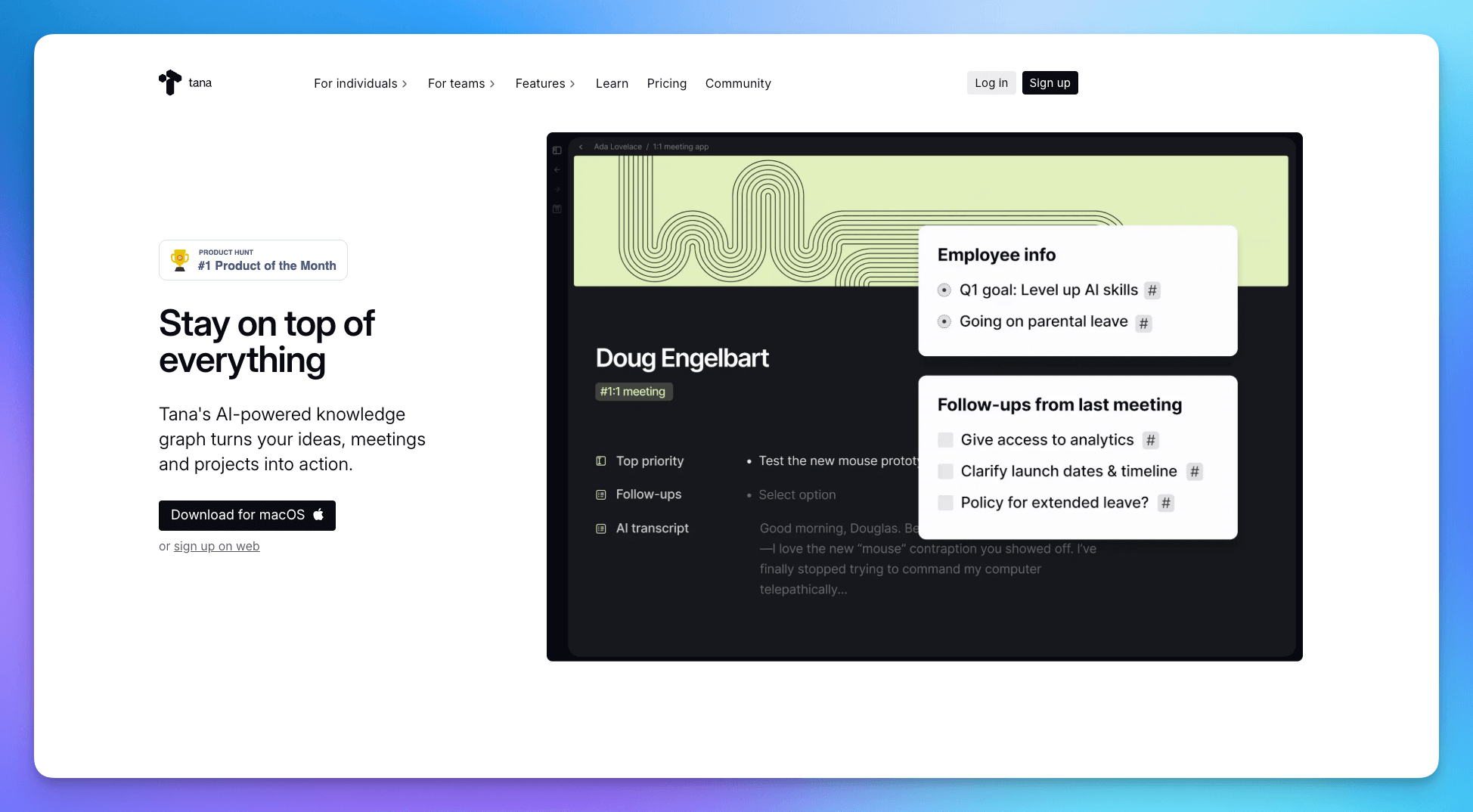
Tana is dubbed the "Superliner." It breaks the boundaries of traditional notes, treating all information as Nodes. Centered around Daily Notes, and utilizing powerful Live Search and structured properties, it allows for the fastest possible information capture while giving that information a rigorous structure. It's particularly suitable for users who think in outlines but also require structured data management capabilities.
Key Features:
- Superliner / Outline Editing: Offers an extremely fast outlining input experience, making it a powerful tool for information entry.
- Node-based PKM: Everything is a node, and custom "Schemas" (structure) can be added to any node.
- Live Search: Powerful search and command features can generate reports or lists in real-time based on structured properties.
- Supertags: Assigns data structure and behavior to nodes, the core mechanism for implementing complex workflows.
- Tana Capture: Mobile and desktop quick capture tools ensure ideas are instantly recorded into the inbox.
Pros:
- Extremely fast information input speed, ideal for quick idea capture.
- Capable of powerful structured data management within the outline.
- At the forefront of the PKM field with highly innovative features.
Cons:
- Extremely high learning curve; possibly the most challenging app on this list to get started with.
- Stability and cross-platform experience need improvement.
Pricing: Core functions are free; Plus starts from $10/month (includes AI credits), Pro starts from $18/month.
Heptabase
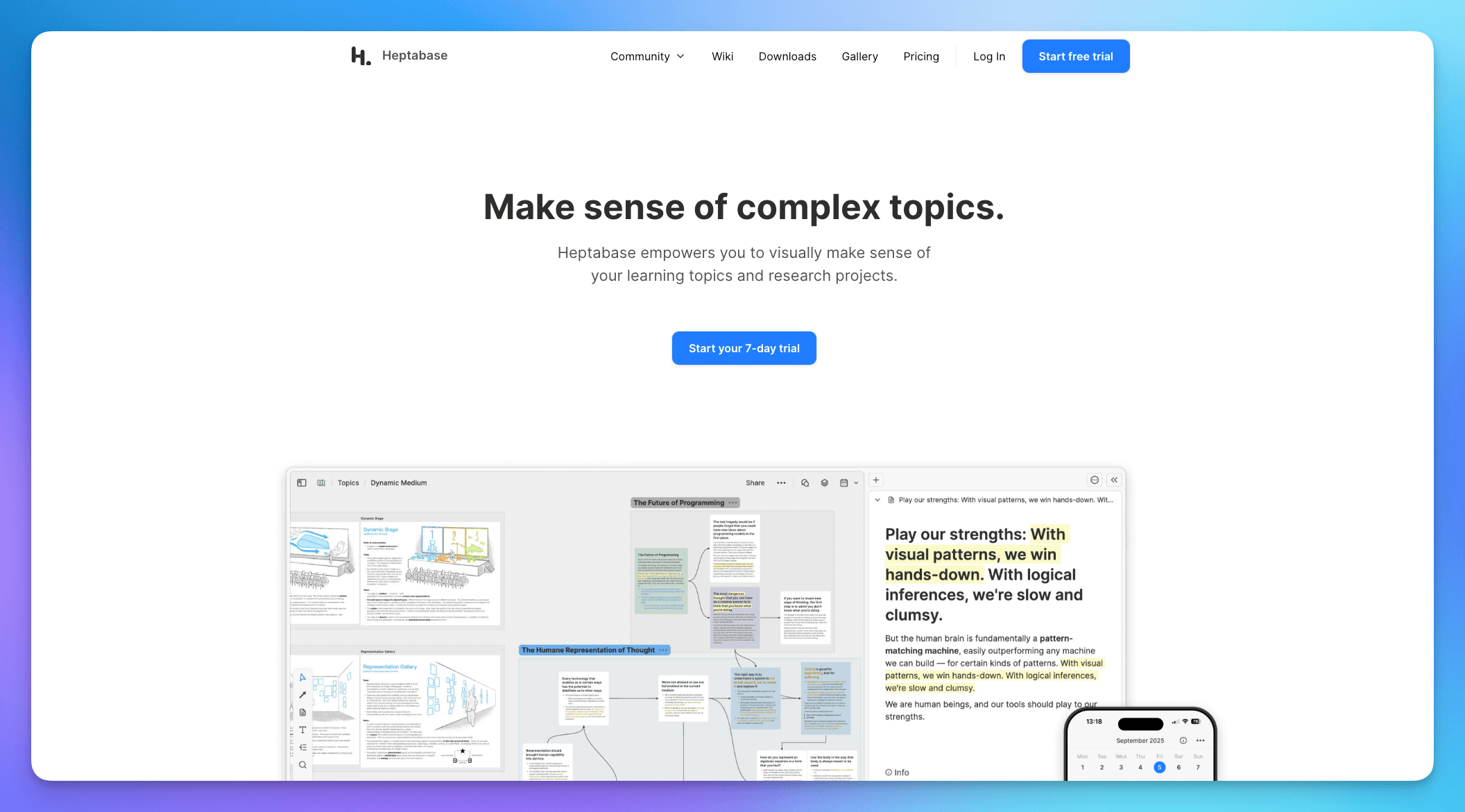
Heptabase is a visually-oriented knowledge management tool that I personally love. It encourages me to organize note cards on infinite whiteboards, using spatial sense to untangle complex concepts, which I find highly intuitive.
Key Features:
- Whiteboard Organization: Whiteboards are central, allowing me to organize note cards spatially through dragging and grouping.
- Card Editor: A powerful block editor supporting Markdown and rich text.
- Built-in Journal and Study Planning: Helps integrate my daily learning and reflection processes.
Pros:
- Excellent for research, concept mapping, and visual thinking; provides an intuitive view of knowledge connections.
- Beautiful interface design and great user experience.
Cons:
- Focuses mainly on knowledge mapping, with less comprehensive document editing features.
- The subscription fee is relatively high, and there is currently no permanent free plan.
Pricing: Paid plans start from $11.99/month; no permanent free plan available.
Capacities
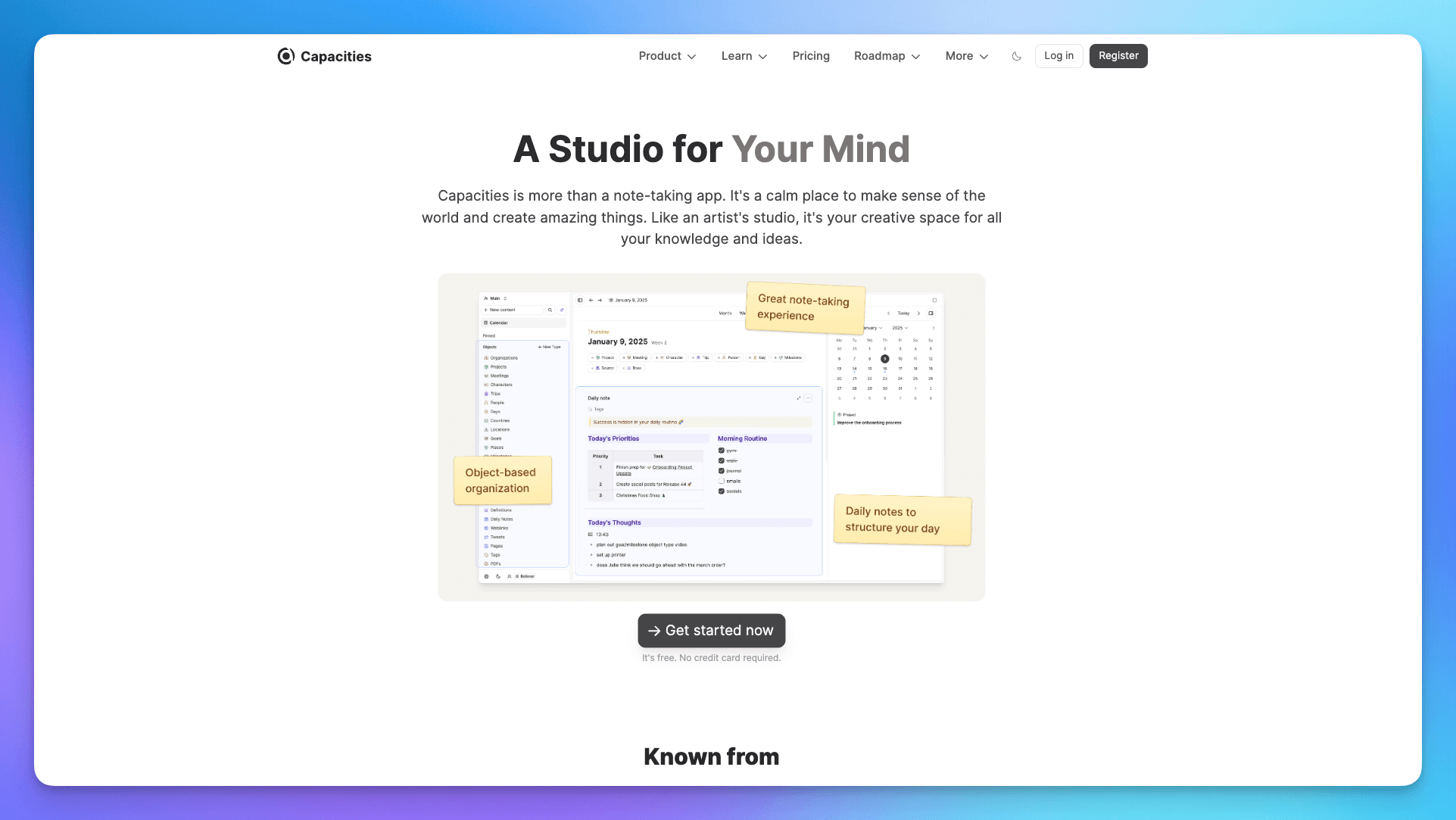
Capacities offers a refreshing experience with its unique "Object" management system. It structures content into various customizable "Things" (like People, Books, Meetings), making information management highly organized.
Key Features:
- Object-Oriented Structure: Allows creation of custom content types and definition of their properties and relationships, highly suitable for managing complex personal assets.
- Diverse Views: Supports gallery, list, calendar, and other views to check the same object, offering flexible switching.
- Block Reference and Bidirectional Links: Supports block-level references and bidirectional links to build deep knowledge connections.
- Custom Content Templates: Create reusable templates for different objects (e.g., people, projects, books).
- Graph View: Visualizes the network of connections between all objects and notes.
Pros:
- Unique Object management system provides high structure, solving the clutter problem of traditional notes.
- Exquisitely designed, ideal for users who seek visual aesthetics and clear structure.
Cons:
- The "Object" thinking model requires some time to adapt and build upon.
- The free version has storage and functional limitations.
Pricing: Free plan available with storage limits; Pro plan $12/month.
Reflect
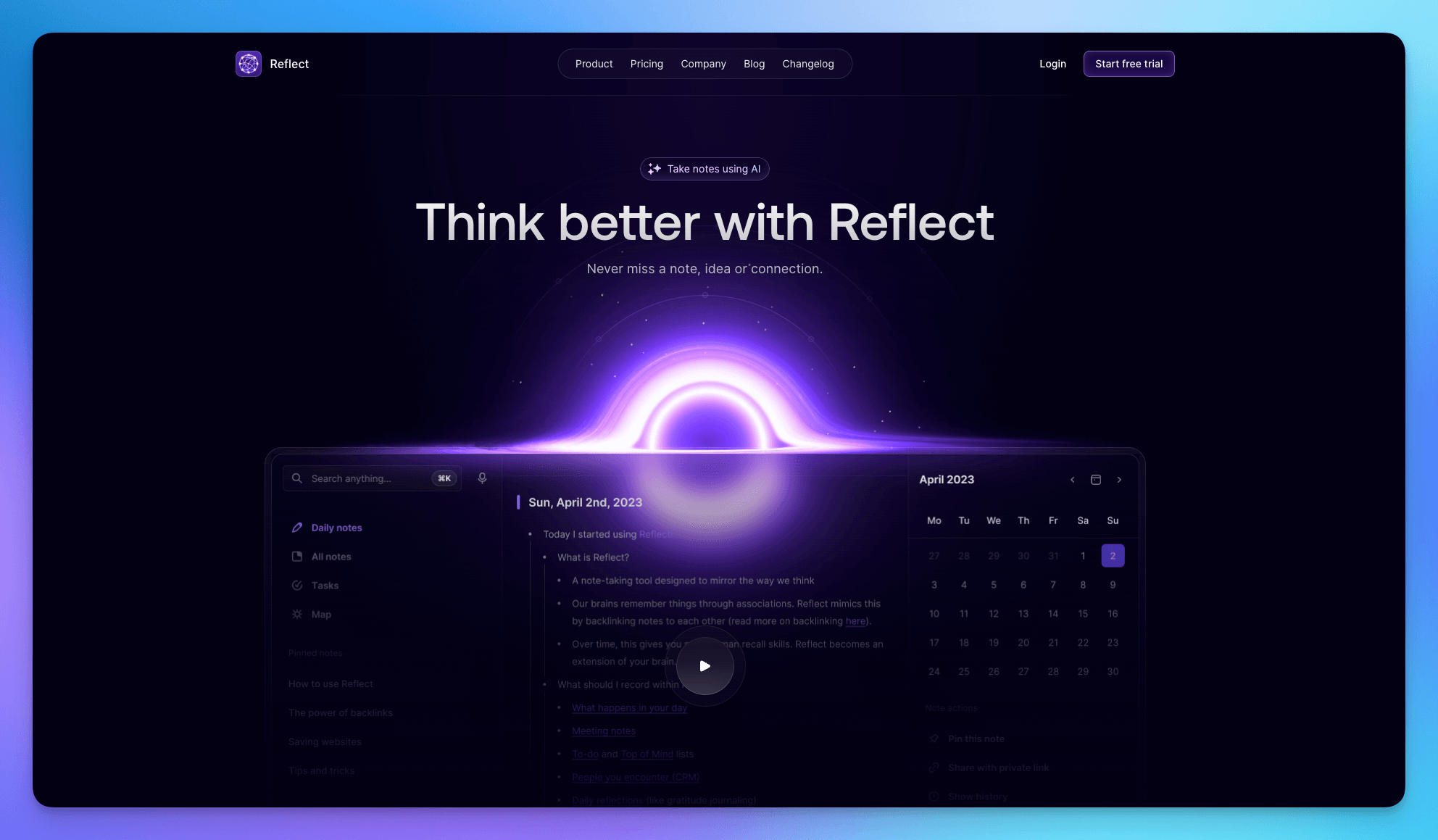
Reflect is a clean yet powerful note-taking app. I appreciate its core driver of "Daily Notes," which, combined with bidirectional linking, naturally aggregates information.
Key Features:
- Daily Note Driven: Encourages recording all thoughts in the daily note, which automatically forms a network through links.
- End-to-End Encryption: A crucial feature for me, ensuring the highest privacy and security for note content.
- Reflect AI: Built-in AI assists with writing, summarization, and brainstorming.
- Calendar and Meeting Integration: Automatically syncs Google/Outlook calendars and can generate note templates for meetings with a single click.
- Block-Level Bidirectional Links: Links can point to specific blocks within a note, and all backlinks are displayed in the sidebar.
Pros:
- Clean and elegant interface, focused on thought and linking; the typing experience is top-notch.
- High integration of practical AI features, saving significant time.
- Cross-platform support (Mac/iOS/Web) with very smooth syncing.
Cons:
- The price is somewhat steep, which might be a barrier for general users.
- No free version, only a trial period.
Pricing: Paid plans start from approx. $10/month; trial only.
RemNote
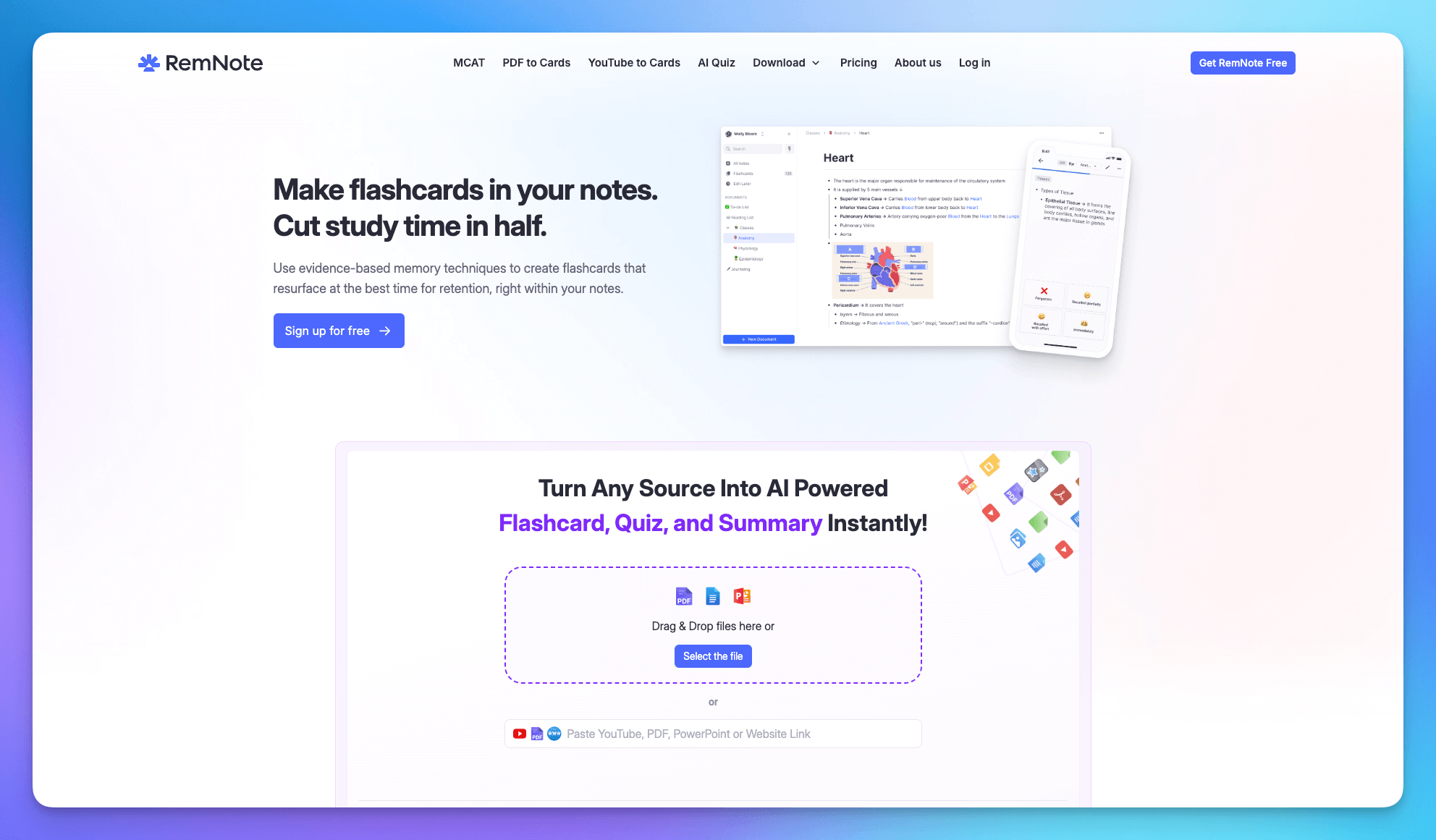
If you are a student or someone who needs to learn and retain a large volume of knowledge over time, RemNote is your ideal choice. It seamlessly combines powerful note-taking features with the Spaced Repetition learning method, rooted in cognitive science, transforming notes from mere information repositories into direct study tools.
Key Features:
- Spaced Repetition and Flashcards: Key points in notes can be automatically converted into flashcards and tested repeatedly based on the forgetting curve.
- Outline Structure: Powerful outlining and hierarchy features, highly suitable for organizing textbooks and course materials.
- Built-in PDF Annotation: Import and annotate PDF documents directly within notes, and extract key points.
- Knowledge Tree Structure: Emphasizes the hierarchical relationship of notes, helping users build a structured knowledge system.
Pros:
- Extremely high learning efficiency, especially for users who need long-term memory and review (e.g., medical students, programmers learning new languages).
- Seamless integration of notes and flashcards, eliminating the need for extra export and management.
- Powerful outlining features for quick structural organization.
Cons:
- Has a relatively steep learning curve; first-time users need time to understand its principles.
- The interface is less modern in aesthetic appeal compared to some newer note-taking apps.
Pricing: Core functions are free; Pro plan $8/month; Pro+AI $18/month .
Obsidian
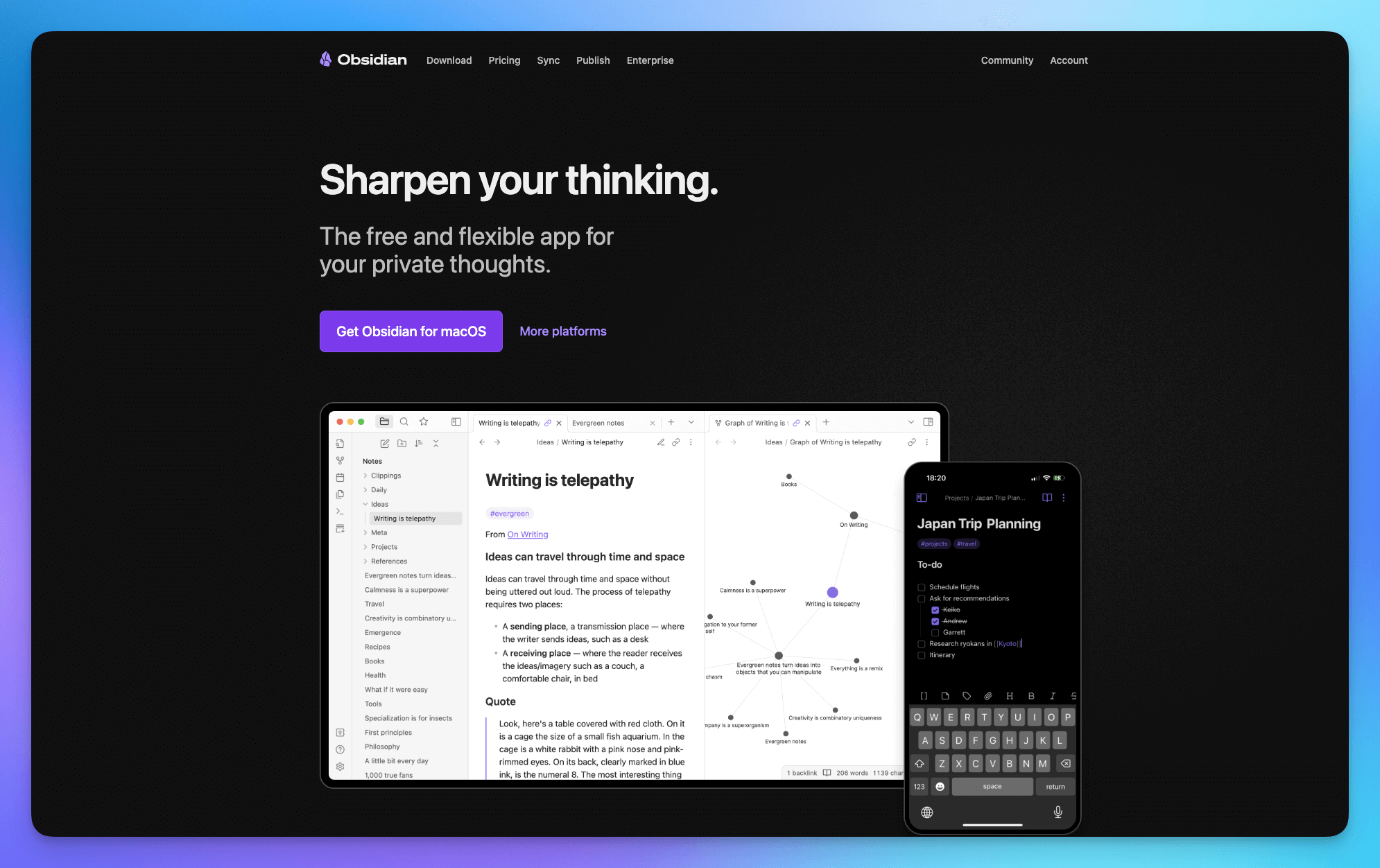
Obsidian has become the gold standard for dedicated PKM enthusiasts. Its standout feature is its use of local Markdown file storage, giving me absolute control and privacy over my data.
Key Features:
- Local Markdown Storage: Data is stored entirely on my device, eliminating concerns about cloud providers.
- Bidirectional Links and Graph View: Easily link notes and visualize the knowledge network graphically (Graph View), which is highly intuitive.
- Plugin Ecosystem: Boasts over 1000 community plugins, allowing for virtually infinite functional expansion to customize the perfect system.
- Canvas Whiteboard: Allows free placement of notes, images, PDFs, and cards on an infinite canvas.
Pros:
- Data is entirely local, ensuring ultimate privacy and control. All core features are free.
- Fast launch and operation speed, providing a very smooth user experience.
- Powerful community and plugin system, highly adaptable and moldable.
Cons:
- Lacks native collaboration features, making it less suitable for team use.
- Higher learning and configuration cost, requiring time to set up the system.
Pricing: Core application is free; Sync starts from $4/month, Publish starts from $8/month (commercial license priced separately).
Evernote
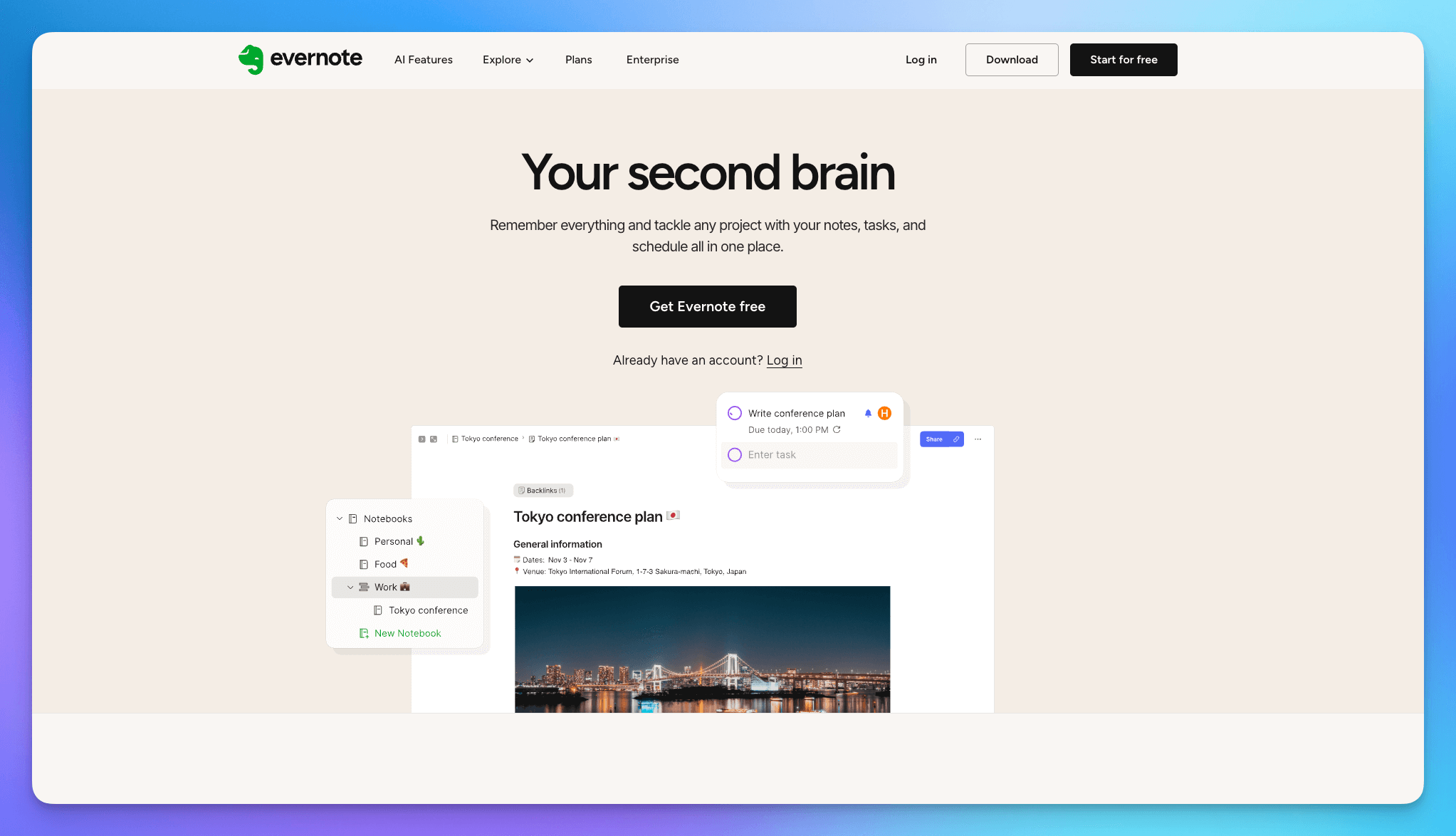
Despite the emergence of many new competitors, Evernote, the veteran of digital note-taking, remains unrivaled in certain aspects, particularly web clipping and global search.
Key Features:
- Industry-Leading Clipper: Easily captures web pages, PDFs, and images, forming the core of a digital library.
- OCR Search: Powerful search functionality that can index and search clear handwritten or printed text within images and PDFs.
- Task Management: Built-in task features allow notes to be directly converted into to-do items.
- Document Scanning: Mobile app includes a document scanner to optimize photos of documents and receipts.
Pros:
- Stable and reliable cross-platform syncing with a long service history, providing peace of mind.
- Powerful content capture and indexing capabilities, ideal for accumulating large amounts of digital material.
Cons:
- The free version has too many limitations, such as a maximum of two device logins and a maximum of 50 notes per account.
- The subscription fee is relatively high, and the interface design feels less modern than newer apps.
Pricing: Evernote free plan is heavily restricted; paid plans (Starter) start from $14.99/month, (Advanced) from $24.99/month.
Notion
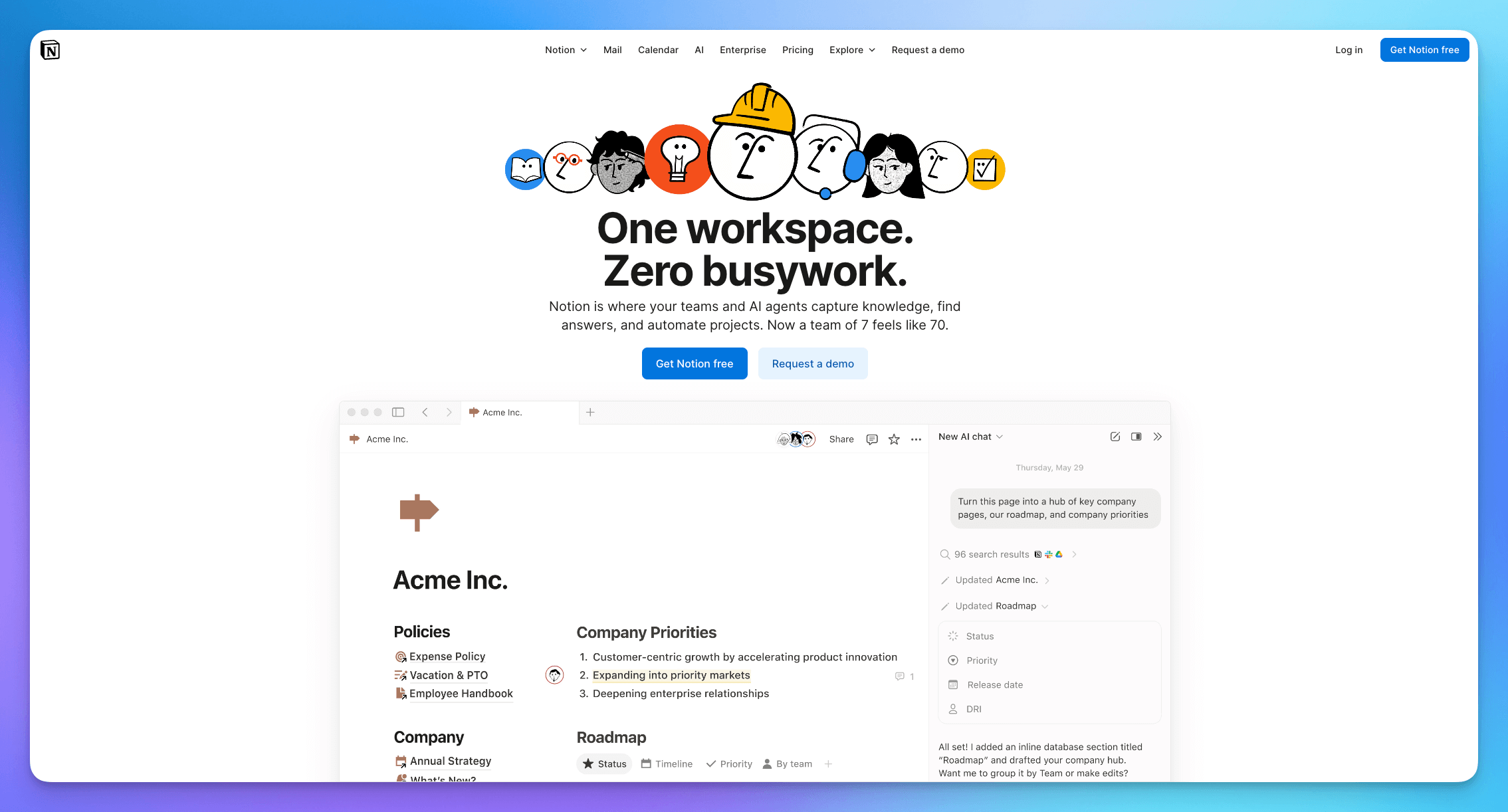
For me, Notion has long transcended a simple note-taking app; it's an all-in-one workspace integrating notes, knowledge bases, project management, and databases.
Key Features:
- Block Editor: All content elements are movable and combinable "blocks," offering extreme customization.
- Powerful Database: Supports various views like Kanban boards, calendars, and lists, and can manage complex projects through relational links.
- Deep Collaboration: Mature team collaboration features with convenient real-time editing and commenting.
- Web Clipper Tool: A browser extension to easily save web content into Notion.
Pros:
- Extremely high flexibility and customization, allowing you to build almost any structure you desire.
- Excellent capabilities for team collaboration and document sharing.
- Powerful relational database to achieve complex knowledge linking and project workflows.
Cons:
- Has a steep learning curve; it can feel complex when first starting out.
- Limited offline functionality, and loading speed can slow down with a large volume of notes.
Pricing: Free plan available for personal use; paid plans (Plus plan) start from $10/user/month.
Final Comparison Table: OneNote Alternatives Overview
The table below summarizes the core features, best-suited users, and pricing models for these 10 top note-taking apps, designed to help you make a quick decision:
/_ 基础样式 _/ .alternating-rows-table { width: 100%; border-collapse: collapse; margin-bottom: 20px; font-family: Arial, sans-serif; box-shadow: 0 0 10px rgba(0, 0, 0, 0.1); }
/_ 表头样式:浅灰色背景,浅色边框 / .alternating-rows-table th { background-color: #f0f0f0; / 浅灰色背景 / color: #333; / 标题文字深灰色 / font-weight: bold; padding: 12px 15px; text-align: left; border: 1px solid #ccc; / 表头使用浅灰色边框 _/ }
/_ 表格单元格样式:白色背景,浅色边框 / .alternating-rows-table td { background-color: white; / 默认行背景白色 / padding: 10px 15px; text-align: left; border: 1px solid #ccc; / 单元格使用浅灰色边框 _/ vertical-align: top; }
/_ 斑马纹效果:偶数行背景色改为浅浅的灰色 / .alternating-rows-table tbody tr:nth-child(even) { background-color: #f7f7f7; / 浅灰色背景,实现斑马纹 _/ }
/_ 鼠标悬停效果 / .alternating-rows-table tbody tr:hover { background-color: #e8e8e8; / 鼠标悬停时略微变深 _/ }
| App Name | Core Feature | Best For | Pricing Model |
|---|---|---|---|
| Buildin | Content monetization, AI knowledge base, Notion-friendly import, powerful collaboration | Digital creators, those with content monetization needs, and teams/individuals seeking a Notion alternative. | Free plan available; Plus plans from $10/month. |
| Anytype | Local-first, decentralized, ultimate end-to-end encryption | Have extreme demands for data sovereignty, privacy, and prefer decentralized, open-source solutions. | Free plan available; Plus membership from $4/month. |
| Tana | Superliner (Super Outline Tool), node-based structured data | Advanced users accustomed to outline thinking, seeking ultimate input speed, and flexible structured data. | Free plan available; Plus plans from $10/month. |
| Heptabase | Whiteboard-centric visual thinking tool, card organization | Visual thinkers, researchers, and those needing to organize complex concepts spatially. | Paid plans from $11.99/month; no free plan. |
| Capacities | Unique object-oriented management system, highly structured | Seek highly structured, object-oriented management, and aesthetic design for personal asset management. | Free plan available; Pro plan $12/month. |
| Reflect | Daily Note driven, end-to-end encrypted, built-in AI | Professionals focused on privacy, seeking a clean, fast daily note workflow, and AI writing assistance. | Paid plans from approx. $10/month; trial available. |
| RemNote | Spaced Repetition learning, flashcard integration, built for learning | Students, long-term learners, and users needing to memorize and review knowledge using spaced repetition. | Core functions are free; Pro plans from $8/month. |
| Obsidian | Local Markdown storage, bidirectional links & Graph View | PKM enthusiasts prioritizing data privacy, local file storage, and deep knowledge linking. | Core app is free; Sync starts from $4/month. |
| Evernote | Web clipping king, OCR search, stable cross-platform sync | Need extensive web clipping, stable cross-device syncing, and powerful global search for material collection. | Free plan available; paid plans from $14.99/month. |
| Notion | All-in-one workspace, powerful database functionality | Seek a comprehensive workspace, complex project management, and team collaboration. | Free plan available; paid plans from $10/user/month. |
Conclusion: How to Choose the Best Note-Taking App for You
Ultimately, choosing which OneNote alternative is best for you hinges on matching your primary needs and usage habits:
- If you seek ultimate structure, team collaboration, and content monetization: **Buildin** or **Notion** are definitely worth a try, with Buildin offering an edge in the creator economy.
- If your focus is on learning and long-term memory: **RemNote**'s Spaced Repetition mechanism will be your learning weapon.
- If you are an advanced user of fast outlining and structured data: **Tana** will satisfy your ultimate pursuit of efficiency and flexible structure.
- If you prioritize data privacy and knowledge linking (PKM): **Obsidian** (local files) or **Anytype** (end-to-end encrypted) are the safest choices.
- If you are a visual thinker and need to organize complex concepts: **Heptabase**'s whiteboards or **Reflect**'s Canvas will provide the best organization experience.
I hope this detailed guide helps you move beyond OneNote and find the perfect note-taking tool that aligns with your workflow and thinking style!

Buildin Team
Shares the latest Buildin updates, product releases, and usage guides, along with practical insights into knowledge management, content creation, team collaboration, and the evolution of AI. Content is based on real product development and user feedback, helping teams work more efficiently with Buildin.