.png)
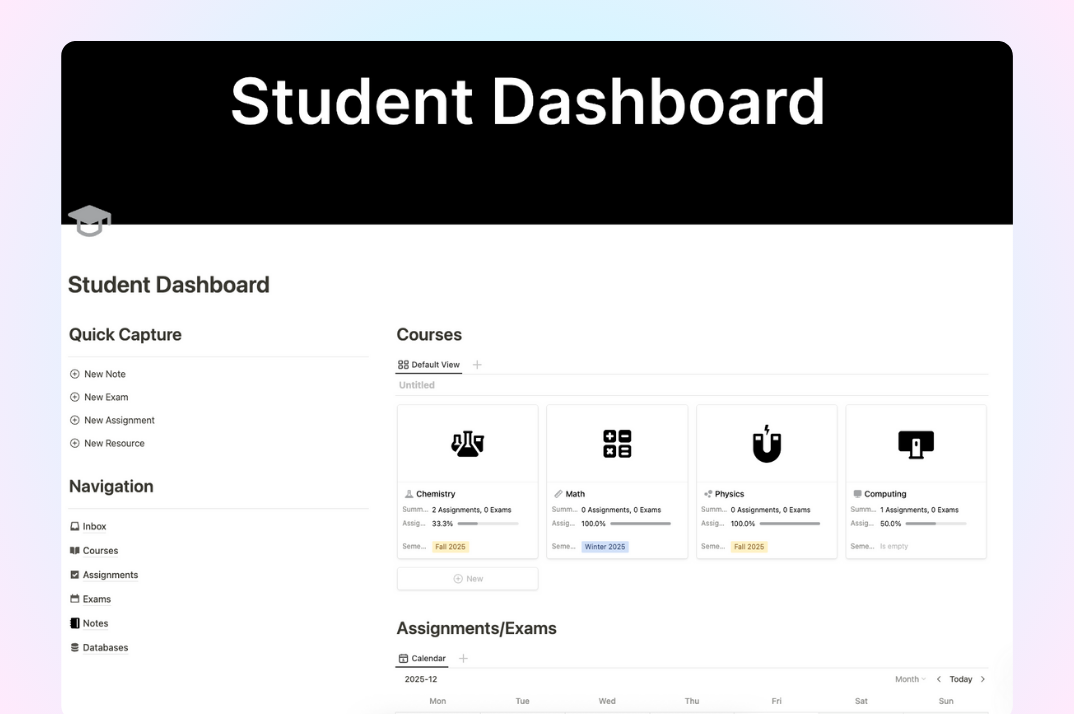
What is the Student Dashboard Template?
The Student Dashboard Template is a centralized digital system designed to help students manage courses, assignments, exams, and study notes in one structured workspace. It allows students to clearly track academic tasks, monitor progress, and maintain an organized study routine across different subjects.
Key Features
- Course Overview: Centralized management of all subjects and their related tasks.
- Assignments & Exams Tracking: Clear tracking of deadlines through structured databases and calendar views.
- Quick Study Capture: A dedicated space for capturing daily notes, ideas, and learning materials.
- Current & Planned Courses: Separate management of ongoing studies and future academic plans.
- Structured Database System: All academic data is connected for easier navigation and retrieval.
How to Use the Student Dashboard Template
- Add your courses and basic course information.
- Create assignments and exams and link them to each course.
- Record daily study notes and learning progress.
- Review deadlines and workload regularly.
- Plan future semesters in advance.
Conclusion
The Student Dashboard Template helps students build a clear and structured academic management system. By centralizing all study-related information, it supports better planning, reduced stress, and more consistent study habits.