Buildin vs. Xmind 2026: Mind Map Tool vs. Full Knowledge Workspace
Buildin vs. Xmind 2026: compare Xmind's standalone visual diagrams with Buildin's connected knowledge workspace, mind maps, databases, AI search, and collaboration.
If you need a dedicated mind mapping tool with polished diagram templates — fishbone charts, radial maps, pitch-mode presentations — Xmind delivers that better than almost anything else. But if you need mind maps that connect to your project databases, team notes, and knowledge base, Xmind creates a dead end. You export a PNG and move on. Buildin keeps the map alive inside your actual workflow.
Xmind excels at visual thinking. Buildin excels at connected thinking. Those are genuinely different goals — and the right choice depends entirely on whether your mind map is the end product or the starting point.
Quick answer (the visual tool comparison you came for):
Choose Buildin if you need mind maps connected to a full knowledge management system — project databases, team collaboration, AI search, and whiteboard/canvas tools all in one workspace.
Choose Xmind if you're a solo designer, student, or presenter who needs the best standalone mind mapping experience — beautiful diagram templates, offline-first, no collaboration required.
Here's the full breakdown — mind map features, whiteboard and canvas tools, visualization capabilities, knowledge management integration, pricing, and who should choose which in 2026.
First, Let's Unpack Their Core Identities
What is Buildin?
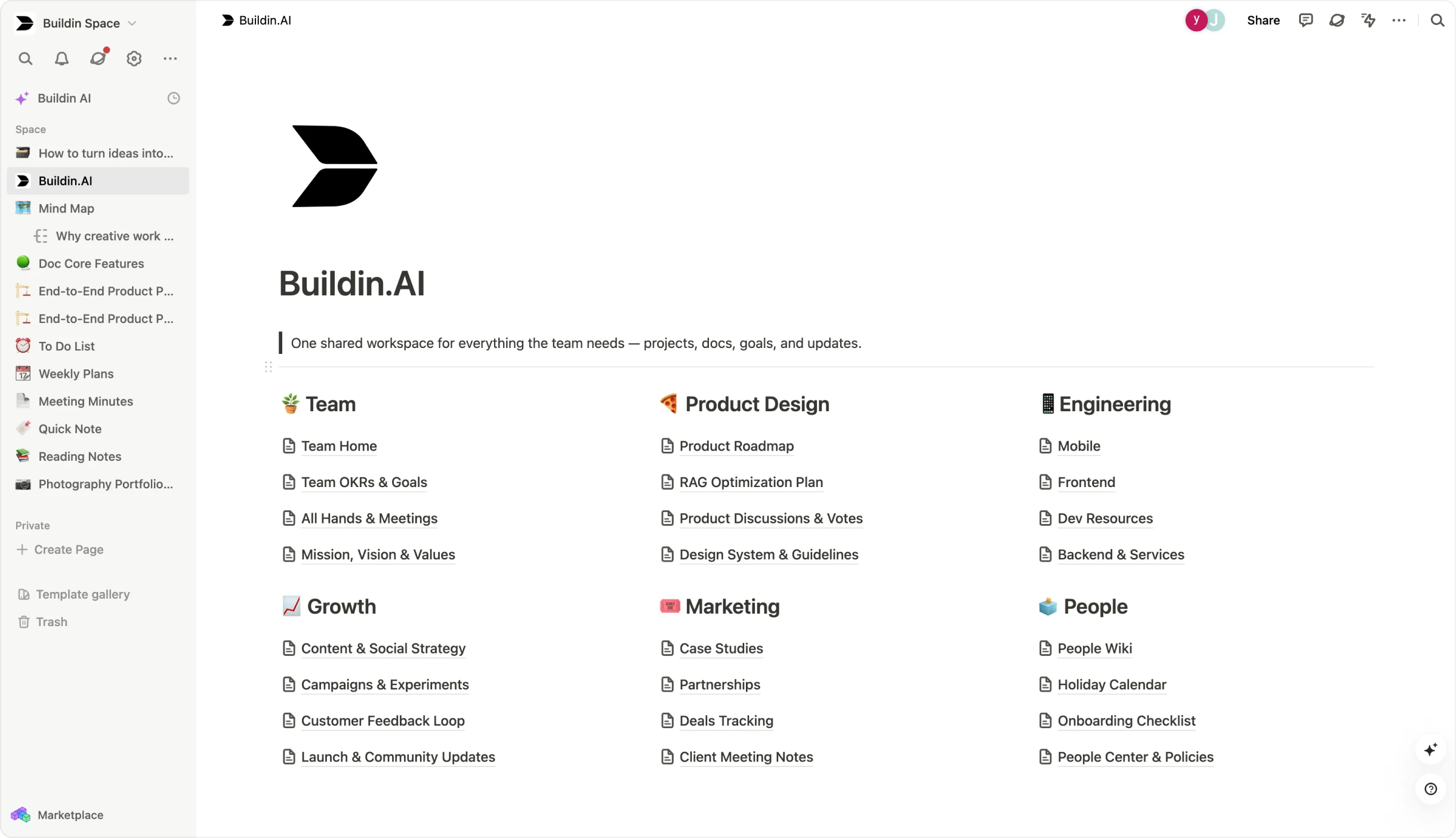
Think of Buildin as the evolution of the "All-in-One" workspace. It takes the intuitive, block-based editing experience of a Notion alternative and supercharges it with two distinct superpowers: Content Monetization and Data Sovereignty.
Buildin isn't just a place to store thoughts; it's a place to act on them. It unifies project management, team collaboration, and an AI-powered knowledge base into one seamless interface. But unlike its competitors, it allows creators to turn pages into paid products (subscriptions or one-time purchases) and allows enterprises to host the entire platform on their own servers.
As a knowledge management tool, Buildin covers the entire lifecycle of an idea: from the initial brainstorm in a mind map to a structured database, and finally to a profitable digital asset.
In short: Buildin is designed for Students, knowledge workers, SMBs, etc.
What is Xmind?
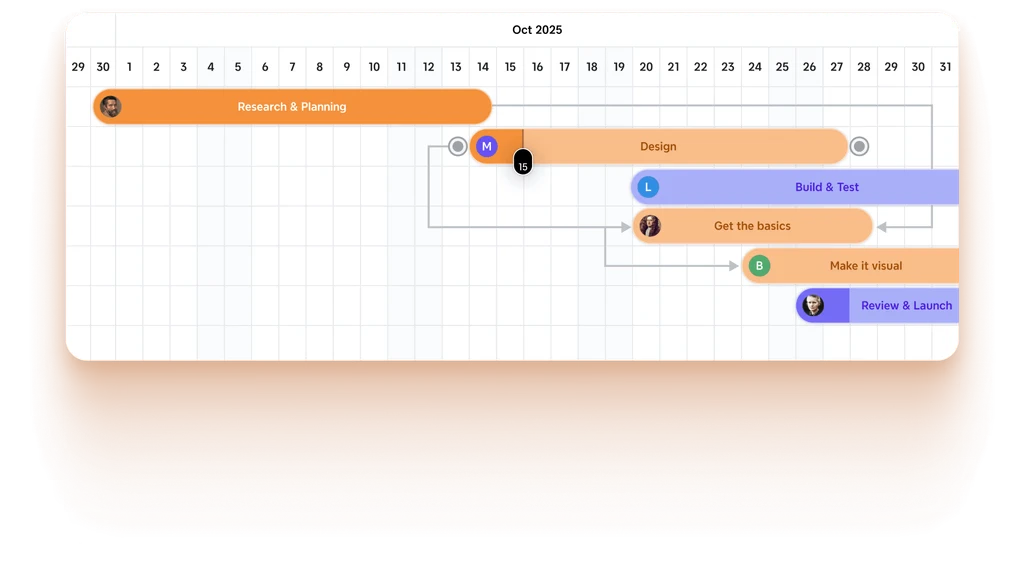
Xmind is a veteran in the productivity space, focusing almost exclusively on being a visual thinking tool. Its goal is to provide the most fluid, aesthetically pleasing environment for brainstorming and organizing thoughts.
Xmind excels at variety. It offers fishbone diagrams, tree tables, and timelines that are visually superior to almost any other tool. However, it is primarily a "thinking" tool rather than a "doing" tool. While it has added cloud features, its core philosophy remains rooted in the creation of individual, high-fidelity diagrams.
In short: Xmind is designed for Individual Brainstormers and Visual Designers.
Key Feature Comparison
To give you a quick snapshot, here is how the core capabilities stack up in 2025:
| Dimension | Buildin | Xmind |
|---|---|---|
| Core Advantage | Native Monetization + Private On-Premise Deployment | Advanced Aesthetics + 10+ Specialized Map Structures |
| Primary Focus | Actionable Knowledge & Revenue | Visual Brainstorming & Presentation |
| Mind Mapping Style | Integrated & Functional (Linked to Databases) | Specialized & Aesthetic (Stand-alone files) |
| Content Types | Pages, Databases, Paid Content, Mind Maps | Mind Maps, Logic Charts, Gantt Charts |
| Collaboration | Real-time Multiplayer (Google Docs style) | Limited (File-sharing/Xmind Share) |
| Monetization | Built-in Payment Gateways & Subscriptions | None (Third-party required) |
| AI Capabilities | AI-powered Knowledge Base (Search & Synthesis) | AI-assisted Branch Generation |
| Data Privacy | Private On-Premise Deployment Available | Local File Storage / Cloud Sync |
| Migration | Seamless Notion Import (via API) | Markdown / OPML / Xmind Files |
Why Buildin is the Leading Choice in 2025
Buildin is the superior Xmind alternative if your goals align with any of the following high-value scenarios:
1. The Knowledge Entrepreneur's Goldmine: Native Monetization
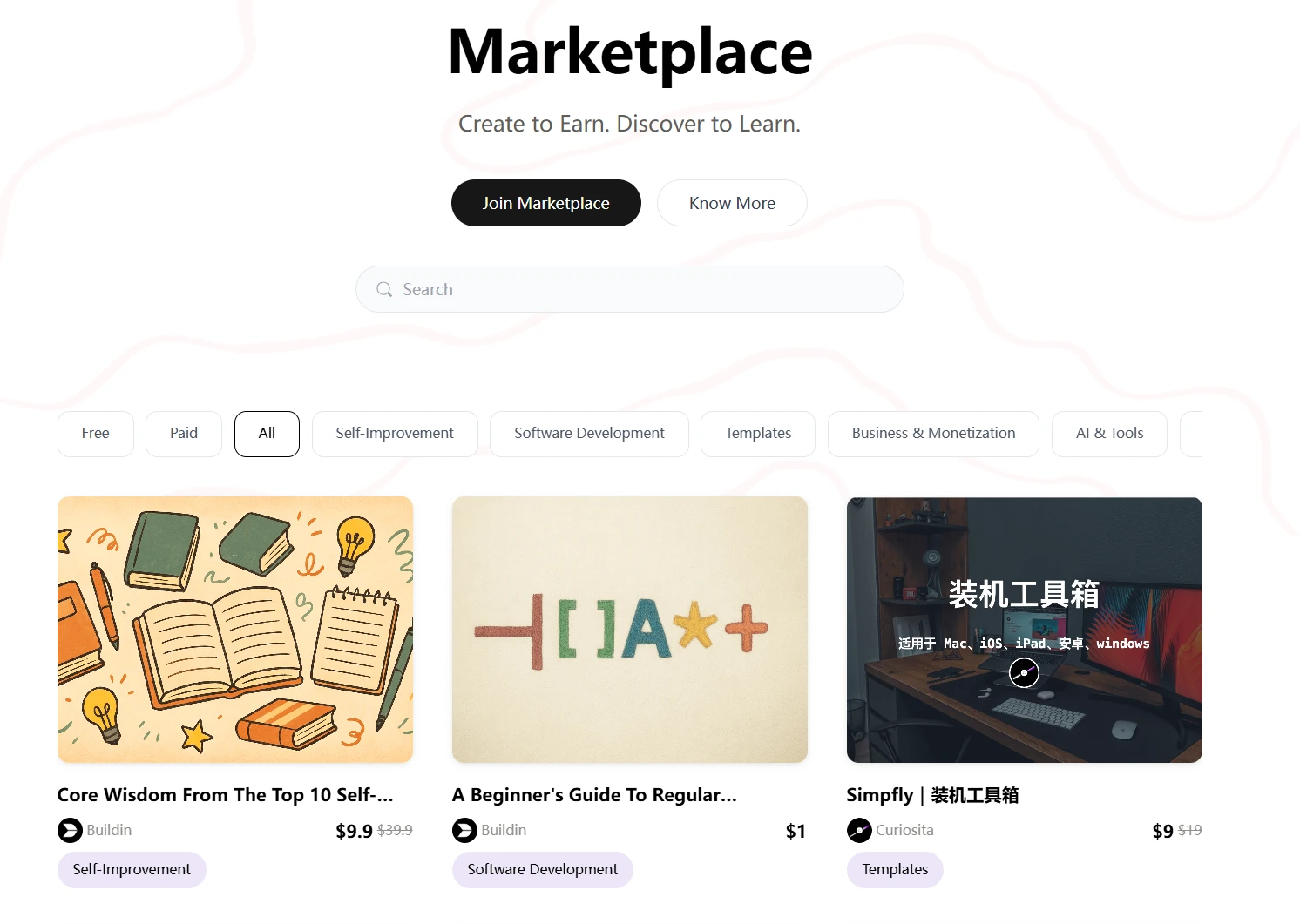
This is the single biggest differentiator. In 2025, the boundary between "taking notes" and "selling expertise" has vanished. If you are a consultant, educator, or digital creator, Xmind is strictly an expense. Buildin is a revenue generator.
No Third-Parties Needed: In the past, you needed Notion to write, Xmind to map, and Gumroad to sell. Buildin collapses this stack. You can turn a mind map of your "Marketing Strategy" into a paid subscription or a one-time purchase with a single click.
Direct Subscriber Access: Your customers get direct access within Buildin, creating a premium, white-label experience that builds your brand, not a third-party marketplace's brand.
2. Beyond the Map: Mastering Databases and Dynamic Views
This is the "Secret Sauce" that makes Buildin a true Notion alternative and puts it in a different league than Xmind. While Xmind stops at visual branches, Buildin allows you to turn those branches into a living, breathing system using database management.
The Power of Multidimensional Databases
In Buildin, a database is not just a list; it is a collection of data that can be viewed in multiple ways to serve different needs. This is essential for team collaboration software and personal "Life OS" setups.
Table View (The Architect): Perfect for high-level overviews of project statuses, budget tracking, or managing a massive library of resources with custom properties (tags, dates, formulas).
Board View (The Project Manager): A Kanban-style view (like Trello) that allows teams to move tasks through stages (To-Do, In Progress, Done). This transforms Buildin into a powerful project management tool.
Calendar View (The Planner): Ideal for content creators managing a social media schedule or individuals tracking personal habits and appointments.
Gallery View (The Curator): A visual way to display your work, portfolio, or a paid template library.
Use Case: Team Project Management
Imagine your team is brainstorming a new product launch.
Phase 1: You use Buildin's mind map to branch out ideas for marketing, development, and legal.
Phase 2: You turn those branches into a Database.
Phase 3: You switch to Board View to assign developers tasks, then switch to Timeline View to check the launch schedule. In Xmind, you would have to manually copy all those ideas into a separate project management tool. In Buildin, it all stays in one place.
Use Case: Personal Life Management
For individuals, Buildin acts as a "Second Brain." You can maintain a database of books you want to read (Gallery View), a daily journal (Calendar View), and a complex finance tracker (Table View). Xmind simply cannot handle this level of structural complexity.
3. AI-Powered Knowledge Base: Your Second Brain
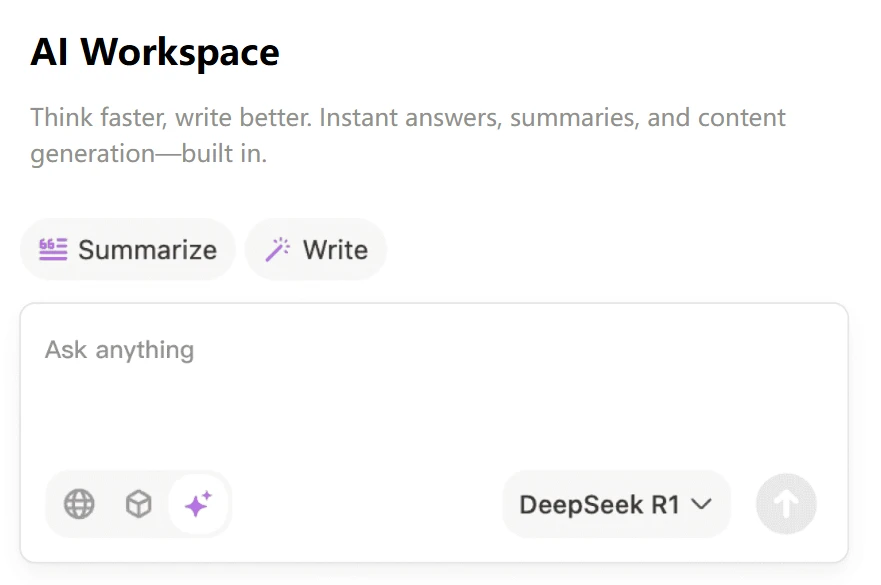
While Xmind uses AI to help you draw more branches, Buildin uses AI to help you understand your data.
Smart Search & Generation: Buildin's AI can scan your entire workspace—including your mind maps and databases—to summarize complex topics or find hidden connections.
Repurposing Content: The AI can take your mind map and automatically draft a blog post or a project proposal based on those nodes. This is true information gain through technology.
4. Seamless Transition: The Notion API Advantage
Many users looking for a best mind mapping software 2025 are currently stuck in Notion, using clunky plugins or static images.
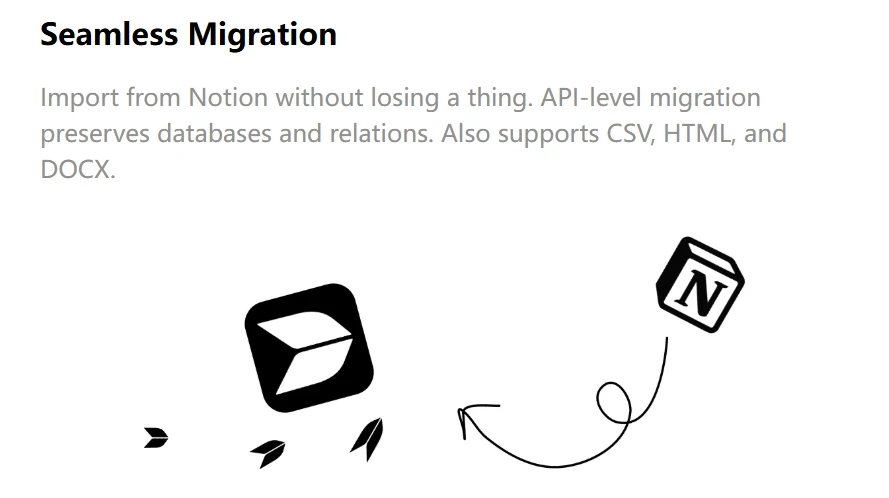
- Buildin offers a Seamless Notion Import via API. Unlike other tools that require you to export to Markdown (and lose all your formatting and database relations), Buildin talks directly to the Notion API to move your entire workspace over perfectly.
5. Enterprise-Grade Security: Data Sovereignty
In an era of increasing data breaches, "Cloud-only" is no longer enough for many organizations.
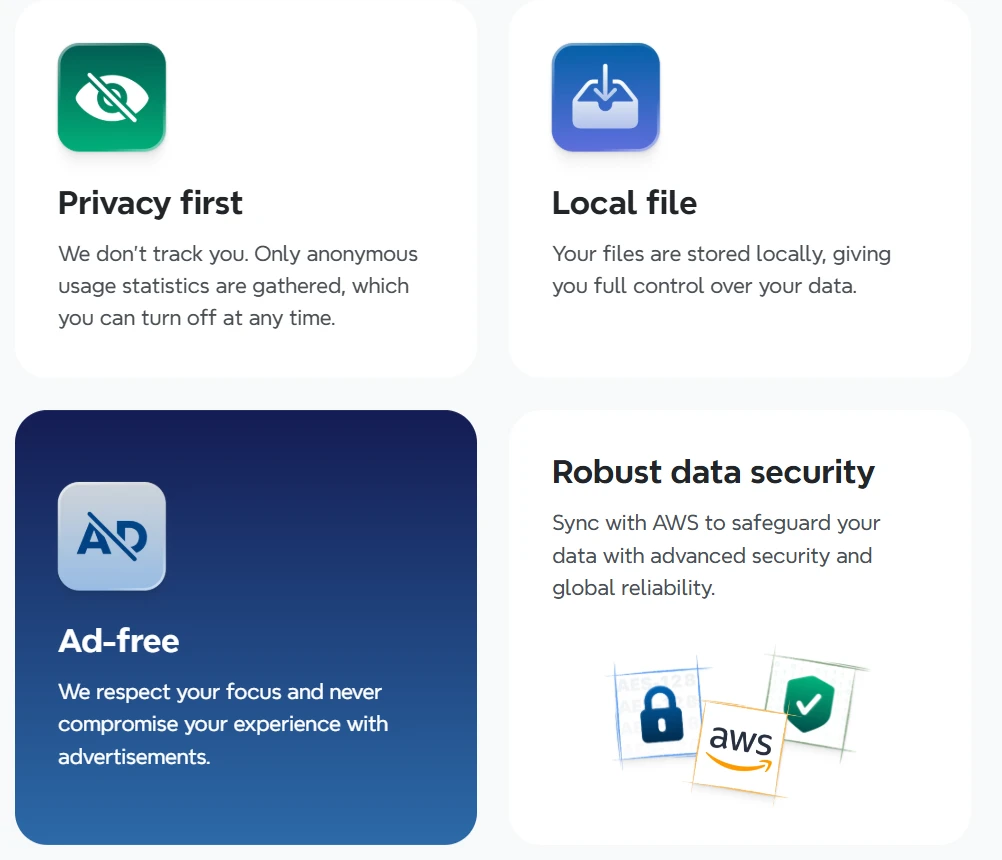
- Private On-Premise Deployment: Buildin allows enterprises to host the entire platform on their own servers. This is a game-changer for legal, financial, or medical teams who require absolute control over their data. Xmind offers local storage, but it lacks the collaborative power of a self-hosted workspace.
When to Choose Xmind
While Buildin is the more versatile tool, Xmind remains a powerhouse for specific use cases:
- Academic and Scientific Diagrams: If you need a very specific Fishbone (Ishikawa) diagram or a complex Matrix for a thesis, Xmind's specialized structures are hard to beat.
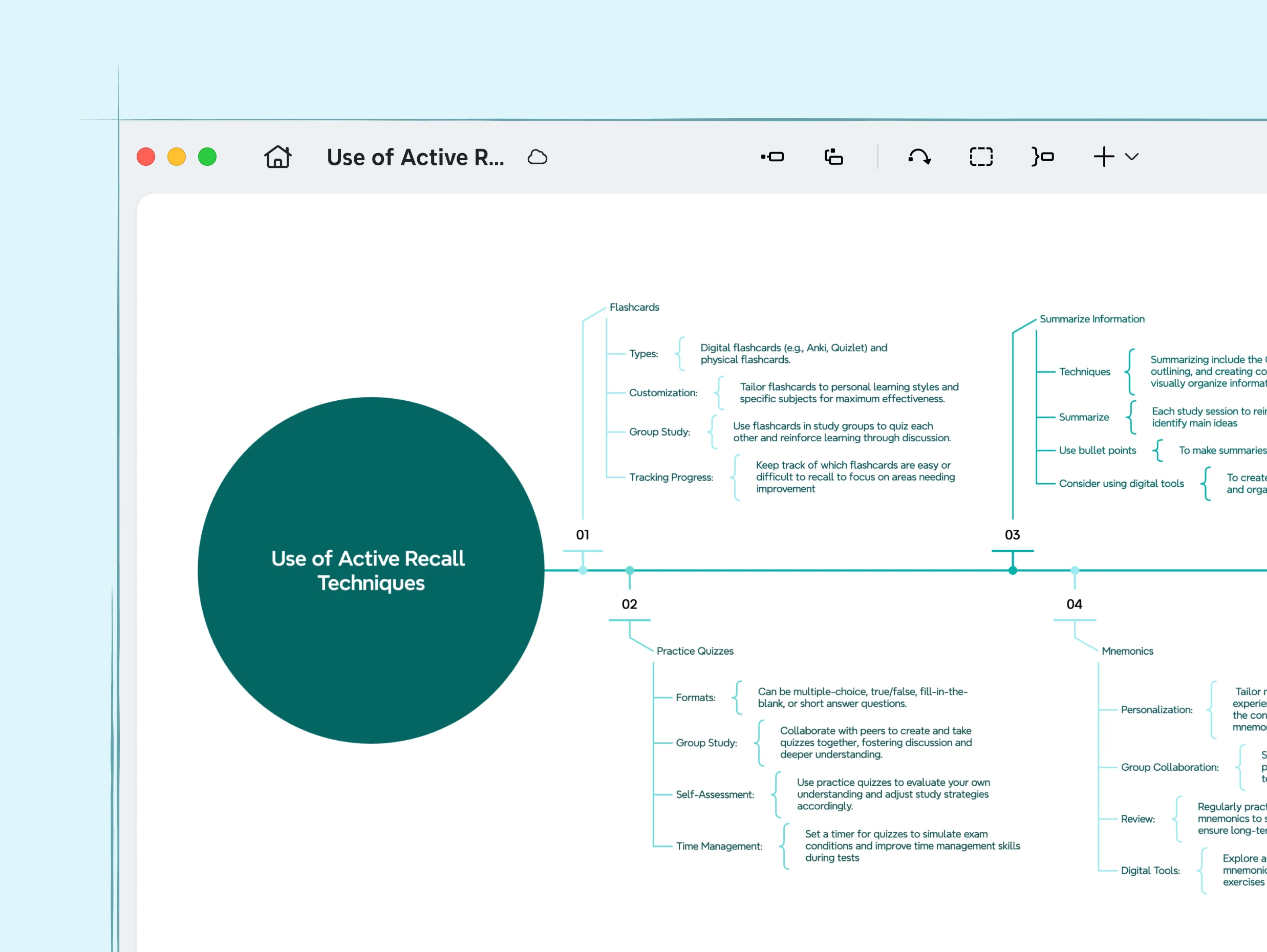
Aesthetic Perfectionists: If you are creating a map for a high-stakes presentation where visual "flair" (tapered lines, specific hand-drawn styles) is the #1 priority, Xmind is the better visual thinking tool.
Solo Offline Use: If you work in an environment with no internet and don't need to collaborate with anyone, Xmind's desktop-first architecture is reliable.
Practical Usage Tips: The Real Experience
The Learning Curve
Buildin: If you have ever used a document editor, you can use Buildin. The "slash" command (
/) makes it easy to drop a mind map into any page without leaving your keyboard.Xmind: Requires some time to learn the shortcuts for different structures, but it is highly intuitive for drag-and-drop users.
AI Implementation in 2026
Use Buildin AI to synthesize information from your research before you start mapping. Ask it: "Summarize these 5 research docs into a mind map outline."
Use Xmind AI when you are stuck on a specific node and need the "Generate Related Ideas" feature to spark new thoughts.
Mind Mapping Feature Comparison
Xmind: 20+ themes, custom branch styles, Fishbone/Timeline/Matrix/Tree layouts, Zen mode, presentation mode. Exports to PNG, PDF, SVG, and Office formats.
Buildin: Node-based canvas that connects to your notes and databases natively. Share as embedded canvas. Team members can edit simultaneously.
Key difference: Xmind creates beautiful standalone mind maps. Buildin keeps mind maps inside a living knowledge workspace where they link to actual content.
Let's Talk About Pricing and ROI
Choosing a tool is an investment.
Buildin Pricing:
Free: Generous access to core features and blocks, including unlimited pages and all database properties for individuals.
Plus ($10/month/user): Includes advanced AI features, unlimited mindmap nodes, and 30-day version history—extremely competitive for an all-in-one suite.
Business ($15/month/user): Optimized for team collaboration with Team Spaces, 1000 guest invites, and 180-day page history.
Enterprise (Custom): Offers private on-premise deployment, full data ownership, and custom security features for high-compliance organizations.
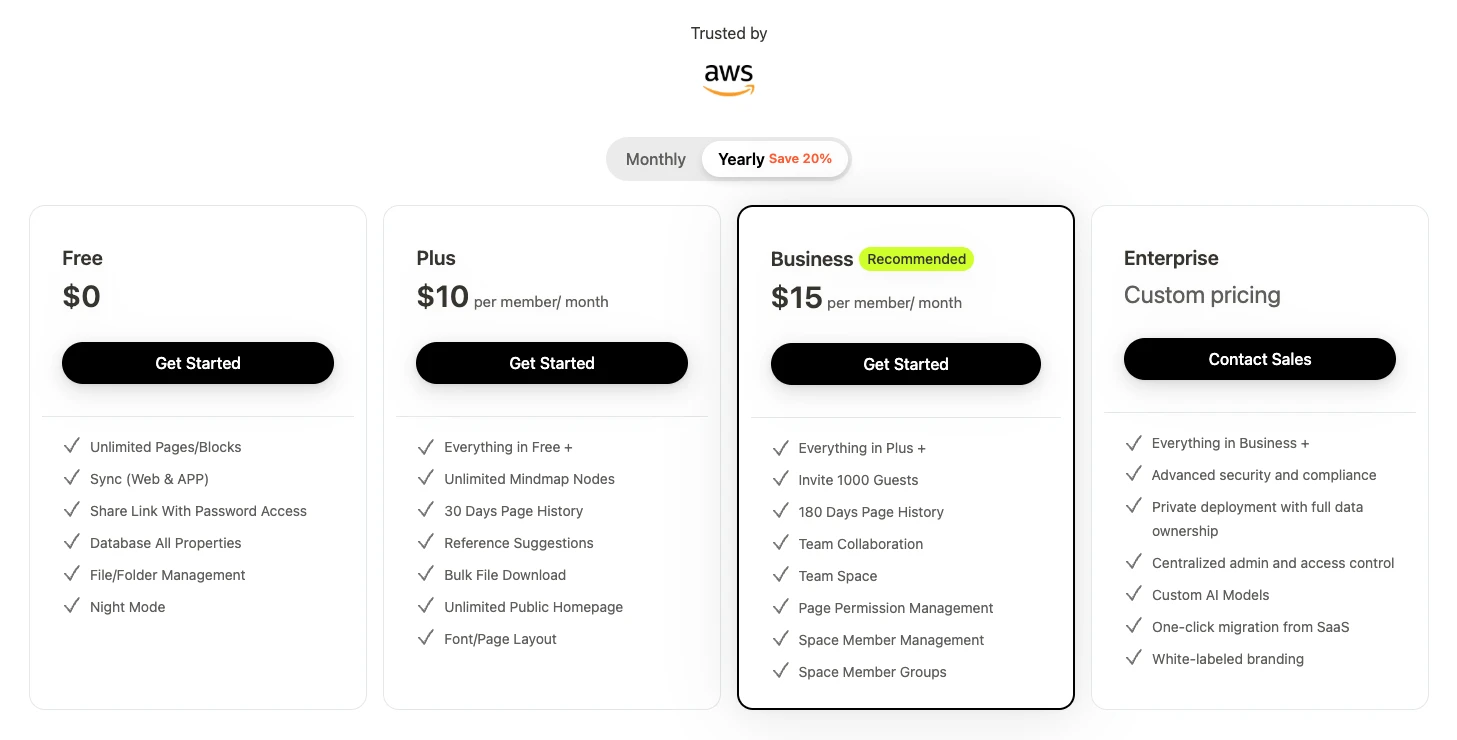
- The ROI: If you sell a single $20 template using Buildin's monetization features, the tool has paid for itself for two months. It is an income-generating asset.
Xmind Pricing:
Free Version: Limited features and watermarked exports.
Pro ($10/month): Unlocks all features across desktop and mobile.
**PremiumPro ($15/month):**Everything in Pro, and Gantt charts to turn mind maps into visual project timelines; Turn topics into tasks with assignees.
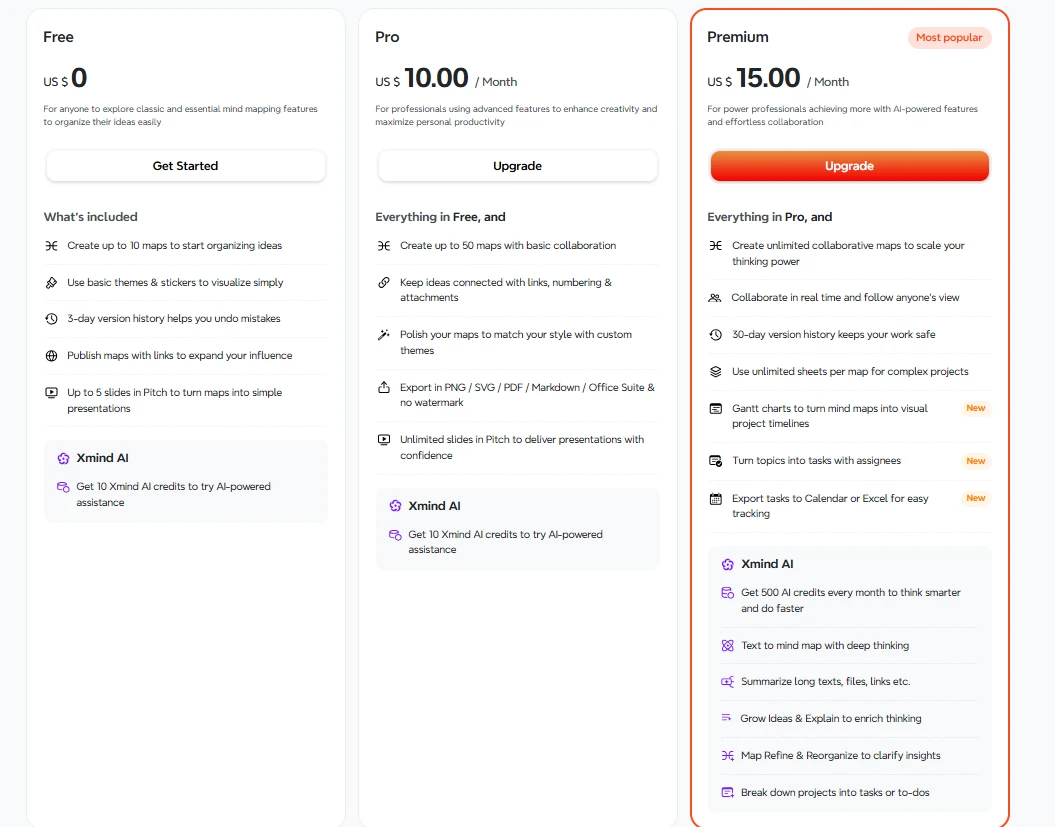
- The ROI: Xmind is a pure utility expense. It helps you think, but it doesn't help you sell.
Final Recommendation: Buildin vs. Xmind
Both platforms are leaders, but they are building for different futures.
If you are a student or a solo researcher who needs a beautiful, offline-capable visual thinking tool to map out complex logic, Xmind is a classic choice.
However, if you are a creator, a knowledge-focused team, or an enterprise looking for a secure, all-in-one platform that allows you to manage projects, brainstorm with mind maps, AND monetize your expertise, Buildin is the clear winner. It is the only tool that bridges the gap between the "Brainstorming" phase and the "Business" phase.
Ready to transform your knowledge into value?
Start using Buildin for free today and experience the future of integrated productivity.

Sency Shen
Skilled in content structuring, topic breakdown, and background research, with a strong interest in knowledge management and content workflows. Responsible for research, information organization, and foundational content preparation at Buildin.