10 Best Evernote Alternatives in 2026 That Won't Lock Your Notes

Evernote is losing its edge. Explore the top 10 alternatives for 2026—from AI powered knowledge bases to privacy first local tools—and find the perfect fit for your workflow.
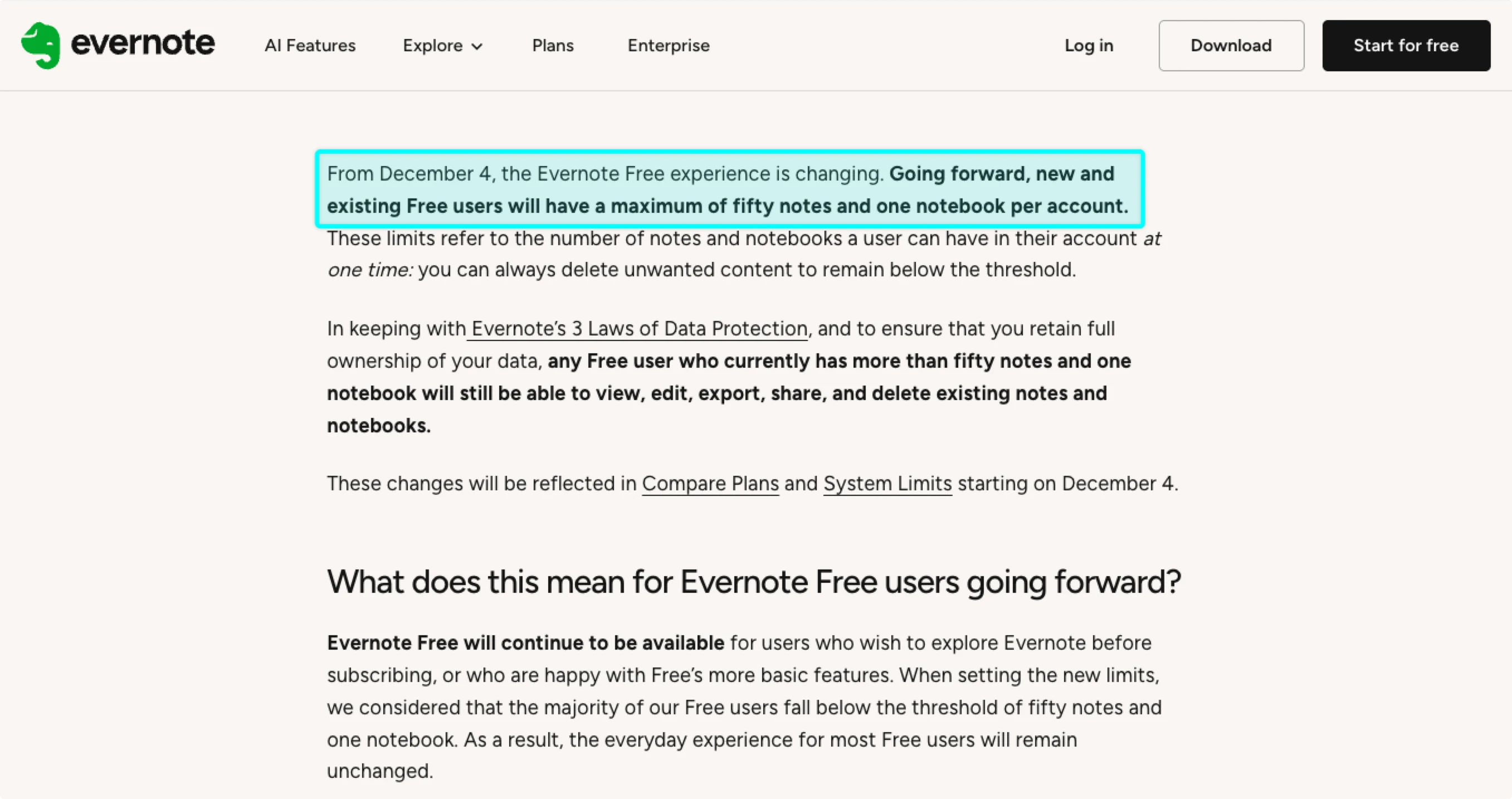
Evernote used to be the obvious choice for note-taking. For millions of users, it was the first serious digital workspace they ever relied on. But in 2026, Evernote is losing users faster than it's gaining them — price hikes, data lock-in concerns, and a stagnating feature set have pushed long-time fans to look for alternatives that won't hold their notes hostage.
The complaints are consistent: the free plan was cut to 1 notebook and 50 notes — barely enough to evaluate the app. Subscriptions now cost $14.99/month for features other tools offer for free. Sync still breaks. And exporting your notes to leave is deliberately difficult. If you've been paying for Evernote out of habit rather than genuine satisfaction, this guide is your exit plan.
We tested 10 Evernote alternatives in 2026 across note-taking, search, collaboration, pricing, and — critically — how easily you can migrate your existing notes. For each tool, we also include a quick migration guide so you can move your data without starting from scratch.
The short answer: Buildin is the best overall Evernote alternative in 2026 for users who want more power without paying more. But the right choice depends on whether you care most about privacy, collaboration, simplicity, or AI features. Read on for our full breakdown.
At a Glance: Top 10 Alternatives Comparison
| Product | Key Features | Best For | Pricing |
|---|---|---|---|
| Buildin | AI Knowledge Base, Monetization, Collaboration | Creators, Teams, Notion Migrators | Free / Plus from $10/mo |
| AFFiNE | Doc-to-Whiteboard Switch, Multimodal AI | Visual Thinkers, Brainstorming Teams | Free / Pro from $6.75/mo |
| Anytype | Object-based, E2E Encryption, P2P Sync | Privacy Enthusiasts, Local Storage | Free / Plus $5 / Pro $10 |
| Heptabase | Visual Cards, PDF Annotation, Mind Maps | Researchers, Students, Deep Learners | Sub from $8.99/mo |
| Logseq | Bi-directional Outliner, Privacy, Daily Journal | Outliner Fans, Developers, Open Source | Free (Open Source) |
| Trello | Kanban Boards, Butler Automation, Integrations | Project Managers, Task-heavy Teams | Free / Premium from $5/mo |
| Bear | Stunning Typography, Nested Tags, Markdown | Minimalist Apple Users, Writers | Sub approx. $2.99/mo |
| Obsidian | Local Markdown, Huge Plugin Library, Graph | Power Users, "Second Brain" Builders | Free for Personal / Paid Sync |
| OneNote | Freeform Canvas, Handwriting, Office Suite | Students, Surface/iPad Users | Free (OneDrive limited) |
| Notion | Databases, All-in-One Workspace, Templates | Power Users, Complex Management | Free / Plus from $10/mo |
Buildin
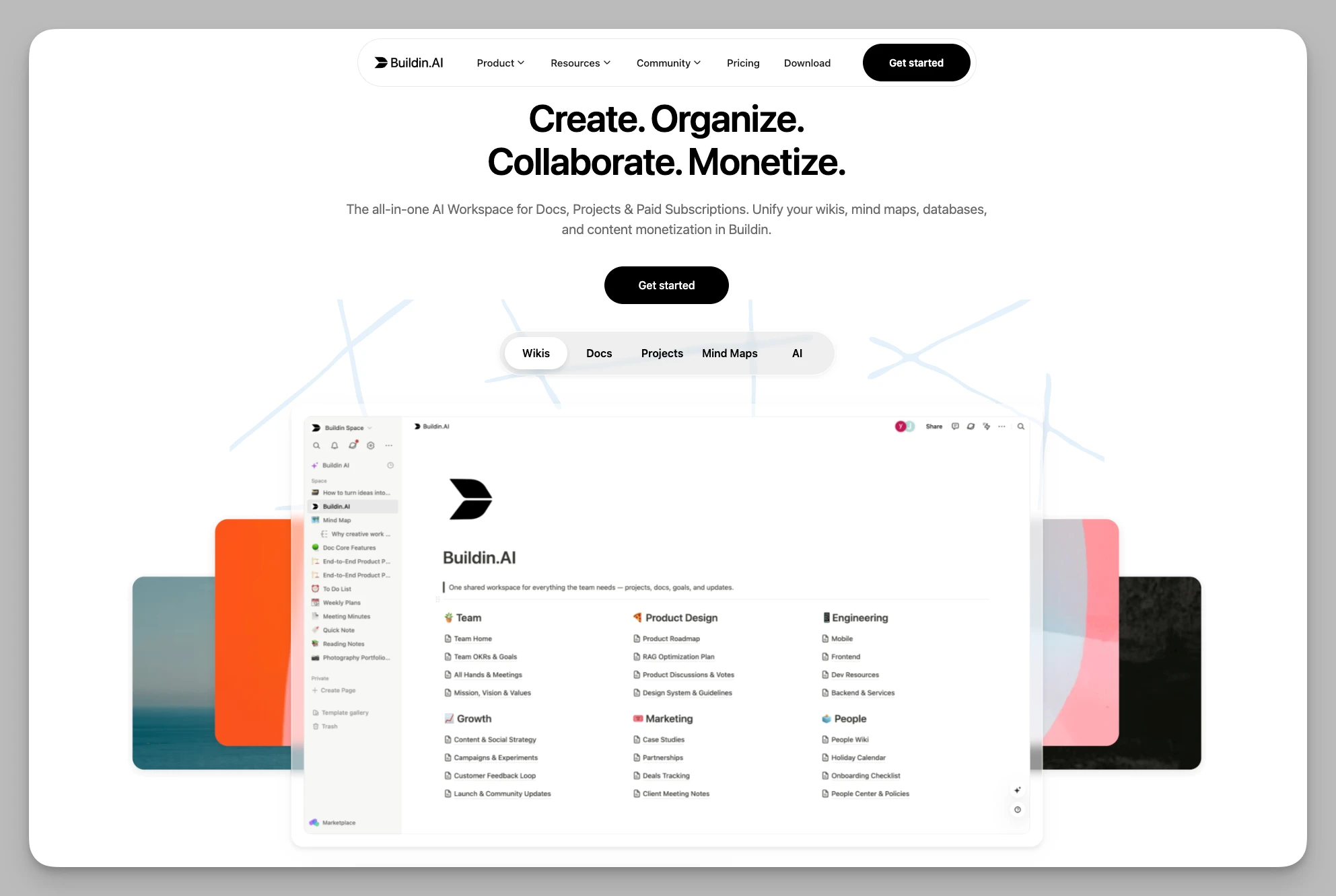
Buildin is a comprehensive knowledge management and collaboration platform designed for individuals, teams, and digital content creators. It seamlessly blends deep note-taking and project management with docs, mind maps, databases, and AI, making it an ideal "all-in-one" solution for the digital age.
Key Features:
High-Efficiency Knowledge Collaboration: Uses flexible pages, multi-dimensional databases, and infinite nesting. It handles everything from personal snippets to massive team wikis with high structural freedom.
Content Monetization: Allows creators to turn notes, templates, or tutorials directly into paid content. It supports one-time purchases or subscriptions without leaving the platform, closing the loop from creation to earnings.
AI Knowledge Base: Every piece of content is supported by AI for deep search, summarization, and generation. The AI connects fragmented insights, helping you extract core value from years of history instantly.
Native Mind Mapping: Includes built-in mind mapping tools to help users organize thoughts and break down complex projects visually.
Hybrid Management: Caters to both "folder-based" traditionalists and "tag-based" modern users for intuitive file management.
Enterprise Deployment: Offers self-hosting or private cloud options for absolute data sovereignty and brand customization.
Cons:
- Growing Ecosystem: As a newer platform, its third-party integration library is still expanding.
Pricing: Free basic version; Plus from $10/mo; Custom quotes for Enterprise.
AFFiNE
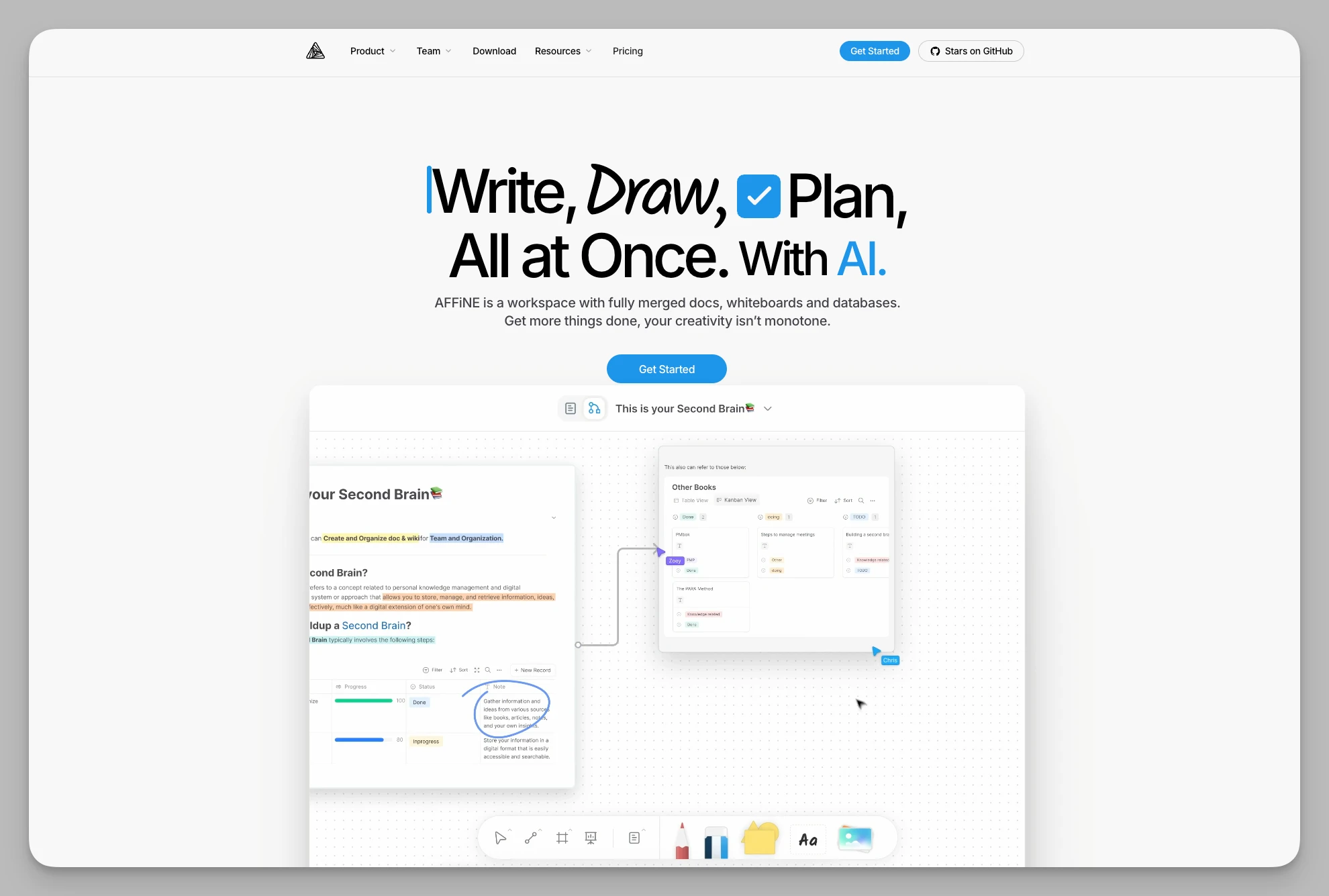
AFFiNE is positioned as a next-generation "knowledge OS," blurring the lines between structured docs, free-form whiteboards, and databases. Its core philosophy is tool-agnosticism—whether you're writing linearly or brainstorming on an infinite canvas, the transition is seamless.
Key Features:
Doc-to-Whiteboard Toggle: Switch any document to a whiteboard mode for instant visual brainstorming.
Local-First & Self-Hosting: Prioritizes privacy with excellent offline performance and self-hosting options.
Multimodal AI: AI assists with text and helps organize structures or generate visual sketches on the whiteboard.
Block-level Database: Combines the database flexibility of Notion with the operability of a whiteboard.
Cons:
- Performance Bottlenecks: Rendering performance on browsers can occasionally lag when dealing with massive whiteboards full of multimedia.
Pricing: Free; Pro from $6.75/mo.
Anytype
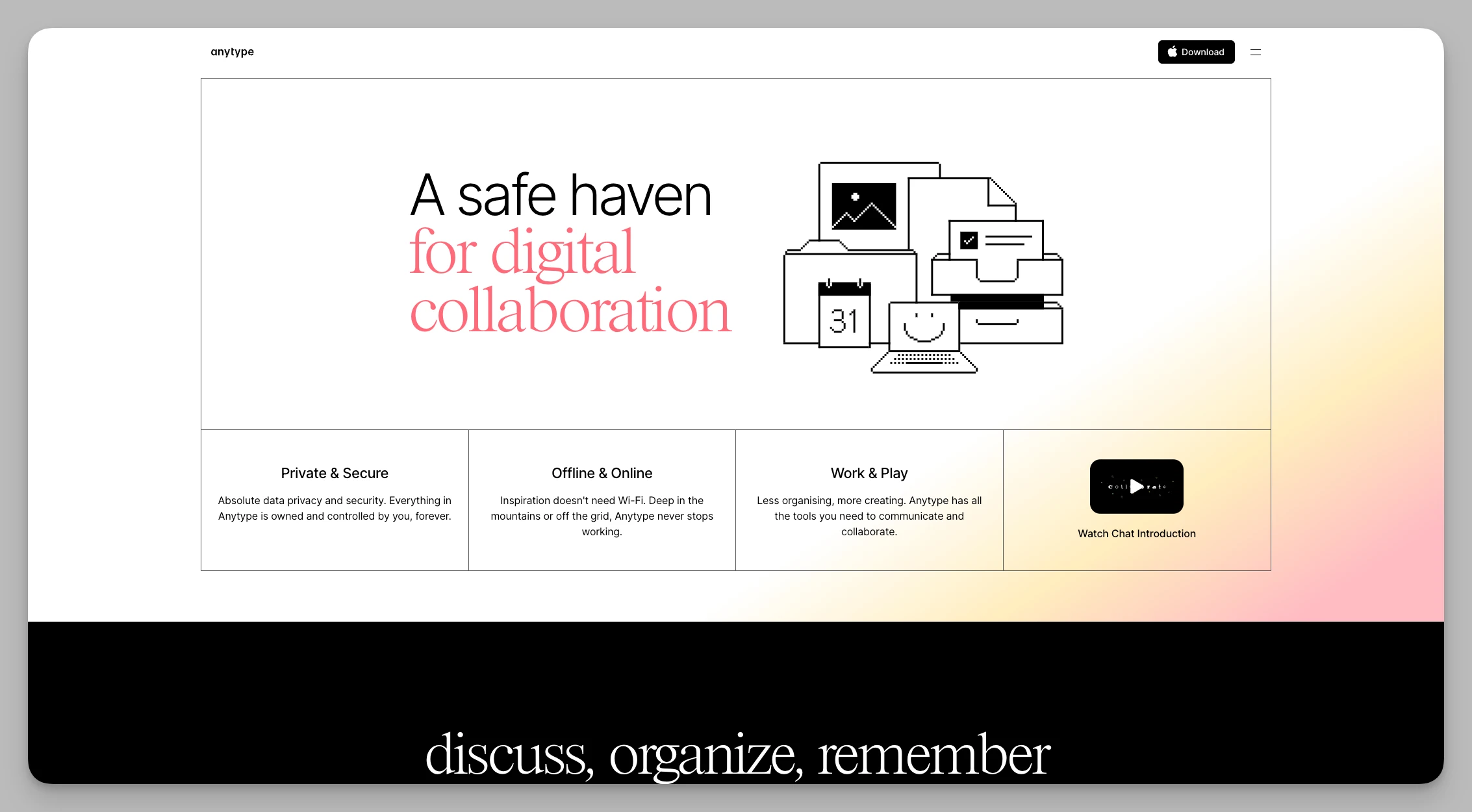
Anytype pushes data sovereignty to the extreme. It is a classic "local-first" architecture that uses decentralized technology to ensure your assets are encrypted and stored locally on your device rather than on a central server.
Key Features:
Object-based Architecture: Treats everything as an "object," allowing for complex data modeling.
P2P Sync: Syncs devices over a local network without a central server.
Encrypted Spaces: Completely isolate work and personal data with physical encryption.
Custom Dashboards: Supports custom widgets to display core data in real-time.
Cons:
Collaboration Threshold: Because of the P2P sync, real-time team collaboration is more complex to set up than traditional cloud tools.
Abstract Logic: The "Object-Relation-Type" logic can be abstract for average users, requiring a learning curve.
Pricing: Free; Plus $5/mo; Pro $10/mo.
Heptabase
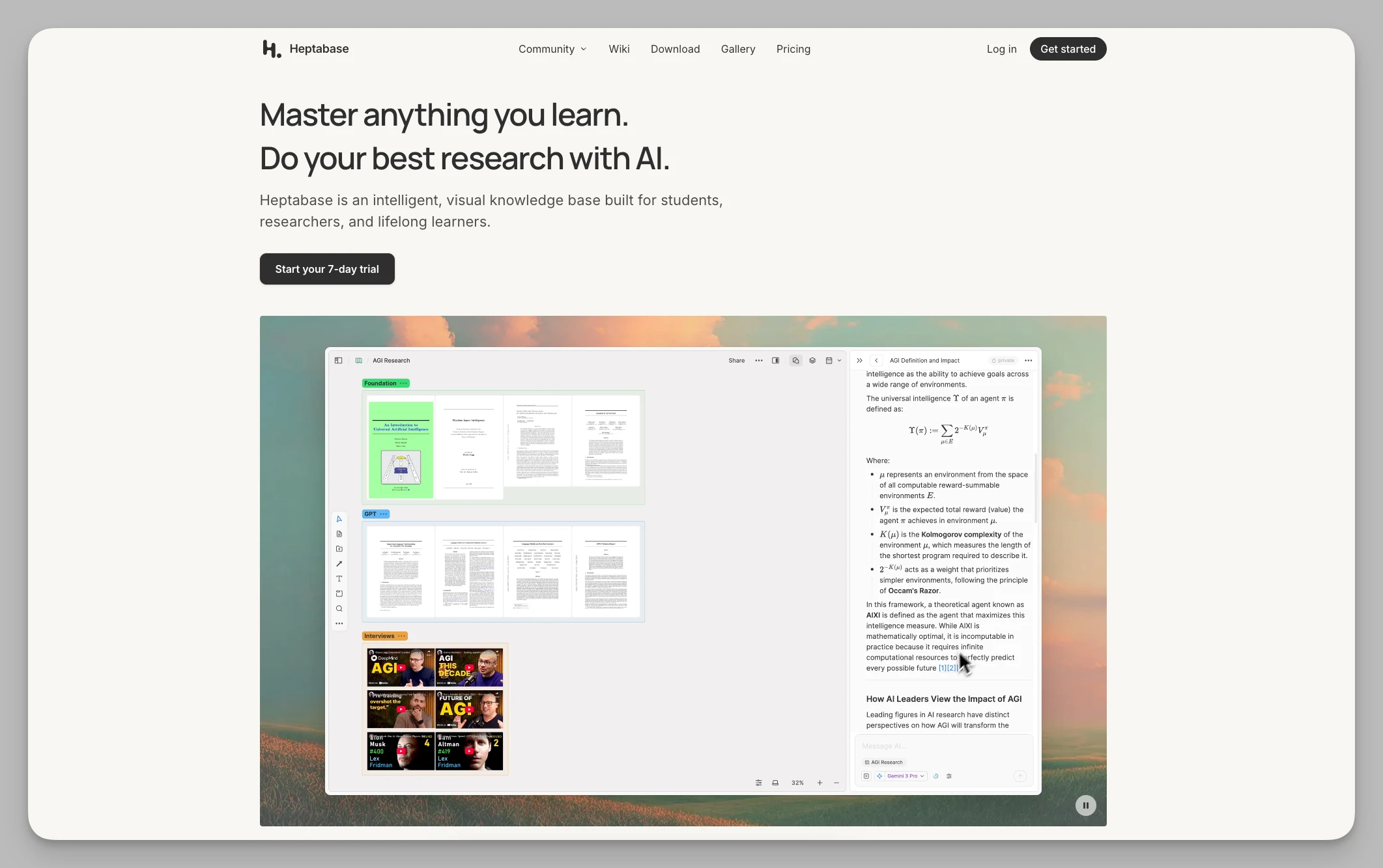
Heptabase is a visual-first tool perfect for researchers and students handling massive amounts of literature. It uses a "visual card-file" concept to help you establish intuitive connections between complex ideas.
Key Features:
Whiteboard-Card Mapping: Cards are the smallest unit and can exist across multiple whiteboards while staying synced.
PDF Citations: Highlight a PDF and link it directly to a note; clicking the link takes you back to the exact paragraph in the PDF.
Hierarchical Whiteboards: Nested whiteboards help build a path from macro architecture to micro details.
Cons:
Limited Mobile Experience: Deep visual thinking is difficult on small screens; the mobile app is currently best for quick capture only.
No Free Tier: Offers a very short trial, creating a barrier for students or casual users.
Pricing: Subscription only, approx. $8.99/mo (billed annually).
Logseq
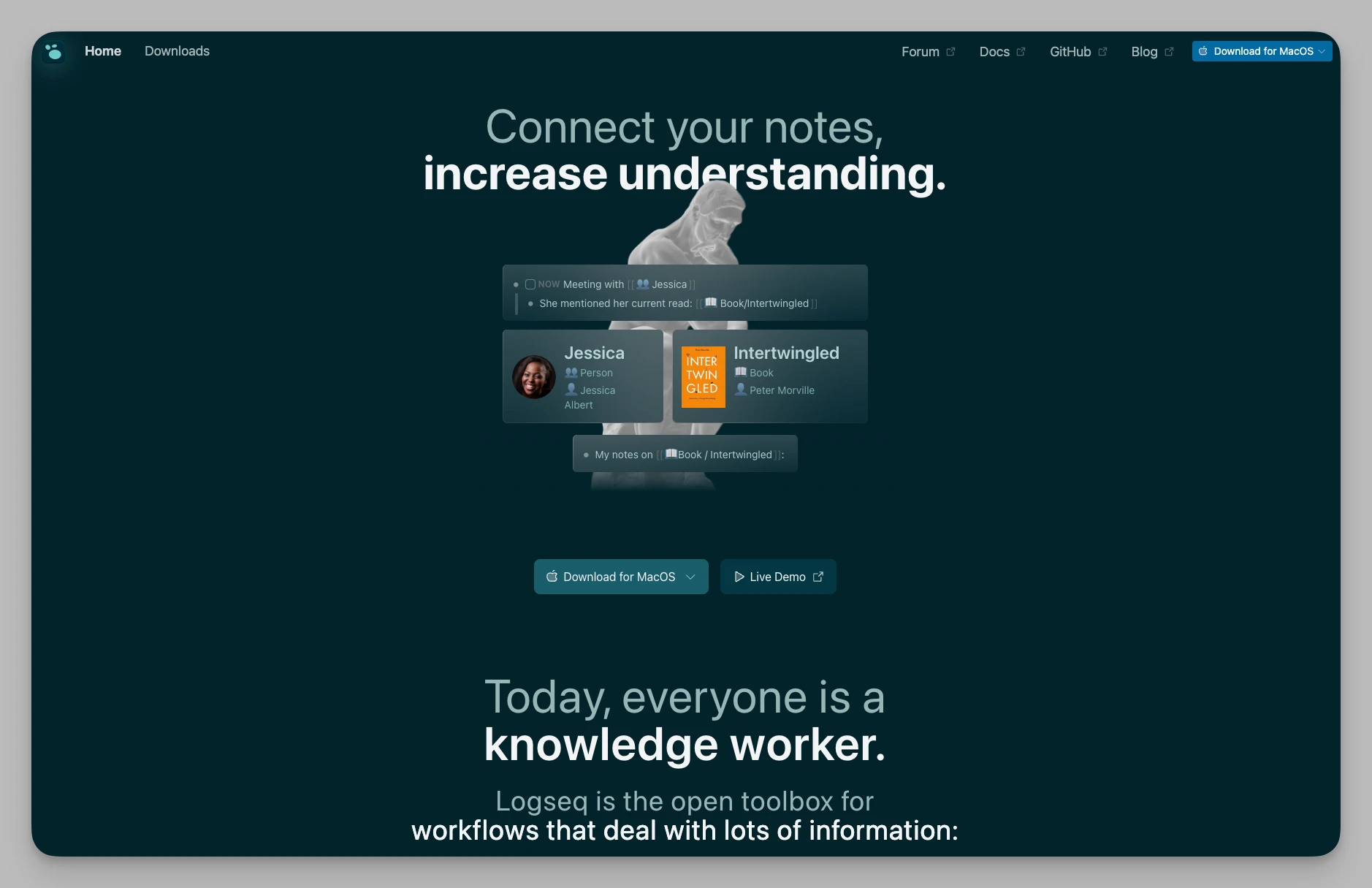
Logseq focuses on bottom-up thinking driven by Daily Notes. It is an open-source privacy powerhouse for "linked thinking" enthusiasts who want to control every line of their data.
Key Features:
Block Properties: Adds specific metadata to blocks for database-like querying.
Whiteboard Linking: Convert outliner content into visual logic diagrams with one click.
Query Functions: Powerful syntax to aggregate tasks and info across journals and pages.
Git Integration: Complete data control with version history via Git.
Cons:
Formatting Limitations: As an outliner, it’s not ideal for long-form writing or complex page layouts.
Sync Complexity: Third-party sync (like iCloud/Dropbox) carries risks of file conflicts.
Pricing: Completely Free (Open Source).
Trello
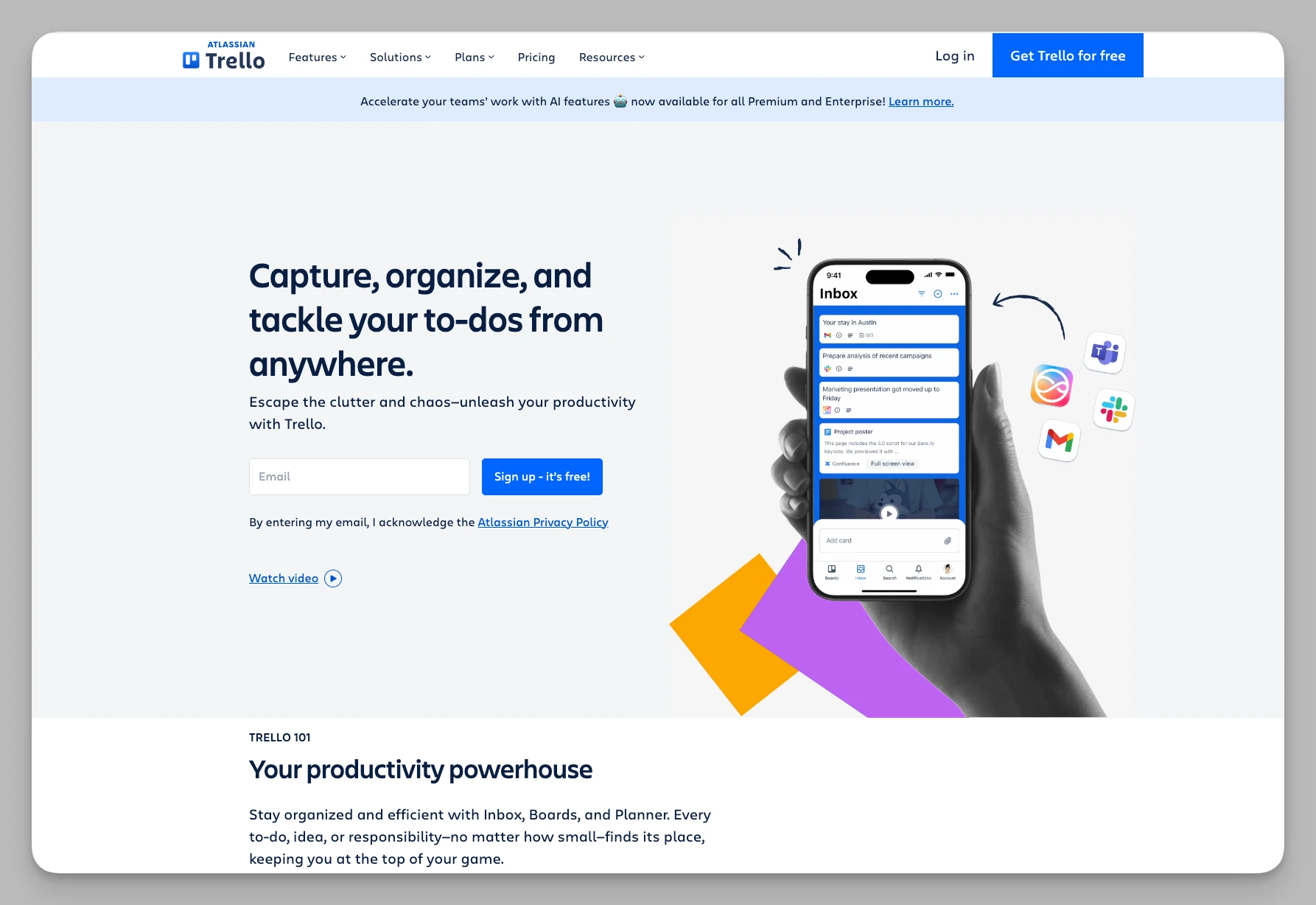
For those whose workflow is defined by "status" and "progression," Trello's Kanban model remains a classic alternative. It turns chaotic info into an orderly flow using a highly visual approach.
Key Features:
Kanban Collaboration: Uses cards for notes, including attachments, discussions, and deadlines.
Butler Automation: Rule-based triggers to automate repetitive administrative tasks.
Integration Ecosystem: A rich marketplace to connect with Slack, GitHub, and more.
Cons:
Lack of Depth: Poorly suited for long-form knowledge storage. The editor feels cramped when notes become lengthy.
Visual Overload: Large projects with hundreds of cards can become visually overwhelming and hard to search.
Pricing: Free; Premium from $5/mo.
Bear
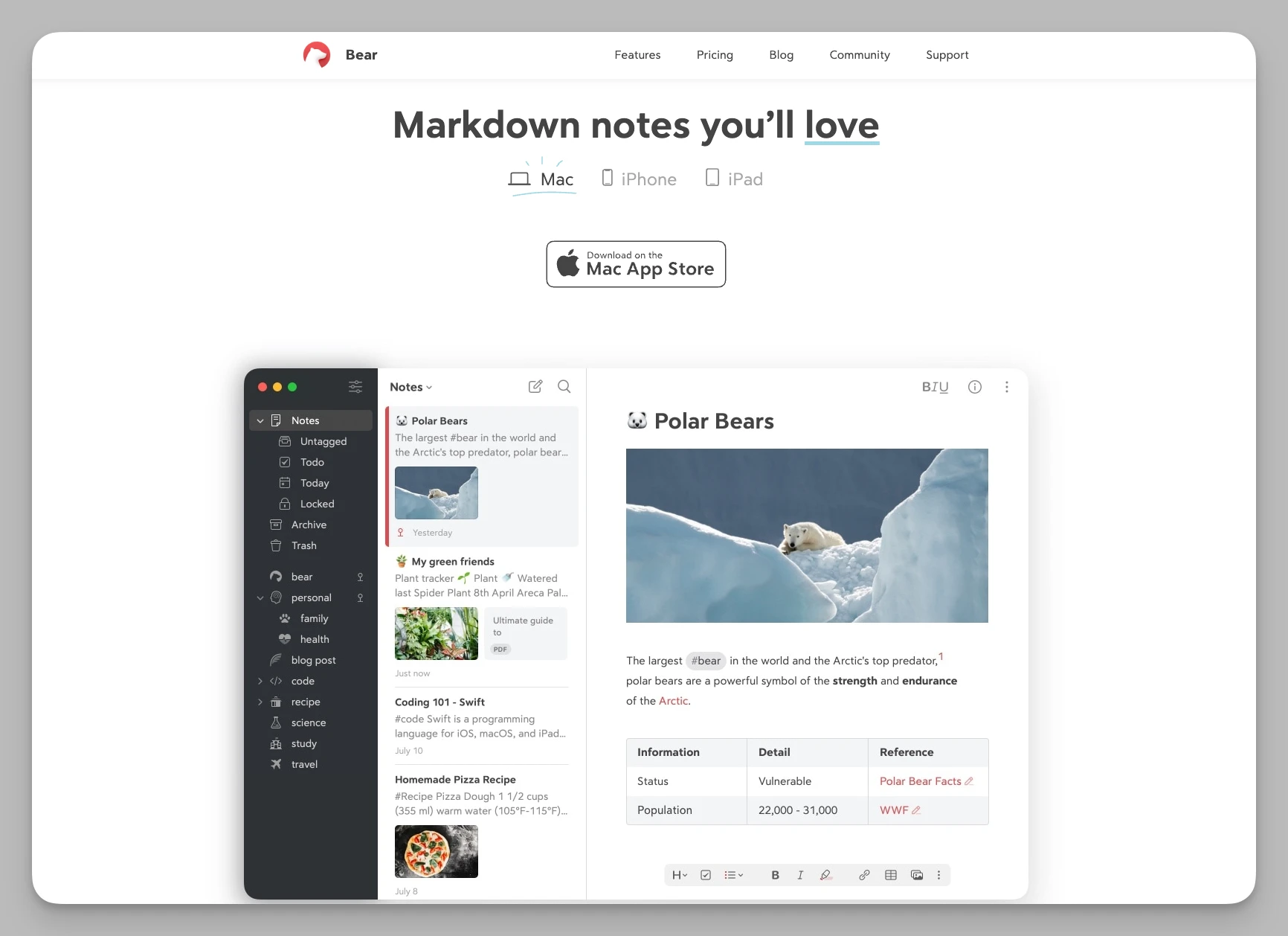
Bear is all about beauty and focus. It is the premier choice for Apple users who want a distraction-free, aesthetically pleasing writing environment that renders Markdown instantly.
Key Features:
Stunning Typography: A custom engine that renders Markdown into beautiful styles in real-time.
Nested Tag System: Replaces folders with a flexible, multi-level tag hierarchy.
High-Quality Export: Offers various themes and exports to ePub, JPG, PDF, and more.
Deep System Integration: Excellent support for Handoff and iOS widgets.
Cons:
Ecosystem Island: Apple ecosystem only; no Windows or Android support, and no real-time team collaboration.
Single-purpose: Lacks databases, kanban, or whiteboard features common in modern productivity tools.
Pricing: Approx. $2.99/mo.
Obsidian
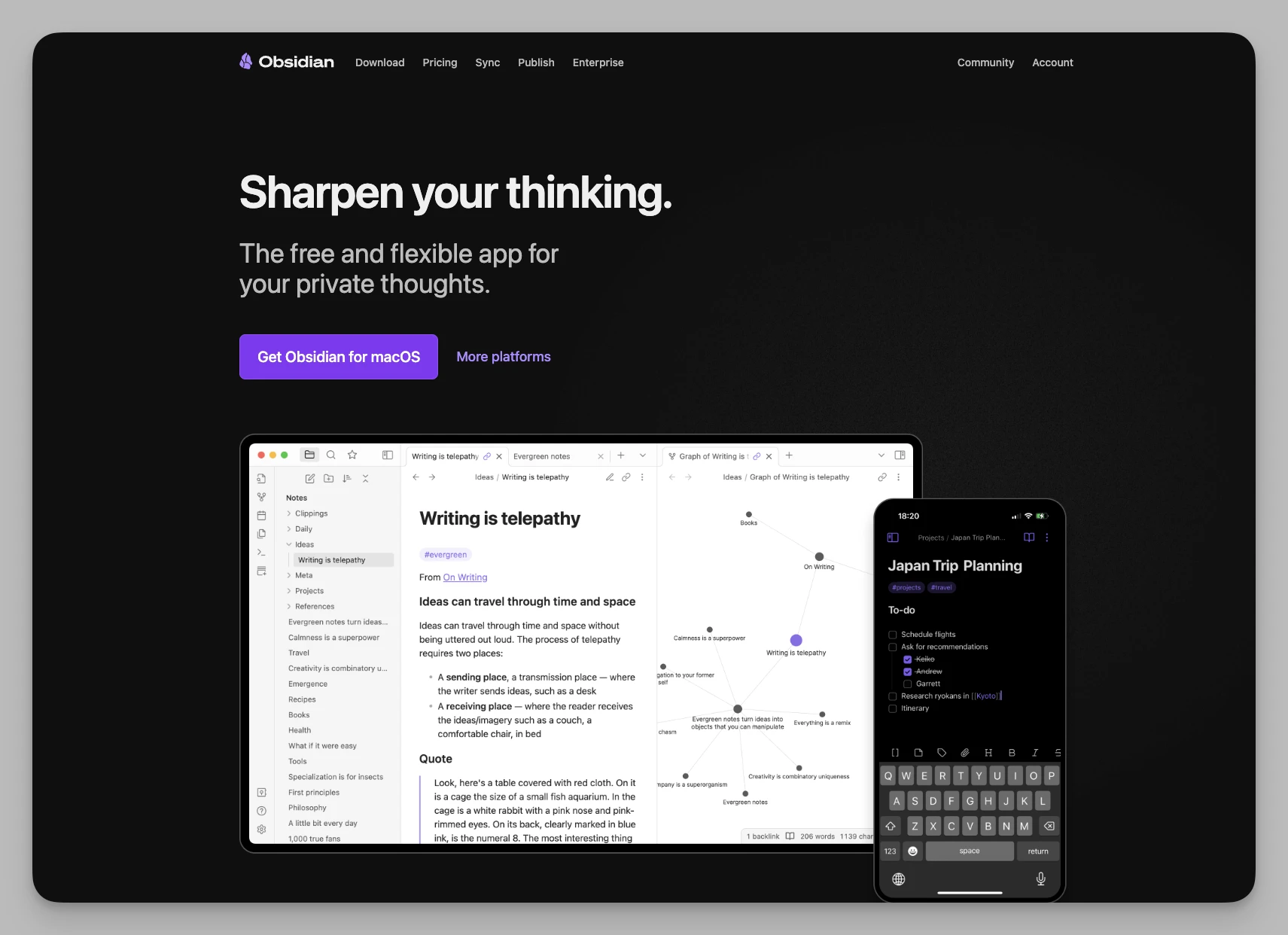
Obsidian is the king of the "Personal Knowledge Base." It stores local Markdown files and offers an immense plugin library that lets you build anything from a simple journal to a complex research system.
Key Features:
Local-First Markdown: You own your files forever, independent of any server.
Dataview Plugin: Use SQL-like queries to turn notes into dynamic tables or lists.
Canvas Mode: A visual whiteboard to 平铺 (tile) Markdown notes as nodes for thinking.
YAML Metadata: Supports front-matter for highly automated classification and indexing.
Cons:
High "Tinkering" Cost: You may spend more time configuring plugins and CSS than actually taking notes.
Limited Collaboration: Not designed as a real-time collaborative platform for teams.
Pricing: Personal use is Free; Official Sync is approx. $4/mo.
OneNote
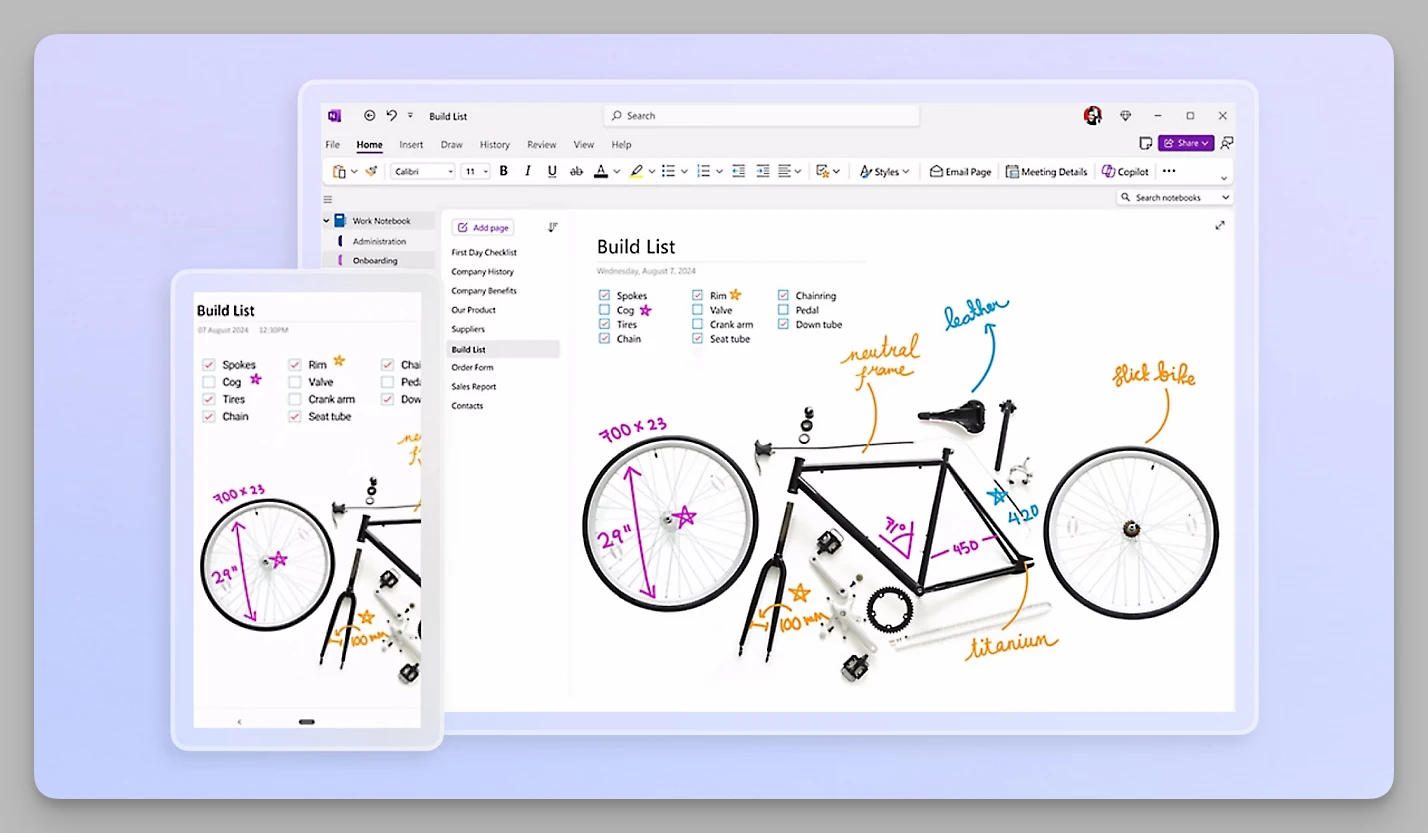
If you live in the Microsoft 365 world, OneNote is the most stable and familiar choice. Its "digital ring binder" feel is perfect for mixing handwriting with typed text and Office documents.
Key Features:
Freeform Canvas: Type anywhere on the page, supporting mixed media like audio and ink.
OCR & Handwriting: Excellent optical character recognition for images and handwritten notes.
Immersive Reader: Specialized focus mode with text-to-speech and grammar breakdown.
Web Clipper: One of the best in the industry for preserving original webpage layouts.
Cons:
Fixed Hierarchy: The "Section-Page" logic feels dated compared to modern bi-directional link and atomic note trends.
Export Restrictions: Migrating content from OneNote to Markdown tools is famously difficult.
Pricing: Free (OneDrive limited) or included in Microsoft 365.
Notion
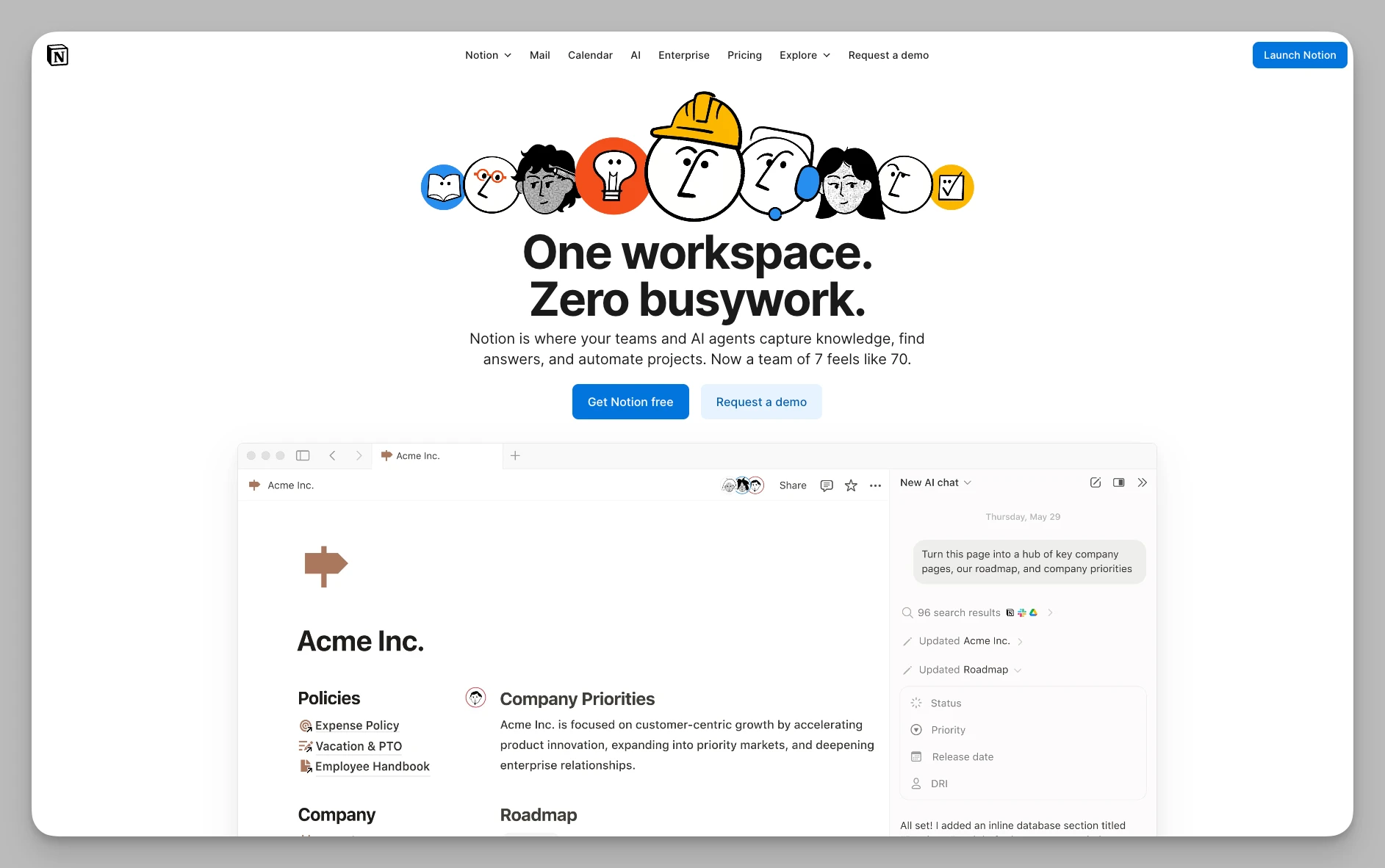
The pioneer of the "All-in-One" workspace, Notion is the industry standard for collaboration. It is a micro-OS for your life or business, driven by a powerful database engine.
Key Features:
Databases 2.0: Powerful formulas and filters to manage everything from finances to roadmaps.
Notion AI Autofill: Automatically generates summaries or structured data based on page content.
Wikis: Specialized management for company handbooks with status and archive features.
Global Template Market: A massive library of ready-to-use workflows for any scenario.
Cons:
- Limited Offline Functionality: Performance can lag significantly as the database grows, and offline access is restricted.
Pricing: Free for Personal; Pro from $10/mo.
FAQ: Evernote Alternatives
Q: What is the best free Evernote alternative?
A: Buildin and Notion both offer free tiers with more features than Evernote's now-restricted free plan. Buildin's free tier includes unlimited notes, AI search, and basic database views. Obsidian is free for local use with no note limits.
Q: Can I export my Evernote notes without losing formatting?
A: Export as .enex (Evernote XML) preserves the most formatting. Then use the import tools in Buildin, Notion, or Bear — all three handle .enex natively. Obsidian requires the Yarle tool to convert .enex to Markdown, which is an extra step but worth it for long-term portability.
Q: Which Evernote alternative has the best mobile app?
A: Buildin and Notion have the strongest cross-platform mobile apps in 2026. Bear is excellent on iOS but Mac/iOS only. Obsidian's mobile app works but is slower than dedicated mobile-first apps.
Final Verdict: Which One Should You Choose?
For Structured Collaboration & Monetization: If you want extreme page structure and team collaboration, Buildin or Notion are your best bets. Buildin has a distinct edge for creators looking to monetize knowledge, while Notion remains the standard for team project management.
For Visual Thinking & Academic Modeling: Visual thinkers should try AFFiNE for its doc/whiteboard hybrid or Heptabase for its rigorous card-file system for research.
For Advanced Learning & Long-term Memory: We recommend RemNote for its built-in Spaced Repetition (SRS) or Tana for advanced users who want the ultimate in flexible data structures.
For Privacy & PKM (Personal Knowledge Management): Prioritize Obsidian (Local Markdown) or Anytype (E2E Encrypted & P2P) for the most secure and geek-friendly experience.
For Pure Writing & Aesthetics: Apple enthusiasts seeking minimalist beauty should choose Bear, while heavy Microsoft users should stick with OneNote for seamless integration.
There is no "best" tool—only the one that fits your current workflow. Hopefully, this guide helps you say goodbye to the "Elephant" and embrace a more efficient digital life in 2026!

Amara Elara
Specializes in visualizing complex processes and improving product education. Responsible for user support, product tutorials, and visual guides at Buildin, helping users improve tool adoption and overall productivity.