Las 10 mejores alternativas a Obsidian en 2026: más allá del enlace bidireccional
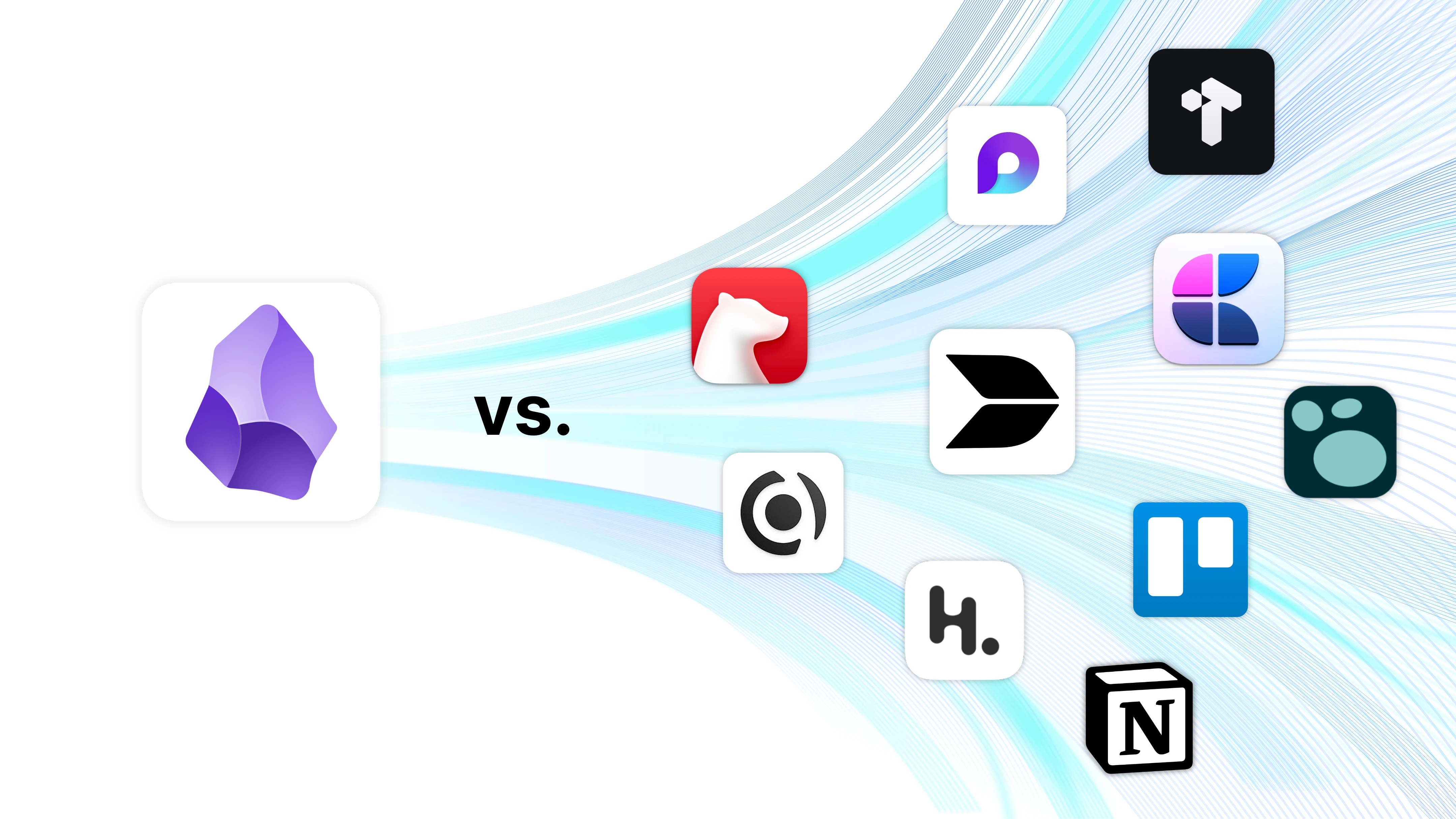
Repasamos las mejores herramientas de gestión del conocimiento con IA de 2026 y comparamos Buildin, Obsidian, Craft, Heptabase y muchas más.
Obsidian es potente. Pero "potente" no siempre significa "más fácil de usar". Casi nadie que busca alternativas a Obsidian está renunciando a la idea de una base de conocimiento personal: lo que busca es una que no exija un fin de semana de configuración, un plugin para cada función básica y una solución de sincronización aparte solo para leer las notas en el móvil.
Los tres puntos de fricción reales de Obsidian: mantener un ecosistema de plugins que crece y donde una actualización puede romperte el flujo; una sincronización móvil que cuesta 10 $ al mes o exige un apaño casero; y un almacenamiento solo local que vuelve casi imposible el trabajo en equipo sin bastante esfuerzo extra.
En 2026 hay opciones genuinamente mejores según lo que necesites. Si quieres el enlazado de Obsidian sin la complejidad, prueba Logseq. Si necesitas colaborar, Buildin o Notion. Si piensas en imágenes, Heptabase. Esta guía cubre las 10 mejores alternativas probadas en 2026, con un análisis honesto de a quién le sirve cada una.
Vamos con las diez que merecen una oportunidad este año.
1. Buildin
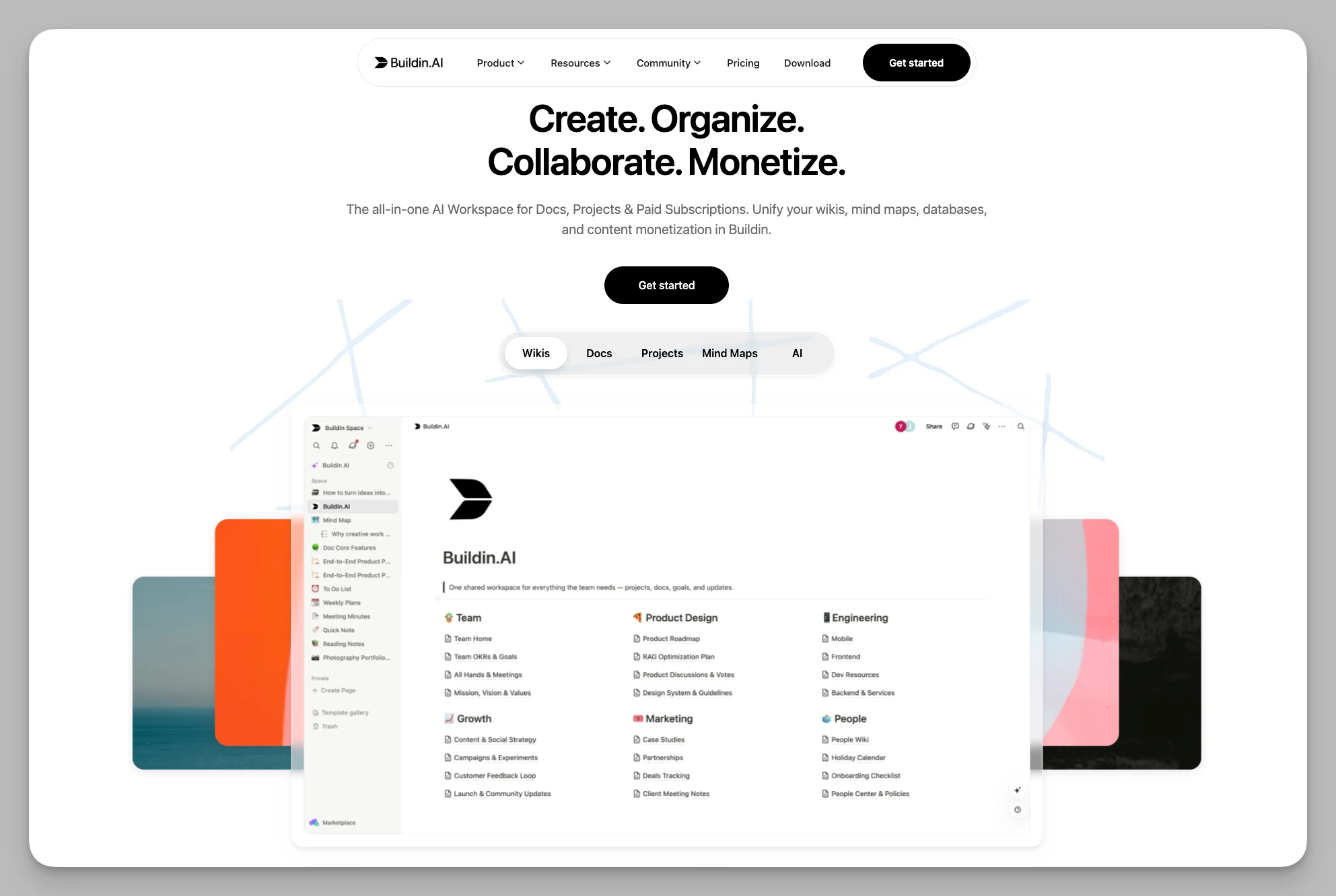
Buildin es una plataforma de conocimiento todo en uno pensada para particulares, equipos y creadores digitales. Rompe la frontera entre registrar, gestionar y monetizar, y ofrece un circuito de productividad casi perfecto a quien busca una solución única.
Puntos clave:
Registro eficaz: páginas, bases de datos y anidación flexibles, perfectamente compatibles con las notas personales y con la base de conocimiento de un equipo.
Monetización del contenido: un sistema de suscripción integrado convierte notas, plantillas o tutoriales directamente en productos digitales.
Base de conocimiento con IA: búsqueda semántica, resumen automático y generación inteligente, muy integradas, para conectar rápido ideas dispersas.
Tus propios modelos de IA: la IA se cobra en créditos (1.000 por miembro al mes en Plus y 2.000 en Business) y los espacios Business pueden conectar su propia clave compatible con OpenAI o de Anthropic.
Mapas mentales y arquitectura: mapas nativos que admiten enlaces bidireccionales sin renunciar a la gestión tradicional por carpetas.
Ecosistema de automatización: una API abierta para integrar servicios externos y montar flujos a medida.
Despliegue privado: autoalojamiento o nube privada, para garantizar la soberanía del dato corporativo y personalizar la marca.
Ventajas:
Todo en uno: integra notas, colaboración y monetización, y reduce mucho el coste de saltar entre herramientas.
Pensado para vender: trae un sistema de cobro incorporado que simplifica distribuir y vender productos digitales.
Migración suave: muy amable con quien viene de Notion, con traslado por API en un clic.
Trabajo en equipo nativo: colaboración en tiempo real muy sólida, capaz de sostener la gestión del conocimiento de una empresa.
Precio: gratis para uso individual; Plus por 10 $ y Business por 15 $ al mes y usuario (facturación anual); soluciones a medida para empresa.
2. Heptabase
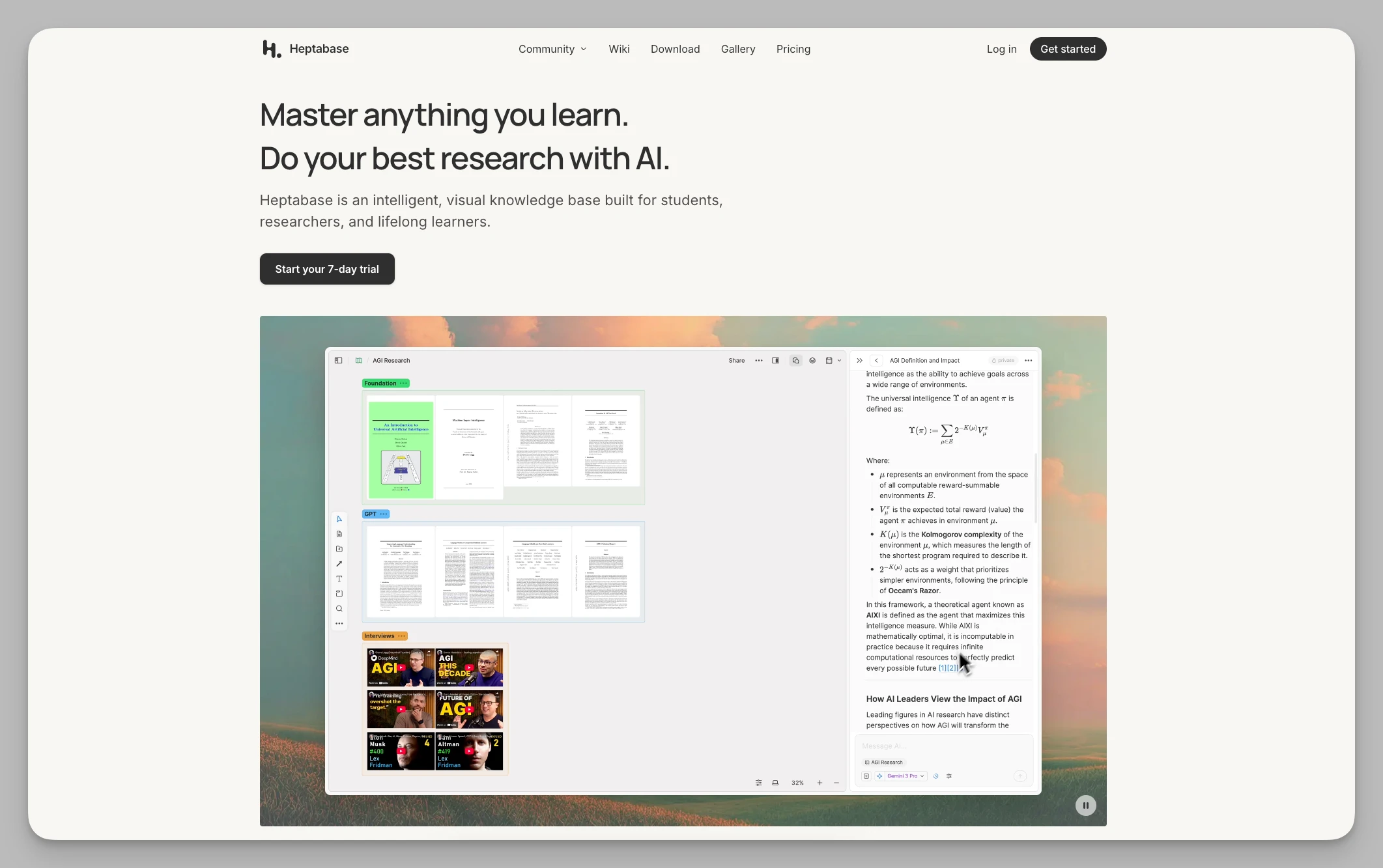
Heptabase es una herramienta de pensamiento visual construida para tareas de aprendizaje complejas. Convierte las notas dispersas en tarjetas y te deja ordenar las ideas en un lienzo infinito.
Puntos clave:
Flujo visual: arrastra las tarjetas a una pizarra y construye mapas lógicos con líneas y agrupaciones.
Integración profunda con PDF: el lector incorporado permite extraer directamente; lo subrayado se convierte en tarjeta con un clic.
Línea de tiempo de doble eje: una vista de diario donde conviven las ocurrencias del día y las tarjetas de investigación.
Mapas estructurados: gestiona varios espacios con la vista de mapa y pasa sin costuras del marco general al detalle.
Ventajas:
Mucho rendimiento al estudiar: ideal para manejar material de referencia abundante y reducir la carga mental de entender conceptos complejos.
Orientación visual: la disposición en pizarra deja las conexiones a la vista y rompe los límites del documento lineal.
Precio: software de pago, unos 11,99 $ al mes, con prueba gratuita.
3. Tana
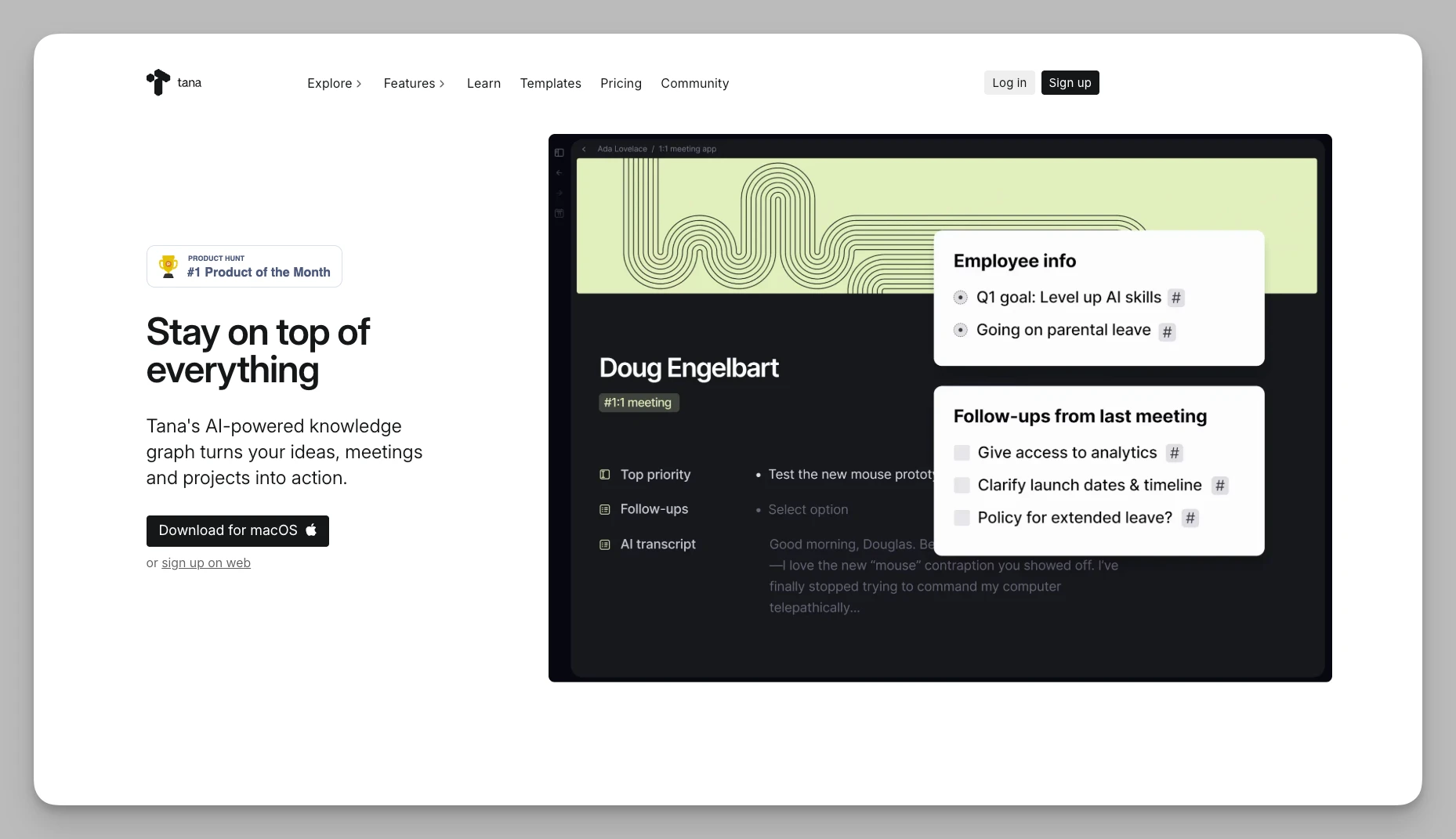
Tana es el arquitecto del mundo de las notas: da la vuelta por completo a la jerarquía de carpetas en favor de una lógica de nodos muy estructurada.
Puntos clave:
Supertetiquetas: asignan campos estructurados a los nodos y dan a cada línea atributos de base de datos.
Consultas en vivo: recogen automáticamente los nodos pertinentes de todo el espacio según condiciones predefinidas.
Vistas multidimensionales: los datos de una misma etiqueta se ven como esquema, kanban, tabla o lo que necesites.
Automatización por comandos: los atajos integrados permiten mover datos y cambiar estados con una configuración sencilla.
Ventajas:
Sin ordenar a mano: la lógica de datos es rigurosísima; una vez montado el sistema, casi nunca hay que mover nada.
Flexibilidad extrema: la estructura de nodos maneja de maravilla la información fragmentada e interconectada, una bendición para montar sistemas de trabajo complejos.
Precio: la versión base parte de unos 8 $ al mes.
4. Capacities
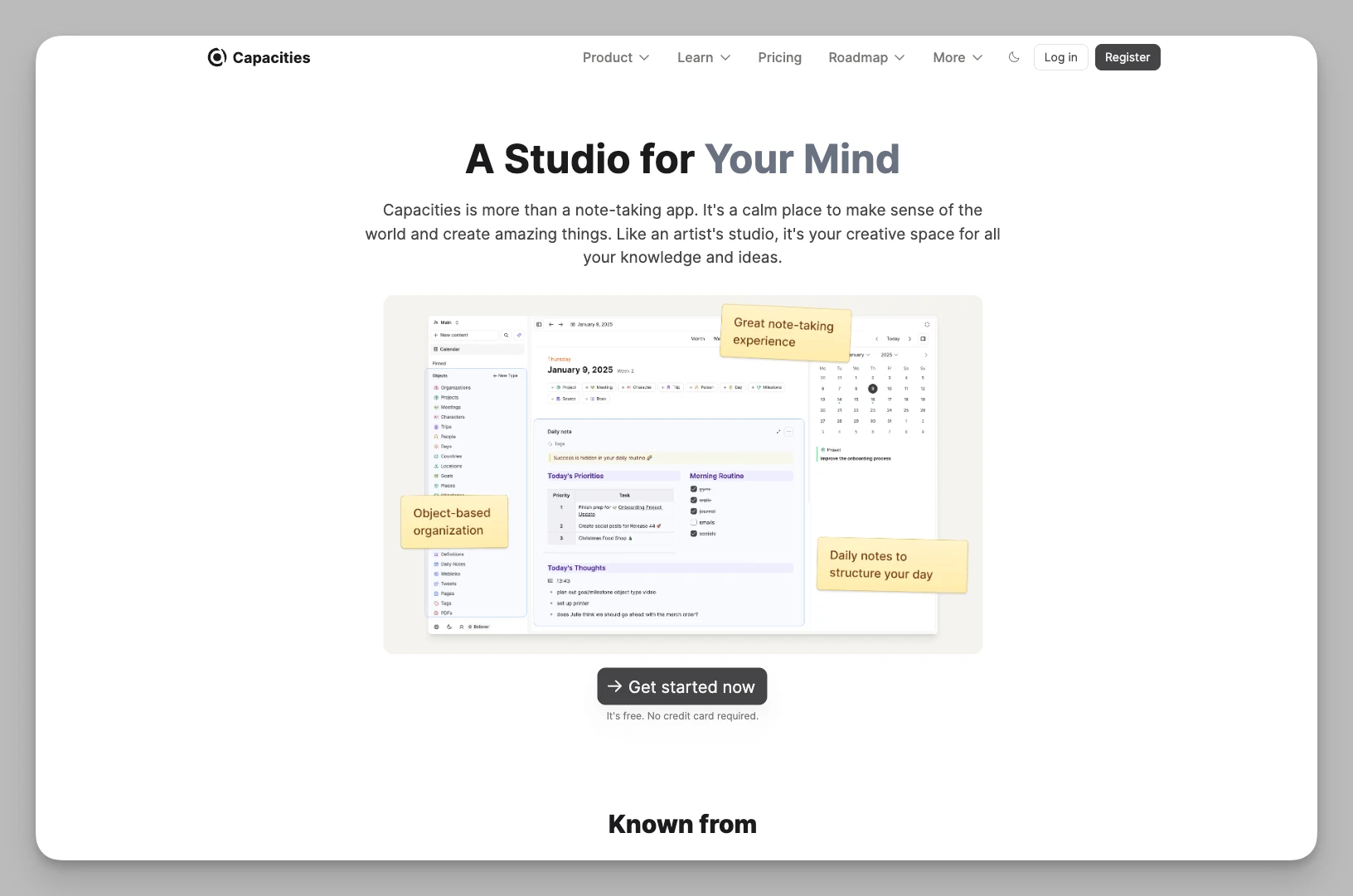
Capacities propone tomar notas en torno a "objetos" y se esfuerza por imitar la forma natural en que el cerebro percibe las cosas.
Puntos clave:
Almacenamiento por objetos: define la información como entidades del tipo "libro", "persona" o "proyecto", cada una con sus plantillas de atributos.
Indexación automática: el sistema genera páginas de índice muy vistosas según el tipo de objeto y la fecha, sin que intervengas.
Grafo multidimensional: más allá de los enlaces bidireccionales, genera redes de relación a partir de los metadatos de cada entidad.
Flujo de nota diaria: una vista de diario que permite enlazar deprisa una inspiración suelta con la entidad que corresponda.
Ventajas:
Bonito y de bajo mantenimiento: interfaz muy cuidada, y el sistema automatiza el trabajo pesado de clasificar, así que tu base siempre está ordenada.
Experiencia de enciclopedia: perfecto para construir una enciclopedia personal y acumular conocimiento a largo plazo.
Precio: versión básica gratuita; versión Believer por unos 9,99 $ al mes.
5. Logseq
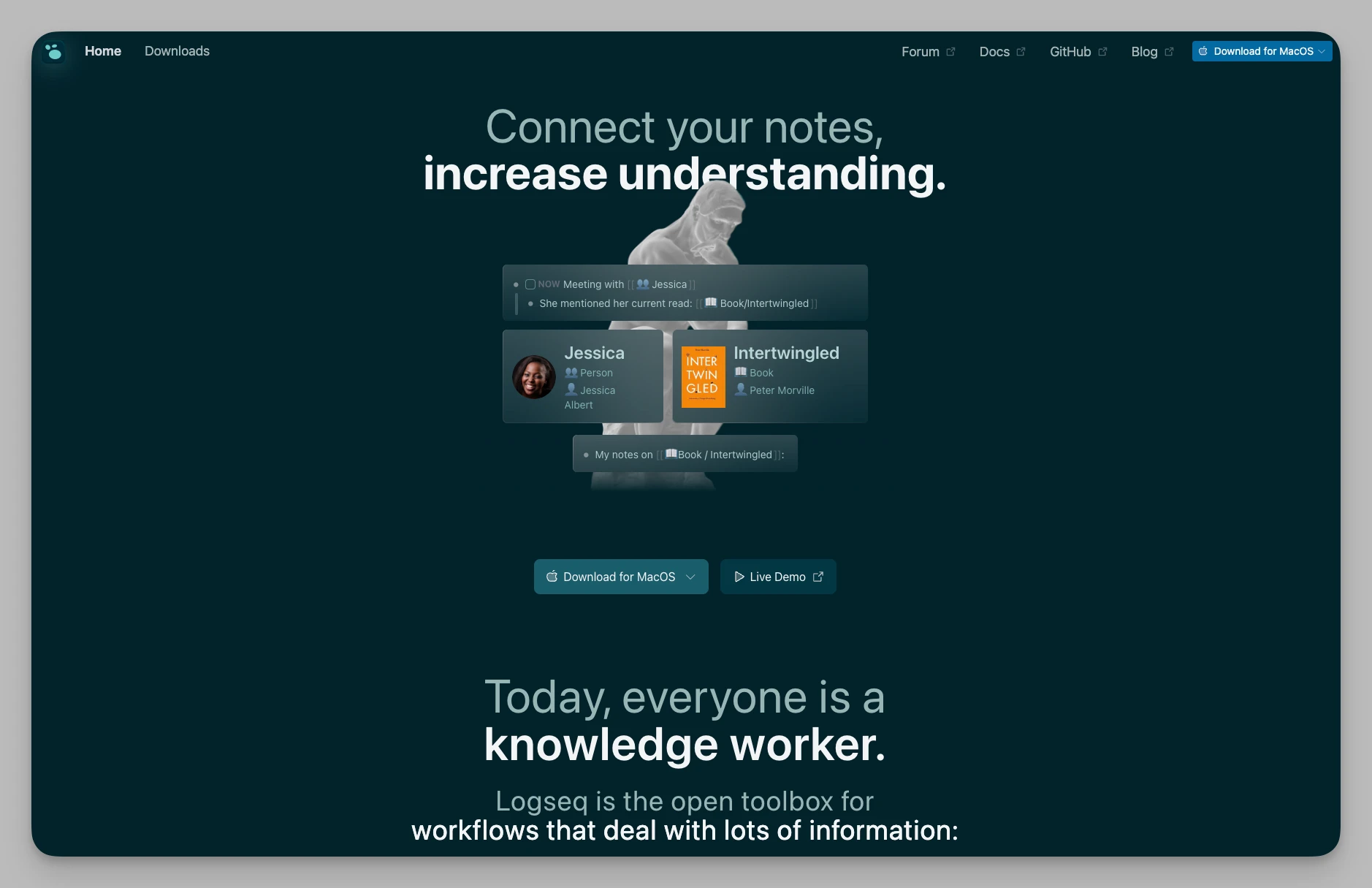
Referente del mundo del código abierto, Logseq sigue siendo la primera opción para quien busca privacidad y una lógica de esquema pura.
Puntos clave:
Editor con la privacidad por delante: esquema por bloques con los datos guardados en local y Markdown nativo.
Enlaces bidireccionales con PDF: la herramienta de anotación permite que la cita salte a la fuente original y admite comparar varios documentos.
Filtrado por atributos: añade etiquetas a cada bloque y extrae datos concretos con consultas avanzadas potentes.
Tarjetas de repaso: el sistema de repetición espaciada convierte cualquier bloque en una tarjeta con un clic.
Ventajas:
Libertad completa: de código abierto, gratis y con un ecosistema de plugins muy rico; el control sobre tus datos es absoluto.
Amable con lo académico: una experiencia de primer nivel para revisión bibliográfica, diario de investigación y anotación profunda.
Precio: totalmente gratis.
6. Craft
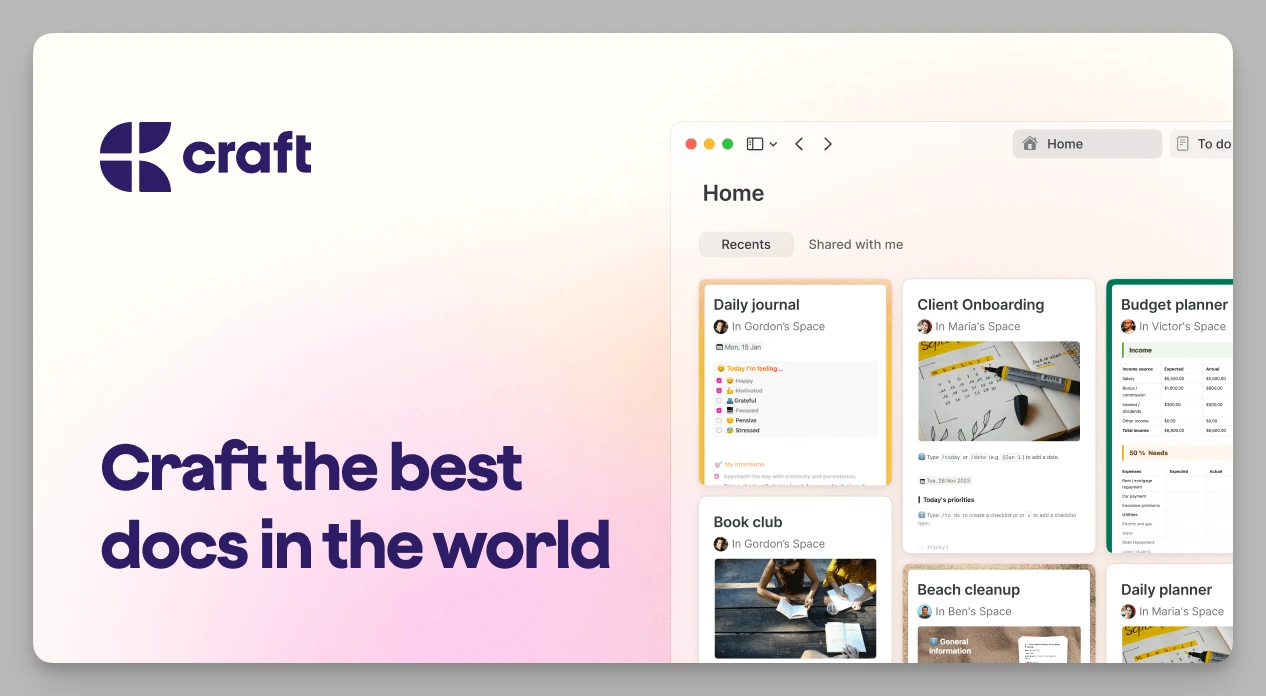
Craft combina a la perfección la estética de la escritura con la estructura documental, y ofrece una de las mejores experiencias interactivas del ecosistema Apple.
Puntos clave:
Tarjetas jerárquicas: anida páginas dentro de páginas y construye arquitecturas documentales por capas.
Colaboración multidispositivo: soporte nativo en iOS, Mac y web, con sincronización rapidísima y trabajo en tiempo real.
Compartición muy vistosa: convierte las notas en páginas web preciosas con dominio propio, protección por contraseña y analítica.
Maquetación estructurada: herramientas tipográficas ricas, columnas y mucha libertad para diseñar páginas.
Ventajas:
Estética máxima: los resultados rivalizan con el software de diseño y elevan mucho la sensación de profesionalidad de lo que compartes.
Interacción sedosa: la app nativa responde de maravilla, con gestos muy intuitivos.
Precio: versión básica gratuita; Plus desde 8 $ al mes.
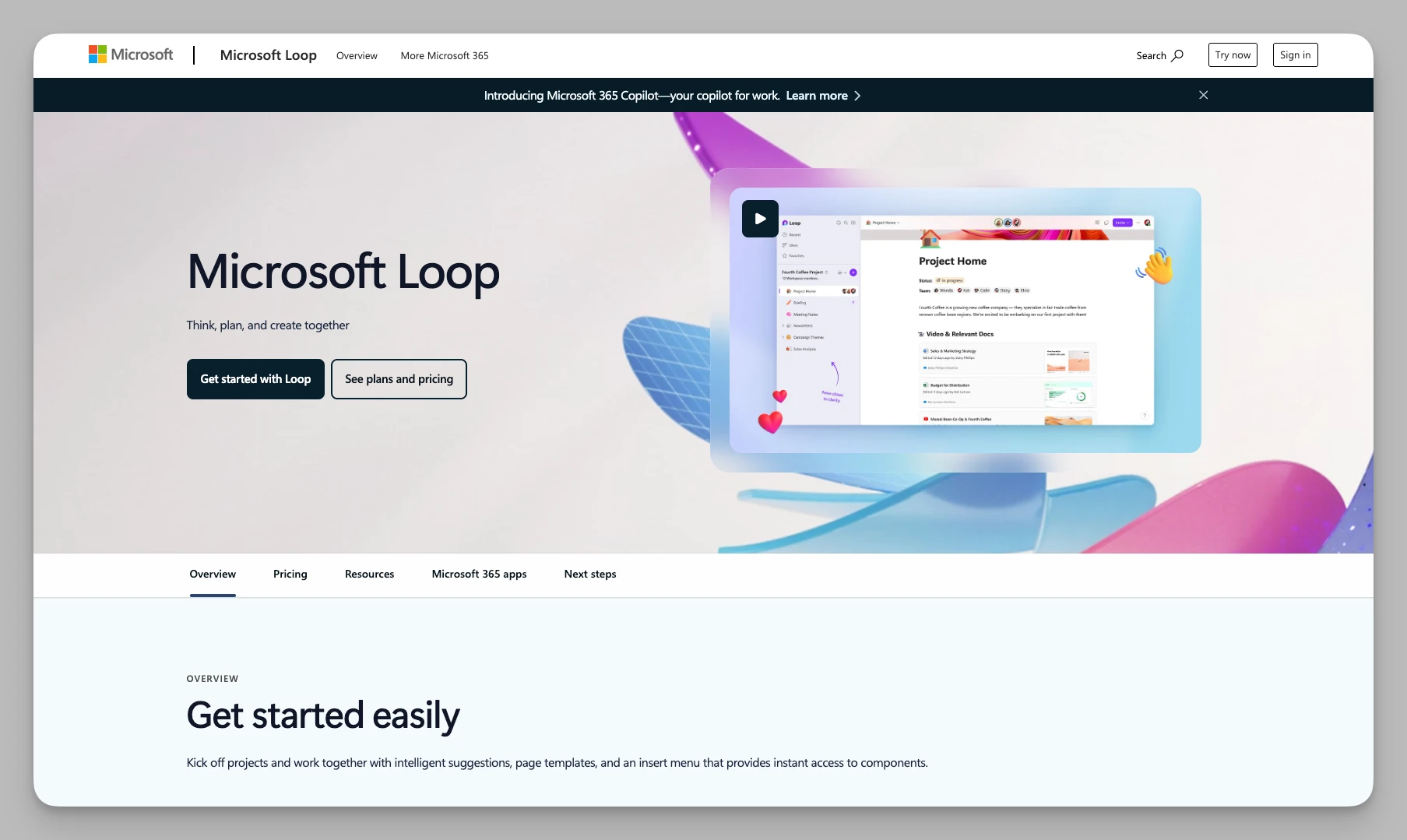
7. Microsoft Loop
Como tejido conectivo de las herramientas de productividad de Microsoft, Loop se centra en resolver la fragmentación de la información y los huecos de colaboración de los equipos actuales.
Puntos clave:
Componentes en tiempo real: los componentes de Loop se sincronizan entre Teams, Outlook y Word, con datos que se actualizan al momento.
Espacios de proyecto: crea espacios independientes que agrupan archivos, tareas y conversaciones de distintas apps.
Seguimiento automático de tareas: muy ligado a Planner y To Do; lo que marcas en una nota aparece en tu lista global.
Plantillas inteligentes: varias plantillas optimizadas para lluvias de ideas, retrospectivas y mucho más.
Ventajas:
Colaboración sin barrera: mejora mucho la comunicación entre aplicaciones y, si ya usas Office, la curva es casi nula.
Muy rentable: un añadido gratuito excelente si tienes Microsoft 365.
Precio: incluido en la suscripción a Microsoft 365.
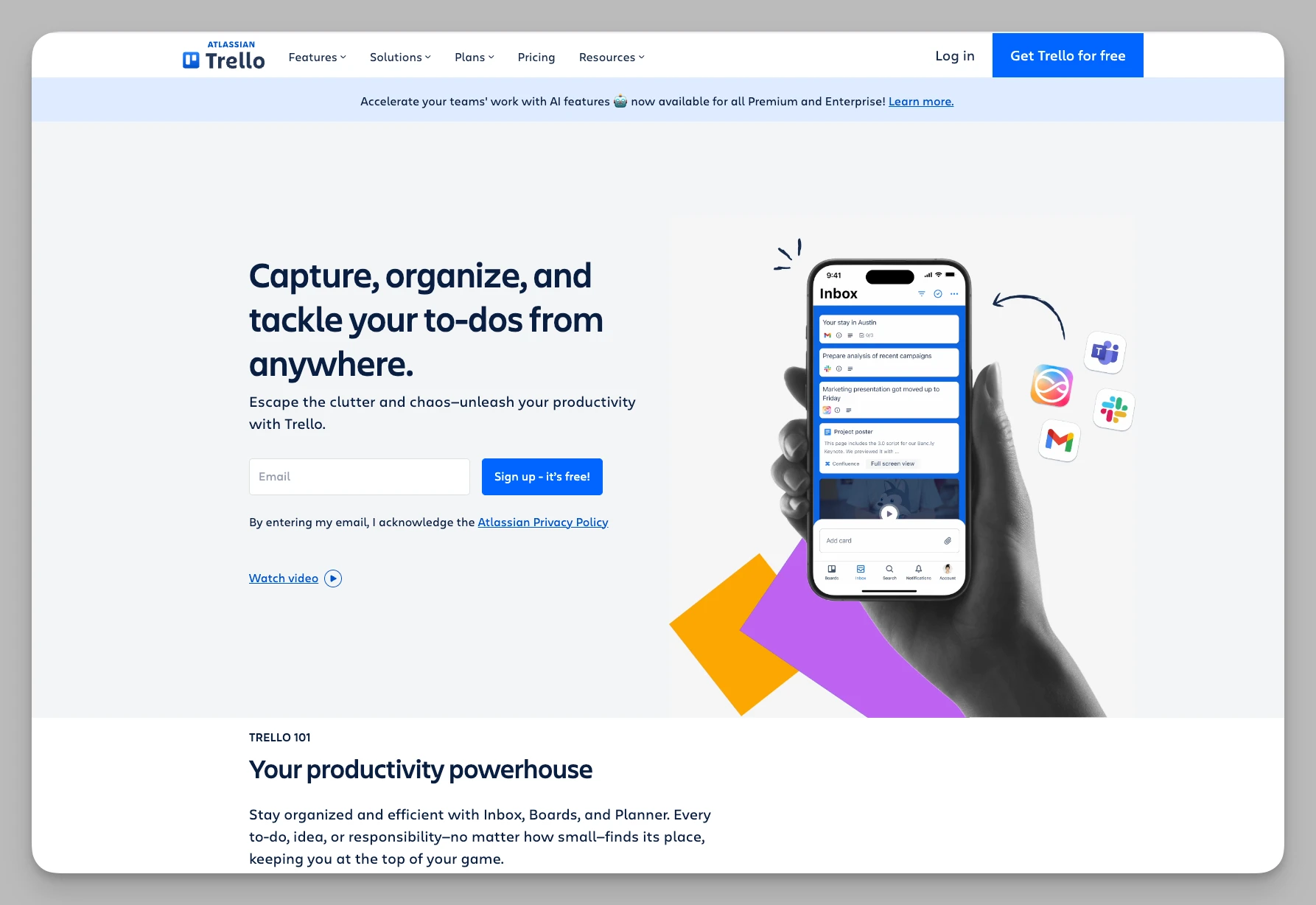
8. Trello
Con su lógica kanban simple e intuitiva, Trello sigue siendo el recurso natural para llevar el avance de un proyecto y los flujos de tareas no lineales.
Puntos clave:
Kanban visual: gestiona el flujo con listas y tarjetas propias, y actualiza el estado arrastrando.
Automatización Butler: un motor integrado que mueve tarjetas por reglas y programa recordatorios.
Plugins a fondo: cientos de Power-Ups para enlazar con Google Drive, Slack y otras herramientas.
Filtros multidimensionales: filtra por miembro, etiqueta o fecha límite y abarca un proyecto complejo de un vistazo.
Ventajas:
Listo para usar: una lógica sencillísima, ideal para proyectos que avanzan por fases.
En todas las plataformas: excelente experiencia móvil para actualizar el estado desde donde estés.
Precio: versión básica gratuita; Standard desde 5 $ al mes.
9. Bear
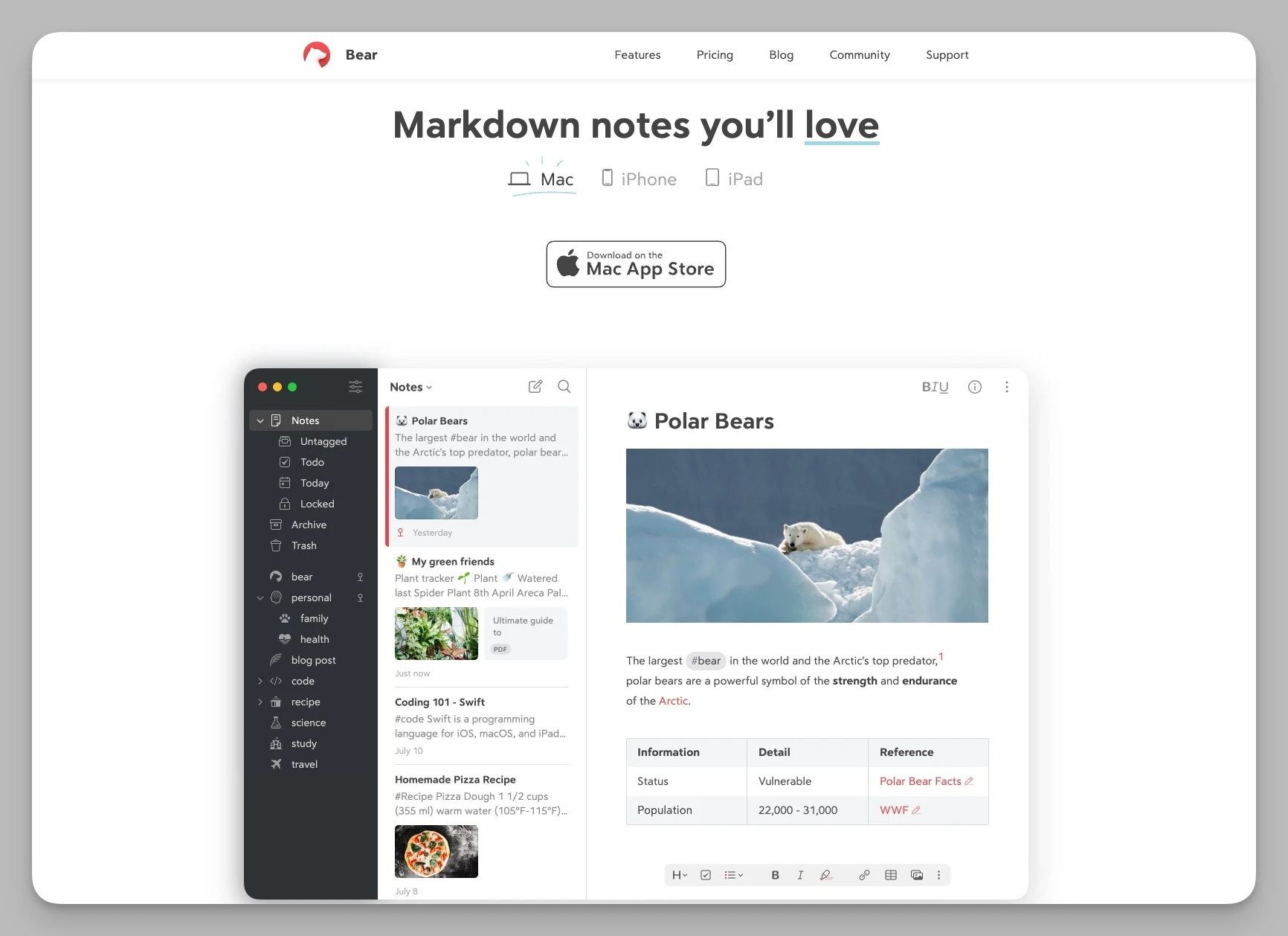
Bear es una app de escritura en Markdown pura y elegante, con las funciones justas, dedicada a ofrecer un espacio sereno para pensar.
Puntos clave:
Etiquetas anidadas flexibles: un sistema jerárquico (por ejemplo, #Trabajo/2026/Proyecto) que hace la clasificación natural y dinámica.
Markdown a fondo: admite vista previa en línea, con resaltado de sintaxis y temas de escritura muy cuidados.
Exportación avanzada: a PDF, HTML, DOCX e incluso JPG.
Búsqueda quirúrgica: una sintaxis propia localiza tareas, adjuntos o formatos concretos dentro de las notas.
Ventajas:
Minimalista y eficaz: arranca rapidísimo y no tiene jerarquías engorrosas; el mejor compañero para atrapar una idea o escribir sin ceremonia.
Experiencia premiada: interfaz exquisita y manejo sedoso, muy en línea con el gusto de quien usa Apple.
Precio: unos 2,99 $ al mes.
10. Notion
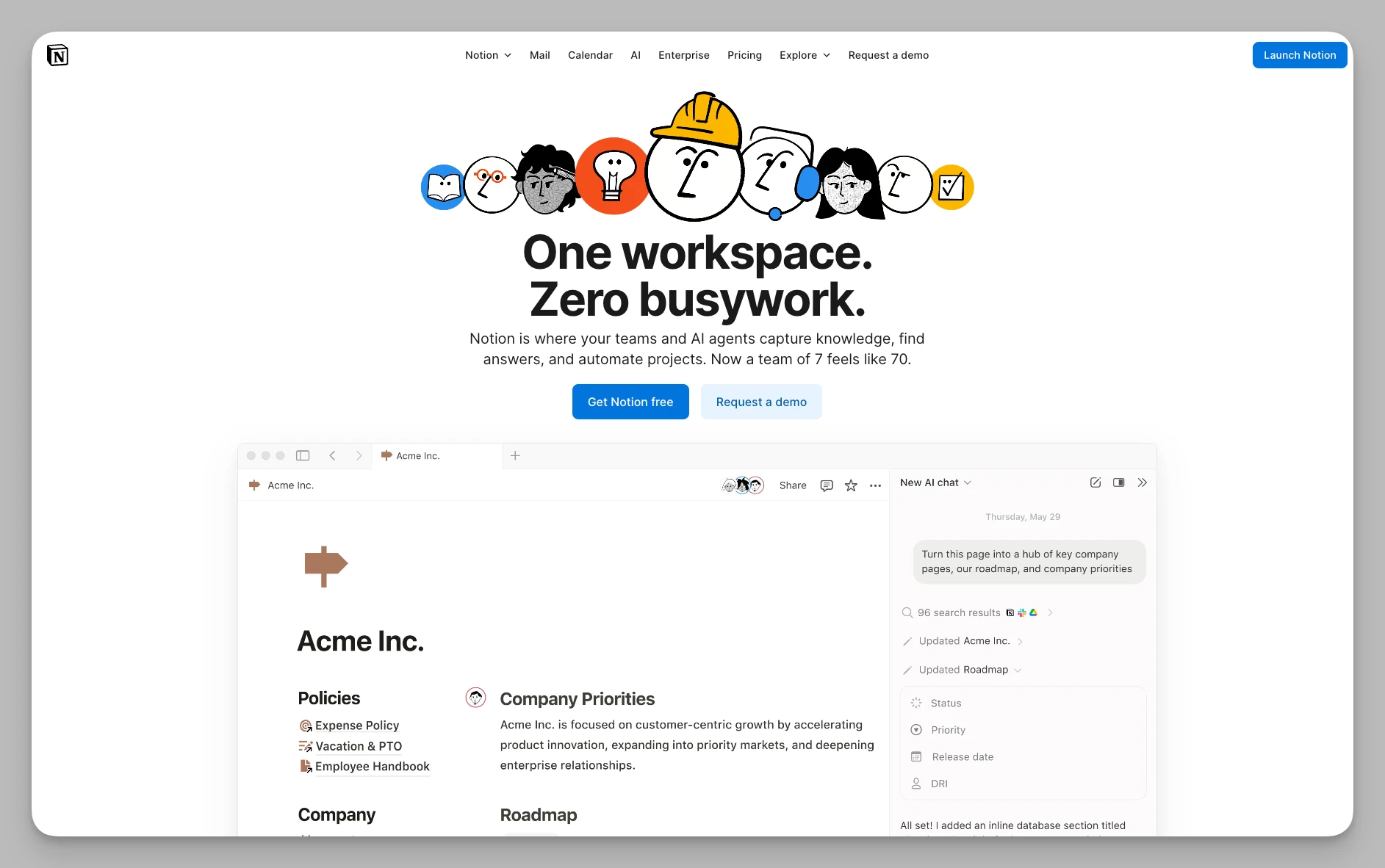
Referencia de las herramientas todo en uno, Notion ha evolucionado en 2026 hasta ser un centro digital que integra documentos, bases de datos e IA.
Puntos clave:
Bases de datos para todo: atributos personalizados potentes y vistas múltiples: tabla, galería, calendario, kanban y línea de tiempo.
Impulsado por Notion AI: escritura automática, extracción de datos, traducción y chat con IA basado en todo el conocimiento del espacio.
Anidación infinita de bloques: casi todo es un bloque, así que puedes combinarlos en paneles personales complejos o en sitios corporativos.
Comunidad global de plantillas: una biblioteca enorme, oficial y de terceros, para reutilizar los sistemas de los mejores creadores.
Ventajas:
Techo altísimo: no se limita a las notas; puede ser tu informe financiero, tu tablero de proyecto o incluso tu blog.
Estándar de colaboración: una gestión de permisos muy afinada lo convierte en la mejor plataforma para el trabajo en equipo.
Precio: gratis para uso individual; la versión Plus con colaboración desde 10 $ al mes.
Tabla comparativa
| Herramienta | Resumen de funciones | Ideal para | Precio |
|---|---|---|---|
| Buildin | Base de conocimiento con IA, mapas mentales, monetización, colaboración | Creadores independientes, equipos digitales, divulgadores | Gratis / Plus 10 $ / Business 15 $ |
| Heptabase | Pizarra visual, extractos de PDF, gestión de investigación | Estudiantes, investigadores y mentes visuales | 11,99 $ al mes |
| Tana | Supertetiquetas, automatización de datos, gestión por nodos | Perfiles muy metódicos y organizadores de datos | Desde 8 $ al mes |
| Capacities | Modelado por objetos, vista de enciclopedia, índices automáticos | Quien acumula conocimiento a largo plazo | Gratis / 9,99 $ al mes |
| Logseq | Esquema local de código abierto, referencias de bloque, enlaces con PDF | Perfiles celosos de su privacidad e investigación académica | Totalmente gratis |
| Craft | Maquetación cuidada, tarjetas jerárquicas, compartición vistosa | Usuarios de Apple, profesionales y quien escribe en su web | Gratis / desde 8 $ al mes |
| Microsoft Loop | Componentes en tiempo real, integración con Office | Quien vive en Office y equipos de empresa | Incluido en Microsoft 365 |
| Trello | Gestión kanban, captura de ideas, reglas de automatización | Gestión de proyectos y trabajo por procesos | Gratis / desde 5 $ al mes |
| Bear | Escritura en Markdown, etiquetas anidadas, minimalismo ligero | Minimalistas y creadores de texto puro | Unos 2,99 $ al mes |
| Notion | Bases de datos universales, IA integrada, colaboración completa | Quien busca todo en uno, equipos y startups | Gratis / desde 10 $ al mes |
Preguntas frecuentes
P: ¿Cuál es la mejor alternativa a Obsidian en 2026?
R: Buildin, si quieres empezar sin dolor, sincronización en la nube y trabajo en equipo sin renunciar a la potencia de las notas enlazadas. Si te casas con el Markdown local, Logseq ofrece enlaces bidireccionales parecidos con una curva menos empinada.
P: ¿Por qué se cambia la gente de Obsidian?
R: Los motivos habituales: la complejidad de la configuración (más de 100 plugins para tener un flujo completo), el coste añadido de la sincronización móvil (4 $ al mes con Obsidian Sync), la colaboración limitada y la ausencia de gestión de tareas o proyectos. Quien se va suele decir que quiere "una app que simplemente funcione" y no un sistema que hay que configurar.
P: ¿Existe una alternativa gratuita con sincronización en la nube?
R: Sí. Buildin ofrece sincronización gratuita en su plan sin coste. Notion y Logseq también dan acceso gratuito en la nube. La versión gratuita de Obsidian exige iCloud, Dropbox o una suscripción de 10 $ al mes para acceder desde varios dispositivos.
P: ¿Qué alternativa es mejor para equipos?
R: Buildin y Notion son las más sólidas. Obsidian está pensado sobre todo para uso personal y su colaboración es limitada. Buildin añade edición simultánea, control de permisos y seguimiento de proyectos con bases de datos sobre el enlazado de notas que ya conoces.
P: ¿Buildin admite enlaces bidireccionales como Obsidian?
R: Sí, con seguimiento de retroenlaces. La experiencia es parecida, pero integrada en un espacio sincronizado en la nube, así que tu grafo de conocimiento está disponible en cualquier dispositivo sin configuración adicional.
Resumen: ¿cuál elegir?
Si buscas equilibrio entre monetización, colaboración y registro eficaz: Buildin.
Si necesitas ordenar lógica visual compleja o estudiar bibliografía a fondo: Heptabase o Logseq.
Si prefieres datos muy estructurados y archivado automático: Tana o Capacities.
Si persigues la máxima estética al escribir y fluidez entre dispositivos: Bear o Craft.
Cambiar de herramienta es, en el fondo, una evolución de la lógica de tu productividad. En 2026, "registrar" ya no basta para atender la información que llega. Si sigues dudando, hazte una pregunta: ¿adónde quiero que llegue mi base de conocimiento?
No existe el software "mejor", solo el más adecuado para tu etapa. Para profundizar en el pensamiento, el lienzo de Heptabase será una revelación; para montar un sistema automatizado sin costuras, Tana; y si quieres convertir tu conocimiento personal en un activo comercial compartido, el circuito cerrado de Buildin será tu mejor apoyo.
El software de notas es algo muy personal. Te sugiero empezar con una prueba pequeña de una o dos herramientas que te llamen. Al final, empezar importa más que acertar con la elección.
¿Cuál usas ahora mismo? ¿Sigues fiel a Obsidian o te has pasado a algo nuevo? Esperamos que esta lista te ayude a arrancar un 2026 muy productivo.