Wenn „klein und schön" nicht mehr reicht: 11 Bear-Alternativen für 2026
Die 11 besten Alternativen zur Bear-App für 2026 im Vergleich – nach KI, Datenschutz, Verknüpfungen und dem, was über „klein und schön" hinausgeht.
Als jemand, der in Sachen Notiz-Apps schon viel ausprobiert hat, war ich lange ein glühender Anhänger von Bear.
Wer könnte dieser durch und durch schlichten Gestaltung widerstehen? Wenn man in Bear tippt – mit der Markdown-Syntax, die sich von selbst versteckt, und diesem unverwechselbaren Rot-Weiß –, hat man immer ein wenig das Gefühl, an einem kleinen Meisterwerk zu arbeiten. Es wirkt wie ein Rückzugsort, weit weg vom Durcheinander der Systemordner.
Irgendwann fing dieses „klein und schön" allerdings an, sich einengend anzufühlen. Vielleicht war es der Moment, als ich ein größeres Wissenssystem ordnen wollte und feststellte, dass Tags ab etwa tausend Notizen unbrauchbar werden. Vielleicht war es, als ich an einem Windows-Rechner an einem Entwurf arbeiten musste und merkte, dass Bear fest im Apple-Umfeld verankert bleibt. Oder es war die Einsicht, dass Notizen nicht nur abgelegt, sondern in eine tragfähige Logik gebracht werden sollten.
Bears Klarheit fehlt einem, aber die Anforderungen des Alltags zwingen einen oft dazu, sich nach einem stärkeren äußeren Gehirn umzusehen. Wenn Ihnen Bear nicht mehr reicht oder Sie einfach etwas Neues ausprobieren möchten, sind das die elf bemerkenswertesten Alternativen des Jahres 2026.
1. Buildin
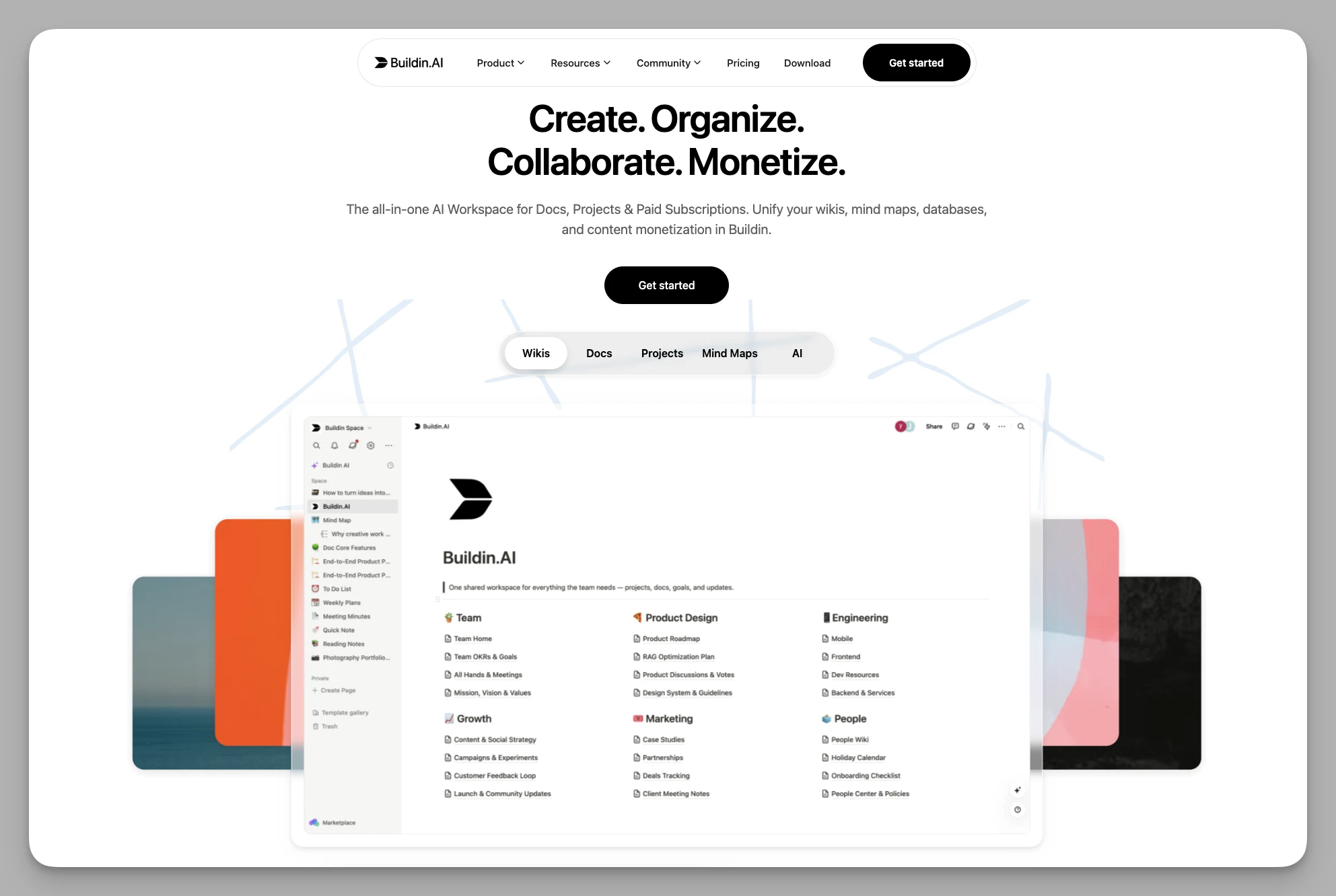
Eine Plattform, die Notizen, persönliche Wissensbasis, Zusammenarbeit im Team und Monetarisierung vereint. Anders als Bear mit seinem engen Fokus und seiner Bindung ans Apple-Umfeld belebt Buildin statischen Text über KI und Datenbanken. Die Schreibumgebung bleibt aufgeräumt, während Datensilos und Funktionslücken verschwinden.
Was es kann
- KI-Wissensdatenbank: semantische Suche und Zusammenfassungen, die Fragen auf Grundlage Ihrer eigenen Notizsammlung beantworten – ein wirklich mitdenkendes digitales Gehirn.
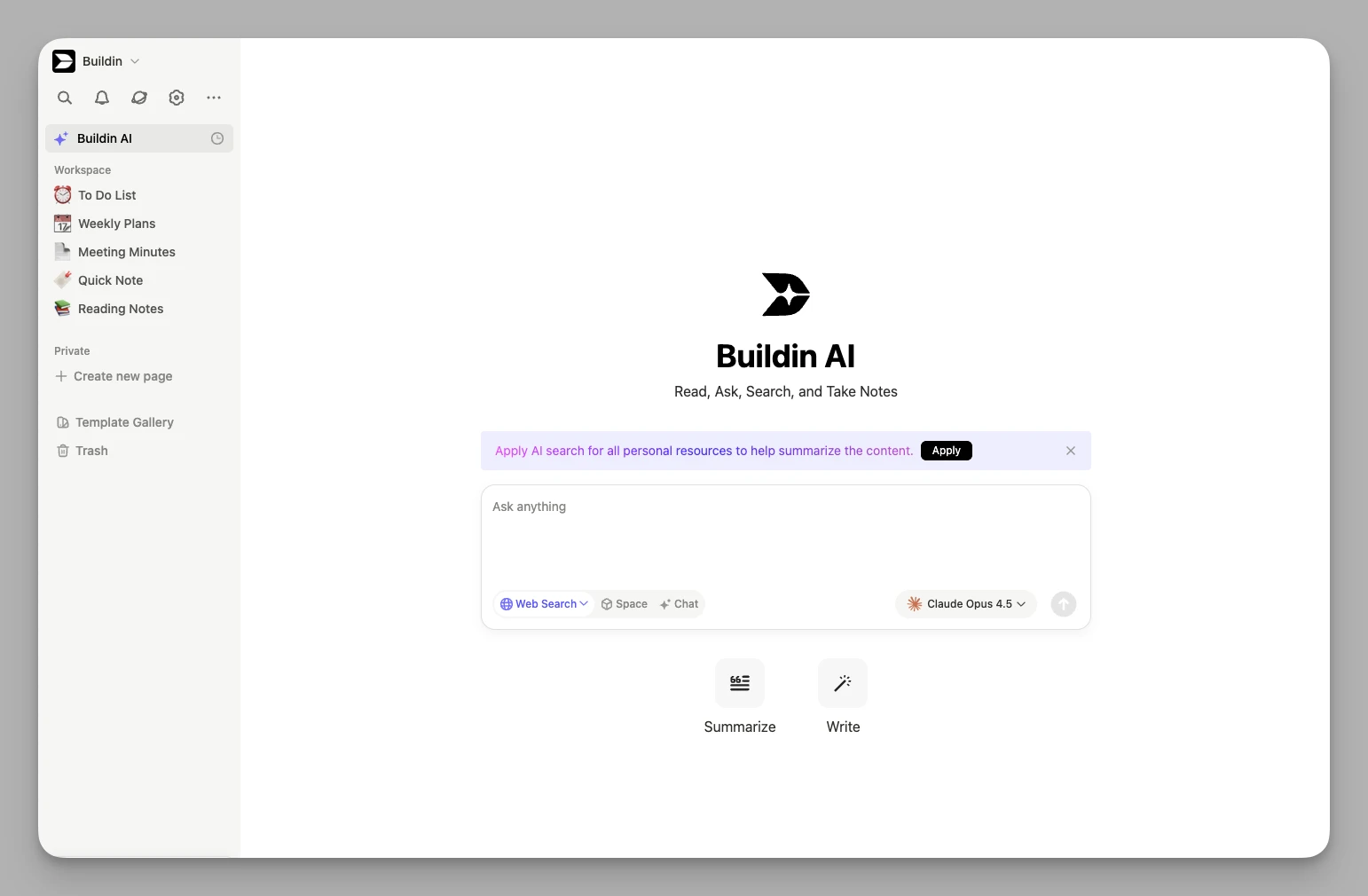
Strukturiertes Denken: eingebaute Mindmaps und Datenbanken, die aus verstreuten Einfällen unmittelbar eine klare Projektlogik machen.
Für Creator gebaut: Monetarisierung von Haus aus – Sie starten Bezahl-Abos oder verkaufen einzelne Inhalte direkt.

Betrieb im eigenen Haus: eine Fassung für Unternehmen, die vollständige Datenhoheit brauchen.
Alles an einem Ort: Anbindung an Cloud-Ordner und eine offene API, über die sich andere Werkzeuge und Automatisierungen verbinden lassen.
Schwächen: Wegen des großen Funktionsumfangs braucht die Einarbeitung etwas länger, und wer nur ganz schlicht Text eingeben will, empfindet es womöglich als zu schwer.
Preis: kostenlose Grundfassung; Plus etwa 10 US-Dollar pro Person und Monat.
2. Anytype
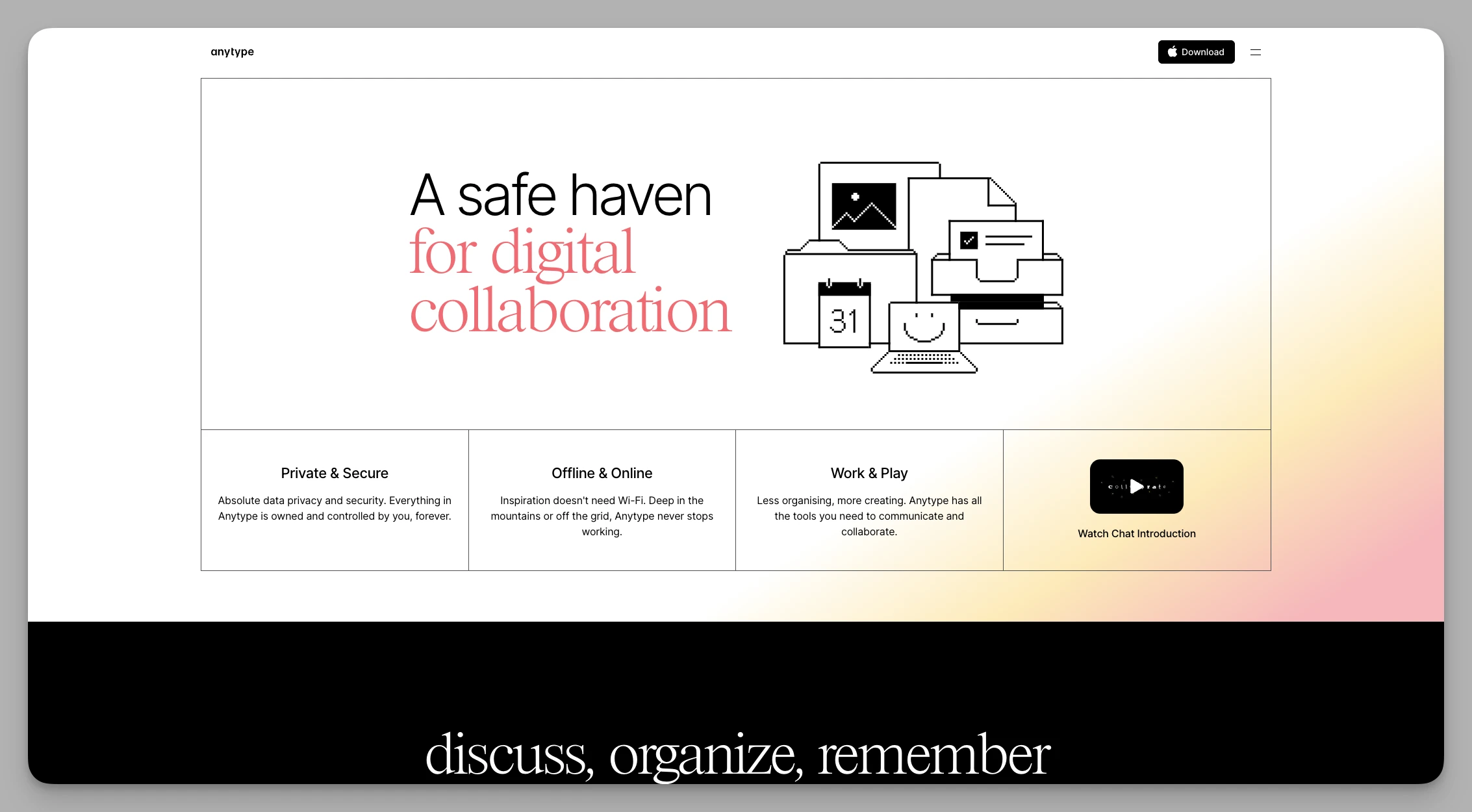
Ein auf Privatsphäre ausgerichtetes, zuerst lokal arbeitendes Notizwerkzeug mit Objektlogik. Optisch kommt es Bear nahe, während Verschlüsselung dafür sorgt, dass Ihre Daten bei Ihnen bleiben.
Was es kann
- Objektsystem: Alles ist ein Objekt. Sie legen Notizen als Person, Buch oder Projekt an.
- Lokale Verschlüsselung: Daten liegen verschlüsselt auf dem Gerät – das läuft offline flüssig und ist sehr sicher.
- Abgleich per P2P: Die Synchronisierung kommt ohne zentrale Server aus.
- Eigene Seitenleiste: Navigation und häufige Ansichten lassen sich weitgehend anpassen.
- Mehrere Ansichten: Kanban, Raster und Kalender lockern die reine Textansicht auf.
Schwächen: Begriffe wie Objekte und Beziehungen wollen erst verstanden werden; der Abgleich schwankt in Phasen schneller Entwicklung gelegentlich.
Preis: kostenlose Grundfassung; Plus etwa 4, Pro etwa 8 US-Dollar im Monat.
3. Craft
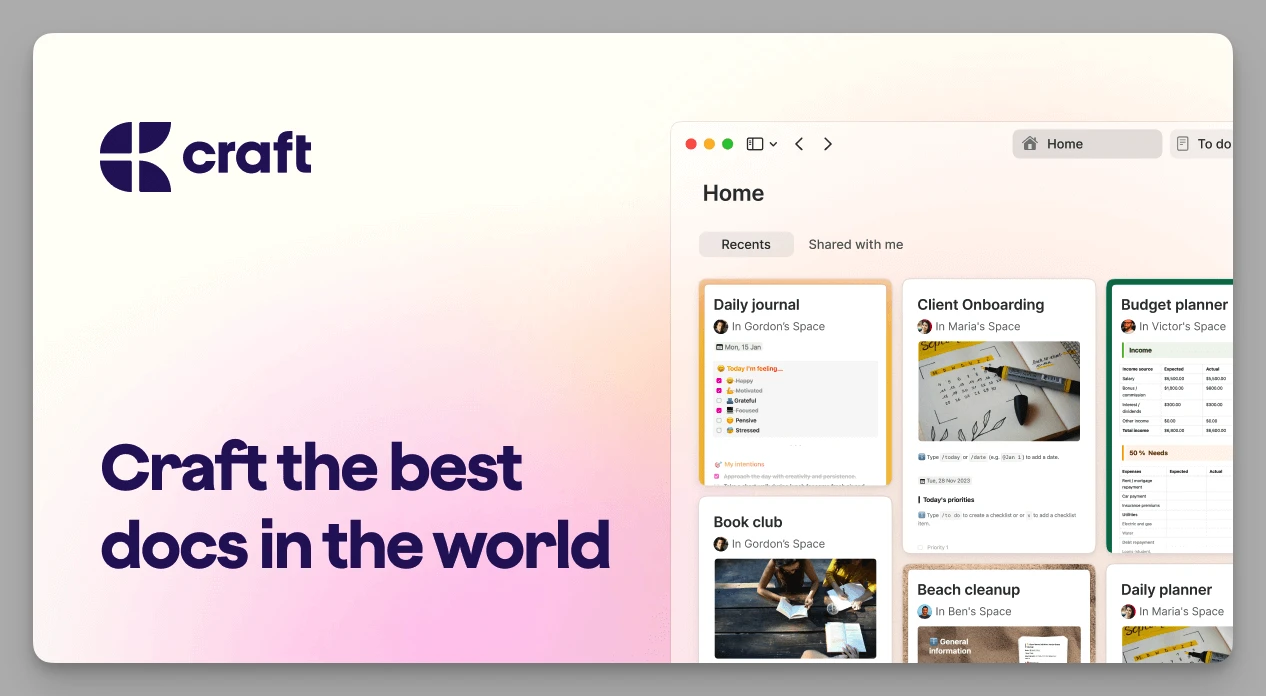
Ein Dokumentenwerkzeug, das erstklassigen Textsatz mit zeitgemäßer Zusammenarbeit verbindet – wohl der ernsthafteste Herausforderer von Bears ästhetischem Thron. Anders als Bears lineare Struktur bringen verschachtelte Seiten echte Tiefe in Ihre Dokumente.
Was es kann
- Bearbeiten auf Blockebene: sehr flüssiges Arbeiten mit Karten, die sich frei ziehen und verschachteln lassen.
- Export in Veröffentlichungsqualität: erzeugt ansehnliche Webseiten oder PDFs – ideal für Angebote.
- Über Plattformen hinweg: native Apple-Unterstützung sowie gute Fassungen für Windows und das Web.
- Anbindung ans System: verzahnt sich mit Zwischenablage und Kalender, sodass sich Informationen schnell sichern lassen.
Schwächen: Es fehlen leistungsfähige Datenbankfilter und eine anspruchsvolle Tag-Suche, weshalb es sich als großes Archiv weniger eignet.
Preis: kostenlose Grundfassung; Pro ab etwa 8 US-Dollar im Monat.
4. UpNote
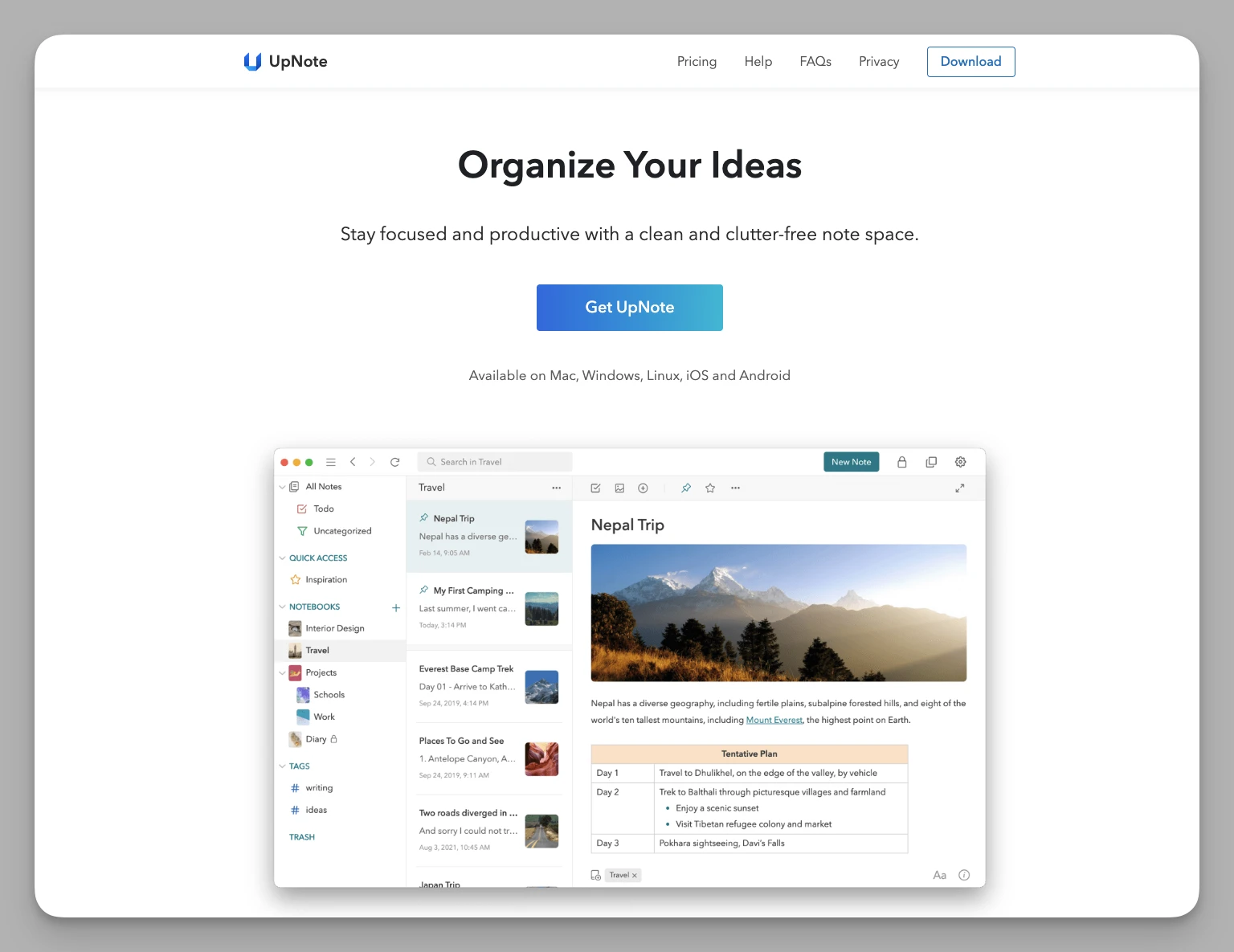
Ein sehr flüssiges Markdown-Notizbuch für alle Plattformen. Für Umsteigende von Bear der wohl schmerzloseste Wechsel: Die Bedienlogik ist nahezu identisch, funktioniert aber auch unter Windows und Android.
Was es kann
- Sehr ähnlich zu Bear: verschachtelte Ordner und mehrstufige Kategorien mit vertrauter Logik.
- Mehr Formatierung: farbige Hintergrundblöcke, einklappbare Abschnitte und verschiedene Codeblock-Stile.
- Sauberer Abgleich: deckt iOS, Android, Mac, Windows und Linux ab und synchronisiert sehr schnell.
- Fokusmodus: blendet Seitenleisten und Werkzeugleisten aus, ähnlich wie iA Writer.
Schwächen: eher zurückhaltender Funktionsumfang; bidirektionale Verknüpfungen oder KI-gestützte Abläufe fehlen.
Preis: Abo etwa 1,99 US-Dollar im Monat; einmalig etwa 39,99 US-Dollar für den dauerhaften Zugang.
5. Tana
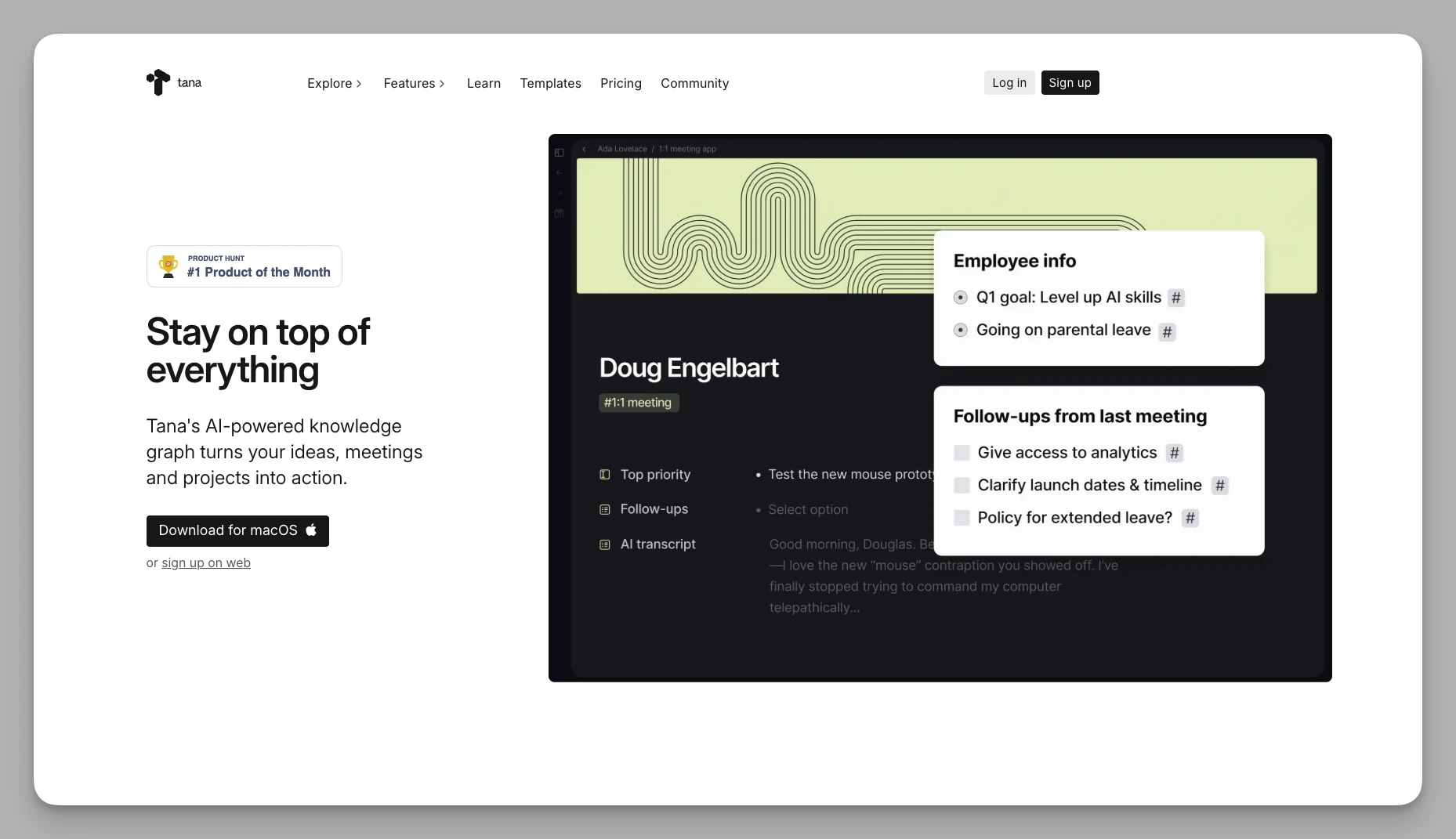
Ein Gliederungswerkzeug mit Objektlogik, das den Gedanken der Super-Tags konsequent zu Ende denkt. Ideal für alle, die ihren gesamten Informationsfluss strukturieren wollen.
Was es kann
- Super-Tags: Ein Tag verwandelt eine Notiz sofort in einen Datenbankeintrag mit eigenen Feldern.
- Alles ist ein Knoten: Querverweise zwischen Seiten und Zusammenführungen in Echtzeit sind mühelos.
- Tiefe KI-Einbindung: Die KI füllt Tag-Felder automatisch aus und spart viel Tipparbeit.
- Eigene Befehle: Sie bauen sich Abläufe, die ganze Vorgänge mit einem Klick erledigen.
Schwächen: hohe Einstiegshürde; die Logik weicht stark von gewohnten Anwendungen ab, und der Aufbau eines eigenen Systems dauert Wochen.
Preis: kostenlose Grundfassung; Plus etwa 8 US-Dollar im Monat.
6. Heptabase
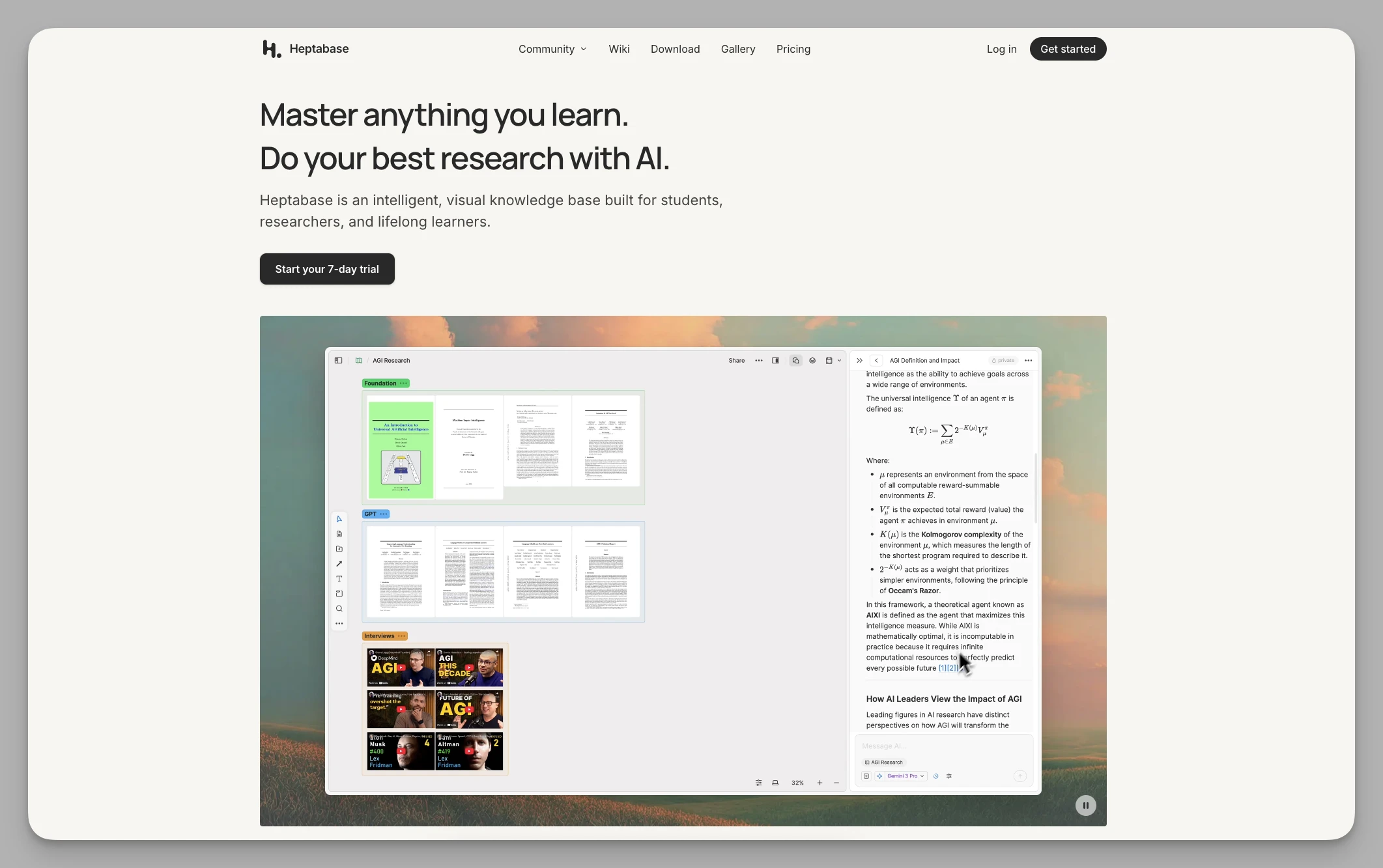
Ein Werkzeug, das Notizen, Whiteboard und Mindmap zu einer visuellen Lernumgebung verbindet. Wenn Ihnen Bears Listenansicht den Blick verstellt, ordnen Sie Wissen hier wie ein Puzzle auf einer unendlichen Leinwand.
Was es kann
- Arbeiten auf dem Whiteboard: Jede Notiz ist eine Karte, die sich auf der Leinwand verknüpfen und gruppieren lässt.
- Mehrere Ansichten: Dieselben Daten wechseln nahtlos zwischen Whiteboard, Tabelle und Kartenstrom.
- Gründliches Lesen: PDFs kommentieren und Markierungen direkt aufs Whiteboard ziehen – ein Traum für die Recherche.
- Mehrere Arbeitsbereiche: für unterschiedliche Vorhaben.
Schwächen: keine dauerhaft kostenlose Fassung; klar auf Lernen und Forschung ausgelegt und für schnelle Alltagsnotizen überdimensioniert.
Preis: Pro etwa 8,99 US-Dollar im Monat.
7. Logseq
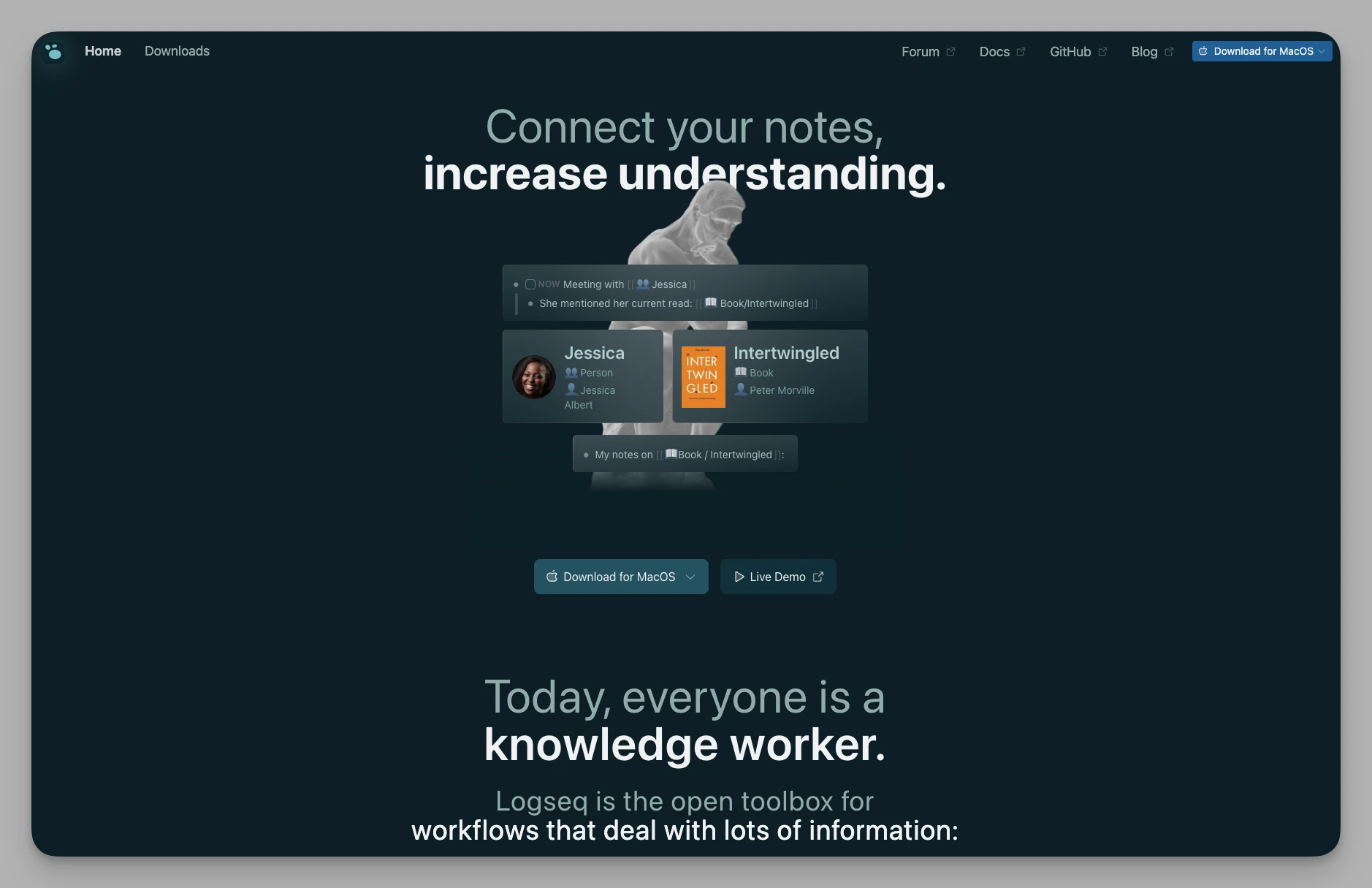
Ein quelloffenes, auf Privatsphäre ausgerichtetes Gliederungswerkzeug – ein Klassiker für alle, die täglich protokollieren und regelmäßig zurückblicken.
Was es kann
- Tagesnotizen: ein Ablauf rund um das tägliche Journal, ideal fürs Festhalten von Gedanken und Aufgaben.
- Bidirektionale Verknüpfungen: Über [[Stichwörter]] entsteht ein Netz aus Wissen mit belastbaren Rückverweisen.
- Whiteboard-Modus: Blöcke direkt auf einer Leinwand bearbeiten.
- Abfragen: Notizschnipsel dynamisch filtern, ähnlich wie in einer Datenbank.
- Karteikarten: eingebaute verteilte Wiederholung macht aus Notizen Lernkarten.
Schwächen: Als quelloffenes Projekt hakt es bei manchen weiterführenden Funktionen wie der PDF-Kommentierung gelegentlich; es bleibt strikt gliederungsbasiert.
Preis: Die Kernfunktionen sind kostenlos.
8. Capacities
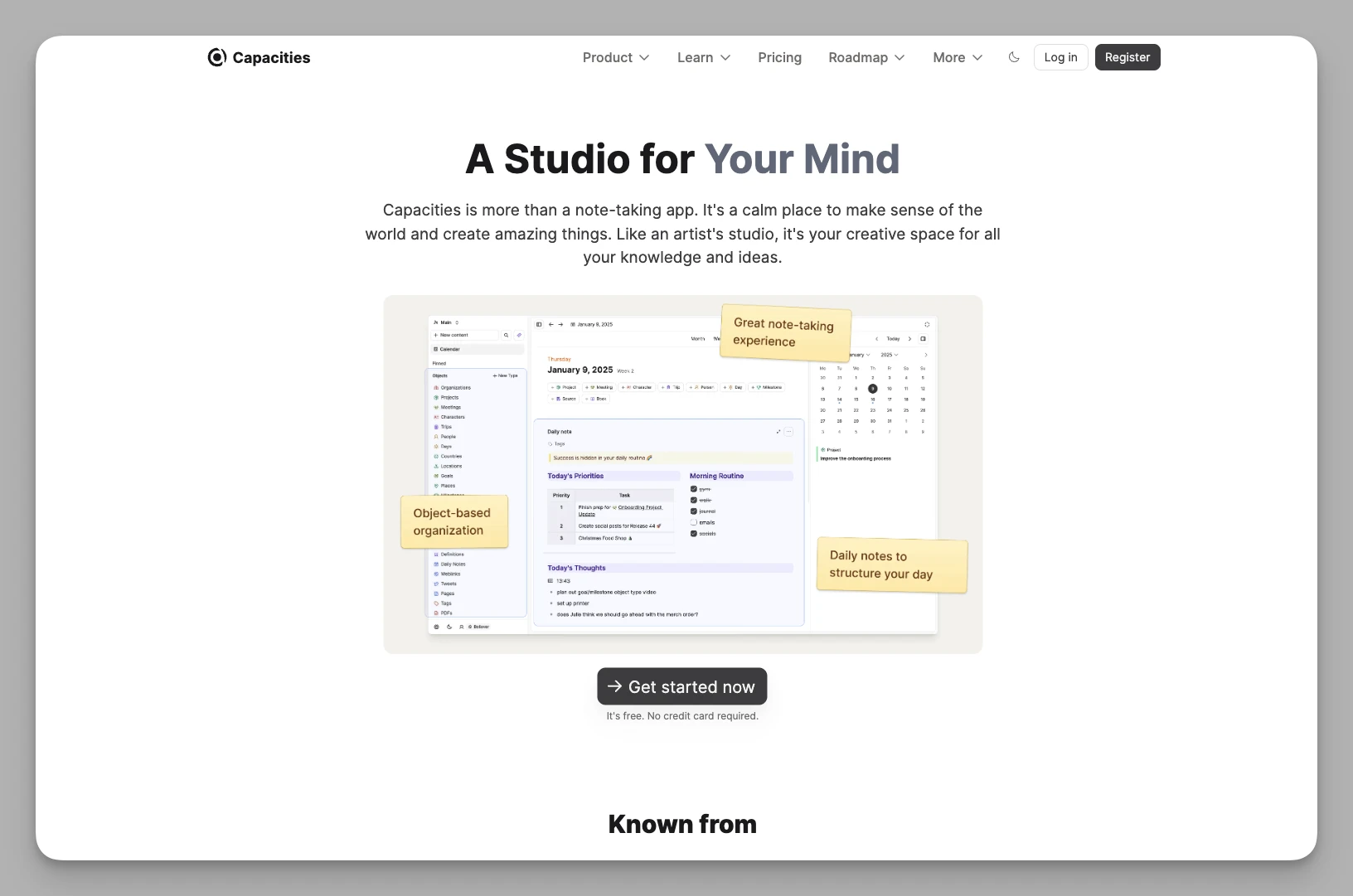
Verzichtet auf Ordnerhierarchien zugunsten von Wissensobjekten. Notizen sind hier Wesenheiten statt Dateien – passend für alle, die nicht linear denken und auf Zusammenhänge Wert legen.
Was es kann
- Ordnen über Objekte: vorgegebene oder eigene Typen wie Bücher, Personen oder Besprechungen.
- Sichtbare Verknüpfungen: verbindet Objekte automatisch und legt verborgene Zusammenhänge offen.
- Schöner Textsatz: verbindet gutes Aussehen mit klarer Struktur.
- Reiche Metadaten: Jedes Objekt bekommt eigene Eigenschaften für ein genaues Wiederfinden.
Schwächen: derzeit keine lokale Speicherung; die mobile Fassung liegt deutlich hinter der im Browser zurück.
Preis: kostenlose Grundfassung; Pro etwa 9,99 US-Dollar im Monat.
9. Apple Notizen
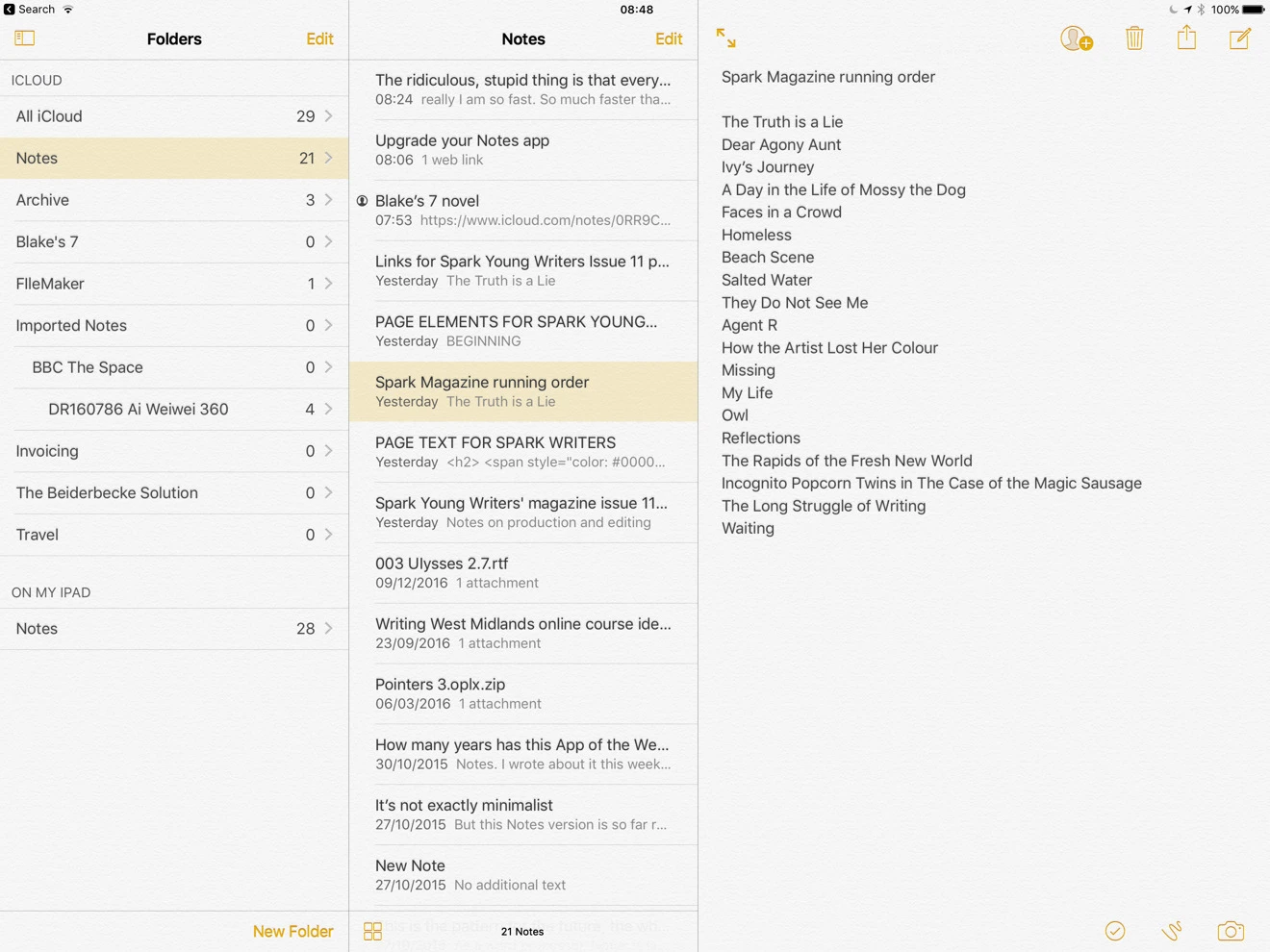
Die schlichteste und schnellste Notiz-App im Apple-Umfeld. Sie will gar nicht glänzen – sie ist einfach da, sobald Sie etwas festhalten wollen.
Was es kann
- Ins System eingebaut: Notizen direkt vom Sperrbildschirm (iPad), Siri-Unterstützung und systemweite Suche.
- Anhänge: genaues Scannen von Dokumenten, handschriftliche Anmerkungen und Rechnen in der Notiz.
- Kluge Ordner: filtert Notizen automatisch nach Stichwörtern, Datum oder Anhangstyp.
- Datenschutz: einzelne Notizen lassen sich Ende zu Ende verschlüsseln.
Schwächen: starke Bindung ans Apple-Umfeld; für anspruchsvolle Nutzung fehlt Markdown.
Preis: kostenlos (nutzt Ihren iCloud-Speicher).
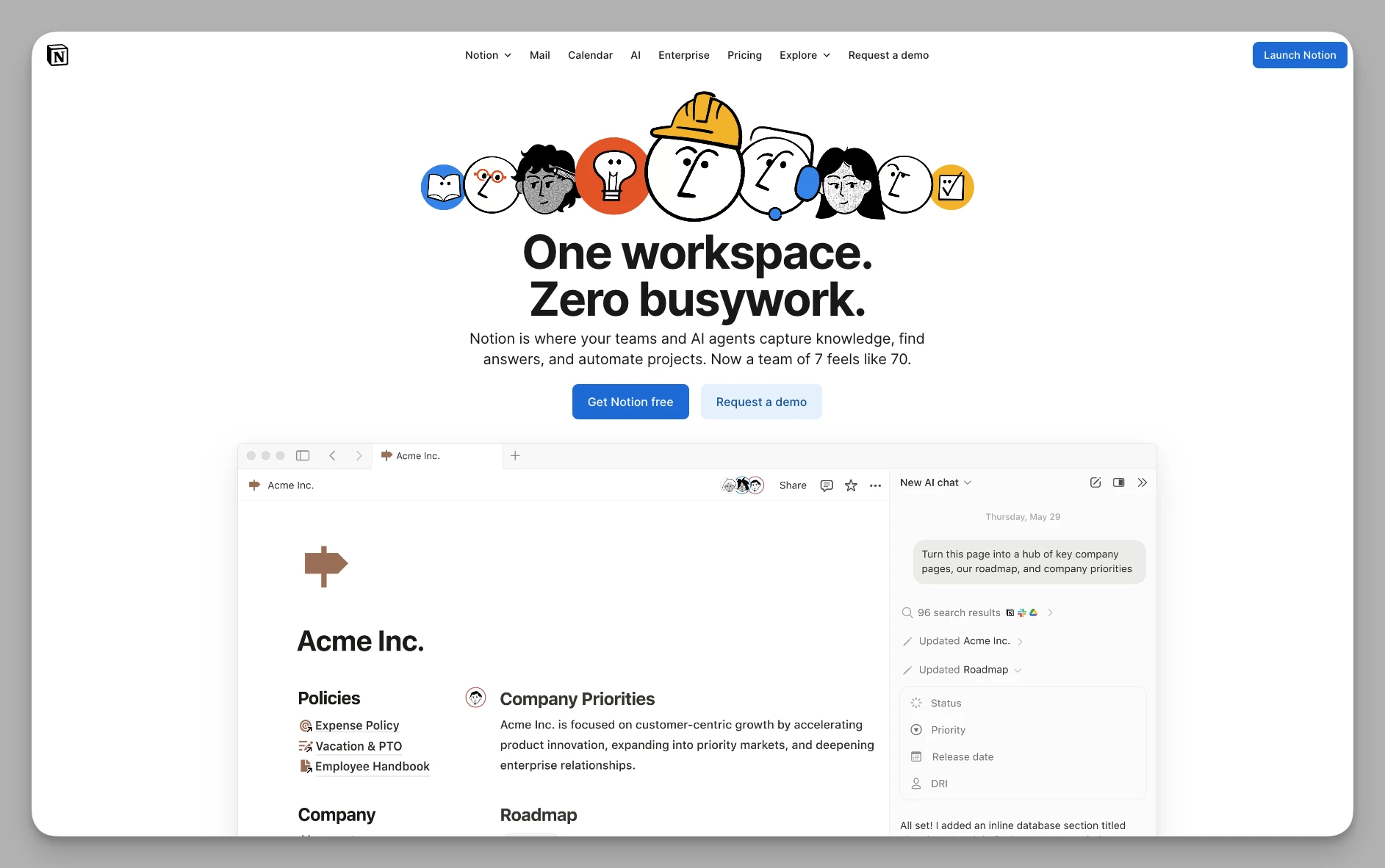
10. Notion
Der Maßstab, wenn Notizen, Aufgaben und Datenbanken zusammengehören. Wer über das reine Schreiben hinaus Systeme bauen will, kommt hier an.
Was es kann
- Datenbanken für alles: leistungsfähige Tabellen, Boards und Kalender für verwickelte Projekte.
- Notion AI: Vorreiter beim KI-gestützten Schreiben, Übersetzen und Verarbeiten von Daten.
- Zusammenarbeit: ausgereift, mit feingliedriger Rechteverwaltung.
- Schaltflächen: eigene Knöpfe auf Seiten, die ganze Abfolgen auslösen.
- Wiki-Modus: eigens für strukturierte Teamdokumentation gemacht.
Schwächen: wird bei großen Datenbanken oder schwacher Verbindung träge; die Funktionsfülle lenkt mitunter vom Schreiben ab.
Preis: kostenlose Grundfassung; Plus etwa 10 US-Dollar pro Person und Monat.
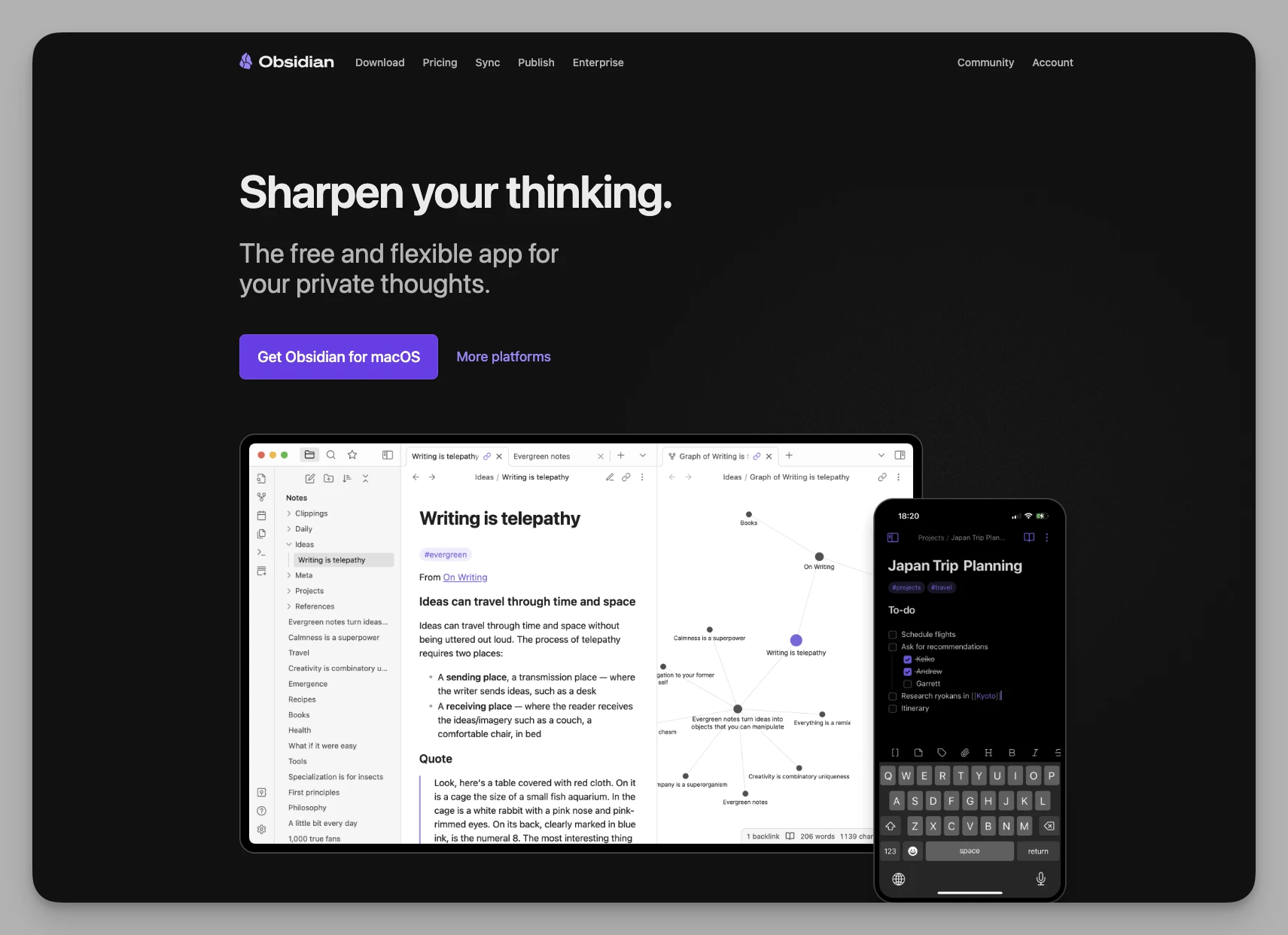
11. Obsidian
Ein lokal arbeitendes Markdown-Werkzeug für nichtlineares Wissensmanagement. Während Bear einzelne Punkte festhält, verbindet Obsidian sie zu einem Netz – ein beliebig erweiterbarer Bau für alle, die gründlich denken.
Was es kann
- Verknüpfungen und Graph: macht die Struktur Ihres Wissens auf einen Blick sichtbar.
- Zuerst lokal: Daten liegen auf Ihrem Gerät – maximale Privatsphäre und Datenhoheit.
- Plugins: Tausende aus der Gemeinschaft, von Kanban bis Zeichnen.
- Canvas: ein großes Whiteboard, auf dem sich Markdown-Dateien und Bilder anordnen lassen.
- Arbeitsumgebungen: verschiedene Layouts für konzentriertes Schreiben oder Recherche.
Schwächen: hoher Einrichtungsaufwand; die Oberfläche wirkt ohne Themes aus der Gemeinschaft nüchtern; der Abgleich verlangt technisches Geschick oder einen Bezahldienst.
Preis: für den persönlichen Gebrauch kostenlos; Abgleich etwa 4, Veröffentlichung etwa 8 US-Dollar im Monat.
Die Übersicht
| Anwendung | Kernstärke | Preis (Richtwert im Monat) |
|---|---|---|
| Buildin | KI-Wissensdatenbank und Zusammenarbeit | kostenlos / Plus etwa 10 $ pro Person |
| Anytype | Privatsphäre und lokale Verschlüsselung | kostenlos / Plus 4 $ / Pro 8 $ |
| Craft | Textsatz und Teilen | kostenlos / Pro etwa 8 $ |
| UpNote | plattformübergreifend und schnell | 1,99 $ im Monat / 39,99 $ einmalig |
| Tana | Super-Tags und Struktur | kostenlos / Plus 8 $ |
| Heptabase | visuelles Whiteboard fürs Lernen | Pro etwa 8,99 $ (keine kostenlose Fassung) |
| Logseq | Tagesnotizen und lokale Verknüpfungen | Kernfunktionen kostenlos |
| Capacities | Objekte und Verknüpfungen | kostenlos / Pro 9,99 $ |
| Apple Notizen | ins System eingebaut, sofort da | kostenlos (nutzt iCloud-Speicher) |
| Notion | Datenbanken und Teamarbeit | kostenlos / Plus 10 $ pro Person |
| Obsidian | lokales Markdown und Plugins | kostenlos / Abgleich 4 $ / Veröffentlichen 8 $ |
Zum Schluss
Werkzeuge sind nicht an sich gut oder schlecht – sie passen zu einer bestimmten Phase.
Wenn für Sie reines Festhalten, Offline-Ruhe und schöner Textsatz zählen, bleibt Bear eine der besten Notiz-Apps überhaupt.
Wenn sich Ihre Anforderungen aber in Richtung visuelle Recherche (Heptabase), tiefe Wissensverknüpfung (Obsidian, Capacities), strukturiertes Denken (Logseq, Buildin, Tana) oder Zusammenarbeit und Monetarisierung (Buildin, Notion) verschoben haben, lohnt sich der Blick über den Tellerrand.
Ein Werkzeugwechsel ist am Ende meist nur der Ausdruck davon, dass sich die eigene Denkweise weiterentwickelt hat.

Amara Elara
Specializes in visualizing complex processes and improving product education. Responsible for user support, product tutorials, and visual guides at Buildin, helping users improve tool adoption and overall productivity.