10 Best ClickUp Alternatives for Content Creators & Teams in 2026
Discover the 10 best ClickUp alternatives for content creators and teams in 2026, including Buildin, Notion, Tana, and Obsidian, to work smarter with less friction.
To be honest, ClickUp is a "behemoth" with incredibly powerful features. Its slogan, "One app to replace them all," is ambitious, but this high level of integration comes with inherent complexity. For many users, the excessive hierarchy and dense settings can create a significant cognitive load—especially when you just want to quickly jot down a task or an idea, only to find that cumbersome configurations actually hinder your efficiency.
Over the years, I've deeply tested almost every mainstream collaboration tool on the market, and I understand the pain points of different scenarios. If you feel that ClickUp's logic is too heavy, or if your team prefers something more lightweight and focused, this list is for you. I've curated the 10 most noteworthy alternatives available right now.
Buildin vs. ClickUp: Knowledge Workspace vs. Project Management
Before running the list, it is worth naming the split that decides most of these choices. ClickUp is a project management platform built for engineering sprints and ticket tracking. Buildin — our top pick below — is a knowledge management system built for creators, writers, and teams building a second brain or monetizing what they know. They serve two different masters, and most "ClickUp is exhausting" complaints are really a mismatch between the two.
| Dimension | Buildin | ClickUp |
|---|---|---|
| Core Advantage | Native monetization + private on-premise deployment | Granular task management + 15+ custom views |
| Interface Design | Clean, document-first (Notion-like) | Dense, UI-heavy, task-first |
| Content Types | Docs, databases, paid subscriptions, mind maps | Tasks, docs (secondary), whiteboards |
| Migration | Seamless Notion import (via API) | CSV / HTML / limited integrations |
| AI Capabilities | Knowledge synthesis, summarization, generation | Task automation (ClickUp Brain) |
| Data Privacy | Private on-premise (Enterprise Edition self-hosted only) | Cloud-first (Enterprise cloud options) |
| Monetization | Built-in payment gateways & subscription management | None (internal use only) |
| Pricing | Free / Plus $10 per user per month / Business $15 | Free / Unlimited $7 / Business $12 per user per month |
The short version: if you need a complex agile tool strictly for tracking engineering sprints and tickets, stay on ClickUp. If you want a platform that helps you monetize knowledge and manage content with enterprise-grade security, start with Buildin. And on cost, the two are not really comparable line items — if you use Buildin to sell templates or subscriptions, a single $10 sale covers the monthly fee, while ClickUp is strictly an expense.
1. Buildin
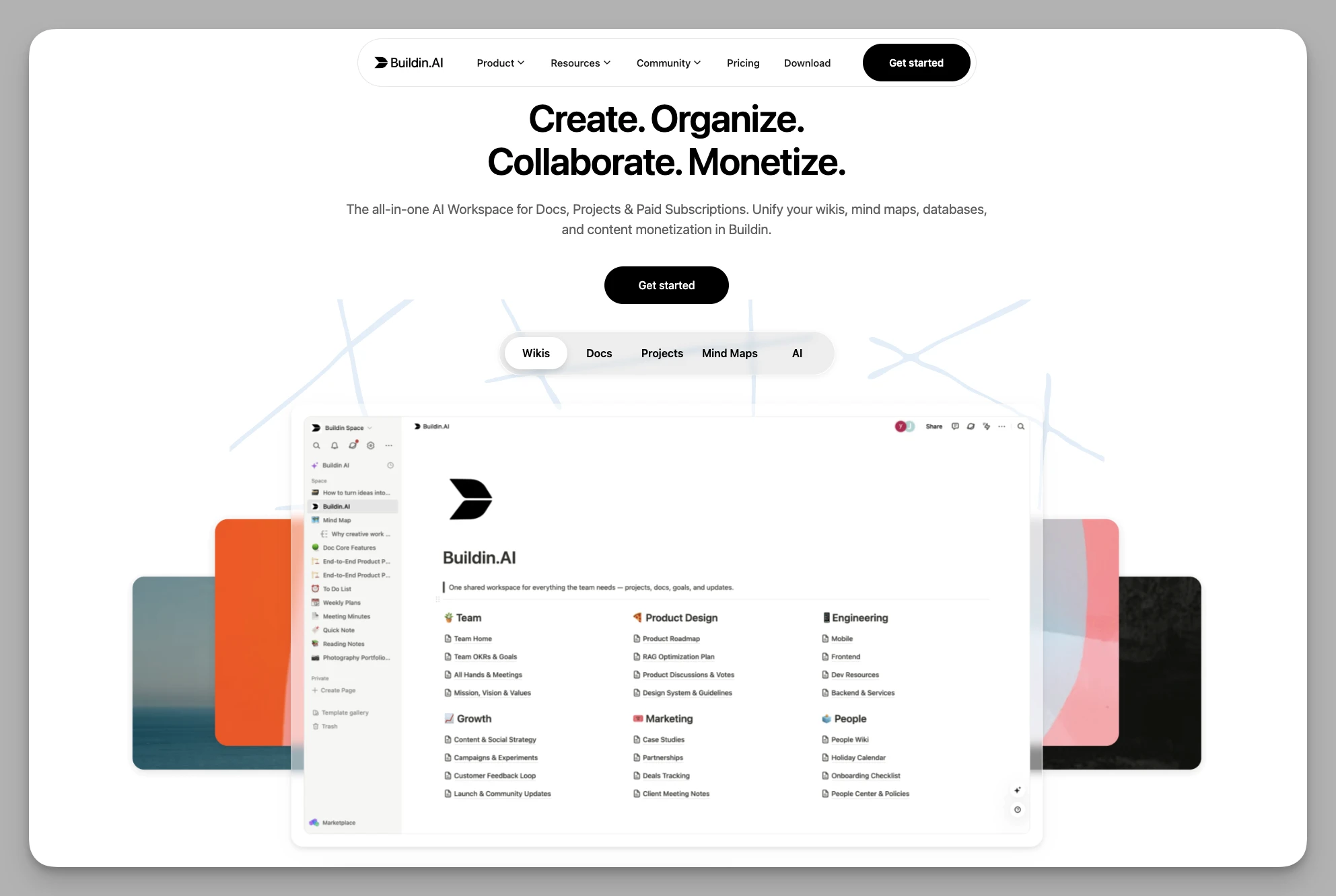
Buildin is an all-in-one note-taking and knowledge management tool designed for individuals and teams. By combining flexible page structures and powerful database capabilities, it seamlessly merges document editing, project management, and team collaboration into an intuitive workspace with reduced workflow friction.
Key Features
Flexible Pages & Databases: Supports multi-dimensional views to easily build personal or team knowledge architectures, catering to everything from fragmented notes to complex project tracking.
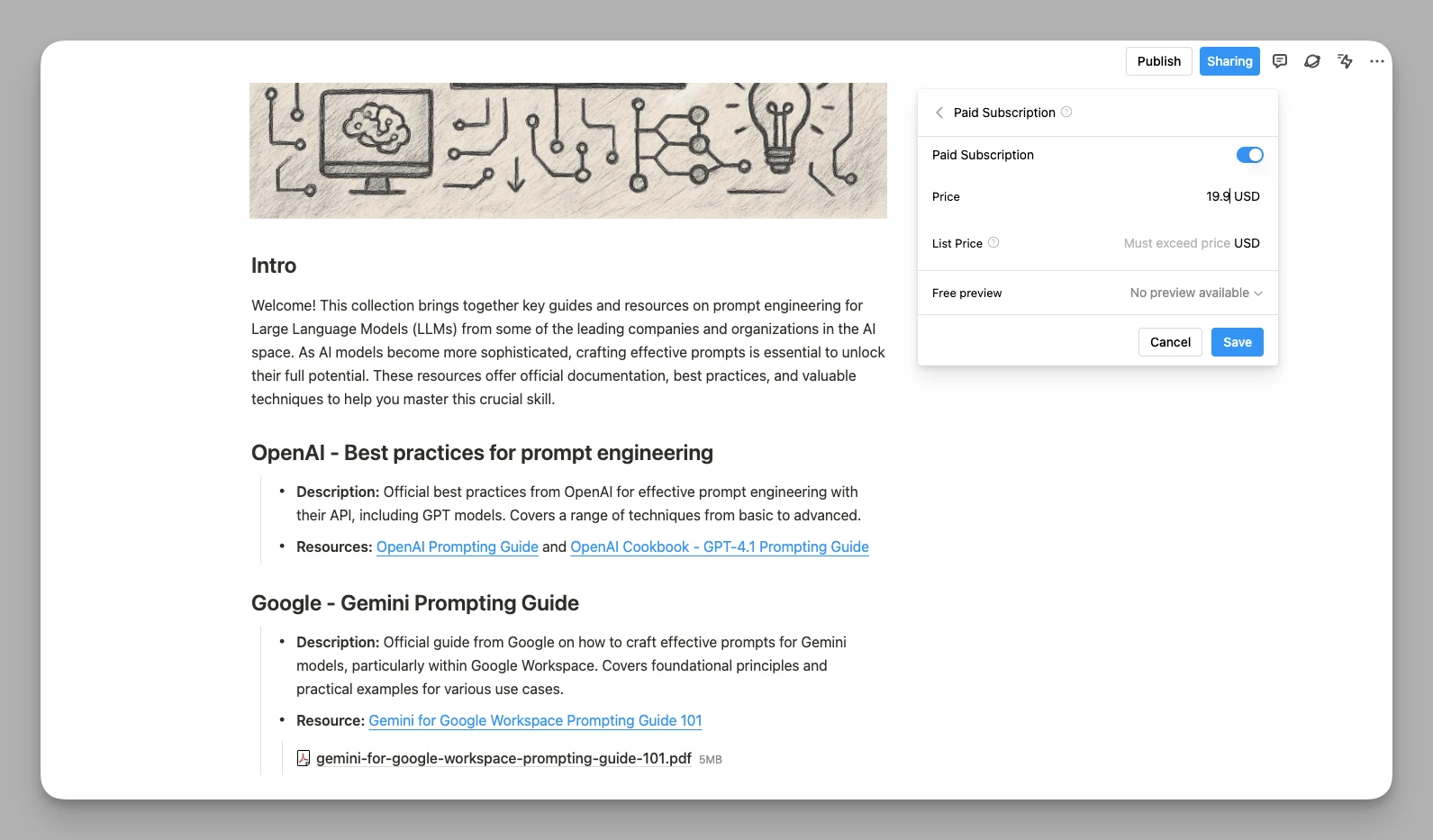
Monetization Loop: Features built-in paid subscription functionality, allowing you to turn high-quality notes, professional templates, or tutorials into paid products directly. Users can complete purchases within the platform.
- AI Knowledge Assistant: An intelligent Q&A system based on your entire database. It doesn't just polish text; it can extract information across documents and summarize key points to aid deep creation.
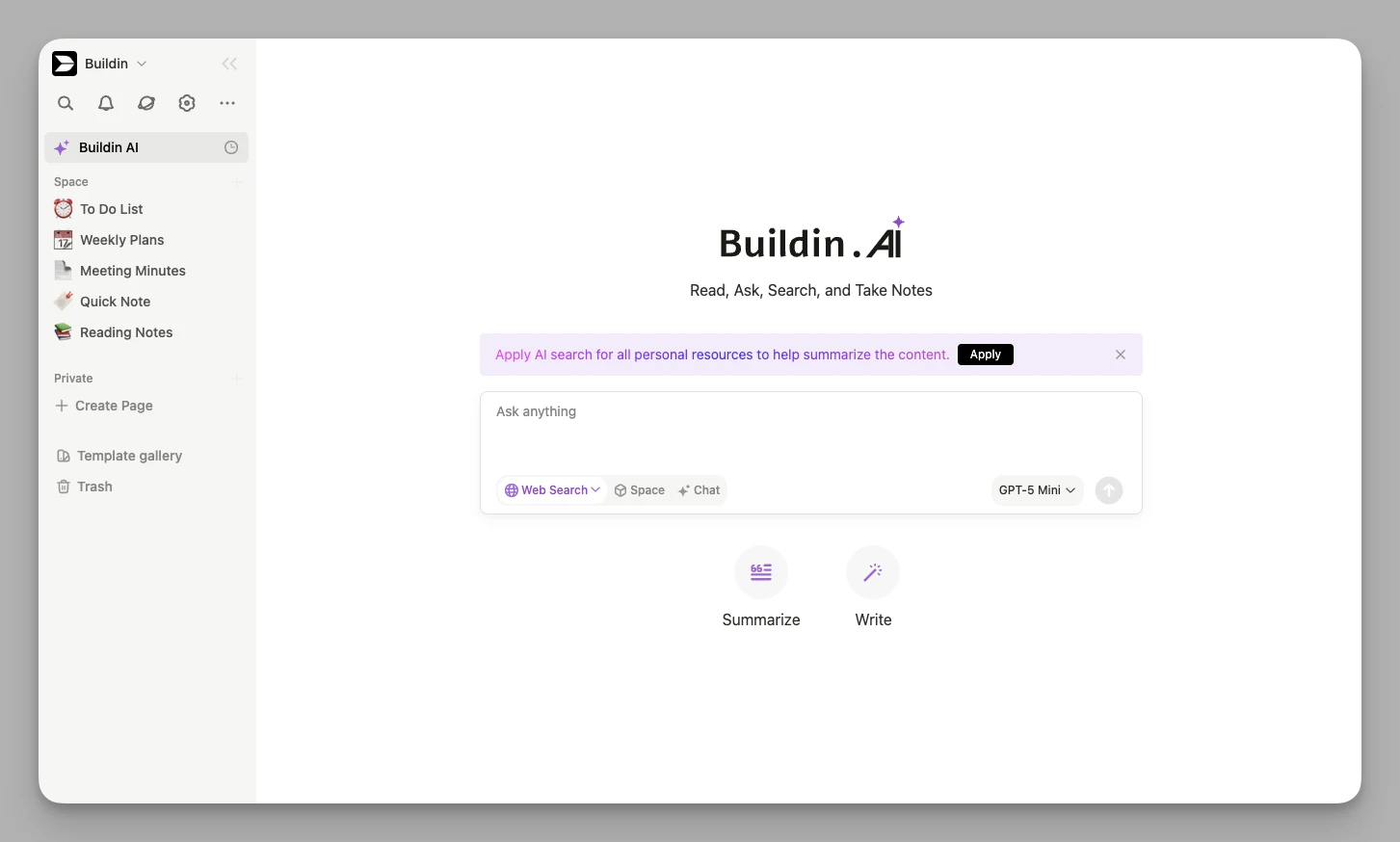
Mind Mapping & Visualization: Native support for mind mapping allows you to convert structured documents into logic charts with one click, facilitating brainstorming sessions.
Private Deployment: Offers self-hosted server options for enterprises, ensuring that core knowledge assets remain entirely within the organization to meet high security and compliance standards.
Pros
Integrated Monetization: Goes beyond pure productivity by enabling creators to monetize knowledge directly and receive financial returns from their expertise.
Efficient Migration: Supports deep imports via the Notion API. Within the current limits of the Notion API, it preserves page structures and core database fields as much as possible.
Security & Flexibility: Offers the convenience of a SaaS version alongside the ultimate security of private deployment, adapting to teams of all sizes.
Cons
- The feature matrix is quite extensive, and new users may need some time initially to explore how to configure the best monetization workflow for their needs.
2. Tana
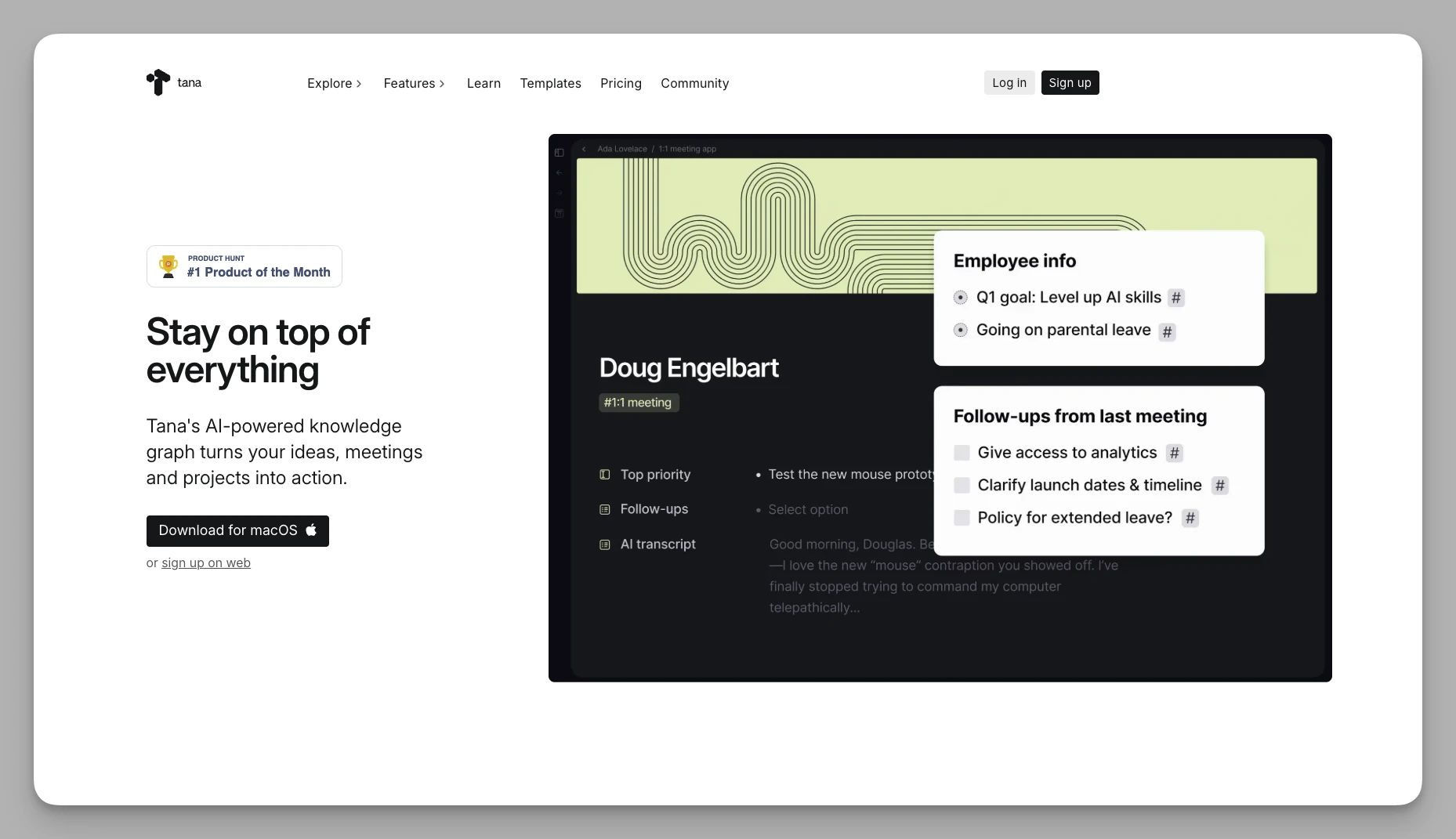
Tana is hailed as the "operating system for the human brain." It completely abandons the traditional "folder/file" architecture in favor of an entirely new node-based flow logic.
Key Features
Supertags: This is the soul of Tana. When you tag a node as "Meeting," it automatically gains predefined attributes like date, participants, and action items.
Daily Nodes: All inputs happen on a daily page. Through tags and search views, information is automatically distributed to the corresponding knowledge bases.
Semantic Relationships: Supports cross-project node referencing and can automatically generate complex relational views based on rules you define.
Pros
Strong Logical Expression: Once you master its Supertag system, its logical expression is exceptionally powerful. It can use AI workflows to handle tag classification automatically, greatly reducing the pain of manual organization.
Ideal for Fragmented Information: You no longer have to struggle with "which folder should this note go in."
Cons
The learning curve is very steep; users need to completely reshape their understanding of digital note-taking.
Collaboration features are still being refined, and permission management isn't as granular as ClickUp's yet.
3. Capacities
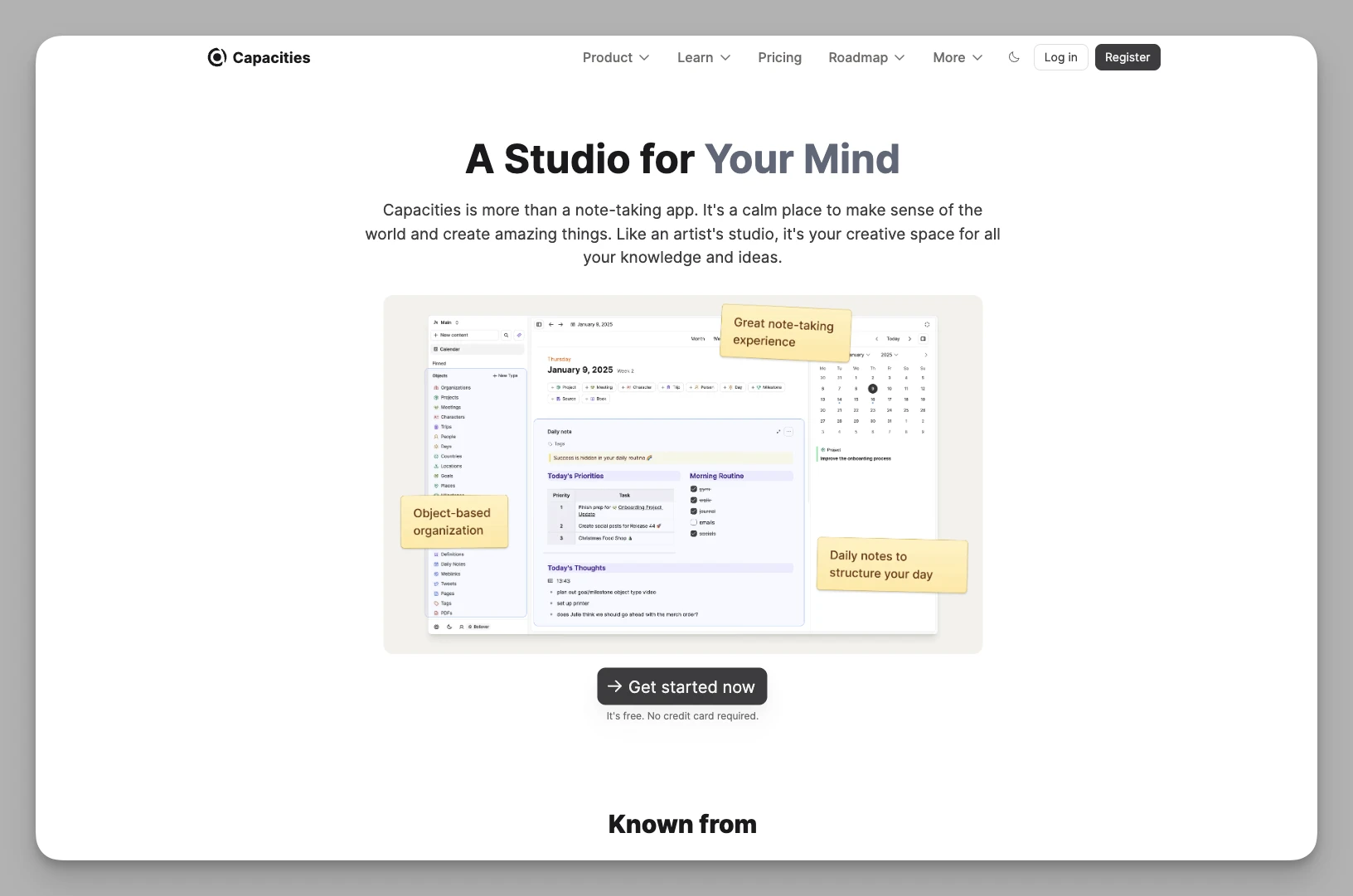
Capacities advocates for an "Object-based" management model, which is perfect for researchers or creators who need to build a personal knowledge network.
Key Features
Object-Based Management: You can define different types of objects like "Books," "People," or "Projects," each with its own independent dashboard and attribute fields.
Knowledge Graph View: Visually displays the logical connections between all objects, helping you discover hidden knowledge threads within your notes.
Attribute Filtering Engine: Supports complex filtering based on multi-dimensional attributes, making it incredibly simple to locate information within a sea of data.
Pros
Beautiful UI Design: Provides an immersive organizational experience, like "wandering through a digital library."
A Representative Tool for Object-Based PKM: It is one of the representative solutions for building a Personal Knowledge Management (PKM) system based on objects, where cross-object referencing feels very natural.
Cons
The task management module is relatively thin and cannot handle large engineering projects with strict time dependencies like ClickUp can.
The depth of the offline mode and mobile application still has room for improvement.
4. Anytype
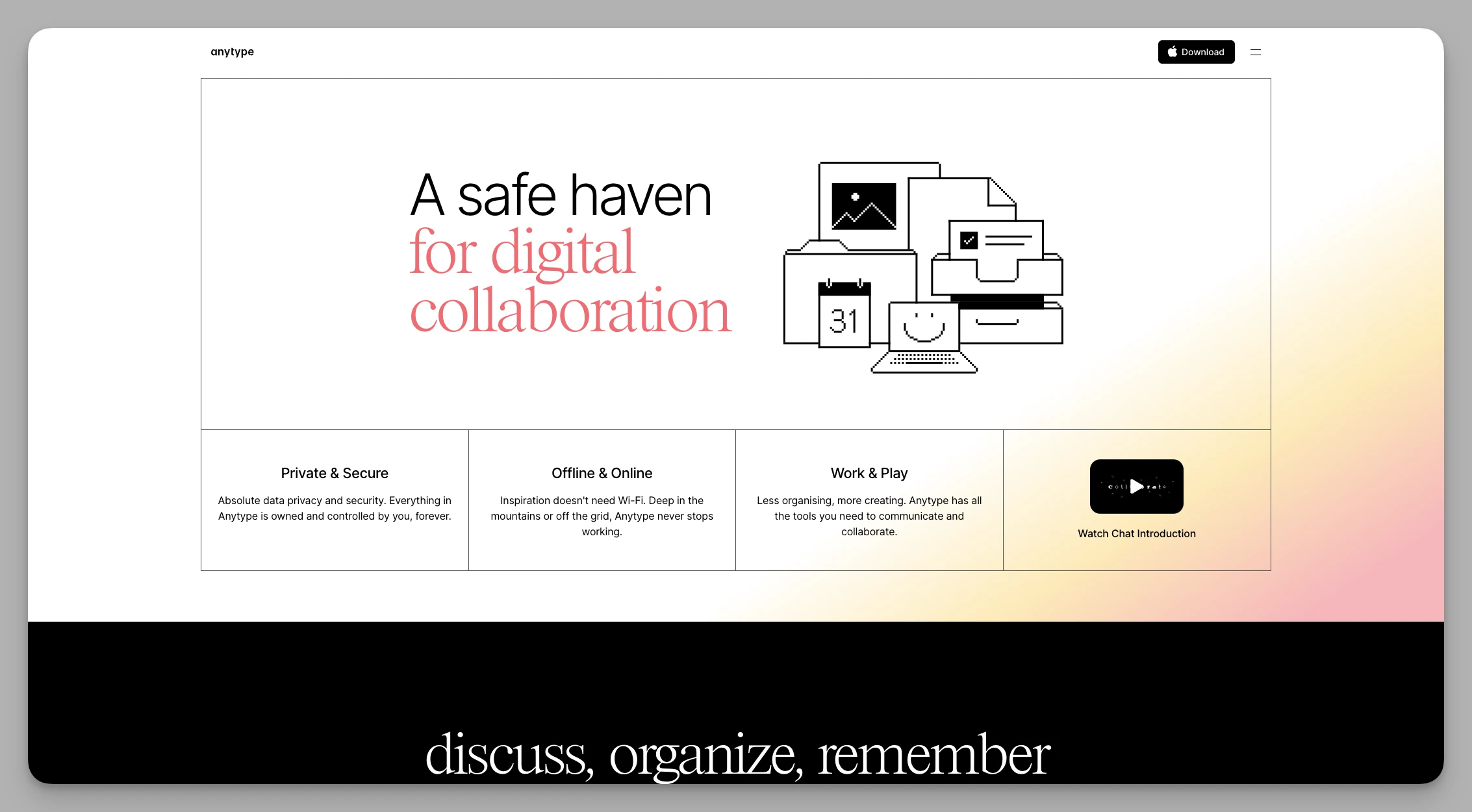
Anytype is a representative of localized collaboration tools in the Web3 era. It focuses on "User Sovereignty," offering a very high level of privacy protection.
Key Features
Decentralized Sync: Uses P2P technology for data transfer between devices, meaning your data is primarily synced peer-to-peer without relying on traditional commercial cloud storage.
Customizable Type System: Supports fully customizable Schemas, allowing you to design your own task management or knowledge base system like building with LEGOs.
Local-First Architecture: All core operations are performed locally, ensuring extremely fast response times and full support for offline work.
Pros
Ultimate Data Privacy and Ownership: Excellent for users who handle sensitive information or seek long-term data preservation.
Ownership-Focused Model: Compared to traditional SaaS subscriptions, its business model leans more toward long-term ownership rather than recurring payments.
Cons
Real-time team collaboration may feel slightly more latent than traditional cloud-based tools.
Compared to ClickUp's mature ecosystem of automation plugins, Anytype's third-party integrations are not as abundant.
5. Monday.com
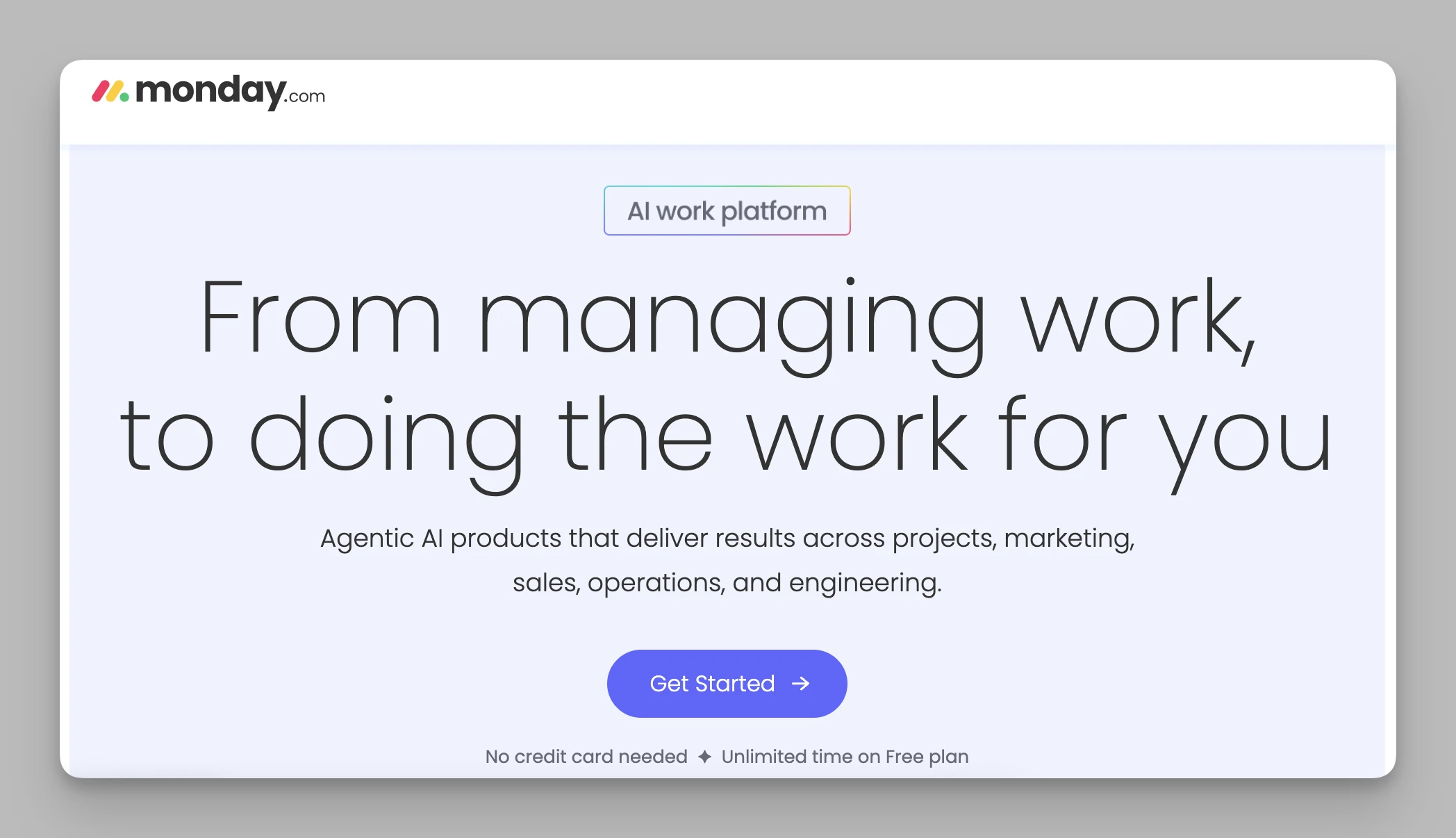
Monday.com is currently one of the mainstream representatives in the field of visual project management, especially suitable for business teams who find ClickUp's interface too oppressive.
Key Features
Colorful Pulse Boards: Uses highly saturated colors to indicate task status, allowing the whole team to identify project bottlenecks at a glance.
No-Code Automation: Features an extremely powerful automation builder that lets you set rules like "automatically notify the owner when a task is overdue" as if you were assembling blocks.
Multiple View Switching: Supports one-click switching from Kanban to Gantt charts, workload assessments, or map views.
Pros
Excellent Visual Feedback: Significantly enhances the joy of collaboration during busy projects.
Mature Service & Ecosystem: Customer service and the template ecosystem are very refined, allowing for quick adaptation to various functions like Marketing, HR, or R&D.
Cons
The pricing model is not very friendly to small teams, often requiring a minimum number of seats.
As the volume of data grows, vertical scrolling on pages can become quite lengthy.
6. Asana
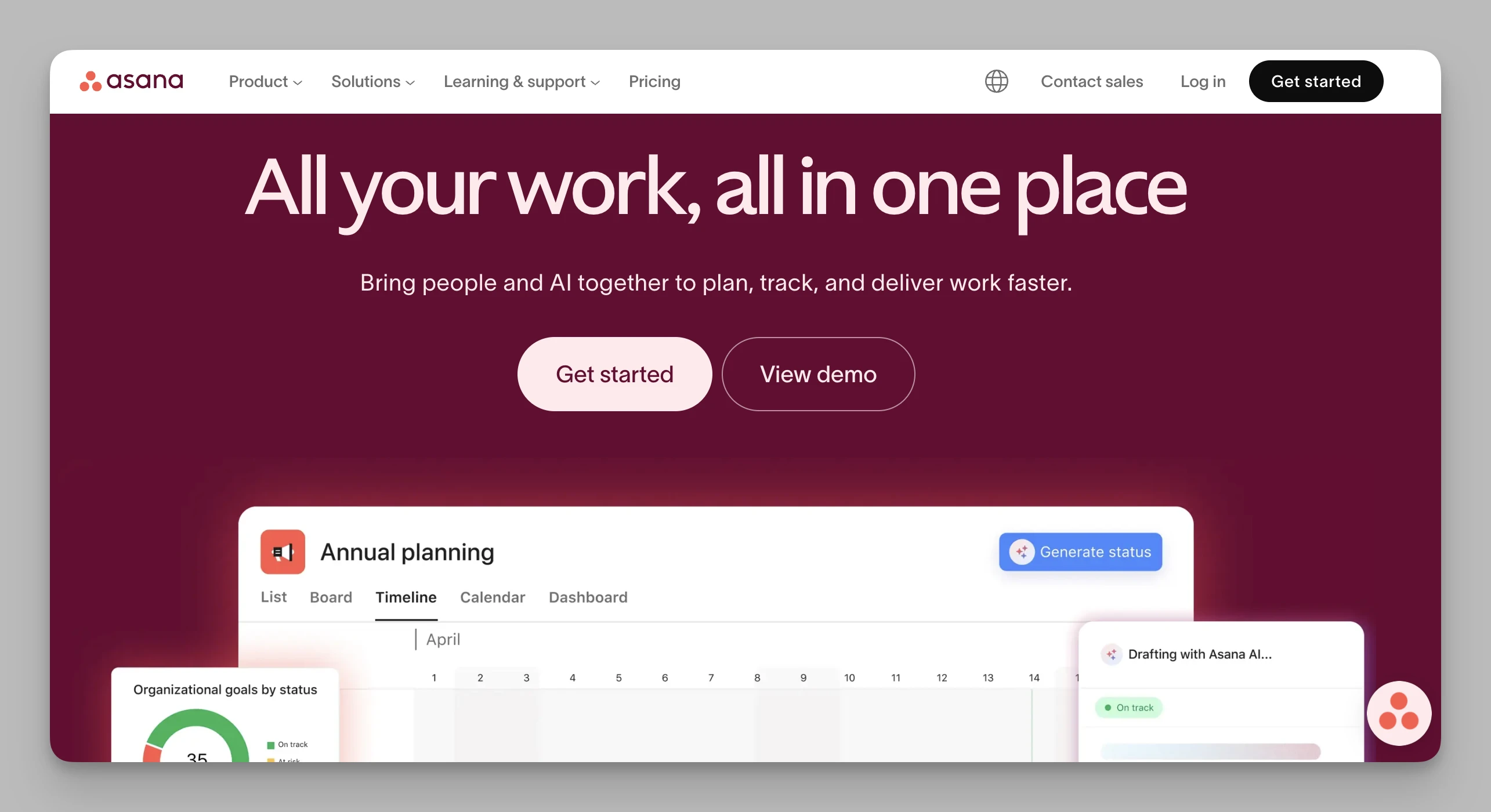
Asana strikes a relatively stable balance between "depth of features" and "ease of use," making it a standard choice for many Silicon Valley startups.
Key Features
Task Dependency Flow: Clearly defines the logical sequence between tasks, preventing project delays through visual connection lines.
Portfolios: Allows managers to monitor the overall health of dozens of projects simultaneously from a high-level perspective.
Automation Rules Center: Supports complex trigger logic to hand over tedious administrative organizing work entirely to machines.
Pros
Exceptionally Stable Performance: Maintains a silky-smooth feel even when handling large projects with thousands of subtasks.
Low Barrier to Entry: The UI design is clean and bright, requiring almost no specialized training for the entire team to get started.
Cons
Lacks native deep document editing capabilities and cannot host lengthy knowledge wikis like Notion or Buildin.
Many core project monitoring features are locked behind higher pricing tiers.
7. Notion
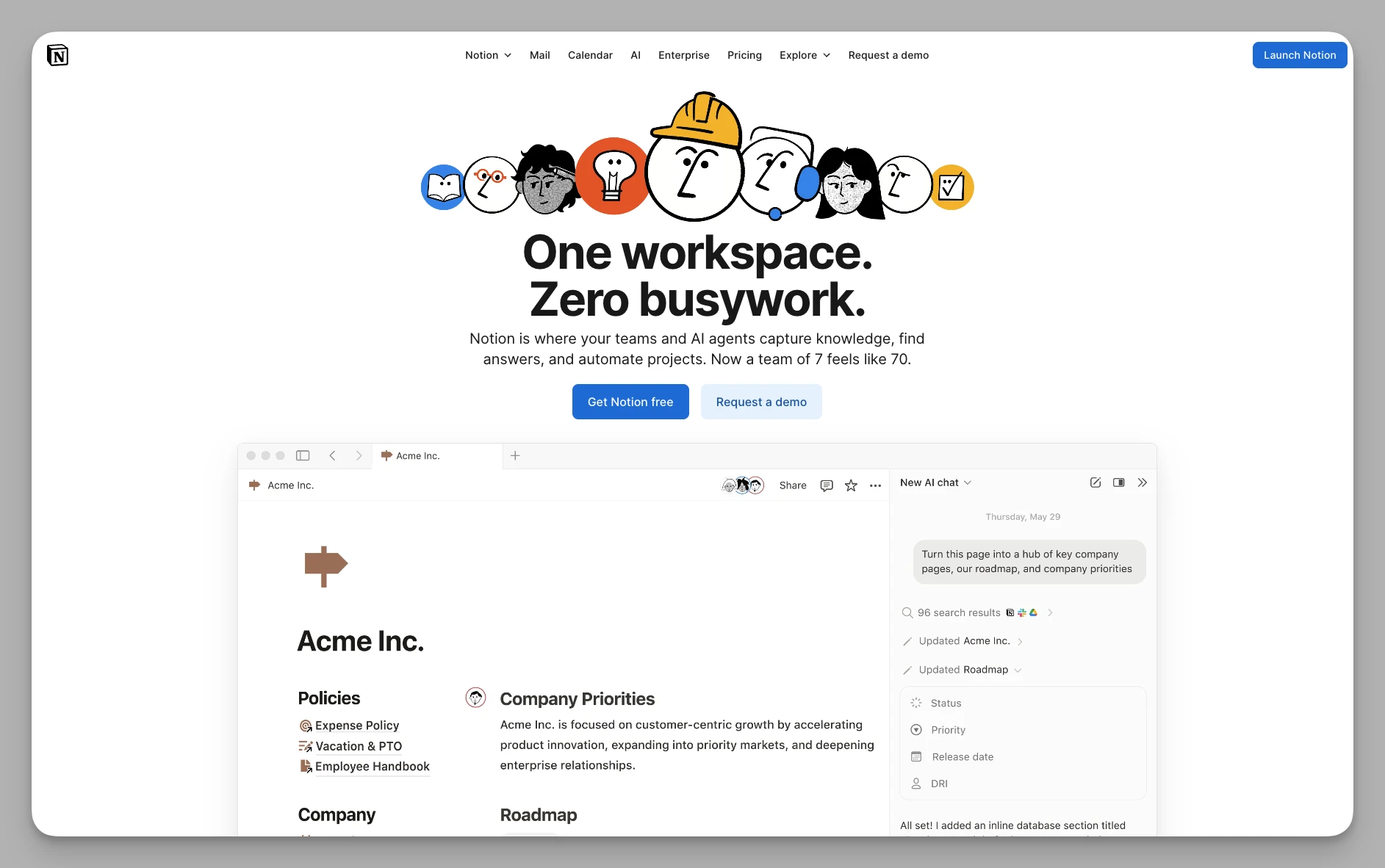
As the pioneer of the "document collaboration" movement, Notion has redefined the shape of the modern workspace.
Key Features
Block-Based Editing: Every paragraph, image, or table is a "block" that supports free drag-and-drop layout.
Powerful Relational Databases: Supports table relationships and Rollup calculations, enabling the creation of extremely complex resource management systems.
Notion AI Integration: Features built-in AI services for everything from summarizing to code polishing.
Pros
Unrivaled Community Ecosystem: You can easily find mature templates for everything from "wedding planning" to "company handbooks."
High Structural Flexibility: The high degree of structural flexibility makes work documents more visually organized and adaptable.
Cons
This high level of freedom can sometimes be a burden; beginners can easily fall into "over-decorating" while neglecting actual output.
Efficiency in handling complex business workflow automation is not as high as Monday or Asana.
8. Obsidian
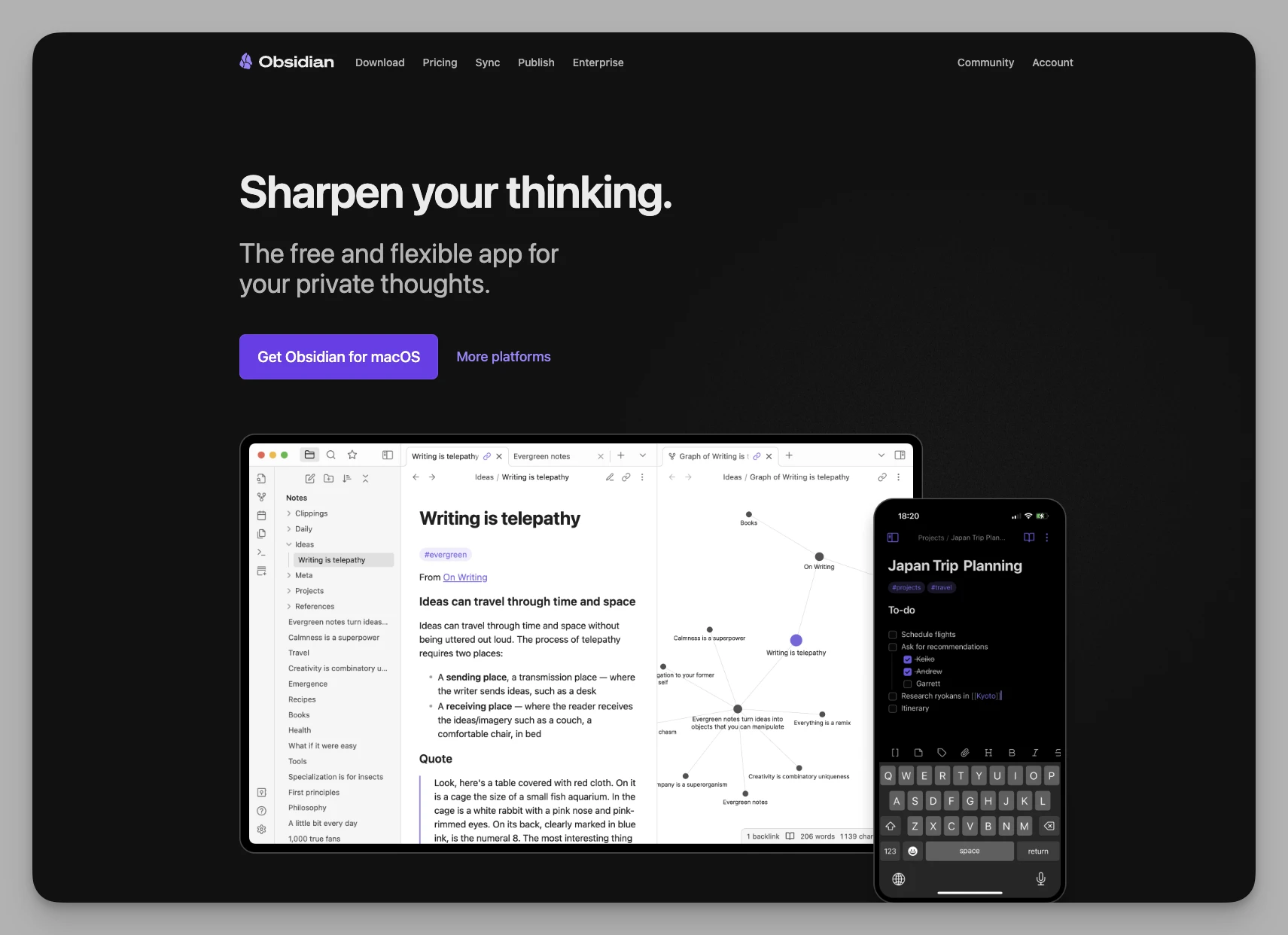
Obsidian is a local-first, Markdown-based note-taking tool. It is a "sanctuary" for geeks and academic professionals.
Key Features
Bi-directional Linking & Graph: Use
[[Note Title]]to quickly establish connections and view your thinking nodes in a dynamic graph.Ultimate Plugin System: The community has driven thousands of plugins, ranging from calendars and Kanban boards to AI-assisted writing.
Plain Text Storage: All data is stored as simple .md files, ensuring data remains readable permanently without dependence on specific software.
Pros
Blazing Fast Speed: Response times are measured in milliseconds, and it offers natural advantages in privacy and long-term archiving.
Focused Offline Experience: Fully functional offline, making it the best companion for creators seeking a "flow" state in writing.
Cons
The configuration for mobile synchronization and multi-user real-time editing can be difficult.
It does not come with complex project management features out of the box, requiring significant self-assembly through plugins.
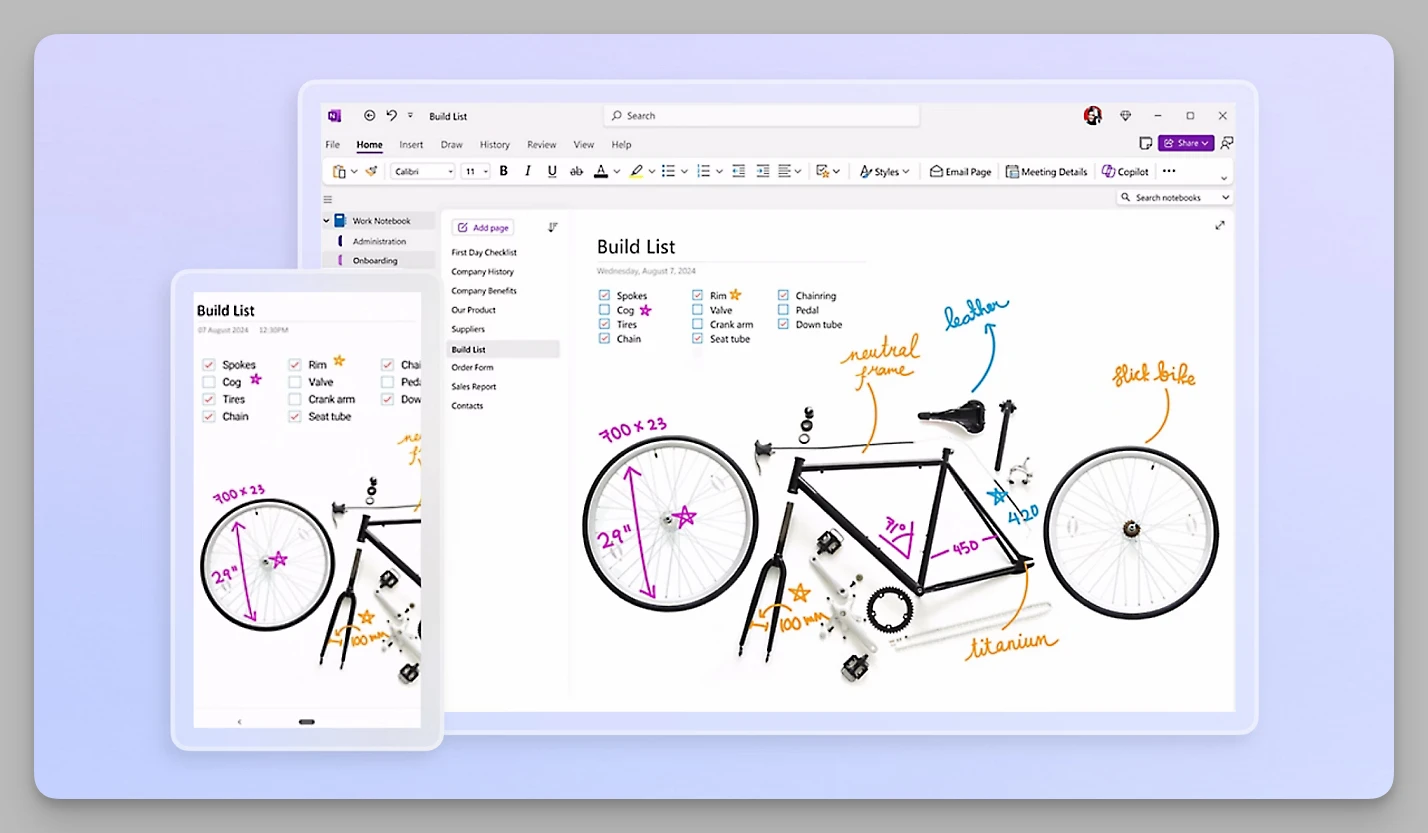
9. OneNote
Microsoft's OneNote remains a force to be reckoned with in the 2026 workplace, especially in deeply integrated office environments.
Key Features
Free-form Canvas: No longer restricted by rows and columns; you can click, type, or draw anywhere on the page.
Cross-Document Search: Its built-in OCR technology can search for text in images, handwritten notes, and even PDFs with impressive performance.
Office 365 Integration: Deeply interconnected with Outlook and Teams, allowing tasks to be pushed directly to your calendar.
Pros
High Cost-Performance: Most features are completely free, and for Windows users, the latency of handwritten notes is extremely low.
Traditional Logical Structure: The clear "Notebook-Section-Page" hierarchy fits traditional document organization habits very well.
Cons
Lacks the "bi-directional linking" and "attribute tag" systems common in modern collaboration tools, making it less suitable for non-linear thinking.
Collaborative synchronization can sometimes result in version conflicts, and the experience feels a bit traditional.
10. Bear
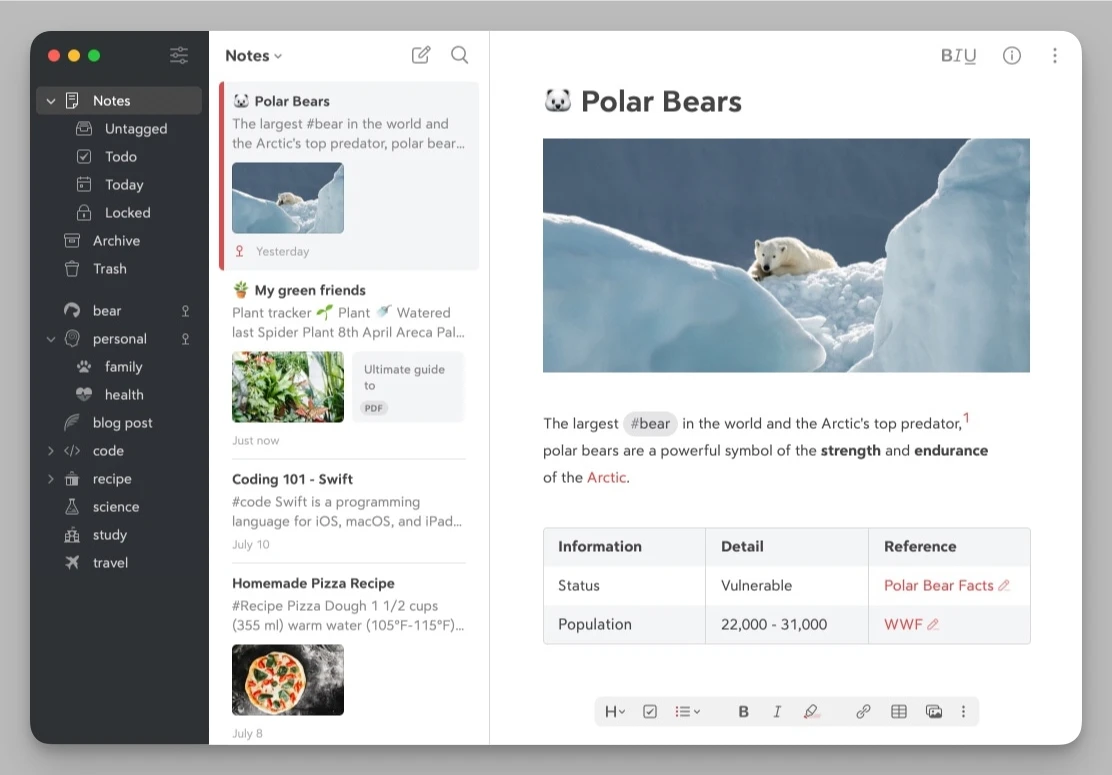
If you seek ultimate simplicity and the joy of writing, Bear is a more focused choice than ClickUp.
Key Features
Nested Tag System: Uses tags (like #writing/draft#) to organize notes instead of fixed folders.
Beautiful Markdown Rendering: Offers multiple beautifully designed themes to turn the writing process into a visual pleasure.
Quick Inspiration Capture: The web clipper and mobile sharing features are very smooth, making it easy to collect inspiration anytime.
Pros
Immersive Writing: The interface is extremely clean without any redundant buttons to distract you, allowing you to enter a writing state quickly.
Modern Organizational Logic: Note-to-note navigation and tag management align perfectly with the habits of modern internet users.
Cons
Limited to the Apple ecosystem (iOS/macOS); not friendly to Windows or Android users.
Focuses strictly on "noting"; functionality is lacking in the complex dimensions of "management" and "collaboration."
Quick Comparison Table: Which is Your 2026 Ideal Match?
| Product | Core Positioning | Highlight Features | Target Audience |
|---|---|---|---|
| Buildin | Collab & Monetization | Paid Subs, Private Hosting, API Migration | Creators, Educators, Security-Conscious Firms |
| Tana | Knowledge Graph Engine | Supertags, AI Node Flow | Power Geeks, Deep Thinkers |
| Capacities | Object-Based Notes | Object Management, Beautiful UI | Researchers, Knowledge Workers |
| Anytype | Privacy-First Workspace | P2P Sync, Local-First | Privacy Geeks, Decentralization Fans |
| Monday.com | Visual Project Mgmt | Strong Automation, Visual Progress | Business Teams seeking Ease of Use |
| Asana | Process-Driven Collab | Timeline, Task Dependencies | Teams seeking Strict Workflow |
| Notion | Document Knowledge Base | Extreme Layouts, Template Ecosystem | Creative Teams, Individuals |
| Obsidian | Local Second Brain | Plugin Ecosystem, Backlinks, Local Storage | Note Takers, Developers |
| OneNote | Classic Digital Notes | Handwriting Support, Office Integration | Traditional Office Workers, Students |
| Bear | Minimalist Writing Tool | Nested Tags, Beautiful MD Rendering | Pure Writers, Apple Users |
Summary: How to Choose the One for You?
In 2026, we are no longer short on powerful tools; what we lack are "partners" that resonate with our way of thinking. ClickUp is great, but if it leaves you feeling exhausted, then finding an alternative isn't "running away"—it's a precision upgrade of your productivity.
Before making your final decision, ask yourself three questions:
Is my output for "Internal Collaboration" or "External Delivery"? If you want to directly turn your expertise into revenue, Buildin's monetization loop is the unrivaled choice.
Do I believe more in "Cloud Convenience" or "Local Sovereignty"? If you are highly sensitive to privacy, Anytype or Obsidian will give you an unprecedented sense of security. If you need seamless flow across devices, Notion remains the benchmark.
Is my thinking habit "Linear" or "Network-based"? If you like following threads to discover inspiration, try Tana or Capacities. If you are accustomed to strict task progress tracking, Monday.com or Asana will be more to your liking.
Final Thought: The essence of a tool is to "reduce friction." If you find that the time you spend researching tools has exceeded the time you spend actually creating, please stop immediately. Pick the one that feels most intuitive (for example, start with Buildin and use its Notion migration to trial it at low cost) and gradually polish a workflow that belongs uniquely to you.
I hope this list helps you break free from the complexities of ClickUp and reclaim a sense of control over your work!

Amara Elara
Specializes in visualizing complex processes and improving product education. Responsible for user support, product tutorials, and visual guides at Buildin, helping users improve tool adoption and overall productivity.