Moving Beyond "Small and Beautiful"? The 11 Best Bear App Alternatives to Try in 2026
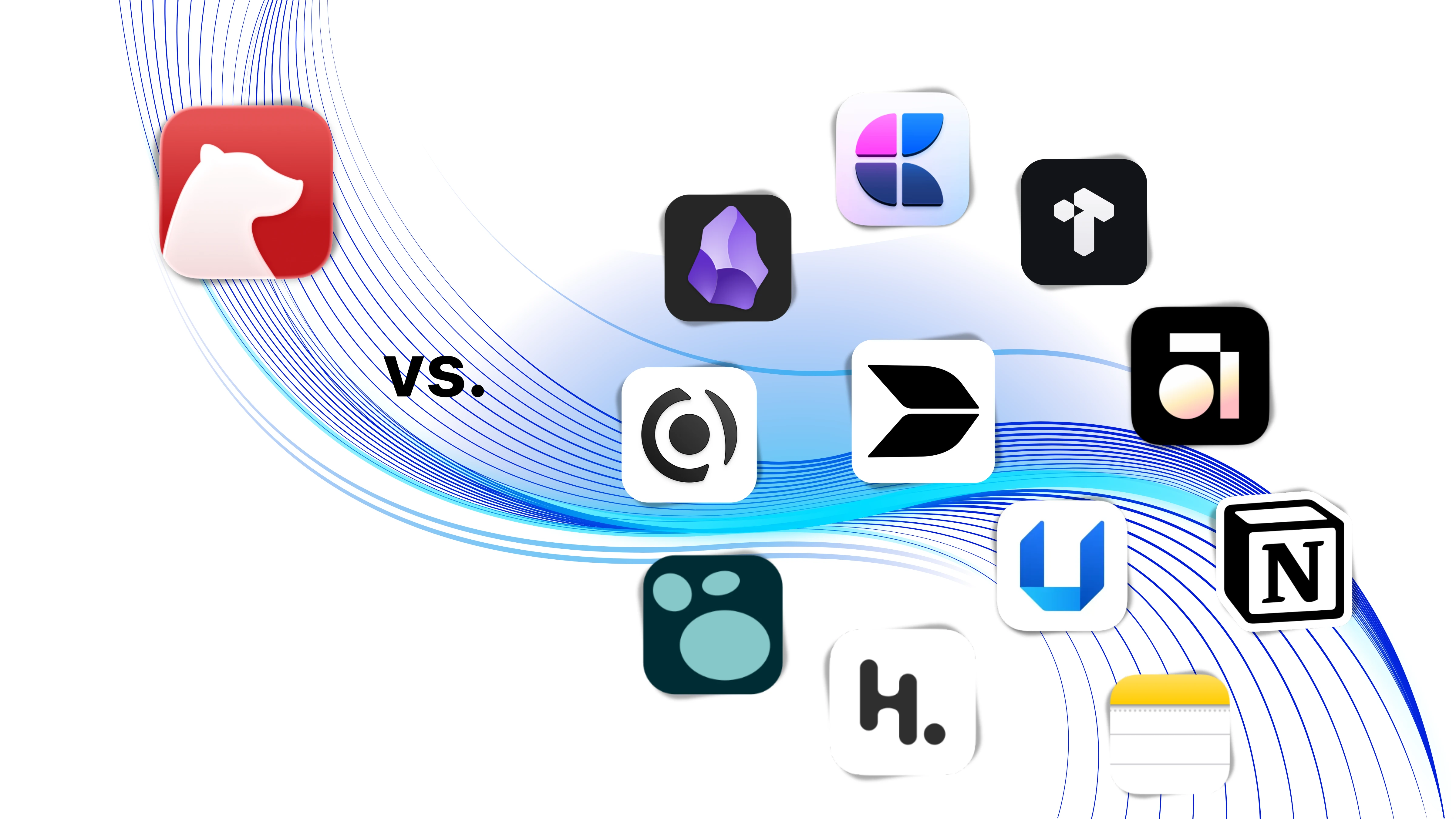
Discover the 11 best Bear app alternatives for 2026—compare note-taking tools for AI, privacy, linking, and productivity beyond "small and beautiful."
As a long-time "procrastinator with too many tools" in the note-taking community, I was once a die-hard fan of Bear.
Who could resist that peak minimalist design? Typing in Bear, with its clean Markdown syntax that hides automatically and that iconic red-and-white theme, always gives you the illusion that you're crafting a masterpiece. It feels like a sanctuary—a place where you can escape messy system files and focus solely on a pristine canvas.
But at some point, that "small and beautiful" philosophy started feeling a bit... restrictive. Perhaps it was when I needed to organize a complex knowledge system, only to find that tags become impossible to navigate once you hit a thousand notes. Maybe it was when I had to edit drafts on a Windows PC and realized Bear was still strictly tied to the Apple ecosystem. Or perhaps it was the realization that notes shouldn't just be "stored"—they should be "activated" and organized into rigorous logical structures.
We miss Bear's purity, but the complexity of modern work and life often forces us to look for more powerful "external brains." If you feel Bear is no longer enough, or simply want a fresh environment to clear your head, here are 11 standout alternatives in 2026.
1. Buildin
An all-in-one productivity platform integrating notes, personal knowledge bases, team collaboration, and content monetization. Unlike Bear's limited Apple ecosystem and singular focus, Buildin excels by "activating" static text through AI and databases. It retains a clean editing experience while eliminating data silos and functional gaps.
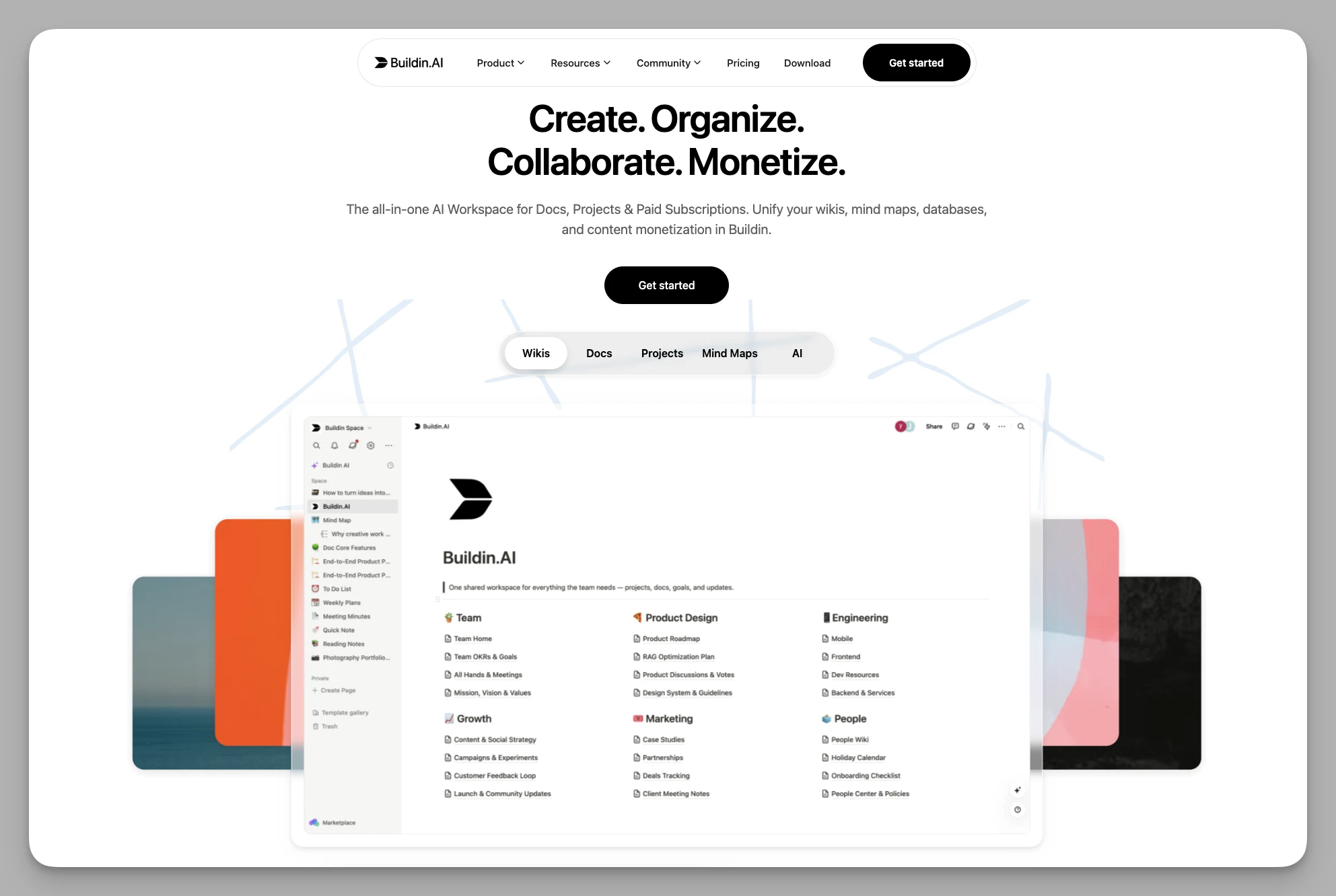
Key Features
- AI Knowledge Base: Semantic search and content summarization that answers questions based on your specific note library—a truly intelligent "digital brain."
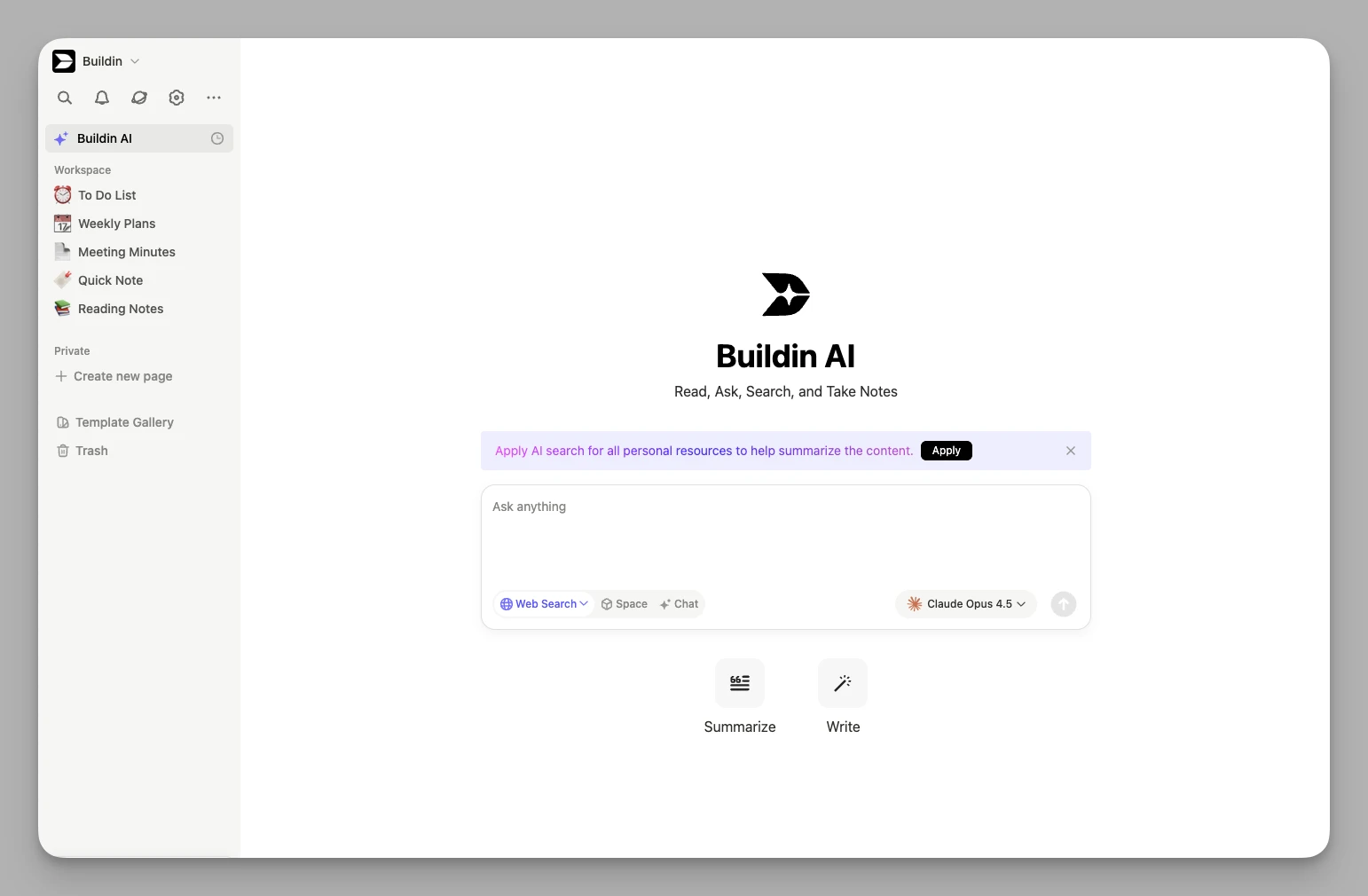
Structured Thinking: Built-in mind mapping and database functions that instantly transform fragmented inspiration into clear project logic.
Creator Ecosystem: Built-in support for monetization; you can launch paid subscriptions or sell individual pieces of content directly.

Private Deployment: Offers an enterprise-grade self-hosted version for teams requiring absolute data sovereignty and security.
All-in-One Hub: Integrated with cloud folder storage and an open API, making it easy to connect external tools and automation workflows.
Pros & Cons
- Cons: The learning curve is slightly steeper due to the rich feature set, and it might feel "heavy" for users who only want ultra-simple text entry.
Pricing Basic Free version available; Plus Plan approx. $10/month per user.
2. Anytype
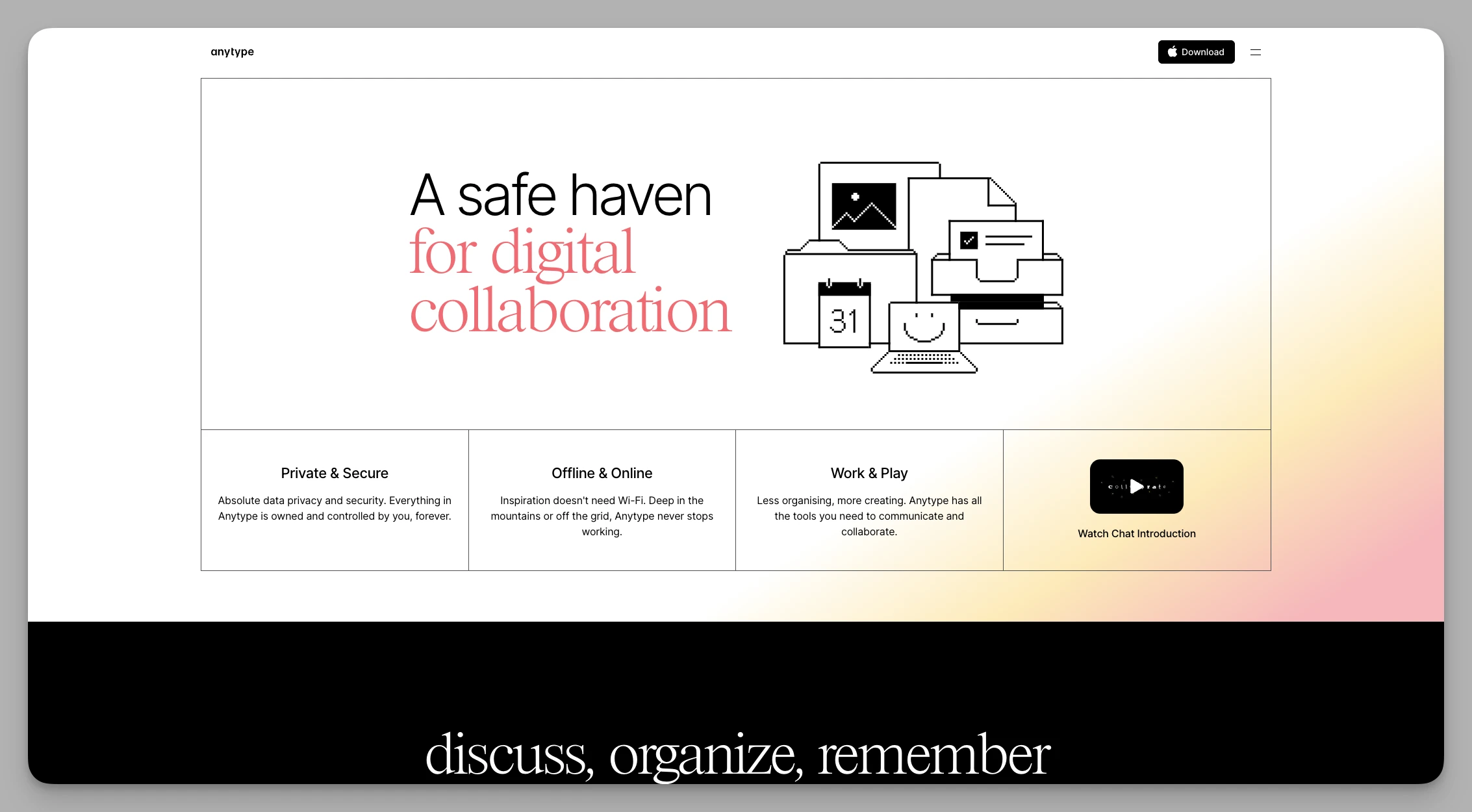
A privacy-focused, local-first "object-based" note tool. It rivals Bear in aesthetic quality while using encryption technology to ensure you have total control over your data.
Key Features
Object System: Everything is an "object." You can define notes as "Person," "Book," or "Project" types.
Local Encryption: Data is stored locally with end-to-end encryption, ensuring smooth offline performance and maximum security.
P2P Sync: Uses peer-to-peer technology for synchronization, removing reliance on centralized servers.
Custom Sidebar: Deeply customize your navigation bar and frequent views based on personal habits.
Multi-Dimensional Layouts: Supports Kanban, Grid, and Calendar views to break the monotony of pure text.
Pros & Cons
- Cons: Concepts like "Objects" and "Relations" require some cognitive effort to master; sync can occasionally fluctuate during rapid development phases.
Pricing Basic Free version; Plus Plan approx. $4/month; Pro Plan approx. $8/month.
3. Craft
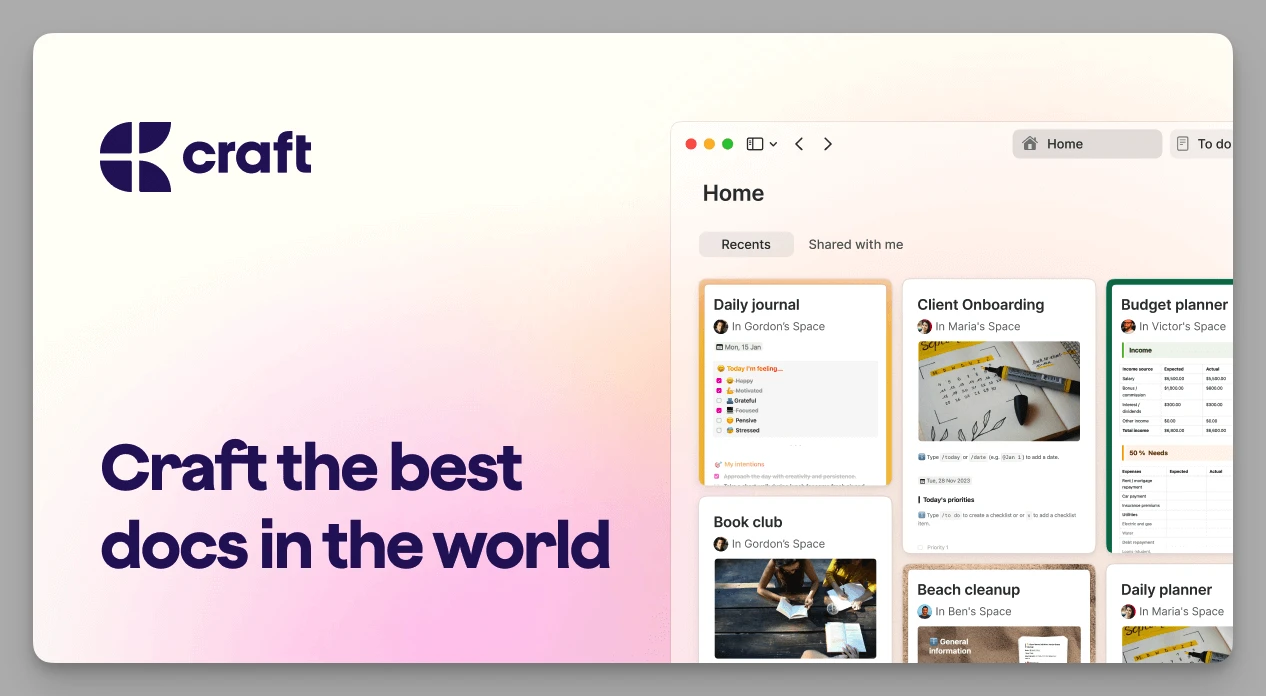
A document tool blending top-tier typography with modern collaboration. It is arguably the biggest challenger to Bear's aesthetic throne. Unlike Bear's linear structure, Craft's "page nesting" adds deep layers to your documents.
Key Features
Block-Level Editing: Extremely fluid card-based editing with free drag-and-drop and nesting.
Publish-Grade Export: Generates visually stunning shared web pages or PDFs—perfect for project proposals.
Cross-Platform Sync: Native Apple support with high-quality experiences for Windows and Web.
External Integration: Deeply links with system functions like the clipboard and calendars for rapid info capture.
Pros & Cons
- Cons: Lacks powerful database filtering and complex tag retrieval, making it less suitable as a heavy-duty archive.
Pricing Personal Basic Free version; Pro version starts at approx. $8/month.
4. UpNote
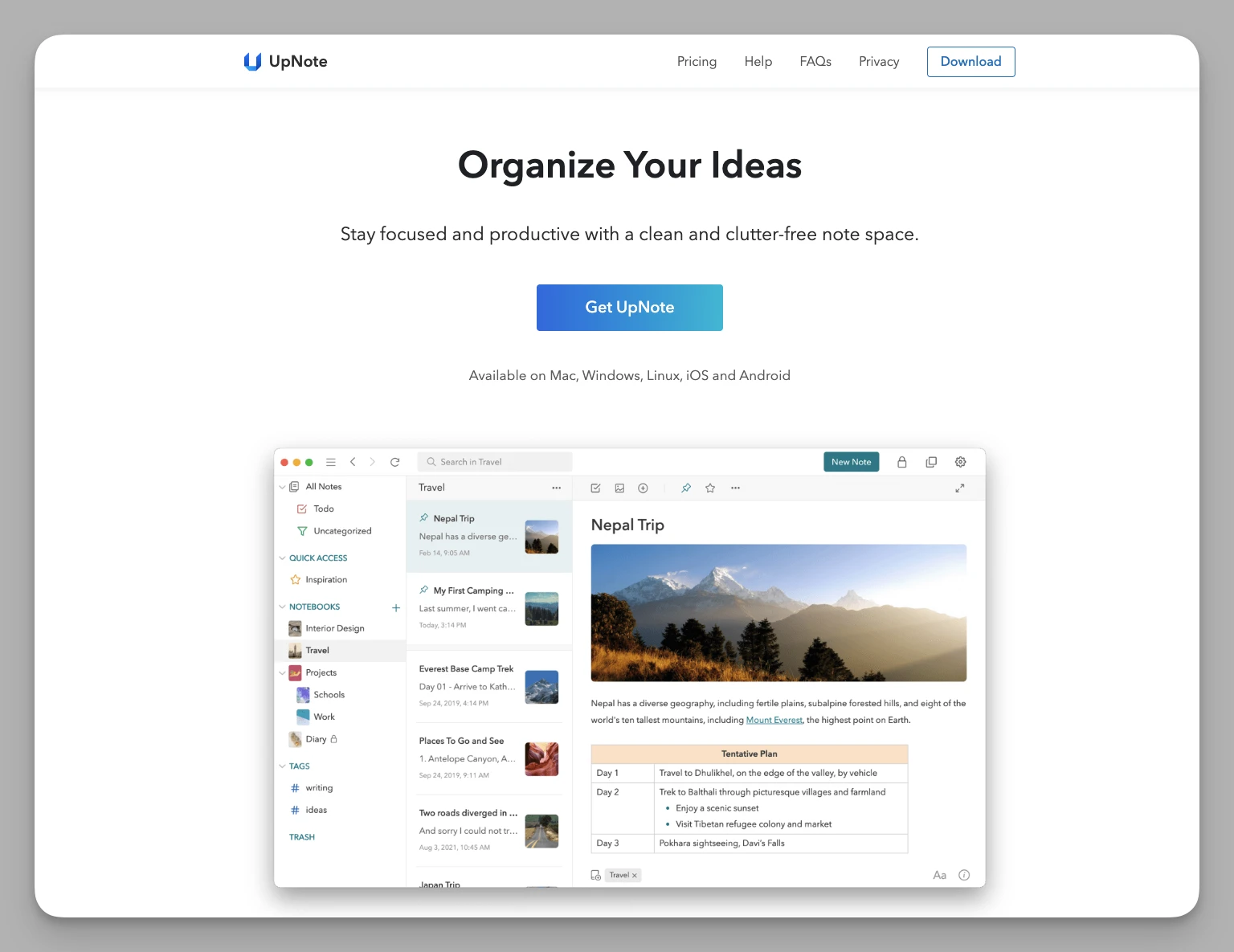
An ultra-smooth, cross-platform Markdown notebook. It is the perfect "painless migration" for Bear users, as the UI logic is nearly identical but works perfectly on Windows and Android.
Key Features
Perfect Alternative: Supports nested folders and multi-level categories with a logic very similar to Bear.
Enhanced Formatting: Offers more tools than Bear, such as colored background blocks, collapsible sections, and varied code block styles.
Seamless Sync: Truly covers iOS, Android, Mac, Windows, and Linux with extremely fast sync speeds.
Focus Mode: Hides all sidebars and toolbars for a pure writing experience similar to iA Writer.
Pros & Cons
- Cons: Conservative feature set; lacks modern tools like bi-directional linking or AI-driven workflows.
Pricing Subscription approx. $1.99/month; Lifetime purchase option available for approx. $39.99.
5. Tana
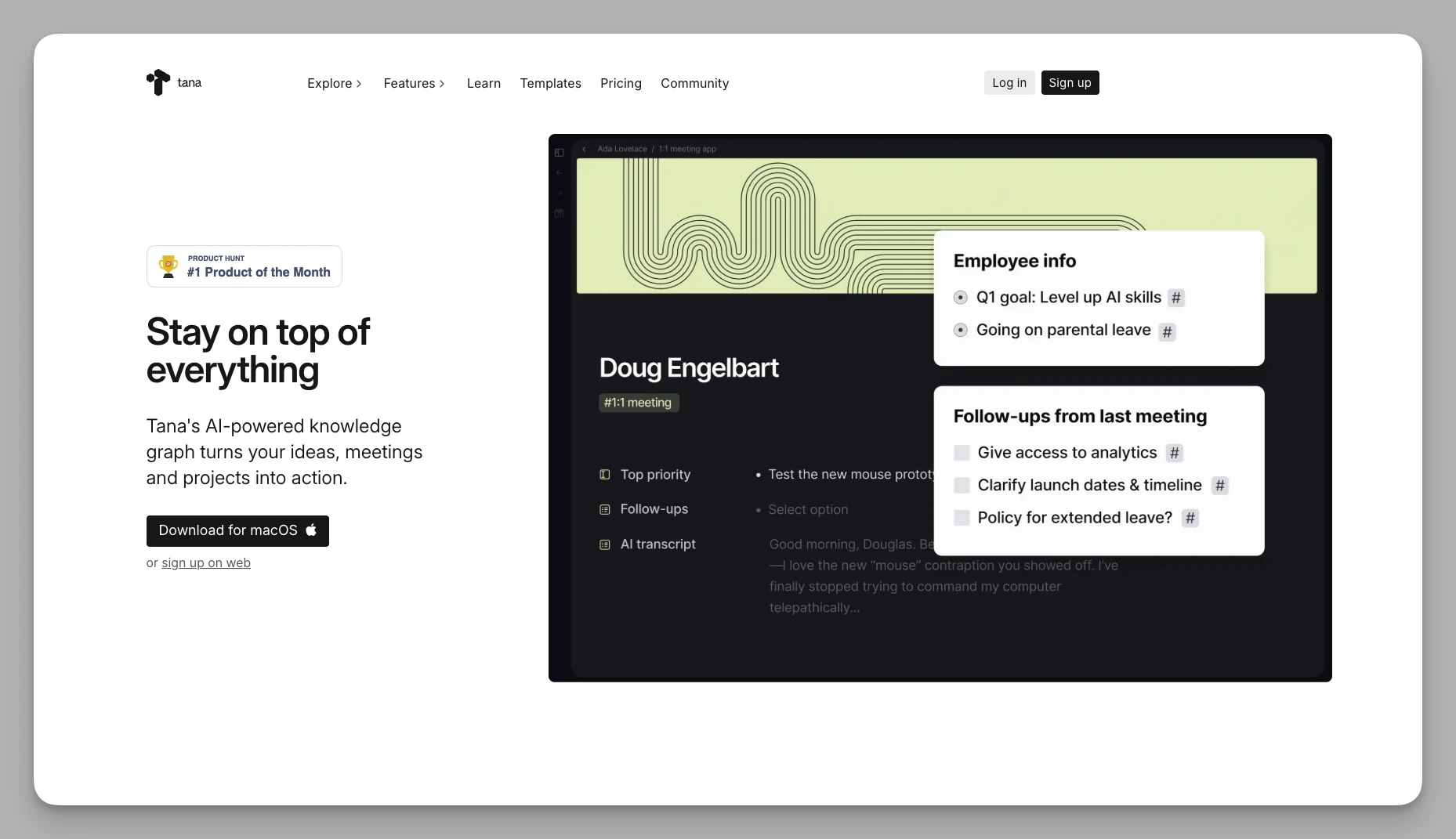
A revolutionary "object-oriented" outliner that pushes "Super Tags" to the limit. Ideal for users who want to fully structure their personal information flow.
Key Features
Super Tags: Tag a note and it instantly transforms into a database entry with specific fields.
Node-Driven: All records exist as nodes, allowing for easy cross-page referencing and real-time aggregation.
Deep AI Integration: AI can auto-fill tag fields, significantly reducing manual data entry.
Command Workflows: Create complex automated commands to handle note-taking processes with one click.
Pros & Cons
- Cons: Very high entry barrier; the logic differs significantly from traditional apps, requiring weeks to build a personal system.
Pricing Basic Free version available; Plus Plan approx. $8/month.
6. Heptabase
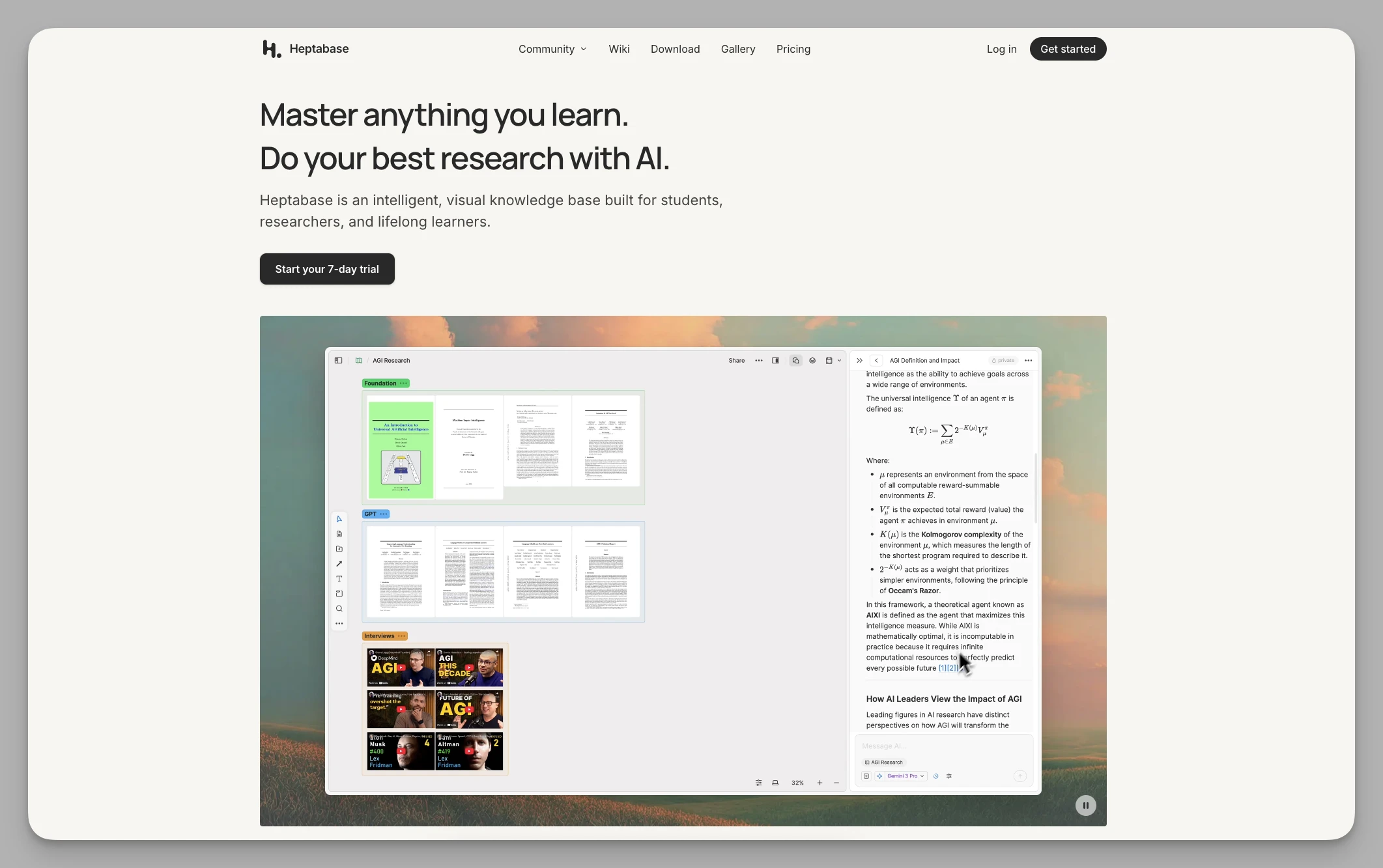
A tool that blends notes, whiteboards, and mind maps into a "visual" learning environment. If Bear's list view limits your perspective, Heptabase lets you organize knowledge like a puzzle on an infinite canvas.
Key Features
Whiteboard Workflow: Every note is a card that can be linked and grouped on a canvas to clarify complex research.
Multi-View Sync: The same data can switch seamlessly between whiteboards, tables, and card streams.
Deep Reading: Annotate PDFs and extract highlights directly onto the whiteboard—a dream for researchers.
Workspace Management: Supports multiple independent workspaces for different projects.
Pros & Cons
- Cons: No permanent free version; strictly for learning/research—might be overkill for quick daily memos.
Pricing Pro Plan approx. $8.99/month.
7. Logseq
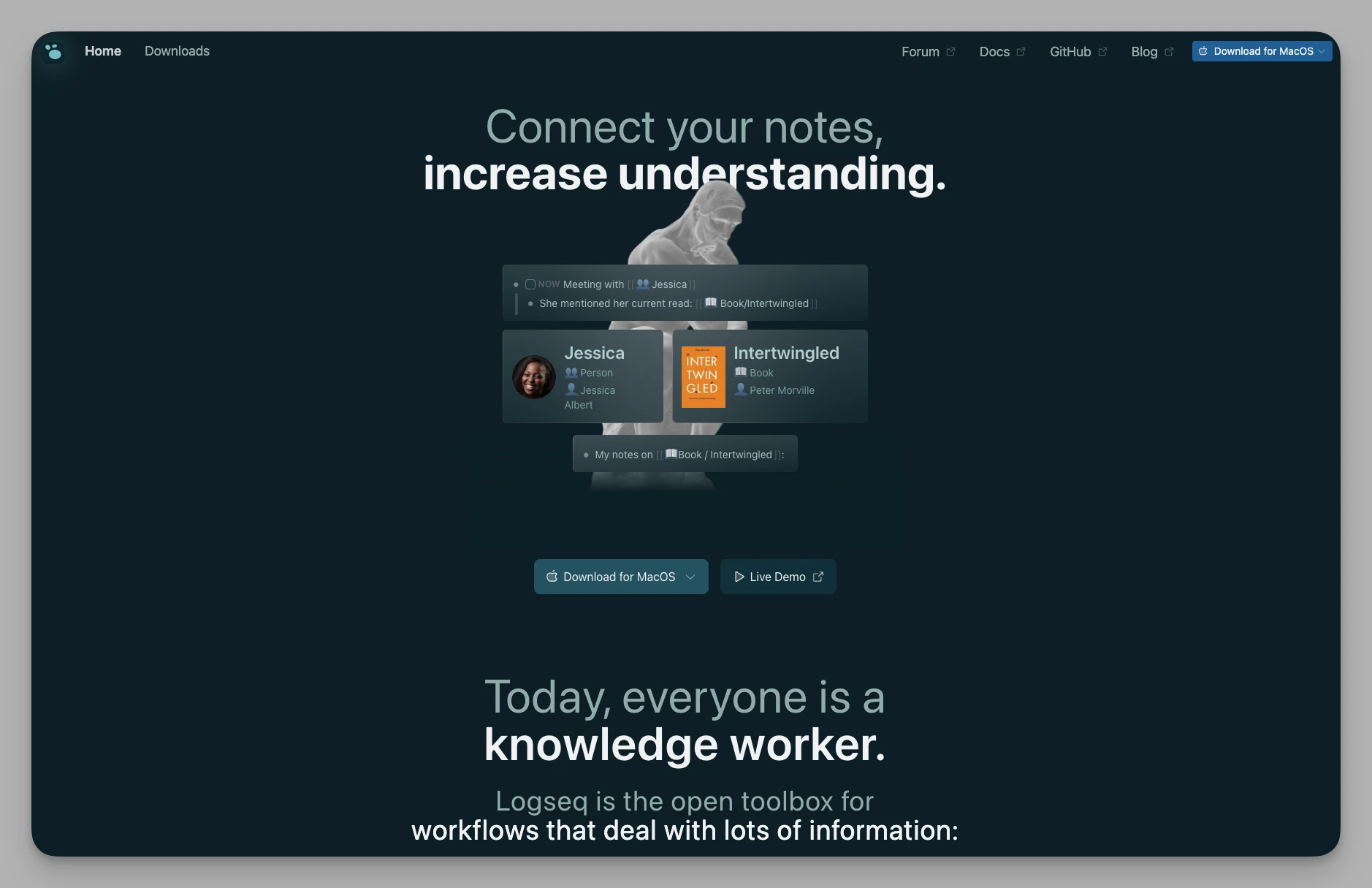
An open-source, privacy-first outliner. It is a classic "time-based" tool, perfect for users who record daily logs and perform regular reviews.
Key Features
Daily Notes: A diary-centric workflow ideal for capturing thoughts and task reviews.
Bi-directional Linking: Build a knowledge web via [[keywords]] with powerful backlink views.
Whiteboard Mode: Edit block content directly on a visual canvas.
Query System: Use database-like search queries to dynamically filter note snippets.
Flashcards: Built-in Spaced Repetition System (SRS) to turn notes into memory cards.
Pros & Cons
- Cons: Being open-source, some advanced features (like PDF annotation) can occasionally be buggy; strictly outline-based.
Pricing Core features are free.
8. Capacities
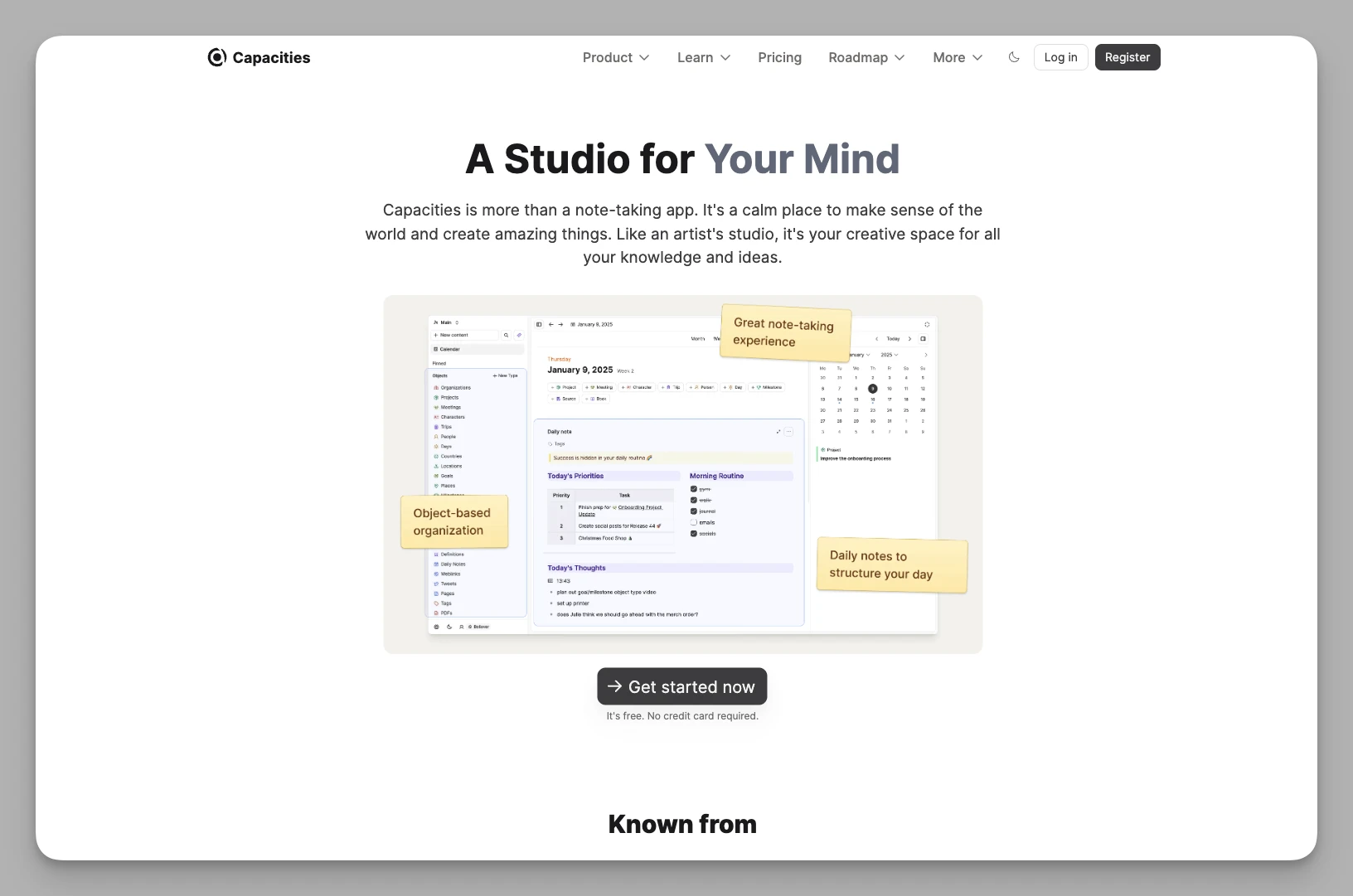
Breaks the folder hierarchy in favor of "Knowledge Objects." It treats notes as "entities" rather than files, suited for non-linear thinkers who value logical connections.
Key Features
Object-Based Organization: Pre-set or custom types (e.g., Books, People, Meetings) to keep knowledge in place.
Visual Linking: Automatically links different objects to help you discover hidden connections between data points.
Beautiful Typography: Balances visual appeal with structural rigor.
Multi-Dimensional Attributes: Customize rich metadata for every object for precise indexing.
Pros & Cons
- Cons: Currently lacks offline storage; the mobile app experience is significantly behind the web version.
Pricing Basic Free version; Pro Plan approx. $9.99/month.
9. Apple Notes
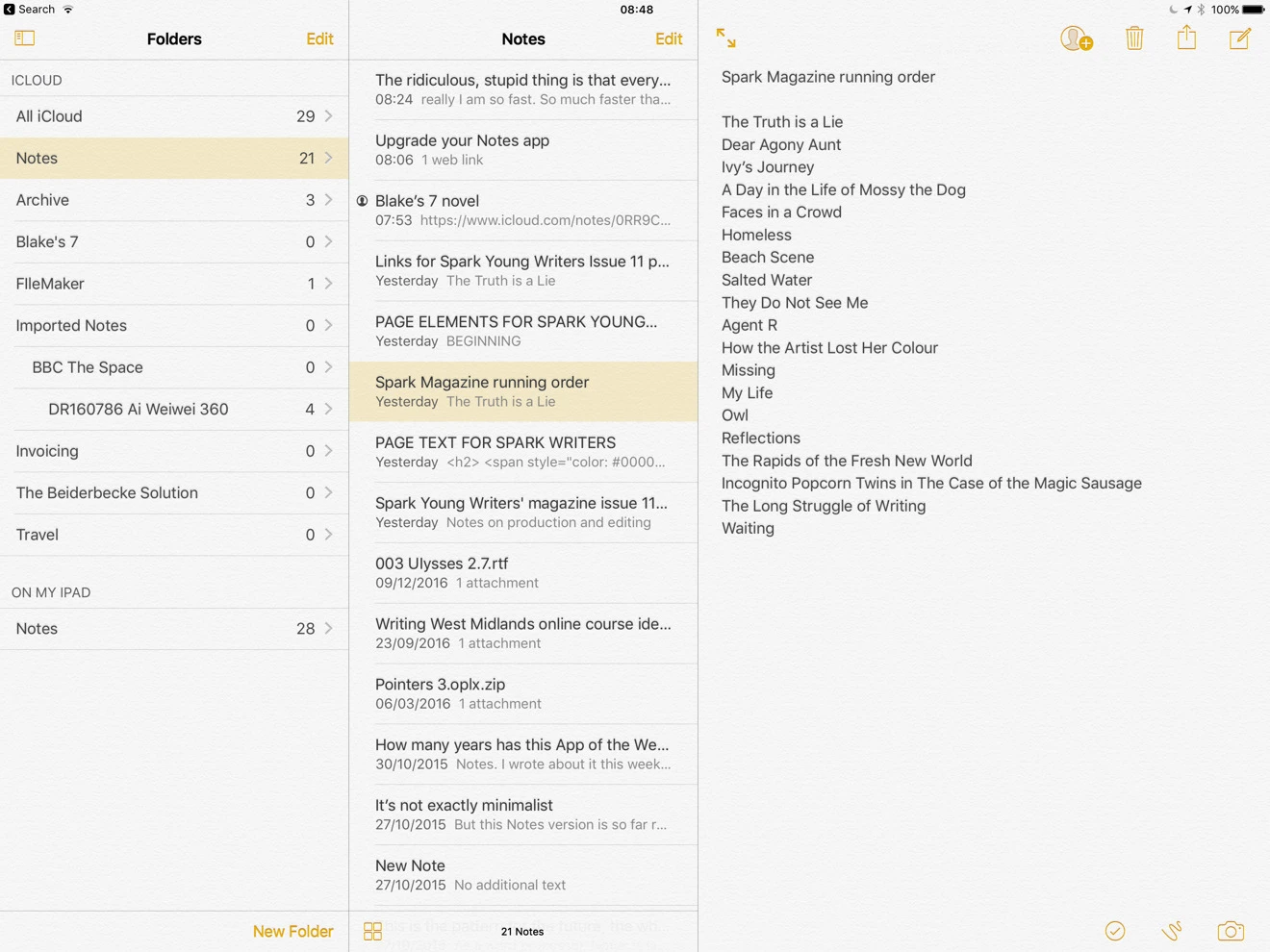
The most minimalist and fastest native note app in the Apple ecosystem. It doesn't try to be flashy; it just appears the second you need to record something.
Key Features
Native Integration: Instant notes from the lock screen (iPad), Siri support, and system-wide Spotlight search.
Attachment Handling: High-precision document scanning, handwriting annotations, and in-note math calculations.
Smart Folders: Automatically filter notes based on keywords, dates, or attachment types.
Privacy: Supports end-to-end encryption for individual notes.
Pros & Cons
- Cons: Severe ecosystem lock-in; lacks Markdown support for power users.
Pricing Free (uses iCloud storage).
10. Notion
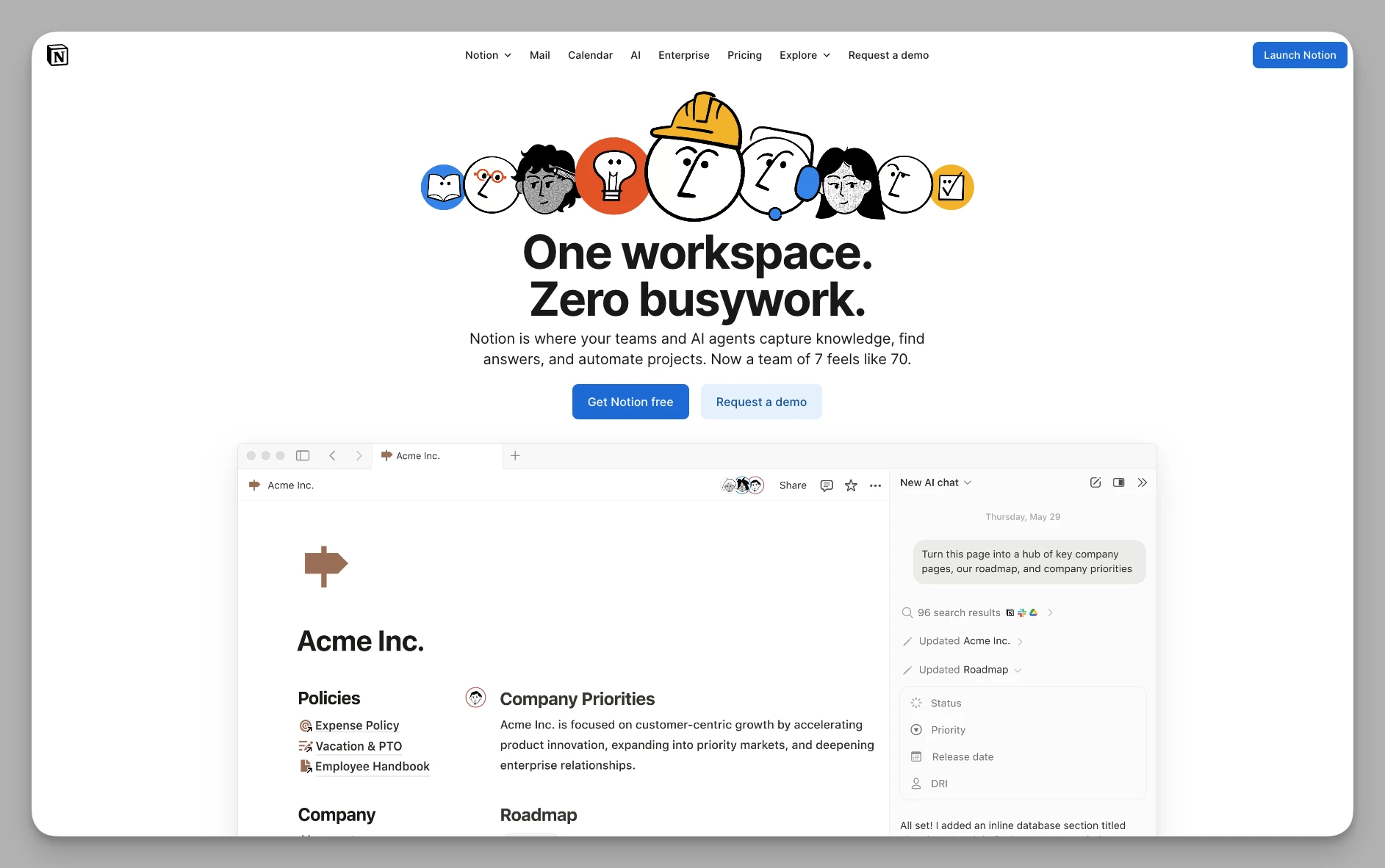
The industry standard for integrating notes, tasks, and databases. If your needs go beyond "writing" and into "building management systems," Notion is the benchmark.
Key Features
Databases for Everything: Powerful tables, boards, and calendars to manage complex projects.
Notion AI: A pioneer in AI-assisted writing, translation, and automated data processing.
Collaboration: Mature multi-user mechanics with granular permission settings.
Button Automation: Add custom buttons to pages to execute complex task sequences.
Wiki Mode: Specifically designed for structured team documentation and knowledge bases.
Pros & Cons
- Cons: Performance bottlenecks in heavy databases or weak networks; feature bloat can distract from actual writing.
Pricing Personal Basic Free version; Plus Plan approx. $10/month per user.
11. Obsidian
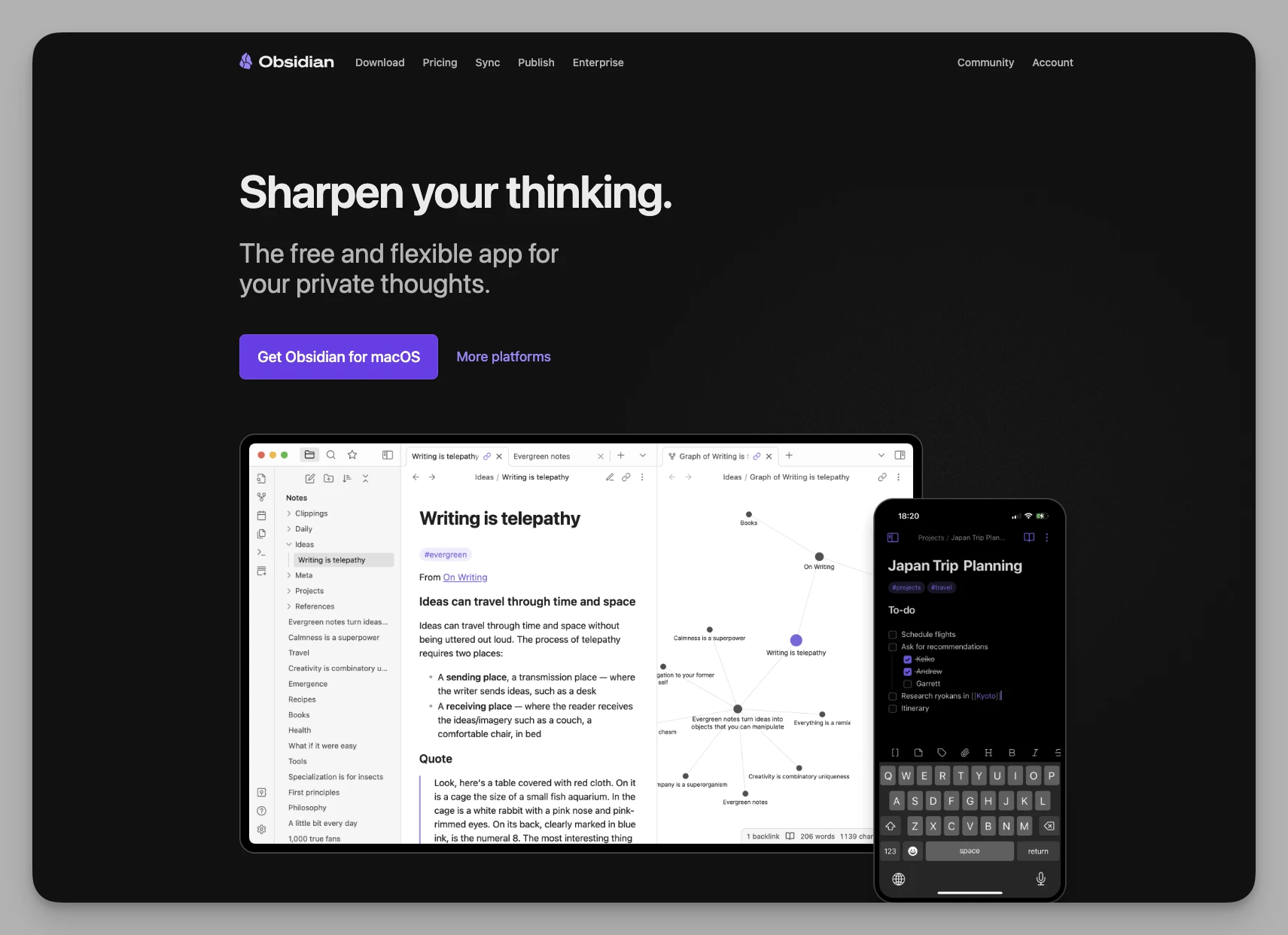
A local Markdown-based tool for non-linear knowledge management. While Bear records isolated points, Obsidian connects them into a web. It's an infinitely expandable digital hive for deep thinkers.
Key Features
Bi-Links & Graph View: Visualize your knowledge structure at a glance through connections.
Local First: Data is stored locally for maximum privacy and data ownership.
Plugin Ecosystem: Thousands of community plugins for everything from Kanbans to drawing.
Canvas: A massive whiteboard for arranging Markdown files and images visually.
Workspace Snapshots: Save different layouts for "Deep Writing" vs. "Research" modes.
Pros & Cons
- Cons: High configuration cost; the native UI is plain without community themes; sync requires technical setup or a paid service.
Pricing Free for personal use; Sync service approx. $4/month; Publish service approx. $8/month.
Comparison of Key Alternatives
| Product Name | Core Strength | Key Pricing (Monthly Ref.) |
|---|---|---|
| Buildin | AI Knowledge Base + Collaboration | Free Version / Plus Plan ~$10/user |
| Anytype | Privacy + Local Encryption | Free Version / Plus $4 / Pro $8 |
| Craft | Aesthetic Typography + Sharing | Free Version / Plus Plan ~$8 |
| UpNote | Cross-Platform + High Speed | $1.99 Monthly / $39.99 Lifetime |
| Tana | Super Tags + Structured Thinking | Free Version / Plus Plan $8 |
| Heptabase | Visual Whiteboard + Deep Learning | Pro Plan ~$8.99 (No Free tier) |
| Logseq | Daily Log + Local Bi-links | Core Features Free |
| Capacities | Object-based + Linking | Free Version / Pro Plan $9.99 |
| Apple Notes | System Native + Instant Capture | Free (uses iCloud space) |
| Notion | Databases + Team Workspace | Personal Free / Plus Plan $10/user |
| Obsidian | Local Markdown + Plugins | Personal Free / Sync $4 / Publish $8 |
Final Thoughts
Tools are neither inherently good nor bad; they are simply "fit for a stage."
If you still thrive on pure recording, offline bliss, and exquisite typography, Bear remains one of the finest note apps on the planet.
However, if your needs have evolved into visual research (Heptabase), deep knowledge linking (Obsidian/Capacities), structured thinking (Logseq/Buildin/Tana), or team collaboration and monetization (Buildin/Notion), don't be afraid to try something new.
After all, a change in software is often just a reflection of an upgrade in our way of thinking. Have you decided where your next stop will be?

Amara Elara
Specializes in visualizing complex processes and improving product education. Responsible for user support, product tutorials, and visual guides at Buildin, helping users improve tool adoption and overall productivity.