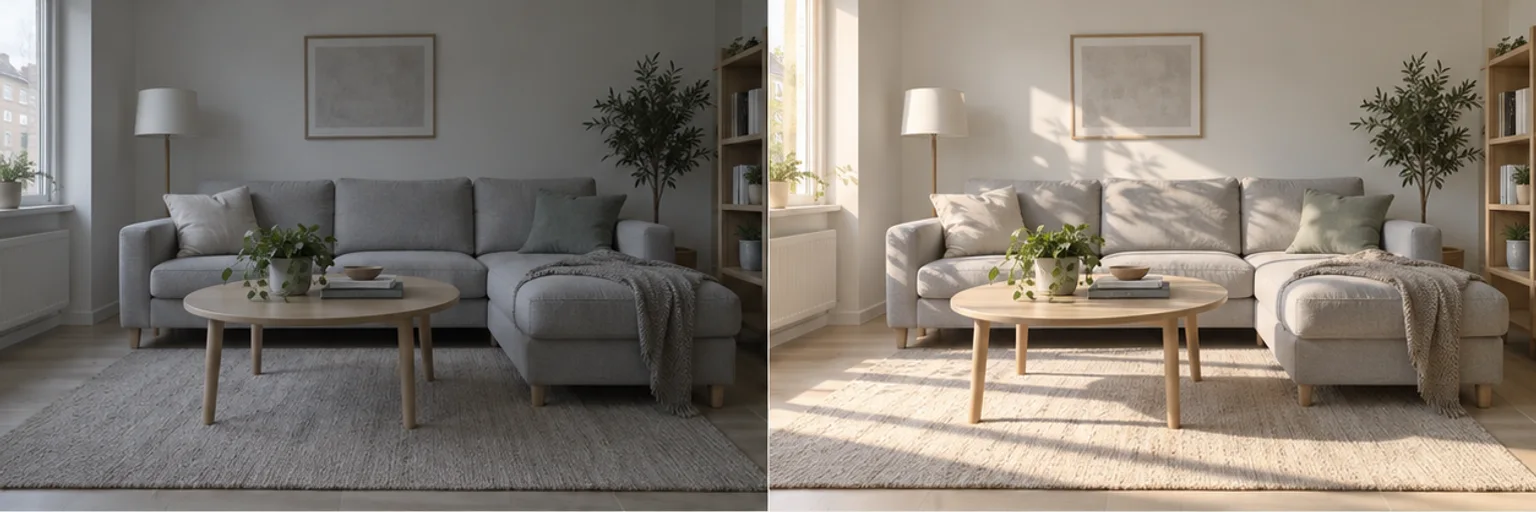
Bring daylight into a room
Explore warmer window light and softer shadows in an interior photo.
Upload a photo and describe what to change: background, lighting or unwanted objects. Continue in Buildin with your image and request.
Explore warmer window light and softer shadows in an interior photo.
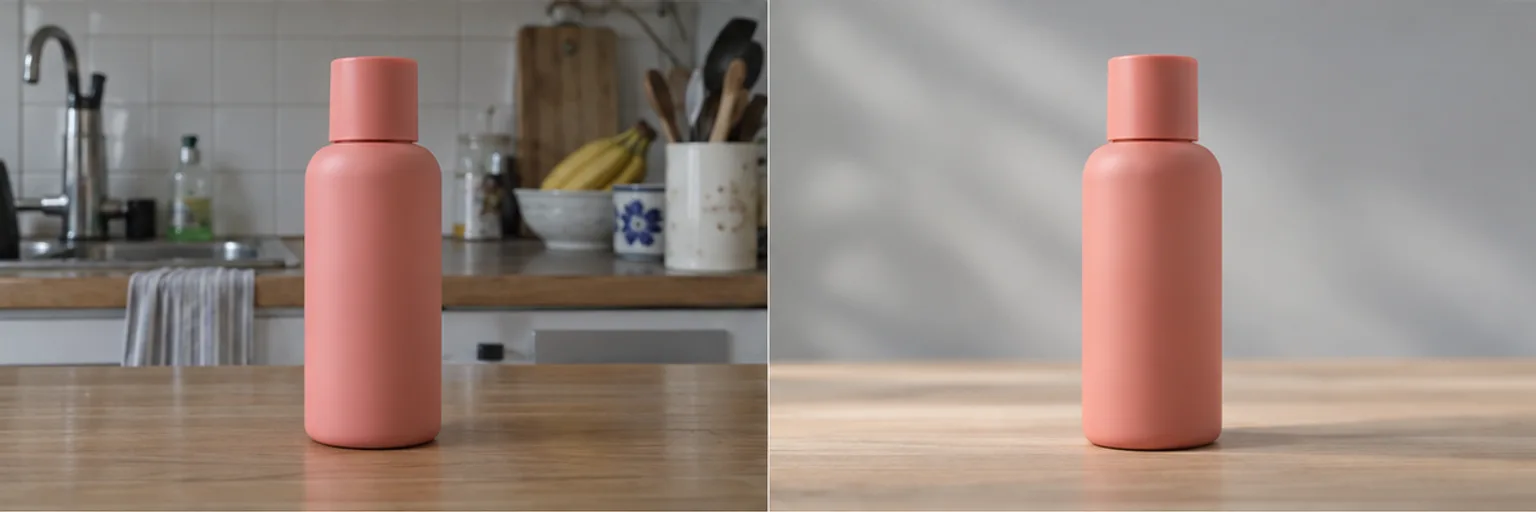
Explore a clean studio background for a product photo.
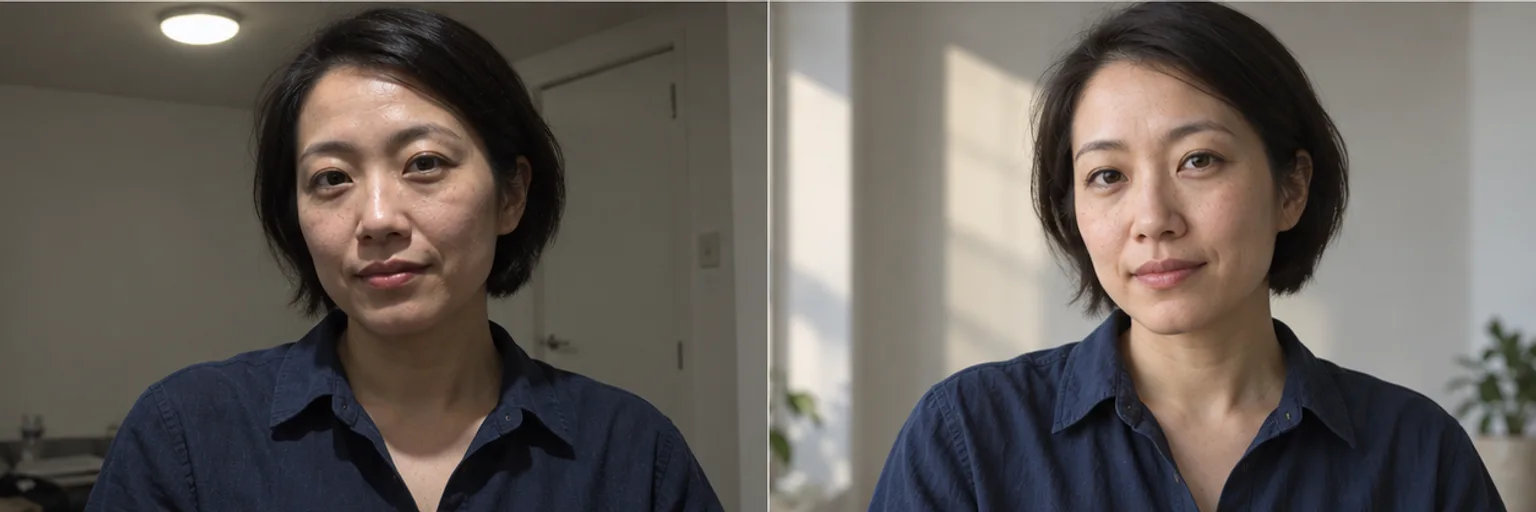
Explore softer facial shadows and natural window light in a portrait.

Explore removing a cable and stray paper from a desk photo.
Explore a cleaner backdrop and more consistent lighting. Review edges, proportions and packaging text before publishing.
Try softer light and a simpler setting while asking to preserve identity, expression and natural texture.
Explore daylight and atmosphere while preserving room geometry, furniture and material colors.
Remove distracting objects or explore a new mood. Check the final crop and small details before sharing.
Explain what to change and what must stay the same.
Your photo and instructions appear together in the Buildin input after sign-in. Review them, then send.
Check faces, text and product details. Ask for adjustments and download the result in the workspace.
Yes. Choose a JPG, PNG or WebP image up to 20 MB, then add your request. Your image follows you into the Buildin input after sign-in.
Editing in Buildin requires an account and uses Agent credits. This is not an unlimited free or no-login photo editor.
Describe the lighting, background or object you want to change. The result depends on the source image and the available image model.
AI edits may alter faces, lettering or product details. Specify what to preserve and check the result carefully. Precise mask selection is not available on this page.