Read a lecture without replaying it
Save the available captions as a page you can read and revisit. Find what you need without replaying the whole video.
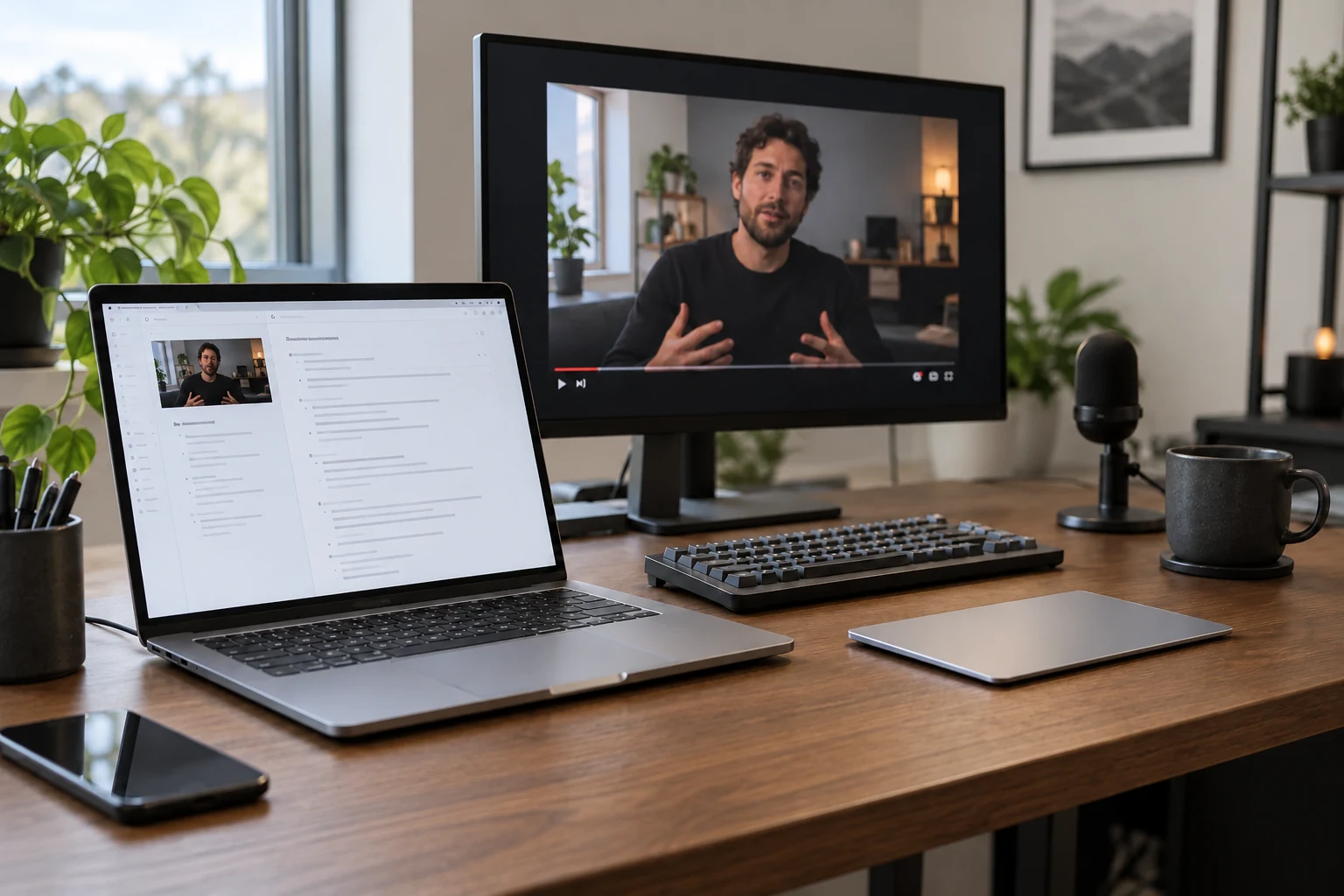
Keep the full text of lectures and tutorials in Buildin. Revisit it later, or ask Agent for the main ideas.
This sample shows how video captions become a readable page and a short set of notes.
Save the available captions as a page you can read and revisit. Find what you need without replaying the whole video.
Store video transcripts next to your course notes and reference pages. Return to the material when you need it.
Ask Buildin Agent to turn a saved transcript into key ideas and a short summary. Agent access and credits follow your plan.
Install Web Clipper, sign in to Buildin, then open a video with available captions in Chrome.
Open Buildin Web Clipper on the video page and use its YouTube caption extraction feature.
Save the extracted text to Buildin and organize it alongside your other notes.
 Install for Chrome