8 best Confluence alternatives for team wikis in 2026 (cloud and self-hosted)
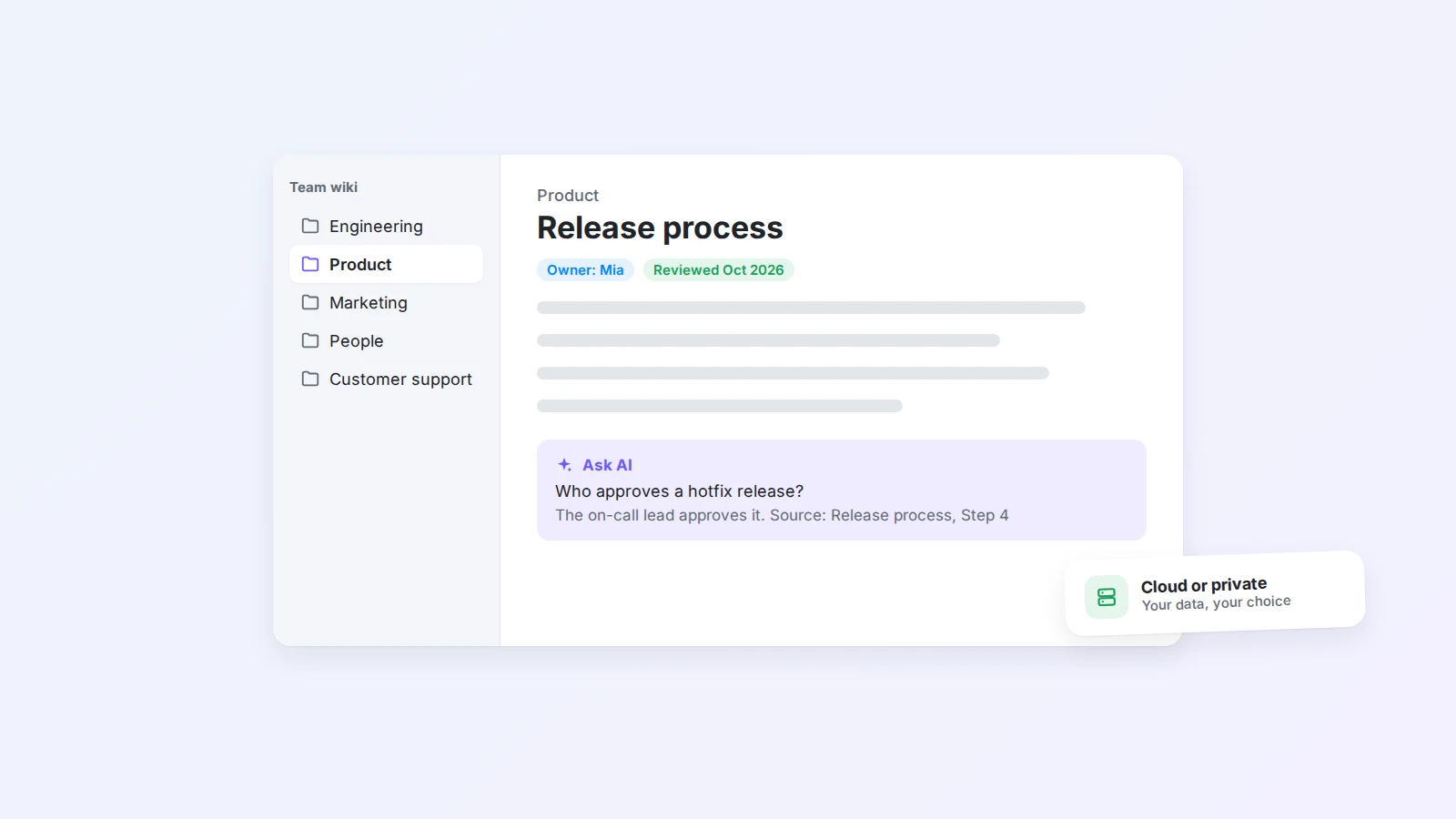
Looking for a Confluence alternative? We compare 8 team wikis, from Buildin and Notion to self-hosted options like Outline and BookStack, on structure, AI, hosting, and migration, and explain what the Confluence Data Center end of life means for your plans.
Confluence has been the default team wiki for years, especially in companies that already run on Jira. It is powerful, but many teams reach a point where it feels heavy: pages are hard to find, spaces sprawl, the editor feels slow, and the cost grows with every new seat and add-on.
There is now a second reason teams are looking around. Atlassian has announced that Confluence Data Center reaches end of life on March 28, 2029. Organizations that host Confluence themselves must either move to Atlassian Cloud or choose another tool.
This guide compares 8 Confluence alternatives, cloud and self-hosted, explains who each one suits, and ends with a practical migration plan.
The short answer
- Best all-in-one alternative: Buildin, for docs, databases, AI, and optional private deployment in one workspace.
- Best for teams already using it for projects: Notion.
- Best lightweight wikis: Slite and Nuclino.
- Best for technical and product documentation: GitBook.
- Best for verified answers in support and sales: Guru.
- Best self-hosted wikis: Outline and BookStack, or Buildin private deployment if you want a full workspace on your own servers.
Why teams look for a Confluence alternative
Most teams do not leave Confluence because of a single missing feature. They leave because of how it feels to use every day.
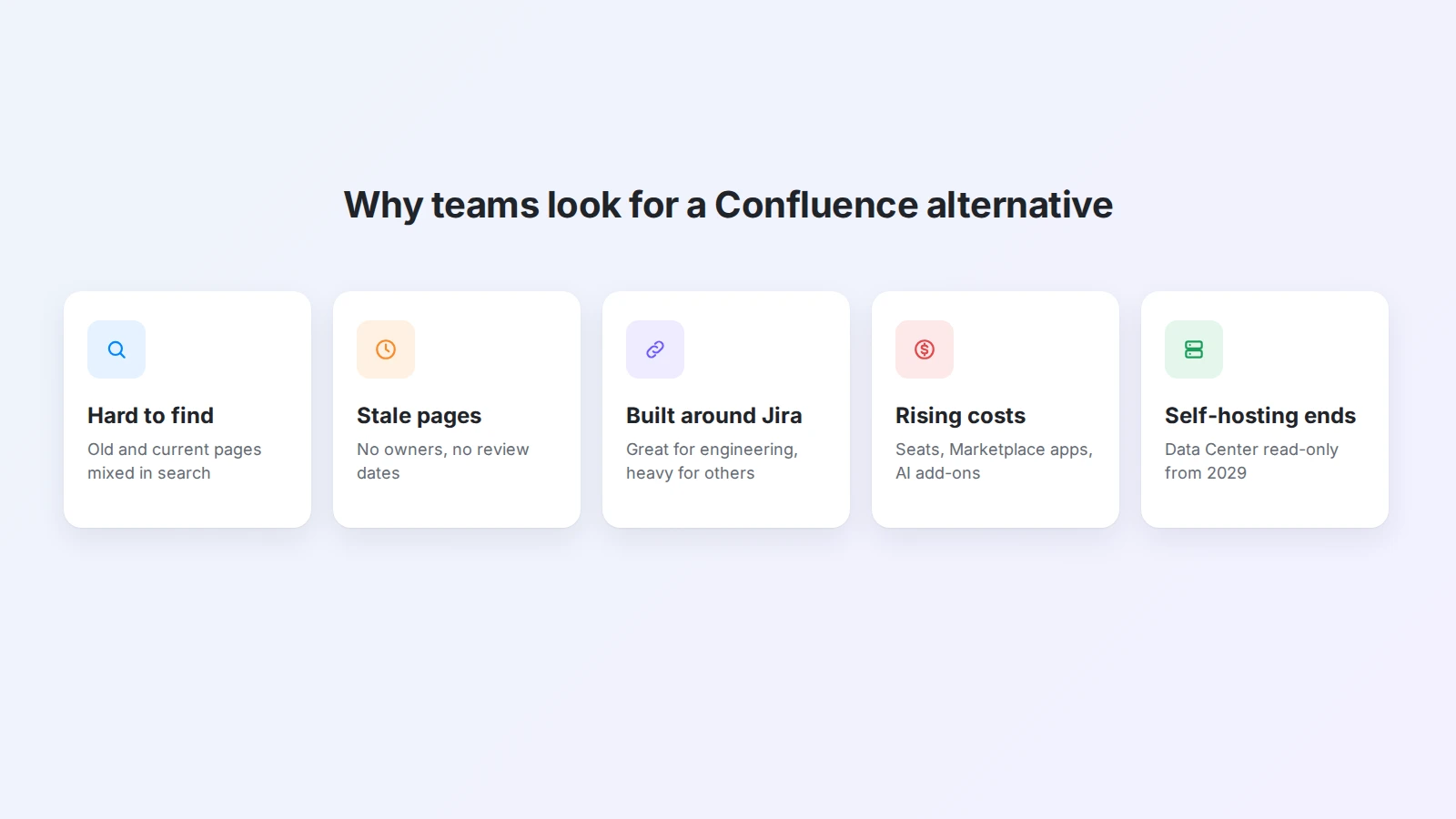
- Finding things is hard. Content spreads across many spaces, and search returns old pages next to current ones.
- Pages go stale. Without clear owners, documentation slowly stops matching how the team works.
- It is built around Jira. That is a strength for engineering teams and a weight for everyone else.
- Costs add up. Per-user pricing, paid apps from the Marketplace, and AI add-ons make the total hard to predict.
- Self-hosting is ending. With Data Center reaching end of life, on-premise teams need a new long-term plan.
What the Confluence Data Center end of life means
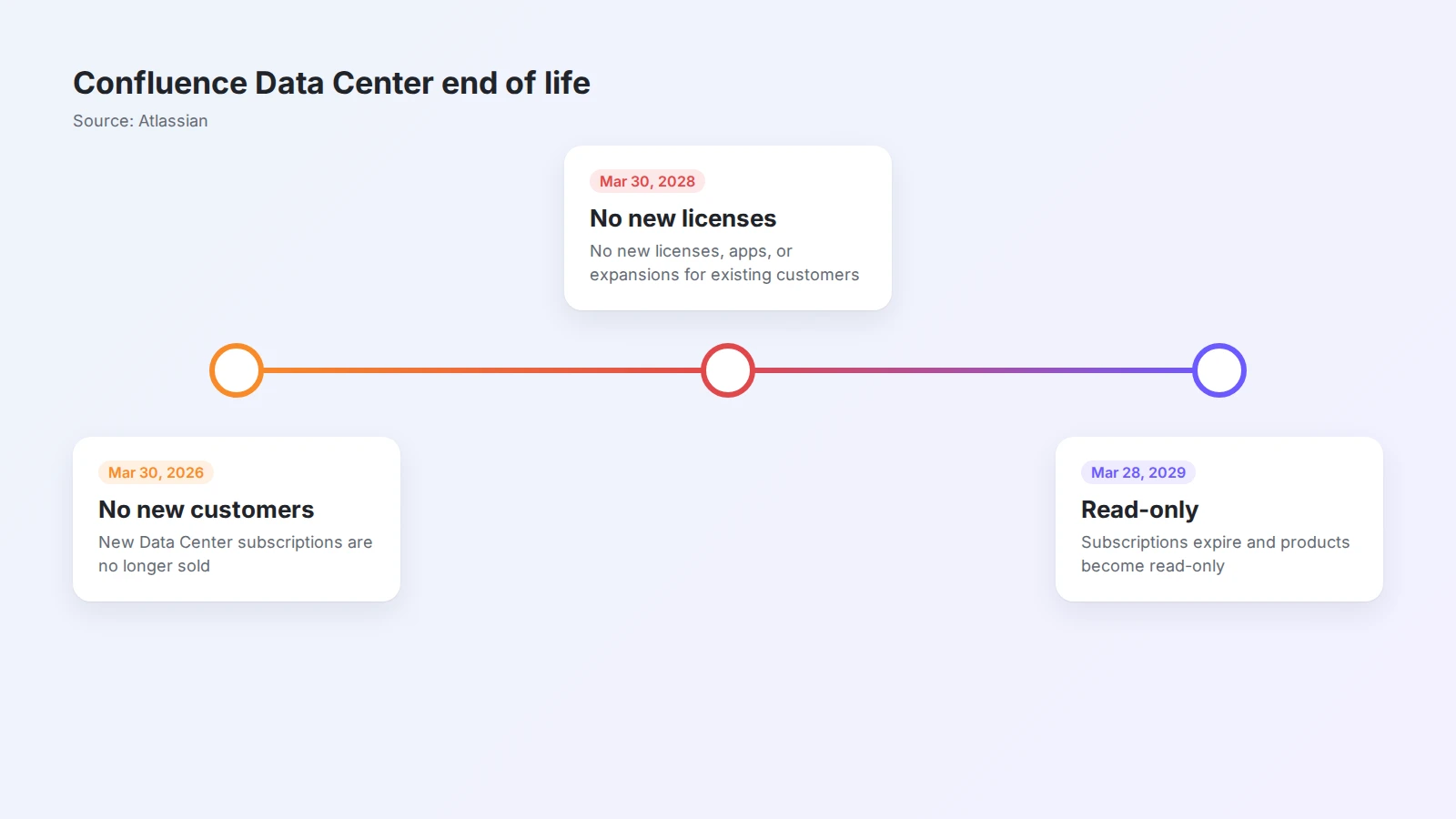
According to Atlassian’s official announcement, there are three dates to know:
| Date | What changes |
|---|---|
| March 30, 2026 | New customers can no longer buy Data Center subscriptions |
| March 30, 2028 | Existing customers can no longer buy new licenses, apps, or expansions |
| March 28, 2029 | Data Center subscriptions expire and impacted products become read-only |
After that date, your content is still there, but you cannot edit it, and there are no updates or support. For many companies, moving to the cloud is fine. For teams in regulated industries, or with policies that keep data on their own servers, the right replacement is a tool that can be self-hosted or privately deployed.
Migration takes longer than most teams expect, especially with years of content. Starting in 2026 or 2027 leaves time to clean up, test, and train people without a deadline hanging over the project.
How to choose a Confluence alternative
Before comparing tools, answer five questions:
- Where must your data live? Any cloud, a specific region, or your own servers.
- Who will use it? Engineers only, the whole company, or external guests and clients.
- What structure do you need? Simple pages, nested spaces, or databases with properties and views.
- How will people find answers? Search alone, or AI that answers questions from your own content.
- How will you move existing content? Check which import formats each tool supports.
Confluence alternatives at a glance
| Tool | Best for | Hosting | Structure |
|---|---|---|---|
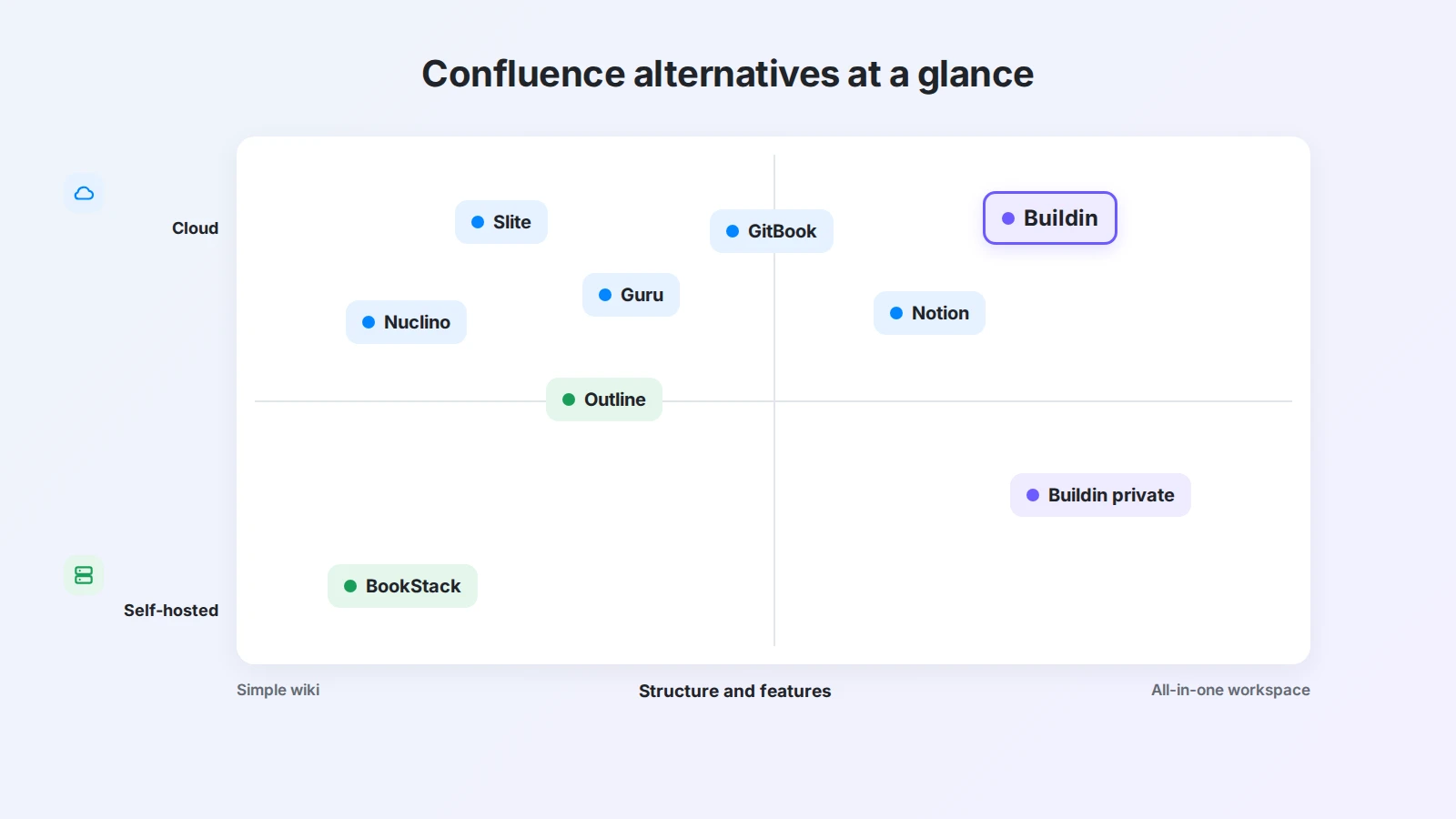
| Buildin | All-in-one wiki, docs, and databases | Cloud or private deployment | Pages, databases, views |
| Notion | Teams that also manage projects in it | Cloud | Pages, databases |
| Slite | Simple, fast team knowledge base | Cloud | Channels and docs |
| Nuclino | Lightweight wiki with visual views | Cloud | Workspaces, items, boards, graph |
| GitBook | Technical and product docs | Cloud | Spaces, pages, Git sync |
| Guru | Verified answers for support and sales | Cloud | Cards and collections |
| Outline | Open, Markdown-friendly team wiki | Cloud or self-hosted | Collections and documents |
| BookStack | Free self-hosted documentation | Self-hosted | Shelves, books, chapters, pages |
1. Buildin: best all-in-one Confluence alternative
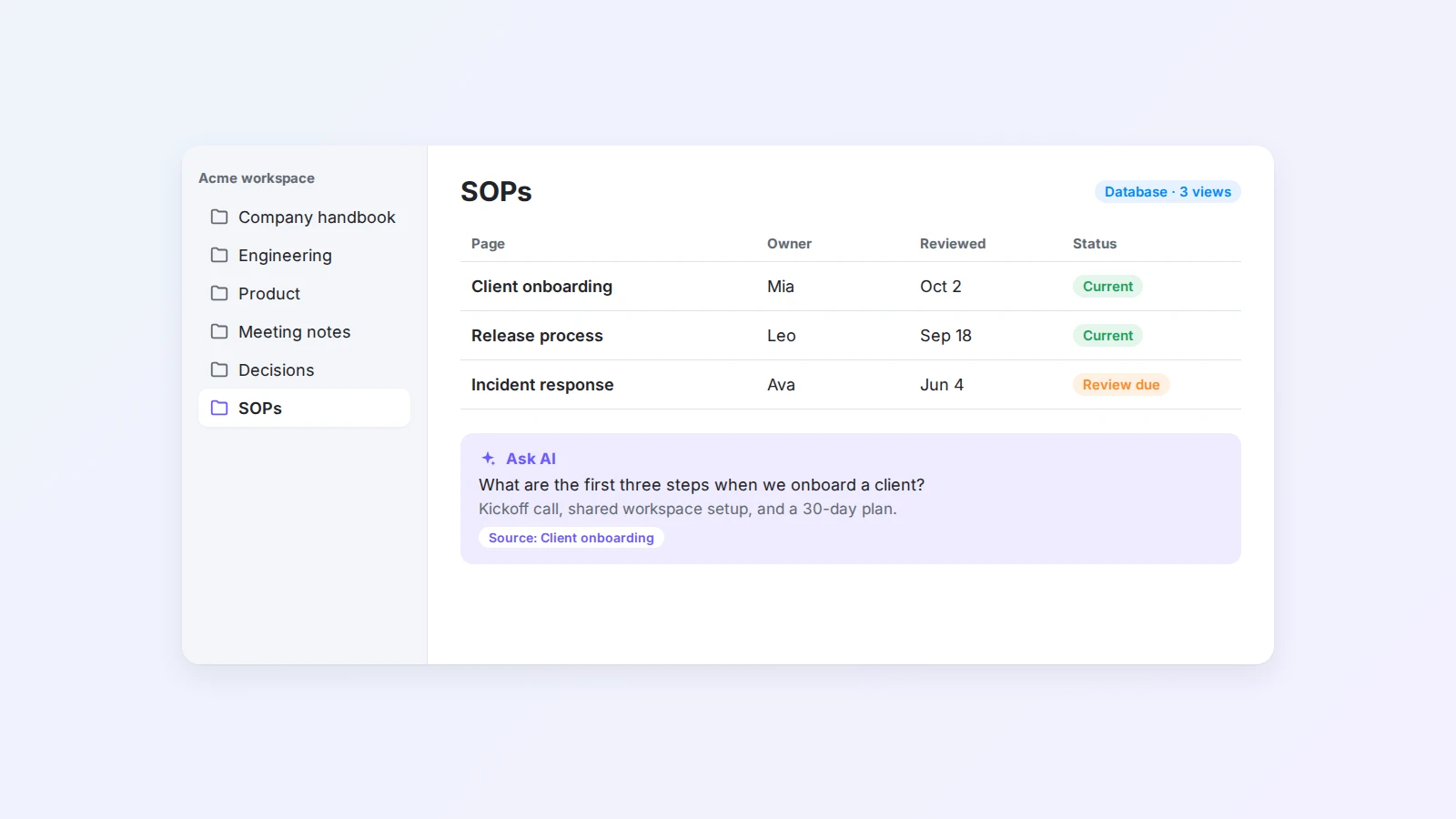
Buildin is a workspace for documents, databases, and team knowledge, with AI built in. It covers what most teams use Confluence for, a structured wiki, meeting notes, project docs, and SOPs, and adds the flexibility of databases.
Why it works as a Confluence replacement
- Wiki and databases in one place. Write pages, then track projects, decisions, or processes in databases with multiple views. A meeting notes template or an SOP template gives every team the same starting point.
- AI that knows your workspace. Buildin AI answers questions from your own pages, and Buildin Agent can read pages and databases to complete multi-step tasks, such as turning a transcript into decisions and tasks. Read more in our guide to AI agents for work.
- Private deployment. For teams leaving Confluence Data Center, Buildin private deployment runs on your own infrastructure, so data stays inside your organization.
- Team controls. Member groups, guests, version history, sharing controls, and centralized admin on team plans, plus API and MCP access for integrations.
- Easier migration. Buildin imports HTML, DOCX, and CSV files, and offers API-level import from Notion.
Good to know: Buildin is not a replacement for Jira-style issue tracking at large engineering scale. If you need both, see our Buildin vs. Jira comparison.
Best for: teams that want one workspace for knowledge and day-to-day work, and organizations that need to keep data on their own servers.
2. Notion: best for teams that also manage projects in it
Notion combines pages and databases, and many teams already use it for planning. Its wiki features let you mark pages as verified and assign owners, and Notion AI can answer questions from your workspace.
Good to know: Notion is cloud-only, and large workspaces need deliberate structure to stay easy to navigate. For a detailed comparison, read Buildin vs. Notion.
Best for: startups and mid-size teams that want docs and projects in one cloud tool.
3. Slite: best simple team knowledge base
Slite focuses on making internal documentation easy to write and easy to find. Its AI search answers questions from your docs, and the editor is deliberately simple.
Good to know: Slite is lighter than Confluence on structure and permissions, which is the point, but it may not fit large organizations with complex access rules.
Best for: small and mid-size teams that want a clean, focused wiki.
4. Nuclino: best lightweight wiki with visual views
Nuclino is a fast, minimal wiki. Content can be shown as a list, a board, or a graph that visualizes how pages connect.
Good to know: the free plan is limited in how much content you can store, and advanced admin features are less extensive than in enterprise wikis.
Best for: small teams that value speed and simplicity over deep configuration.
5. GitBook: best for technical and product documentation
GitBook is built for documentation that developers and customers read, such as API docs, product guides, and internal engineering handbooks. It can sync content with a Git repository so docs live next to code.
Good to know: GitBook shines for structured, published documentation. It is less suited to everyday team notes, meeting records, or project tracking.
Best for: product and engineering teams publishing technical docs.
6. Guru: best for verified answers in support and sales
Guru organizes knowledge as short cards that experts verify on a schedule. A browser extension surfaces answers inside the tools people already use.
Good to know: Guru is designed for quick, verified answers rather than long-form documentation or project work.
Best for: customer support, sales, and operations teams that need trusted answers fast.
7. Outline: best open team wiki you can self-host
Outline is a fast, Markdown-friendly team wiki with collections, documents, and integrations with tools like Slack. You can use the hosted version or run it on your own servers.
Good to know: self-hosting means your team handles installation, authentication, updates, and backups.
Best for: technical teams that want an open, self-hostable wiki with a modern editor.
8. BookStack: best free self-hosted documentation
BookStack is a free, open-source platform that organizes content into shelves, books, chapters, and pages, a structure that is easy for anyone to understand.
Good to know: BookStack is focused on documentation. It does not offer databases or built-in AI, and you need your own server to run it.
Best for: IT teams and organizations that want a no-cost, self-hosted documentation site.
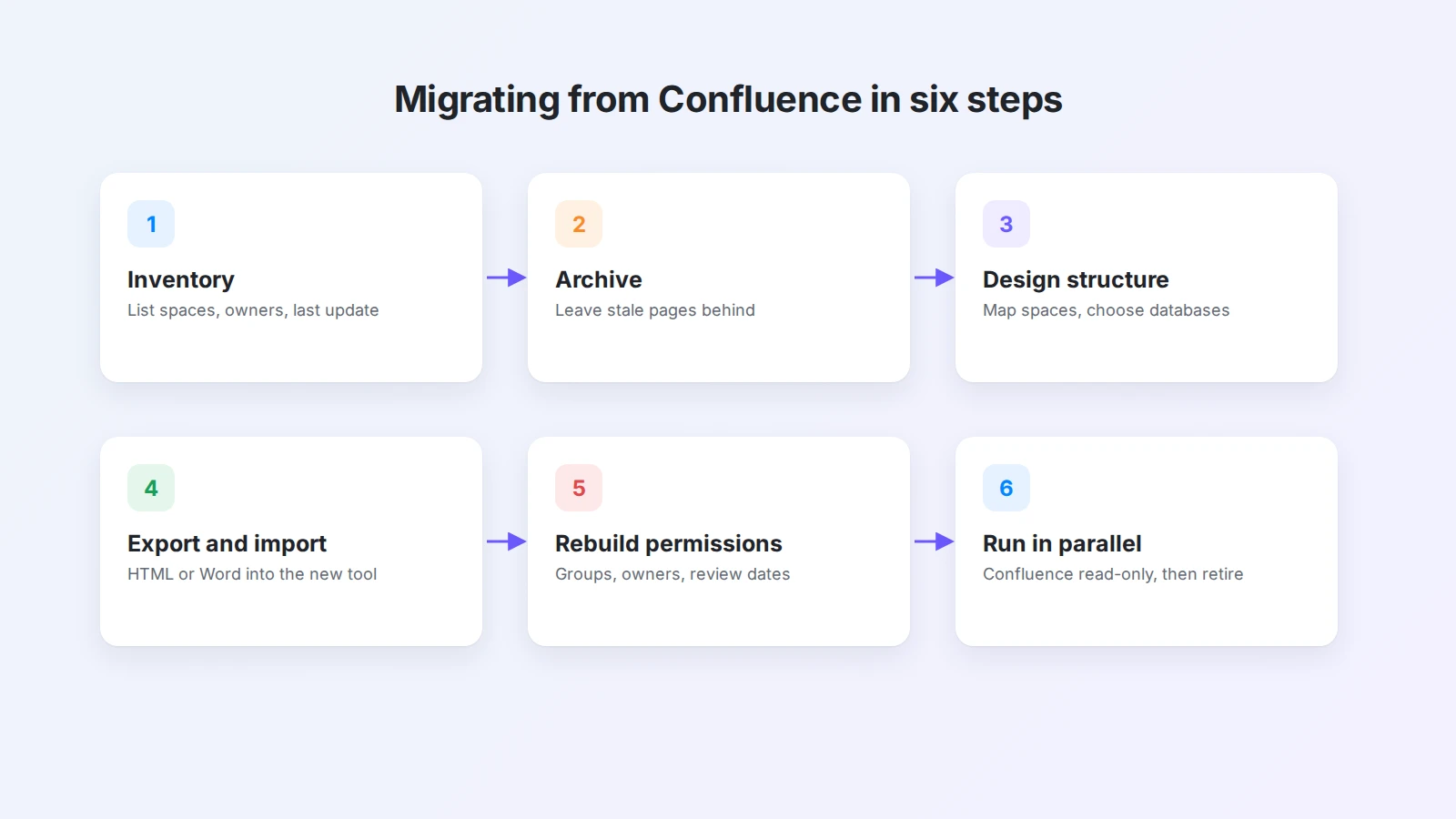
How to migrate from Confluence in six steps
Switching tools is the easy part. Moving years of content well takes a plan.
- Inventory your spaces. List every space, its owner, and when it was last updated.
- Archive before you move. Most wikis have a large share of outdated pages. Do not migrate what nobody reads.
- Design the new structure. Map Confluence spaces to the new tool’s spaces or top-level pages, and decide which content becomes databases, such as meeting notes, decisions, and processes.
- Export and import. Confluence can export pages as HTML or Word documents. In Buildin, import HTML or DOCX files, then check formatting, links, and attachments.
- Rebuild permissions and owners. Recreate groups and access rules, and give every important page an owner and a review date.
- Run in parallel, then switch. Keep Confluence read-only for a few weeks while the team works in the new tool, then retire it.
For ideas on keeping the new wiki useful after the move, read how teams use AI to turn scattered work into shared knowledge.
Which Confluence alternative should you choose?
- You want one workspace for knowledge, projects, and AI: choose Buildin.
- You must keep data on your own servers: choose Buildin private deployment for a full workspace, or Outline or BookStack for a dedicated wiki.
- Your team already plans projects in Notion: consolidate in Notion.
- You want the simplest possible wiki: try Slite or Nuclino.
- You publish technical documentation: choose GitBook.
- Your support or sales team needs verified answers: choose Guru.
- Your engineering organization lives in Jira and is happy in the cloud: staying on Confluence Cloud may be the least disruptive option.
For a wider look at the category, see our comparison of AI knowledge base tools.
Final thoughts
The best Confluence alternative is the one your team will actually keep up to date. Choose based on where your data must live, who needs access, and how people will find answers, then use the migration as a chance to clean up.
If you are planning a move, try Buildin for free, import a few spaces, and see how your team works with it. For on-premise requirements, request a private deployment and compare plans on the pricing page.

Amara Elara
Specializes in visualizing complex processes and improving product education. Responsible for user support, product tutorials, and visual guides at Buildin, helping users improve tool adoption and overall productivity.