12 Best All-in-One Software Recommendations for 2026: Say Goodbye to App Switching Fatigue
Discover 12 best all-in-one software tools for 2026. Compare productivity apps, Notion alternatives, and find the right workflow platform to reduce app switching fatigue.
Ever get that feeling? You open a note-taking app to write a doc, switch to a Kanban tool for project management, log into a cloud drive to save files, and then struggle with an e-commerce platform just to sell a course... By the end of the day, half your energy is drained just from switching between browser tabs.
The rise of the "All-in-One" concept is essentially a collective rebellion against fragmented workflows. We want a "digital container" that holds our ideas, tasks, collaborations, monetization, and file management all in one place.
Today, I'm rounding up 12 must-watch all-in-one tools for 2026. Whether you're looking for a Notion alternative or a new "home" for your second brain, this list is for you.
1. Buildin
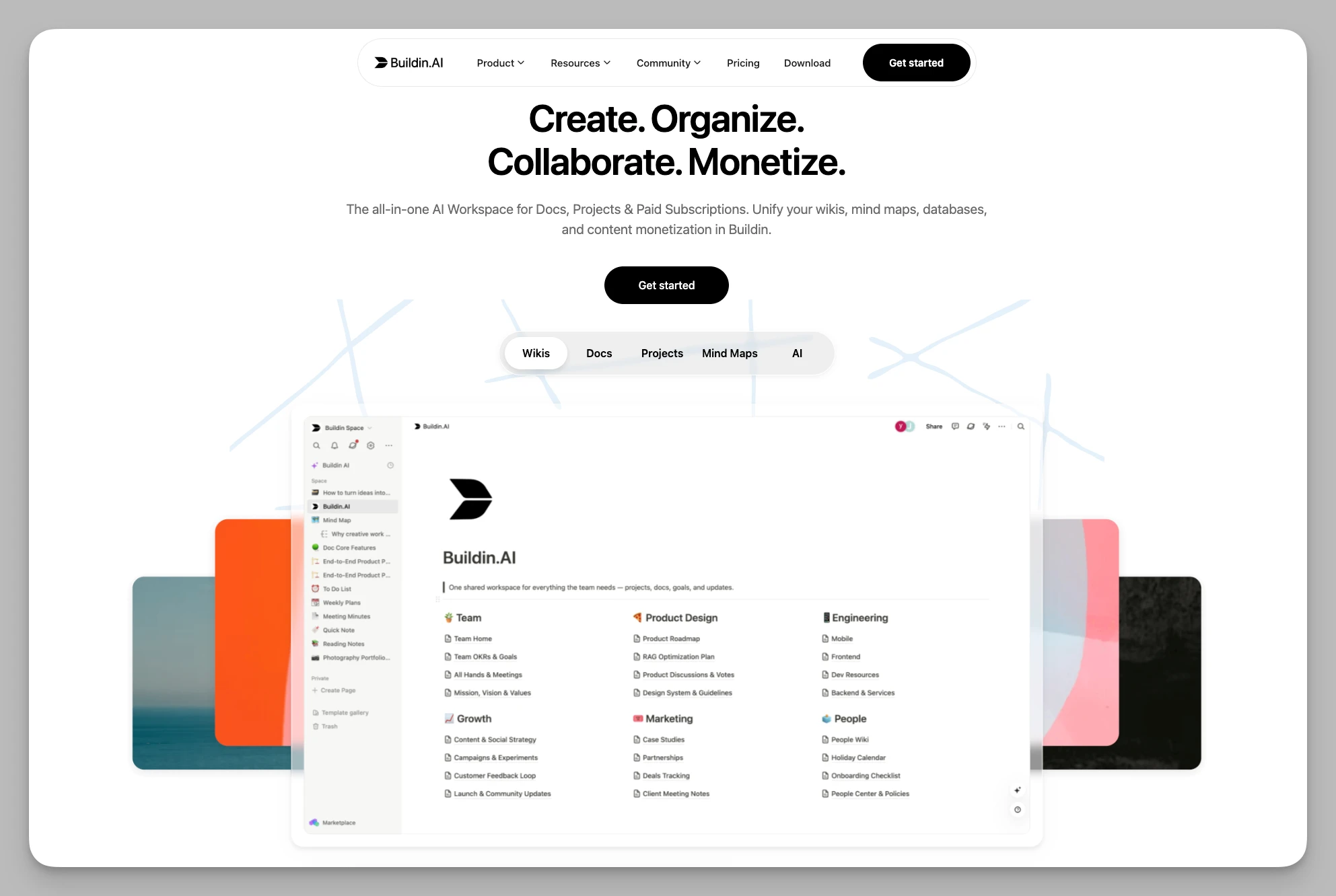
I'm putting Buildin at the top because it truly breaks the "fourth wall" of traditional tools. While most apps focus on helping you "record," Buildin considers the entire lifecycle of knowledge: from capture and organization to collaboration and, ultimately, value monetization.
Key Features
Efficient Note-taking & Collaboration: Flexible pages, databases, and nested structures suitable for both personal note-taking and building complex team knowledge bases.
Content Monetization & Subscriptions: This is its killer feature. You can set prices for specific pages or databases, supporting one-time purchases or ongoing subscriptions. Subscribers access content directly within the app without needing third-party platforms.
Open API + MCP Support: Provides open interfaces and supports the MCP (Model Context Protocol), allowing you to connect external tools and build automated workflows in seconds.
AI-Driven Knowledge Base: The AI assists with writing, contextual retrieval, summarization, and Q&A based on the content stored in your private knowledge base.
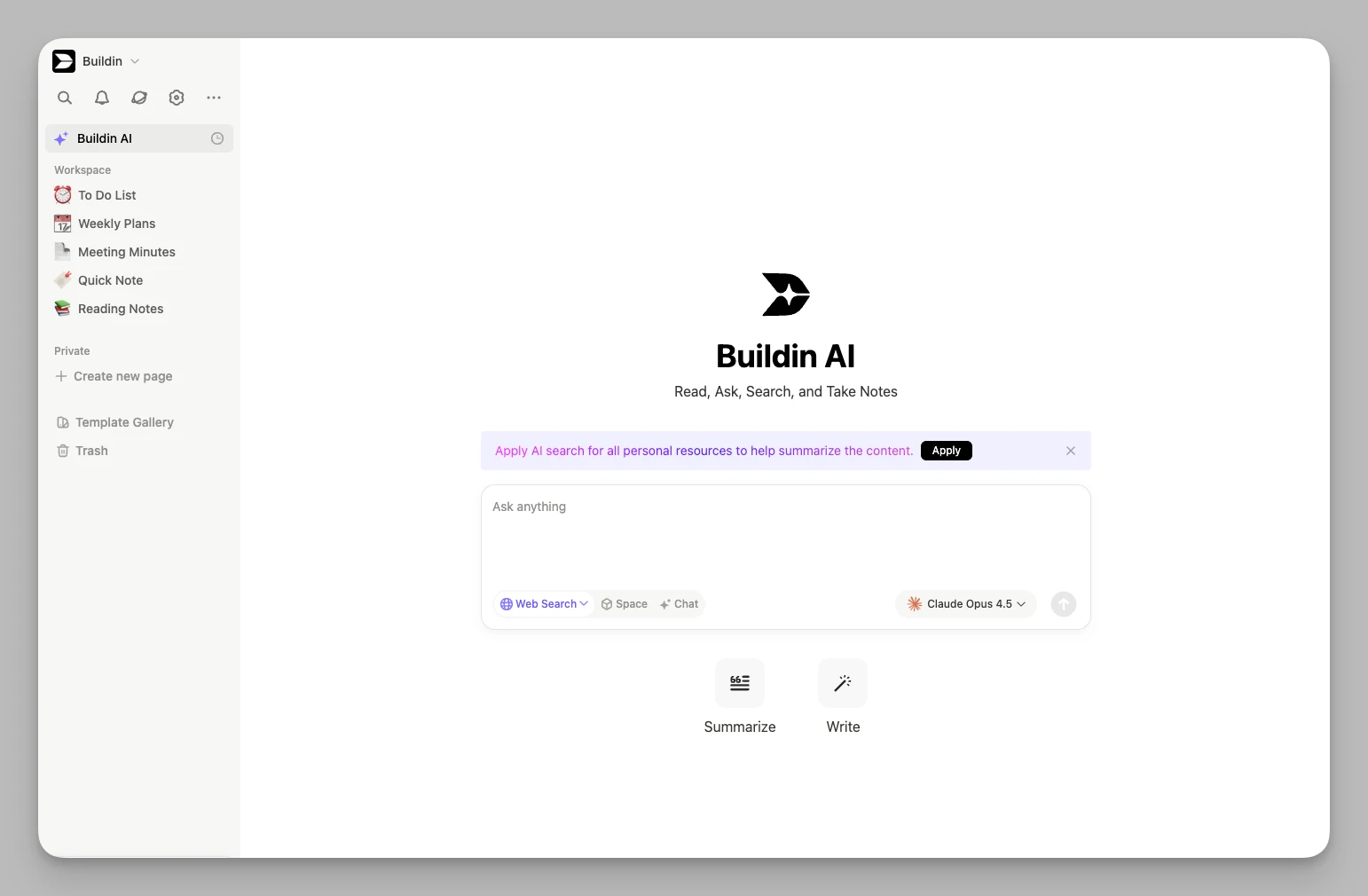
- Mind Mapping & Collaboration: Built-in native mind mapping tools that support multi-dimensional databases and flexible page nesting, perfect for deep individual or team work.
Advantages
Monetization Loop: Dramatically lowers the barrier to knowledge distribution, making it ideal for digital creators.
Seamless Migration: Use the API to migrate Notion spaces while largely preserving the original structure and core formatting.
Deployment Flexibility: Supports on-premise deployment with full brand customization (Logo/Domain), giving you complete control over your data.
Pricing Reference Free for personal basics; Plus $10/month (billed annually); custom pricing for self-hosted/enterprise versions based on scale and needs.
2. Heptabase
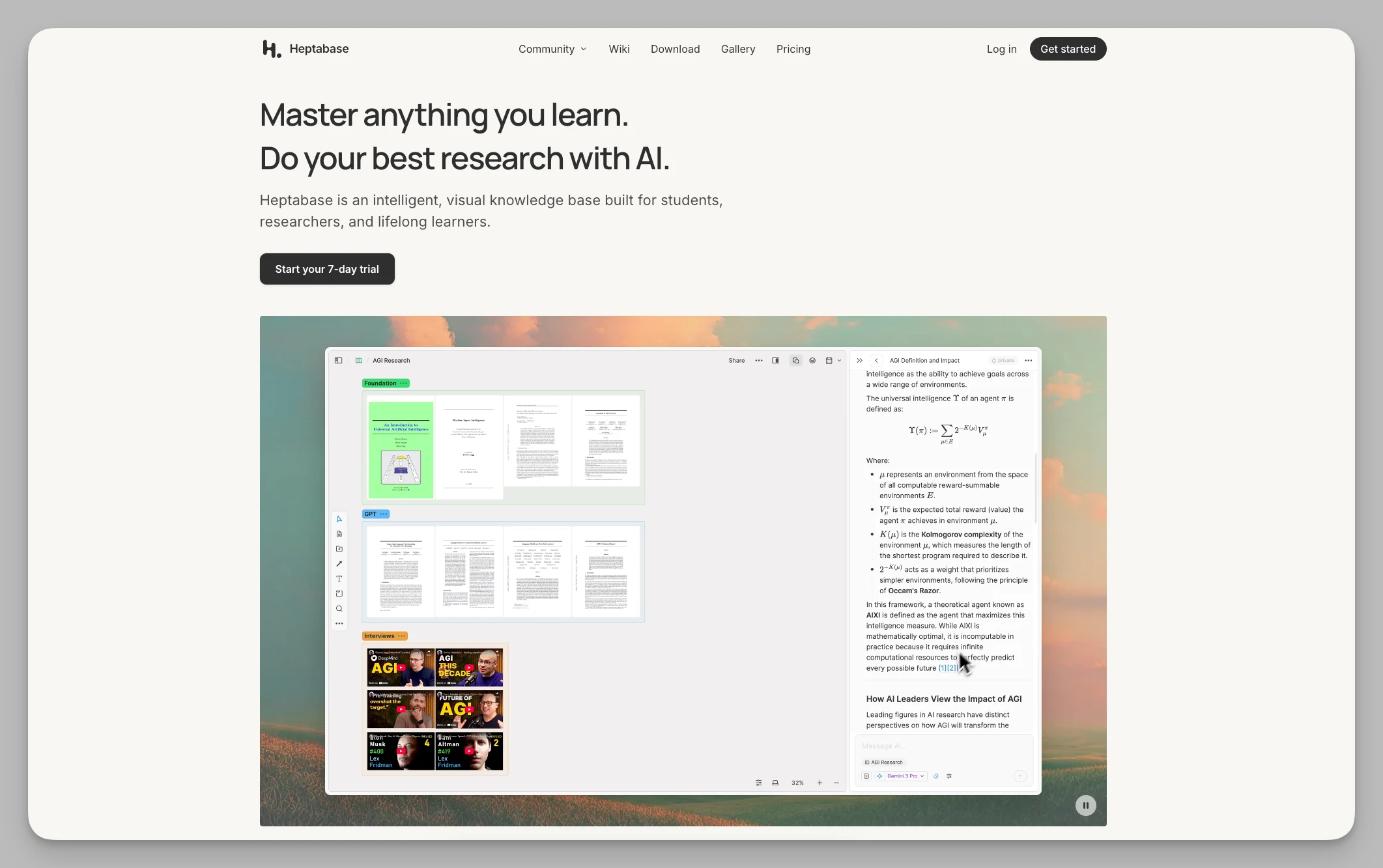
If you feel like hierarchical directories are walls hiding the big picture, or that traditional document structures limit your non-linear thinking, Heptabase's visual approach offers a refreshing alternative to rigid hierarchical structures. It liberates notes from rigid lists and turns them into fluid inspirations on a canvas.
Key Features
Infinite Canvas: An unbounded workspace where you can freely arrange inspiration cards to build a visual map of your knowledge.
Card Library: All notes exist as cards, making it easy to reuse them across different whiteboards.
Dual-View Switching: Quickly switch between whiteboard and card detail views to see both the global logic and the granular details.
Deep PDF Annotation: A built-in PDF reader allows you to highlight text and automatically extract it into cards, turning "annotations" into "knowledge points."
Advantages
Spatial Awareness: Use lines and groups to discover hidden logic between info, perfect for heavy learners and researchers.
Visualized Logic: Prevents thoughts from becoming fragmented by forming a complete knowledge landscape.
Pricing Reference No free version; Pro version is approx. $8.99/month with a 7-day free trial.
3. Trello
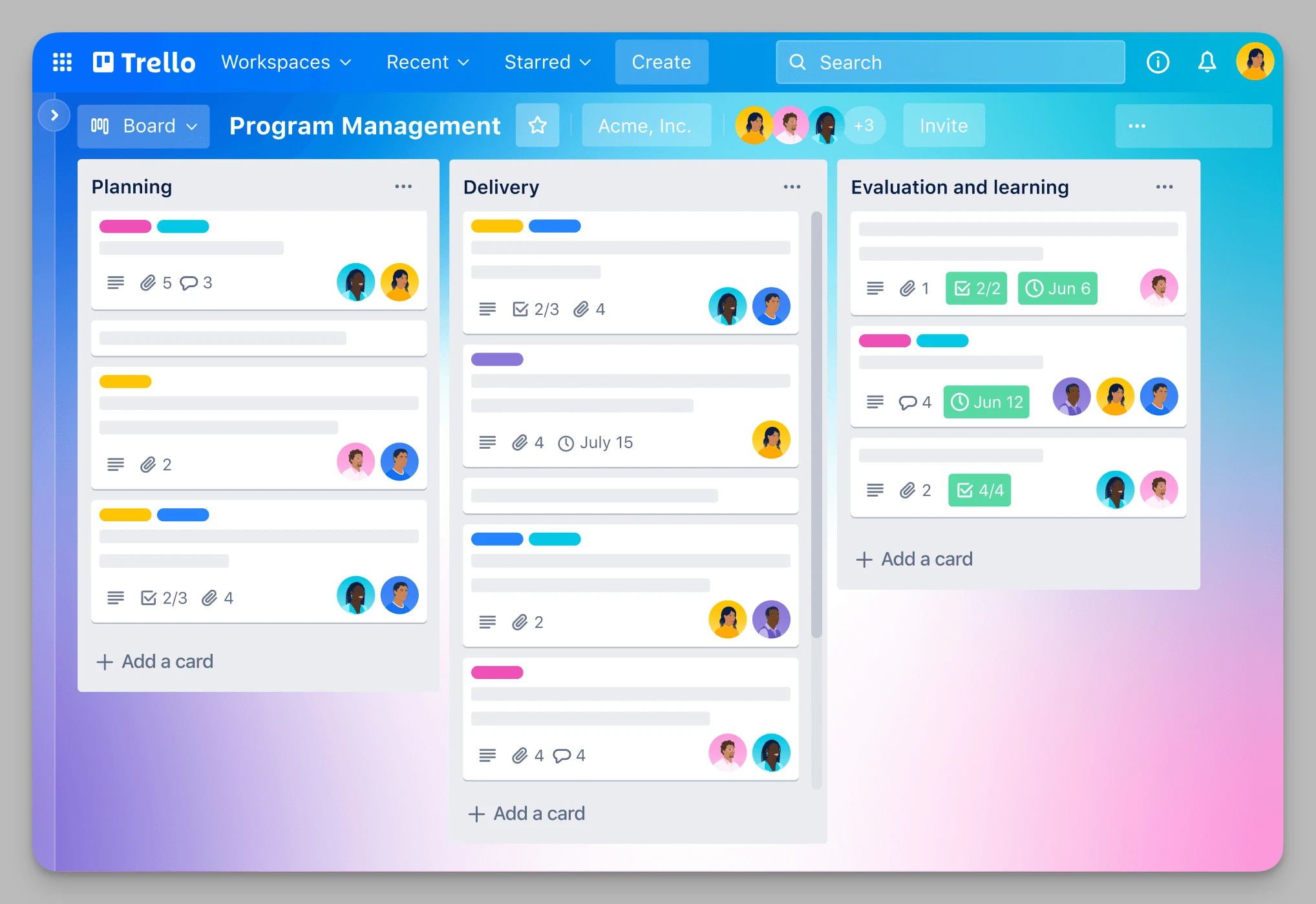
Even in 2026, with all-in-one tools everywhere, Trello remains the gold standard for "intuitive management." The satisfaction of moving cards like sticky notes on a fridge makes complex projects feel as simple as building blocks. It's a favorite for startups and freelancers alike.
Key Features
Kanban/List/Card Structure: Clear core management logic with support for custom labels, due dates, checklists, and member assignments.
Butler Automation: Set up automation rules without coding—for example, "When a card moves to Done, send a notification automatically."
Rich Power-Ups: Integrate with hundreds of tools like Slack, Google Drive, and GitHub to make your board a central hub.
Multi-View Support: Includes Timeline, Calendar, and Map views to help you track progress from different angles.
Advantages
Zero Learning Curve: Smooth drag-and-drop operations that are extremely beginner-friendly.
Intuitive Oversight: See the entire lifecycle of all tasks at a glance, perfect for lightweight projects and personal boards.
Pricing Reference Free version available; Standard approx. $5/month; Premium approx. $10/month.
4. Capacities
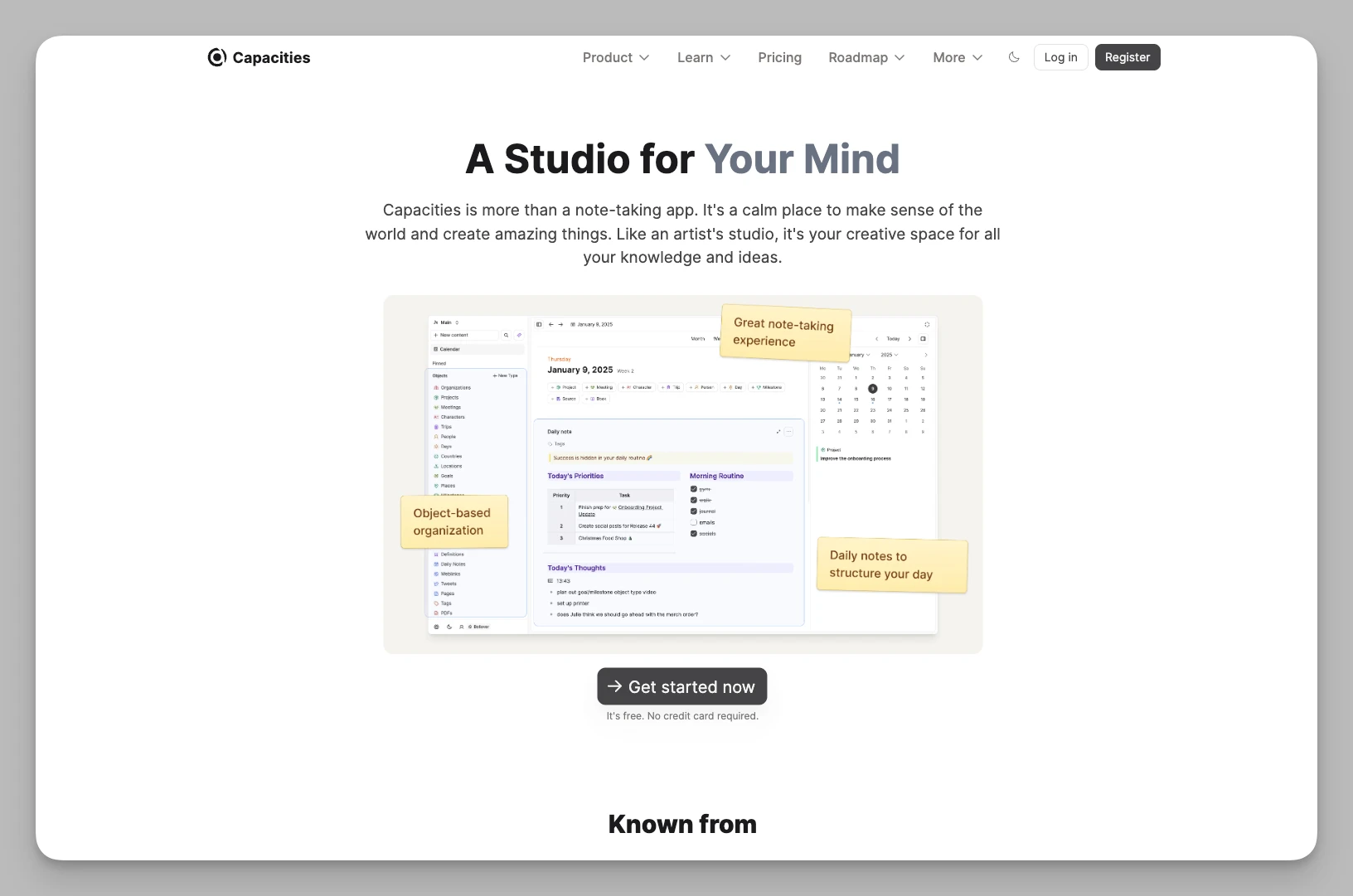
Capacities believes the human brain doesn't work by folders, but by "object types." It breaks the "hierarchical myth" of traditional notes, allowing you to build a networked, self-growing personal encyclopedia by defining different entities.
Key Features
Custom Object Types: Define notes as "Books," "People," "Places," or "Meetings," each with its own template of properties.
Auto-linked Knowledge Graph: Automatically generates a graph based on bi-directional links to show deep connections between entities.
Daily Notes View: Thoughts generated during the day are logged in a calendar view, making it easy to trace inspiration back through time.
Media Asset Management: High-quality storage and classification for images, videos, and audio, perfect for managing multi-media assets.
Advantages
Automatic Connections: You don't have to worry about where a note "lives"—just define the "type" and the system builds the cross-dimensional links for you.
Encyclopedia-like Experience: Ideal for building a personal digital library where everything is perfectly organized.
Pricing Reference Free version available; Pro approx. $9.99/month.
5. Remnote
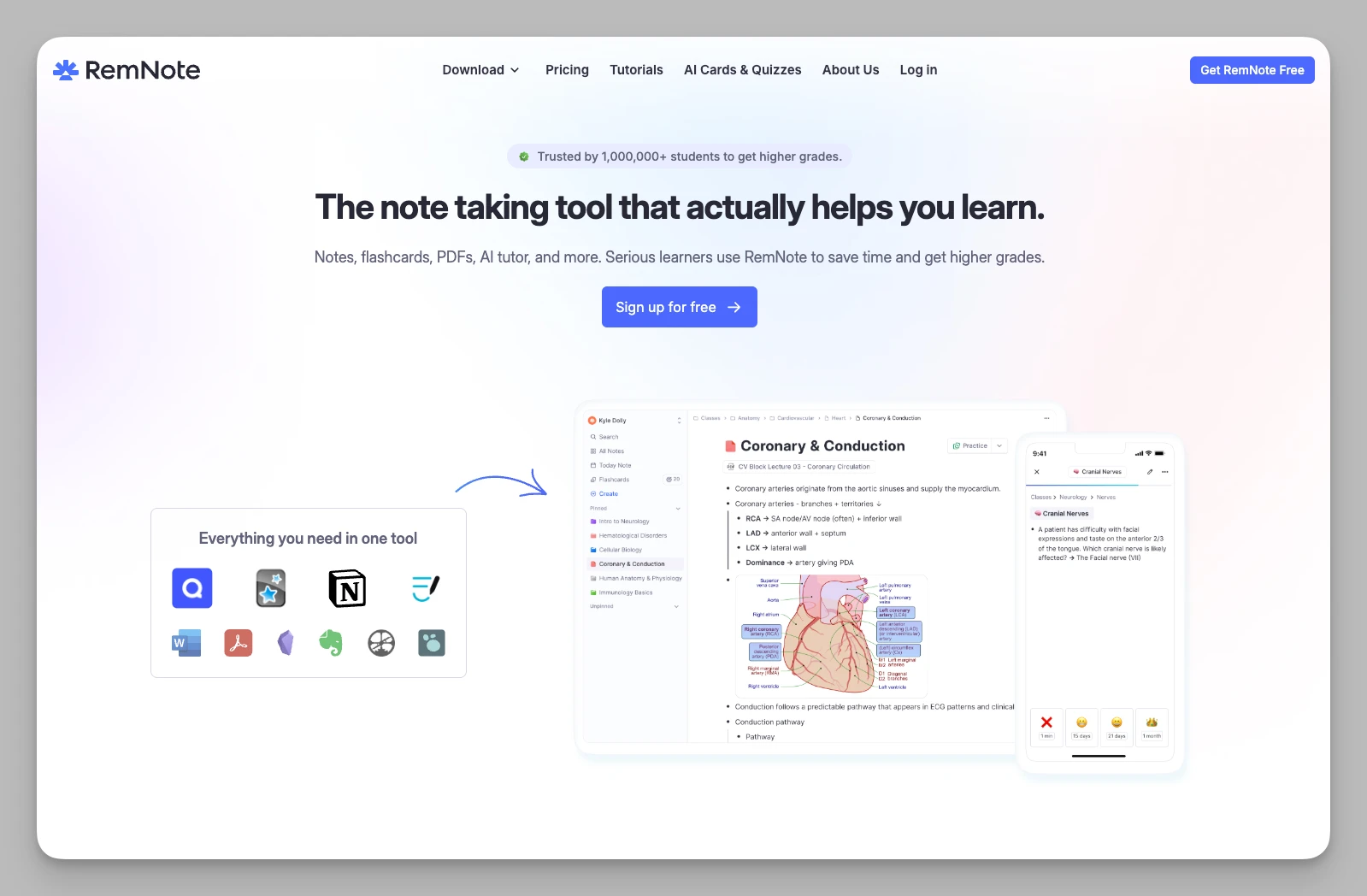
Remnote is the ultimate weapon for those who need to memorize vast amounts of knowledge and aim for long-term retention. It's not just a recording tool; it's a "super-learning machine" that helps convert short-term memory into long-term knowledge by integrating study and review.
Key Features
Integrated Note-to-Flashcard: Generate flashcards directly while typing notes using simple syntax.
Built-in SRS System: Uses Spaced Repetition Algorithms to automatically schedule reviews, ensuring you consolidate knowledge right before you're likely to forget it.
Interactive PDF Reading: Reference PDF segments directly in your notes and link them to the flashcard system.
Hierarchical Tags & Search: A powerful tagging system with infinite nesting, making info retrieval extremely fast when paired with full-text search.
Advantages
Memory Engine: Turns notes directly into exam prep cards, making it indispensable for students, doctors, or lifelong learners.
Academic Depth: Deeply supports research and complex learning flows; a popular choice among serious learners.
Pricing Reference Free version available; Pro approx. $8/month.
6. Reflect
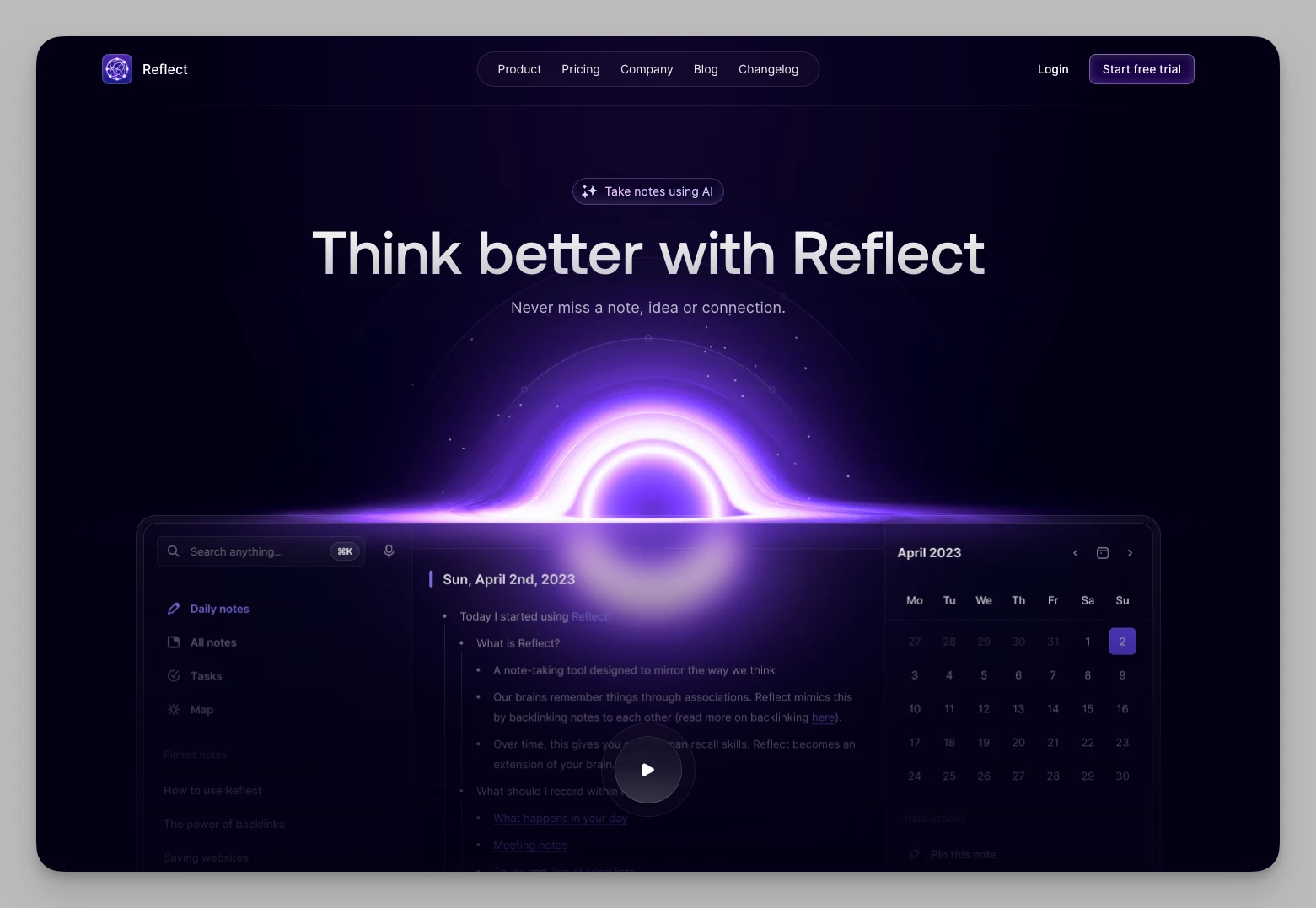
Reflect strips away every feature that might distract you from input, keeping only core efficiency. It's like a thought catcher always on standby, helping you record everything at lightning speed—whether you're in a meeting, commuting, or hit by late-night inspiration.
Key Features
Lightning-Fast Daily Notes: A "write-on-open" diary flow that serves as the starting point for all inspiration.
AI Voice Transcription: Voice notes with AI-assisted transcription and optional summaries.
Seamless Sync: Optimized experience for iOS and Mac, with real-time sync for Kindle highlights and calendar events.
Bi-directional Linking: Built on a backlinks logic to easily construct your personal knowledge network.
Advantages
Instant Response: One of the fastest in its class with zero loading wait times.
Voice-Friendly: The AI summary feature for spoken content is excellent, perfect for busy project managers.
Pricing Reference Approx. $10/month (billed annually) with a 2-week full-feature trial.
7. Logseq
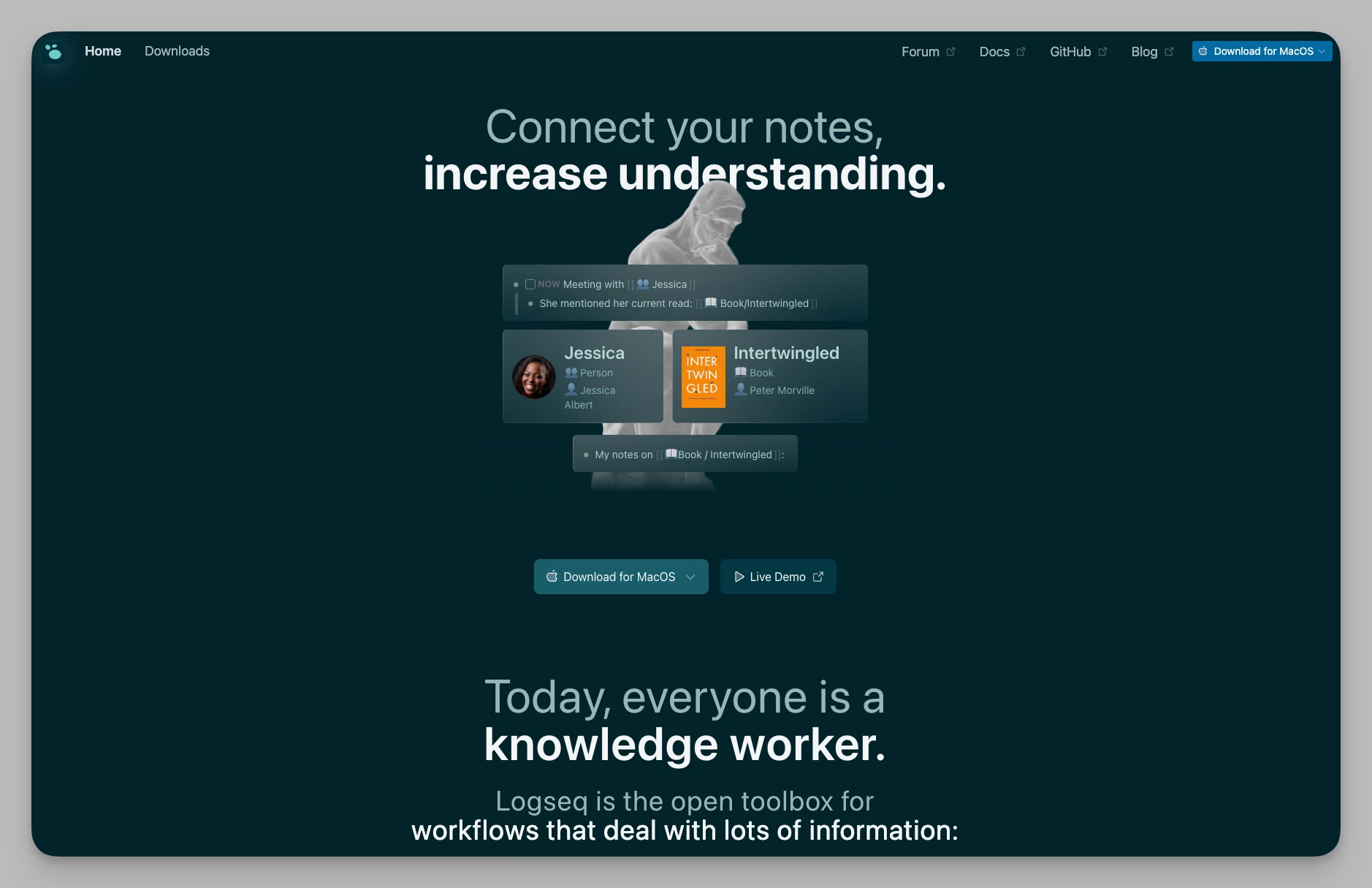
If you are a privacy-first user who prefers "outliner-style" thinking, Logseq is your best bet. It's a local-first, open-source brain enhancer that uses powerful bi-directional linking to turn trivial daily logs into a rigorous knowledge network.
Key Features
Local-First Storage: All data is saved as Markdown files in local folders, giving users absolute ownership of their data.
Outliner Driven: Every line is a "block" that supports infinite nesting, referencing, and moving.
Built-in PDF Annotation: Highlight PDF pages and generate links within your notes that jump back to the exact spot in the PDF.
Powerful Plugin Ecosystem: Supports custom themes and plugins, including AI assistants.
Advantages
Privacy Peace of Mind: Greatly reduces cloud-related privacy risks and works reliably offline.
Bottom-Up Growth: Through bi-linking and queries, information automatically connects in the background without manual sorting.
Pricing Reference Core features are completely free.
8. Affine
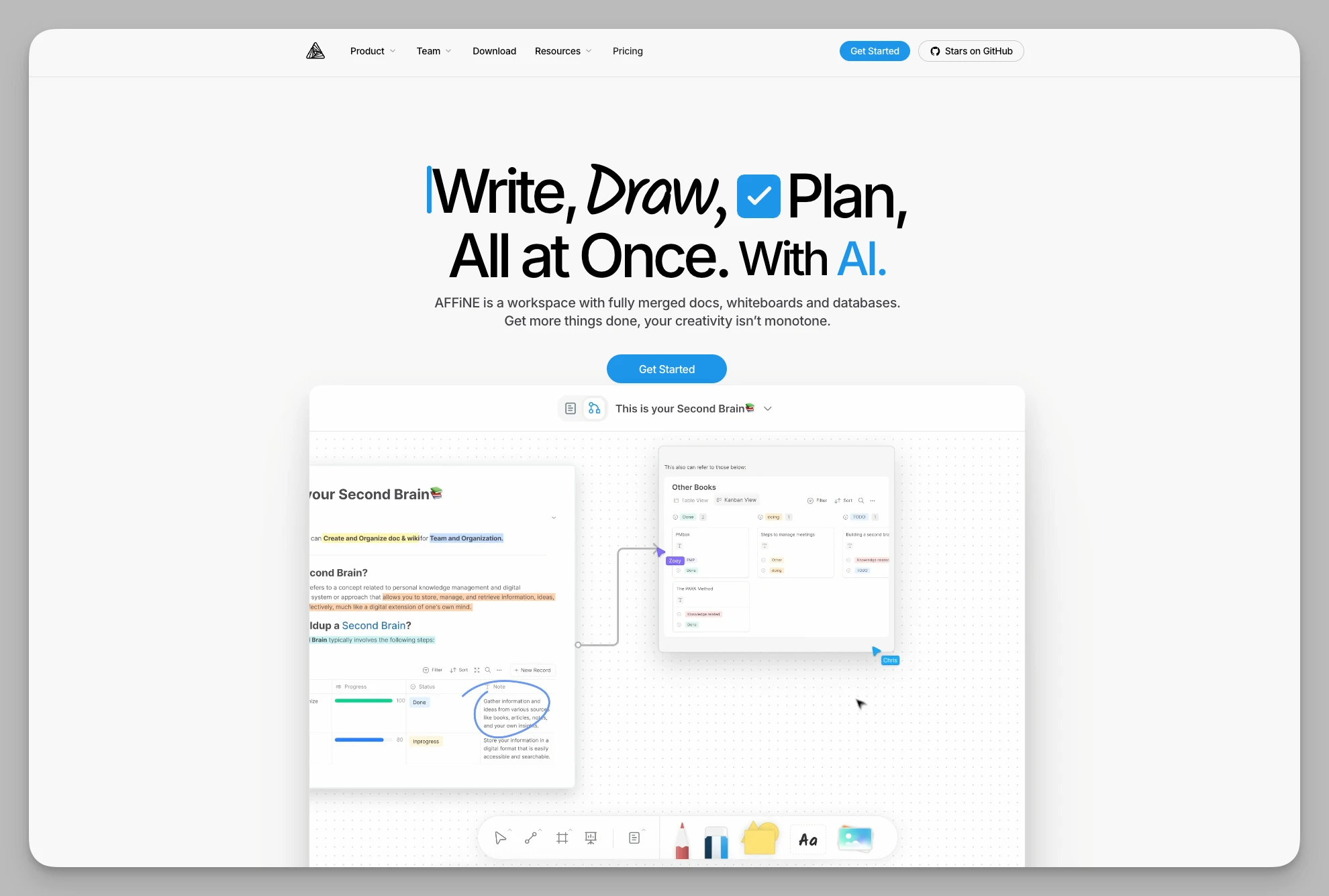
Affine tries to solve the friction between "whiteboards for brainstorming" and "docs for writing." It provides a versatile hybrid space where you can create like an artist on a canvas and format like an engineer in a document, with data flowing seamlessly between formats.
Key Features
Mode Switching: Convert data losslessly between Page (Doc), Edgeless (Whiteboard), and Database modes.
Multi-View Databases: Offers Table, Kanban, and Grid views to meet complex data management needs.
Self-Hosting Support: Available as a cloud version or as a self-hosted option on your own server for total privacy.
Real-time Collaboration: Supports multi-user editing where every component on the whiteboard can be synced in real-time.
Advantages
Smooth Workflow: Turn whiteboard inspirations directly into polished docs, perfect for creative and product teams.
Data Sovereignty: Supports private deployment, giving teams absolute control over sensitive data.
Pricing Reference Free version available; Pro approx. $6.75/month.
9. Microsoft Loop
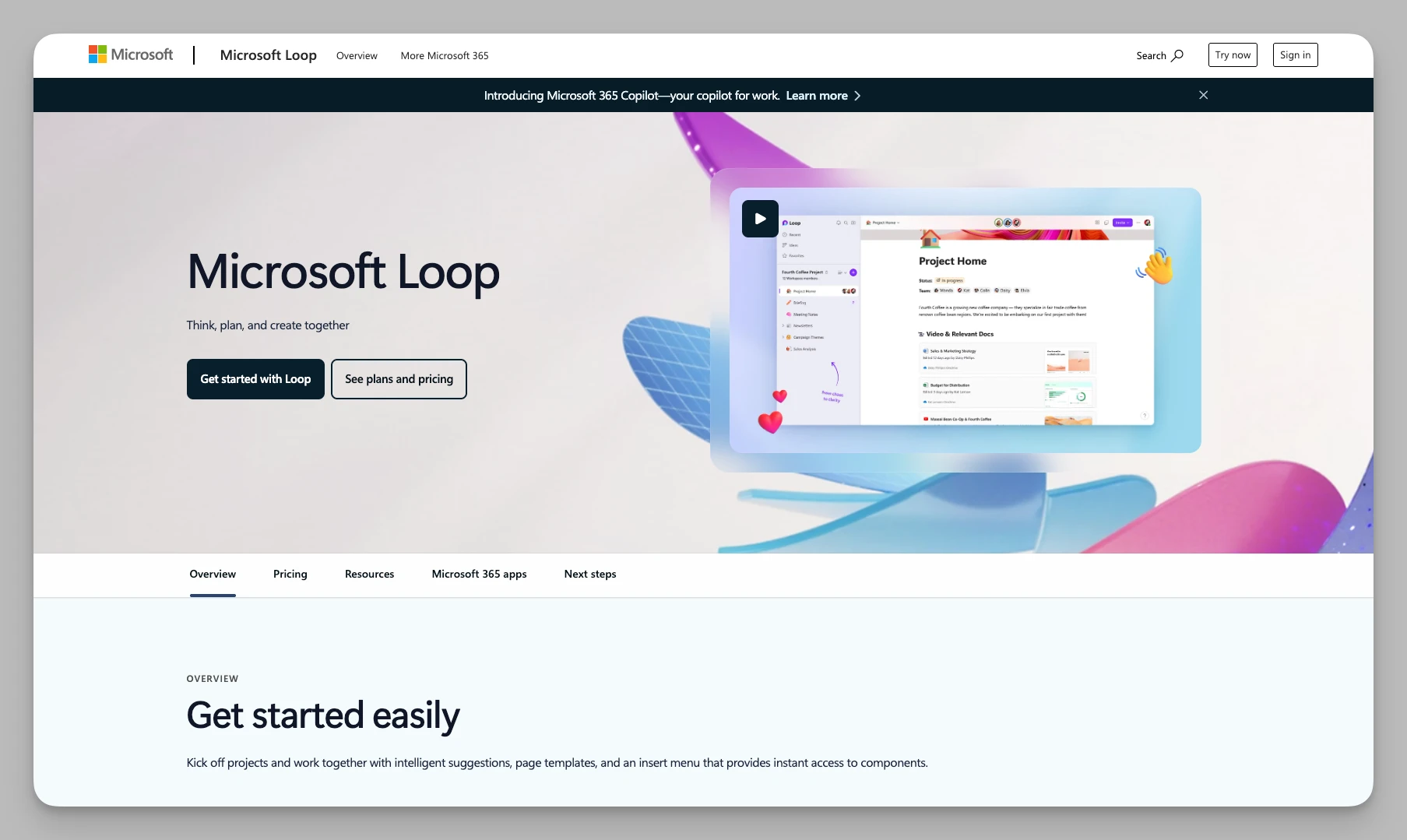
Loop is no longer just an isolated app; it's a fluid set of components. As the latest addition to the Microsoft 365 suite, it reduces the boundaries between apps, allowing content to stay in sync across Teams, Outlook, and Word.
Key Features
Loop Components: Real-time synced blocks (like tables or lists) that can be copied and pasted across Teams, Outlook, and Word.
Shared Workspaces: Consolidate project-related docs, links, and communication records in one workspace.
Notification System: Deeply integrated with M365; any changes within a component notify all relevant members instantly.
Task Sync: Linked with Microsoft To Do and Planner, so updates in one place reflect everywhere.
Advantages
Ecosystem Integration: Organizations heavily reliant on the Microsoft suite can use Loop for cross-app collaboration.
Real-time Consistency: Components update across different apps simultaneously, preventing information discrepancies.
Pricing Reference Included in Microsoft 365 subscriptions; personal basic users can use it for free.
10. Bear
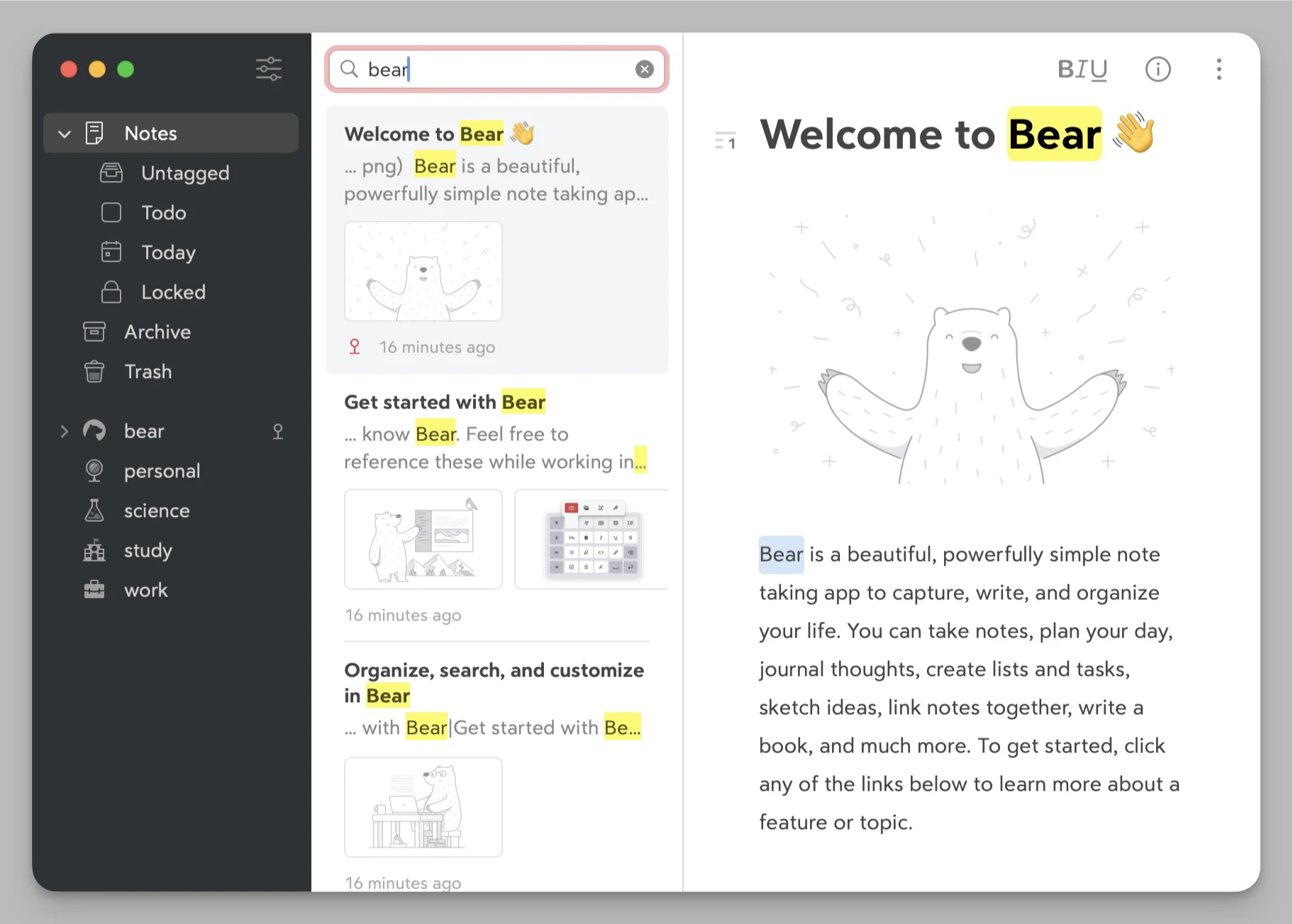
For those who crave a pure writing experience, Bear remains irreplaceable. With an almost obsessive focus on aesthetic design, it pushes the Markdown writing experience to the limit. If you are a writer, you'll fall in love with its elegant, "text-first" restraint.
Key Features
Stunning Editor: Multiple beautiful themes with support for full Markdown syntax and rich media.
Hierarchical Tags: Organize notes flexibly using
#tag/subtaginstead of complex folder hierarchies.Multi-Device Sync: High-speed sync across iPhone, iPad, and Mac via iCloud.
Rich Export Options: Supports PDF, HTML, Word, JPG, and more for all your distribution needs.
Advantages
Peak Aesthetics: Meticulous attention to theme switching and typography—the definition of a "feel-good" product.
Minimalist Experience: Pure Markdown writing feel that allows creators to focus entirely on the words.
Pricing Reference Approx. $2.99/month or $29.99/year.
11. Coda
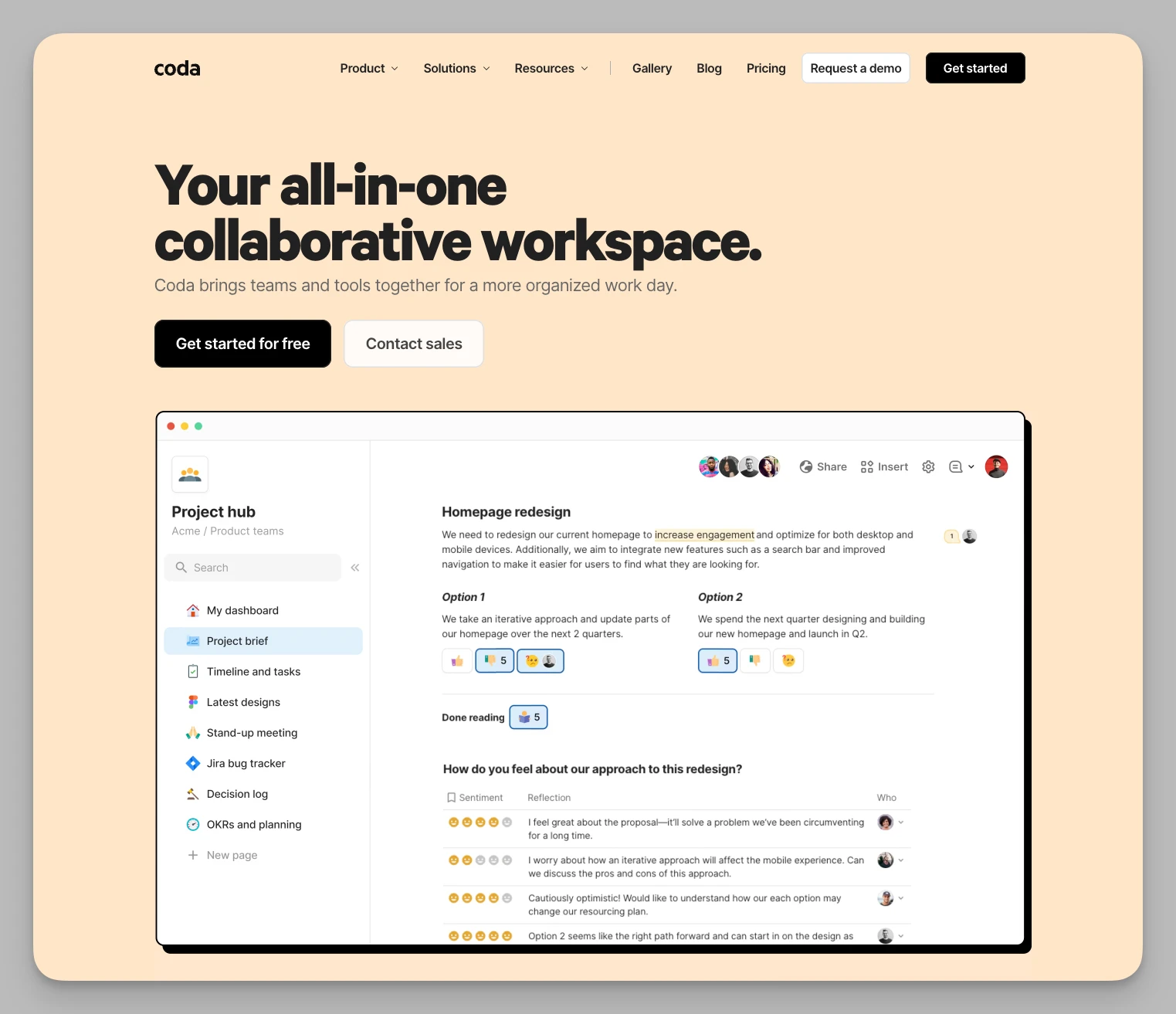
If Notion is a document, Coda is a low-code development platform disguised as one. Its powerful "modular" mindset allows you to turn a document into a fully functional app, handling everything from automated CRMs to complex inventory management.
Key Features
Powerful Formula System: Supports complex logic and calculations, handling large-scale data like Excel.
Custom Buttons & Actions: Trigger automated workflows with buttons—e.g., "Click to send a Slack reminder to the team."
Coda Packs: Deep integration with hundreds of apps like Slack, Jira, and GitHub, pulling their data directly into your doc.
No-Code Interaction: Easily build an internal management system with the interactive feel of a real app.
Advantages
Automation Prowess: Capable of complex business logic (like auto-emails), making it the top choice for data-driven users.
Deep Customization: More than just notes; it serves as the underlying architecture for a company's internal operations.
Pricing Reference Pro $10/month per Doc Maker (Viewers and Editors are unlimited and free).
12. Notion
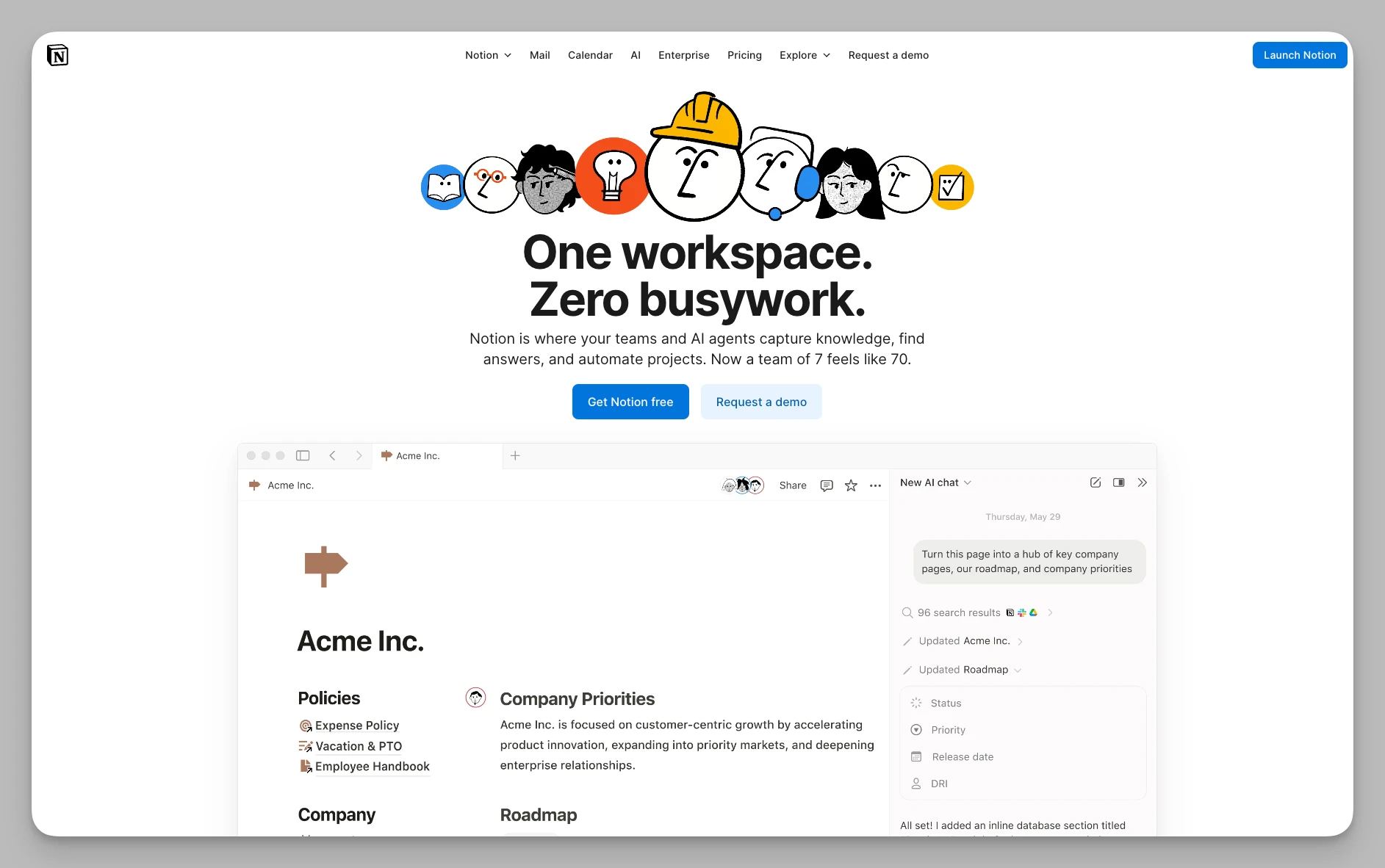
As the pioneer of the All-in-One era, Notion is no longer niche, but it remains the most balanced and versatile benchmark. Whether you are a student, freelancer, or a Fortune 500 manager, you can build your own workflow using Notion's Lego-like system.
Key Features
Versatile Databases: Provides Table, Kanban, Calendar, List, Gallery, and Timeline views.
Notion AI Assistant: Built-in AI for writing, continuing drafts, and automatically filling database properties.
Wiki Management: A flexible hierarchy for building infinite-nested company knowledge bases.
Integration & Publishing: Supports sync blocks and API extensions, with the ability to publish pages as lightweight websites.
Advantages
Mature Ecosystem: Massive library of templates and a huge community, making the learning curve very gentle.
All-around Balance: Finds the "sweet spot" between functional power and ease of use.
Pricing Reference Free for individuals; Team versions approx. $10/user/month.
Product Comparison at a Glance
| App Name | Core Highlight | Best For | Pricing |
|---|---|---|---|
| Buildin | Note Collaboration, Monetization, Private Hosting | Creators, Educators, Enterprises | Free version available; Plus $10/mo; Enterprise custom |
| Heptabase | Infinite Canvas, PDF Annotations, Visual Learning | Researchers, Heavy Learners, Writers | No free version; Pro starts at $8.99/mo |
| Trello | Kanban, Automation, Drag-and-drop | Project Managers, Simple Task Tracking | Free version available; Standard $5 or Premium $10 |
| Capacities | Object-based, Personal Wiki, Auto-linking | Encyclopedia Lovers, Asset Managers | Free version available; Pro $9.99/mo |
| Remnote | SRS Review, Flashcards, Academic Notes | Students, Exam Prep, Med/Law Pros | Free version available; Pro $8/mo |
| Reflect | Lightning Input, AI Summaries, Calendar Sync | Busy Executives, Idea Catchers | $10/mo billed annually |
| Logseq | Local-first, Outliner, Privacy/Encryption | Geeks, Privacy Advocates, Thinkers | Free; optional Backer Support |
| Affine | Doc/Whiteboard Hybrid, Multi-view DB | Design Teams, Product Managers | Pro $6.75/mo |
| Microsoft Loop | Cross-app Components, M365 Integration | Heavy MS Users, Large Organizations | Included with M365 |
| Bear | Aesthetic Typography, Nested Tags, Markdown | Long-form Writers, Apple Power Users | $2.99/month or $29.99/year |
| Coda | Automation, Formulas, App-like Interaction | Data Managers, No-code Developers | Pro $10/mo per Doc Maker |
| Notion | Databases, Templates, AI Integration | General Users, Wiki Builders | Free version available; $10/user/mo |
Summary: Which One Should You Choose?
If you want high-efficiency collaboration + monetization: Buildin stands out as one of the few platforms that deeply integrates notes, projects, files, and creator monetization into a single workflow.
If you need offline use and value privacy above all: Go with Logseq.
If you need memory reinforcement or exam prep: Go with Remnote.
If you want aesthetic beauty and a lightweight writing experience: Choose Bear or Reflect.
Final Thoughts: The Tool is the Means, the Output is the End
With so many incredible All-in-One tools available, it's easy to fall into the "tool addiction" trap: spending hours researching layouts, tweaking automations, and building perfect database structures, only to forget to write that article or push that project forward.
Remember: The best tool is the one that makes you forget it exists. In 2026, as AI deeply integrates into our work, information moves faster than ever. When choosing a tool, prioritize whether it reduces your cognitive friction and whether it allows your thoughts to flow uninterrupted. Whether you choose the ecosystem power of Notion, the monetization loop of Buildin, or the privacy of Logseq, the core remains your own creativity.
I hope this list helps you find the digital container that best fits your workflow. Now, pick one, close this page, and go make your ideas happen!

Amara Elara
Specializes in visualizing complex processes and improving product education. Responsible for user support, product tutorials, and visual guides at Buildin, helping users improve tool adoption and overall productivity.