Looking for an alternative to Yonote? Let’s figure out if Buildin will suit your team
Comparing Buildin and Yonote in terms of collaboration, AI, security, publishing, and price to understand whether Buildin will suit your team.
Changing the platform for collaboration and knowledge management is not just a choice of a new editor. Along with documents, you have to transfer databases, tasks, access rights, and familiar processes. Therefore, the main question is not "which service is better", but "which service is better suited to the next stage of the team's work".
Yonote already covers many familiar scenarios: documents, databases, kanban, calendar, AI assistant, and access control. For teams that work primarily in the Russian market, value the local ecosystem, or depend on certain corporate functions, the service still has clear advantages.
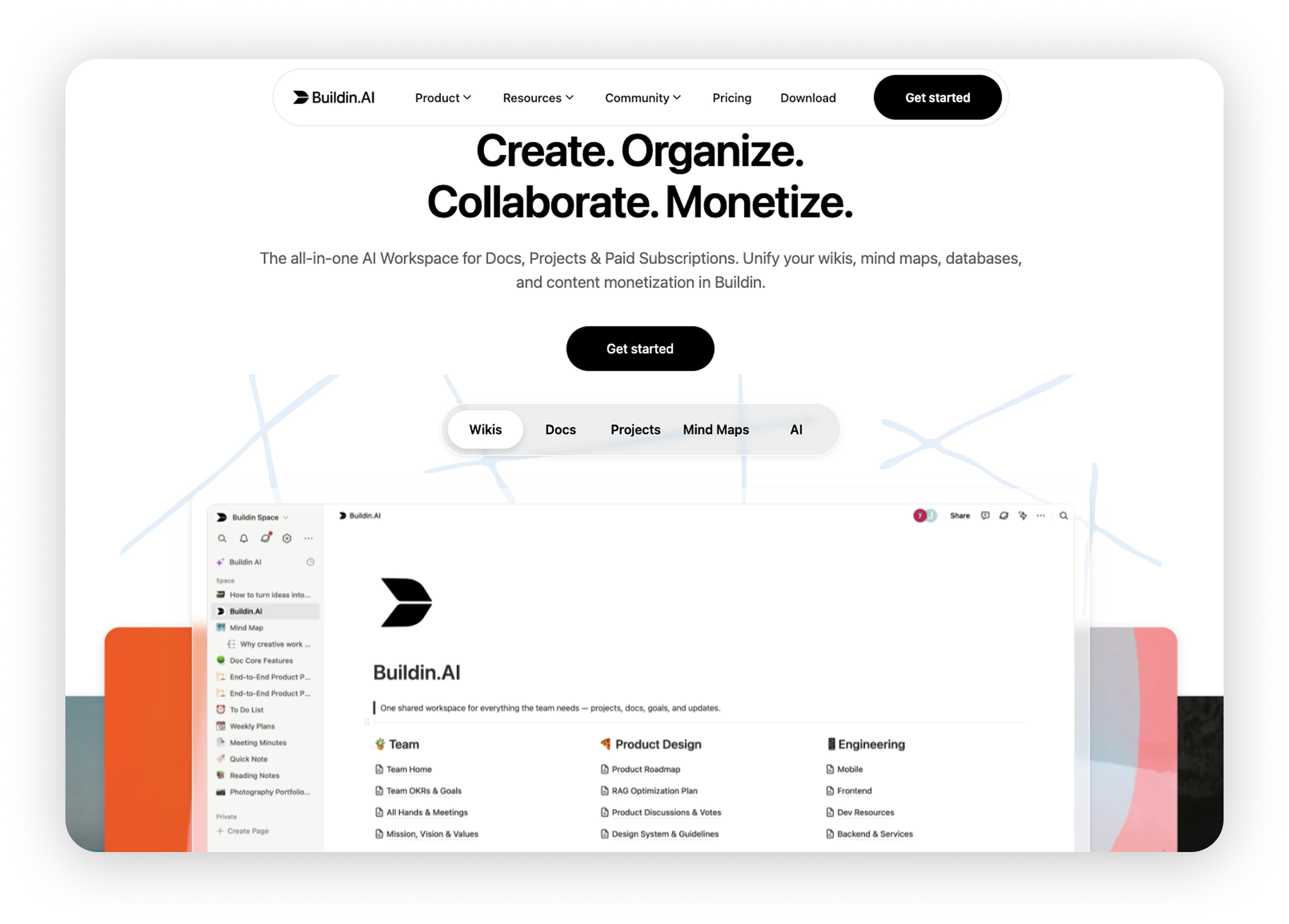
Buildin is an AI-powered workspace for personal and team work. Documents, knowledge bases, databases, projects, and collaboration tools are combined in one platform. The team can edit materials together, assign tasks, discuss them in comments, mention colleagues, and set up access through team spaces. The Buildin also has mind maps, apps for different devices, Buildin Agent, and publishing tools. Let's figure out how this format suits your team.
Short Answer: Which Teams Should You Try Buildin
Buildin makes sense to test if your team needs several features at once:
- participants need to edit materials together, comment, mention colleagues and track tasks;
- Different projects must be separated using team spaces, user groups, and page rights.
- Documents, databases, tasks, kanban, calendars, and timelines must be in the same space;
- Participants work from different countries or change devices regularly;
- it is more convenient to first lay out complex projects in a mind map, and then turn them into a document;
- AI is needed for writing, editing, preparing short resumes and searching through working materials;
- the knowledge base will be connected to automations via API or MCP;
- Some of the internal materials eventually turn into public manuals, templates, or paid content;
- The company needs a private deployment or more centralized control over the data.
Whether the transition is right for your team depends on your current data structure, access settings, budget, and habitual workflow. Therefore, it is more useful not just to check the lists of functions, but to take one real project and see how conveniently it is transferred to the Buildin.
What is the difference between Buildin and Yonote approaches
In both platforms, you can work together with documents, databases, tasks, access rights, and corporate knowledge. The difference is more noticeable in the ecosystem, workflow organization, and opportunities for further expansion.
Yonote is focused on Russian-speaking teams. The service has joint documents, databases and access rights, an interface in Russian, settlements in rubles, an infinite board, recording and transcribing meetings, database diagrams, and a On-Prem option. The integrations catalog Yonote includes Telegram, Miro, Google Docs, Figma, Trello, and other tools.
Buildin connects team knowledge with project execution. Participants edit documents in real time, discuss specific fragments in comments, mention colleagues, assign responsible persons, statuses, and deadlines in databases, and then track progress on a Kanban board, calendar, or timeline. Team spaces, participant groups, page permissions, and security settings help separate collaborative work areas. On this foundation, Buildin adds mind maps, AI, apps for various platforms, API, MCP, and content publishing.
1. How Buildin supports daily team work
A typical problem with teamwork is not a lack of tools, but a gap between context and execution. Requirements are in one service, tasks are in another, and discussions remain in chat. Information is formally stored, but participants still have to clarify the context, responsible persons, and the current work status.
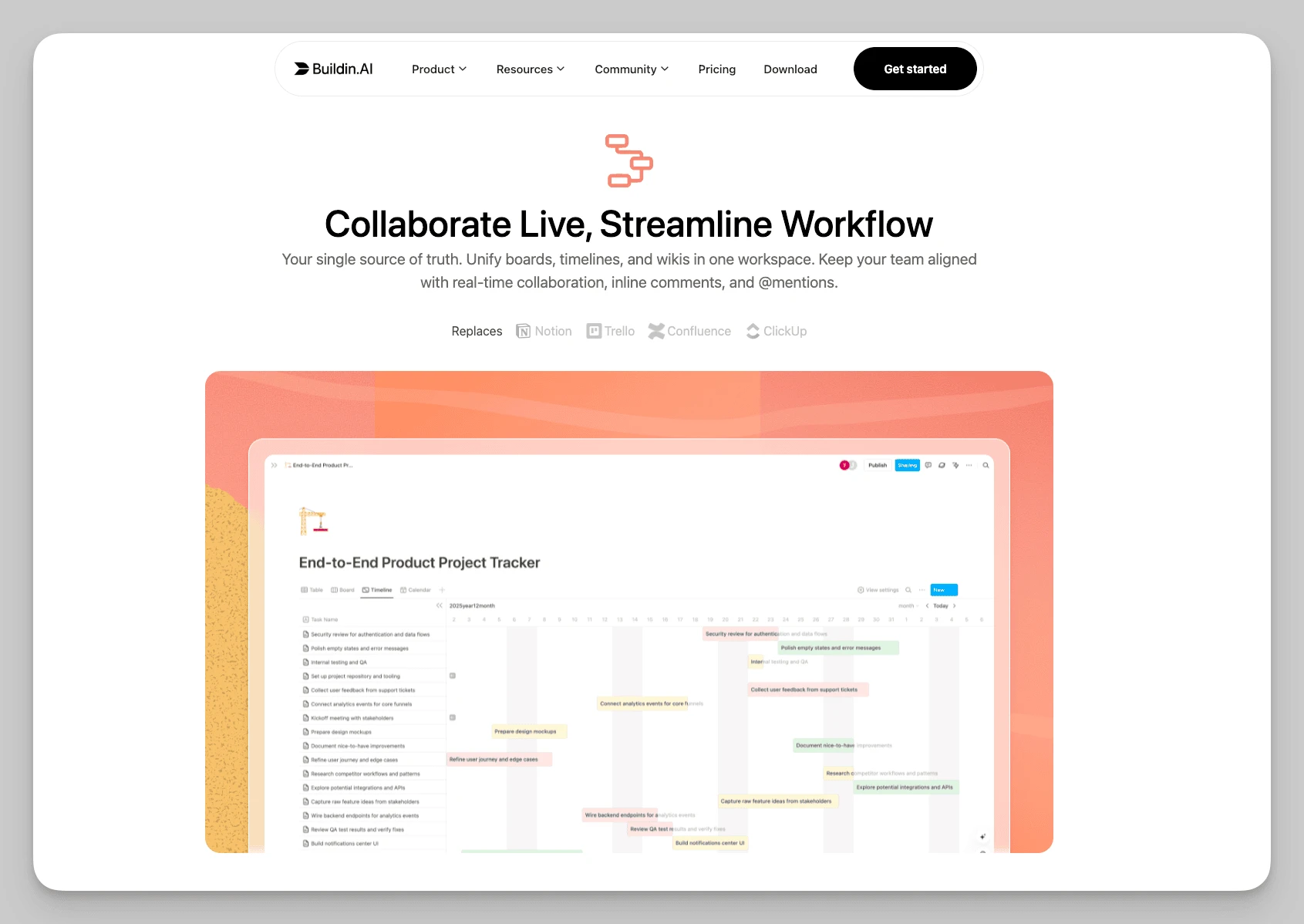
In Buildin, pages, databases, tasks, Kanban, calendar, and timeline are in a single workspace. The team can describe a project on a page and simultaneously maintain a related database with responsible persons, statuses, and deadlines. Participants edit materials at the same time, comment on specific fragments, mention colleagues, and involve clients via shared pages or guest access. This way, documents, discussions, and task execution remain connected. More practical scenarios are collected in Teamwork guide.
This model is suitable for product, marketing, content, consulting, and distributed teams. For example, for a product launch, you can create a main page and link it to requirements, a content plan, a task list, and a publication calendar. Responsible persons update statuses, colleagues leave remarks on relevant paragraphs, and the manager sees overall progress on the Kanban board or timeline. Context, discussions, and execution remain connected.
If diagrams, time tracking, or permission systems are already set up in Yonote, take a real project and replicate the process in Buildin. This allows you to check how fully the necessary properties, filters, views, and access rights preserve the usual workflow logic, while also noticing in advance what will need to be set up again.
2. What tasks Buildin mind maps are suitable for
One notable feature of Buildin is Built-in mind maps. It is not a separate attachment, but a block within the workspace. The team can first lay out a product, research, or content project in a visual structure, and then switch the same data to plan mode and continue working on text. There is no need to export the map and maintain a second copy.
This format is convenient when it is necessary to:
- break down a product feature into subtasks;
- structure a research question;
- design a course or series of materials;
- assemble a results tree for a client project;
- conduct brainstorming before preparing a document.
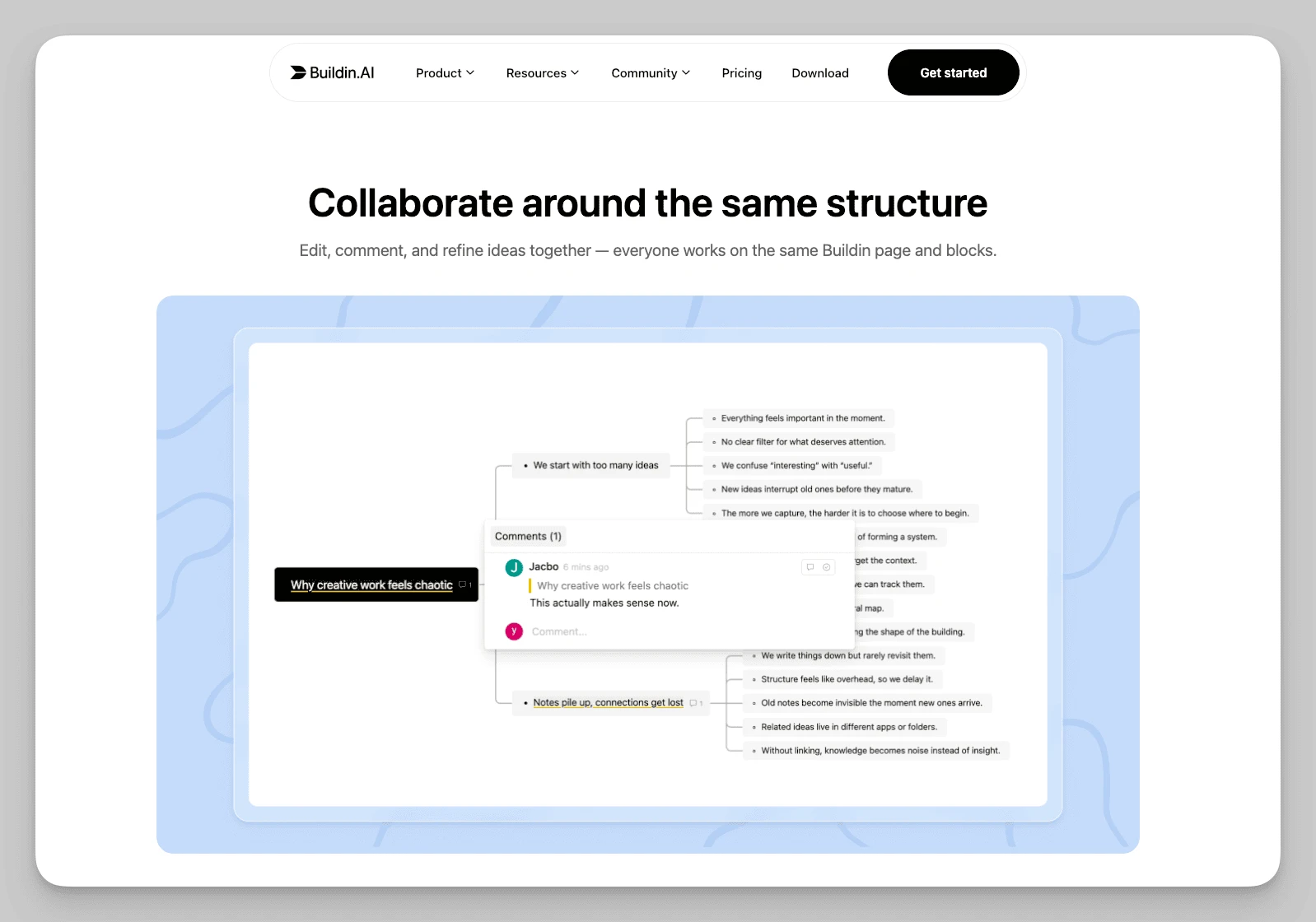
The Buildin mind map supports the sequence "idea structure — plan — finished document" well. If the team is used to first breaking a question into parts, arranging levels, and then moving on to text or tasks, this format quickly becomes a natural part of the workflow.
3. How the team can use AI and automation
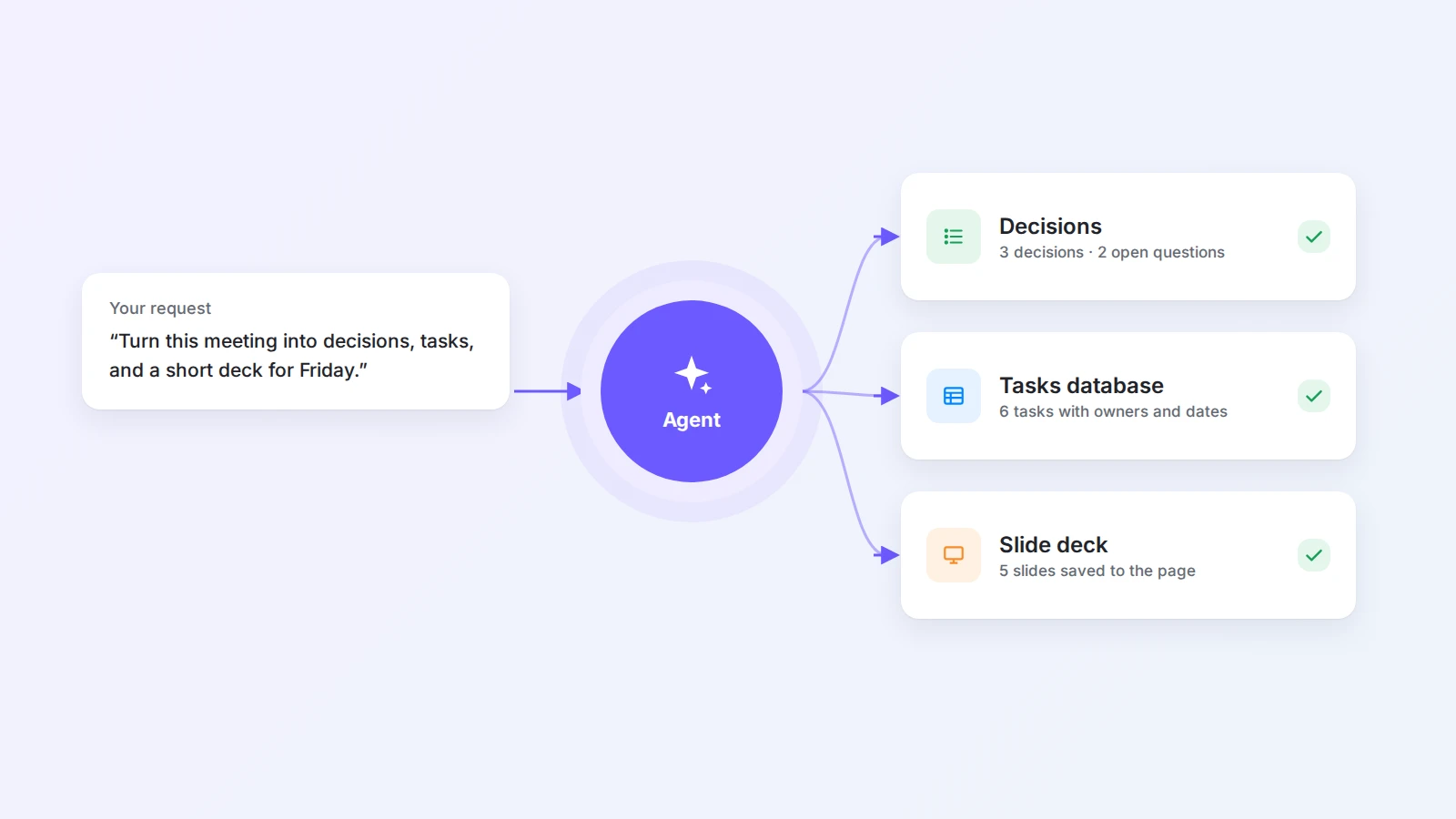
The built-in Buildin Agent is now available in Buildin. It reads pages and databases in the workspace, can gather materials, create a database, or prepare a presentation as part of a multi-step task, and then save the result in Buildin. The AI within the page still helps to rewrite, translate, and shorten text. The amount of AI credits depends on the plan, so it can be chosen according to actual usage frequency.
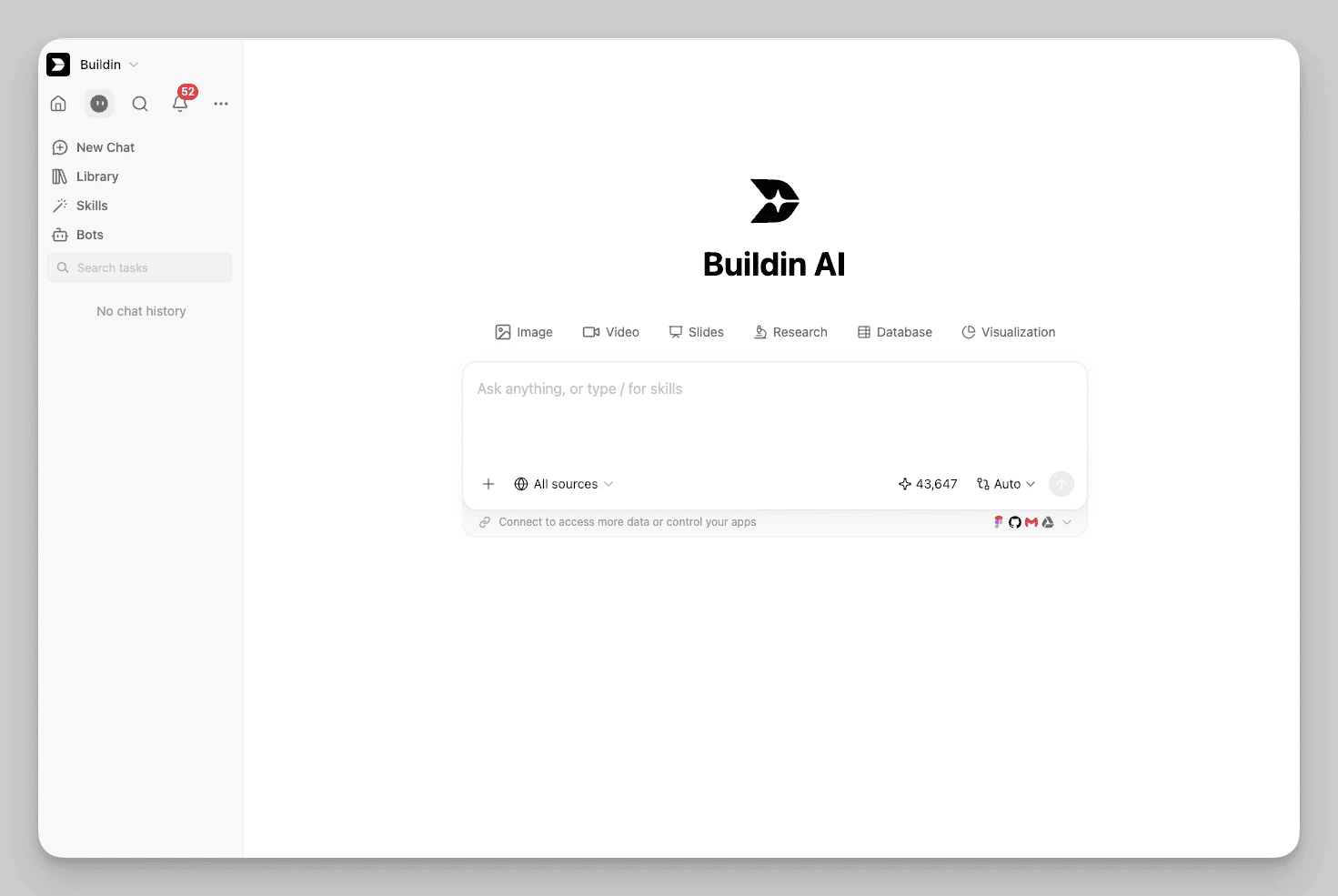
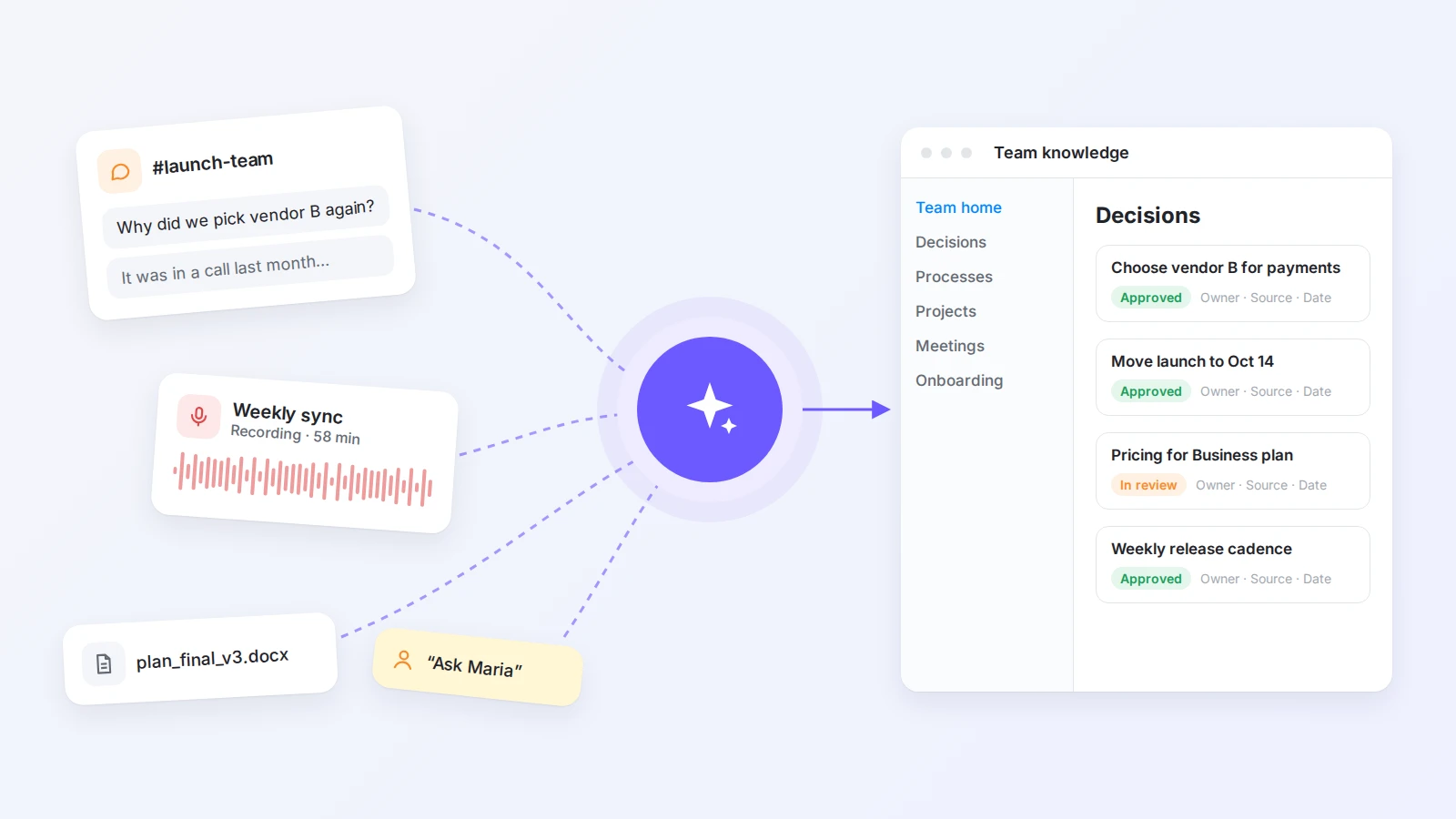
To connect with other systems, Buildin has Developer API and MCP. API allows reading and editing pages, blocks, databases, mind maps, and workspace data, as well as working with search and files. Thanks to this, the knowledge base can be connected to internal tools, content processes, and automations without constant manual copying.
4. How important it is to work from different devices
Distributed teams are rarely limited to a single work computer. Buildin is available on the web and in Windows, macOS, iOS, and Android applications. Web Clipper is also offered there for saving web pages and materials.
If employees work remotely, travel, or are in different countries, support for multiple platforms allows them not to be tied to a single device. For a team that always works in one browser in the office, this advantage will be less noticeable.
Before migration, it is still worth checking login, synchronization, file uploads, comment notifications, and phone editing on the devices that the team uses every day.
5. How Buildin helps manage access and data security
A recent failure in the data center of the cloud provider led to unstable operation of Yonote once again shows why server infrastructure resilience and data security should be included in the selection criteria. In addition to view and edit rights, it is worth finding out where the data is hosted, how disaster recovery is organized, and whether the system can be run on your own infrastructure.
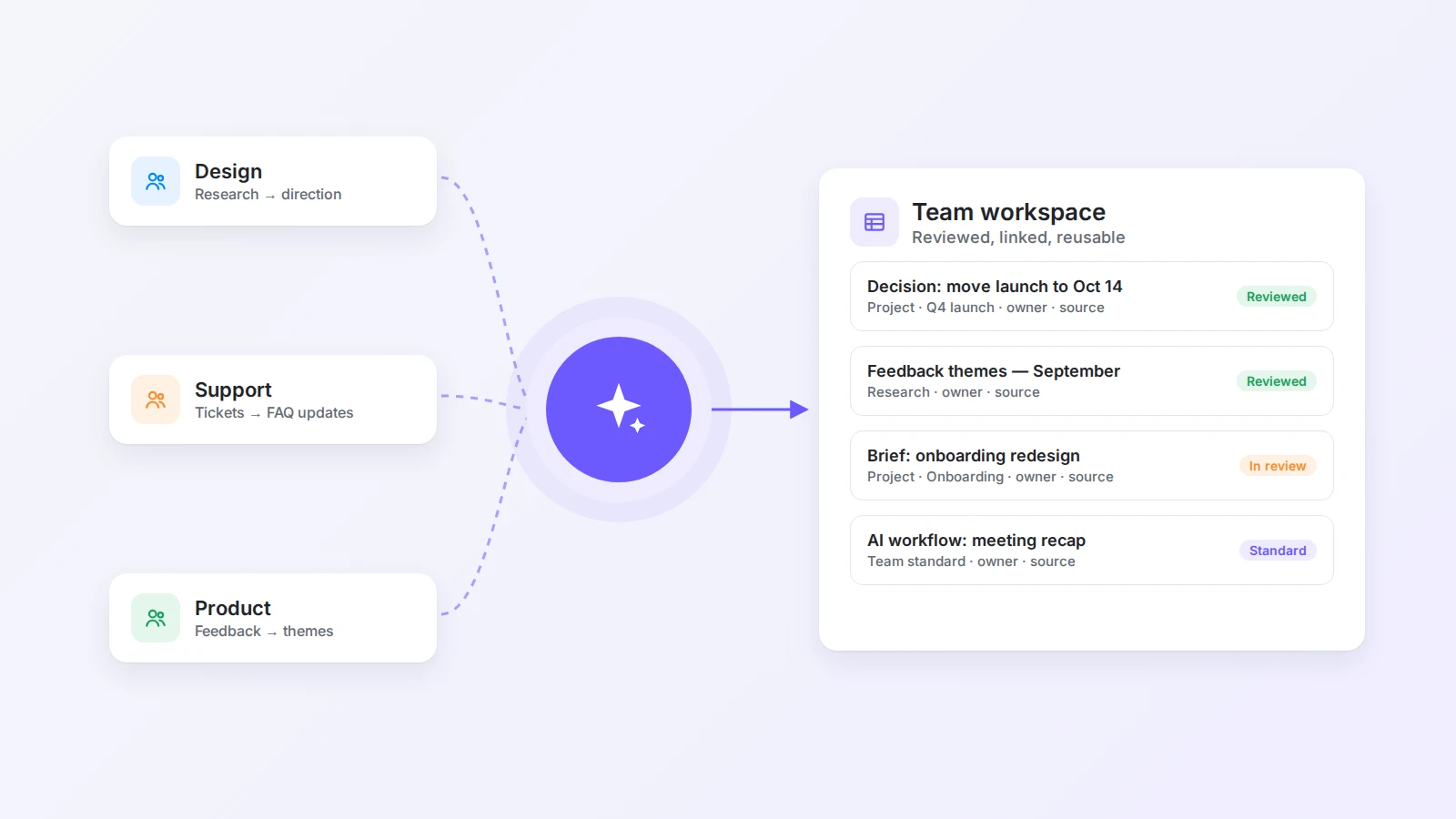
The Business plan includes team spaces, participant management, groups, page permissions, as well as security settings with watermarks and external access control. Permissions can be divided by departments, projects, or clients, and you can immediately define who can view, edit, or publish specific materials. Enterprise adds private deployment, full control over data, centralized administration, and stricter security and compliance settings. Buildin can be deployed on your own servers so that key data remains within the company's infrastructure. This provides more control to teams that do not want to rely solely on public cloud, although the installation details and further maintenance are better discussed in advance with the sales department and the internal IT team.
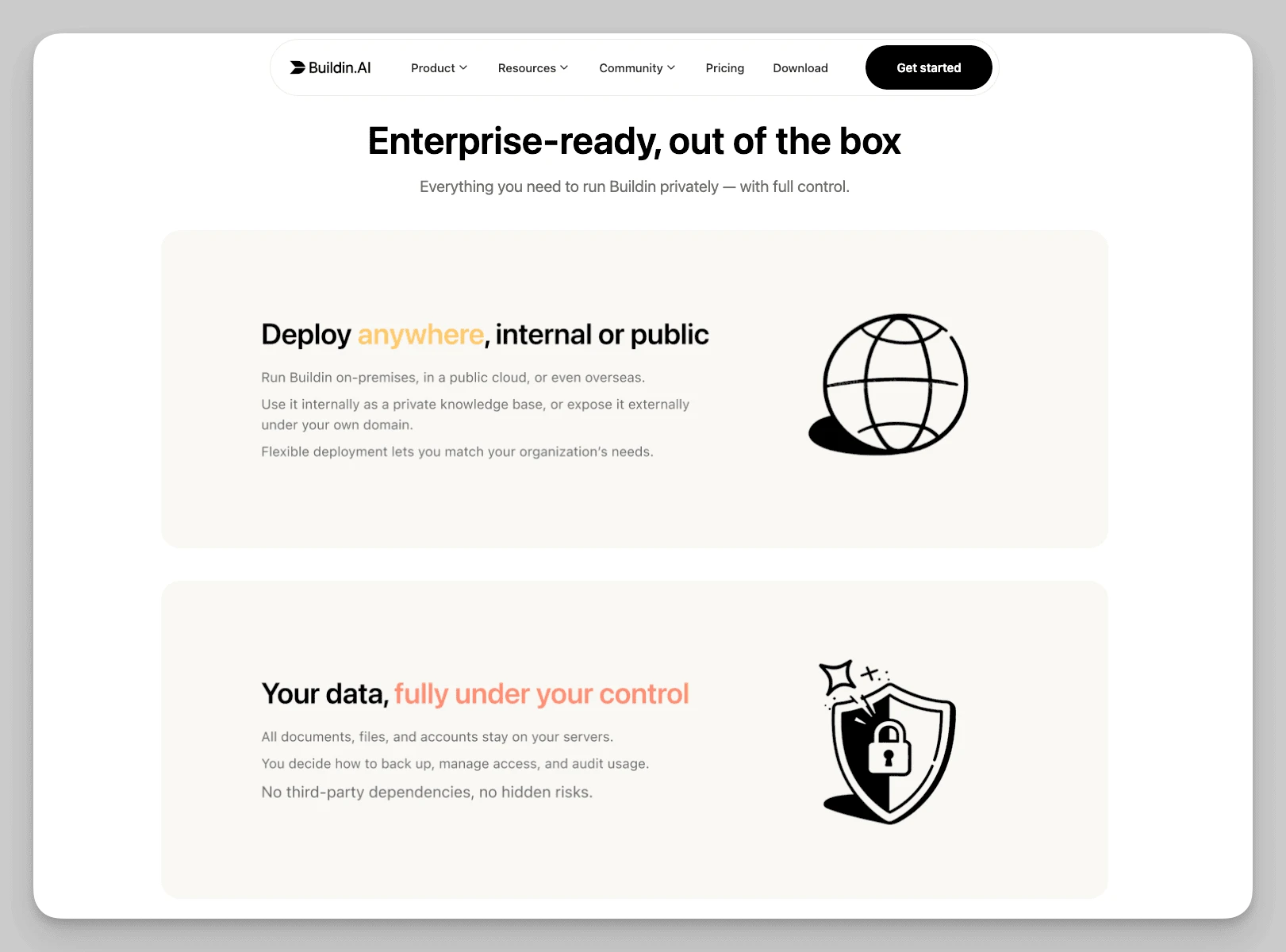
Yonote also has On-Prem, and the corporate plan includes Active Directory, LDAP, and SAML SSO. If such authorization methods or Russian procurement requirements are mandatory for the company, it is better to check them even before starting the test.
6. Is it necessary to publish knowledge for an external audience
External publication complements internal team work in Buildin. In educational, consulting, content teams, and client-facing departments, collaboratively prepared documents can turn into guides, templates, courses, or subscription materials.
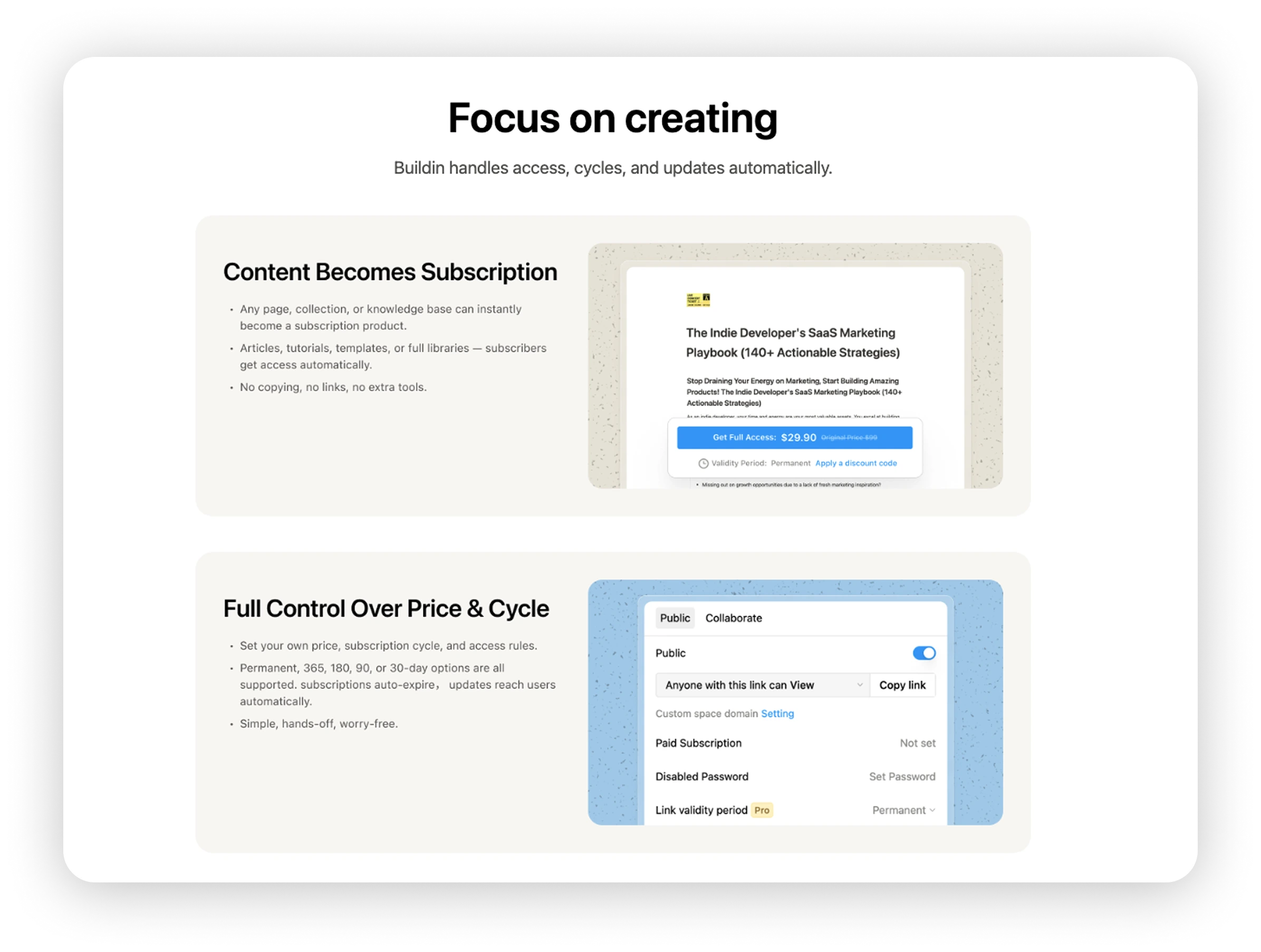
Buildin supports public pages and paid subscriptions. Material can be created, opened to the necessary audience, and continuously updated within a single system. Ready-made solutions can be reused through template library, and external content can be placed on marketplace.
If all documents remain within the company, this feature block should not affect the decision. But for a team that turns internal expertise into client materials, training, or paid products, the path from document to publication becomes an important advantage.
7. How to compare costs
Buildin rates is simple: Free is suitable for individual product familiarization, and after adding a second participant in the free space, a limit of 1,000 blocks applies. Plus costs $10 per participant per month, Business — $15. Business includes additional AI credits, team and security management settings.
Yonote rates are listed in rubles: the basic plan supports up to five participants, and Pro costs 249 ₽ per user per month. For a small team primarily looking at seat cost, Yonote may be more advantageous. If Buildin simultaneously replaces separate tools for projects, mind maps, or publishing, it is more reasonable to compare the total cost of the entire workspace.
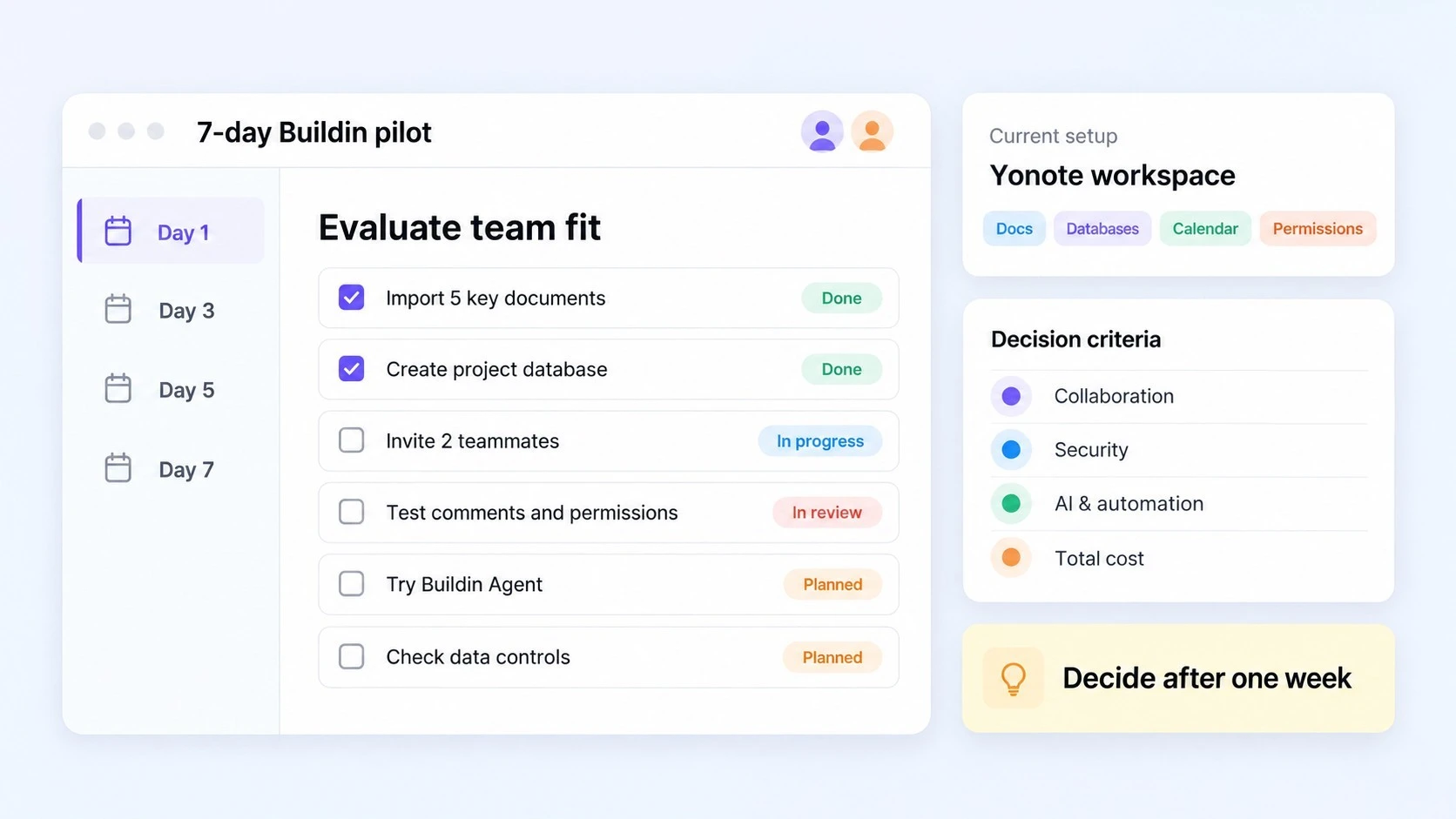
How to conduct a seven-day test
Do not start by transferring the entire knowledge base. Take one active project and perform seven actions over a week:
- Create the main project page and team directory in Buildin;
- Transfer or copy 5–10 frequently used documents;
- Create a task database with responsible persons, statuses, and deadlines;
- Open the same tasks in Kanban, calendar, and timeline;
- Invite two colleagues and check editing, comments, mentions, and permissions;
- Plan one task in a mind map and switch it to plan mode;
- Record which formats, links, or process steps had to be restored manually.
At the end of the week, do not limit yourself to the question 'Do you like the interface?' It is more important to understand whether the team finds information faster, whether repeated entry has decreased, whether permissions are clear, whether it is convenient to work from a phone, and whether additional services are still needed. A practical approach to combining knowledge, tasks, and collaboration is described in unified workflow guide.
Conclusion: Is Buildin suitable for your team?
Buildin is a space for daily collaborative work and project execution. Collaborative editing, comments, @mentions, task databases, Kanban, calendar, timeline, team spaces, and access management support the entire path from discussion to outcome. On top of this foundation, Buildin integrates mind maps, AI, work from different devices, and external publication. This scenario is especially relevant for product and distributed teams, content departments, consulting, educational projects, and knowledge-based businesses.
If the team is also revising the requirements for stability and data protection, the Buildin security settings and the choice between the cloud version and deployment on own servers provide more freedom in how to control the working infrastructure.
If the main criteria remain the Russian status of the software, lower cost per seat, or no need to change an already streamlined process, Yonote may better meet the task.
The most reliable way to make a decision is to test Buildin on one real project without transferring all the data at once. Start with a template, one task database, and a few frequently used documents. If within a week the team starts finding information faster and switches between tools less often, a full migration plan can be prepared. To get a broader view of the market, also look into other alternatives Notion.

Amara Elara
Specializes in visualizing complex processes and improving product education. Responsible for user support, product tutorials, and visual guides at Buildin, helping users improve tool adoption and overall productivity.