Podcast Planning Template
Plan a podcast from listener questions to production. Keep episode dates, outlines and checklists beside a separate bank of ideas.
This podcast planning template keeps the episode outline, production stages and release dates beside your idea bank. A podcast topic becomes easier to produce when it answers one listener question. Use this planner to connect that question to an episode outline, recording date and next production step.
What is included?
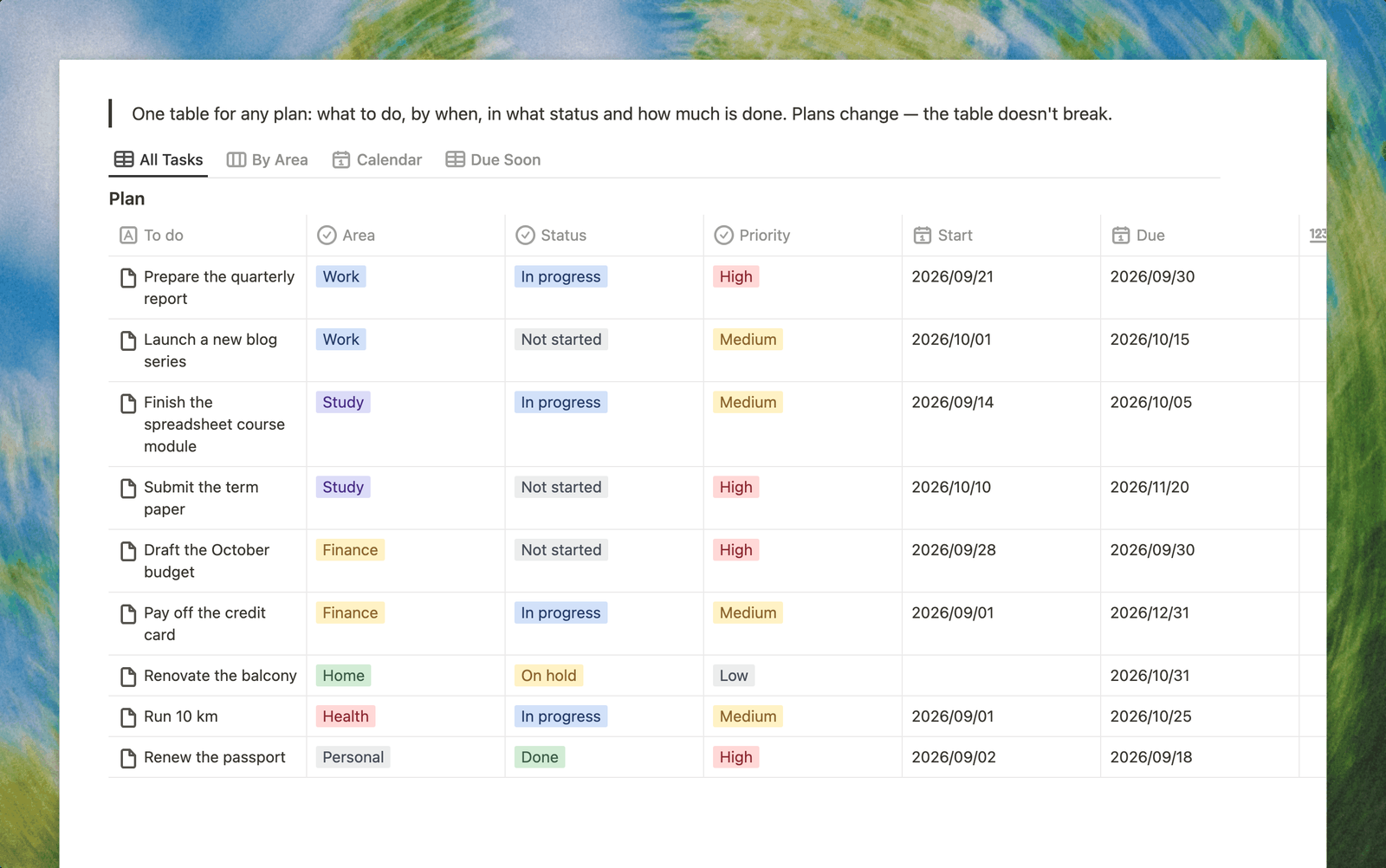
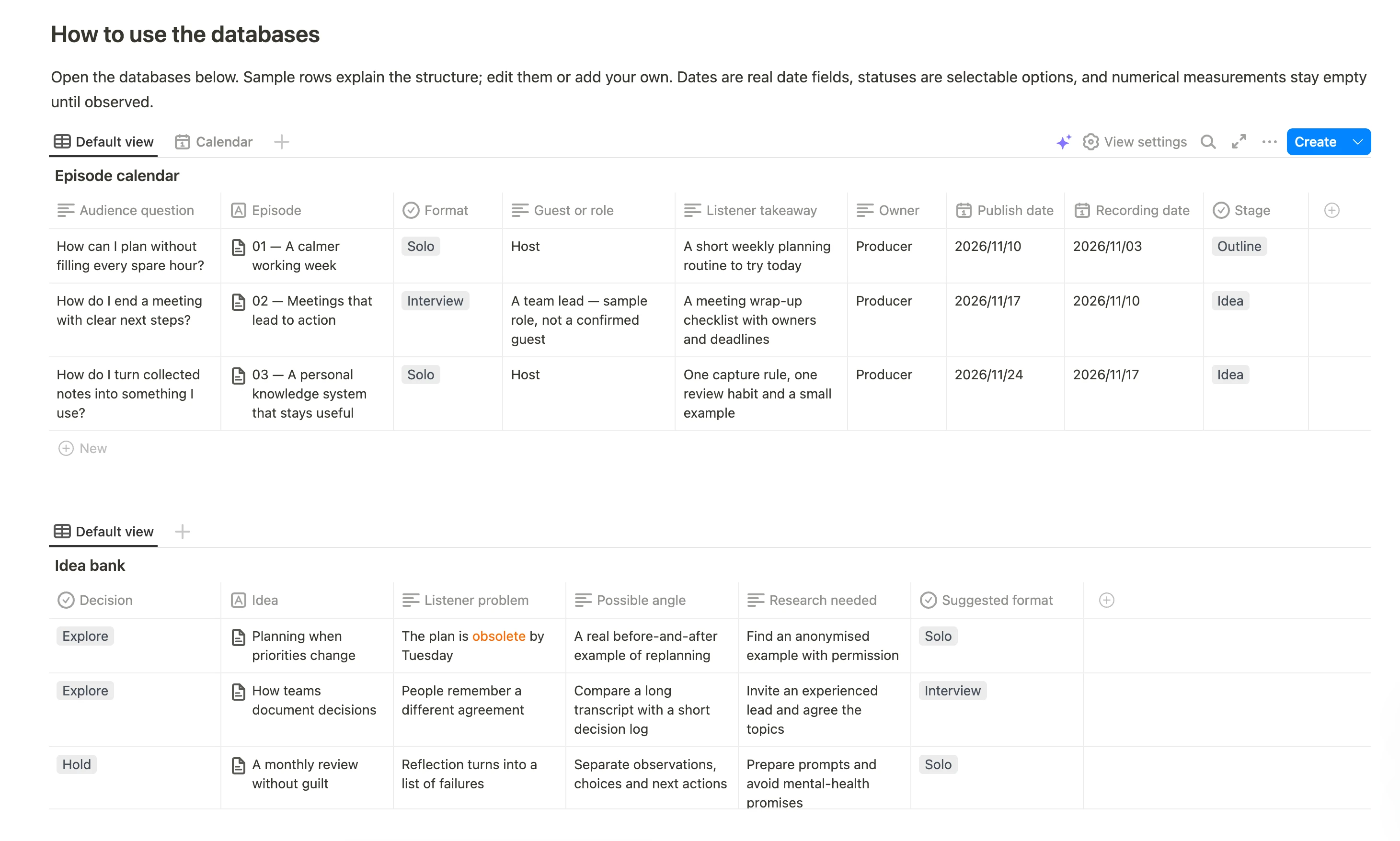
- An episode planning table with three sample episodes. Each records the audience question, format, guest or role, owner, recording date, publication date, stage and listener takeaway.
- An episode calendar. Switch from the episode table to the calendar to review planned release dates.
- An idea bank with three sample topics. Save the listener problem, a possible angle, research needed and a decision to explore, schedule or hold the idea.
- Episode pages with outlines and six production checklist items. Move from preparation and a sound test to editing, release materials and checking the published link.
- A worked 17-minute episode. The first sample includes an opening, example, three practical steps, limitations and a closing.
The sample show, dates and guest roles are fictional. No guests have been contacted and no publication has been scheduled.
Podcast episode outline: a 17-minute example
The first sample episode, “A calmer working week”, follows this structure. Use the timings as a starting point and replace the fictional situation with your own material.
| Time | Segment | What the host covers |
|---|---|---|
| 00:00–00:45 | Opening | Introduce the problem of a week that becomes overloaded by Tuesday |
| 00:45–03:00 | Situation | A fictional designer with two deadlines, five meetings and new urgent requests |
| 03:00–06:00 | Step 1 | Separate agreed commitments from tasks that can move |
| 06:00–10:00 | Step 2 | Choose three visible outcomes for the week |
| 10:00–14:00 | Step 3 | Leave room for changes and renegotiate another commitment when needed |
| 14:00–16:00 | Limitations | Explain when support shifts or production schedules need a different routine |
| 16:00–17:00 | Closing | Give the listener one weekly planning exercise to try |
Open an episode page to edit the outline and its production checklist: confirm sources, agree arrangements with the guest, test and back up the recording, edit the export, prepare release materials and check the published link.
How to plan an episode
- Write who the show is for and the recurring problem it helps them explore.
- Collect ideas before assigning publication dates. Each idea needs a listener problem and a useful angle.
- Choose a topic and add an episode with one clear audience question.
- Set the format, owner, recording date, intended release date and current stage.
- Open the episode page, adapt the outline and work through the production checklist.
- After release, check the real link and record what you learned for the next episode.
The first sample offers a timed structure to adapt, rather than a script you need to read verbatim. Shorten or expand sections to fit your format and guest.
Keep planning and production connected
Dates and stages are editable fields in the episode table. A change to a date does not book a guest or publish an episode. Keep recording, editing and distribution in your existing production tools.
Who is it for?
Independent hosts, interview shows and small editorial teams that want a repeatable preparation routine. The separate idea bank helps keep unresearched topics out of the release plan.
Common questions
Does the template record or edit audio?
No. It stores planning information, notes and checklists. Record and edit the episode with your own audio tools.
Is the 17-minute outline fixed?
No. It is a fictional worked example. Adapt the timings and structure to your audience and format.
Can I use it for interviews?
Yes. Add the guest or role, prepare questions and confirm recording and publication arrangements separately before production.