Book Template for Writing
Plan a novel or nonfiction book with a book brief, chapter outline, drafting prompts, research notes and a revision checklist. Includes a worked example and blank sections.
Take a book from its first premise to a draft you can revise. This book writing template brings your reader promise, chapter outline, working text and research notes into one structure. Use the blank sections for your own project, with an original nonfiction example to show how the pieces connect.
Download the book writing template in Markdown. The text file is free to download without an account. Use it in a Markdown editor or bring the content into your preferred writing workspace.
What kind of book template is this?
This is a template for planning and writing a book. It helps you decide what the book is about, organize chapters, develop material and track revisions. It suits a nonfiction draft or a novel, with optional fiction prompts for characters, settings and continuity.
If you need a book layout template for printing, first choose your printer and trim size. Production templates deal with margins, bleed, page numbering and cover dimensions. Those are different requirements: BookBaby’s printing templates, for example, are organized around physical book sizes. The template here prepares your content before that production stage.
What is included?
- Book brief: working title, audience, premise or reader promise, scope and next milestone.
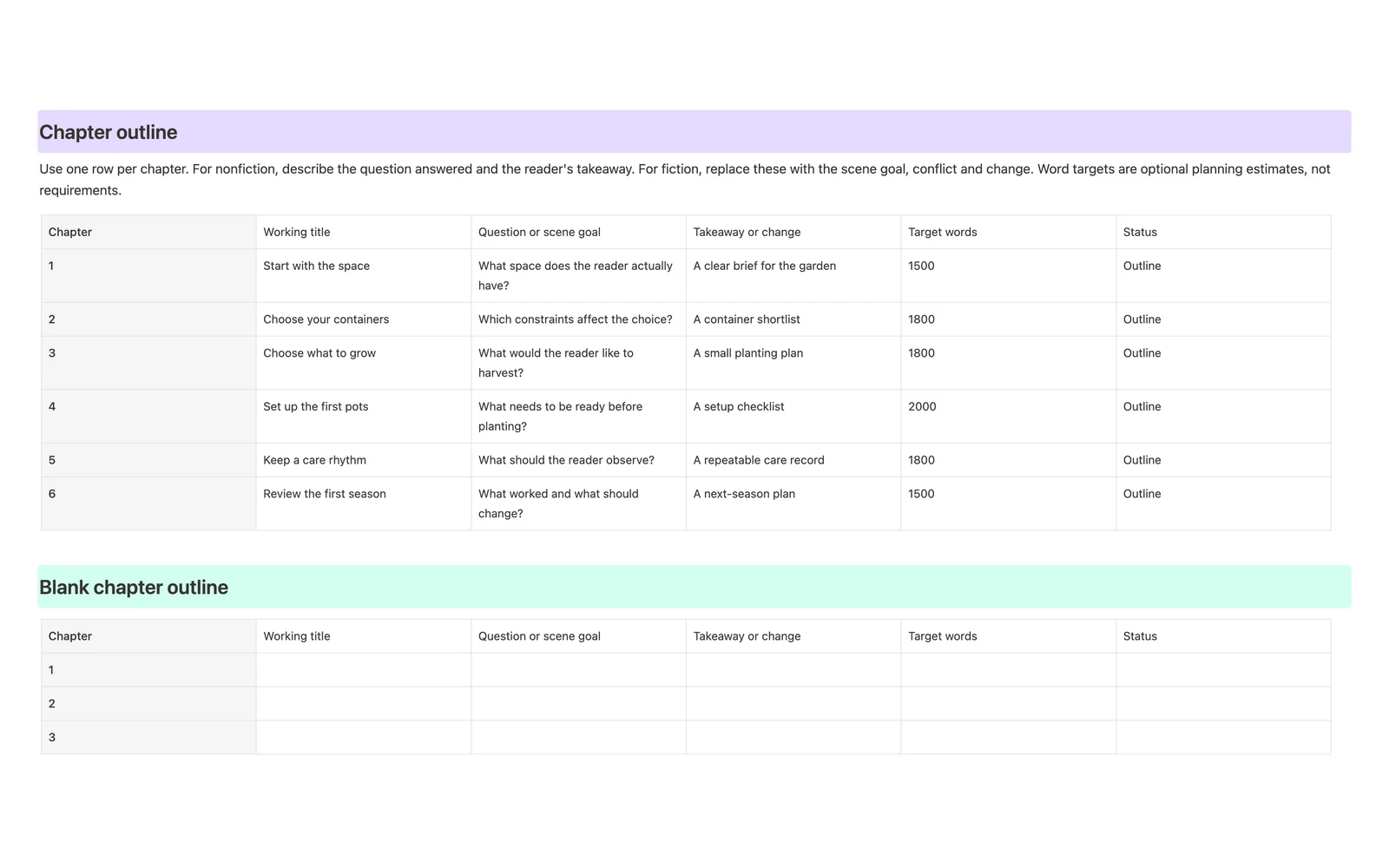
- Chapter outline: working titles, chapter purpose, reader takeaway or story change, optional word targets and status.
- Chapter drafting sheet: opening, main points or events, evidence or conflict, draft space and revision notes.
- Research log: source, exact location, quotation or paraphrase, relevant chapter and verification status.
- Fiction planning prompts: character wants, obstacles, stakes, change and setting continuity.
- Writing session log: planned outcome, actual outcome and the next action.
- Revision checklist: structural editing, fact checks, continuity, proofreading and preparation for publishing.
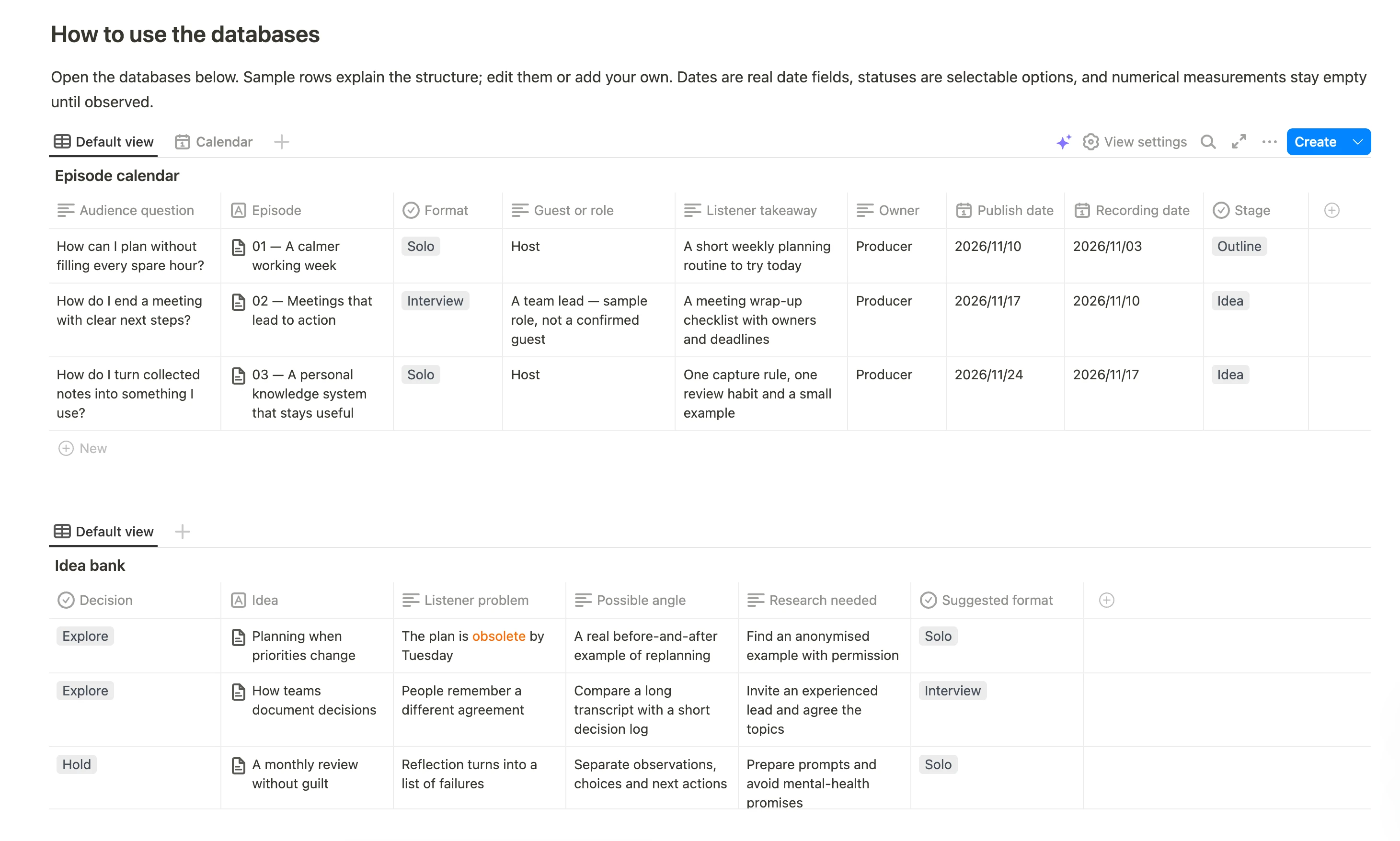
The template includes both a completed planning example and blank tables. Counts and statuses are entered manually.
Book outline example
The fictional project A Small Balcony Garden is written for renters who want to plan a small container garden. Its reader promise guides the sequence: understand the space, make choices, start, maintain and review. These are sample chapter plans, not gardening instructions.
| Chapter | Working title | Reader takeaway | Target words |
|---|---|---|---|
| 1 | Start with the space | A clear brief for the garden | 1,500 |
| 2 | Choose your containers | A container shortlist | 1,800 |
| 3 | Choose what to grow | A small planting plan | 1,800 |
| 4 | Set up the first pots | A setup checklist | 2,000 |
| 5 | Keep a care rhythm | A repeatable care record | 1,800 |
| 6 | Review the first season | A next-season plan | 1,500 |
Replace the example with your own book. A chapter earns its place when you can explain what it contributes. The word targets illustrate planning estimates; they are not a recommended chapter length.
How to use the book writing template
- Write the brief. Name the intended reader and the promise or story premise in one sentence. Define what belongs in the book and what does not.
- Sketch the chapters. Give each chapter a question to answer or a scene goal. State what the reader will understand or what will change.
- Draft one chapter. Copy the drafting sheet, outline its beats and start writing. Mark unresolved details with
[CHECK]rather than treating them as verified facts. - Keep research traceable. Save the source and its page, timestamp or section. Distinguish quotations from your own paraphrases.
- Review the structure. Look for missing steps, repeated ideas and chapters that no longer support the book’s purpose.
- Prepare the publishing handoff. After revision, move the text into the manuscript or typesetting format required by your publisher or print service.
For a novel, change “question” to “scene goal” and “reader takeaway” to “story change.” Use the character sheet and continuity table to keep the draft internally consistent. For nonfiction, focus those sections on reader questions, evidence and case studies.
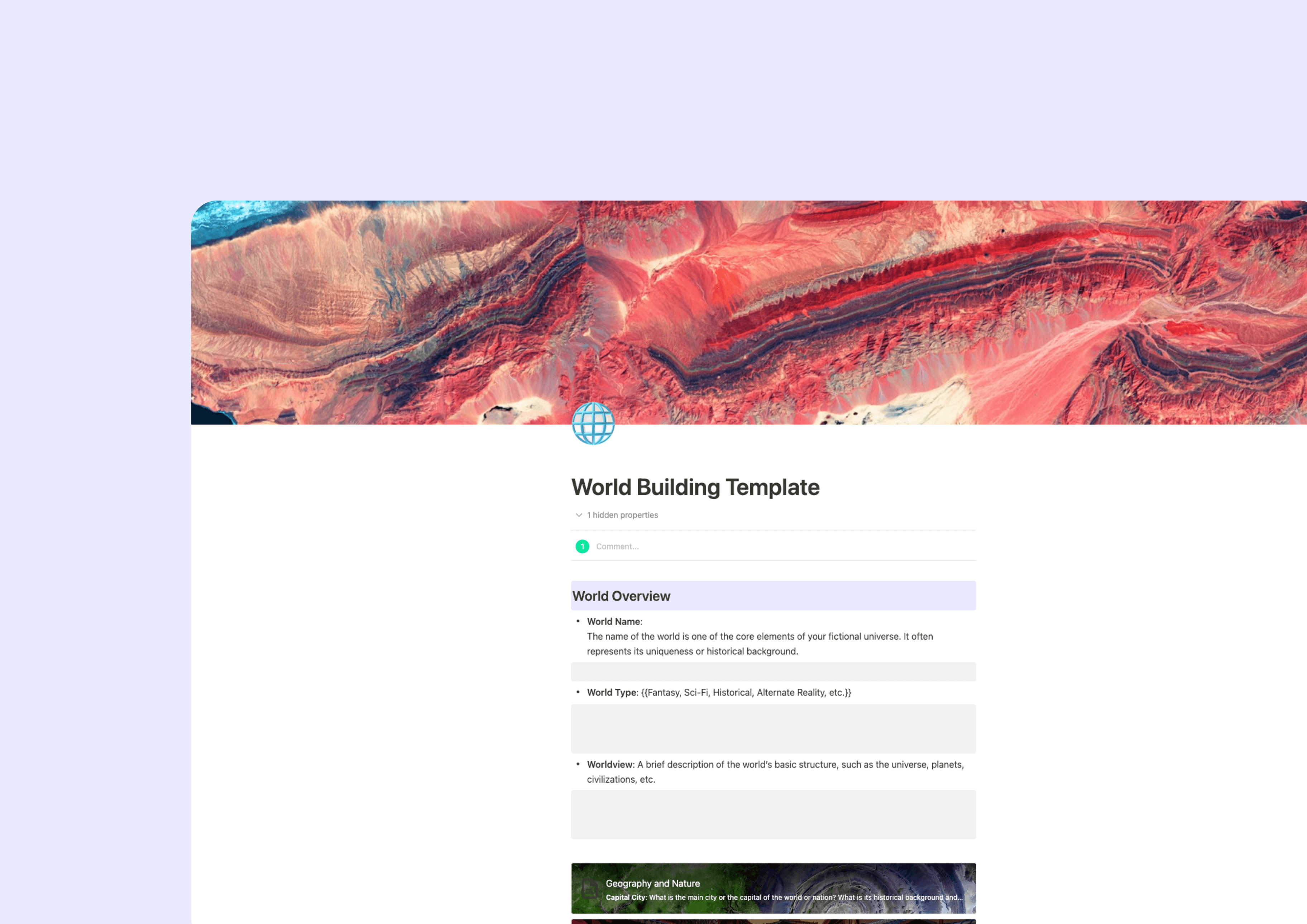
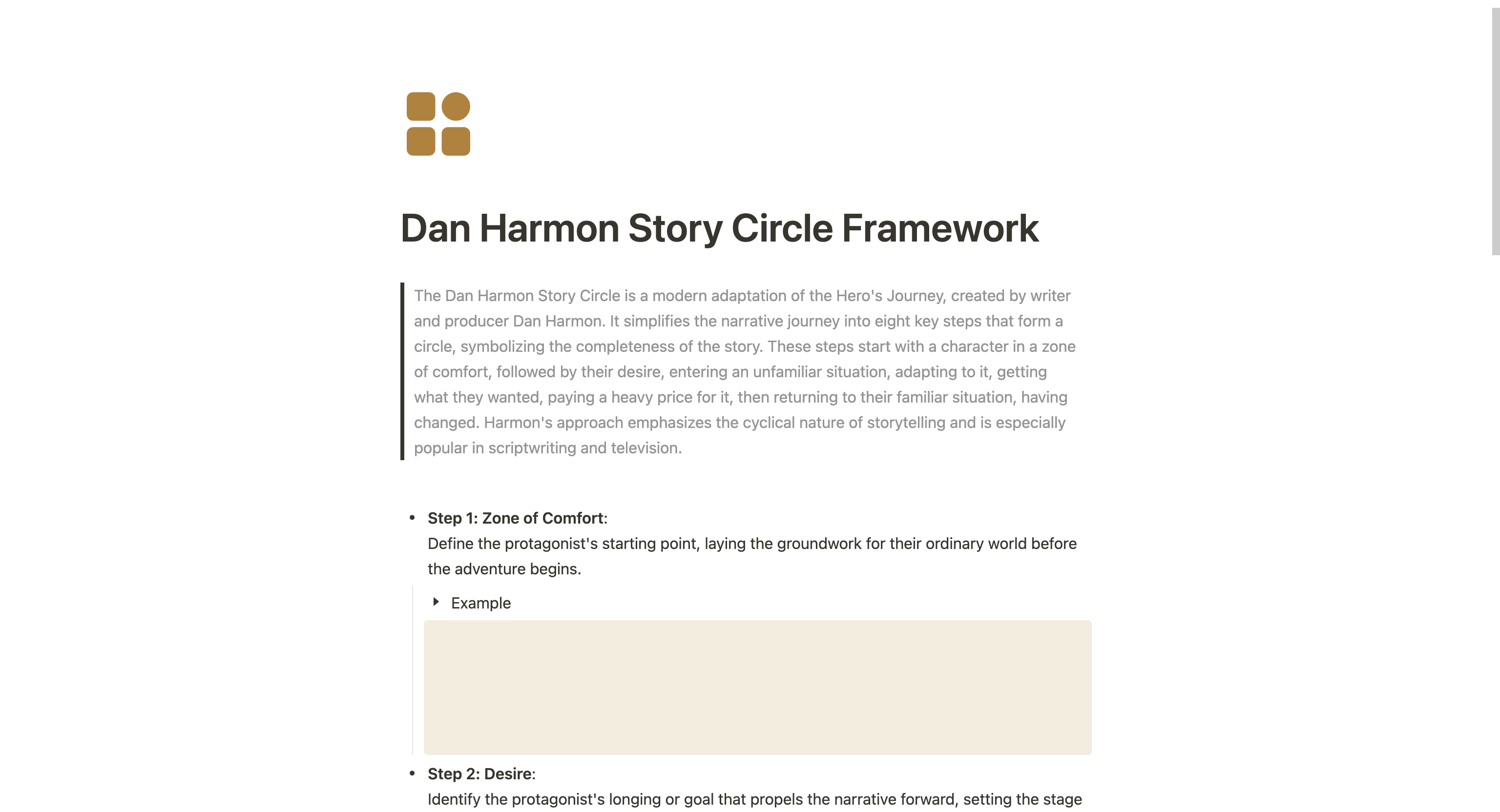
For a deeper fiction workspace, use the Character Profile Template to develop individual characters and the World Building Template to expand your setting notes.
Keep the writing project manageable
A useful writing session ends with a concrete next action: “draft the opening example” is easier to resume than “work on chapter two.” The session log lets you record research and revision outcomes as well as words written.
If you prefer to plan your writing days separately, pair the book workspace with the Weekly Goals Template. Keep chapter content in the book template and scheduled work in your weekly plan.
Frequently asked questions
Can I use this template to write a novel?
Yes. Use the premise, chapter outline and drafting sheet, then fill in the optional character and setting sections. The structure does not require a particular plot formula or chapter count.
Does it work for nonfiction books?
Yes. The worked example shows a nonfiction outline built around reader questions and takeaways. Replace it with the subject, audience and evidence for your own book.
Is this a Microsoft Word or print-ready book template?
The download is Markdown, not a .docx, PDF or print-ready interior. It does not configure trim size, margins, bleed or page numbers. Use a publisher’s production specifications when preparing the final book file.
How long should each chapter be?
Use the space needed for that chapter’s purpose and your intended audience. Optional word targets help you plan; they do not impose a fixed length.
Is this a reading journal or book review template?
This template is for authors planning and writing a manuscript. To record books you read, use the existing Book Tracker Template; for chapter notes and reading reflections, use the Reading Journal.
Can I download it without creating an account?
Yes. The Markdown download above is available directly. Keeping an editable copy in Buildin requires a Buildin workspace.