December 2026 Planner: Calendar and Printable PDF

Plan December 2026 with a Monday-start calendar, weekly priorities and a year-end checklist. Use the editable Buildin template or download the A4 PDF.
Template content is in English. The included worked examples are fictional.
Inside this Buildin template
Three editable tables: four monthly goals, 17 dated tasks and five weekly focus records, plus a 31-day calendar grid and a two-page printable PDF.
Keep December appointments, weekly priorities and the tasks you want to finish before January on one page. Use the blank calendar below, choose a small number of monthly goals, and give each week a practical focus.
December 2026 has 31 days. It starts on Tuesday and ends on Thursday. This calendar starts on Monday; add the holidays and closure dates that apply to you.
Download the two-page A4 planner. The printable file is in English and uses a Monday-start calendar.
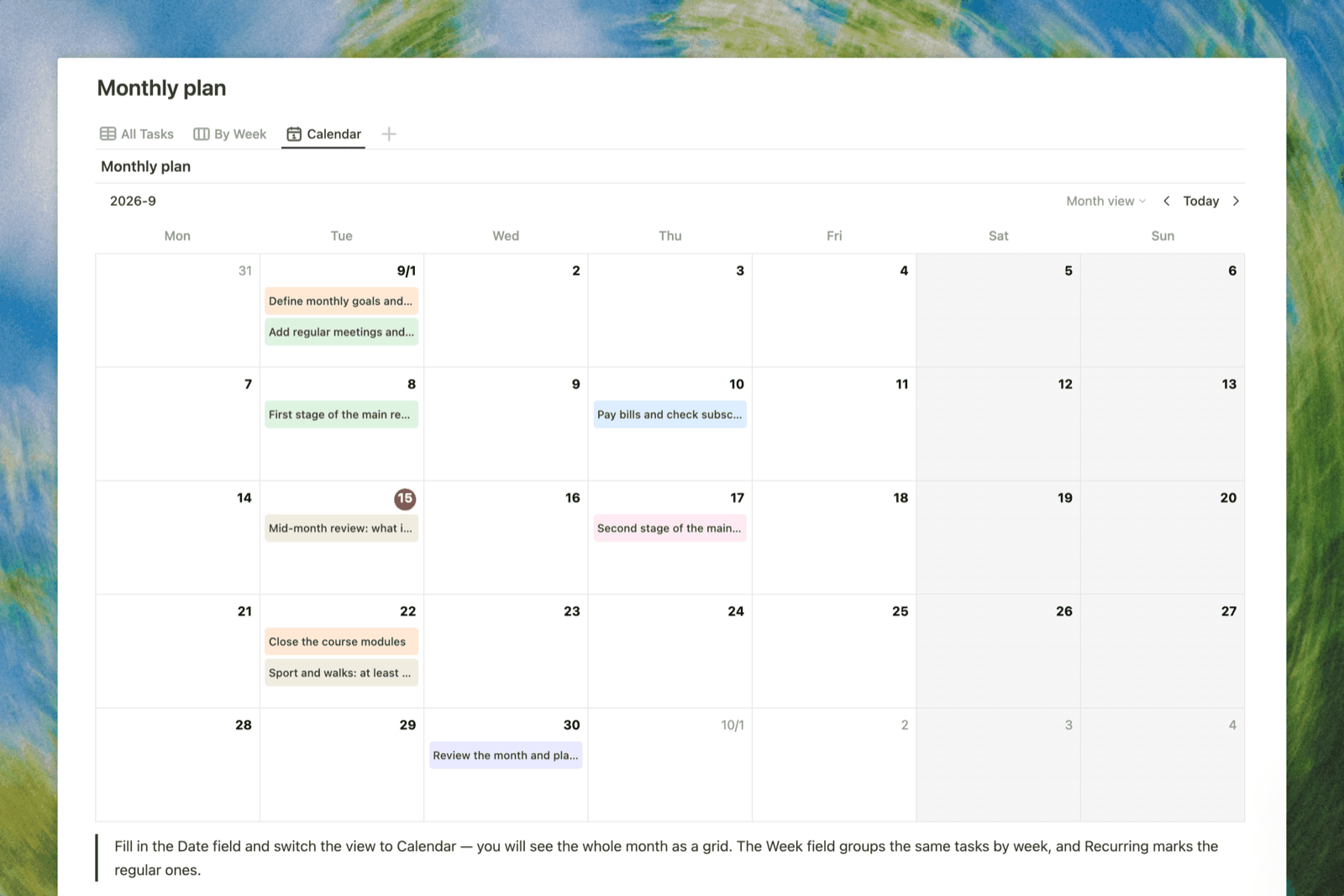
December 2026 calendar
| Monday | Tuesday | Wednesday | Thursday | Friday | Saturday | Sunday |
|---|---|---|---|---|---|---|
| — | 1 | 2 | 3 | 4 | 5 | 6 |
| 7 | 8 | 9 | 10 | 11 | 12 | 13 |
| 14 | 15 | 16 | 17 | 18 | 19 | 20 |
| 21 | 22 | 23 | 24 | 25 | 26 | 27 |
| 28 | 29 | 30 | 31 | — | — | — |
Keep short reminders in the calendar. Put details, links and preparation steps in the task list so the month remains easy to scan.
Set three monthly priorities
| Priority | What finished looks like | Target date |
|---|---|---|
| Work or study | ||
| Home or personal plans | ||
| Time to protect |
An outcome is easier to review than a vague ambition. For example, replace “get organized” with “sort the documents needed for January and put them in one folder.”
Plan five weeks
| Week | Main focus | Important dates | Tasks to carry forward |
|---|---|---|---|
| 30 November–6 December | |||
| 7–13 December | |||
| 14–20 December | |||
| 21–27 December | |||
| 28 December–3 January |
The first and last rows include dates outside December so work spanning a week does not disappear at the month boundary.
A filled December planning example
The following is a fictional example, not a record of completed work or a suggested holiday schedule.
| Date | Task | Owner | Finished when |
|---|---|---|---|
| 4 December | Send the revised project outline | Me | The reviewer has the file and a clear feedback deadline |
| 11 December | Confirm end-of-month travel details | Me | Booking details and departure times are saved together |
| 18 December | Prepare the handover note | Me | Open tasks have owners and links to the latest files |
| 29 December | Review unfinished work | Me | Each open item is scheduled, delegated or deliberately dropped |
Use these as examples of clear task descriptions. Replace all dates and tasks with your own commitments.
Year-end checklist
- Confirm the last working or study day for each project.
- Finish essential invoices, submissions or handovers.
- Check any personal bookings and payment dates.
- Gather the links and documents needed after the break.
- Give unfinished tasks an explicit next step.
- Choose the first useful action for January.
How to use the planner
- Copy the calendar, priorities and weekly plan into your workspace.
- Add fixed commitments before filling spare time with tasks.
- Choose the few outcomes that matter this month.
- Review the next week and move unfinished work deliberately.
- Finish with a short note: what worked, what changed, and what should continue in January.
Common questions
Is this the same as an undated monthly planner?
This version is tied to December 2026. Use the undated monthly planner when you want a reusable layout without rebuilding the dates.
Can I start halfway through the month?
Yes. Keep completed dates as context, then plan the remaining weeks. You do not need to recreate an earlier schedule.
Does the calendar include national holidays?
The date grid is neutral. Add the holidays, local observances and closure dates relevant to your location.