8 best Notion AI alternatives in 2026
Looking for a Notion AI alternative? We compare 8 tools, from AI workspaces like Buildin to task tools, note apps, and general AI assistants, on what their AI can actually do with your content, how they price it, and who each one suits.
Notion AI made a strong case for AI inside your notes: ask a question, get an answer from your own pages, draft and summarize without switching tabs. For many teams it is the first AI tool they use every day.
But it is not the only option, and it is not the best fit for everyone. Some teams want AI that does more than write, such as building a spreadsheet, a slide deck, or a set of tasks. Some want lower costs for the whole team, more control over which AI models are used, or AI inside the tools where their work already lives.
This guide compares 8 Notion AI alternatives, explains what their AI can actually do with your content, and helps you choose.
The short answer
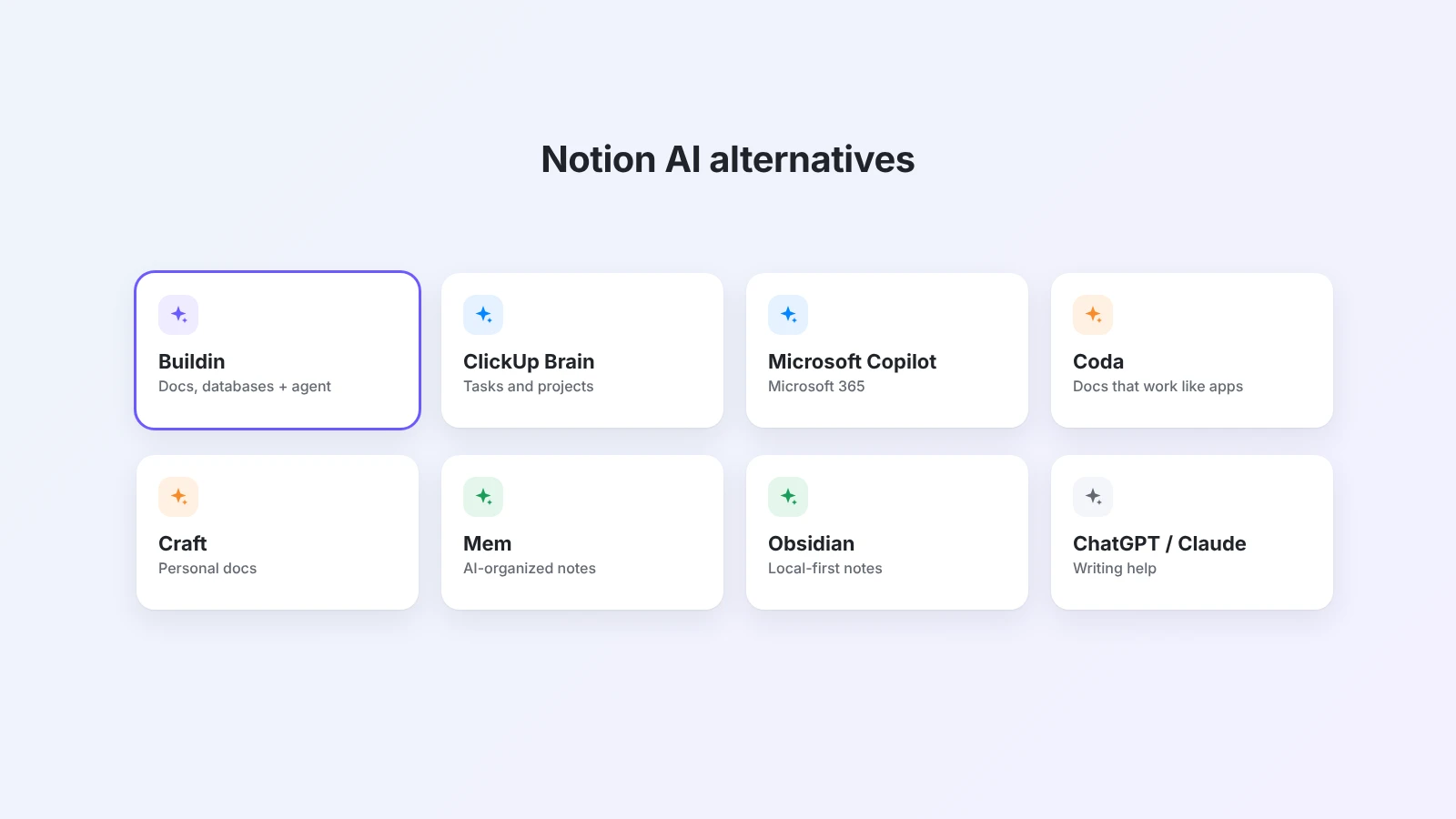
- Best all-in-one alternative: Buildin, for docs, databases, and an AI agent that can work across them, with bring-your-own-key AI on business plans.
- Best for task and project management: ClickUp Brain.
- Best for Microsoft 365 companies: Microsoft Copilot with Loop and OneNote.
- Best for docs that work like apps: Coda.
- Best for beautiful personal docs: Craft.
- Best for AI-organized notes: Mem.
- Best local-first option: Obsidian with AI plugins.
- Best if you only need writing help: ChatGPT or Claude projects.
What to look for in a Notion AI alternative
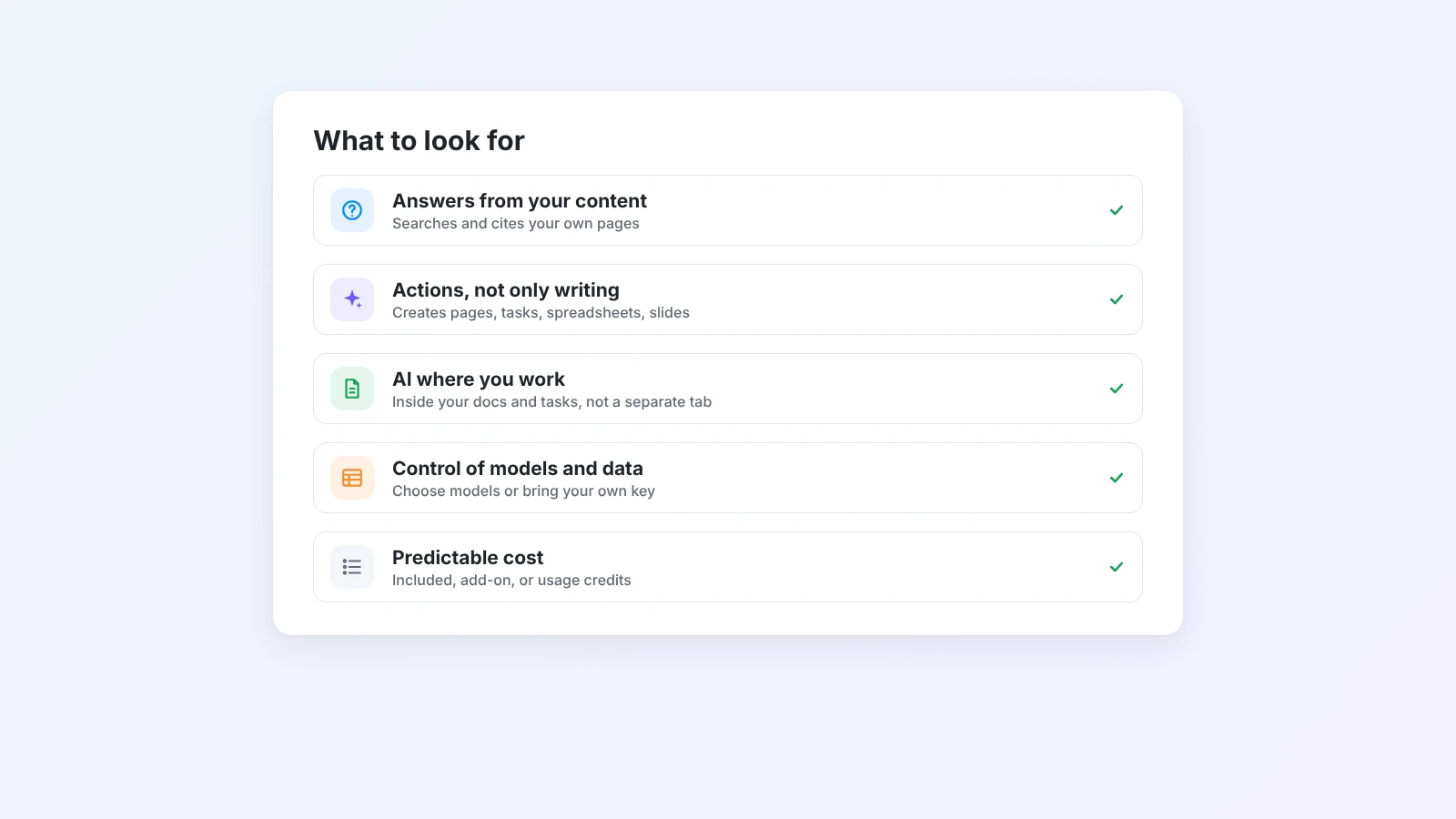
Before comparing tools, decide what you need the AI to do:
- Answer from your content. Can it search and cite your own pages, or only general knowledge?
- Act, not only write. Can it create pages, update databases, or produce files like spreadsheets and slides?
- Work where your team works. Is the AI inside your docs and tasks, or in a separate chat window?
- Control models and data. Can you choose the AI model or use your own API key, and what happens to your data?
- Predictable cost. Is AI included in the plan, sold as an add-on, or billed by usage credits?
Notion AI alternatives at a glance
| Tool | Best for | AI works with | Can take actions |
|---|---|---|---|
| Buildin | All-in-one workspace with an agent | Pages, databases, files | Yes, multi-step agent |
| ClickUp Brain | Task and project management | Tasks, docs, chat in ClickUp | Yes, inside ClickUp |
| Microsoft Copilot | Microsoft 365 companies | Loop, OneNote, Office files | Within Microsoft 365 |
| Coda | Docs that work like apps | Docs, tables, formulas | Partly, in tables |
| Craft | Personal docs and writing | Your Craft documents | Mostly writing |
| Mem | AI-organized personal notes | Your notes | Mostly organizing |
| Obsidian + plugins | Local-first notes | Local Markdown files | Depends on the plugin |
| ChatGPT / Claude | Writing and thinking help | Files you upload to a project | Limited to the chat |
1. Buildin: best all-in-one Notion AI alternative
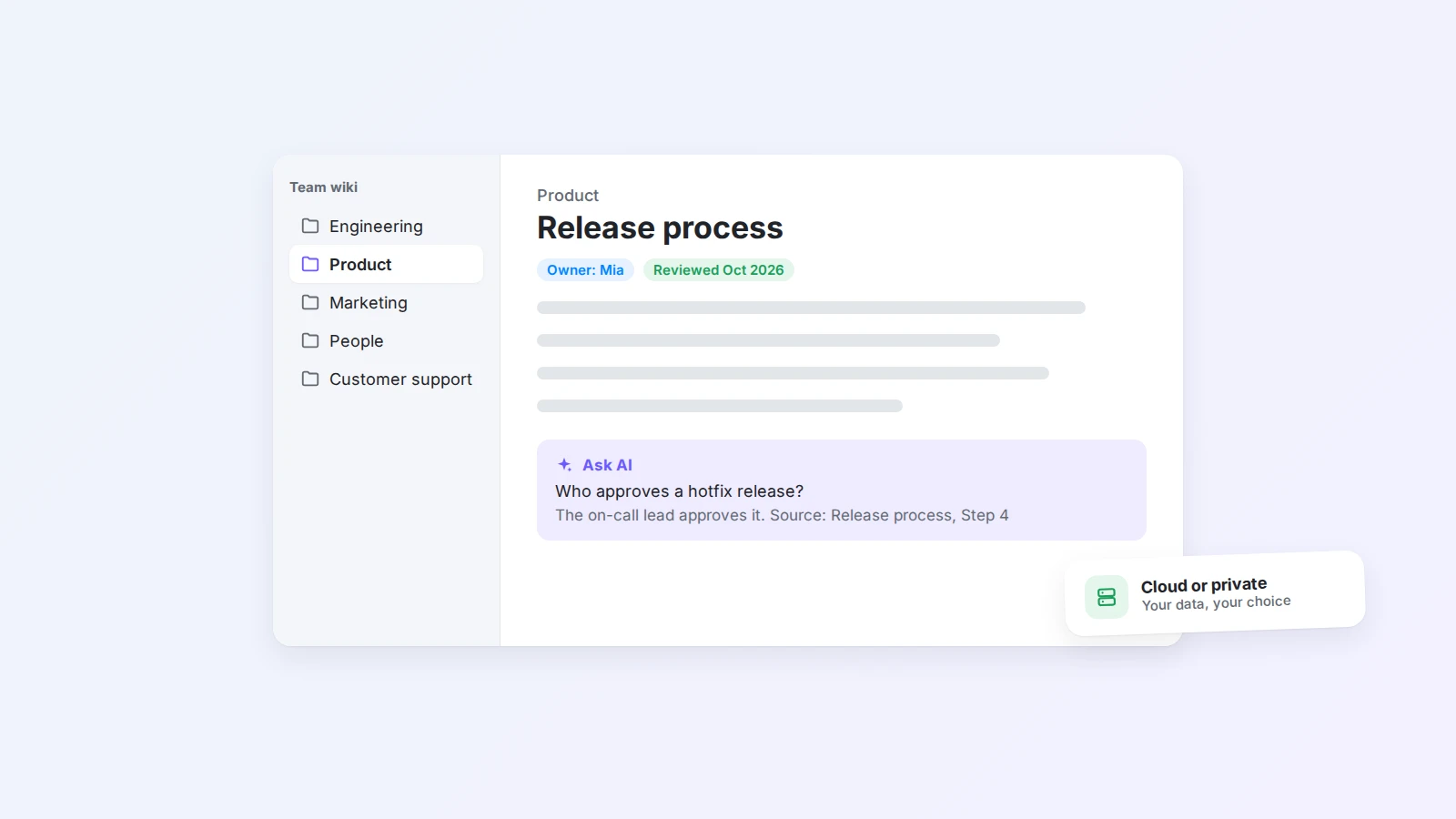
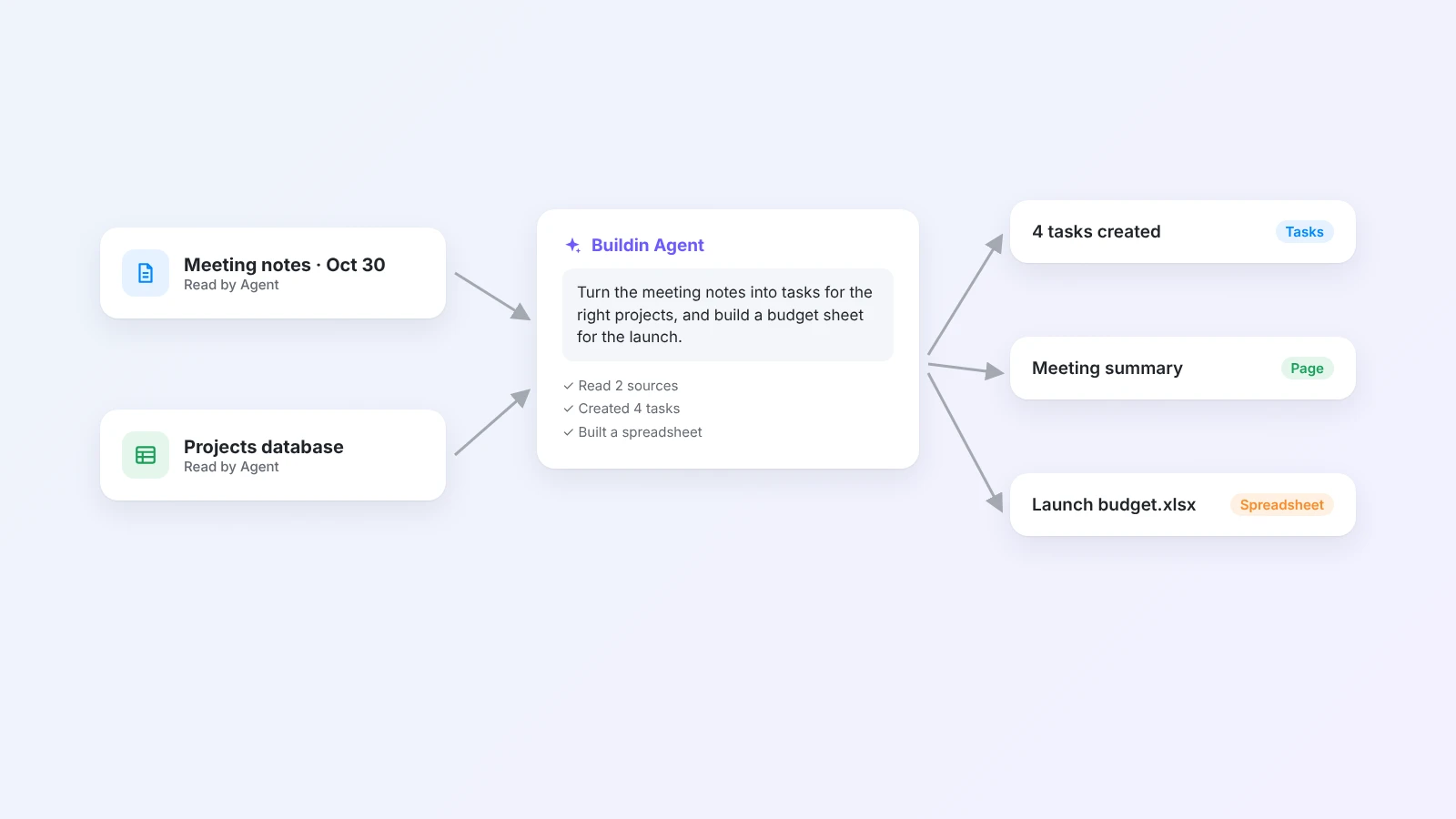
Buildin is a workspace for docs, databases, and team knowledge, with AI built in at two levels. Buildin AI helps you write, summarize, and answer questions from your own pages. Buildin Agent goes further: it can read pages and databases and complete multi-step tasks.
What its AI can do
- Answer from your workspace, using your pages as the source.
- Turn messy input into structure, for example a meeting transcript into decisions and tasks, or a process description into an SOP with the AI SOP generator.
- Create real outputs: spreadsheets you can download as .xlsx with the AI spreadsheet generator, slide decks with the AI presentation maker, or meeting agendas with the AI meeting agenda generator.
- Fit your stack: API and MCP access for integrations, and custom AI models with your own key (BYOK) on business plans.
Good to know: AI usage runs on credits included in each plan, so heavy users should check the pricing page. Buildin imports from Notion with nested pages and database relations intact. For a feature-by-feature comparison, read Buildin vs. Notion.
Best for: teams that want docs, projects, and an AI agent in one place, and that want AI to produce finished work, not only text.
2. ClickUp Brain: best for task and project management
ClickUp Brain is the AI layer of ClickUp. It can answer questions about tasks and docs, write updates, summarize threads, and help create tasks and subtasks inside ClickUp.
Good to know: it is most useful when your projects already live in ClickUp. As a general writing and knowledge tool, it is less flexible than a docs-first workspace.
Best for: teams that plan and track all their work in ClickUp.
3. Microsoft Copilot: best for Microsoft 365 companies
Microsoft 365 Copilot brings AI into Word, Outlook, Teams, OneNote, and Microsoft Loop. In Loop workspaces, it can draft content, summarize pages, and help a team plan together.
Good to know: the full experience depends on Microsoft 365 business licenses and IT setup. It shines for companies that already run on Microsoft; it is a heavier choice for small teams.
Best for: organizations standardized on Microsoft 365.
4. Coda: best for docs that work like apps
Coda combines documents with tables, formulas, and buttons. Its AI can write, summarize, and fill table columns, which is useful for repeatable workflows such as tagging feedback or drafting replies.
Good to know: Coda rewards people who like to build. Teams that want a simple wiki may find it more than they need.
Best for: teams that build internal tools and workflows inside documents.
5. Craft: best for beautiful personal docs
Craft is a polished document and notes app, popular on Mac and iPhone. Its built-in assistant helps with writing, summarizing, and translating.
Good to know: Craft is focused on documents and personal knowledge. It has fewer team project and database features than Notion or Buildin.
Best for: individuals and small teams who care about writing and design.
6. Mem: best for AI-organized notes
Mem is a note-taking app built around AI. Instead of filing notes into folders, you write and let Mem connect and surface related notes, and you can ask questions across your notes.
Good to know: Mem is designed for personal knowledge rather than team projects or structured databases.
Best for: people who capture many notes and want AI to keep them organized.
7. Obsidian with AI plugins: best local-first option
Obsidian stores notes as Markdown files on your device. Community plugins add AI features such as chat with your notes, using the AI provider and key you choose.
Good to know: setup and quality depend on the plugins you pick, and collaboration needs extra tools. In return, you keep full control of your files.
Best for: technical users who want local files and flexible AI.
8. ChatGPT or Claude projects: best if you only need writing help
General AI assistants like ChatGPT and Claude let you group chats and upload files into projects, so answers use your material.
Good to know: they are not workspaces. Your docs, tasks, and team knowledge live elsewhere, so you copy content in and results out.
Best for: individuals who mainly need help writing, thinking, and summarizing.
Which Notion AI alternative should you choose?
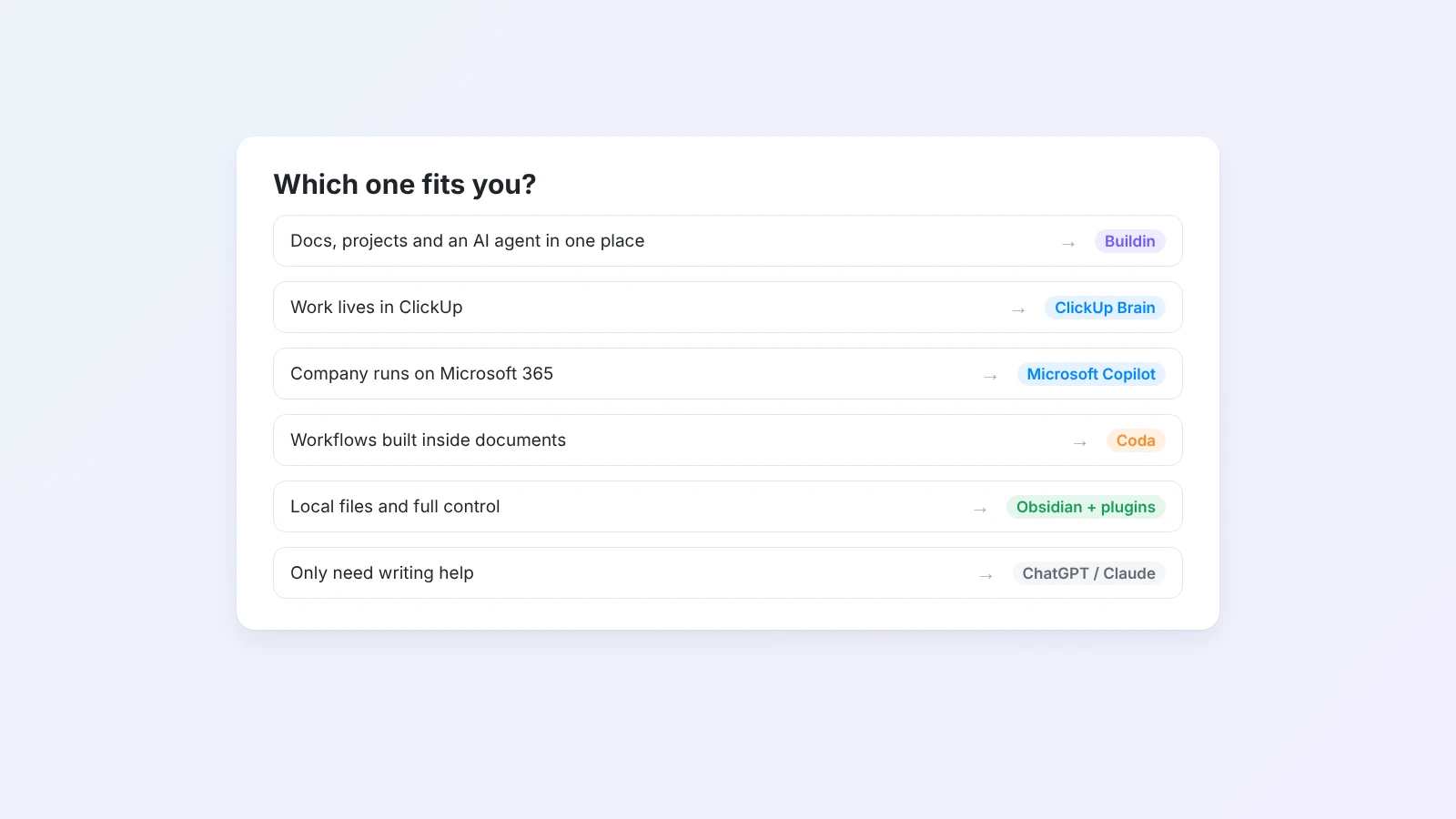
- You want docs, projects, and an AI agent in one workspace: choose Buildin.
- Your work lives in ClickUp: use ClickUp Brain.
- Your company runs on Microsoft 365: use Copilot with Loop and OneNote.
- You build workflows inside documents: try Coda.
- You write mostly for yourself: try Craft or Mem.
- You want local files and full control: use Obsidian with AI plugins.
- You only need writing help: a ChatGPT or Claude project is enough.
- You are happy with Notion and its plan fits your budget: staying with Notion AI is a reasonable choice.
For a broader comparison of workspaces, not only their AI, see our list of Notion alternatives. To understand what agents can do at work, read what an AI agent for work is.
How to switch from Notion AI
- List what you use AI for today: answering questions, writing, meeting notes, summaries.
- Test those tasks in one or two alternatives with real pages, not demo content.
- Import a small space first. In Buildin, use the Notion import and check links, databases, and permissions.
- Move one team, then the rest, once the main AI workflows work as well or better.
Final thoughts
The best Notion AI alternative is the one whose AI works where your team already works and does the jobs you actually need: answering from your content, producing finished outputs, and fitting your budget and data rules.
If you want AI that can act on your docs and databases, try Buildin for free, import a few Notion pages, and ask Agent to do one real task.

Amara Elara
Specializes in visualizing complex processes and improving product education. Responsible for user support, product tutorials, and visual guides at Buildin, helping users improve tool adoption and overall productivity.