Keep the little everyday things
A picnic, a first bicycle ride, a hug after school. Turn the moments in your camera roll into illustrations to revisit together.
Your favorite family moments, redrawn with a little playfulness. Pick a style and add a photo.
Playful lines with a few flat patches of color.
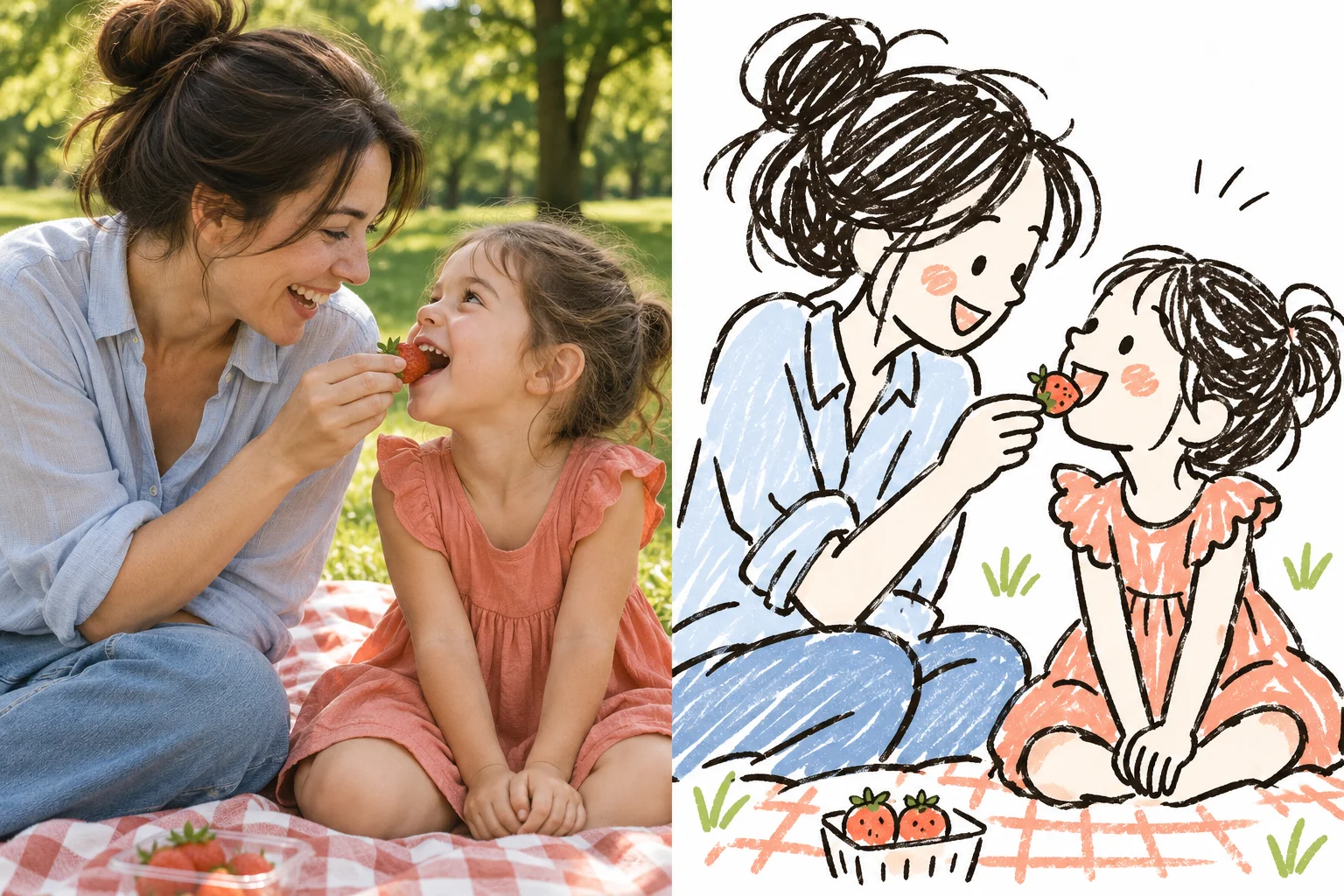
Photo
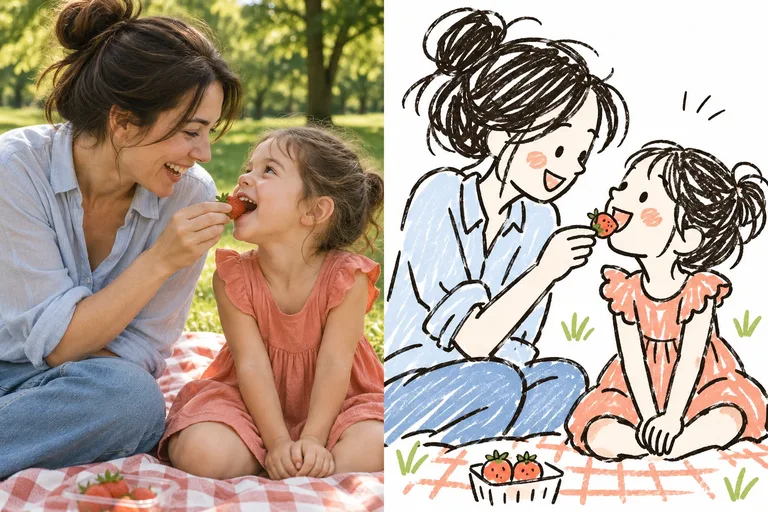
Photo to doodle turns a familiar scene into a loose, playful illustration. Start with a photo that means something to you.
A picnic, a first bicycle ride, a hug after school. Turn the moments in your camera roll into illustrations to revisit together.
Let your child choose the colors and tell you what to add. Continue with your own instructions in Buildin.
Download your result for a family message or card, or ask the Agent to help arrange an illustrated journal page.
Use a clear, well-lit photo. A simple scene makes it easier to see the people, their expressions and what they are doing.
Choose ink, color or crayon. Edit the request to describe which expressions, clothes or details matter most.
Continue with your photo and request in Buildin, sign in if needed, then send the image request to the Agent. Review and adjust the result.
It redraws a photo as a simple, informal illustration. Unlike a pencil sketch, the aim is playful lines and simplified forms, rather than realistic shading.
The page is intended for adults creating from their own family photos. Choose a clear photo you have permission to use. Group photos may need extra adjustments.
AI may change faces, hands, text and small details. Describe the details you want to keep, review the result and ask for corrections. Exact likeness is not guaranteed.
This tool requests a static doodle illustration. It does not create an animation or guarantee printable coloring-page outlines.
Generation happens in Buildin and requires signing in. AI tasks use credits according to your account and the selected model; this page does not promise free or unlimited generation.
The website temporarily stores the selected image in this browser to carry it into Buildin. You can remove it before continuing. When you send the request in Buildin, the image is uploaded for processing under the service privacy policy.