10 Best To-Do List Apps in 2026: How to Choose the Right Task Manager
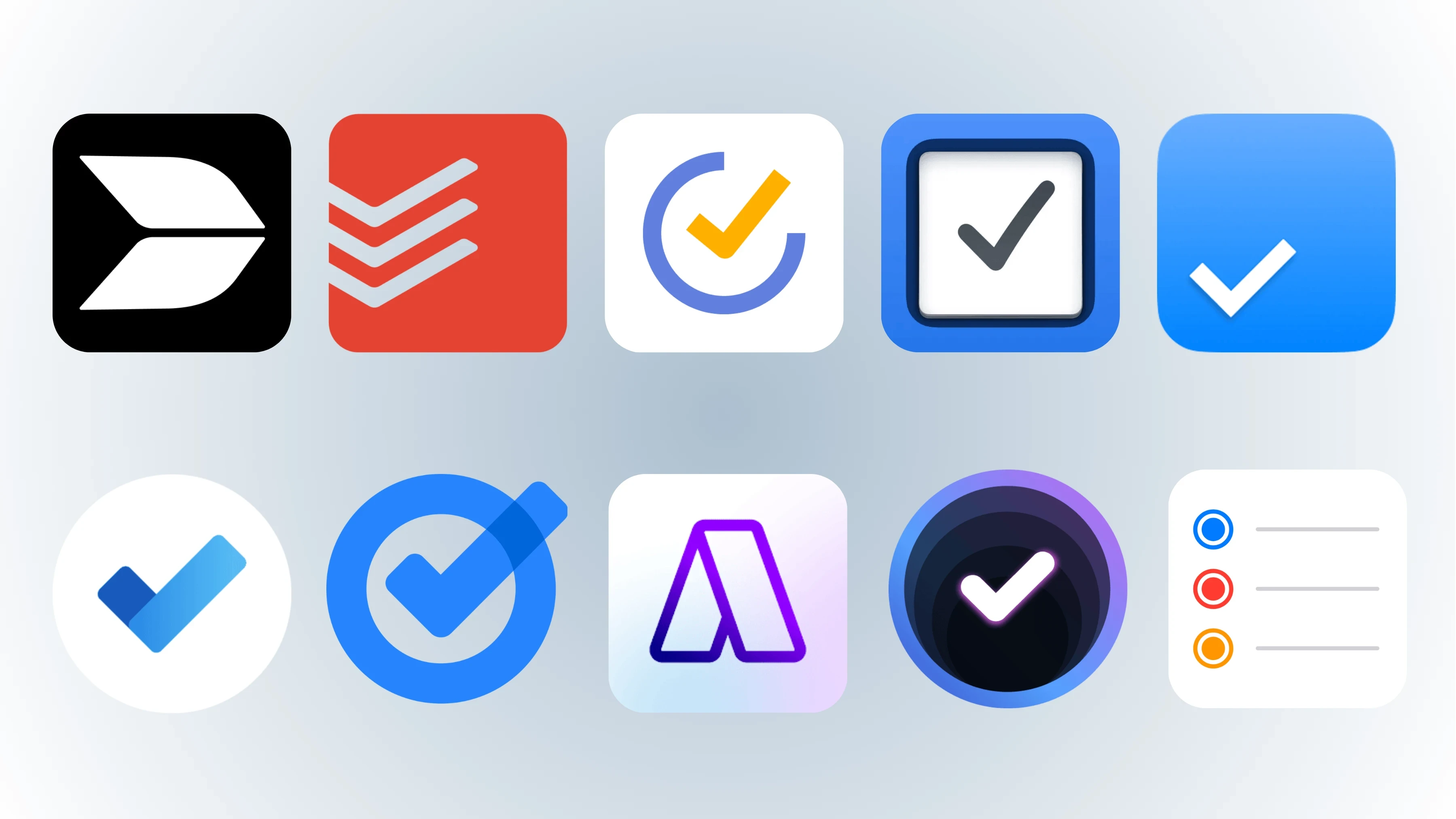
We compare the 10 best to-do list apps in 2026—from Buildin and Todoist to Apple Reminders—looking at features, pricing, platforms, and use cases.
A to-do list app only needs to do one thing: help you complete what you planned. But in 2026, the boundaries of this category have shifted. The line between task lists, calendars, project management, and knowledge bases is blurring. Good apps no longer just record tasks—they put each task back into the context where it belongs.
Some people need a simple list. Others need a system that connects tasks, documents, databases, and teamwork.
We tested and compared 10 of the strongest to-do list apps in 2026, ranging from focused task managers to all-in-one workspaces and distinctive ecosystem-specific tools. Buildin takes the top spot because it solves a problem most task apps ignore: tasks do not exist in a vacuum. They should live alongside your notes, projects, knowledge base, and team.
How we evaluated these apps
We assessed every app on five criteria. These are what determine whether an app will remain part of your daily life:
- Capture speed. If adding a task takes more than three seconds, you will not keep using it. We looked at natural-language input, quick-add widgets, voice capture, and the mobile experience.
- Organization. A shopping list can be flat, but work and life are not. We tested how each app handles growth from five tasks to five hundred through projects, tags, priorities, and folders.
- Calendar and sense of time. Tasks and events compete for the same hours. Only apps that show them together or support time blocking can help you build a realistic day.
- Collaboration and sharing. Whether it is a shared grocery list with a partner or a shared Kanban board with a team, we examined the multi-user experience.
- Price and platform coverage. We considered what the free version includes, how much an upgrade costs, and whether the service supports all your devices.
No app wins on all five criteria. The right choice depends on which ones matter most to you.
1. Buildin
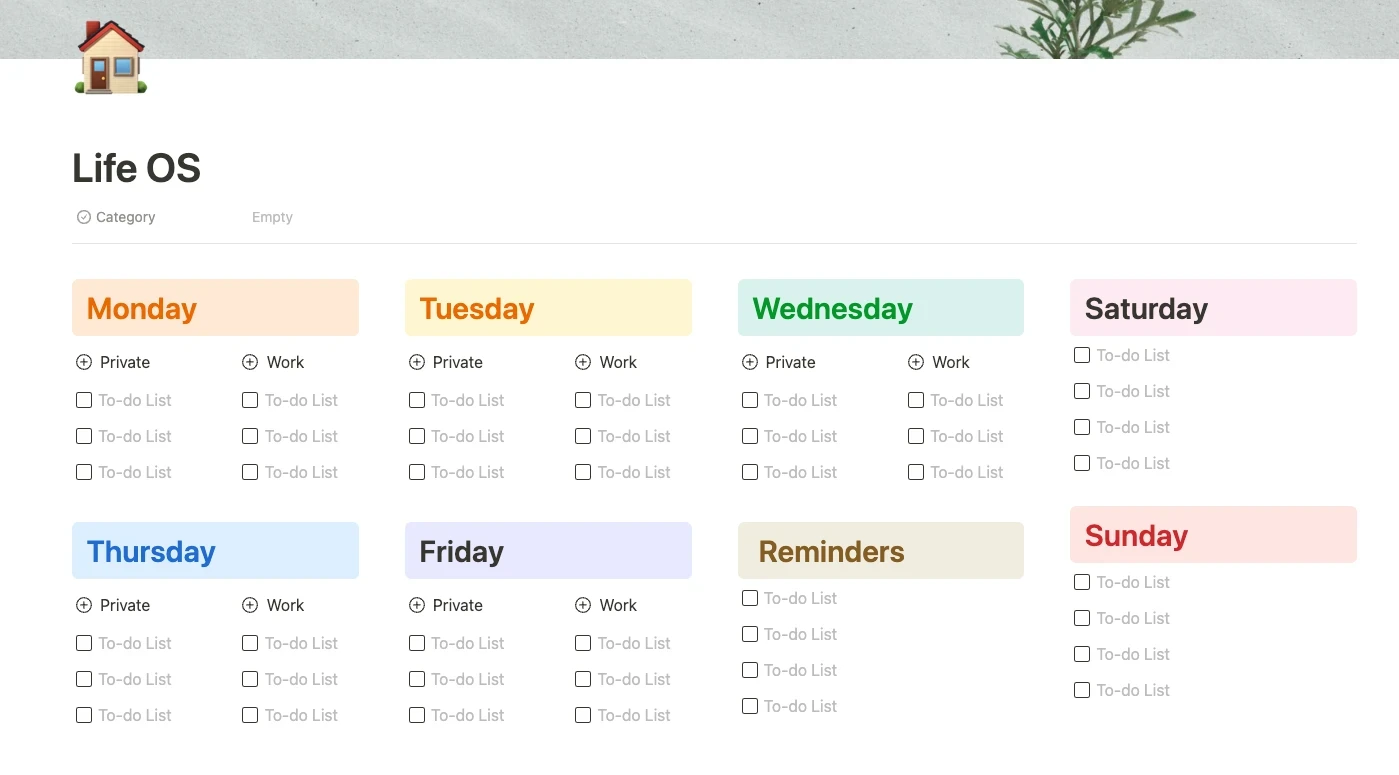
Buildin is not a pure to-do list app, and that is exactly where its value lies. Most task managers turn your tasks into an isolated island, completely disconnected from the documents, notes, databases, and team discussions that give them context. Buildin puts all of these in one workspace: tasks live in the same place where you plan projects, write documents, build a knowledge base, and work with your team.
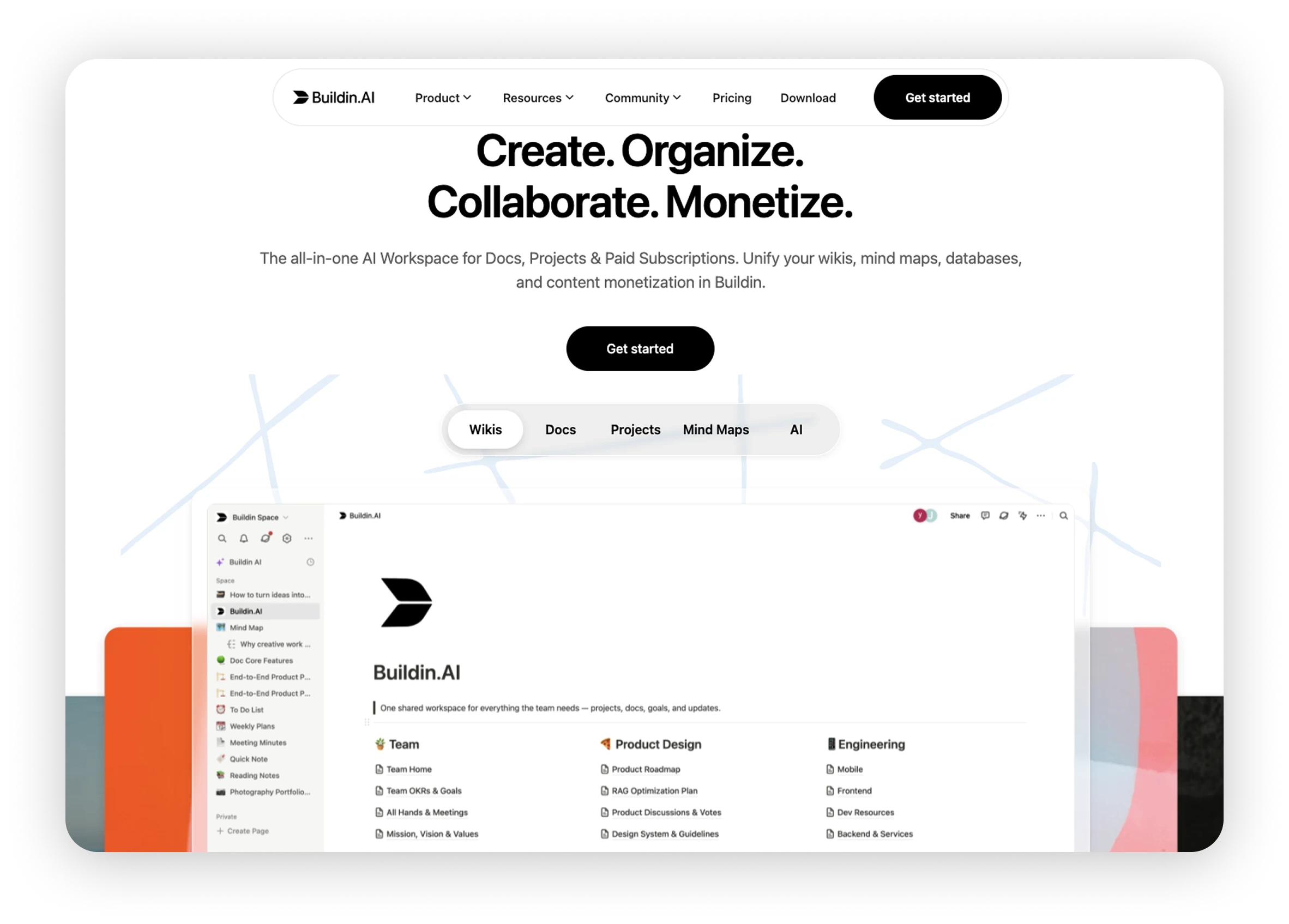
Start with minimalism. Although Buildin is a complete workspace, you can use it simply as a to-do list. Open a blank page, write a few lines, turn each line into a checkbox, and you have a clean, minimal list. No setup and no features to learn. When you need more structure, the list can grow naturally: add dates and priorities to tasks, turn the list into a database, or split it into multiple project views. It starts simple without closing the door when you need something more complex.
Key advantages:
- Task management is built on a flexible block editor: any line can become a checkbox task, while a project page can contain a complete task database
- You can first sketch your work as a mind map, then turn it into a real task list
- Tasks connect natively to documents, meeting notes, and knowledge base articles rather than linking two separate apps
Beyond task management, Buildin offers paid subscriptions for creators and teams that want to turn the results of their work into revenue—you can sell templates, guides, or knowledge directly. For organizations with compliance or data-residency requirements, Buildin supports private deployment.
Best for
- People and teams that need one workspace rather than a combination of a task app, note-taking app, document app, and wiki
- Anyone who wants a minimalist list that can grow with their needs
- Creators who want to turn templates and workflows into paid products
- Organizations with data-residency or compliance requirements that need private deployment
Why choose it
- Tasks and context stay together: documents, databases, and mind maps all live in one environment
- You can start with the simplest checkbox list and grow into a complete task management system when needed
- The all-in-one design reduces the cost of switching between tools and accumulating subscriptions
- Native monetization is unique among comparable tools
Things to consider
- Specialized task features such as natural-language date parsing and a Pomodoro timer are not its strongest area
- It requires an internet connection; there is no offline mode yet
- The template ecosystem is still growing and is smaller than those of long-established platforms
Price: The free plan includes core features. Plus costs $10 per member per month when billed annually ($12 monthly). Business costs $15 per member per month when billed annually ($18 monthly). Enterprise with private deployment is priced on request.
2. Todoist
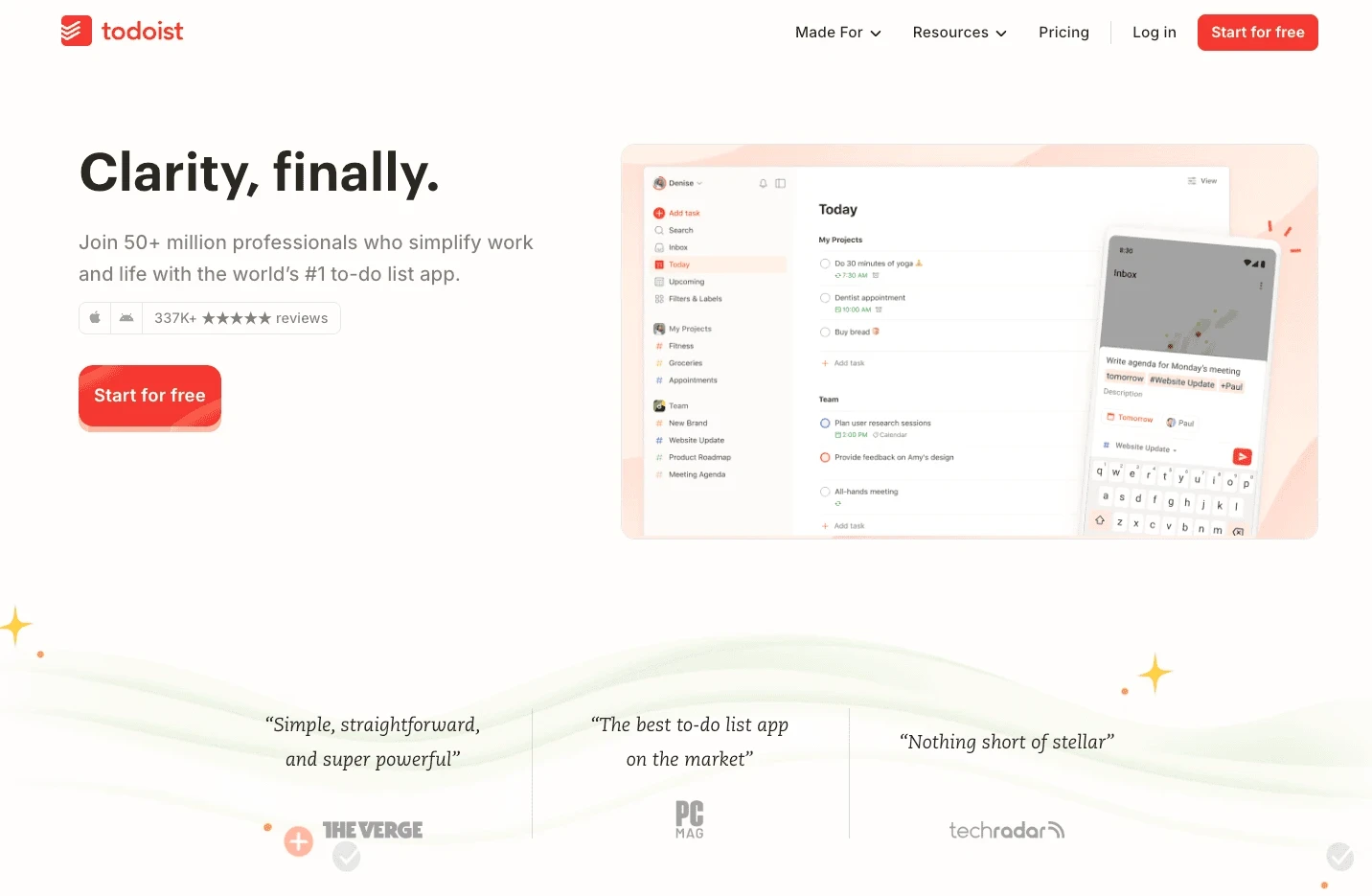
Todoist is the benchmark for this category. For more than a decade, it has refined one thing: moving tasks from your head into a system as quickly as possible. In 2026, it remains the first recommendation of many productivity writers, as reviews on PCMag regularly show.
Key advantages:
- Best-in-class natural-language parsing: type “submit report every other Thursday at 3 p.m.” and Todoist sets the date, time, and recurrence rule without making you open a menu
- A fast interface, reliable sync, and coverage of nearly every platform—iOS, Android, Windows, macOS, Linux, the web, and both major smartwatch ecosystems
- In 2026, Todoist introduced Ramble, an AI feature that turns spoken thoughts into tasks
Best for
- Individuals who capture many tasks each day and put speed first
- Anyone who needs reliable synchronization across all devices
- People who want a dedicated task manager rather than an all-in-one workspace
Why choose it
- The fastest task capture in its class
- The broadest platform coverage, including Linux
- A deep integration ecosystem with more than 80 tools
- The Karma system gamifies productivity and motivates some users
Things to consider
- The free version is noticeably limited, with only five projects and no reminders
- After the December 2025 price increase, Pro costs $5 per month when billed annually
- Calendar integration is limited: tasks appear by date, but true time blocking requires workarounds
- It lacks collaboration features such as shared project spaces
Price: The free plan includes five projects and up to five people per project. Pro costs $5 per month when billed annually. Business costs $8 per user per month when billed annually.
3. TickTick
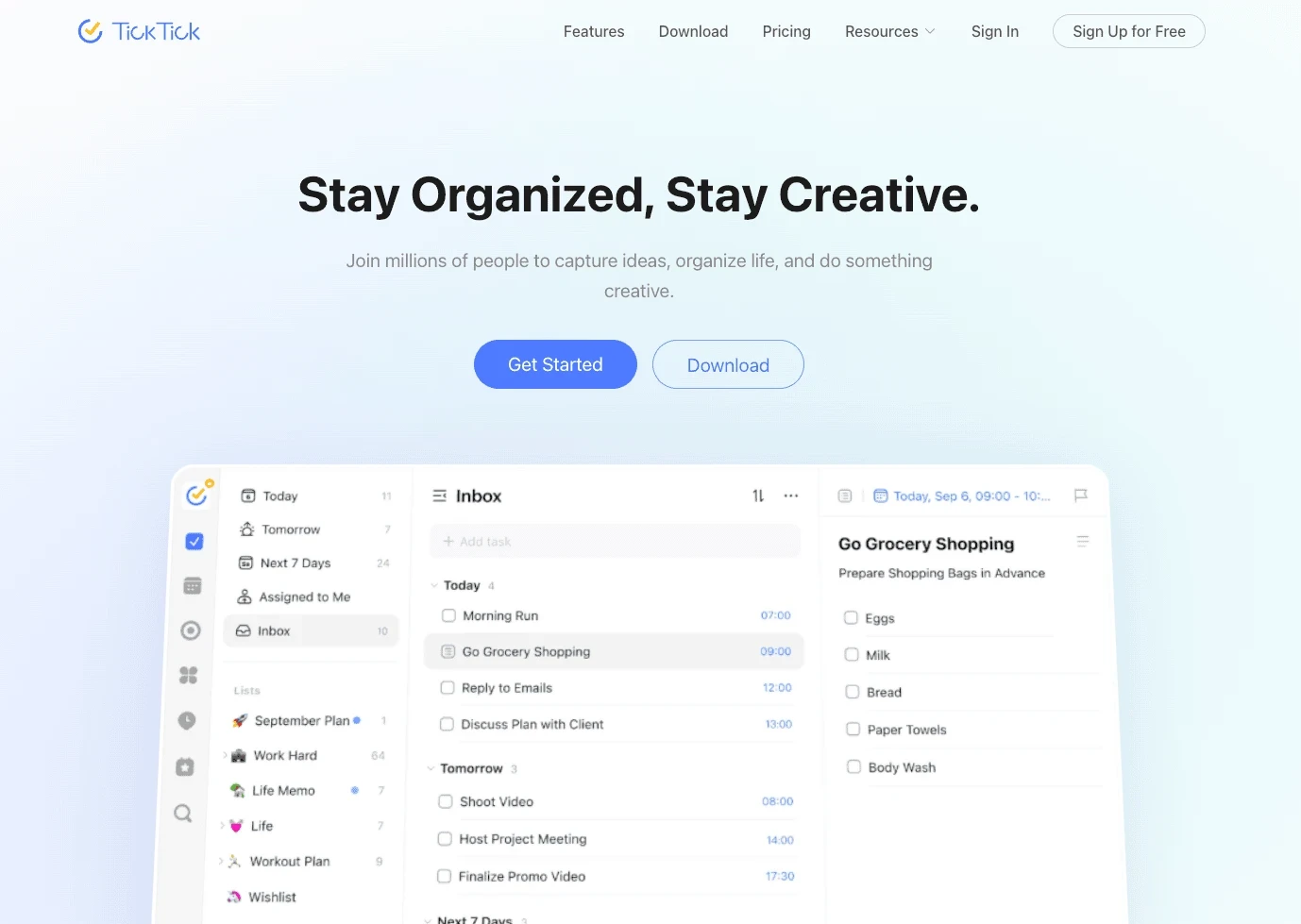
TickTick is the category’s “feature collector.” For about $36 a year, it includes tools that competitors either charge extra for or do not offer at all: a Pomodoro timer, habit tracker, Eisenhower Matrix for prioritization, and a native calendar that imports external calendars.
Key advantages:
- The closest option to a complete productivity suite at a budget price
- You can arrange tasks in calendar time blocks, track habits alongside your to-do list, and stay focused with Pomodoro sessions, all in one app
- Solid natural-language input and a system-wide quick-add shortcut on desktop
Best for
- People who want one productivity toolkit without multiple subscriptions
- Users who need task management, habit tracking, and a focus timer together
- Anyone who wants to see a calendar and tasks in the same view
Why choose it
- A feature set comparable to apps that cost three or four times as much
- The built-in calendar, habit tracker, and Pomodoro timer eliminate extra apps
- The Eisenhower Matrix helps set priorities
- Cross-platform support, with a free version sufficient for basic use
Things to consider
- The interface is busier than Todoist or Things 3
- Collaboration features are fairly basic, so it is not suited to teams
- The brand is less established, with fewer third-party integrations and community resources than Todoist
Price: The free plan includes core features. Premium costs about $35.99 per year (approximately $3 per month).
4. Things 3
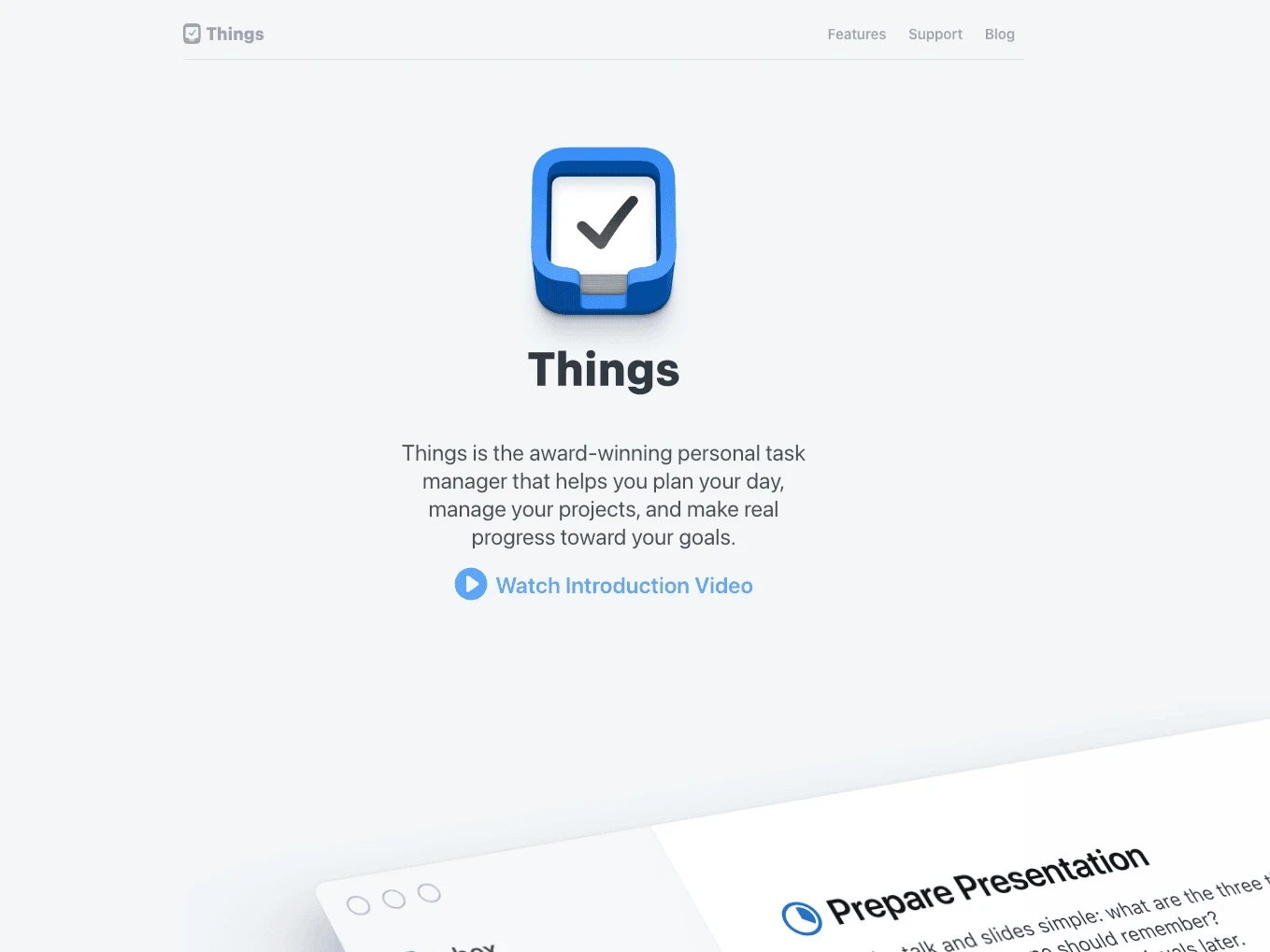
Things 3 is the task manager for design purists. It works only on Apple devices, is sold as a one-time purchase, and makes elegance and calm part of the product. If you work independently and live entirely in the Apple ecosystem, it is hard to find a more comfortable option.
Key advantages:
- Arguably the most polished interface in the category; its animations and interactions remain a benchmark for competitors
- The Areas–Projects–Today structure encourages clear thinking without visual clutter
- One of the few premium task apps without a subscription: buy it once for each device and own it permanently
Best for
- People who use only Apple devices and value design and a calm experience
- Independent professionals who do not need collaboration
- Anyone who prefers a one-time purchase to a subscription
Why choose it
- The best design and user experience in the category
- A one-time purchase with no subscription
- Its structure encourages good task-organization habits
- Excellent keyboard shortcuts and navigation speed on macOS
Things to consider
- Apple devices only, with no Android, web, or Windows version
- No real-time collaboration or shared lists
- Each device version is sold separately: iPhone, iPad, and Mac require three purchases
- No natural-language date parsing; you must use the date picker
Price: One-time purchase: $9.99 for iPhone, $19.99 for iPad, and $49.99 for Mac. No subscription.
5. Any.do
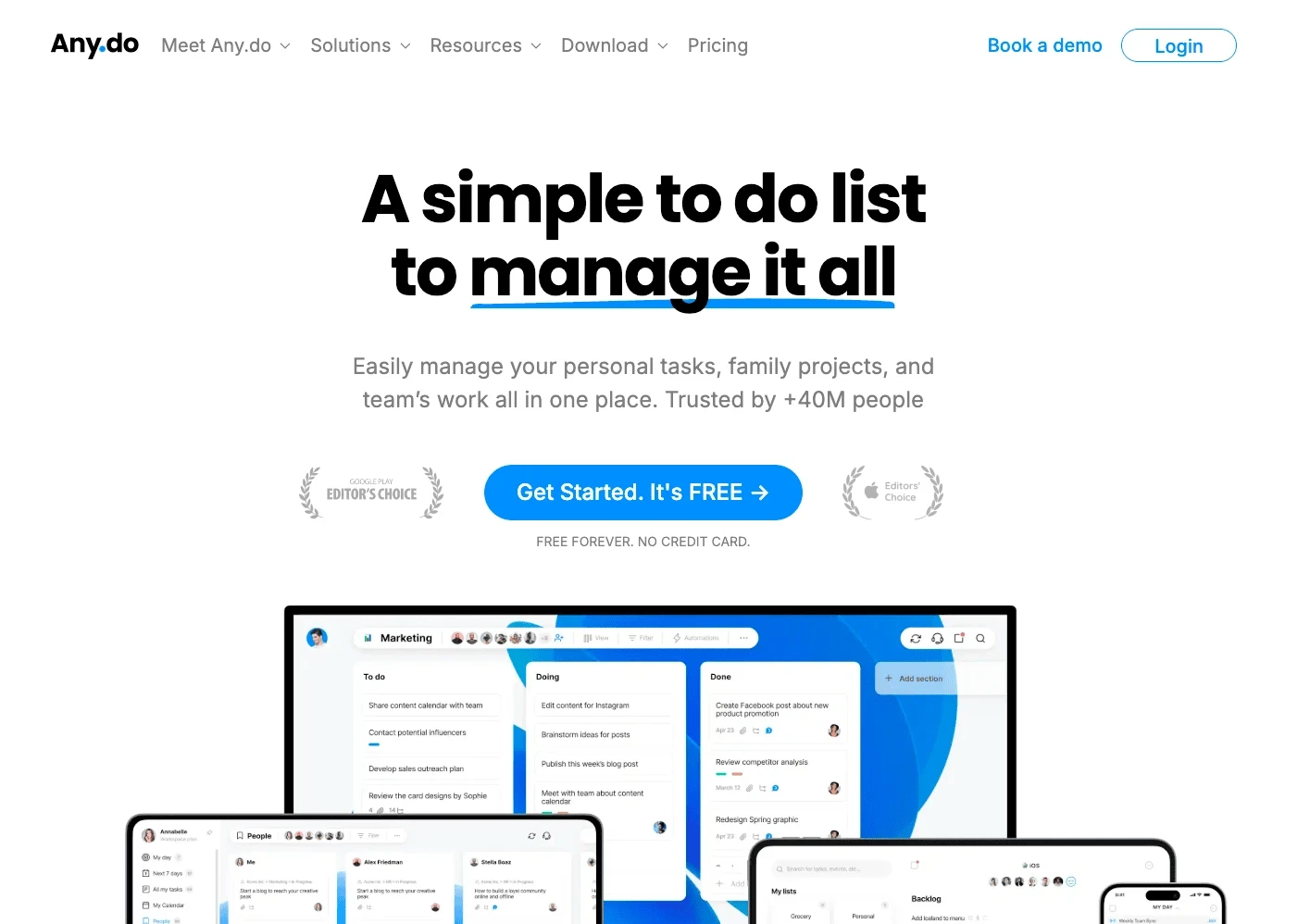
Any.do has spent years focusing on an audience most competitors overlook: people and families managing real life rather than a 50-person engineering team. In 2026, it occupies a genuinely useful middle ground—lighter than ClickUp or Asana, but more structured than a blank task list.
Key advantages:
- Its core experience is the daily “My Day” ritual: every morning, the app walks through your tasks and asks what you will actually do today, turning a long backlog into a short, achievable daily plan
- Tasks and calendar events appear in one view, so you plan around the time you genuinely have
- The smart grocery list automatically sorts items by supermarket category, while the family plan covers up to four family members for one fixed price
Best for
- People and families who want to manage tasks, calendars, and shared lists in one clean app
- Anyone who benefits from a structured daily planning ritual
- Families that need a shared grocery list, household chore assignments, and a family calendar
Why choose it
- The “My Day” system prevents task overload
- A combined calendar and task view creates a more realistic daily plan
- The family plan is thoughtfully designed, with one price for four people
- Shared-task reminders through WhatsApp are friendly to less technical family members
Things to consider
- The free version excludes advanced recurring reminders, location reminders, and focus mode
- It is not suited to complex project management with dependencies
- The full experience requires a paid subscription
Price: The free plan includes unlimited tasks and subtasks. Premium costs $4.99 per month when billed annually. The family plan costs $8.33 per month when billed annually and covers up to four members.
6. Microsoft To Do
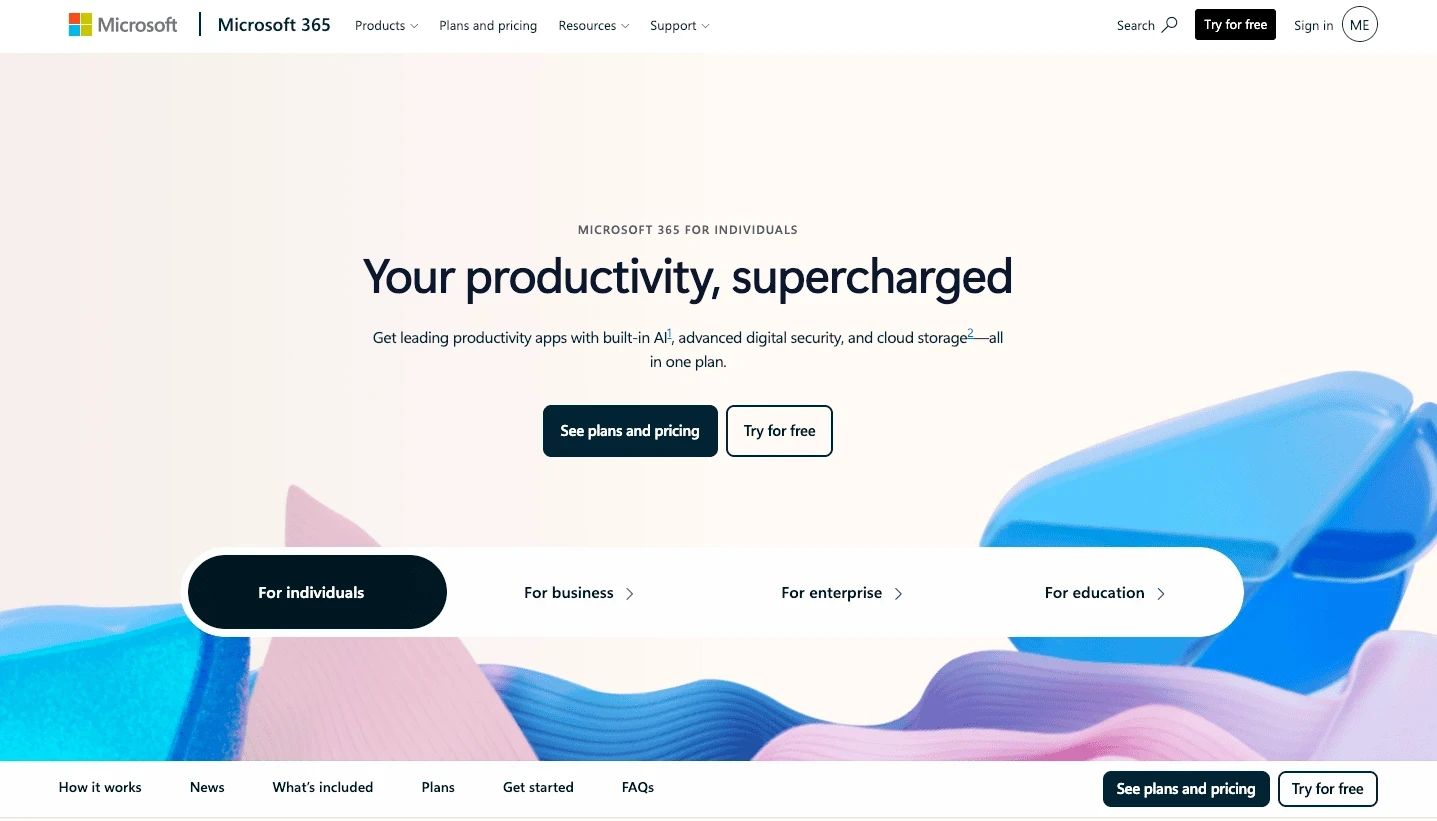
Microsoft To Do is genuinely good and completely free. Its real strength is integration: flag an email in Outlook and it becomes a task. Lists sync seamlessly across Windows, the web, iOS, and Android. For anyone living in the Microsoft ecosystem, this removes the friction of maintaining a separate app.
Key advantages:
- The “My Day” feature suggests tasks each morning, and the interface is clean and approachable
- Outlook integration is the tightest in the category: if your workday revolves around email, the app naturally captures tasks that would otherwise be buried in your inbox
Best for
- Outlook and Windows users who need a free task list
- People who want tasks to flow directly from email
- Anyone who needs a simple, dependable list without extra fuss
Why choose it
- Completely free, with no paid plans
- The best Outlook integration in the category
- A clean, friendly interface that is easy to learn
- Synchronization across all major platforms
Things to consider
- Deliberately simple: no built-in calendar view and limited collaboration
- Microsoft has invested in AI features in recent years, and To Do has lost some capabilities in the process
- Task creation does not support natural-language input
- It is not suited to complex project management
Price: Completely free.
7. Google Tasks
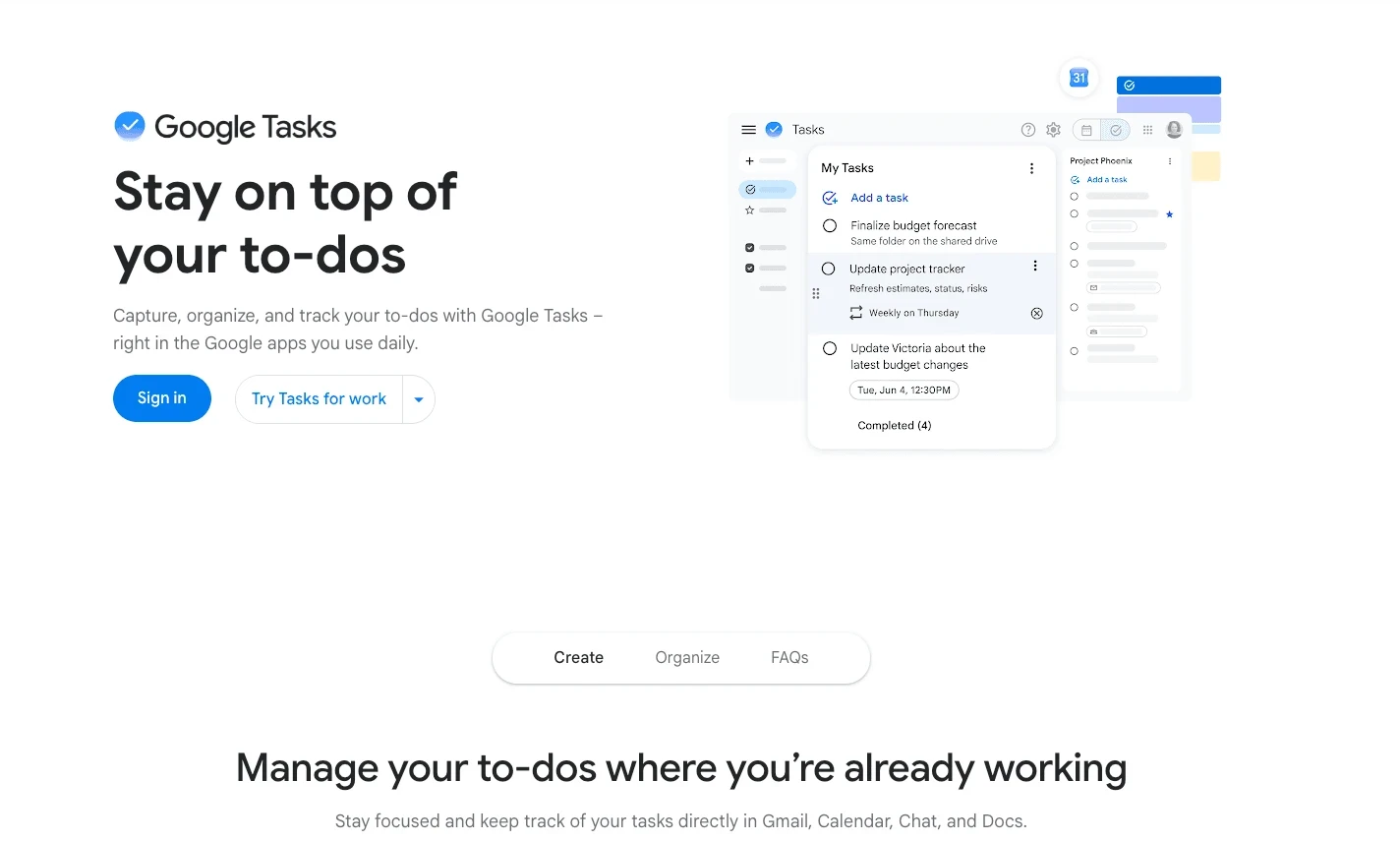
Google Tasks is the default choice for minimalists. It is built directly into Gmail and Google Calendar, so if you already spend your day there, your list is one click away. No setup, no learning curve, and no fee.
Key advantages:
- Dated tasks automatically appear in Google Calendar, and Gmail can turn an email into a task with one click
- It is deeply embedded in tools billions of people already use every day, and that is its entire value
Best for
- Heavy Gmail and Google Calendar users who need the simplest possible list
- Anyone who wants zero setup and no learning curve
- People who do not want to install another app
Why choose it
- Zero setup, zero cost, and it works immediately with a Google account
- Close Gmail and Calendar integration
- Tasks sync automatically with your calendar
- A clean, distraction-free interface
Things to consider
- Extremely basic: no natural-language input, no collaboration, and limited organization
- No tags, priorities, or advanced filtering
- It is an add-on to Google apps rather than a standalone productivity system
- Supports only a simple list structure, with no project hierarchy
Price: Free with a Google account.
8. Akiflow
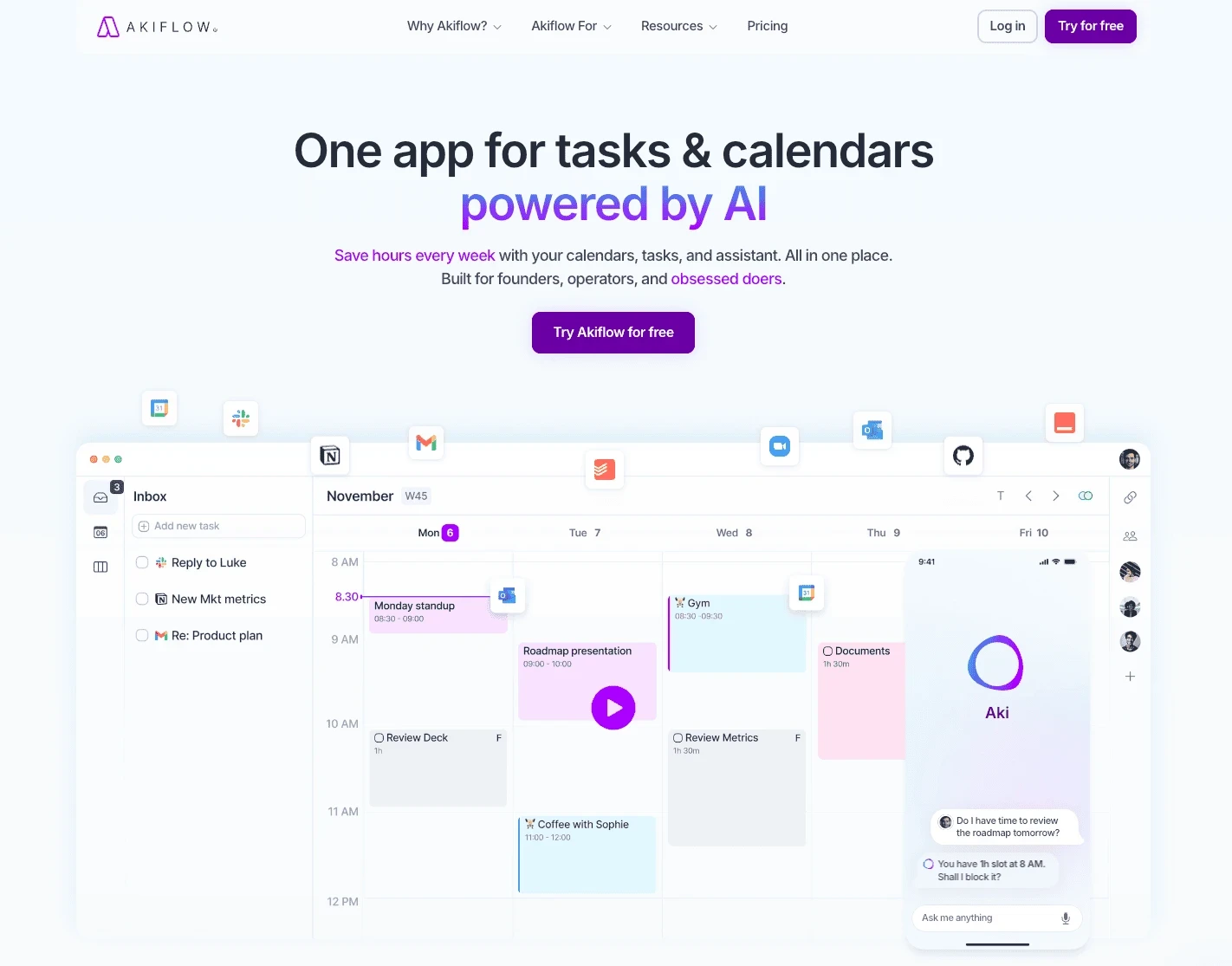
Akiflow solves a problem most task apps ignore: you can fill an entire day with tasks, but if they are not on the calendar, when will you do them? Akiflow connects tasks with time, making time blocking the default action rather than an afterthought.
Key advantages:
- A universal inbox pulls tasks from Gmail, Slack, Notion, Todoist, and other tools into one view
- Drag tasks directly onto the calendar, turning an abstract “need to do” into a specific time commitment
- Keyboard-first design: the command bar (CMD + K) lets you create, reschedule, and manage tasks without touching the mouse
Best for
- Professionals whose day is driven by the calendar rather than a task list
- People prone to task overload who need time blocking to stay realistic
- Anyone who already uses multiple tools and wants one command center
Why choose it
- Time blocking is the core mechanism, not an extra feature
- It collects tasks from multiple sources in one inbox
- Keyboard-first design and fast operation
- Deep integration with Google Calendar and Outlook
Things to consider
- More expensive than most personal task managers
- Best suited to independent professionals rather than families or light users
- Too heavy if all you need is a simple list
- The time-blocking workflow takes a little learning
Price: $19 per month when billed annually ($34 month to month). A free trial is available.
9. SingularityApp
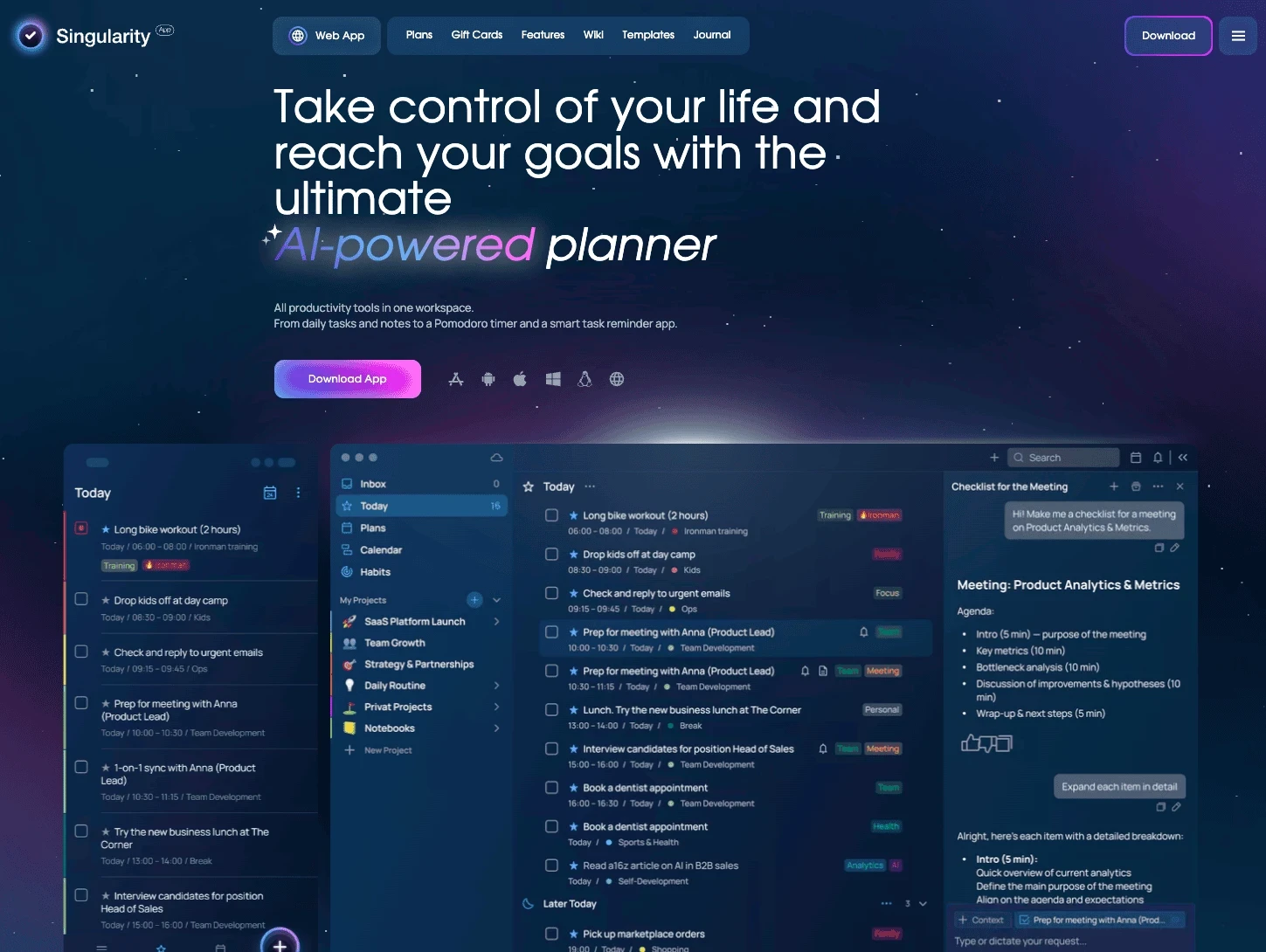
SingularityApp is a planner built around the idea of decomposition. Its central philosophy is that any vague, large task should be broken into small, actionable steps—and that this process can continue without limit.
Key advantages:
- Unlimited task nesting: any task can be divided into subtasks, which can then be divided again without a depth limit
- Complete cross-platform synchronization across iOS, Android, macOS, Windows, and the web, with support for external calendars
- Teams that need full control of their data can choose a self-hosted option
Best for
- Individuals and small teams that need a deep task hierarchy
- People who like to break large goals into concrete actions step by step
- Organizations that need a self-hosted option
Why choose it
- Unlimited task nesting for complex planning
- Cross-platform synchronization
- A self-hosted option for data-sensitive organizations
Things to consider
- A smaller user base and limited third-party integrations
- A design language that prioritizes function over polish
- Less breadth of features than TickTick or Todoist
Price: A free version is available. Premium starts at approximately ₽1,990 per year. Self-hosted pricing is available on request.
10. Apple Reminders
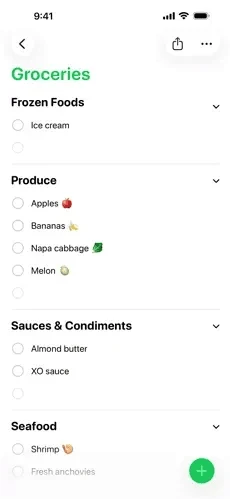
Apple Reminders has quietly grown into a genuinely capable task manager over the years. If you have an iPhone, it is already on your Home Screen—nothing to download, no account to create, and nothing to configure. In recent years, Apple has added Smart Lists, tags, subtasks, and deep Siri integration that makes voice task capture genuinely convenient.
Key advantages:
- Deep Siri integration: say “remind me to call Mom when I get home” and it actually works; location-based reminders trigger when you arrive or leave
- Smart Lists automatically group tasks by tags, dates, or priorities
- In typical Apple fashion, everything syncs instantly across your devices
Best for
- Apple users who want the most frictionless option
- People who rely heavily on Siri for voice capture
- Anyone who needs basic task management without installing a new app
Why choose it
- Preinstalled on every iPhone, iPad, and Mac
- Deep Siri integration for hands-free task creation
- Location-based reminders are genuinely useful
- Smart Lists reduce manual organization
- Free, with synchronization across Apple devices
Things to consider
- Apple devices only, with no Android, Windows, or web version
- Collaboration is weaker than in dedicated apps for shared lists
- Not suited to complex project management or team workflows
- No natural-language date parsing outside Siri
Price: Free and preinstalled on Apple devices.
Quick comparison
| App | Best for | Starting price | Platforms |
|---|---|---|---|
| Buildin | All-in-one workspace | Free; Plus from $10 per member per month | Web, desktop, mobile |
| Todoist | Focused task management | Free; Pro $5 per month | All platforms + Linux |
| TickTick | Value and features | Free; Premium about $3 per month | Major platforms |
| Things 3 | Apple-focused design | $9.99–$49.99 one-time purchase | Apple only |
| Any.do | Daily planning and families | Free; Premium $4.99 per month | Major platforms |
| Microsoft To Do | Microsoft ecosystem | Free | Major platforms |
| Google Tasks | Google ecosystem | Free | Web, iOS, Android |
| Akiflow | Calendar-first planning | $19 per month | macOS, Windows, web, iOS |
| SingularityApp | Hierarchical planning | Free; Premium from about ₽1,990 per year | Major platforms |
| Apple Reminders | Built-in solution and Siri | Free | Apple only |
How to choose the right to-do list app
A few honest questions will narrow your options quickly:
- Do your tasks need context—documents, notes, a knowledge base, and teamwork? Pure task apps do not solve that problem. Choose **Buildin** to keep everything connected.
- Do you simply want the fastest, cleanest to-do list that works on every device? Choose Todoist. It does one thing and does it better than anyone else.
- Do you want the most features for the lowest price? Choose TickTick. Calendar, habits, Pomodoro, and task management all come in one affordable package.
- Are you fully in the Apple ecosystem and put design first? For individual work, choose Things 3. If being free and preinstalled matters more, simply use Apple Reminders.
- Do you and your family use different platforms and devices? Skip Apple-only apps. Choose Any.do for family features or Todoist for cross-platform reliability.
- Is your day driven by your calendar rather than your task list? Choose Akiflow. Its time-blocking workflow will make you plan realistically.
- Do you live in the Microsoft or Google ecosystem? Stay with Microsoft To Do or Google Tasks. They are free, well integrated, and sufficient for most everyday needs.
- Do you need to break large tasks into many levels of smaller ones? Choose SingularityApp. If those tasks also need to connect to documents and a knowledge base, choose Buildin.
Conclusion
With a to-do list app, more power is not always better. What matters is how well it fits your work and your life. A simple list that stays in your pocket and that you actually use beats a complex, fully featured system you open once a week.
There is no absolute “best” among these ten apps—only the one that fits you. If you just want to record a few daily tasks on your phone, free built-in tools such as Apple Reminders or Google Tasks are already enough. If you want to keep tasks together with notes, documents, and a knowledge base, Buildin is a stronger long-term choice: it can start with the simplest checkbox and grow with your needs.
You do not need to make the perfect choice today. Start with the one that feels natural, and write down three things to do tomorrow. A list you actually use is a good list.

Amara Elara
Specializes in visualizing complex processes and improving product education. Responsible for user support, product tutorials, and visual guides at Buildin, helping users improve tool adoption and overall productivity.