How to summarize a YouTube video: 3 ways, including AI
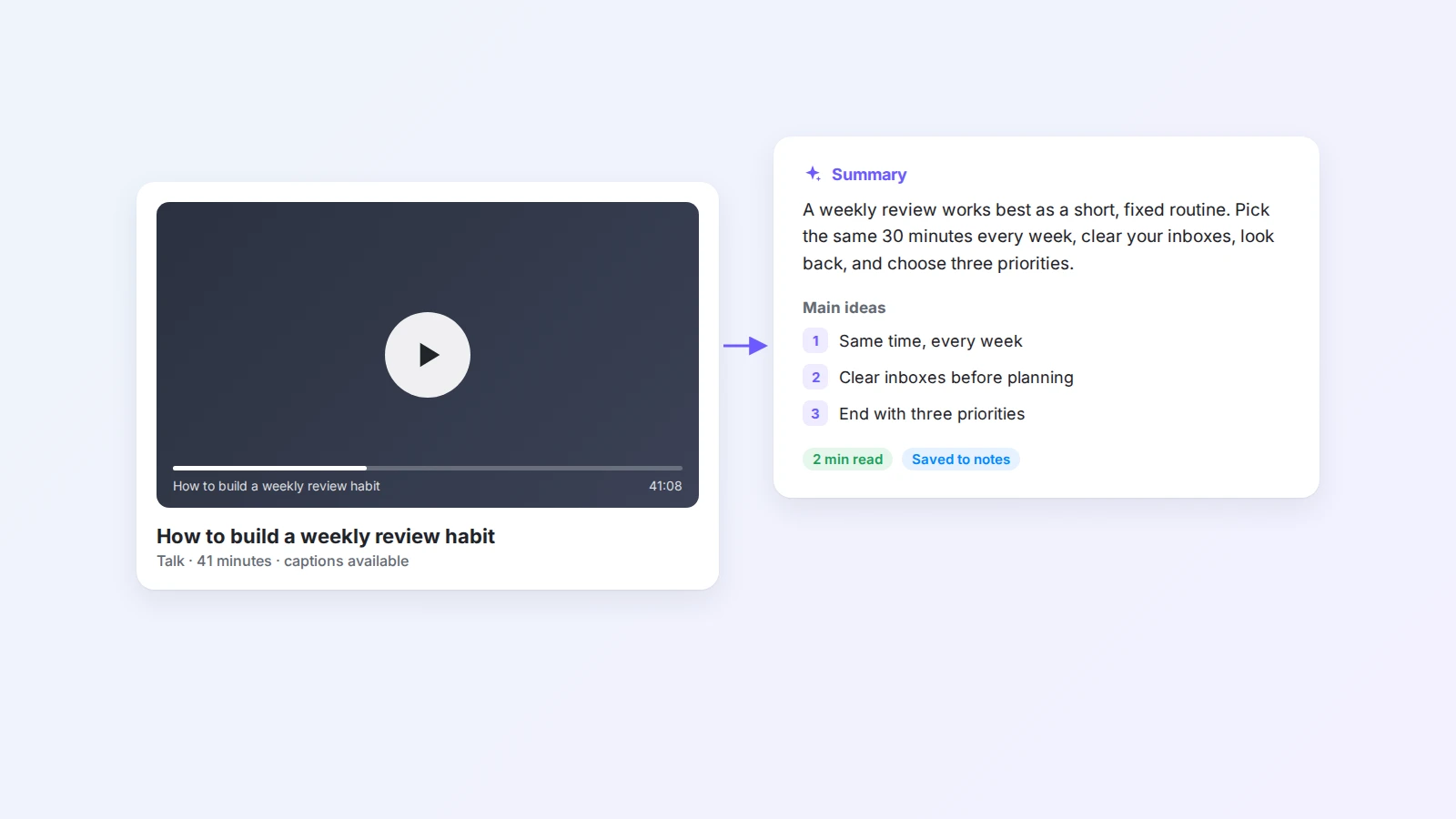
A 40-minute video often holds five minutes of ideas you want to keep. Here are three ways to summarize a YouTube video, from taking notes by hand to saving the transcript and asking AI, plus prompts that give you useful summaries instead of vague ones.
You open a YouTube video to learn one thing. Forty minutes later you have watched the whole talk, and a week after that you remember almost none of it.
Summarizing fixes both problems. A summary tells you quickly whether a video is worth your time, and it keeps the useful part after you close the tab. The question is how to do it without spending as long on the summary as on the video.
This guide covers three ways to summarize a YouTube video, when to use each one, and the prompts that turn AI from "here is a vague overview" into notes you can actually use.
The short answer
To summarize a YouTube video, get the words first, then shorten them with a clear goal. For a short video, take notes by hand while you watch. For a longer video, open the transcript and skim it. For the fastest result, save the captions to your notes and ask AI for a summary, the main ideas, or review questions. In Buildin, Web Clipper saves the captions to a page, and Buildin Agent writes the summary next to them.
Three ways to summarize a YouTube video
| Method | Time for a 30-min video | Best for | Watch out for |
|---|---|---|---|
| Take notes while you watch | 30–40 min | Short videos, deep learning, skills you practice | Slow, and easy to copy too much |
| Skim the transcript | 10–15 min | Talks and interviews you want to scan | Long wall of text, no structure |
| Save the transcript + ask AI | 2–5 min | Long videos, courses, research | Only as accurate as the captions |
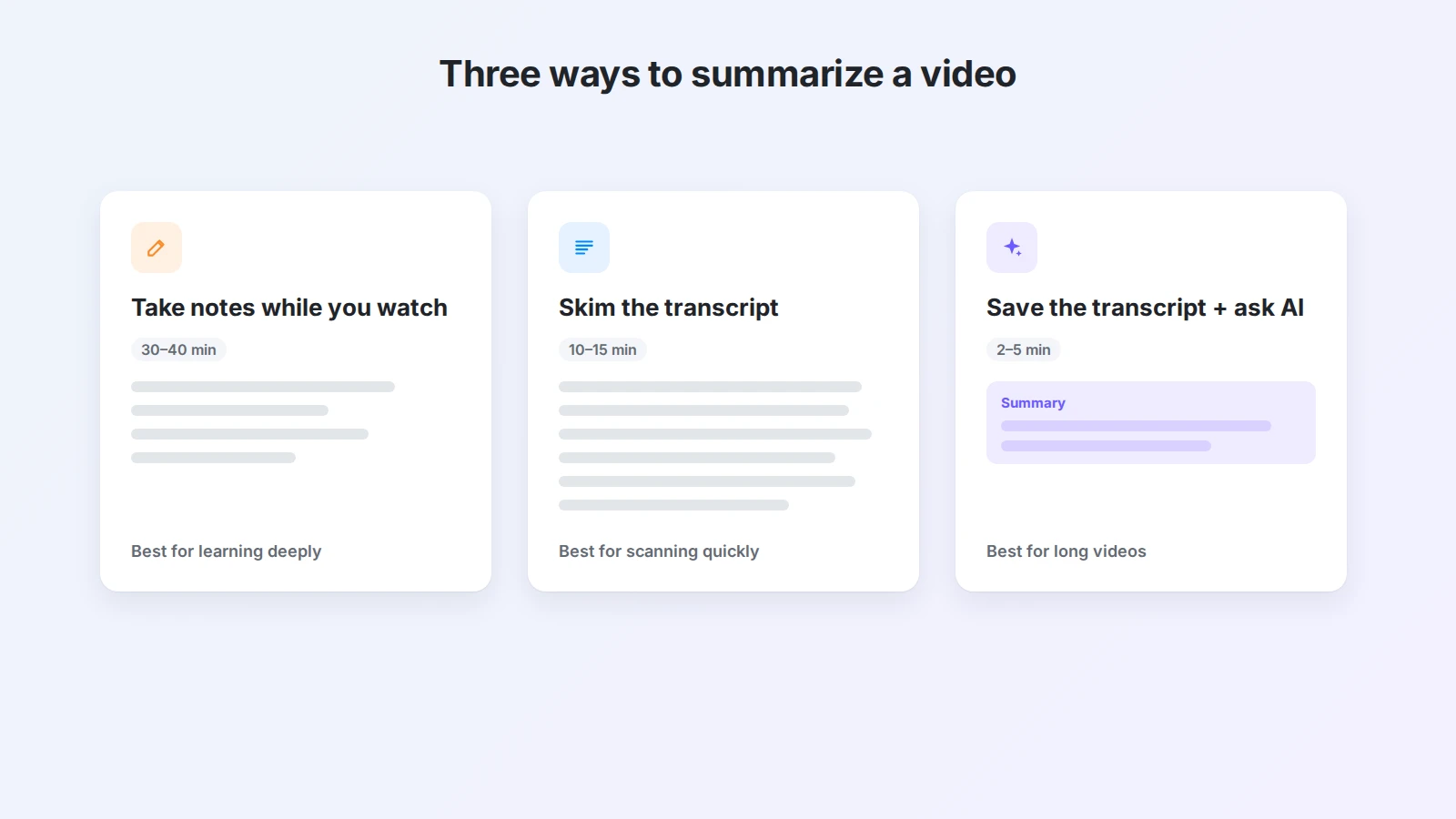
None of these is "the right one". A ten-minute tutorial you will follow step by step deserves your own notes. A two-hour podcast you are checking for one argument is a job for the transcript and AI.
Method 1: Take notes while you watch
Writing your own summary is slower, but it is the method that helps you remember the most, because you have to decide what matters.
- Decide why you are watching. "Learn how to set up a weekly review" gives you something to listen for. "Watch this video" does not.
- Watch at a comfortable speed. 1.25× or 1.5× works for most talks. Slow down for demos.
- Pause at each new idea. Write one line in your own words, plus the timestamp, for example
12:40 — review on the same day every week. - Keep examples, not every sentence. One concrete example per idea is enough to remember it later.
- Finish with three lines: the main point of the video, the one thing you will do, and one question you still have.
If you take notes this way often, a fixed structure helps. The Cornell note-taking method works well for videos: notes on the right, questions on the left, a summary at the bottom. For more options, see our guide to note-taking methods.
Method 2: Read and skim the transcript
Most YouTube videos have captions, either added by the creator or generated automatically. Reading them is much faster than watching.
On a computer, open the video, expand the description, and click Show transcript. A panel with the full text and timestamps opens next to the player. You can click any line to jump to that moment.
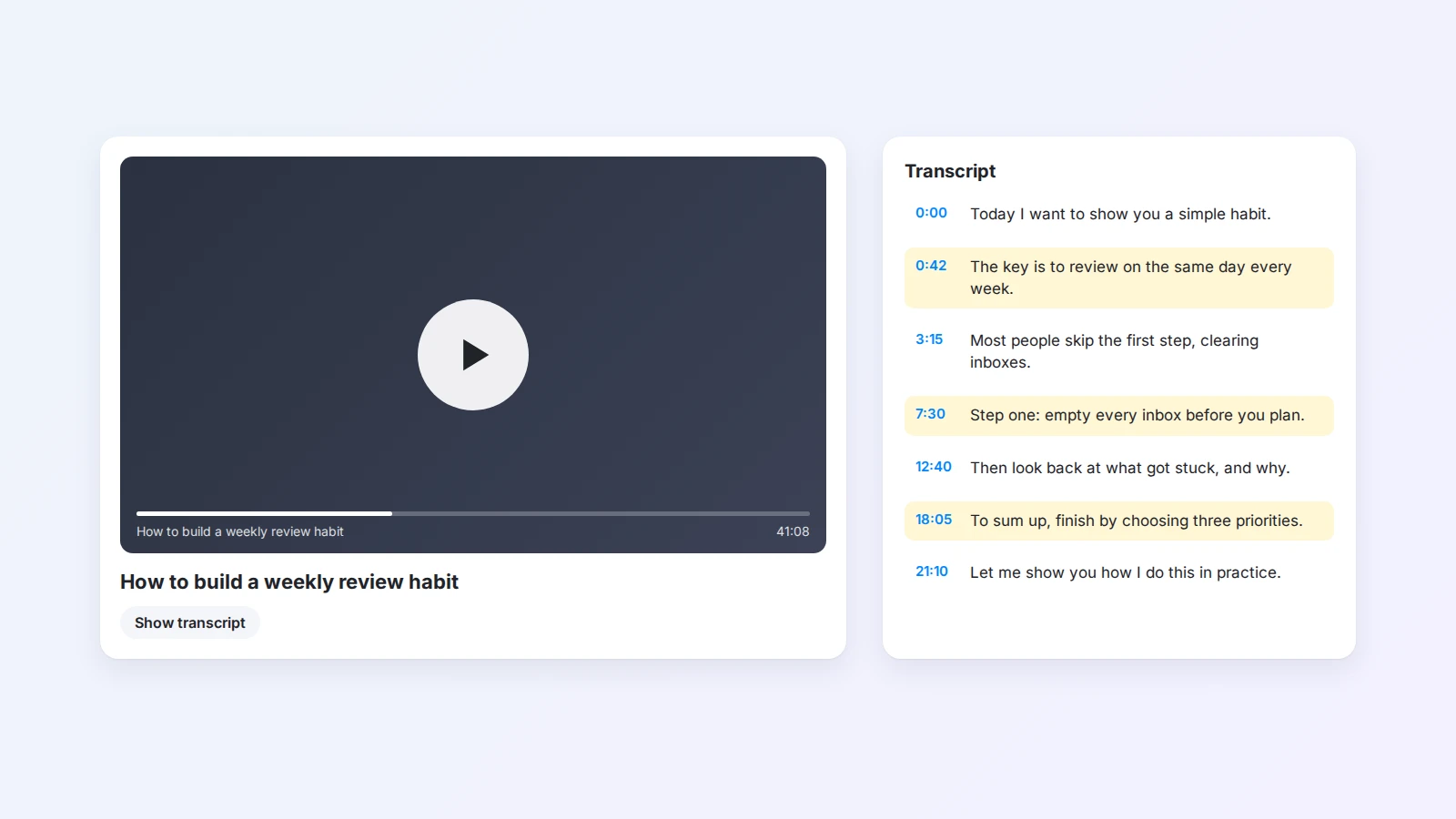
To summarize from the transcript:
- Skim the first and last few minutes. Speakers usually state their point at the start and repeat it at the end.
- Look for signal words such as "the key is", "the mistake people make", "step one", or "to sum up".
- Copy the three to five lines that carry the idea, then rewrite them in one short paragraph.
The weak point is that a raw transcript is long, has no headings, and disappears when you close the tab. If you want to come back to it, save it somewhere you keep notes.
Method 3: Save the transcript and ask AI to summarize
This is the fastest method for long videos, and the one most people mean when they search for a "YouTube summarizer". AI reads the text of the video and shortens it in the format you ask for.
The order matters: save first, then summarize. When the transcript sits in your notes, you can check the summary against the original, ask follow-up questions later, and keep the result next to related work.
Here is how it works in Buildin:
- Install Buildin Web Clipper in Chrome and sign in to Buildin.
- Save the captions. Open a YouTube video that has captions, open Web Clipper, and save the transcript to a Buildin page. The YouTube transcript tool page explains this step in detail.
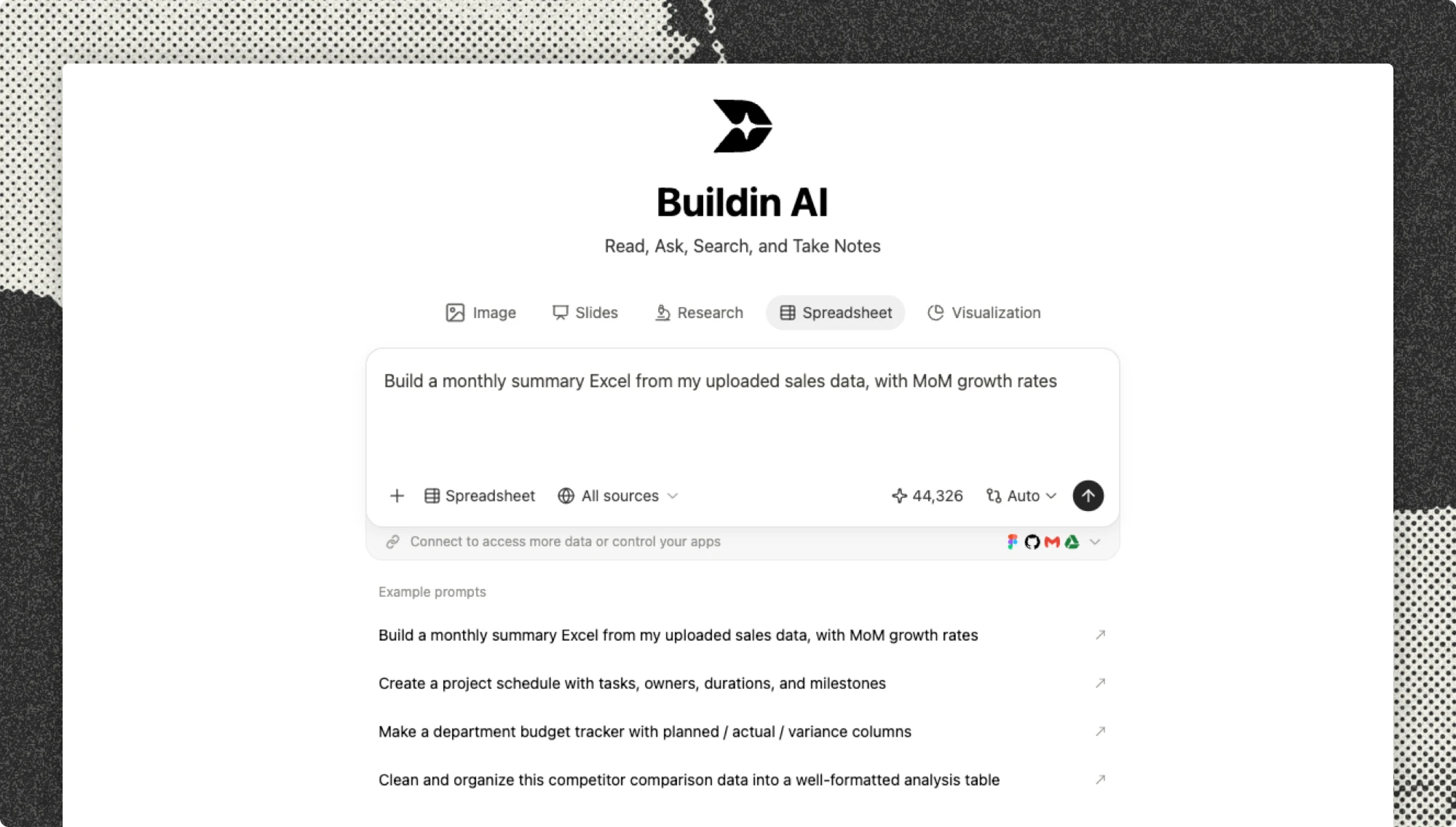
- Ask Agent for the summary. On that page, select the transcript and ask Buildin Agent for what you need, for example "Summarize this video in no more than 120 words."
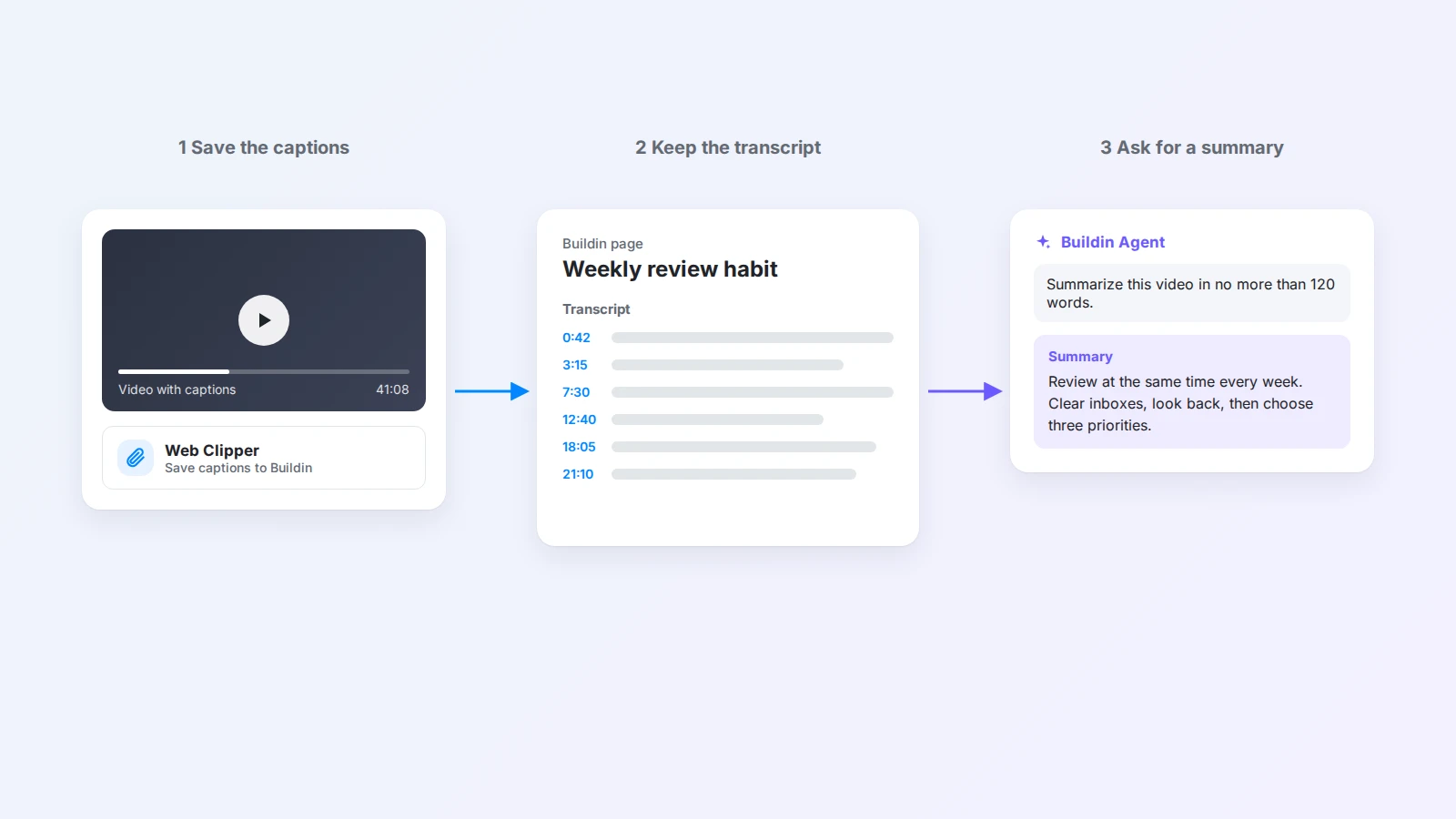
Web Clipper is free to install. Summaries use Buildin Agent credits according to your plan. The YouTube video summarizer page shows example prompts and results.
Two limits to know: this works only for videos that already have captions, and automatic captions can get names and technical terms wrong. If a detail matters, check it in the transcript.
AI prompts for better YouTube summaries
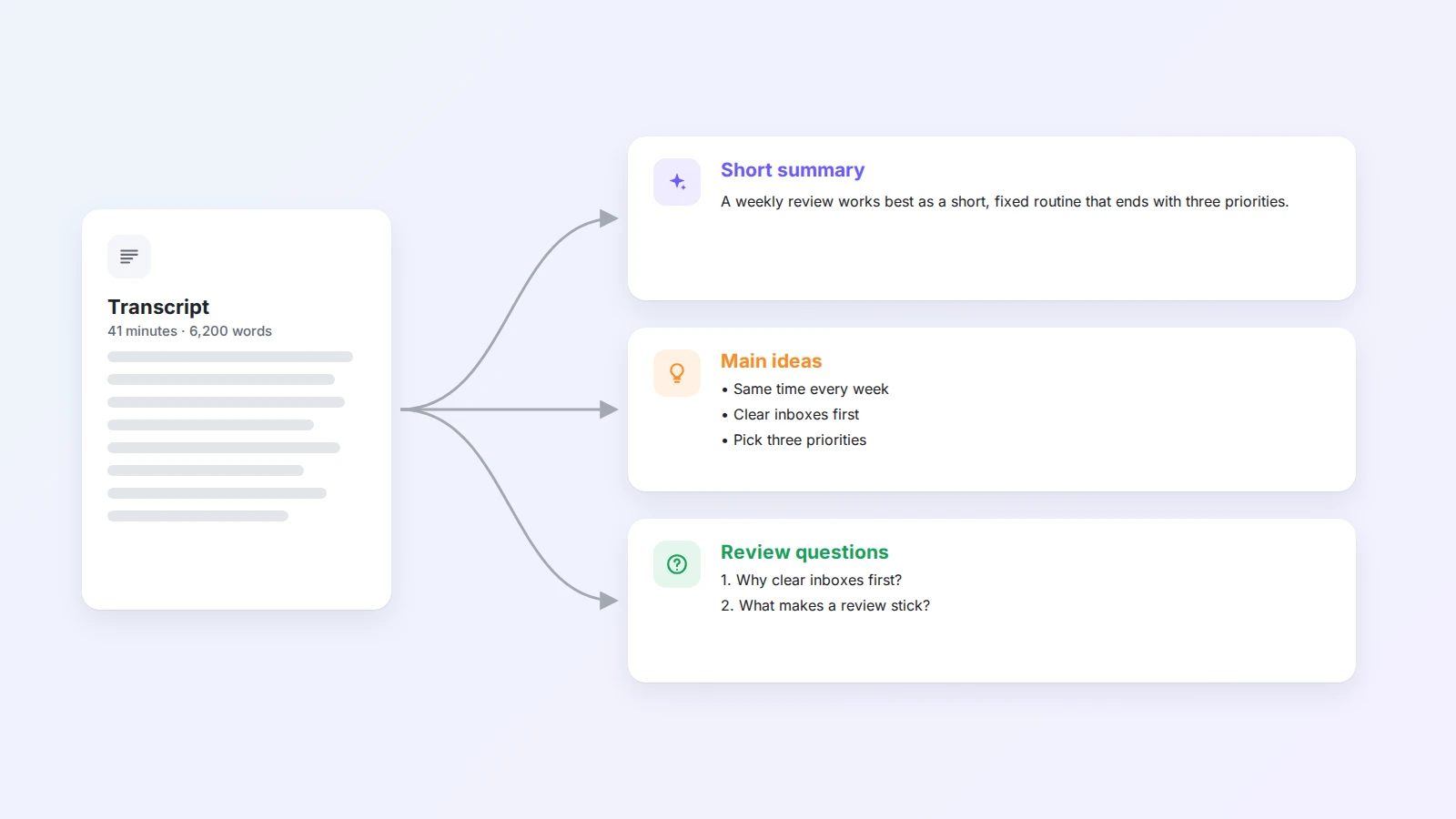
"Summarize this video" usually gives you a polite, generic paragraph. A good prompt says how long the summary should be, what shape it should take, and what you will use it for.
| You want… | Prompt |
|---|---|
| A quick overview | Summarize this video in no more than 120 words. |
| Ideas you can reuse | Organize this video into three main ideas and keep one example for each. |
| To study the content | Write four questions I can use to review this video next week. |
| To act on it | List the concrete steps the speaker recommends, in order, as a checklist. |
| To decide if it is worth watching | In three bullet points, tell me what this video covers and who it is for. |
| A different language | Summarize this video in English in five bullet points. Keep product names as they are. |
| Long courses | Split the transcript into sections by topic and write a two-sentence summary for each section. |
A few habits make any prompt better:
- Ask for one format at a time. A summary, then main ideas, then questions works better than all three in one request.
- Ask for timestamps when you may want to rewatch a part: "Add the timestamp where each idea starts."
- Ask what is missing. "What did the speaker claim without giving evidence?" is a useful second question for talks and reviews.
Turn summaries into notes you will use
A summary you never open again is not much better than no summary. A simple video notes page keeps everything in one place:
- Source: title, channel, link, and date watched
- Why I watched it: one line
- Summary: the short paragraph
- Main ideas: three to five bullet points with examples
- What I will do: one action, linked to a task if it matters
- Transcript: the saved captions, at the bottom
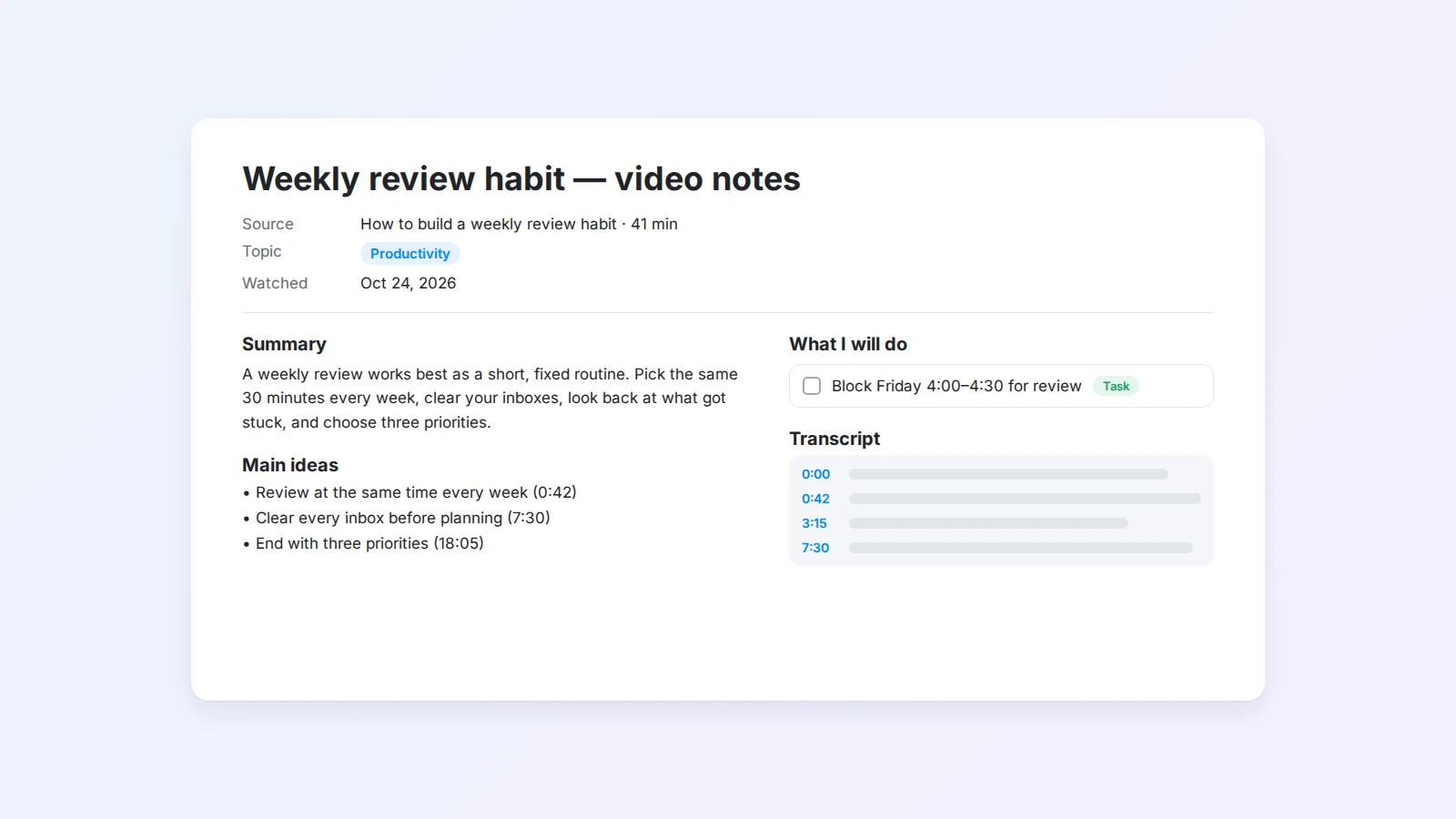
If you watch many videos for a course or a project, collect these pages in one database with properties such as topic, channel, and status. Then a filtered view shows every video you saved about one subject, and you can ask Agent questions across them. The study note template is a good starting point for course videos, and our list of learning tools has more ideas for studying online.
Tips for long videos, lectures, and podcasts
- Summarize in sections. For anything over an hour, ask for one summary per section or per 15 minutes, then a short overall summary.
- Keep the speaker’s words for quotes. AI rewrites. When you need an exact sentence, copy it from the transcript.
- Check numbers and names. Automatic captions often mishear them, and AI will repeat the mistake confidently.
- Separate what was said from what you think. Put your own opinion in a separate line, so you can tell them apart later.
- Respect the creator. Summaries are for your own learning. If you share one, link to the original video.
Final thoughts
The best way to summarize a YouTube video depends on what you need from it. Write your own notes when you want to learn deeply, skim the transcript when you want to scan quickly, and save the transcript and ask AI when the video is long or you have many of them.
Whichever method you choose, keep the result where your other notes live. To try the AI method, install Buildin Web Clipper, save the captions of the next video you watch, and ask Agent for a summary. Start with Buildin for free.

Amara Elara
Specializes in visualizing complex processes and improving product education. Responsible for user support, product tutorials, and visual guides at Buildin, helping users improve tool adoption and overall productivity.