How to write an SOP: a step-by-step guide with examples
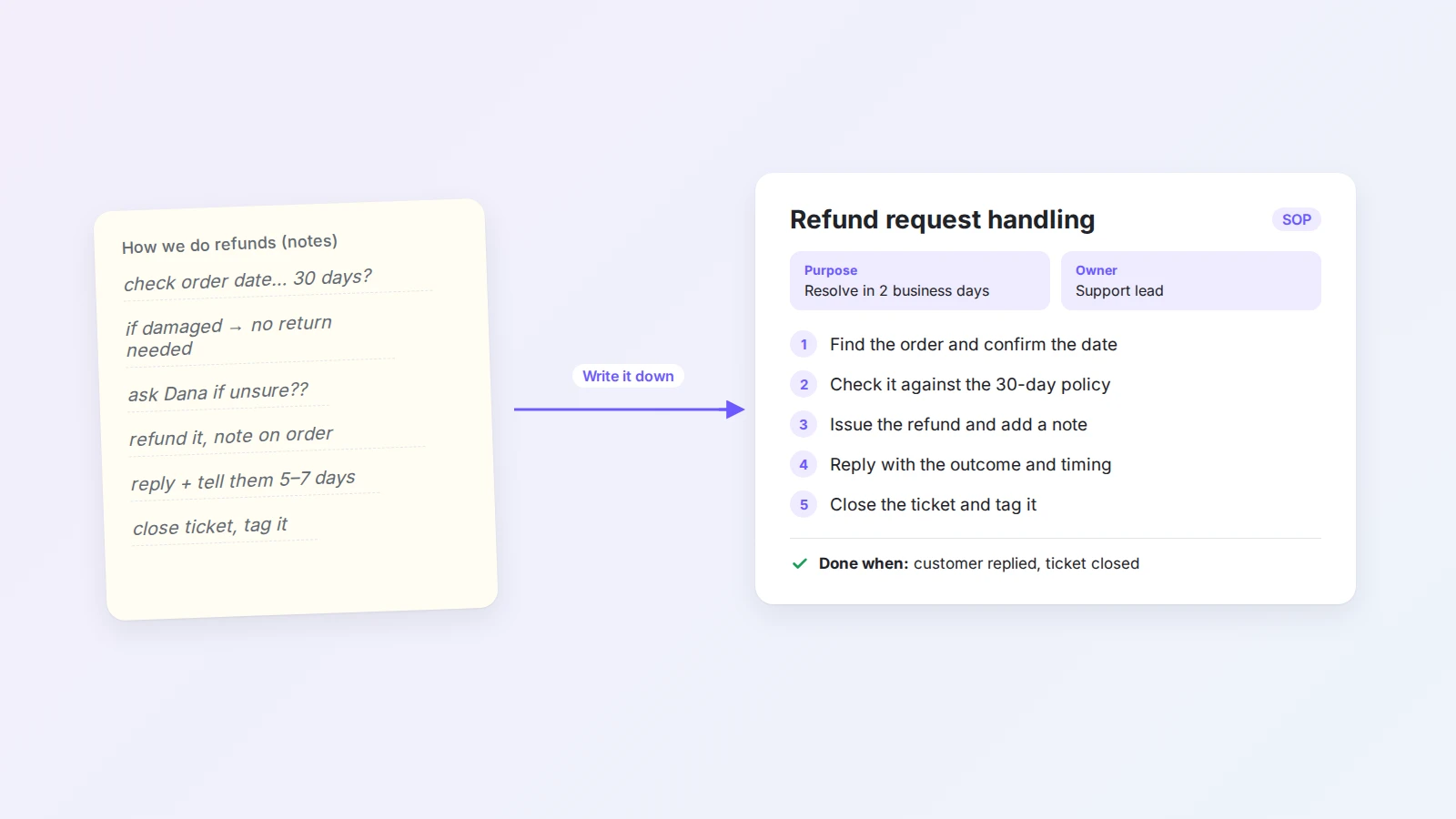
A standard operating procedure turns the way your team does a recurring task into clear, numbered steps anyone can follow. Learn what to include, how to write an SOP in seven steps, which format to choose, and how to keep it up to date, with a full example.
Every team has tasks that only one person really knows how to do. It works until that person is on holiday, leaves, or is simply too busy, and then the task is done differently each time, or not at all.
A standard operating procedure (SOP) fixes that. It writes down how a recurring task is done, step by step, so that anyone on the team can do it the same way and new people can learn it without shadowing a colleague for a week.
This guide explains what an SOP is, what to include, and how to write one in seven steps. You will also find a comparison of SOP formats, a complete example, the most common mistakes, and a faster way to get a first draft with AI.
The short answer
To write an SOP, choose one recurring process and define where it starts and ends. Talk to the person who does it, then write numbered steps that each begin with an action. Add who is responsible for what, the exceptions, and a clear check for when the work is done. Test the draft with someone who has never done the task. Finally, publish it where the team works, name an owner, and set a review date.
What is an SOP?
An SOP is a written description of how a recurring task is done. It records the purpose of the task, who is involved, the steps in order, and how to tell when the work is finished.
Good SOPs have three effects:
- Consistency. The task is done the same way, whoever does it.
- Faster onboarding. New team members can follow the procedure instead of asking. This pairs well with a 30-60-90 day plan for new hires.
- Less risk. Knowledge does not leave with one person, and steps that matter for quality or compliance are not skipped.
SOPs are often confused with other process documents. The differences are mostly about level of detail:
| Document | What it answers | Example |
|---|---|---|
| Process map | What happens, in which order, across teams | Order to delivery, as a flowchart |
| SOP | How one recurring task is done, by whom | Handling a refund request |
| Work instruction | How to do one step in detail | How to issue a refund in the payment system |
| Checklist | What to confirm before you finish | Refund ticket closing checklist |
In practice you rarely need all four. Most small and mid-sized teams get far with SOPs that link to a few detailed instructions and checklists where needed.
What to include in an SOP
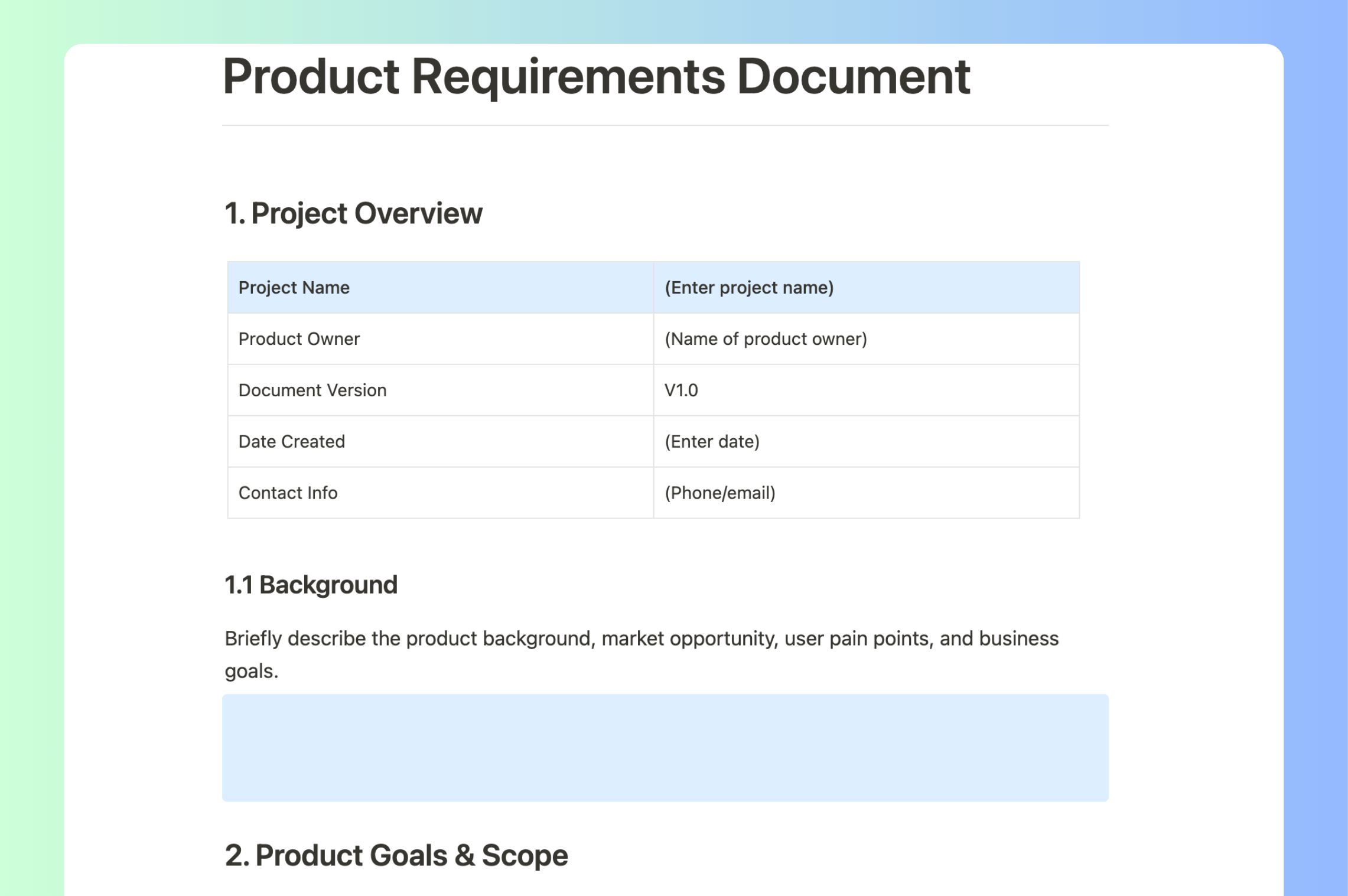
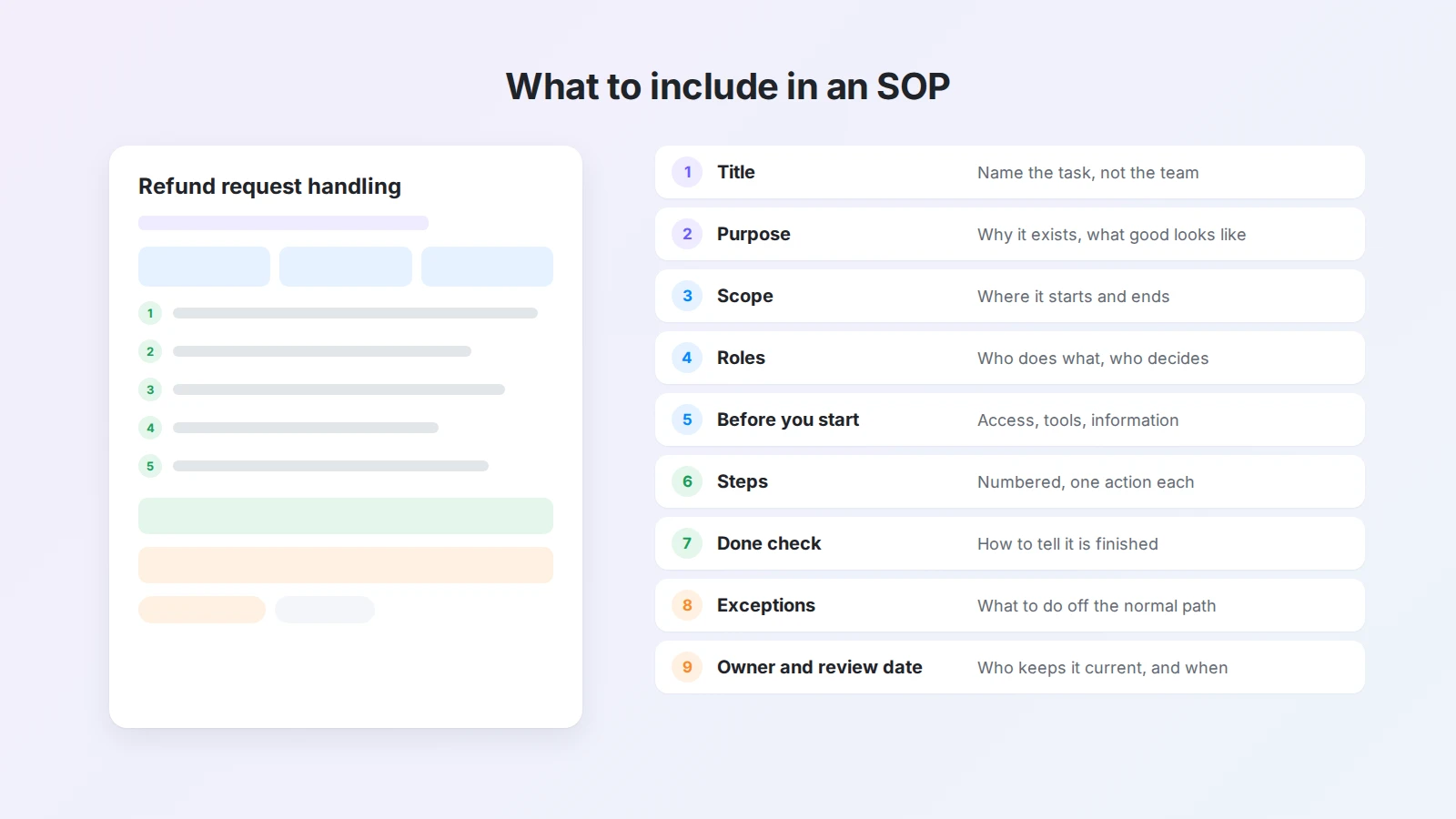
Not every SOP needs every section, but these are the parts that make a procedure usable:
- Title. Name the task, not the department. "Refund request handling" is better than "Support procedure 3".
- Purpose. One sentence on why the procedure exists and what good looks like, such as "Resolve every refund request within two business days."
- Scope. Where the process starts and ends, and what it does not cover.
- Roles. Who does each part and who makes decisions. Use roles, not names, so the SOP survives team changes.
- Before you start. Access, tools, or information needed.
- Steps. Numbered, in order, each starting with an action.
- Done check. How to tell the task is finished correctly.
- Exceptions. What to do when something does not fit the normal path, and who to ask.
- Owner and review date. Who keeps the SOP current, and when it will be checked next.
How to write an SOP in 7 steps
1. Choose the right process
Start with a task that repeats, involves more than one person, and causes problems when done wrong. Refunds, onboarding, publishing, month-end reporting, and handovers between teams are typical candidates.
Avoid starting with a process that is still changing every week. Write it down once it has settled, or you will rewrite the SOP constantly.
2. Learn how the work is really done
The best source is the person who does the task, not the manager who thinks they know it. Ask them to walk you through the last time they did it, or watch them do it and take notes.
Useful questions:
- What starts this task?
- What do you check first?
- Where do you usually get stuck, and what do you do then?
- How do you know you are done?
- What do new people get wrong?
If the knowledge is spread across chats and old documents, collect it in one place first. A shared knowledge base makes this much easier.
3. Define the scope
Write down the trigger that starts the process and the result that ends it. For example: "Starts when a customer requests a refund. Ends when the customer has a reply and the ticket is closed."
A clear scope keeps the SOP focused and shows where one procedure should hand over to another.
4. Write the steps
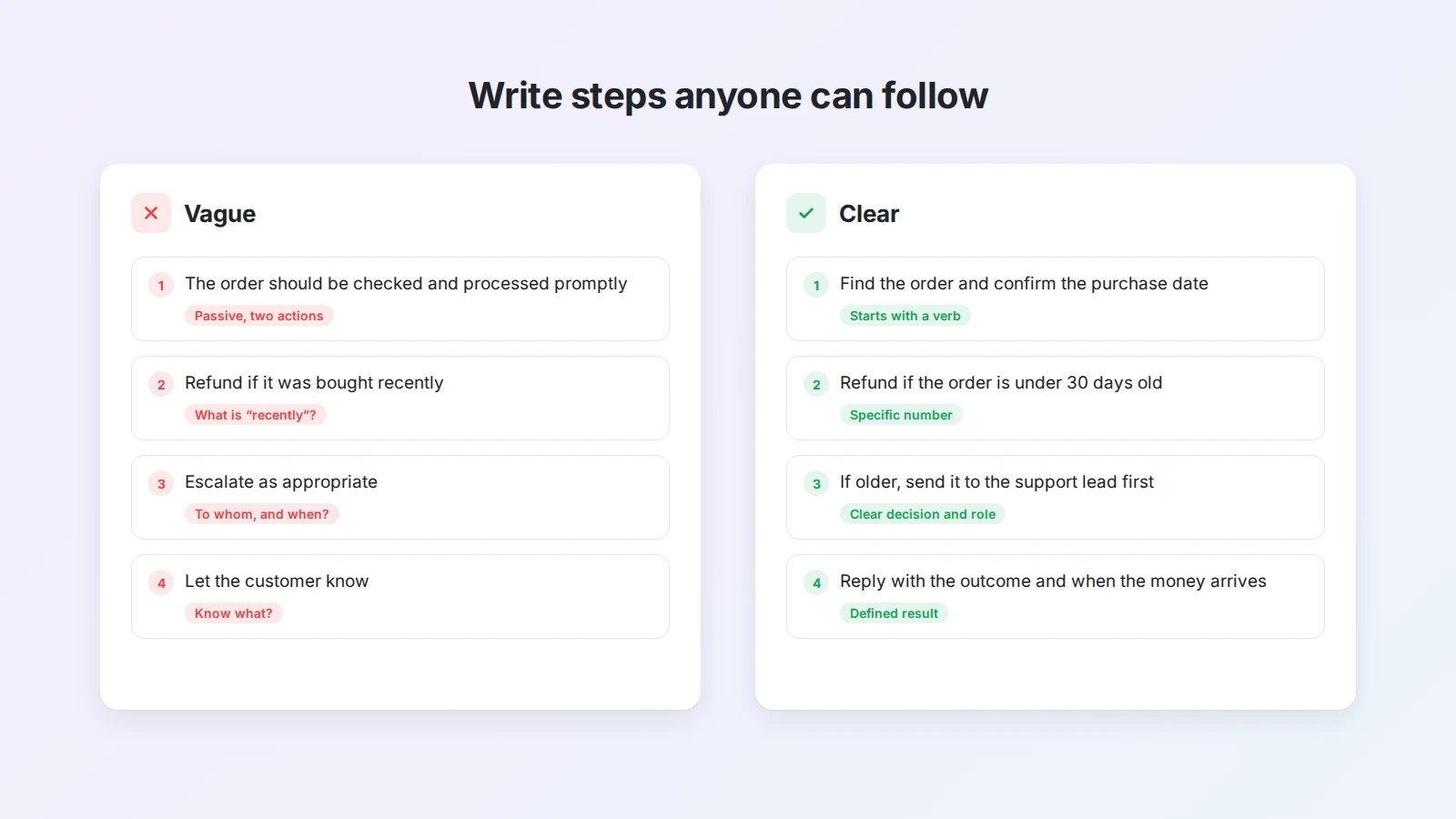
This is the core of the SOP. A few rules make steps easy to follow:
- One action per step. If a step contains "and then", split it.
- Start with a verb. "Check the purchase date", not "The purchase date should be checked".
- Be specific. Use real numbers, names of tools, and thresholds. "Within 30 days" instead of "recently".
- Keep the order of the real work. Do not group steps by topic if people do them in a different order.
- Explain why only where it helps. A short reason prevents people from skipping a step that looks unnecessary.
5. Add roles, decisions, and exceptions
Mark who does each step if more than one role is involved. Where the path splits, write the decision explicitly: "If the order is older than 30 days, send it to the support lead before replying."
Then list the exceptions you heard about in step 2. They are what new people struggle with most, and they are usually missing from first drafts.
6. Test it with someone new
Ask someone who has never done the task to follow the SOP while you watch, without helping. Every time they hesitate, ask a question, or do something unexpected, the SOP needs a fix.
This is the single most useful step. Writers fill gaps from memory without noticing. A new reader cannot.
7. Publish, assign an owner, and set a review date
Put the SOP where the team already works, not in a folder nobody opens. Link it from the place where the task starts, such as the support ticket template or the onboarding checklist.
Name one owner and add a review date, typically every six or twelve months, or whenever the tools or policy change.
Choose an SOP format
The right format depends on how complex the task is:
| Format | Best for | Example |
|---|---|---|
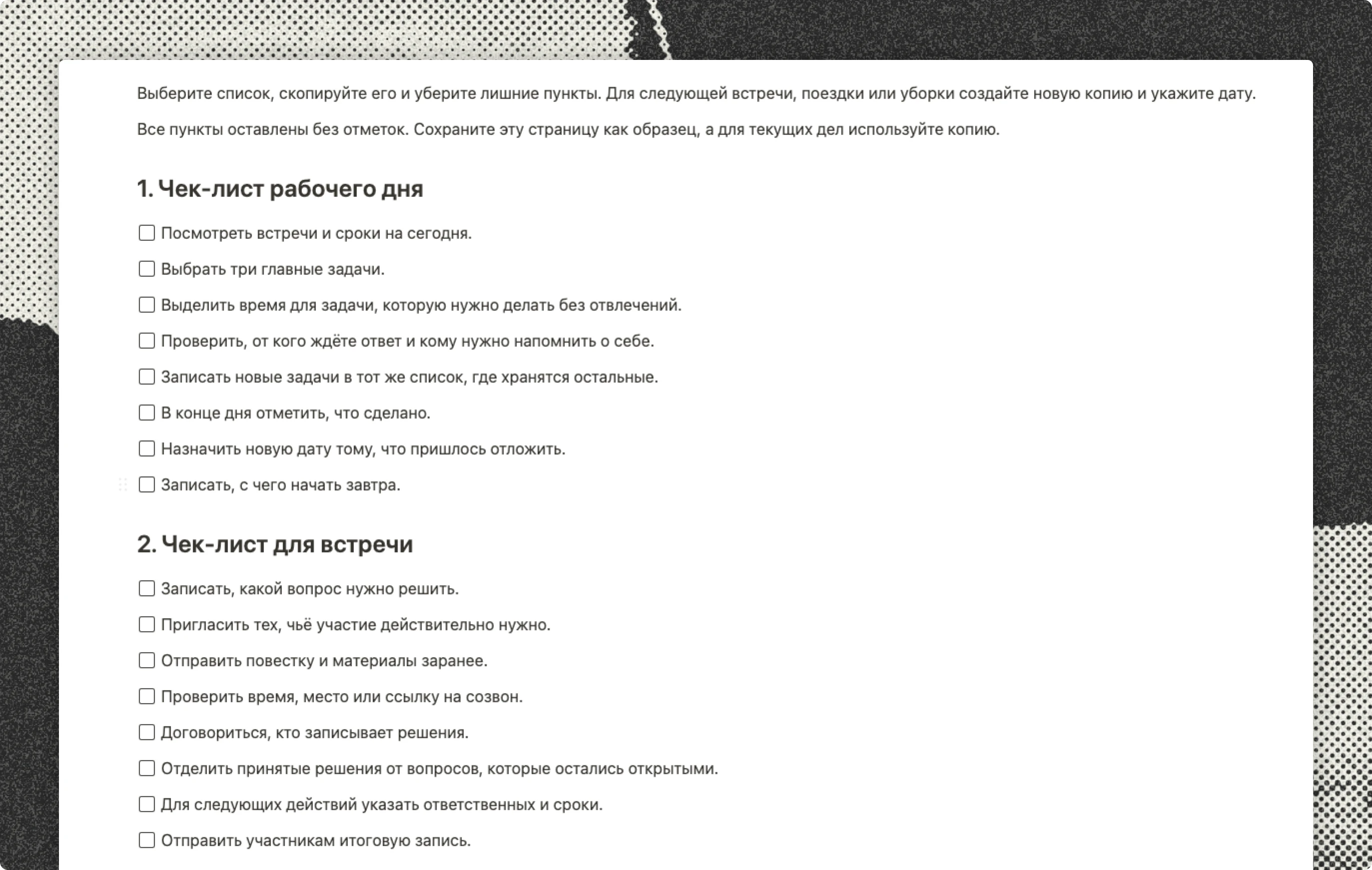
| Simple checklist | Short routine tasks done by experienced people | Opening or closing a shop |
| Step-by-step list | Linear tasks with 5 to 15 steps | Publishing a blog post |
| Hierarchical steps | Tasks where some steps have sub-steps | Month-end reporting |
| Flowchart | Tasks with several decisions and branches | Handling a refund or complaint |
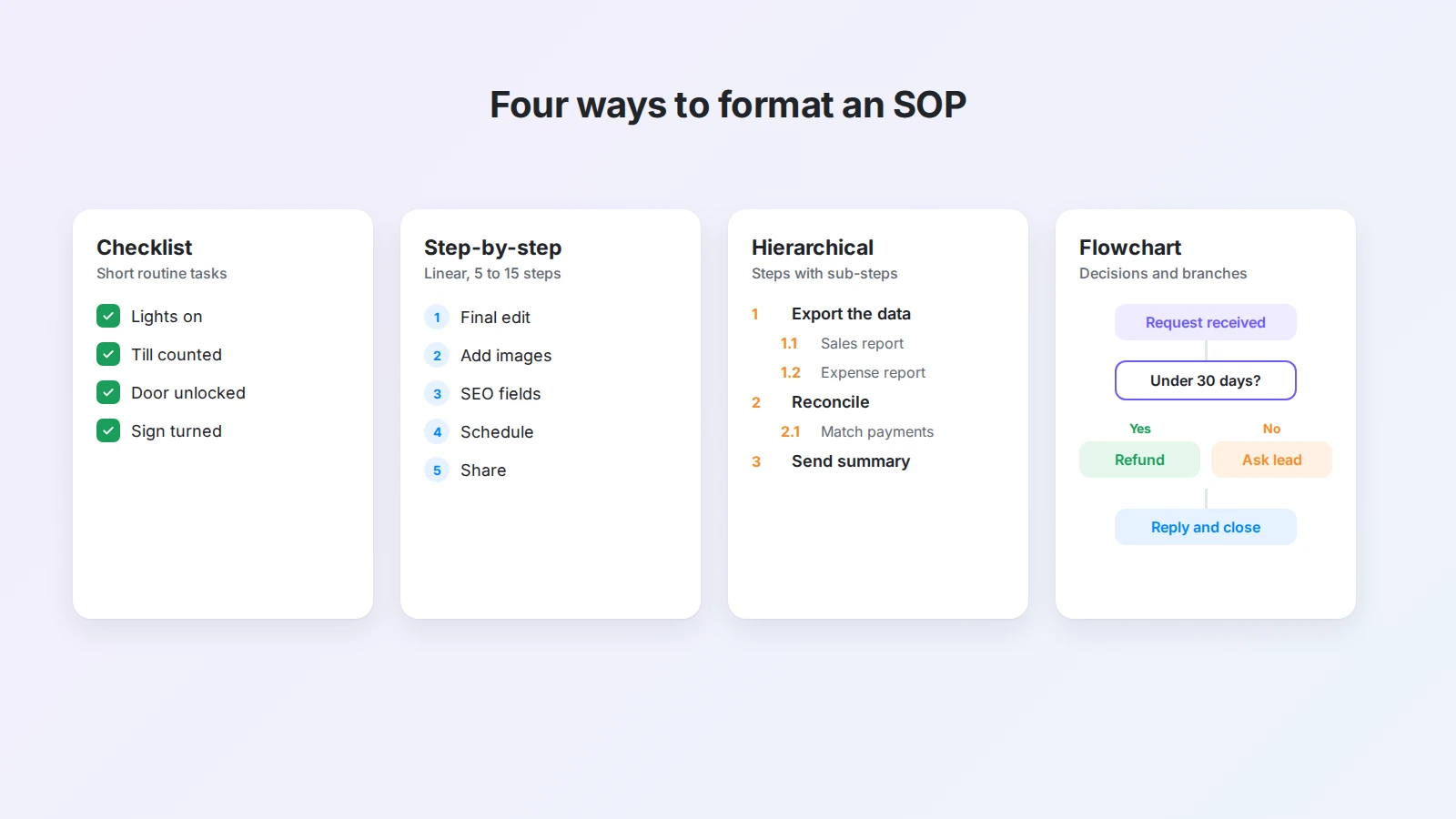
When in doubt, start with a step-by-step list. You can add a small flowchart for the one decision that matters later.
SOP example: refund request handling
Here is a complete example you can adapt.
Title: Refund request handling
Purpose: Resolve every refund request within two business days under the 30-day refund policy.
Scope: Starts when a customer asks for a refund by email or chat. Ends when the customer has a reply and the ticket is closed. Does not cover chargebacks, which follow the payment dispute SOP.
Roles: Support agent reviews the request and replies. Support lead approves exceptions.
Before you start: Access to the help desk and the payment system.
Steps:
- Find the order by email address or order number and confirm the purchase date.
- Check the request against the 30-day policy and the condition of the item.
- If the request qualifies, issue the refund in the payment system and add a note to the order.
- If it does not qualify, send it to the support lead with a short summary before replying.
- Reply to the customer with the outcome and when the money will arrive.
- Close the ticket and tag it "refund".
Done check: The customer has a reply, the order shows the refund or the reason for refusal, and the ticket is closed with the right tag.
Exceptions: Damaged items reported within 7 days are refunded without a return. Orders paid by bank transfer are refunded by the finance team; forward them with the order number.
Owner and review: Support lead. Next review in April.
For project work, compare it with the structure of this project management SOP template.
Write an SOP faster with AI
The slowest part of writing an SOP is turning scattered knowledge into a clean structure. AI is good at exactly that.
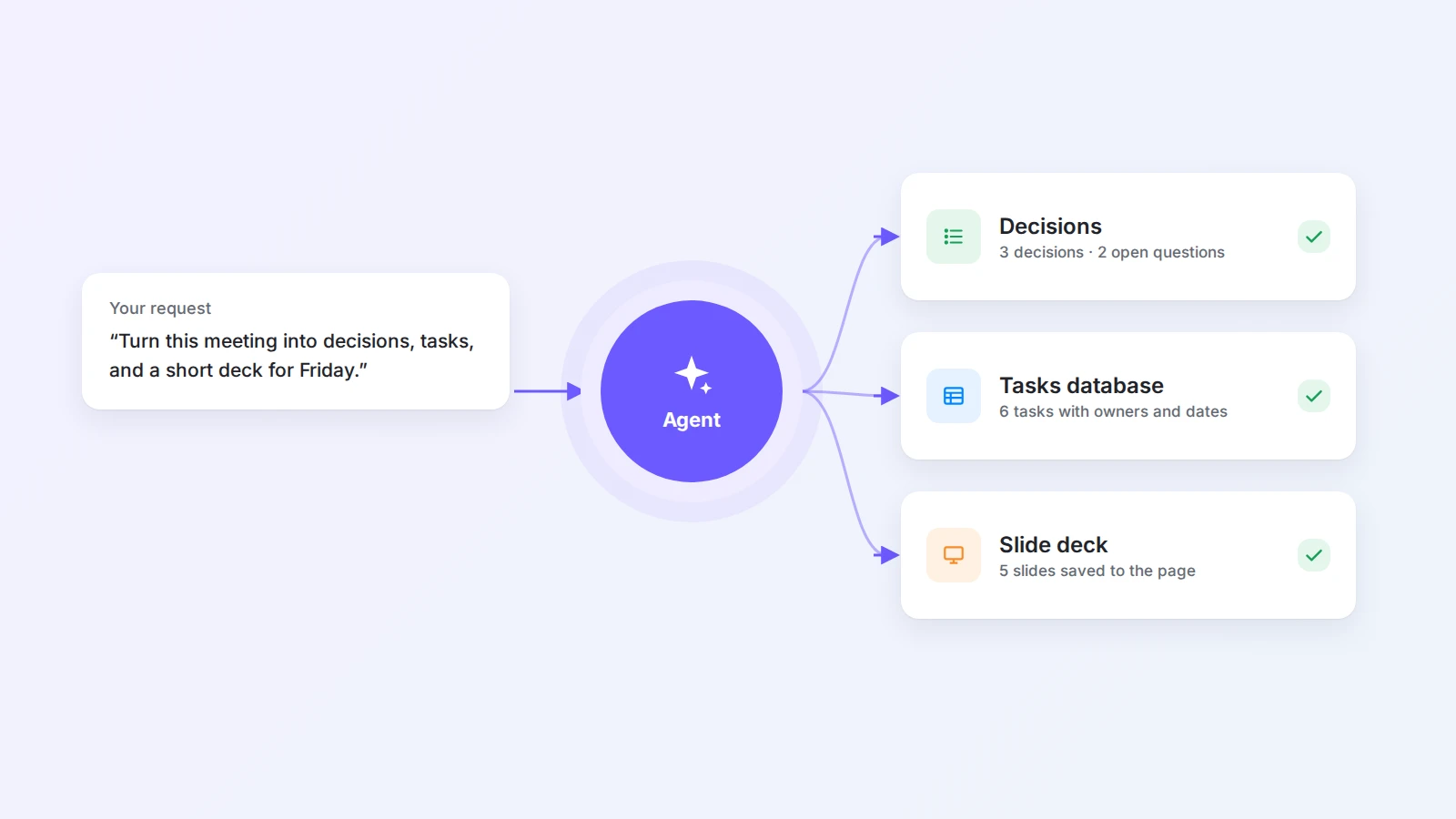
With the free AI SOP generator, you describe the process the way you would explain it to a colleague, and Buildin Agent writes a draft with a title, purpose, roles, numbered steps, and a done check. If your description leaves something open, it fills in a sensible step and marks it for you to confirm.
You can also start from material you already have. Paste meeting notes, a chat thread, or a recording transcript into a Buildin page and ask:
Turn these notes into an SOP with purpose, scope, roles, numbered steps that start with a verb, exceptions, and a done check. Mark anything you had to guess.
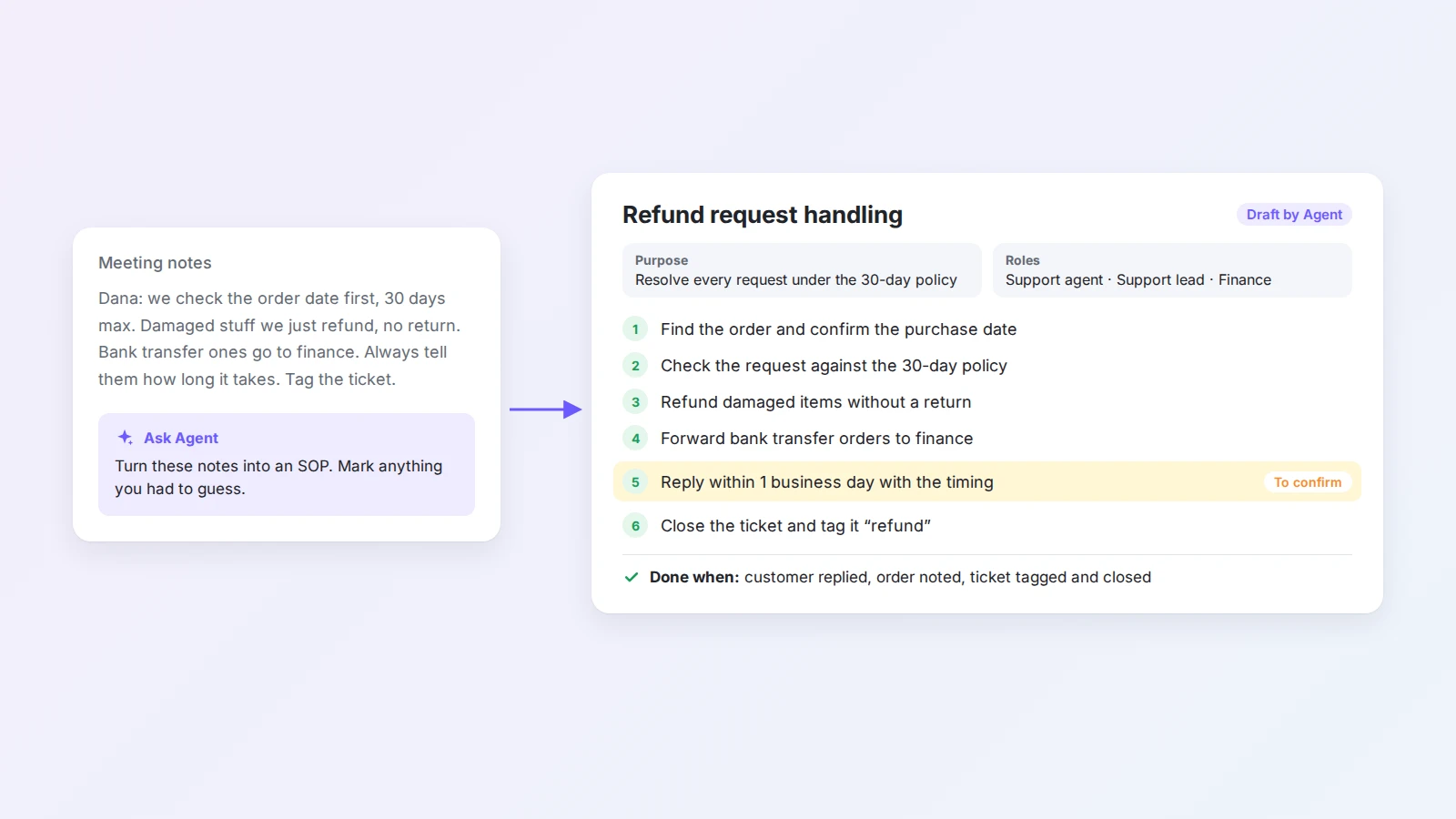
Treat the result as a first draft. The person who does the work should check every step, correct what does not match reality, and confirm the marked items. Then test it with someone new, as in step 6. For more ways to hand this kind of work to AI, see what an AI agent for work can do.
Keep SOPs up to date
An outdated SOP is worse than none, because people follow it and get it wrong. A few habits keep procedures current:
- Review on a schedule. Put the review date in the SOP and in the owner's calendar.
- Update when something changes. New tool, new policy, or a repeated mistake are all reasons to revise.
- Make feedback easy. Let people comment directly on the SOP page when a step is unclear.
- Note what changed. A short change log at the bottom tells readers what is new.
- Learn from problems. When something goes wrong, ask whether the SOP was missing, unclear, or ignored. Methods like the 5 whys and PDCA help here.
Common SOP mistakes
- Writing from memory alone. The writer skips steps that feel obvious. Always check with the person who does the work.
- Too much text. Long paragraphs hide the steps. Keep explanations short and move background to a linked page.
- Vague words. "Promptly", "if needed", and "as appropriate" mean different things to different people.
- No owner. Without an owner, nobody updates the SOP and it slowly becomes wrong.
- Hidden in a folder. If people cannot find the SOP at the moment they need it, they will not use it.
- One SOP for everything. If a procedure covers several separate tasks, split it.
Start with one procedure
You do not need a full operations manual to benefit from SOPs. Pick the one task that causes the most questions or mistakes, write it down this week, and test it with a colleague.
Once the first SOP is in use, the next ones go faster. Keep them together in one place, link them from where the work starts, and let the team improve them over time. If you want a head start, describe your process in the AI SOP generator and edit the draft with the person who knows the work best.

Amara Elara
Specializes in visualizing complex processes and improving product education. Responsible for user support, product tutorials, and visual guides at Buildin, helping users improve tool adoption and overall productivity.