What Is a PRD? How to Write a Product Requirements Document
Learn what a PRD is, how it differs from a BRD, what sections to include, and how to align your team on requirements before development begins.
A PRD (Product Requirements Document) explains what problem a product solves, who it is built for, and what outcome the team should achieve. It helps product managers, designers, engineers, and other stakeholders share the same understanding of a release before implementation details begin.
A PRD does not have to be long. For a small feature, a single clear page is enough; for a new product, a more detailed document is needed. In both cases, clarity matters most: after reading it, the team should know what is in scope, why it matters, and what success looks like.
What Is a PRD in Simple Terms
Imagine a team wants to add real-time collaborative editing to a document tool. The PRD does not start with choosing a sync protocol. It first establishes: users waste time sending file versions back and forth; the target audience is small teams; the desired outcome is that multiple participants can safely work on the same page at the same time.
This context protects the product from accidental features and helps make decisions when trade-offs arise. Instead of asking "can we build this?", the team asks "does this solve the user's problem and advance the release goal?"
PRD vs BRD: What Is the Difference
A PRD and a BRD (Business Requirements Document) serve different purposes and are not interchangeable.
| Document | Key Question | Typically Includes |
|---|---|---|
| PRD | What are we building and why? | Problem, users, goals, scenarios, priorities, success criteria |
| BRD | Why should the business invest? | Business case, ROI, strategic alignment, stakeholder impact |
Some teams combine these into a single document. That is fine as long as the distinction between product context and business justification remains clear.
How to Structure a PRD
Use this structure as a minimal framework:
- Context and problem. What is happening now and why does it hurt the user or the business?
- Goal and success criteria. What change should occur and how will you measure it?
- Target audience and scenarios. Who will use the feature and in what situation?
- Release scope. What is included in the first version, and what is deliberately deferred?
- Functional requirements. What actions should the user be able to perform?
- Risks, dependencies, and open questions. What could affect the timeline or solution?
- Sign-off plan. Who makes decisions and when should the document be updated?
How to Write a PRD in Five Steps
1. Start with the User Problem
Describe the problem in observable terms without assuming a solution. Instead of "we need a new filter," write: "users cannot quickly find tasks assigned to this week."
2. Define a Measurable Goal
State what will change after launch: for example, search time will decrease, task completion rate will increase, or support tickets will drop. The metric does not have to be perfect, but it sets the direction.
3. Limit the First Release
List the required features and explicitly note what is out of scope. This reduces scope creep and makes team discussions more honest.
4. Review the Document with Your Team
Ask design and engineering to flag ambiguities, technical dependencies, and risks. A PRD is not a one-way assignment; it is a synchronization point.
5. Update the PRD as Decisions Are Made
If the goal, scope, or a key assumption changes, update the document and briefly note the reason. This way, new team members do not have to reconstruct the decision logic from chat history.
Common PRD Mistakes
- Designing the interface before understanding the user problem.
- Adding every idea without priorities or release boundaries.
- Treating the PRD as final and never updating it after research or technical review.
- Confusing the user outcome with a team task list.
Start with a PRD Template
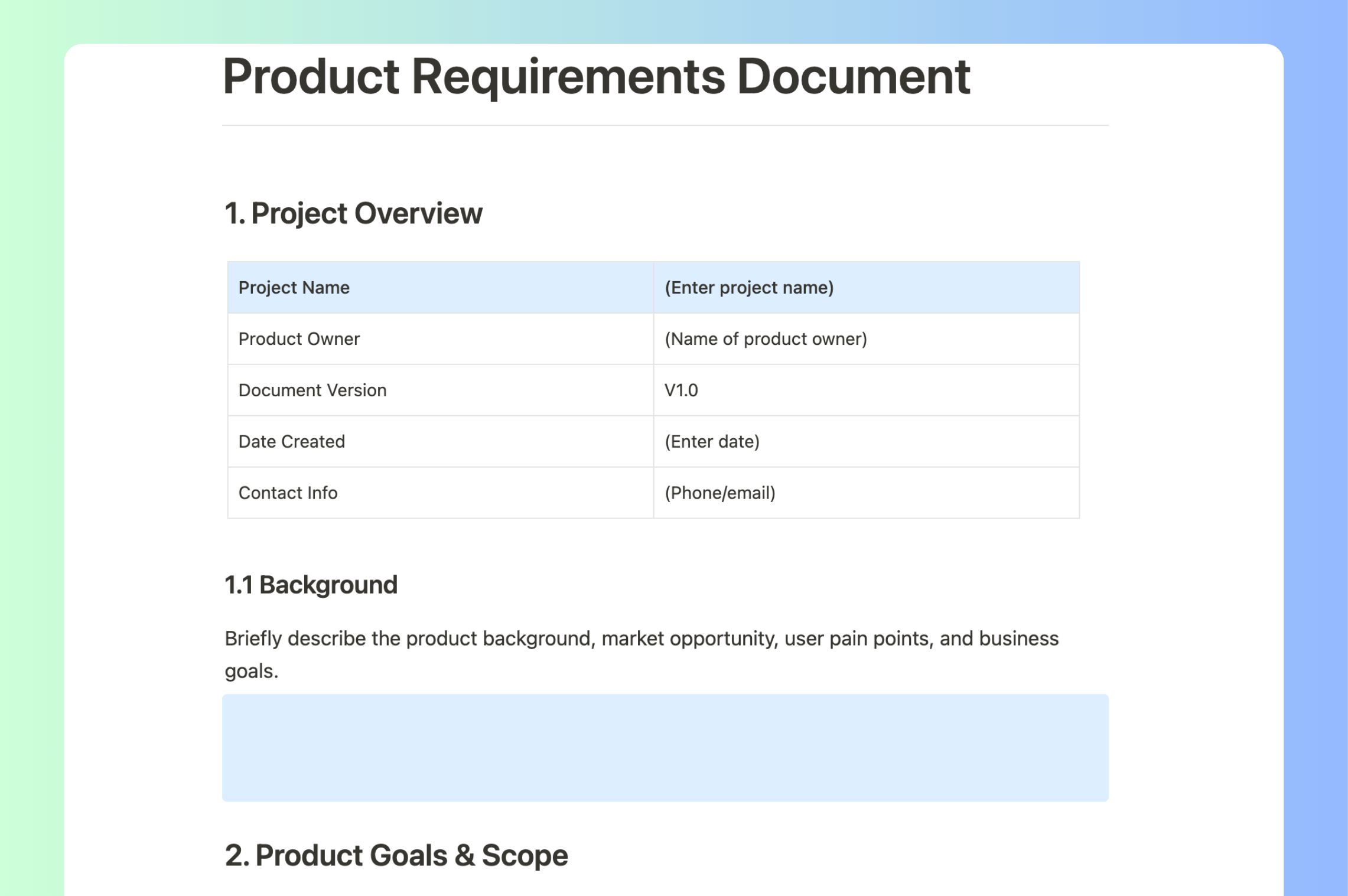
To skip building the structure from scratch, use the Buildin PRD template. It already includes sections for goals, users, requirements, timelines, and risks; your team just needs to fill them in for the specific product and discuss open questions.

Buildin Team
Shares the latest Buildin updates, product releases, and usage guides, along with practical insights into knowledge management, content creation, team collaboration, and the evolution of AI. Content is based on real product development and user feedback, helping teams work more efficiently with Buildin.