AI agent examples: 15 work tasks you can hand off today
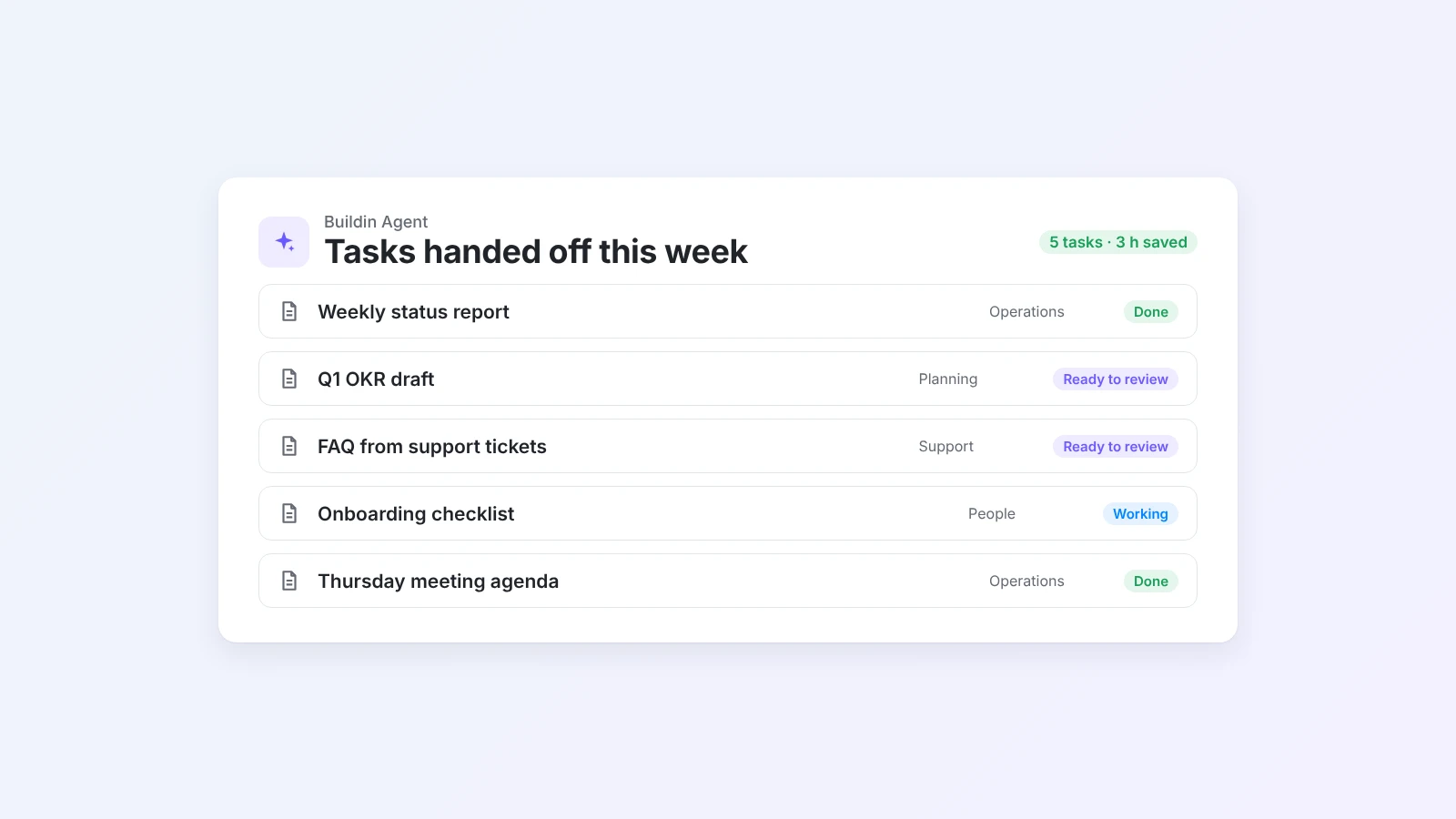
Most people know AI agents can help at work, but not which tasks to hand off first. Here are 15 real examples grouped by team, each with what to give the agent, a request you can copy, and what to check before you share the result.
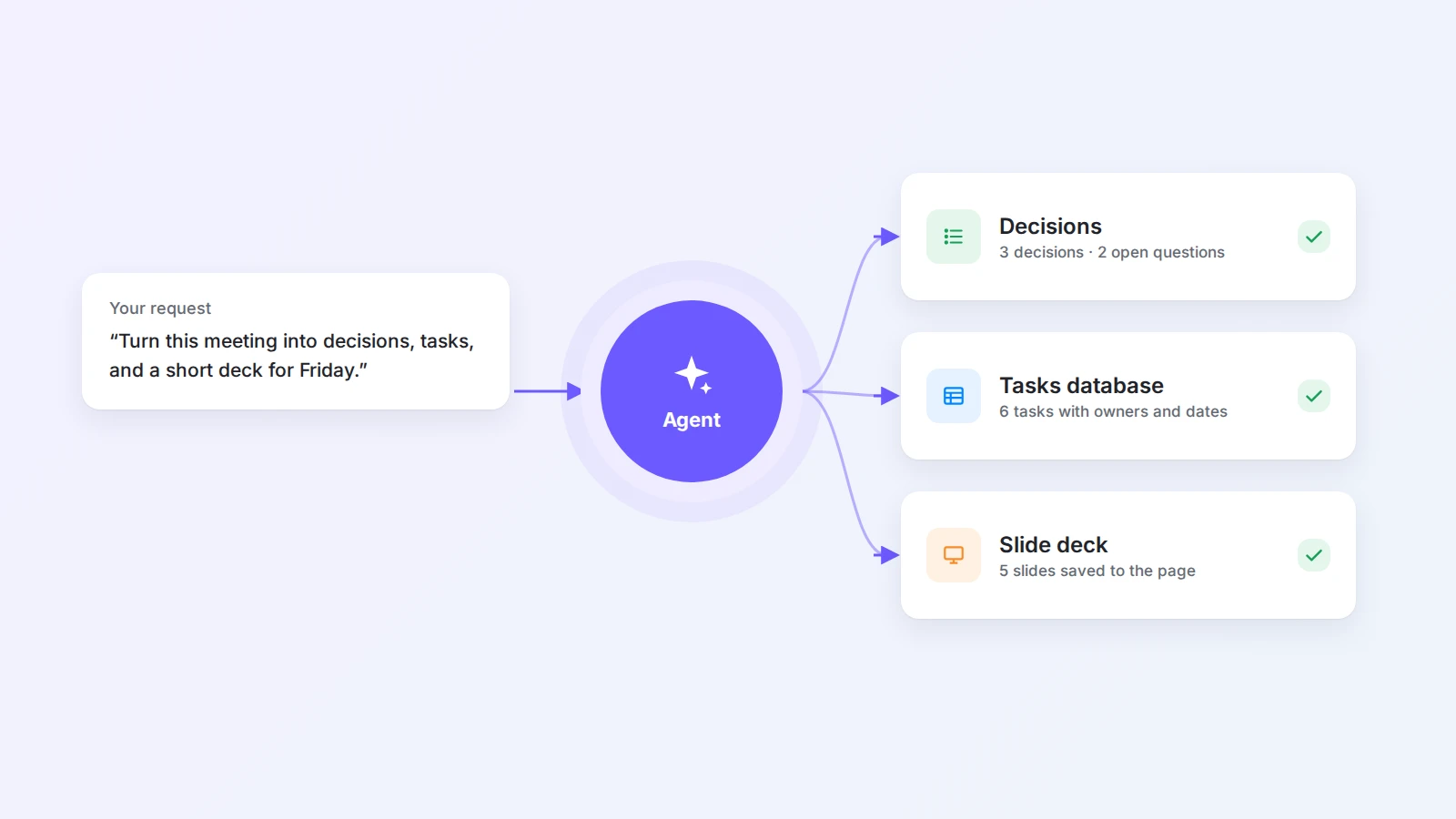
AI agents are everywhere in product announcements, but most teams still use them like a smarter search box: one question, one answer, copy and paste. The real time savings come when you hand off a whole task, such as "turn this week's notes into the status report and put it on the team page", and only check the result.
The hard part is knowing which tasks to start with. If you are new to the idea, our guide on what an AI agent for work is explains how agents differ from chatbots and automation. This post is the practical follow-up: 15 tasks grouped by team, each written as a hand-off you can copy.
The short answer
The best tasks to hand off to an AI agent repeat often, have clear inputs, produce something you can check in a few minutes and are low risk if the first draft is wrong. Good examples are weekly status reports, SOPs from process notes, meeting agendas, OKR drafts, project trackers, FAQ drafts from support tickets, social posts from an article, job descriptions and onboarding checklists. For each one, tell the agent what to read, what to produce and where to put it, then review before you share.
What makes a task easy to hand off
Before you pick a task, run it through four quick questions:
- Does it repeat? A weekly task pays back the setup many times.
- Are the inputs written down? The agent can only use notes, pages and tables it can see.
- Can you check the output fast? A one-page draft takes minutes to review. A strategy does not.
- Is a wrong draft cheap? Start where a mistake costs an edit, not a customer.
If a task gets four yeses, it is a strong first candidate.
How to hand off a task: the four-part brief
A good request to an agent reads like a short brief to a new colleague. It has four parts.
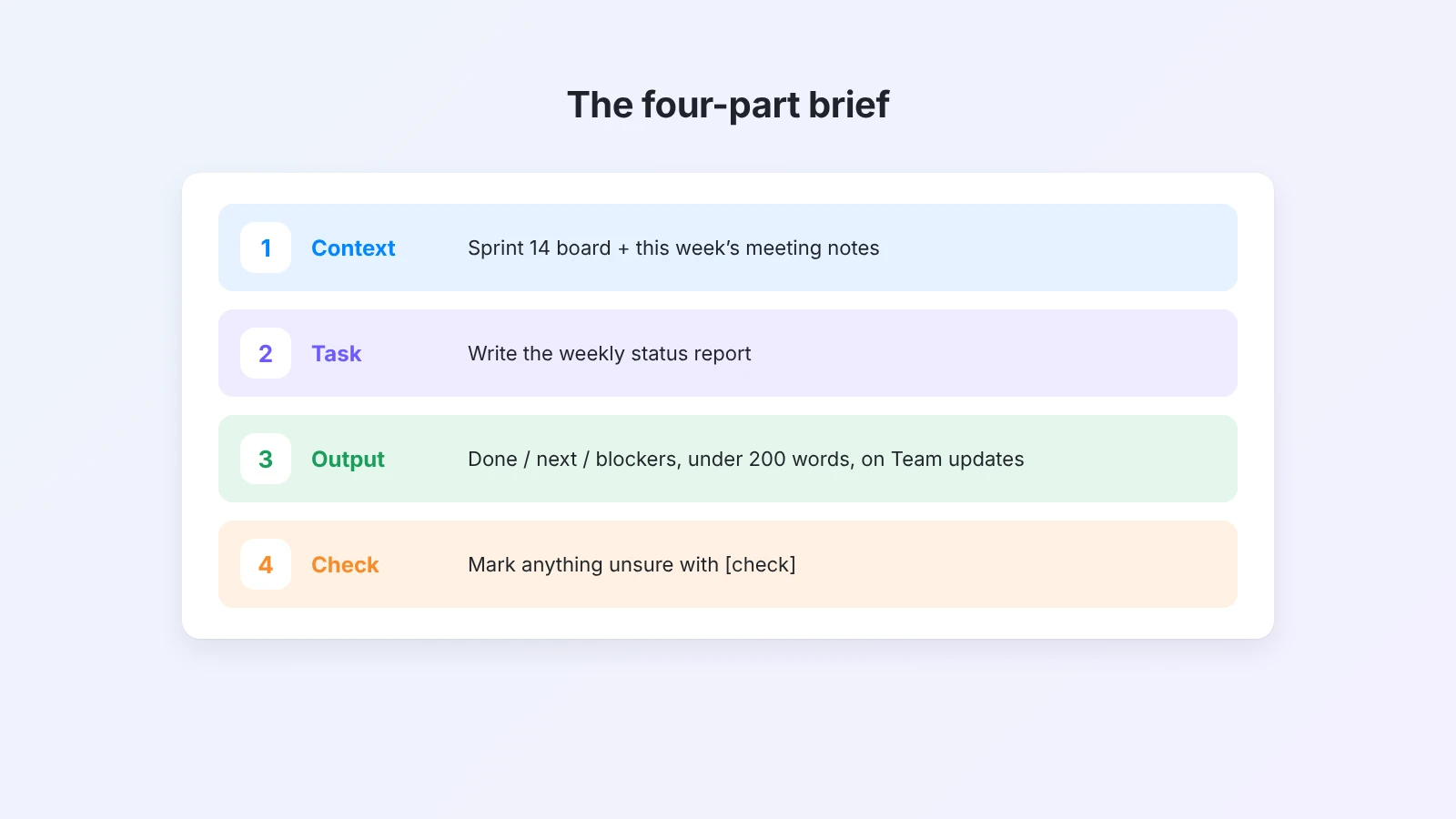
- Context: which pages, notes or tables to use.
- Task: what to do with them, in one sentence.
- Output: the format, length and where to put the result.
- Check: what you will review, so the agent can flag anything it is unsure about.
Here is the difference in practice:
Vague: "Write a status update."
Brief: "Using the Sprint 14 task board and this week's meeting notes, write a status report with three sections: done, next and blockers. Keep it under 200 words, put it on the Team updates page and mark anything you are unsure about with [check]."
Every example below follows this pattern.
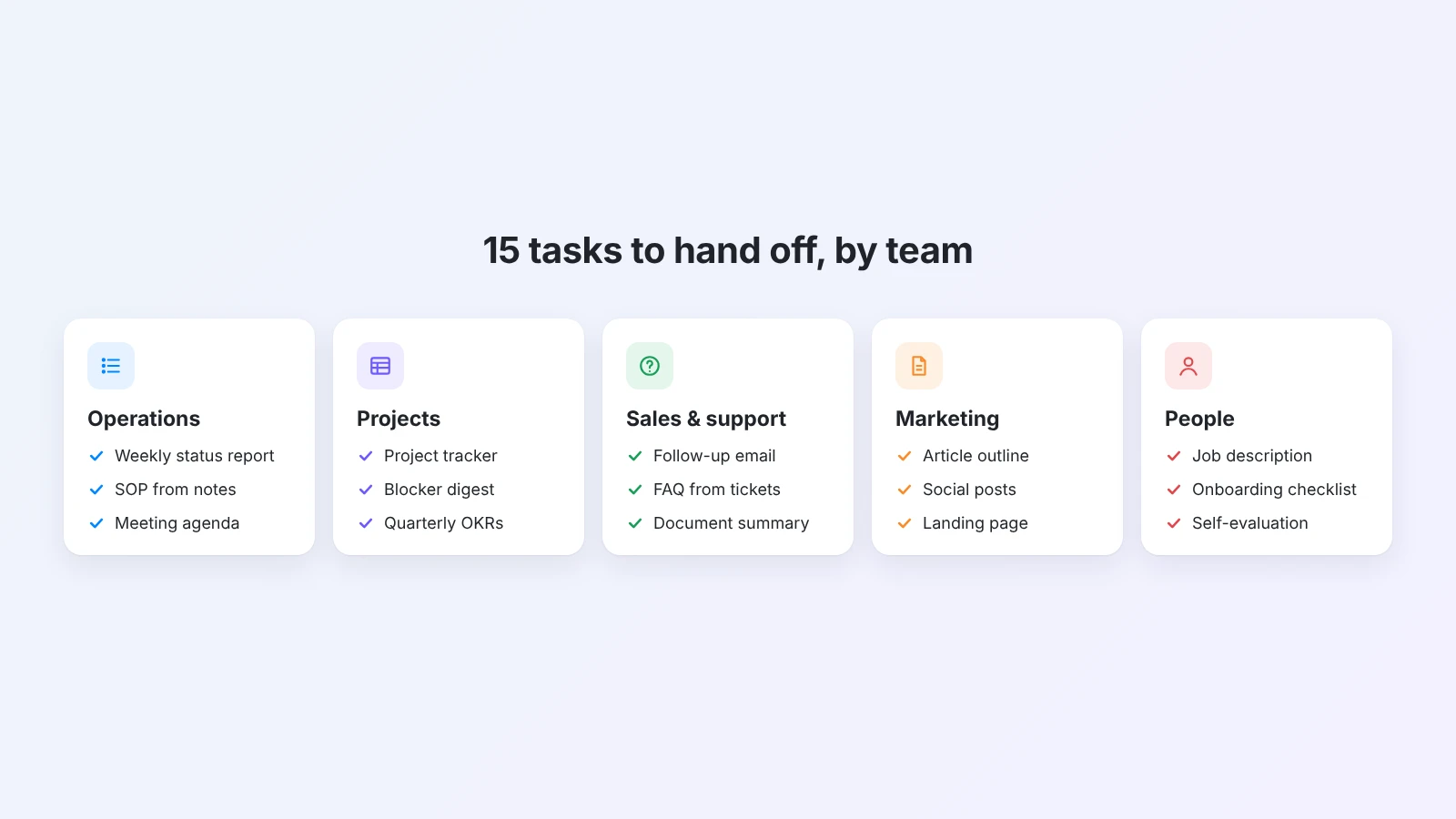
15 AI agent examples, grouped by team
Operations
1. Write the weekly status report
- Give it: your task board and this week's meeting notes.
- Ask: "Draft this week's status report with done, next and blockers. One line per item, under 200 words."
- You check: that blockers are real and nothing sensitive is included.
If you only want the text, the AI weekly report generator turns rough notes into a report in a minute.
2. Turn process notes into an SOP
- Give it: a messy page of steps, a call transcript or a screen-recording summary.
- Ask: "Turn these notes into an SOP with purpose, roles, numbered steps and a short checklist at the end."
- You check: the order of steps and any tool or approval names.
See how to write an SOP, or start a draft with the AI SOP generator.
3. Prepare the next meeting agenda
- Give it: last meeting's notes and open action items.
- Ask: "Build the agenda for Thursday's 30-minute team meeting. Start with open action items, then two discussion topics with time boxes and owners."
- You check: that the time adds up and the right owners are listed.
The AI meeting agenda generator does this from a short description, and how to write a meeting agenda covers the format.
Projects and planning
4. Build a project tracker from a description
- Give it: a few lines about the project, the team and the deadline.
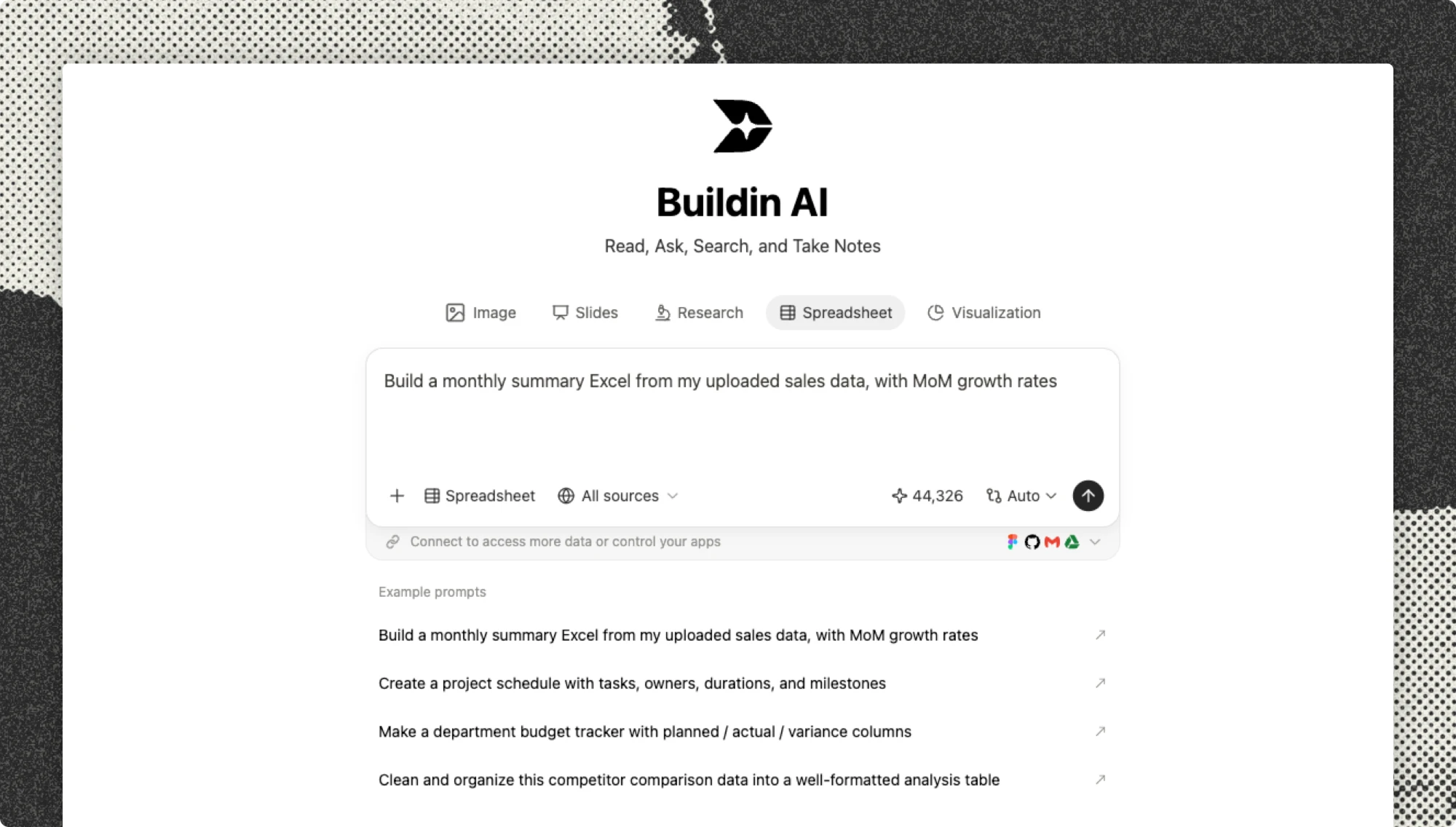
- Ask: "Create a project tracker database with tasks, owner, status, due date and priority. Add the first 15 tasks from this description."
- You check: columns, status options and dates.
For a quick table you can paste anywhere, try the AI spreadsheet generator.
5. Write a Friday blocker digest
- Give it: the project tracker.
- Ask: "List every task that is overdue or blocked, who owns it, how many days late it is and what it is waiting on. Group by owner."
- You check: that "waiting on" is accurate before you share it.
6. Draft next quarter’s OKRs
- Give it: this quarter's results and the team's priorities.
- Ask: "Draft three objectives with three measurable key results each. Use [baseline] where a starting number is missing."
- You check: that each key result is measurable and owned.
The AI OKR generator gives you a starting set, and our guide to OKRs for team productivity explains how to use them.
Sales and customer support
7. Turn call notes into a follow-up email
- Give it: your notes from a sales or customer call.
- Ask: "Write a short follow-up email that recaps what we agreed, lists next steps with dates and asks one clear question."
- You check: promises, prices and dates. Send it yourself.
8. Turn support tickets into FAQ drafts
- Give it: a month of resolved tickets or a support inbox export.
- Ask: "Find the ten most common questions and draft a short FAQ answer for each, using only the replies our team already sent."
- You check: that answers match current product behavior.
9. Summarize a long document for a decision
- Give it: a contract, policy or proposal.
- Ask: "Summarize this in plain language in under 300 words. List the five points that need a decision and any questions for legal."
- You check: the document itself for anything that matters. The summary is a map, not a replacement.
Marketing and content
10. Turn a brief into an article outline
- Give it: a topic, the audience and two or three notes on angle.
- Ask: "Create an outline with a working title, the main question the article answers, H2 sections and the points under each."
- You check: that the angle is yours and the facts are sourced.
11. Repurpose one article into social posts
- Give it: a published article.
- Ask: "Write five short posts for LinkedIn, each built around one idea from the article, with no hashtags and a link at the end."
- You check: tone, claims and that each post stands on its own.
12. Draft a landing page
- Give it: the product, audience and main benefit.
- Ask: "Draft a landing page with a headline, three benefits, a how-it-works section, an FAQ and one call to action."
- You check: every claim against what the product really does.
The AI landing page generator builds a first version you can edit.
People and HR
13. Write a job description
- Give it: the role, team, must-have skills and a past job post.
- Ask: "Write a job description with a short intro, responsibilities, must-have and nice-to-have skills, and how to apply. Keep it under 500 words."
- You check: requirements, pay range and inclusive wording.
14. Build an onboarding checklist
- Give it: the role and your team's tools and rituals.
- Ask: "Create a first-30-days onboarding checklist split into day 1, week 1 and month 1, with an owner for each item."
- You check: access requests and who owns each step.
For a simple shareable list, use the online checklist maker.
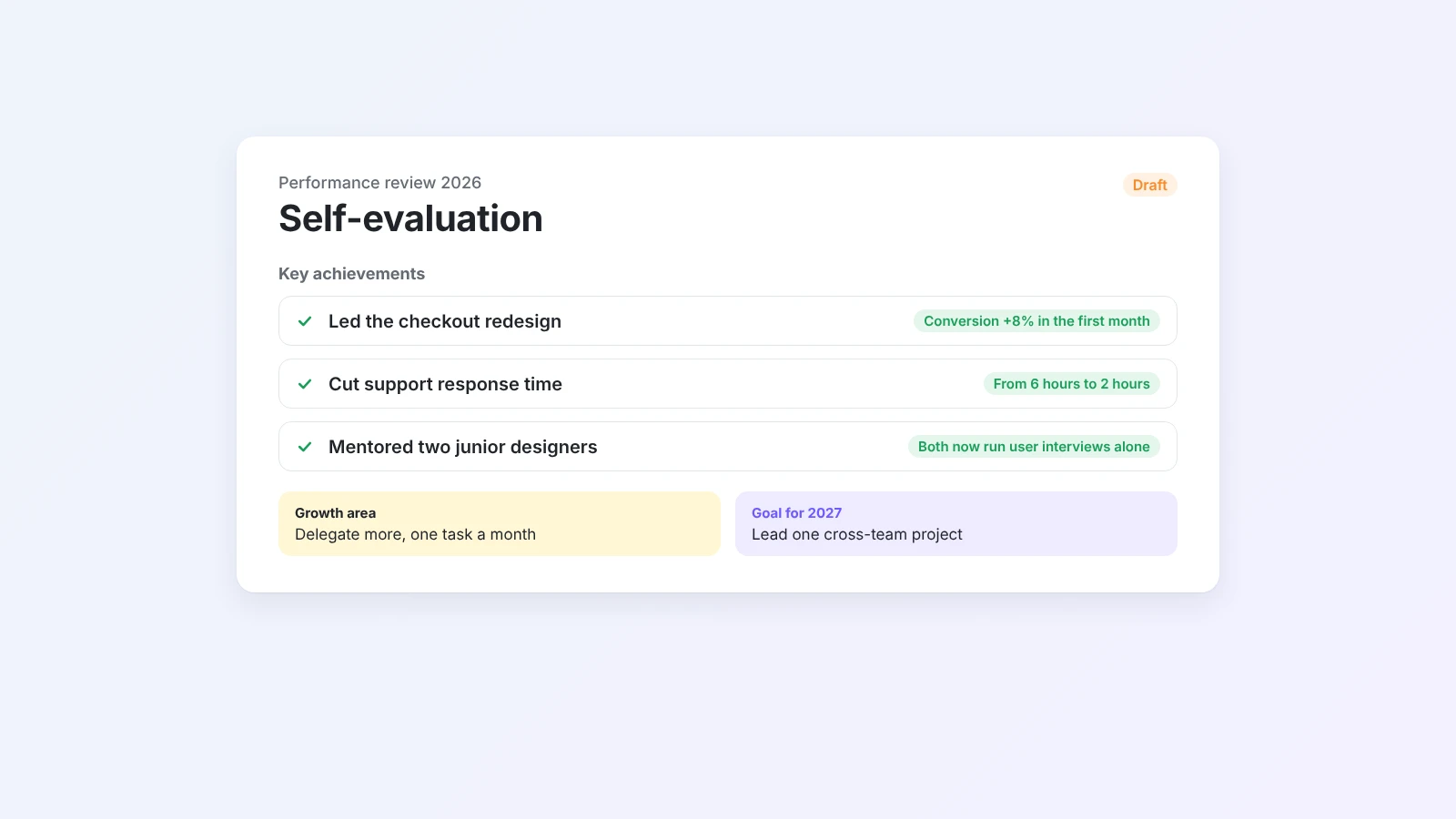
15. Draft a self-evaluation from your wins log
- Give it: a page where you noted wins, numbers and feedback during the year.
- Ask: "Draft my self-evaluation with three to five achievements written with the STAR method, one growth area and two goals. Mark missing numbers with [add number]."
- You check: every claim and number.
The AI self-evaluation generator does the same from pasted notes, and how to write a self-evaluation has 30+ example phrases.
What not to hand off (yet)
Agents are good at drafts. Keep these with a person:
- Final decisions about people, money or legal terms.
- Messages sent in your name without a review, especially to customers.
- Tasks that need context the agent cannot see, such as a conversation that only happened in a hallway.
- Numbers you cannot verify. Ask the agent to leave a placeholder instead of guessing.
Review the output in two minutes
A quick review loop keeps quality high without undoing the time you saved.
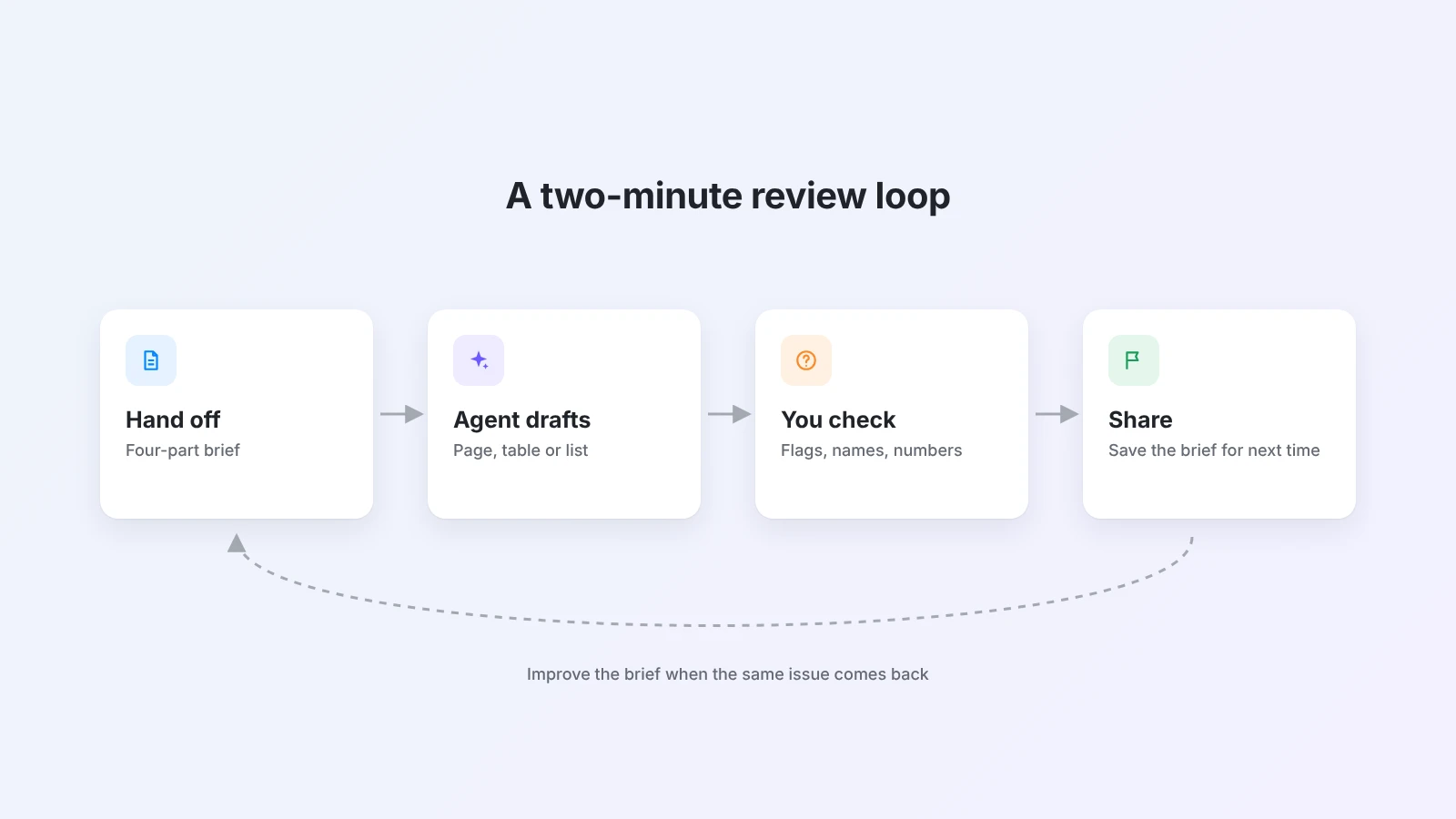
- Read the flagged items first. If you asked the agent to mark doubts with [check], start there.
- Check names, numbers and dates. These are where most errors hide.
- Fix the brief, not only the draft. If the same issue comes back, add one line to your request and save it for next time.
After a few weeks, you will have a small library of briefs that work. That library is where the real time savings live.
Getting started with Buildin Agent
Buildin Agent works inside your Buildin workspace, so it can read the pages, databases and notes you point it to and write the result back as a new page, table or task list. Pick one task from this list that you do every week, write a four-part brief, and run it this Friday. If it saves you 20 minutes, add a second task next week.
Final thoughts
The value of an AI agent is not in a single clever answer. It comes from handing off the repeatable parts of your week, such as reports, agendas, drafts and checklists, with a clear brief and a fast review.
Start with one task, keep the brief that works and grow from there. You can try every example above in Buildin for free.

Amara Elara
Specializes in visualizing complex processes and improving product education. Responsible for user support, product tutorials, and visual guides at Buildin, helping users improve tool adoption and overall productivity.