Q1 planning: how teams set priorities for the new quarter
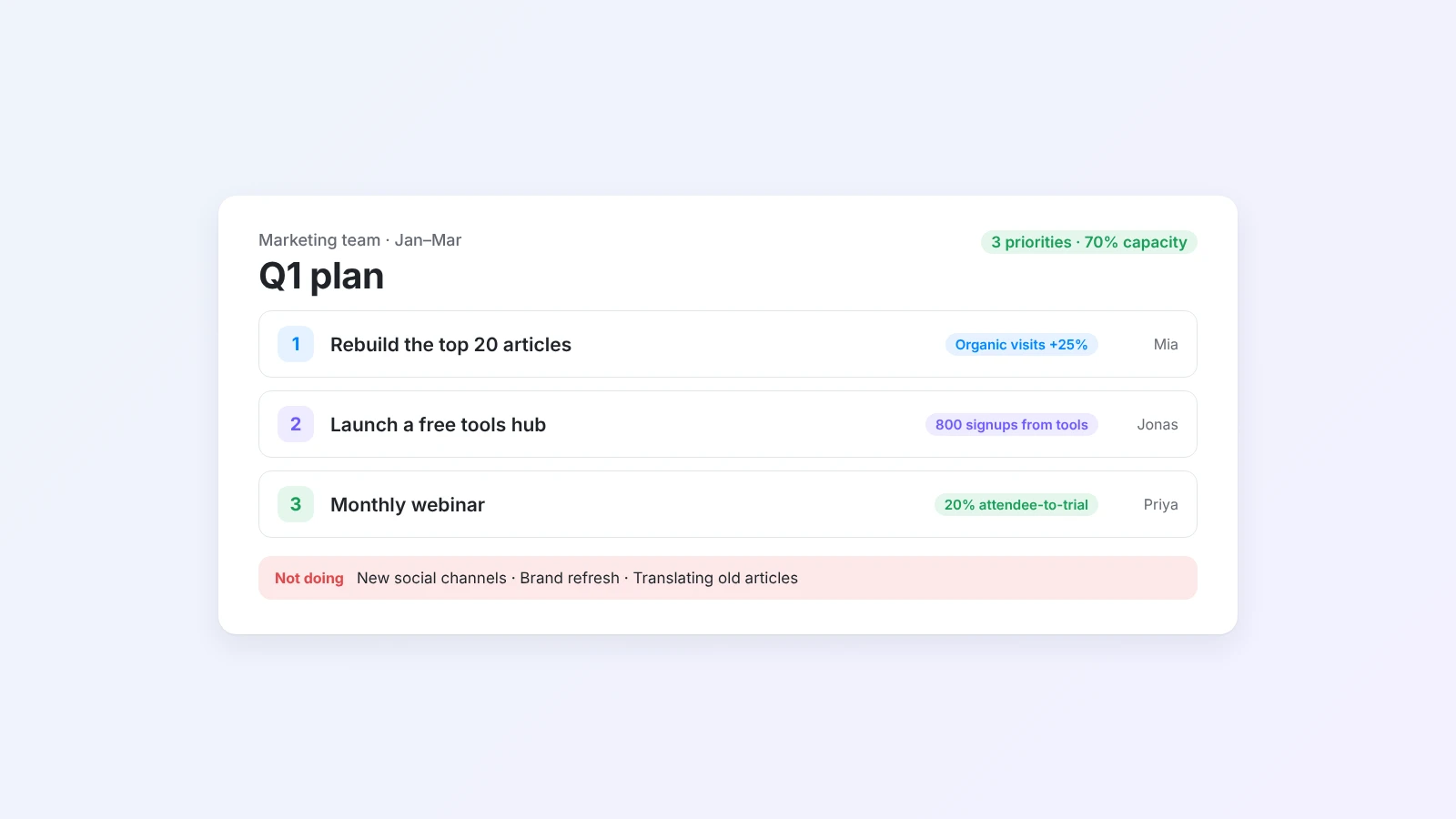
A good Q1 plan fits on one page: three priorities, the goals that measure them, a realistic view of capacity and a list of what you will not do. Here is a seven-step process, a 90-minute planning meeting agenda and an example plan you can adapt.
January has a special kind of energy. Budgets reset, everyone is back from the break and the year feels open. It is also when teams most often overcommit: ten "top priorities", a roadmap that assumes nobody takes a day off and goals that nobody looks at again until March.
Q1 planning fixes that. Not a 40-slide deck, but a short process that ends with a one-page plan the whole team can remember. This guide walks through seven steps, a 90-minute planning meeting and an example plan you can adapt.
The short answer
To plan Q1, start three to four weeks before January. Review the last quarter, collect inputs from company goals, customers and the team, then pick three priorities using impact and effort. Turn each priority into measurable goals or OKRs, check them against real capacity (plan about 70%), write a one-page plan with owners and a "not doing" list, and set a weekly check-in so the plan stays alive. A Q1 OKR draft from the AI OKR generator is a fast way to get from priorities to measurable goals.
When to start Q1 planning
For Q1, the right time is early December. Holidays shorten the last weeks of the year, so leave room:
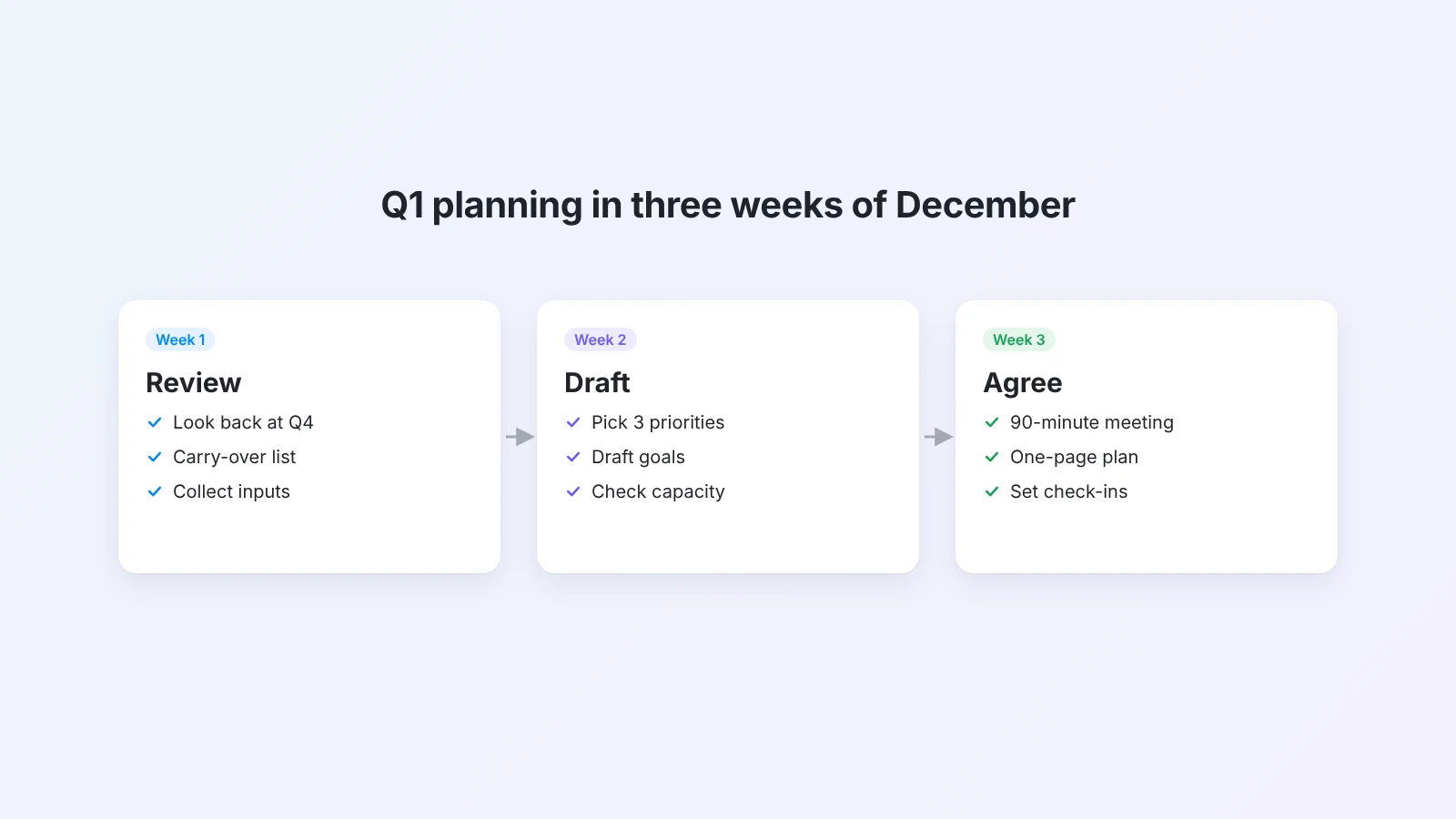
- Week 1: Review. Look back at Q4 and collect inputs.
- Week 2: Draft. Pick priorities, draft goals and check capacity.
- Week 3: Agree. Run the planning meeting, finalize the one-page plan and share it.
Then the first week of January is for starting, not planning.
How to plan Q1 in seven steps
Step 1: Review the last quarter
Spend 30 minutes on an honest look back before you look forward. Answer four questions as a team:
- What did we ship, and what changed because of it?
- What slipped, and why?
- What took more time than we expected?
- What should carry over into Q1, and what should we drop?
The carry-over list matters most. Unfinished work does not disappear on January 1. If it is not in the plan, it will quietly eat the time you planned for something else. Weekly reports make this step much faster: if your team writes them, the AI weekly report generator can also summarize a quarter of them into one review.
Step 2: Collect inputs
A team plan should connect to what is happening around it. Gather:
- Company goals for the year or the first half.
- Customer signals: top requests, complaints, churn reasons.
- Team ideas: what people think would make the biggest difference.
- Constraints: holidays, hiring, launches by other teams, budget.
You do not need to act on everything. You need to see it before you choose.
Step 3: Pick three priorities
This is the hardest step and the one that matters most. List every candidate, then place each one on an impact and effort grid.
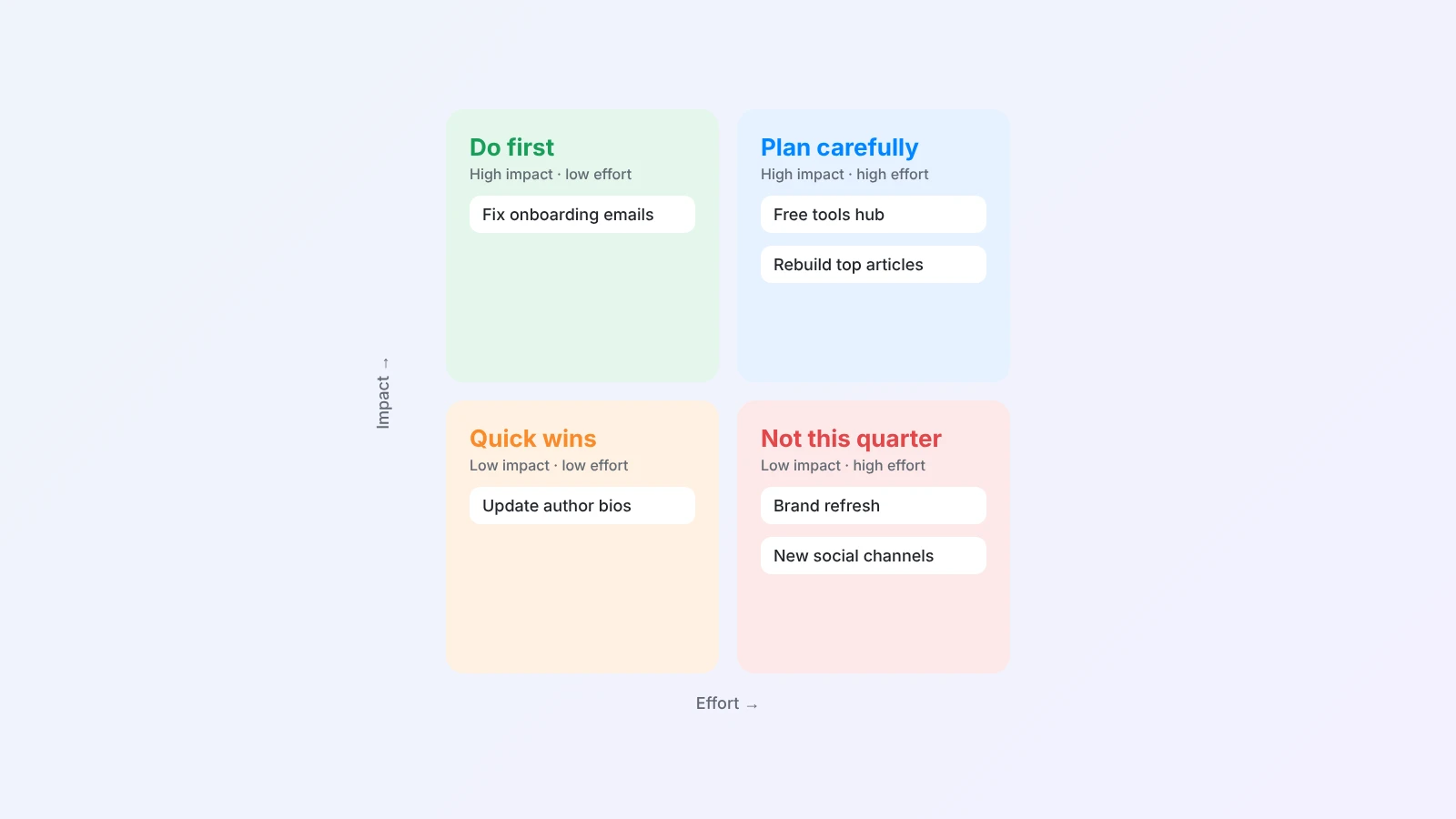
- High impact, low effort: do first.
- High impact, high effort: plan carefully. Usually one of these is your big bet.
- Low impact, low effort: quick wins. Batch them, but do not let them fill the quarter.
- Low impact, high effort: not this quarter.
Choose three priorities. If you must, five. Then write the most important line in your plan: what you will not do this quarter. Saying no out loud is what makes the yes real.
Step 4: Turn priorities into goals
A priority says what matters. A goal says how you will know it worked. For each priority, write one objective and two or three measurable key results:
- Priority: Improve onboarding for new customers.
- Objective: New customers get value in their first week.
- Key results: Week-one activation from [baseline] to 35%. Time to first project under 10 minutes. Onboarding support tickets down 30%.
If you do not have a baseline yet, write "measure baseline in January" as the first key result. That is honest and useful. For more on structure, see our guide to OKRs for team productivity. To get a first draft in a minute, describe your priorities in the AI OKR generator.
Step 5: Check capacity
Most quarterly plans fail on capacity, not on ideas. Do a simple check:
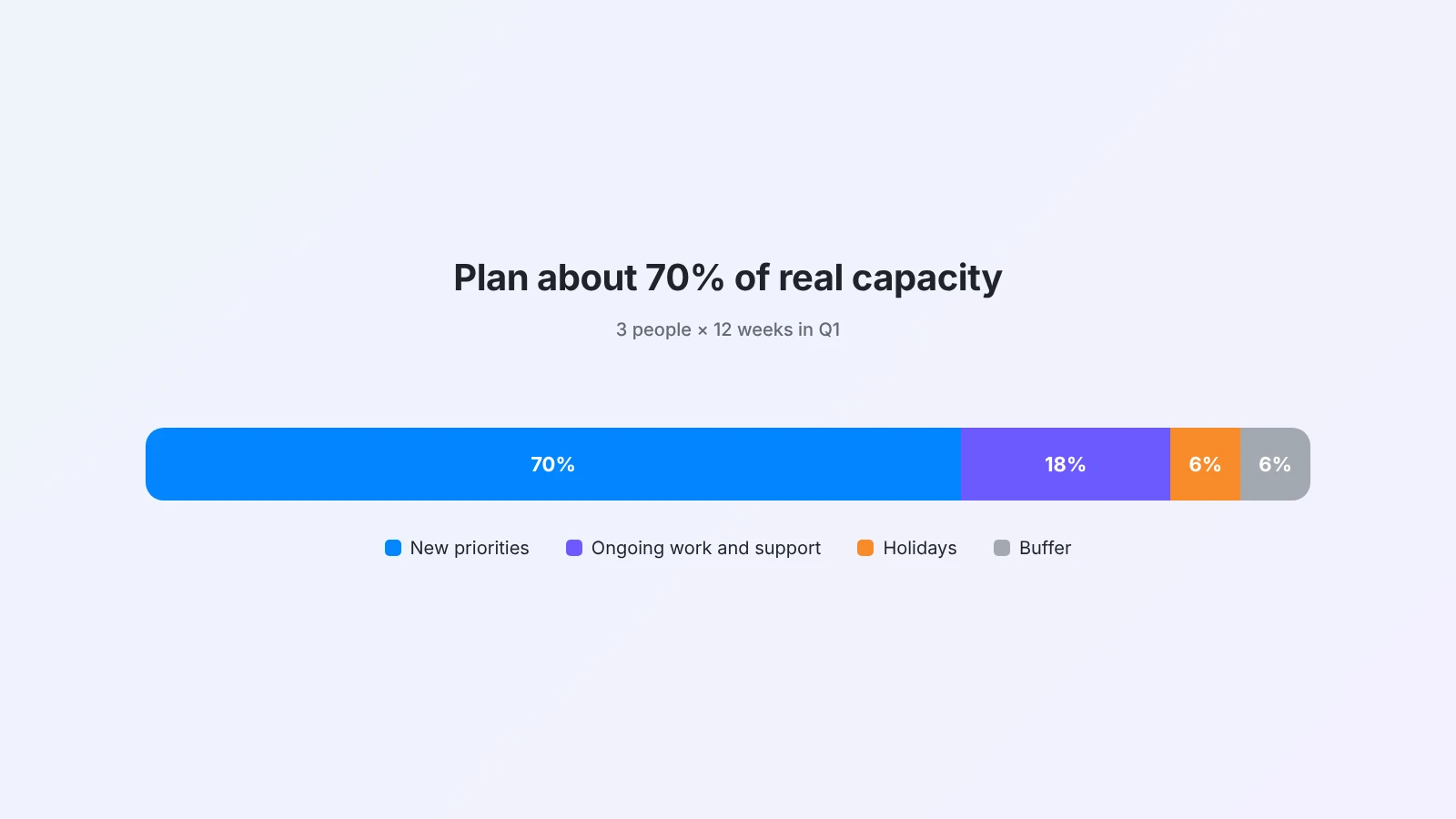
- Count the working weeks in the quarter for each person. Q1 has about 12 to 13, minus holidays.
- Subtract time for ongoing work: support, meetings, maintenance, on-call.
- Plan about 70% of what is left for new priorities. Keep the rest for surprises.
If the priorities do not fit, cut scope or cut a priority. Do not cut the buffer: it will be used.
Step 6: Write a one-page plan
Put the plan where everyone can find it, on one page:
- Team goal for Q1: one sentence.
- Three priorities, each with an owner, objective and key results.
- Key dates: launches, reviews and deadlines.
- Not doing this quarter: three to five items.
- Risks and dependencies: what could block you and who you need.
If it does not fit on one page, it is not a priority list yet.
Step 7: Set the review rhythm
A plan you do not look at is a wish. Put three rhythms in the calendar before the quarter starts:
- Weekly: a 15-minute check-in on key results, or a short weekly report.
- Monthly: a 45-minute review to adjust scope.
- Mid-quarter: a deliberate check on whether the priorities are still right.
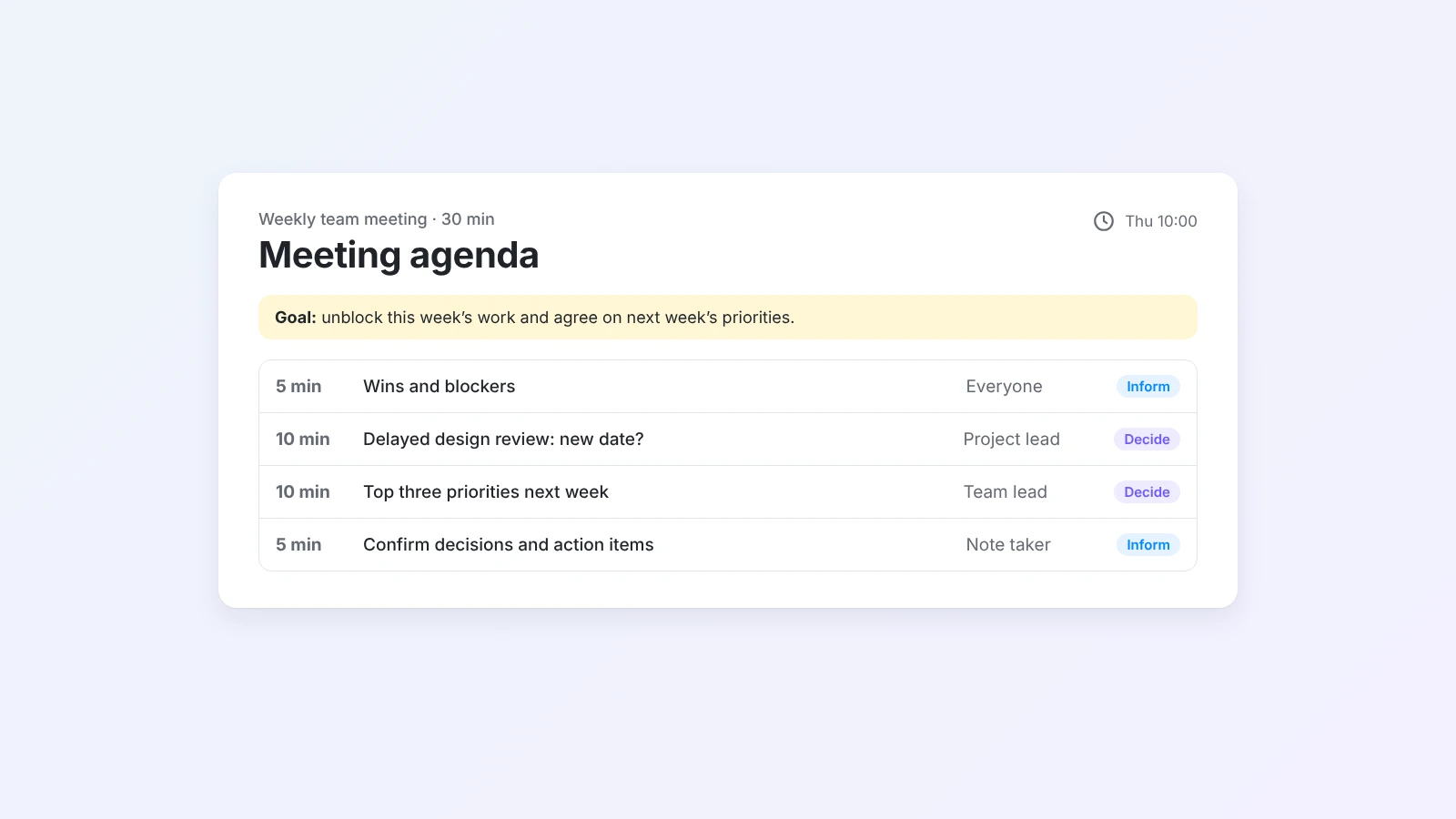
The AI meeting agenda generator can prepare each check-in, and how to write a meeting agenda has formats that keep reviews short.
A 90-minute Q1 planning meeting agenda
Share the review notes, inputs and draft priorities a few days before. Then:
- Q4 review (15 min): shipped, slipped, carry-over.
- Inputs (10 min): company goals, customer signals, constraints.
- Priorities (25 min): discuss the impact and effort grid and agree on three.
- Not doing (10 min): agree what you will drop or delay.
- Goals and owners (20 min): one objective and key results per priority, one owner each.
- Capacity and next steps (10 min): confirm the plan fits and set the review dates.
End the meeting with the one-page plan written, not with "we will write it up later".
Example Q1 plan for a marketing team
Team goal: Grow qualified signups from content without adding headcount.
| Priority | Objective | Key results | Owner |
|---|---|---|---|
| Rebuild the top 20 articles | Search traffic recovers | Organic visits +25%. 15 of 20 articles in the top 5 | Mia |
| Launch a free tools hub | Tools bring new signups | 3 tools live. 800 signups from tools | Jonas |
| Monthly webinar | Webinars convert | 3 webinars. 20% attendee-to-trial rate | Priya |
Not doing this quarter: new social channels, a brand refresh, translating old articles.
Capacity: 3 people × 12 weeks, about 70% planned. The brand refresh moves to Q2.
Common Q1 planning mistakes
- Too many priorities. If everything is a priority, the loudest request wins every week.
- Ignoring carry-over. Last quarter's unfinished work will take time whether you plan for it or not.
- Goals without baselines. "Increase activation" means nothing without where you start.
- Planning 100% of capacity. Holidays, sick days and support work are certain, not surprises.
- No review rhythm. Without weekly check-ins, the plan is forgotten by February.
Run Q1 planning in Buildin
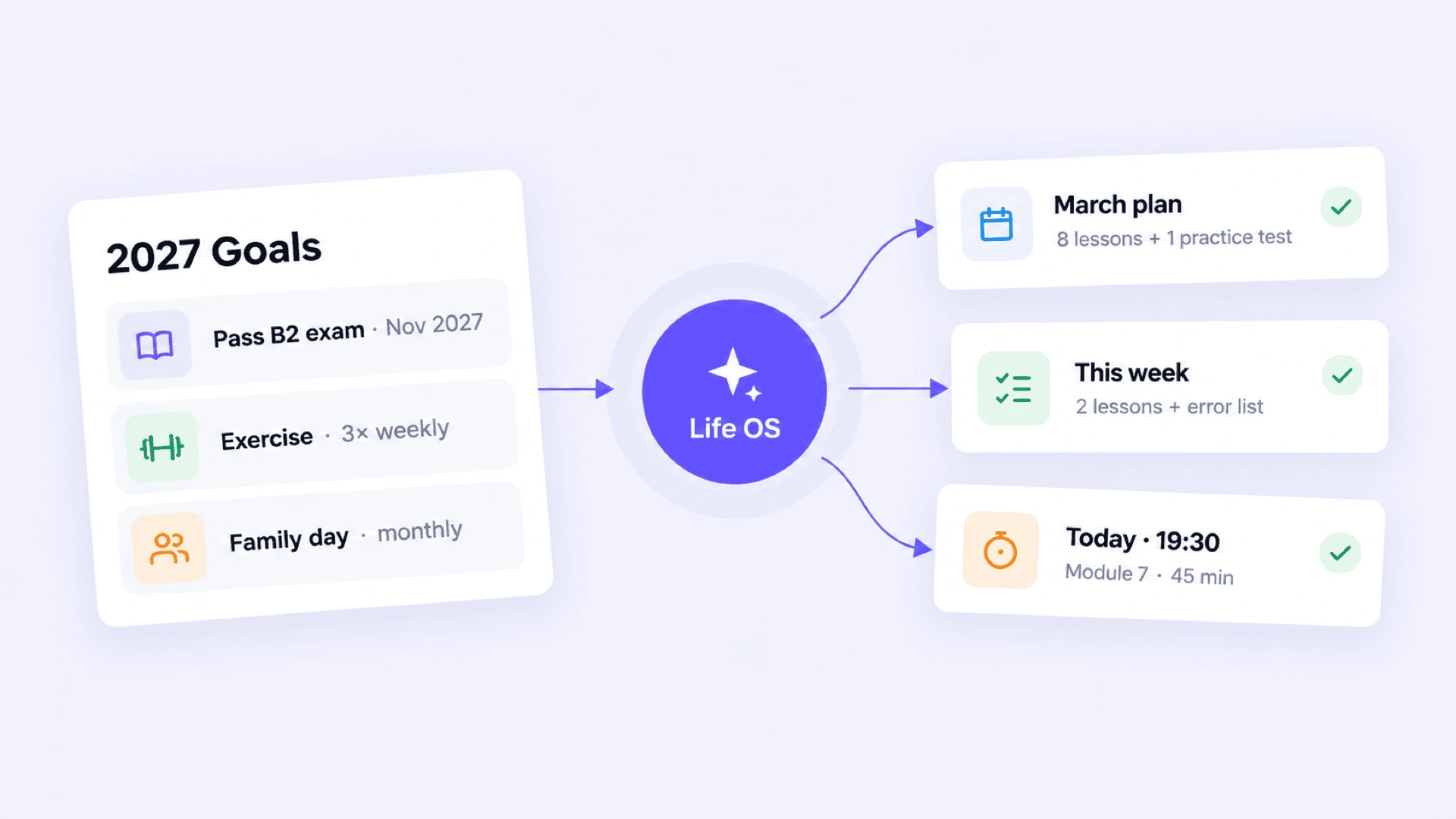
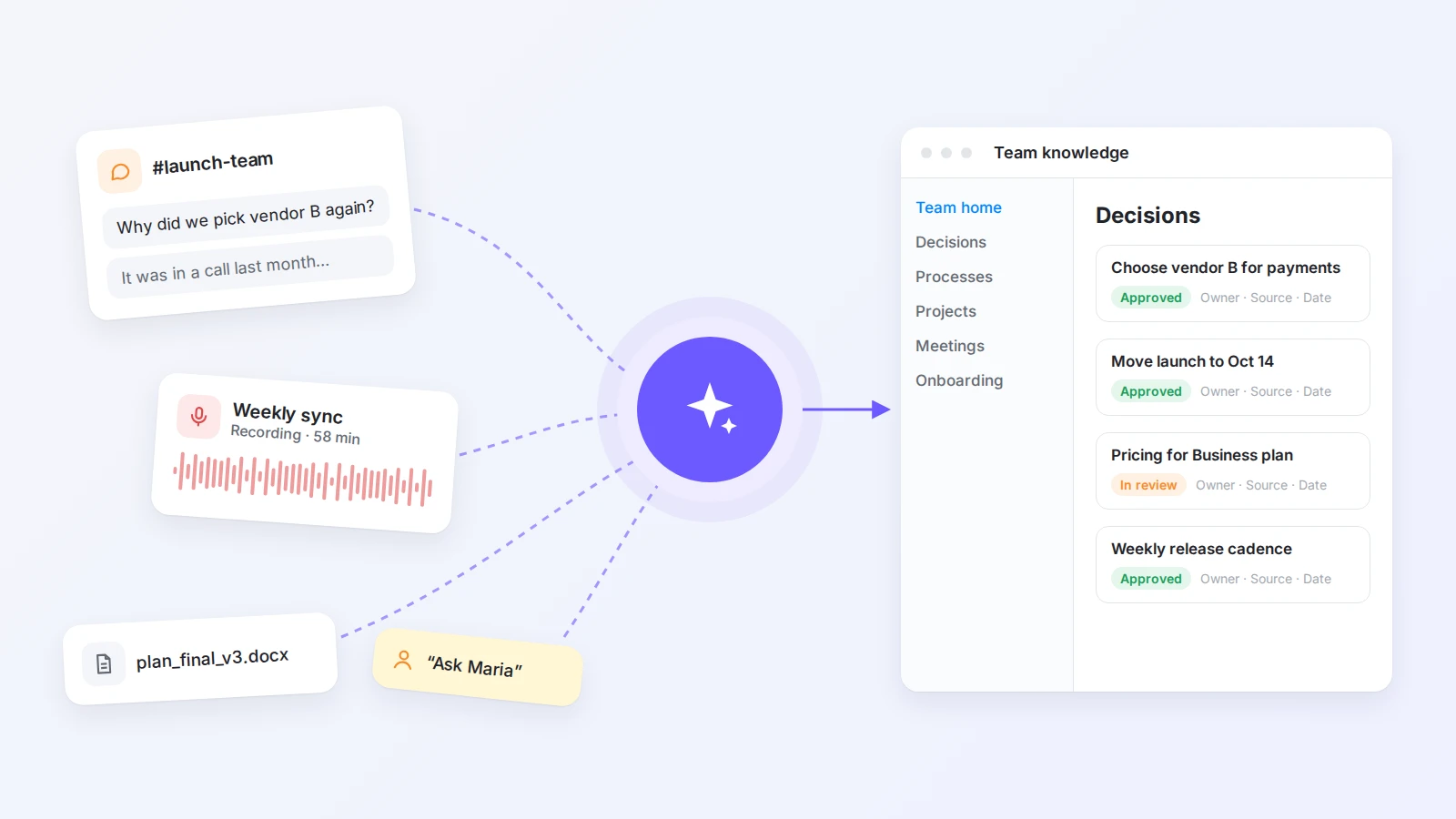
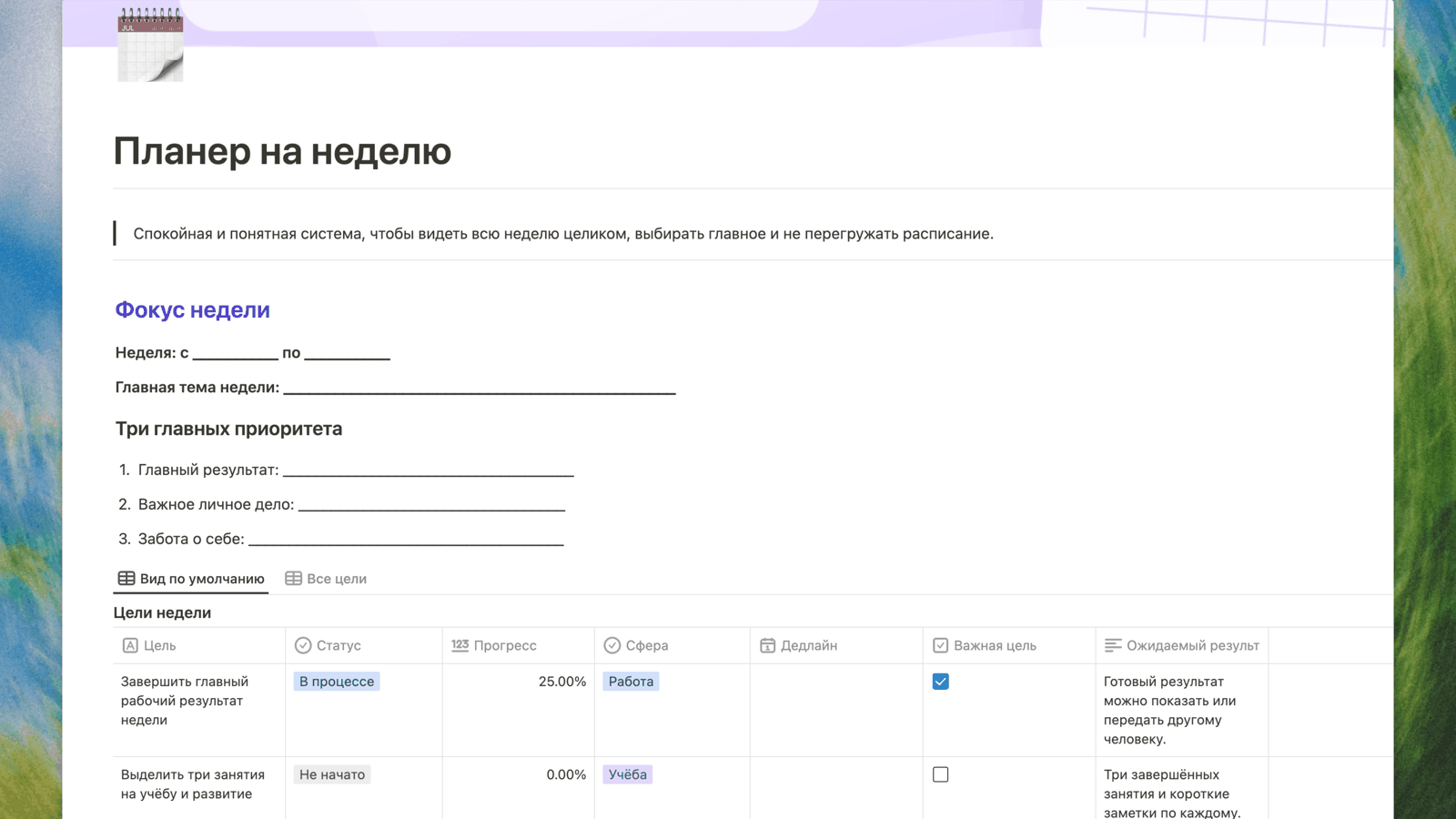
In Buildin, the review, the planning meeting notes, the one-page plan and the weekly check-ins can live in one workspace, with priorities and key results tracked in a database. Buildin Agent can read your Q4 weekly reports and draft the review, turn a list of priorities into an OKR table or prepare the agenda for each check-in. If you are also setting personal goals for the year, see how to set goals for 2027.
Final thoughts
Good Q1 planning is not about predicting everything. It is about choosing a few things on purpose, writing down how you will know they worked, being honest about capacity and checking in often enough to adjust.
Start your review this week, draft your goals with the AI OKR generator and keep the one-page plan in Buildin for free.

Amara Elara
Specializes in visualizing complex processes and improving product education. Responsible for user support, product tutorials, and visual guides at Buildin, helping users improve tool adoption and overall productivity.