How to create Life OS for 2027: a complete life planning system
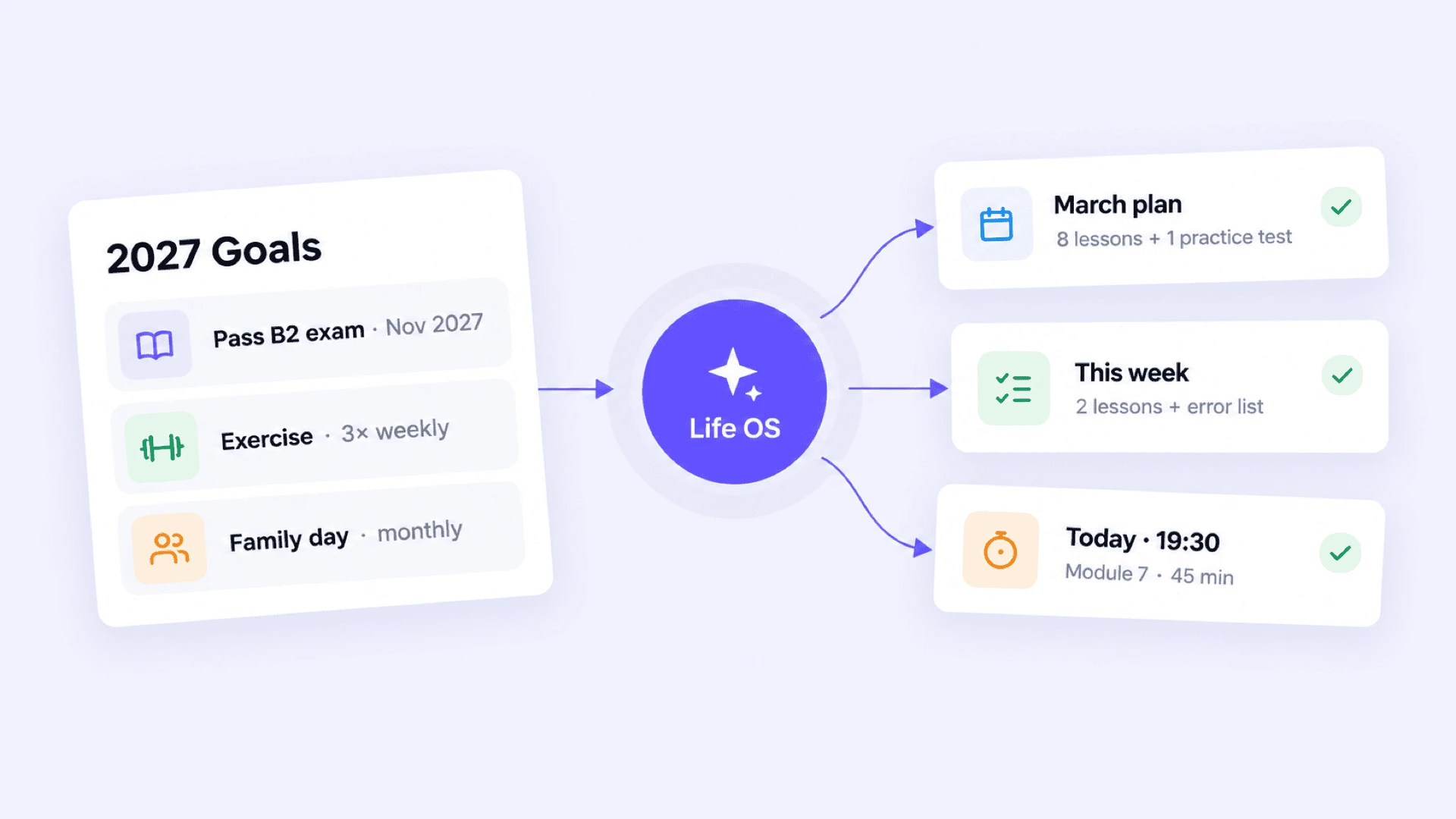
Create Life OS for 2027: link goals, monthly and weekly plans, daily actions, habits, and regular reviews in one system.
The closer it gets to 2027, the more often new goals, plans, and ideas appear in the daily planner for the wish map. But what usually tires you is not the lack of a plan, but its disjointedness: goals are in one document, tasks are in a to-do list, and habits are in a separate app. By February, it becomes difficult to understand how all this is connected to what you wanted to achieve at the beginning of the year.
Life OS helps to bring these pieces together. It is a personal system that links annual plans, current projects, weekly priorities, daily actions, and regular reviews. It isn't meant to turn life into an endless management project, but so that even on a busy day it is clear what to do next.
You don’t need to build a perfect system right away. Start with a simple working version and modify it as your real life changes in 2027.
What is Life OS
Life OS is not a specific app nor just a fancy dashboard. It is a structure that helps you move from long-term direction to action today.
| Level | What question does it answer | What can be inside |
|---|---|---|
| Life areas | Which aspects of life require constant attention? | Health, relationships, career, finances, learning, rest |
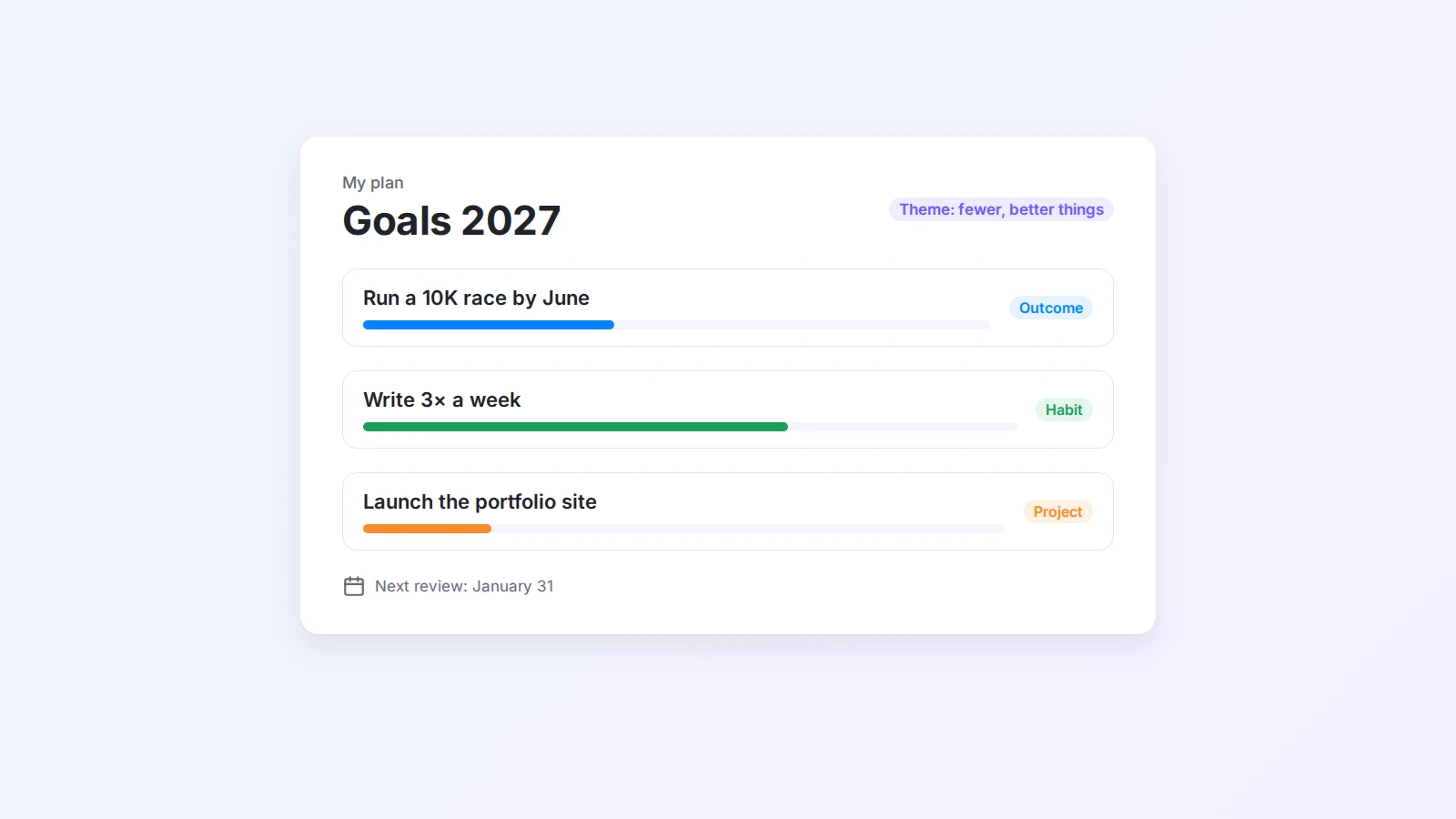
| Annual goals | What should change by the end of 2027? | Theme of the year, 3–5 key results |
| Quarter and month | What is the most important to advance right now? | Projects, focus of the month, milestones |
| Weekly plan | What noticeable progress needs to be made this week? | Priorities, tasks, meetings |
| Daily plan | What exactly to do today? | Next action, time, habits |
| Review | What works and what needs to change? | Weekly, monthly, and quarterly reviews |
The point is not to record as much as possible. What matters is that the levels are linked: the annual goal moves into the quarter and month plan, and then into understandable actions for this week and today. If a page doesn't help in making decisions, it can be skipped.
Before planning 2027, review 2026
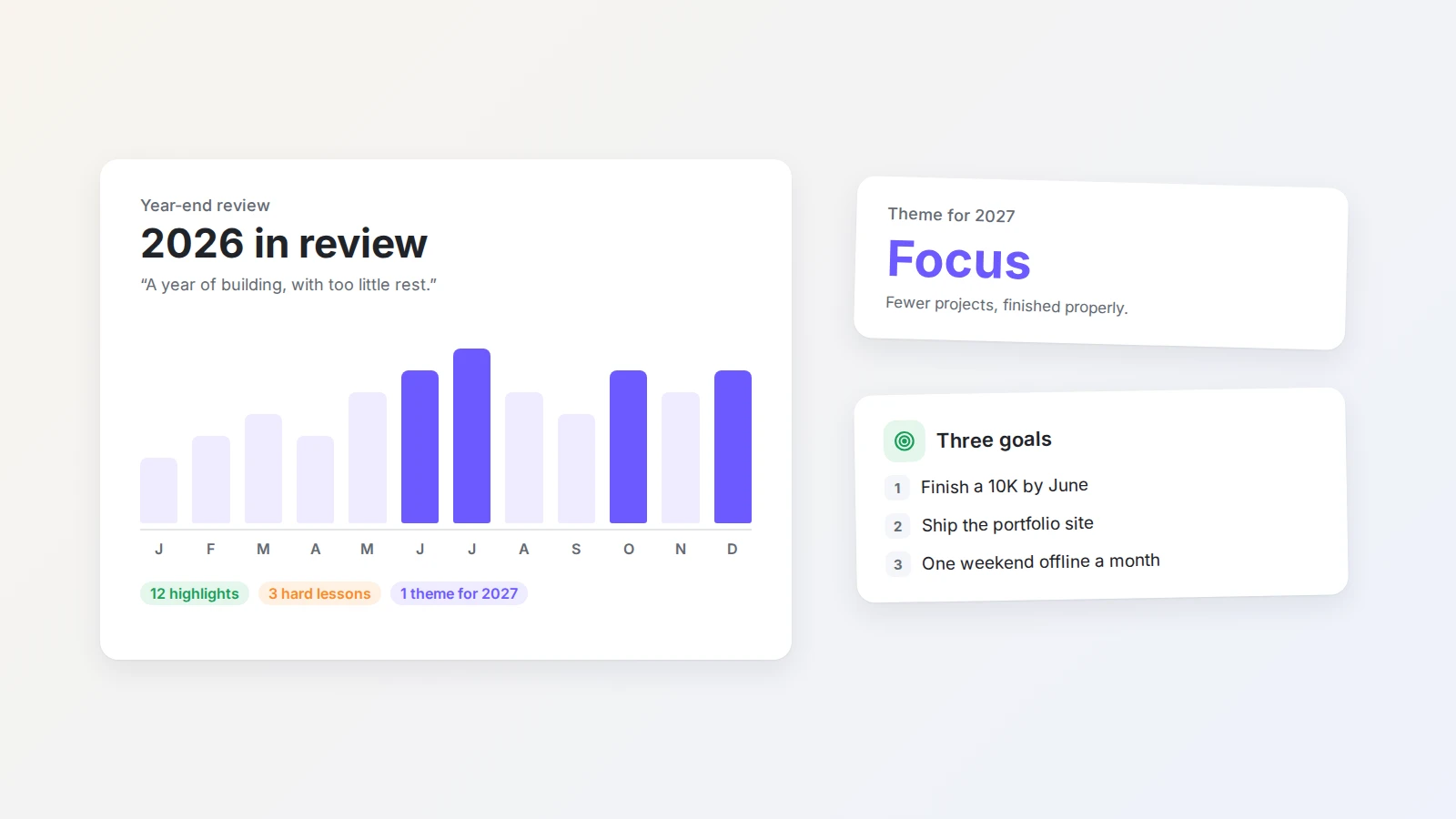
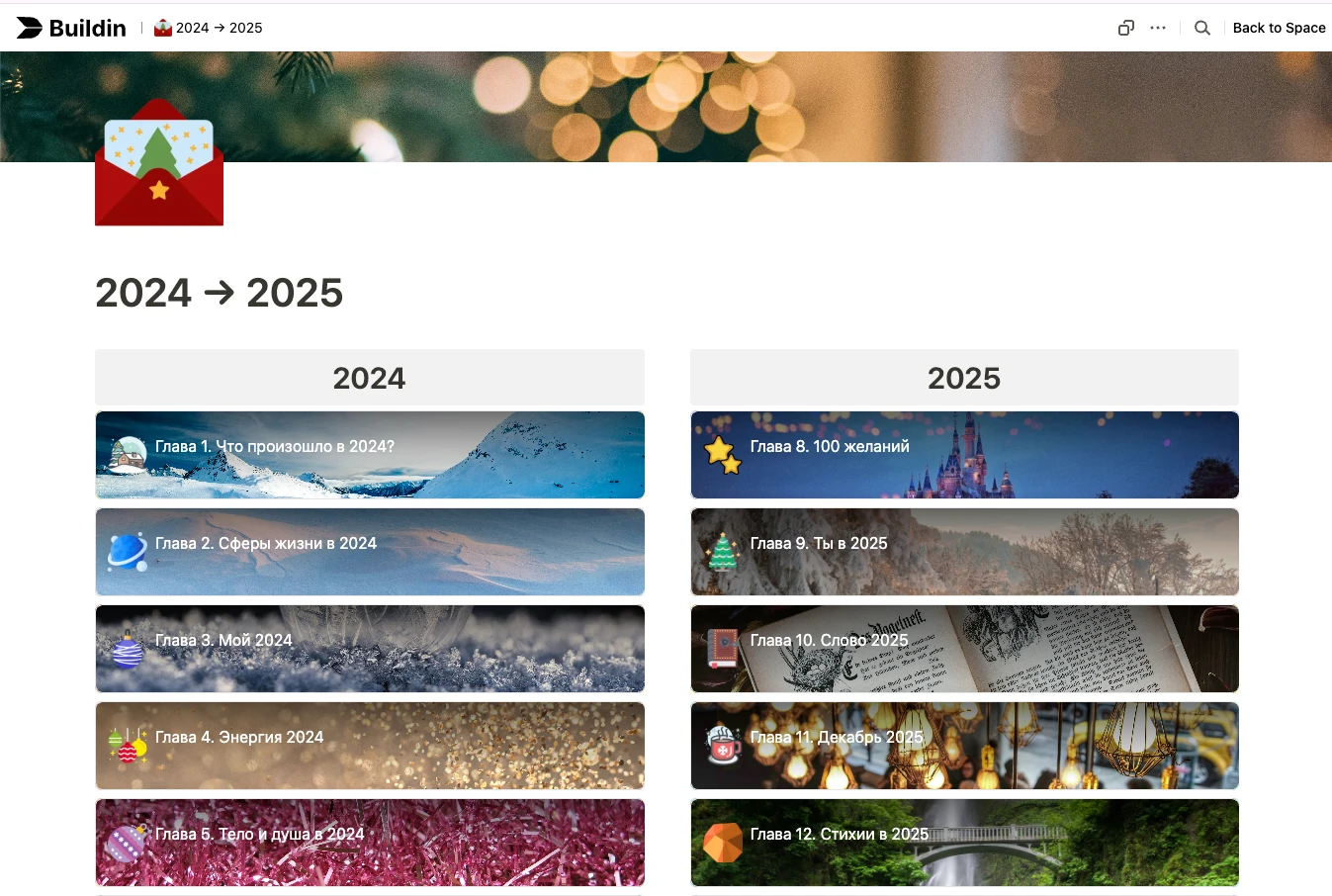
Don’t start with a blank goal table. First, go through year-end summary and see what actually happened in 2026: which projects you completed, which plans never moved, what gave you energy, and what regularly drained it. For a more detailed reflection, you can use annual review template in Buildin.
Then quickly check health, relationships, career, finances, learning, and rest using Wheel of Life method. In Wheel of Life template, you can note the current and desired states and see which gaps require attention first.
The goal isn’t to bring every area to a perfect score of 10. Priorities change at different stages of life. Right now, it’s only important to understand what really needs to be changed in 2027.
Step 1. Choose life areas and annual results
First, choose 6–9 relatively stable areas. You don’t need to copy someone else’s system: the names should make sense to you. For example, health, family, career, finances, learning, hobbies, daily life, and rest.
Then define 3–5 key results for 2027. If there are too many annual goals, usually there are no real priorities among them.
For each result, answer five questions:
- What should change by the end of the year?
- Why is it worth your time?
- What will the completed result look like?
- When will you check the progress?
- What can be done in the next seven days?
Don't limit yourself to "improve health" or "learn a foreign language." It's better to write: "Pass the B2 level language exam by November 2027" or "Train three times a week and check the result at the end of the month." Research shows that with the right skills, engagement, feedback, and resources, specific and rather complex goals are usually better at guiding actions than the vague "try my best."
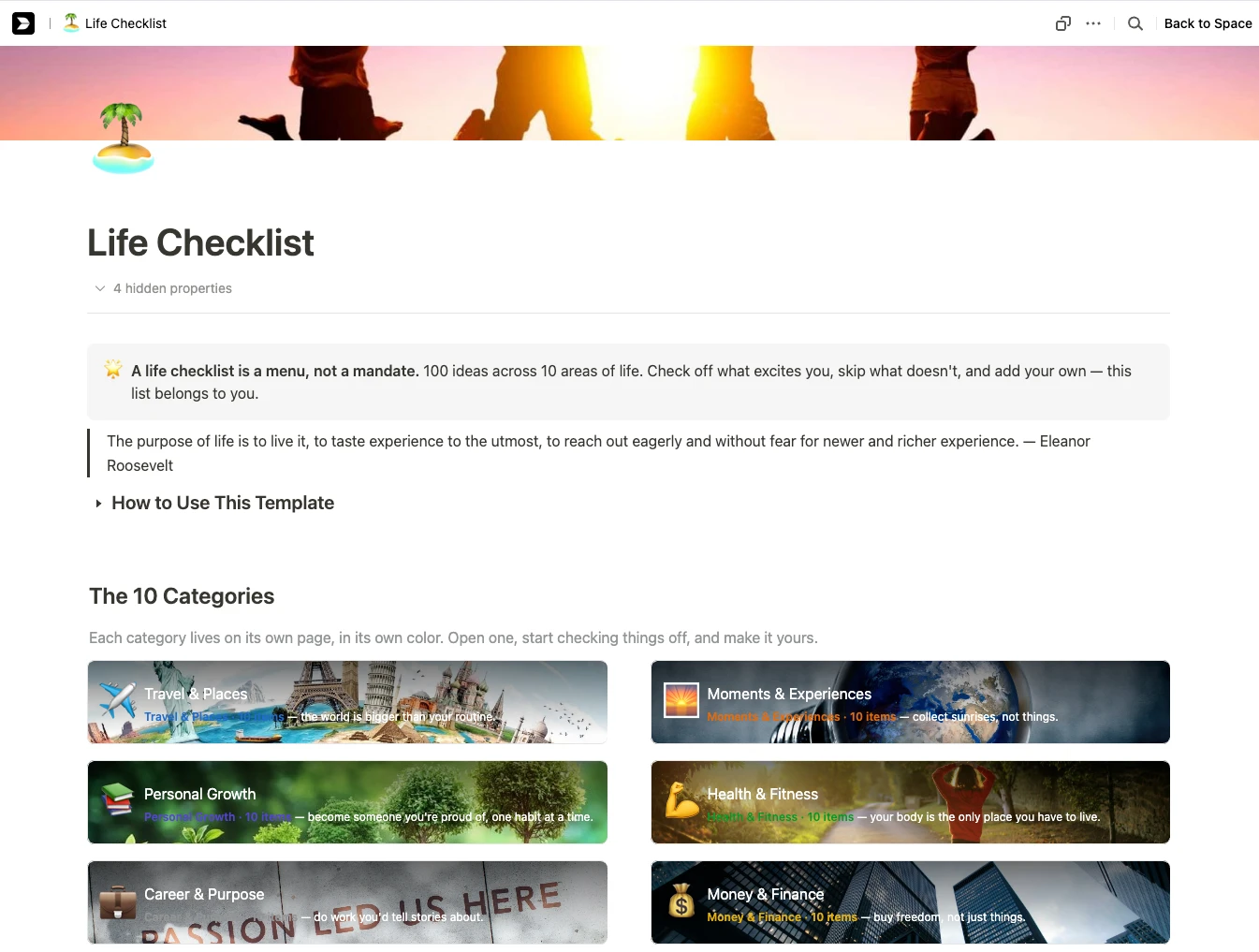
A new goal is not needed in every area. Sometimes it is enough to keep what already works. And travel, impressions, and ideas from the "someday" category can be put on a separate Life Checklist for now, without turning them all into tasks for 2027.
Step 2. Keep your annual benchmarks in front of your eyes
Annual goals answer the question "What do I want to achieve?", but sometimes you also need a visual map that reminds you why these goals were chosen.
You can collect the theme of the year, key results, and areas of life on one page, or make a map of desires. It does not fulfill desires on its own, but it helps not to lose direction. A detailed process is available in the guide to creating a vision board, and you can start with a ready-made structure using template Vision Board in Buildin.
Next to each landmark, leave a practical entry to work: the current project, the next action, or the date of checking. Otherwise, the page will quickly turn into a beautiful picture that is opened only in January.
Step 3. Divide Annual Goals into Quarters and Months
An annual goal doesn't have to be on your to-do list right away. In between, you need two intermediate levels: a quarter and a month.
First, decide in which quarter you will most actively promote each goal. Exam preparation, for example, can be divided as follows: in the first quarter, take a basic course, in the second to practice more, in the third to conduct mock tests and close weaknesses, and in the fourth to pass the exam.
For each month, choose one topic and no more than three outcomes. The wording should be verifiable: "Complete the first eight modules of the course" is more useful than "study hard."
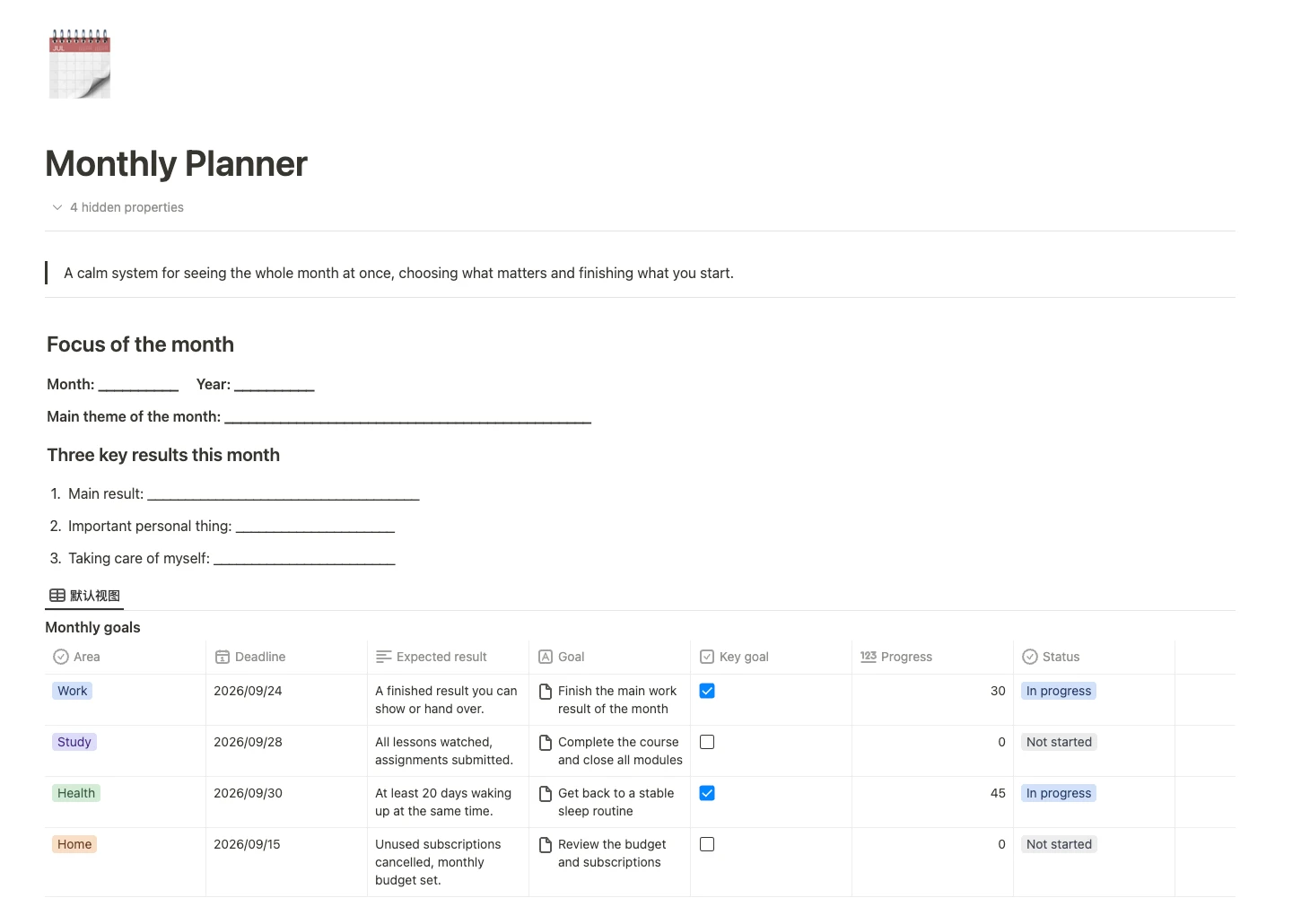
If it's not yet clear what to write down on each time horizon, take a look at guide to planning a day, week, month, and year. Template Monthly Planner in Buildin combines the focus of the month, goals, task calendar, breakdown by week, and a short overview of the results. This is a convenient link between the annual goal and the weekly plan.
Step 4. Make the Weekly Plan the Main Work Screen
You don't have to open the annual and monthly pages every day, and it's best to keep the weekly plan in front of you. Once a week, set aside 15-20 minutes to:
- look at the results of the month;
- Choose one main result of the week;
- add one personal obligation and one action to take care of yourself;
- First, write down meetings, deadlines and already occupied time;
- Divide projects into tasks that can be completed in one go;
- Leave free space for surprises.
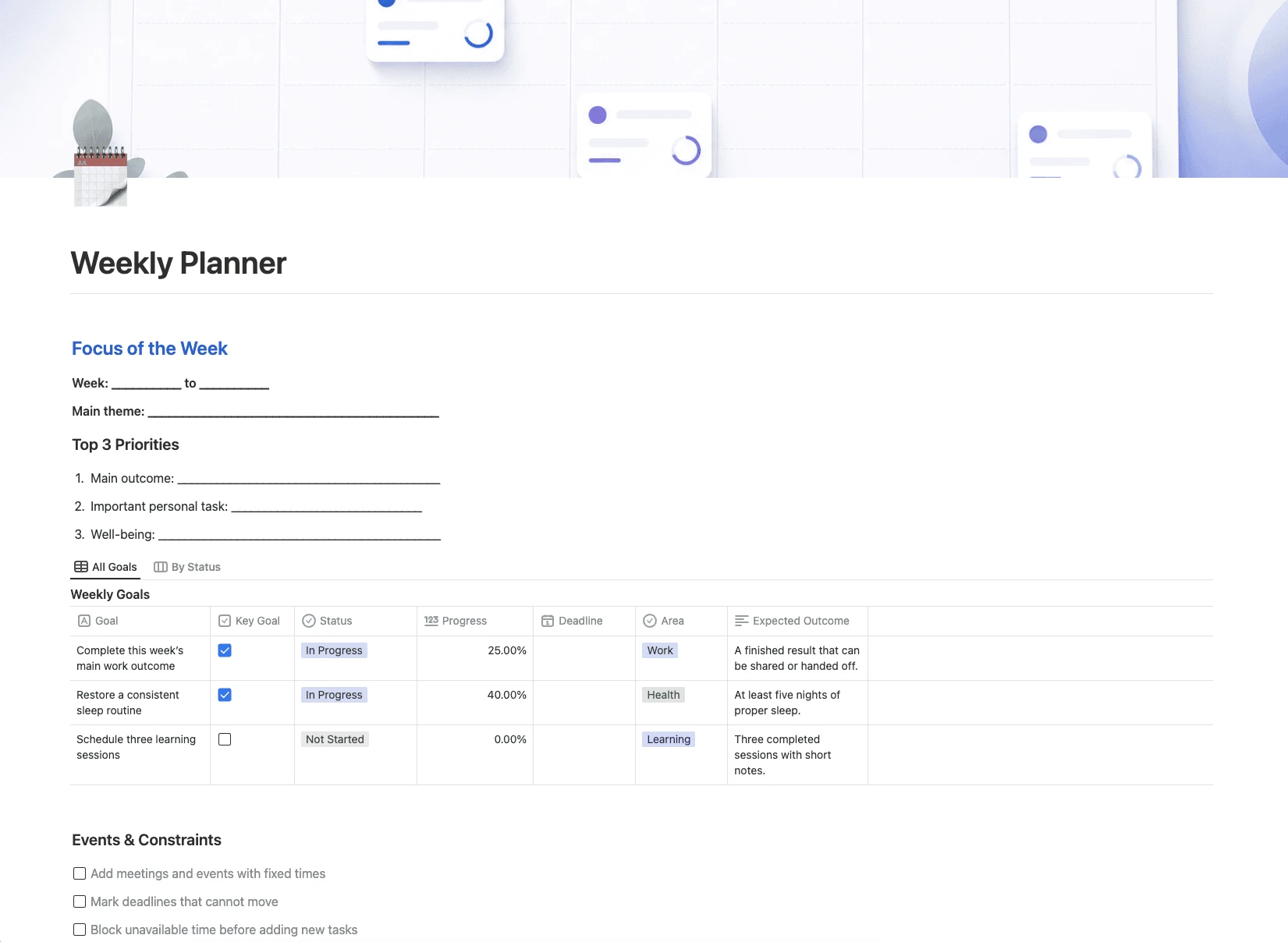
This process is analyzed in more detail in in the Weekly Planner guide. The in the Weekly Planner template already has a focus of the week, three priorities, goals, tasks, meetings, habits, and a block for summing up.
Do not transfer everything that can theoretically be done to the weekly plan. Let only the real obligations of this week remain in it, and the rest is stored in projects or in the inbox.
Step 5. Turn your weekly plan into actions for today
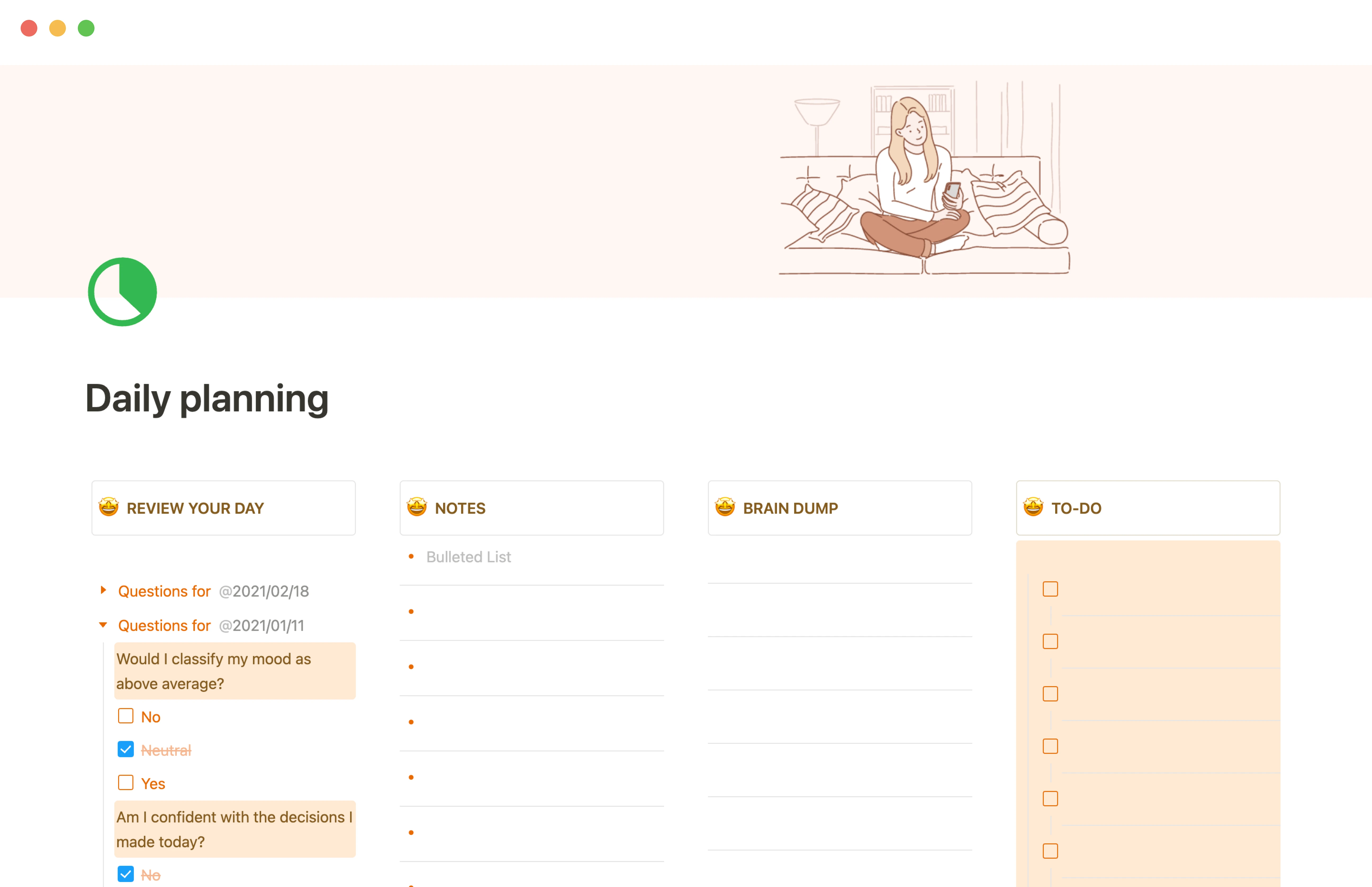
In the morning, look at the plan of the week, choose the main action of the day, and add a few must-do things. The in the Daily Planning template for this there are tasks, notes, a place to unload thoughts and a short evening reflection.
If the action is easy to postpone, write it down in the "if-then" format. For example: "If dinner ended on Tuesday, then at 19:30 I study for 45 minutes." In research, a similar technique is called implementation intention: you decide in advance when, where, and how you will start acting, and you do not have to choose again at the last moment.
For a busy day, time-blocking method is also suitable: an important task gets a specific place in the schedule, and does not remain a line in an endless list.
Step 6. Track only the habits you need
A goal describes an outcome, while a habit describes a repetitive action. Add a habit to Life OS only when it supports a current goal or a baseline quality of life.
At the start, 2-5 habits are enough. For each, it is better to choose a stable trigger: for example, "write down expenses after breakfast." Studies of habit formation emphasize that action repetition in a relatively stable context helps to strengthen the connection between the situation and behavior.
You can compare different tools in review of apps for habit tracking . But don't track everything just because you can. If a metric doesn't change your next decision in any way, chances are it's not worth the effort.
Step 7. Set a simple debriefing rhythm
Without regular reviews, Life OS quickly turns into a warehouse of old plans. Taking stock should not take much time, but should take place regularly.
| Frequency | How much time to allocate | Main questions |
|---|---|---|
| Every day | 3-5 minutes | What has been done? What is the first step tomorrow? |
| Every week | 15-20 minutes | What's completed? What's moving, canceling, or reducing? |
| Every month | 30-45 minutes | Have the results of the month progressed? What is the next focus? |
| Every Quarter | 60-90 minutes | Are Annual Goals Still Important? Do You Need to Change Your Approach? |
The purpose of a review is not to give yourself a grade, but to update the system. An outdated goal can be deleted, and an untimely project can be paused. Life OS should follow reality, not force reality to match the January plan.
How to assemble Life OS into Buildin
Don't start with a dozen databases. First, answer a few simple questions: what is important now, which projects are active, what to do next, and which information will be useful again?
In in the digital workspace guide it is suggested to start with Home, Projects, Tasks, Knowledge, and Archive. For a personal Life OS, you can add Goals, Habits, and Reviews, but the structure itself remains compact:
| Section | Minimally required content |
|---|---|
| Home | Focus of the month, weekly priorities, quick links |
| Goals | Yearly outcomes, completion criteria, status |
| Projects | Result, deadline, next step |
| Tasks | Action, date, priority, linked project |
| Habits | Behavior, trigger, frequency |
| Reviews | Weekly, monthly, and quarterly summaries |
Do not copy one task into the monthly, weekly, and daily plan. Keep it in one place and access it through different views: 'Today', 'This Week', 'Calendar', or 'By Projects'.
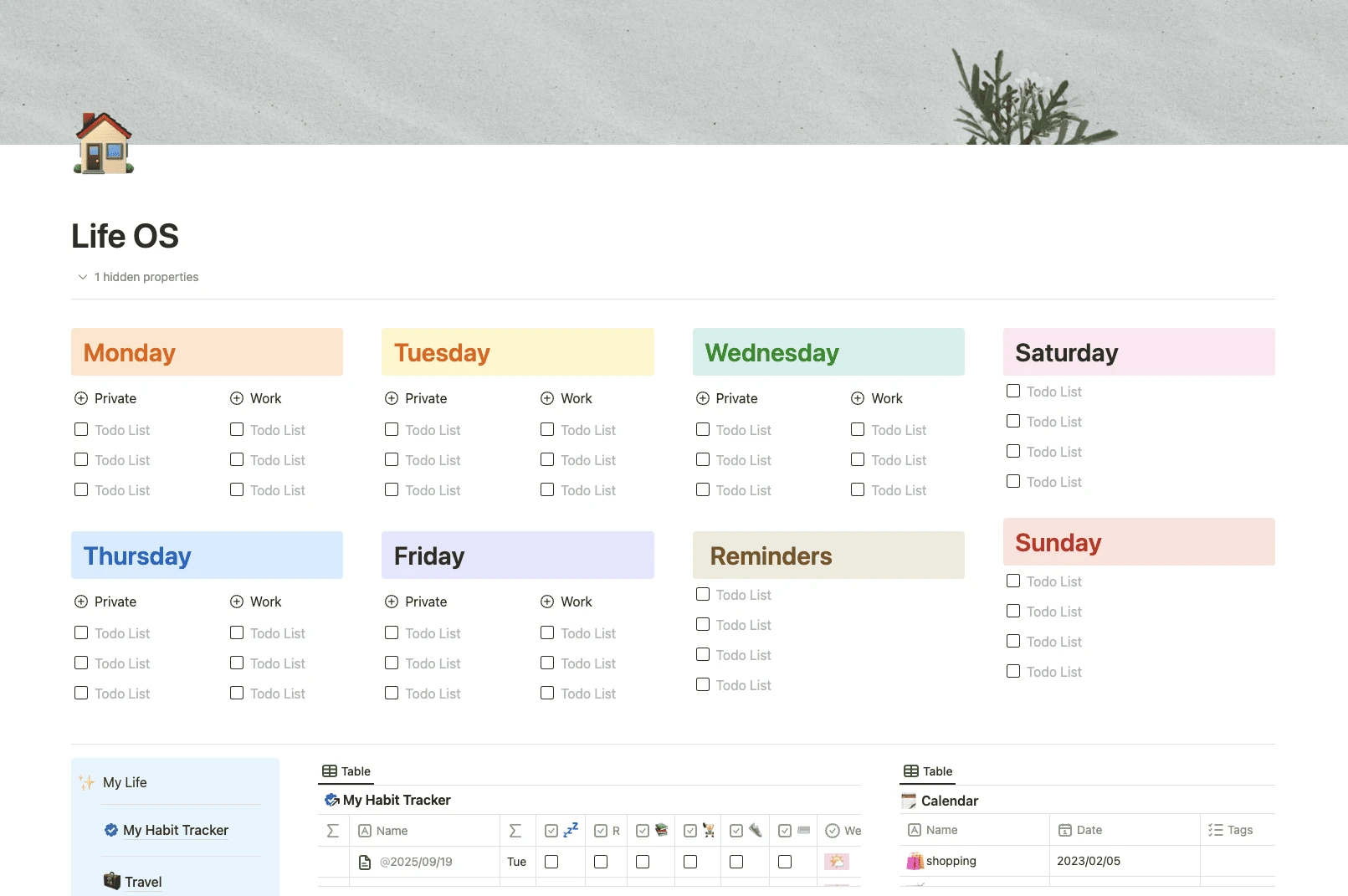
The fastest option is to copy template Life OS into Buildin. It already includes a weekly review, habit tracker, personal library, travel and plan sections, calendar, and reminders. After copying, remove unnecessary blocks and enter only the current goals and projects.
If it's more convenient to start with a daily screen, take template Daily Dashboard, and add the monthly and yearly levels later. It is not necessary to complete the system on the first day.
How to launch Life OS in 30 days
| Time | What to do |
|---|---|
| First week | Summarize 2026, evaluate life areas, and choose 3–5 results for the year |
| Second week | Create the basic structure, add only active projects and the next step for each |
| Third week | Determine the focus of the month, prepare the first weekly plan, and choose several habits |
| Fourth week | Conduct the first monthly review, remove unnecessary fields, and combine unclear categories |
After 30 days, the system may not be perfect, but it will have already been tested in everyday life. This is more useful than a complex dashboard created in one evening.
Frequently asked questions about Life OS for 2027
How is Life OS different from a regular planner?
A regular planner usually covers a day or a week. Life OS links yearly outcomes, projects, tasks, habits, and regular reviews.
Do I have to start on January 1?
No. You can start in any month and take the next 12 months as a full cycle. A birthday, graduation, move, or job change is also suitable for rebuilding the system.
What if I haven't opened the system for several weeks?
Do not restore all missed entries. Delete outdated tasks, reselect the monthly and weekly focus, and continue from today.
Start with a version you can use continuously
A good Life OS will not decide for you what is worth striving for and will not guarantee that everything will be done on time. But it provides a clear starting point: what is important now, what the next step is, and when to stop and adjust the course.
When creating Life OS for 2027, first summarize the past year, select a few key results, and then translate them to the level of the month, week, and today. Do not try to cover everything at once. A simple system that you return to every week is more useful than a complex system that is hardly ever opened.

Amara Elara
Specializes in visualizing complex processes and improving product education. Responsible for user support, product tutorials, and visual guides at Buildin, helping users improve tool adoption and overall productivity.